This tag collects CellularNews articles that touch on Google’s wide influence across the Android ecosystem, from device ownership and troubleshooting to the company’s hardware and acquisitions. It is written for everyday phone users, Android owners, and anyone curious about how Google’s tools and brands, like Fitbit, Nest, and the Pixel line, affect their daily mobile experience.
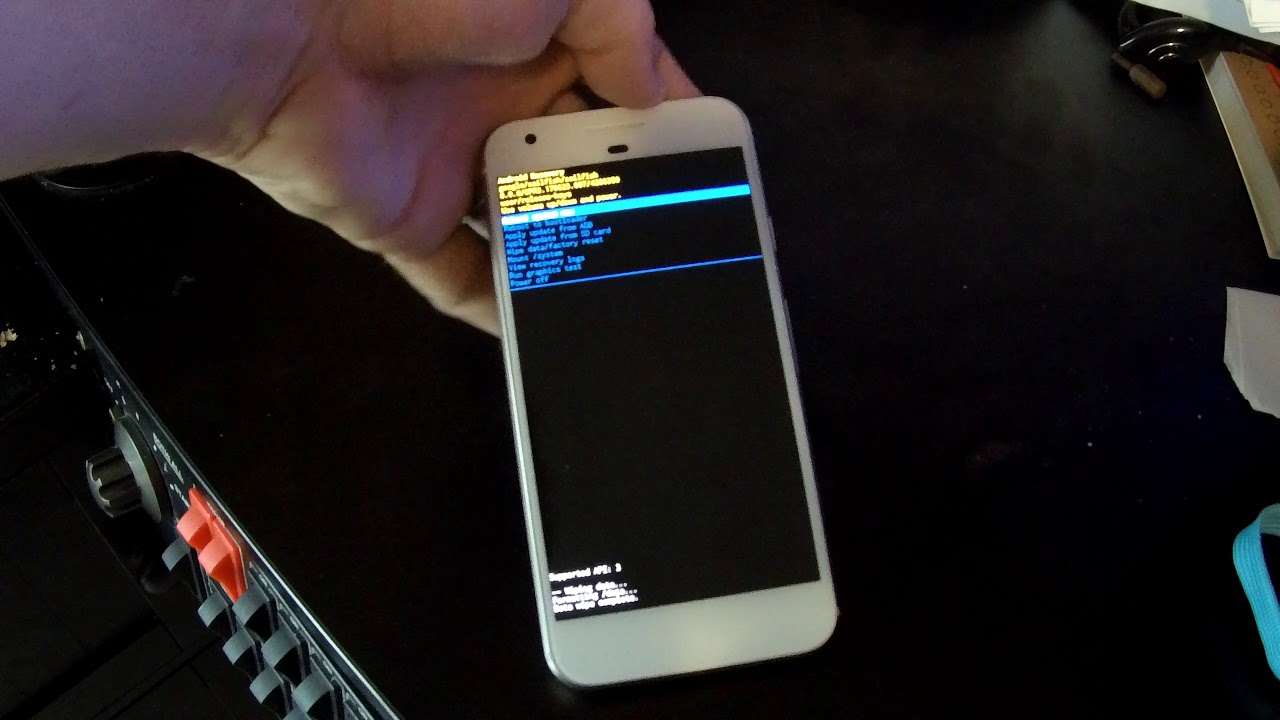
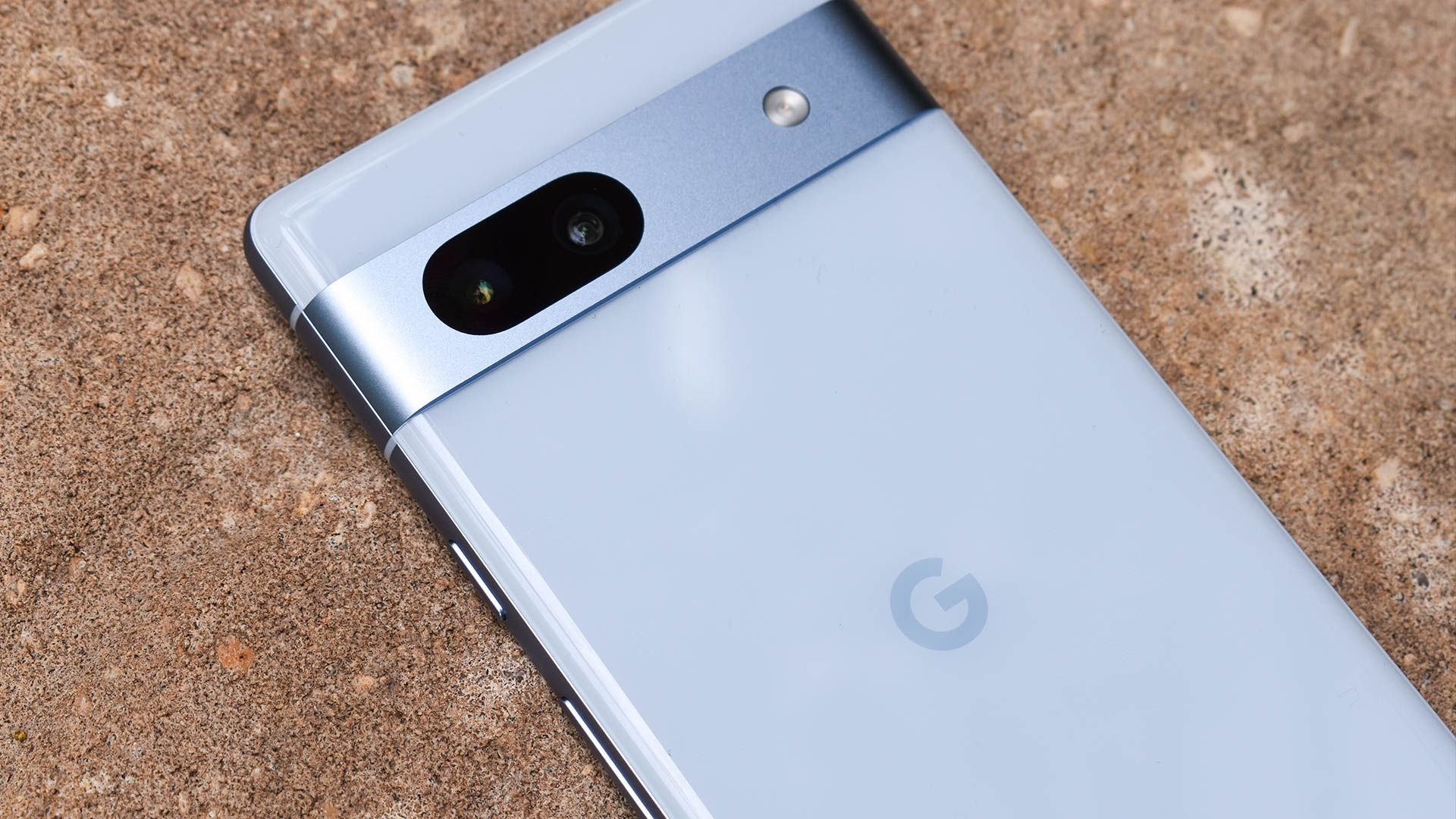
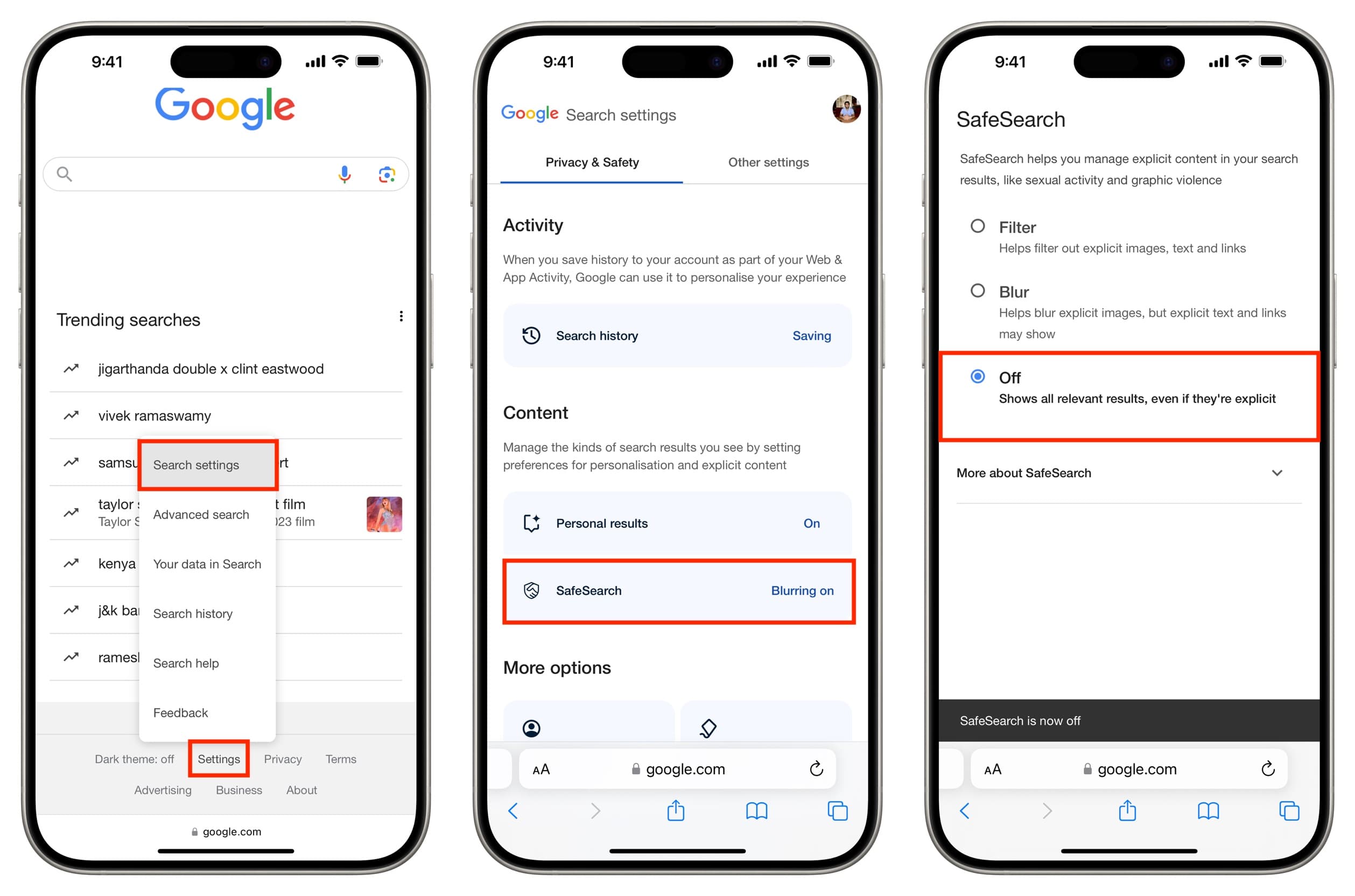
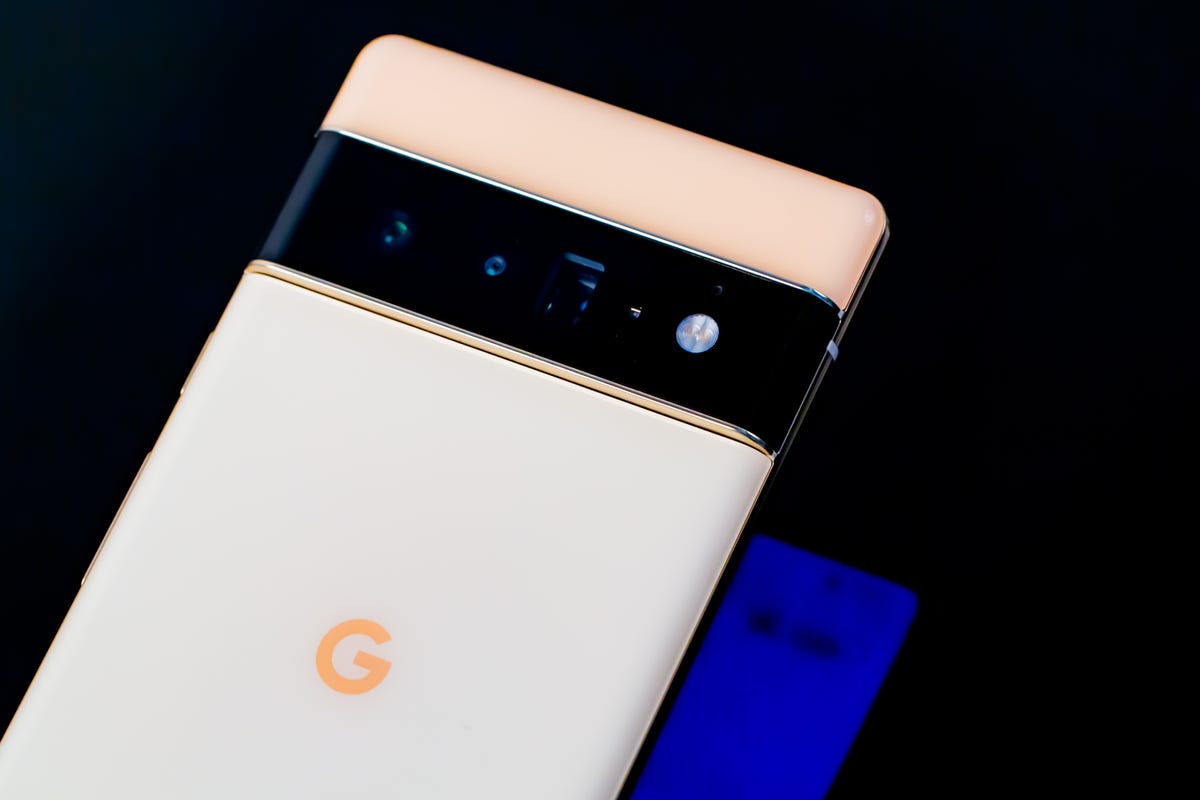
The articles here solve practical problems grouped around two main themes. First, they help you manage and secure your Android device: you can learn how to track a lost phone, bypass a Google FRP lock, turn off TalkBack, or even transfer your Gmail data to another account. Second, they clarify Google’s role in the wider phone world, answering who actually owns Android, when Google bought Fitbit, and how long a Fitbit warranty lasts. A few articles also cover Google’s own hardware, such as the Pixel 6’s price and the mysterious black dot on its screen, as well as Nest camera and doorbell battery life.
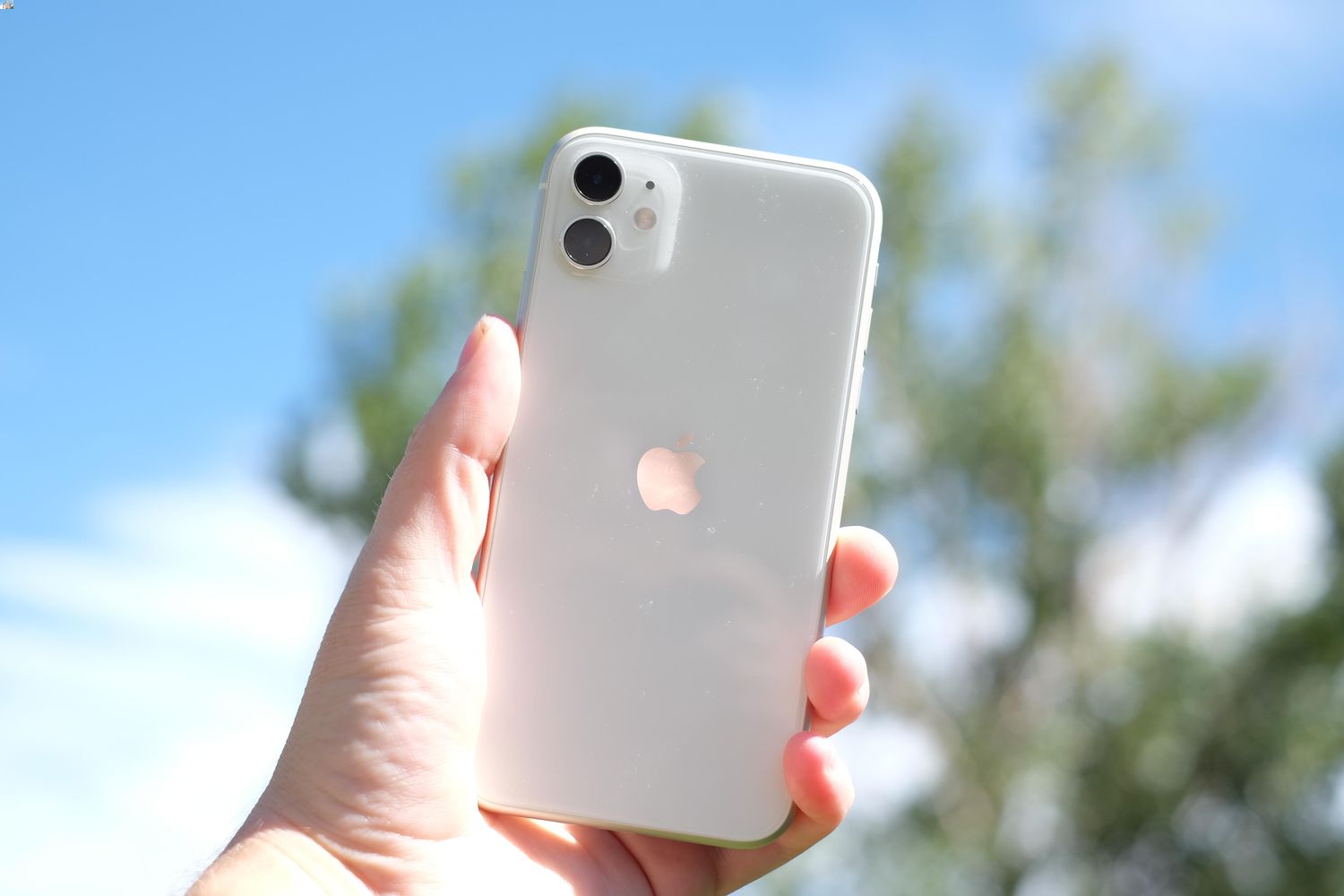
Whether you need to set an alarm, remove a widget, or figure out how to get the stylus out of a Chromebook, these guides give clear, step-by-step help. They also address common frustrations like turning off the Google News Feed on an iPhone 11 or finding lost Bluetooth headphones that are turned off. This tag is a straightforward resource for anyone dealing with Google-related phone settings, fixes, or questions about the company’s products.