Welcome to the iOS tag on CellularNews. This collection is for anyone who uses an iPhone or iPad and wants to get more out of their device, from casual gamers to power users looking to tweak their system. The articles here are focused on two main areas: helping you find the best apps and games to download, and guiding you through common settings and fixes when things don't work as expected.
If you're looking for something new to play, you'll find extensive lists covering a huge variety of genres. Whether you are into strategy with the 15 Best City Building Games, competitive action with the Top 20 Fighting Games, or relaxing puzzles with 20 Mobile Games Like Candy Crush, these articles help you discover top-rated titles. For those needing practical tools, guides like 26 Best Productivity Apps and 16 Best VPN for Android & iOS help you choose the right software for work and privacy. Beyond just finding apps, the tag also solves technical problems. You can learn how to fix your software with the guide on How to Downgrade iOS Using SHSH2 Blobs, or explore system modifications with the Jailbreak iOS guide and the article on Cydia Impactor. Other topics, such as How to Find Someone's Location by Cell Phone Number and How to Use TikTok App, provide clear steps for specific tasks you might need to accomplish.
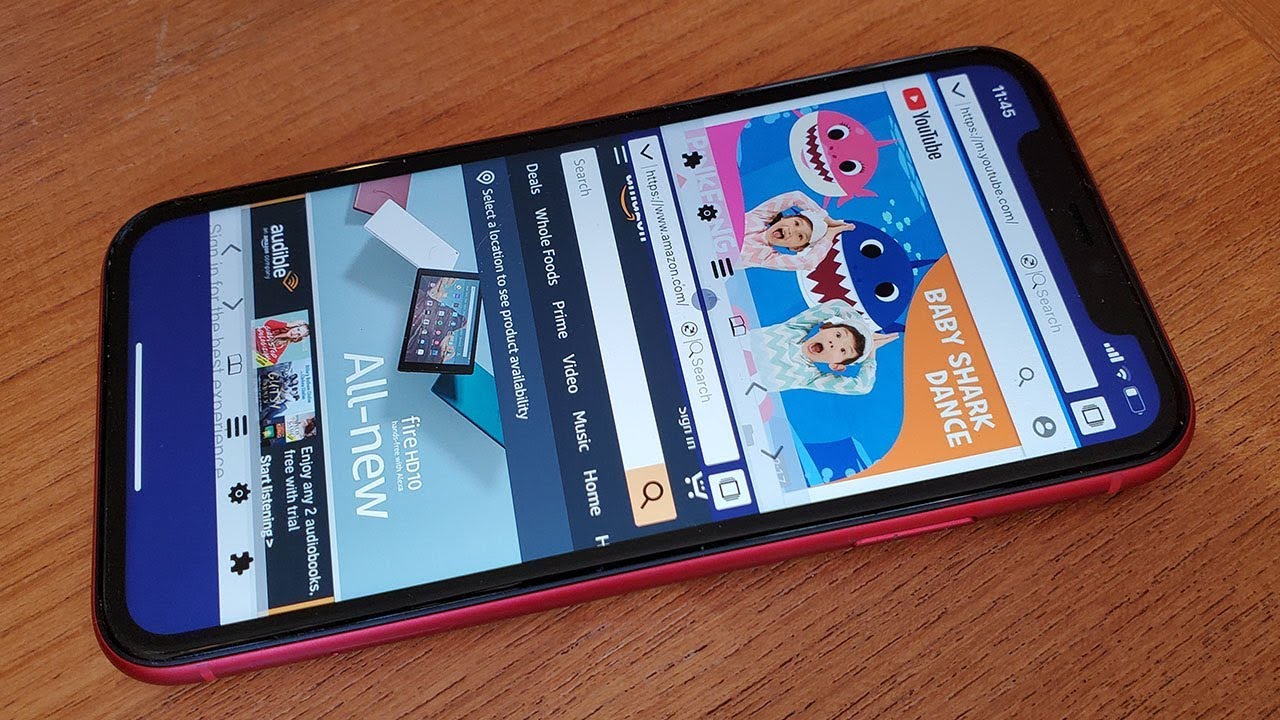
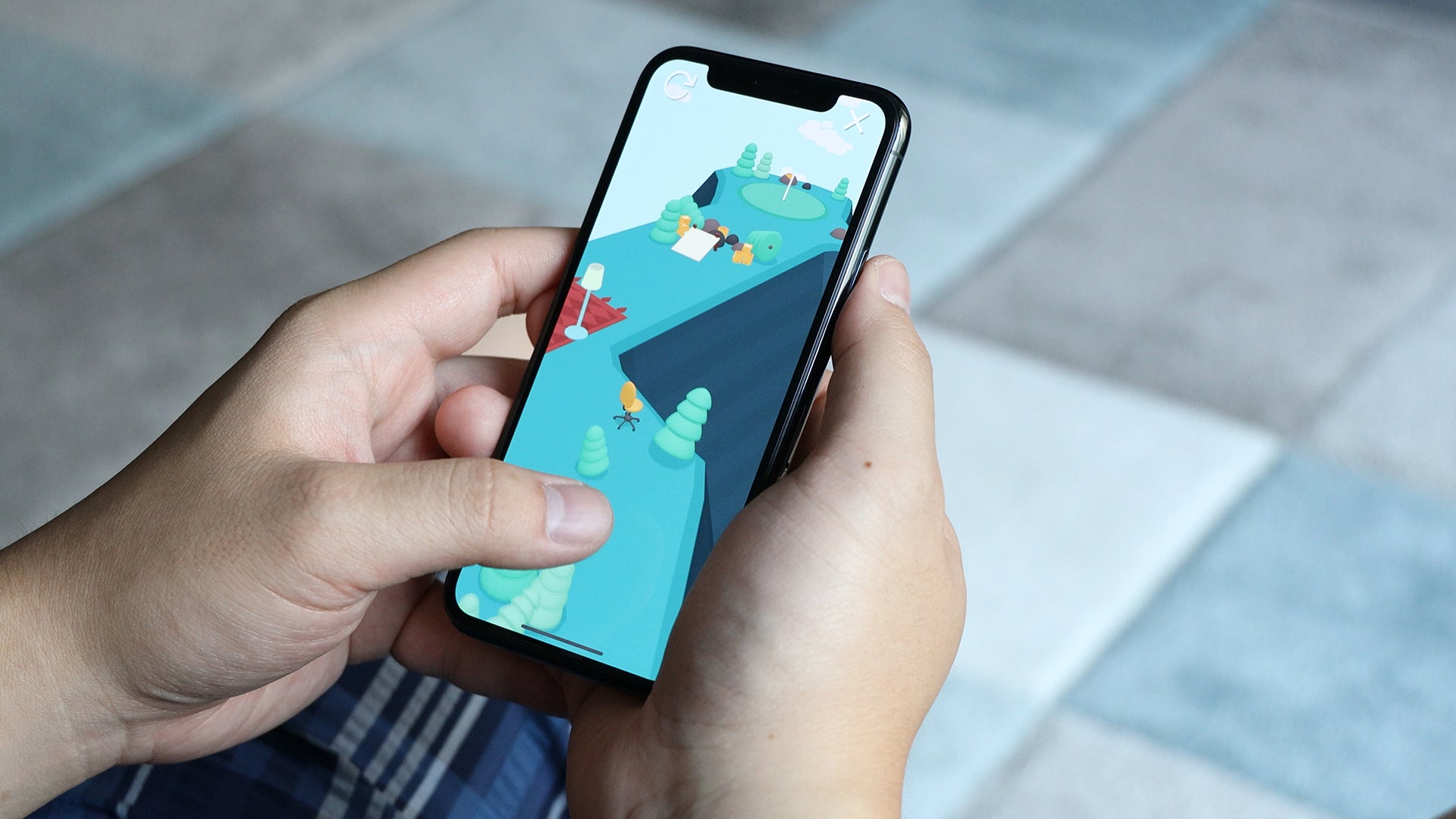
The iPhone 11 does not have a traditional split-screen feature that lets you run two apps side by side. The closest way to achieve a split screen on iPhone 11...
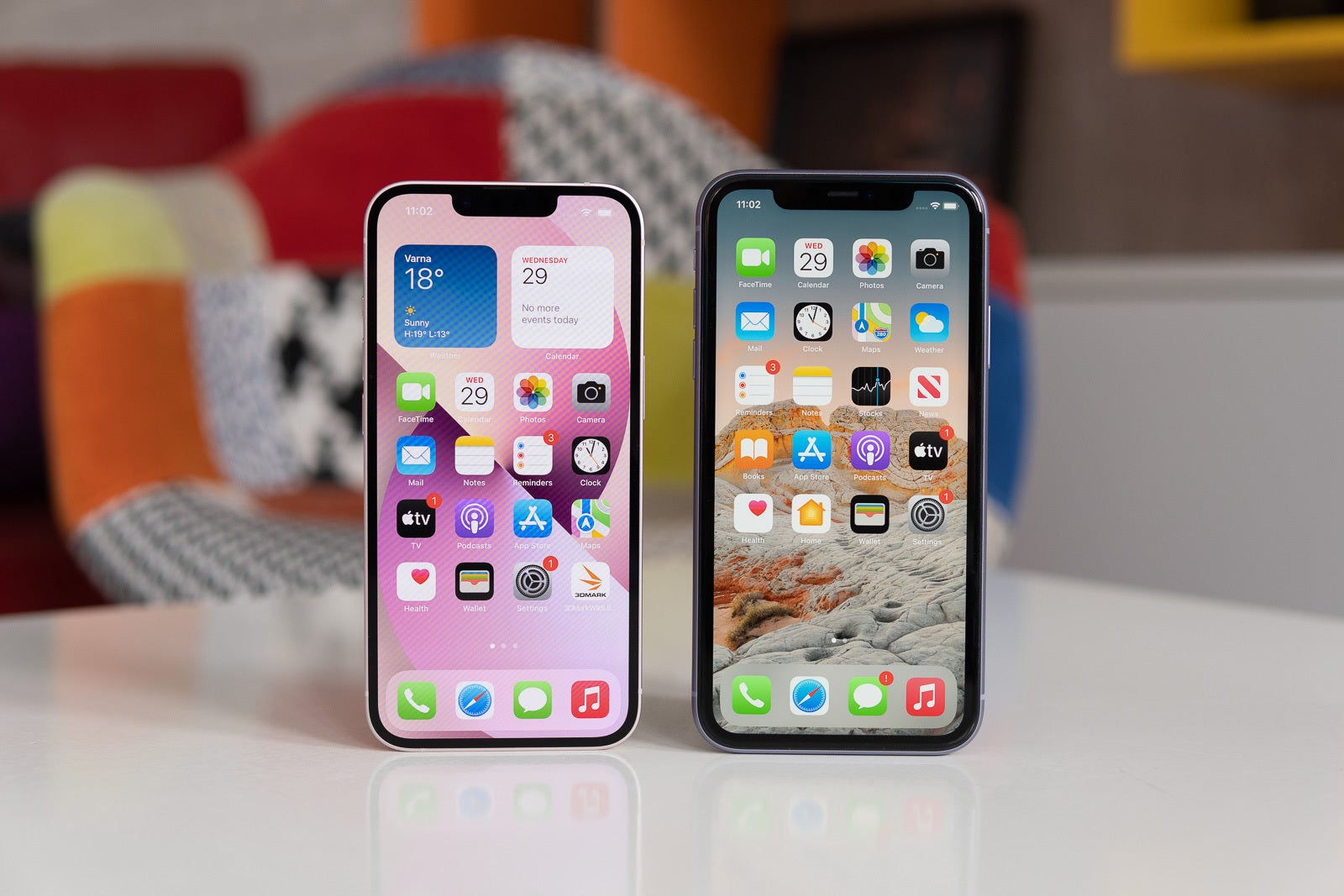
To make screen smaller on iPhone 11, use the built-in Reachability feature, which temporarily lowers the top half of the display so you can reach it with your thumb. This...
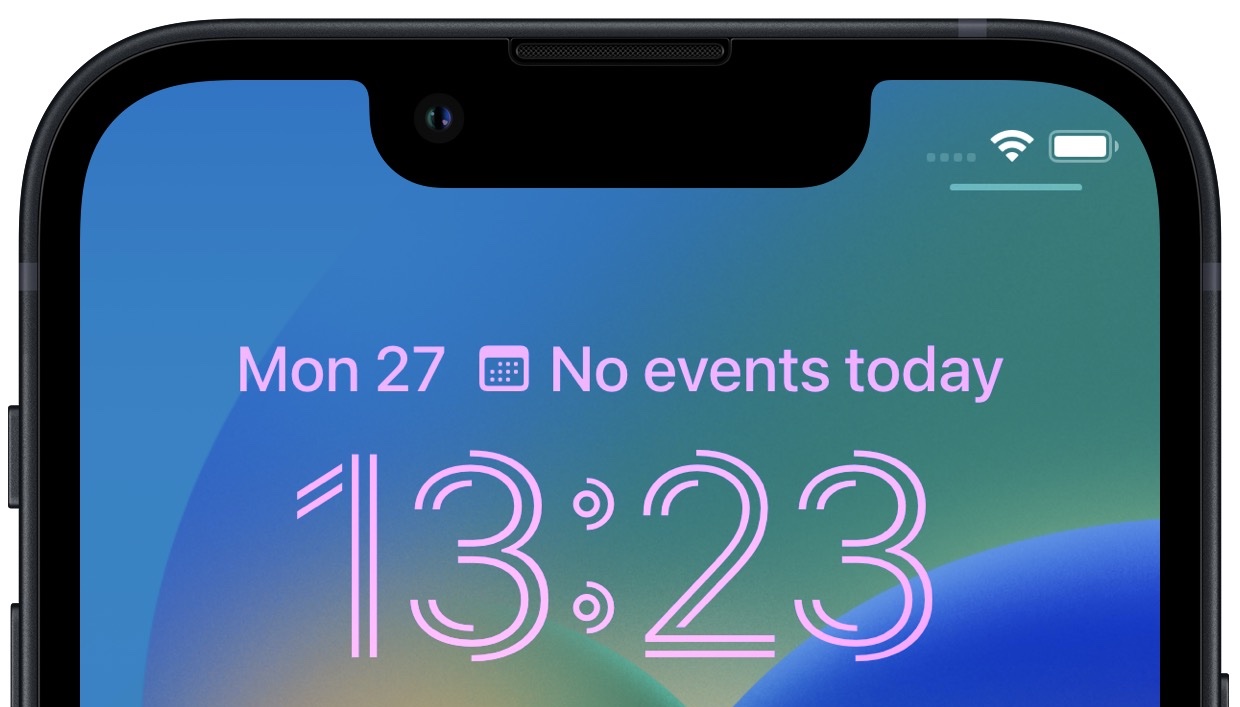
You cannot move the clock on an iPhone 11 lock screen. Apple provides no documented setting to reposition the lock screen clock, so the time display remains fixed in its...
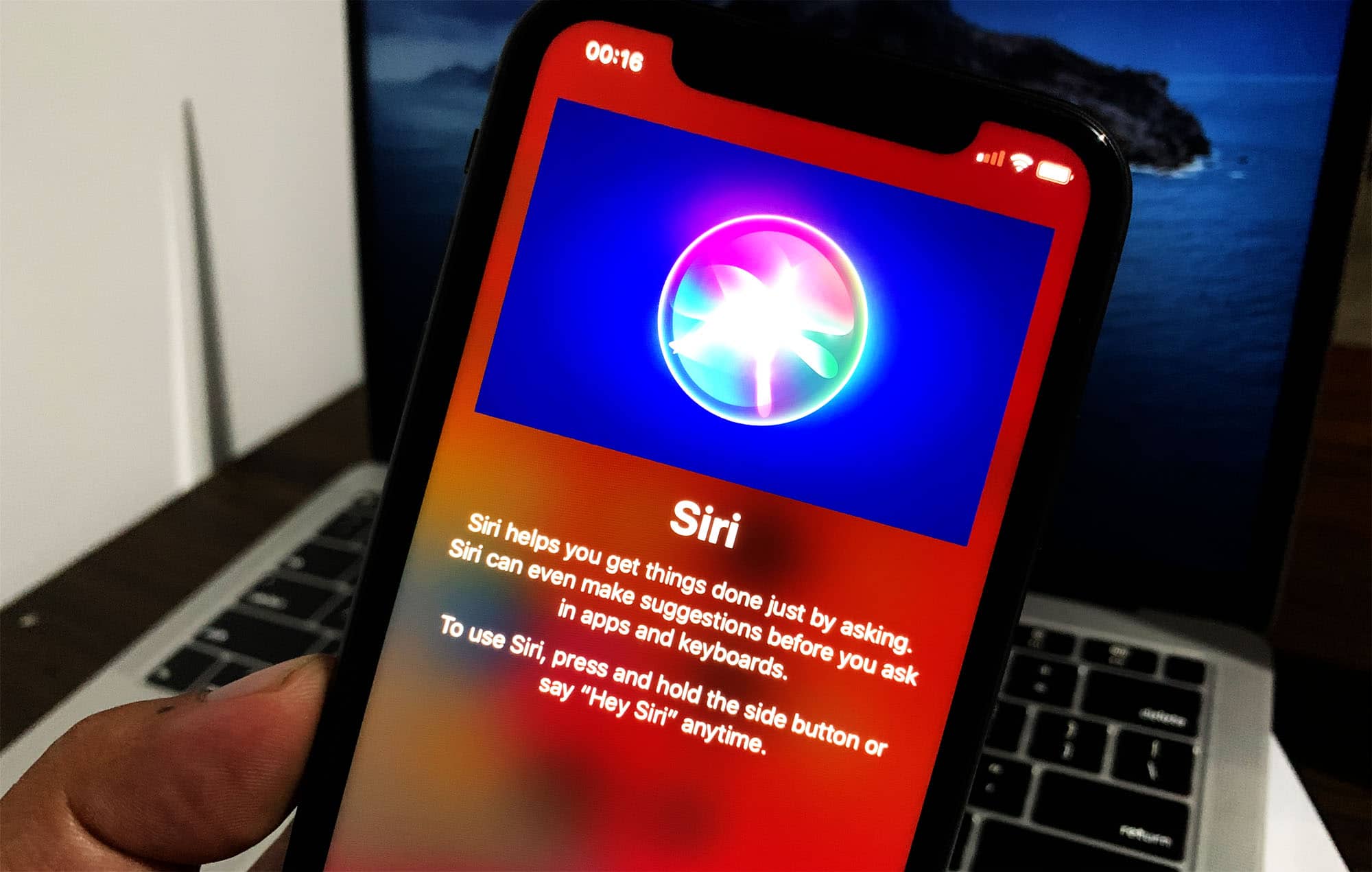
To access Siri on iPhone 11, you have two primary methods: press and hold the side button, or use the voice command "Siri" or "Hey Siri." An internet connection is...
The iPhone 11 has a 12MP dual rear camera system and a 12MP front TrueDepth camera. If you are searching for how many megapixels does an iPhone 11 have, the...
The clipboard on your iPhone 11 is not a visible app, menu, or settings panel, it works invisibly in the background whenever you copy and paste content. There is no...
To find blocked numbers on iPhone 11, open Settings and tap Privacy & Security, then tap Blocked Contacts. This is the primary Apple-documented path to view and manage everyone you...
To see open apps on iPhone 11, swipe up from the bottom edge of the screen, pause in the center, and lift your finger to open the App Switcher. This...
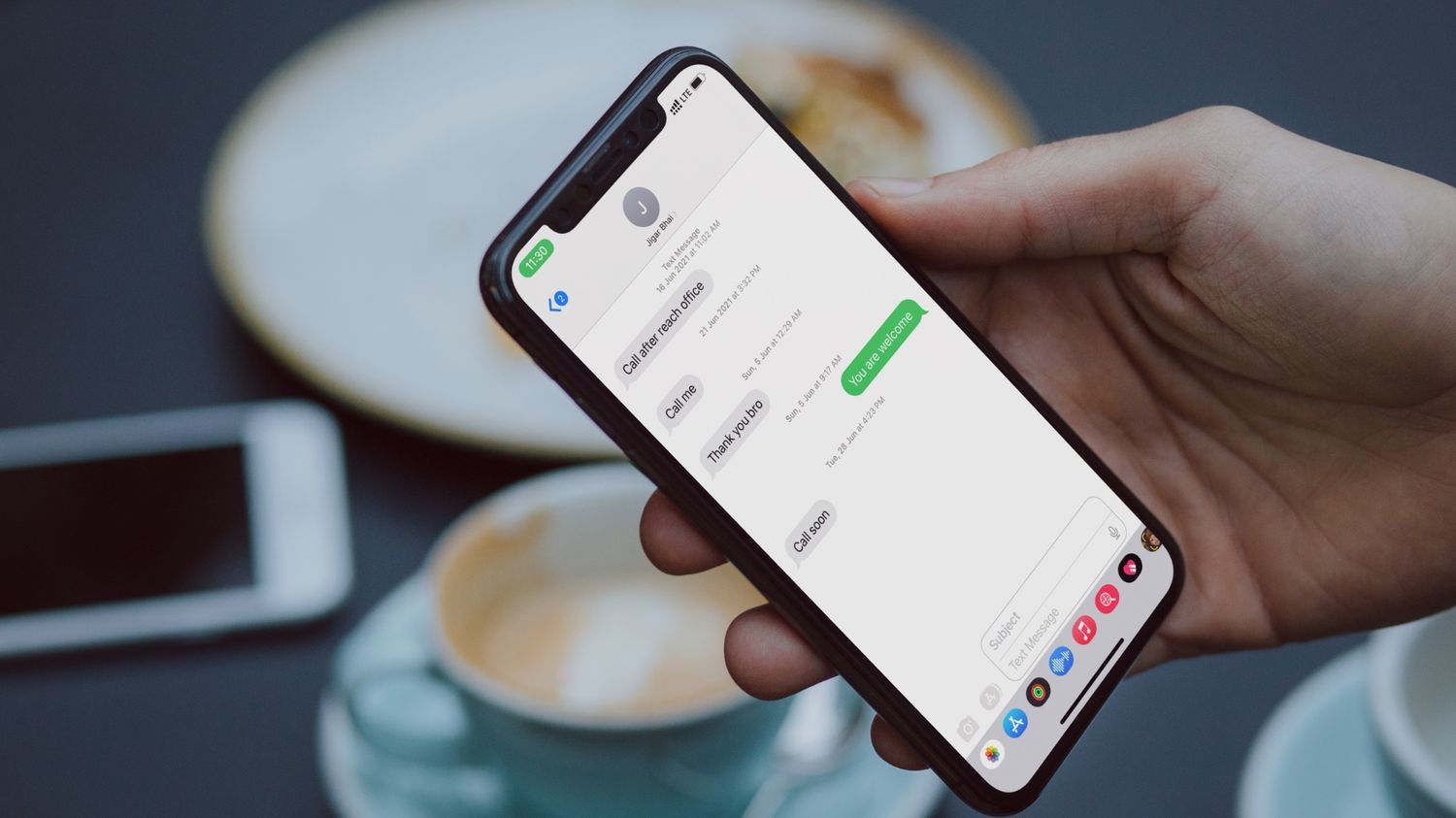
To find hidden text messages on iPhone 11, you need to check the Unknown Senders folder and Recently Deleted folder in the Messages app, or use the built-in search function....
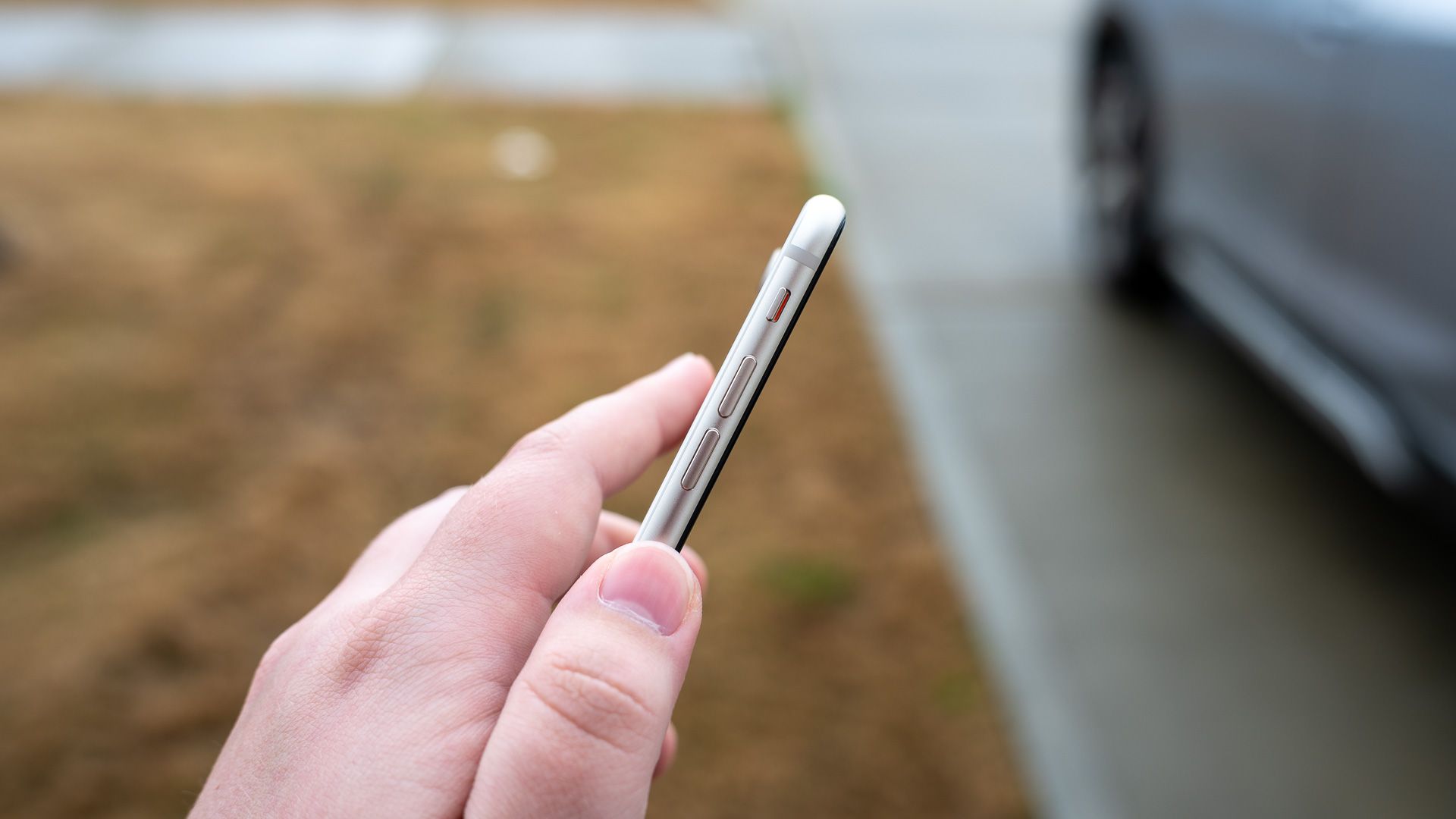
The mute button on iPhone 11 is the physical Ring/Silent switch located on the left edge of the device, just above the volume buttons. This is the exact location where...
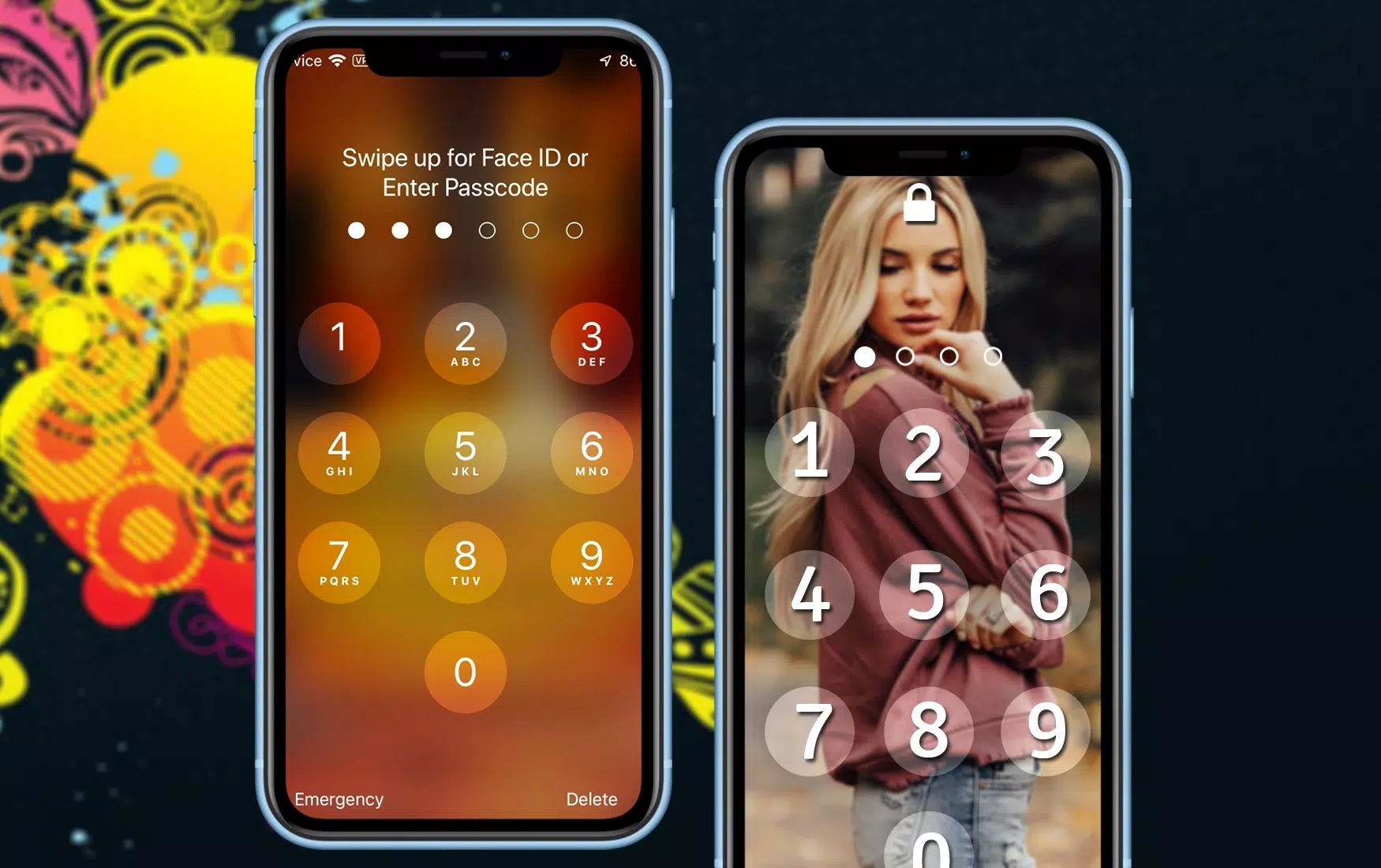
To set up a screen lock on iPhone 11, open Settings > Face ID & Passcode and tap Turn Passcode On. This creates a six-digit passcode by default, which is...