Welcome to the iOS tag on CellularNews. This collection is for anyone who uses an iPhone or iPad and wants to get more out of their device, from casual gamers to power users looking to tweak their system. The articles here are focused on two main areas: helping you find the best apps and games to download, and guiding you through common settings and fixes when things don't work as expected.
If you're looking for something new to play, you'll find extensive lists covering a huge variety of genres. Whether you are into strategy with the 15 Best City Building Games, competitive action with the Top 20 Fighting Games, or relaxing puzzles with 20 Mobile Games Like Candy Crush, these articles help you discover top-rated titles. For those needing practical tools, guides like 26 Best Productivity Apps and 16 Best VPN for Android & iOS help you choose the right software for work and privacy. Beyond just finding apps, the tag also solves technical problems. You can learn how to fix your software with the guide on How to Downgrade iOS Using SHSH2 Blobs, or explore system modifications with the Jailbreak iOS guide and the article on Cydia Impactor. Other topics, such as How to Find Someone's Location by Cell Phone Number and How to Use TikTok App, provide clear steps for specific tasks you might need to accomplish.
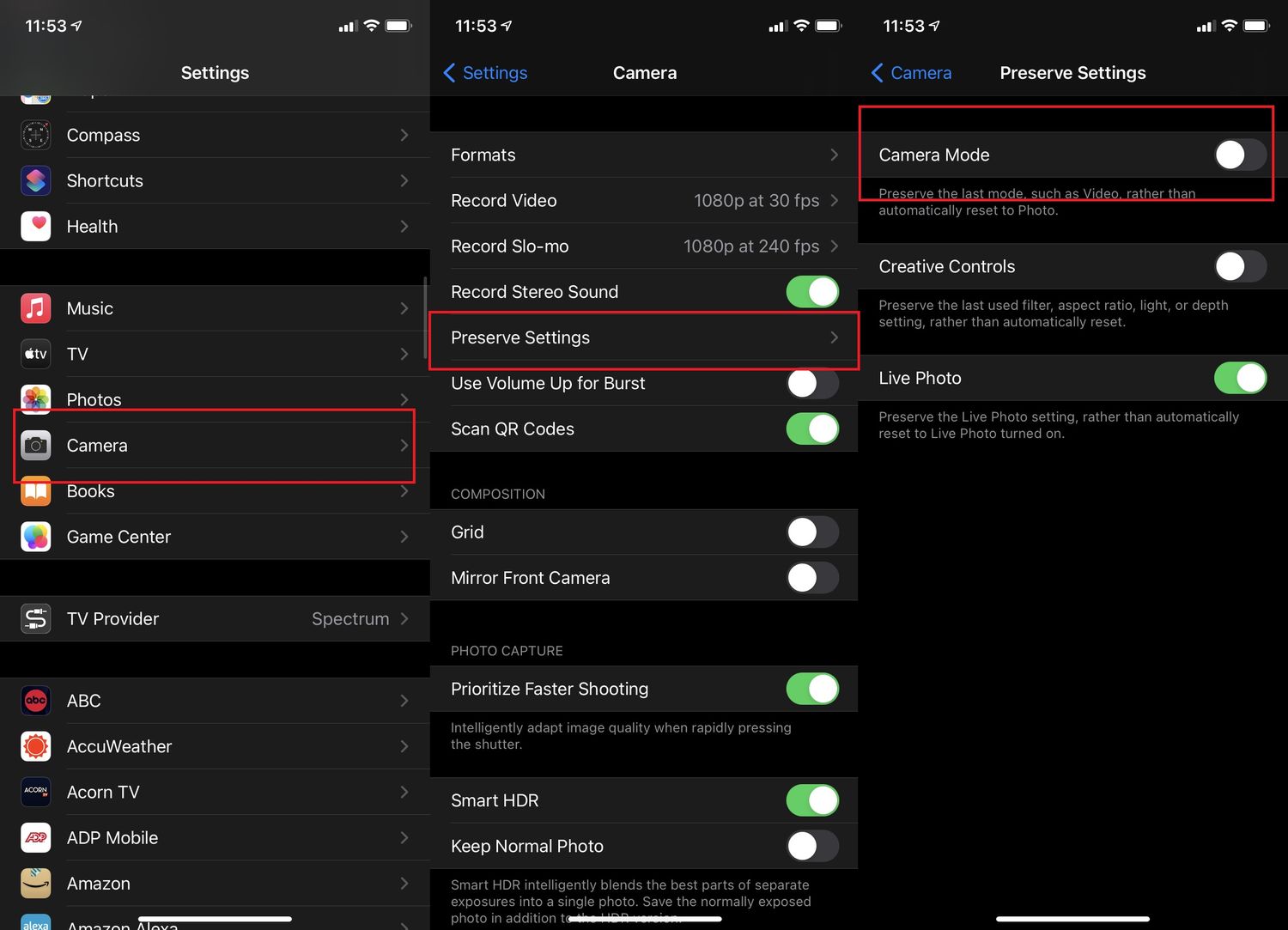
To reset camera settings on iPhone 11, you must reset all iPhone settings, as Apple does not provide a separate camera-only reset option. This process restores your camera to its...
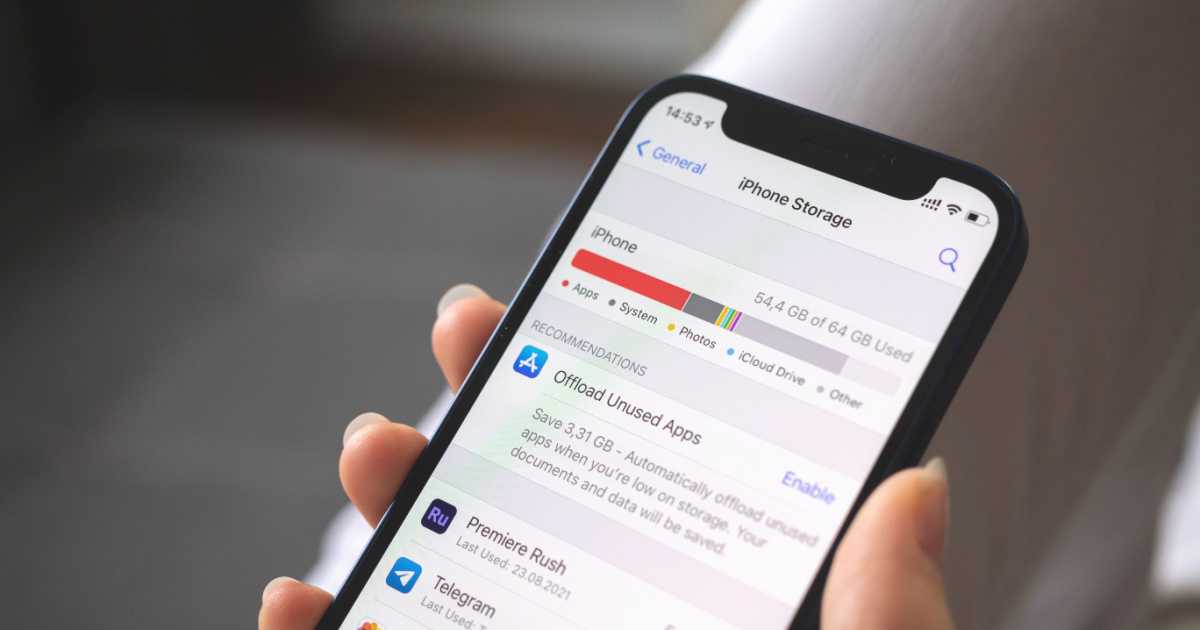
To free up space on your iPhone 11, start by going to Settings > General > iPhone Storage. This screen shows your available storage, Apple's personalized recommendations, and a list...
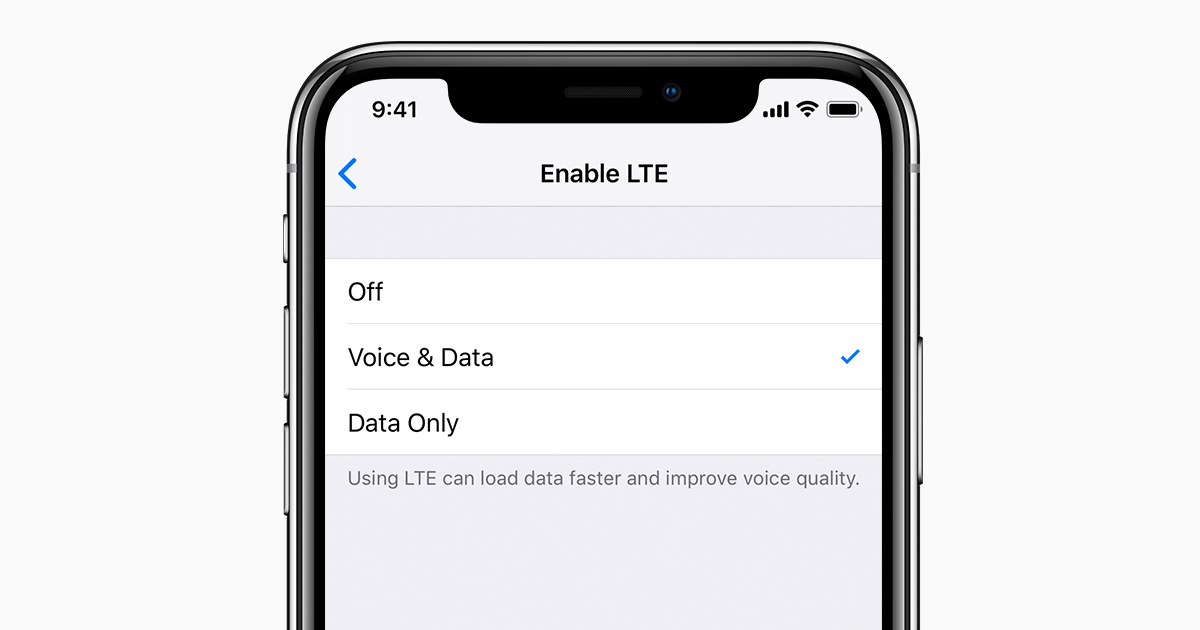
To enable VoLTE on your iPhone 11, open Settings > Cellular > Cellular Data Options > Enable LTE, then choose Voice & Data. This turns on Voice over LTE, which...
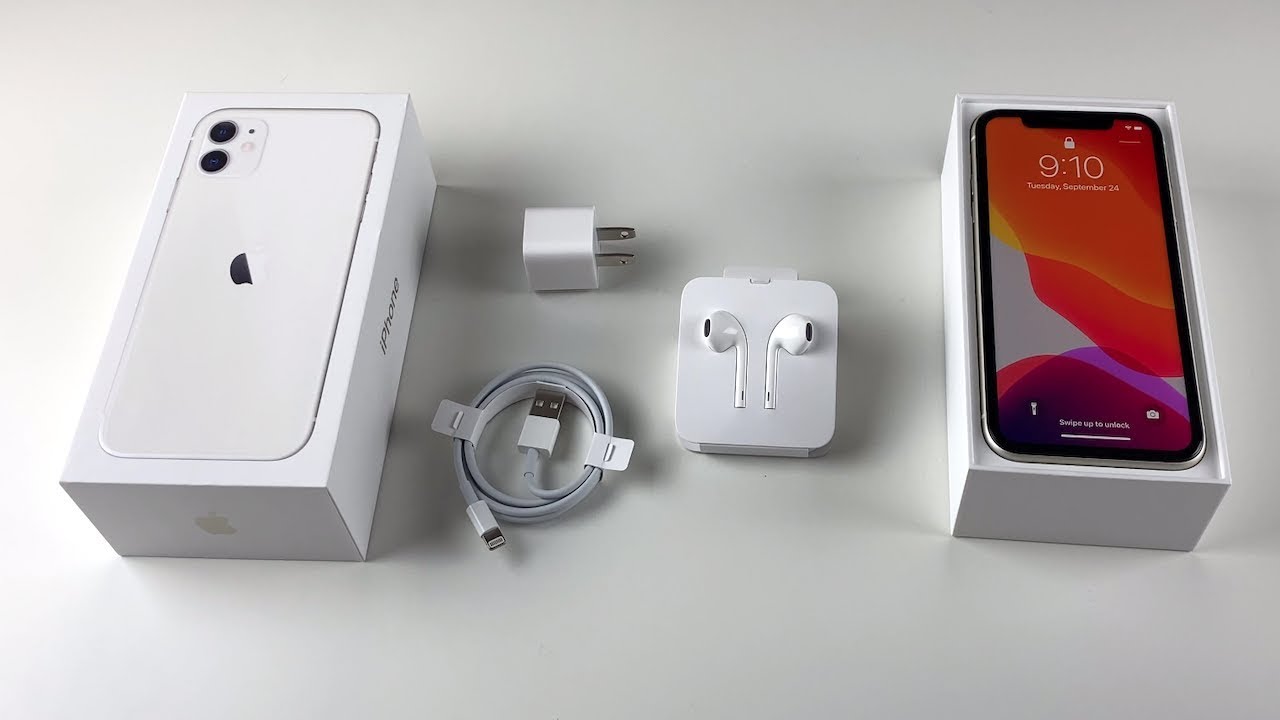
The iPhone 11 box currently includes only three items: the iPhone 11, a USB-C to Lightning cable, and documentation. If you are searching for what comes with iPhone 11 in...
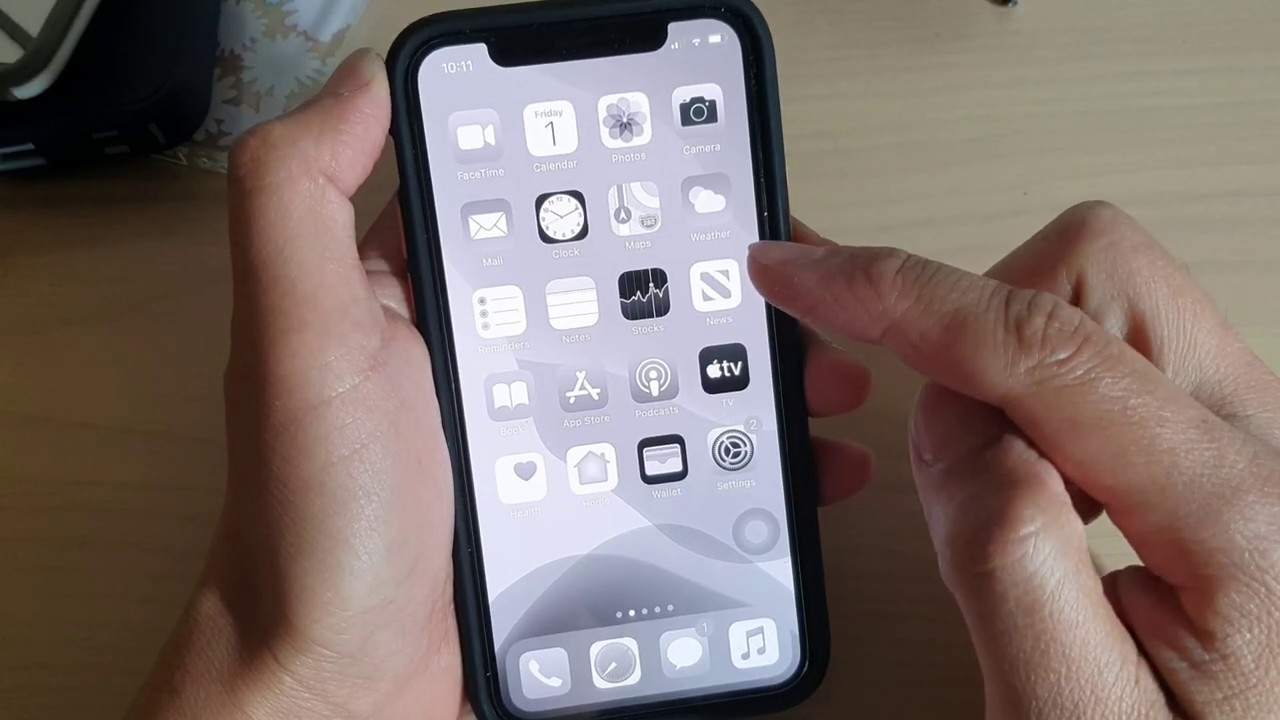
To change background from black to white on iPhone 11, you need to change the wallpaper itself, as there is no separate global background color setting. Open Settings > Wallpaper...
There is no built-in software toggle to turn on a privacy screen on iPhone 11. The truth about the privacy screen on iPhone 11 The direct answer is that iPhone...
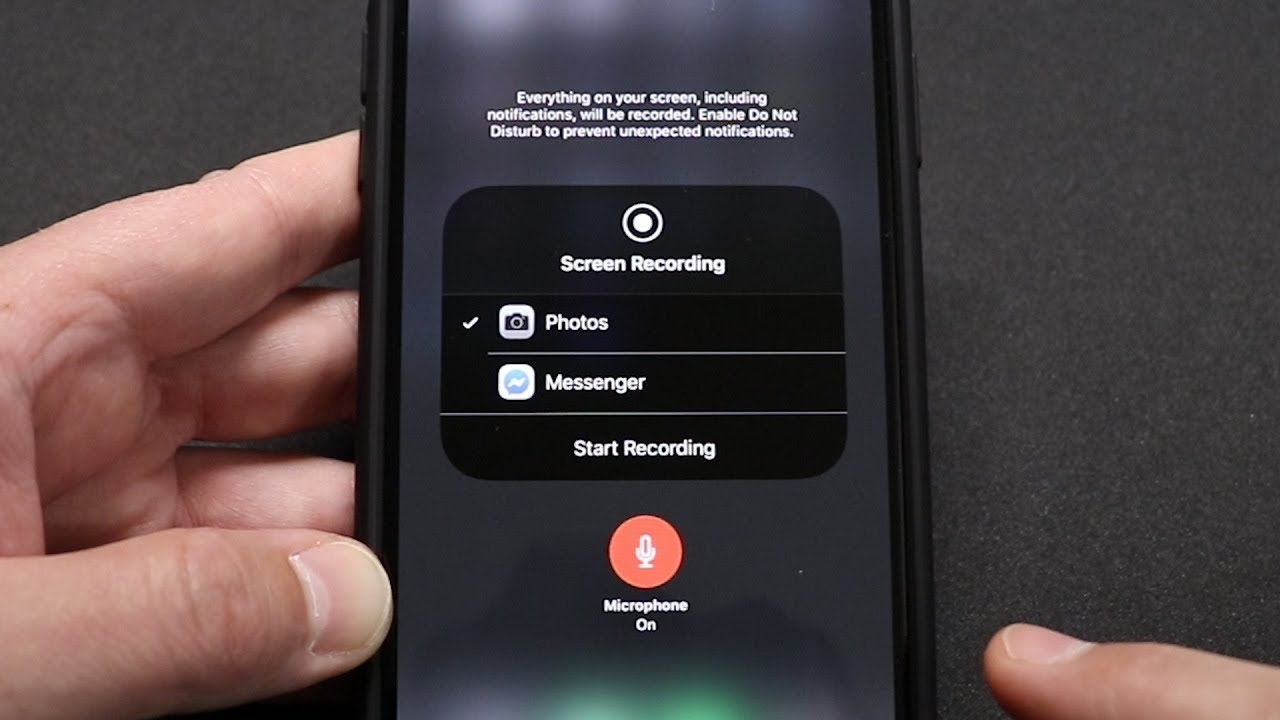
To record your iPhone 11 screen, use the built-in screen recording feature in Control Center, no third-party app is needed. The iPhone 11 record screen tool captures everything on your...
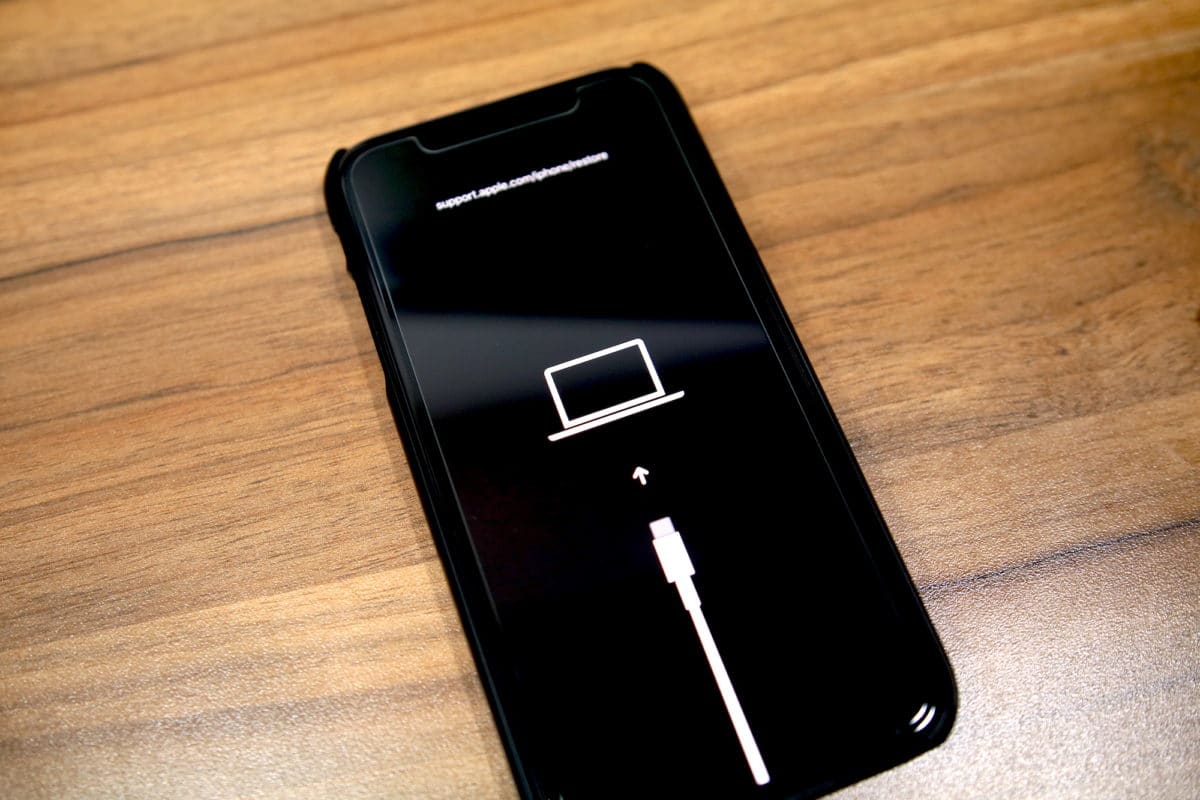
To put an iPhone 11 into DFU mode, you press a specific button sequence while the device is connected to a computer, leaving the screen black while the computer detects...
The iPhone 11 does not have a physical home button. If you are searching for a home button on iPhone 11, the direct answer is that there is no physical...
The iPhone 11 was officially unveiled by Apple on September 10, 2019. The iPhone 11 was first available in stores on September 20, 2019, which means as of Saturday, September...
If your iPhone 11 volume keeps going down on its own, the most likely culprits are two built-in software features designed to manage your audio experience: Attention Aware Features and...