Welcome to the iOS tag on CellularNews. This collection is for anyone who uses an iPhone or iPad and wants to get more out of their device, from casual gamers to power users looking to tweak their system. The articles here are focused on two main areas: helping you find the best apps and games to download, and guiding you through common settings and fixes when things don't work as expected.
If you're looking for something new to play, you'll find extensive lists covering a huge variety of genres. Whether you are into strategy with the 15 Best City Building Games, competitive action with the Top 20 Fighting Games, or relaxing puzzles with 20 Mobile Games Like Candy Crush, these articles help you discover top-rated titles. For those needing practical tools, guides like 26 Best Productivity Apps and 16 Best VPN for Android & iOS help you choose the right software for work and privacy. Beyond just finding apps, the tag also solves technical problems. You can learn how to fix your software with the guide on How to Downgrade iOS Using SHSH2 Blobs, or explore system modifications with the Jailbreak iOS guide and the article on Cydia Impactor. Other topics, such as How to Find Someone's Location by Cell Phone Number and How to Use TikTok App, provide clear steps for specific tasks you might need to accomplish.
To record a conversation on iPhone 13, use the built-in Call Recording control in the Phone app during an active call, which saves the audio directly to the Notes app....
There is no built-in software setting to turn on privacy screen iPhone 13. Does the iPhone 13 have a built-in turn on privacy screen option? No. The iPhone 13 does...
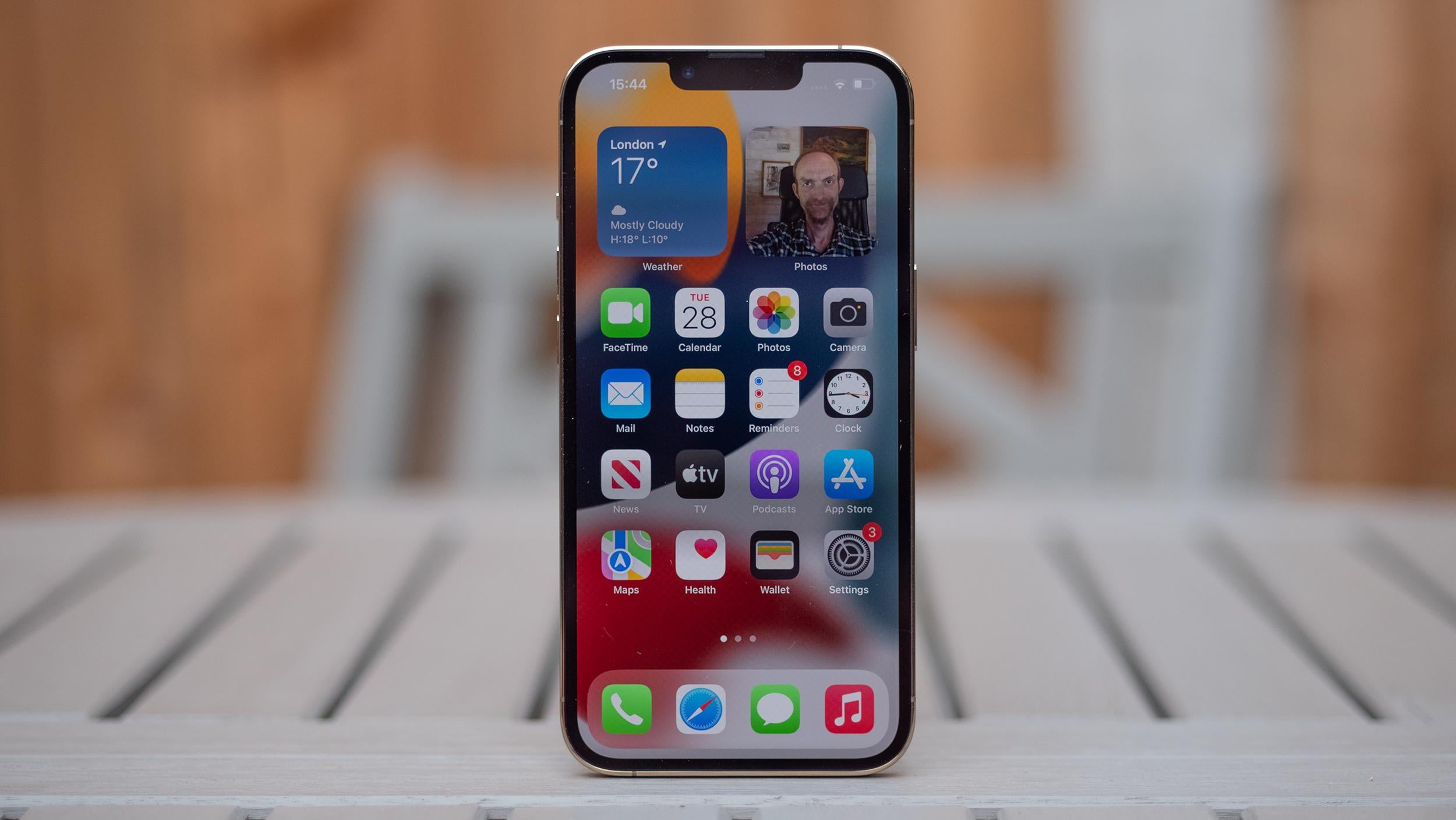
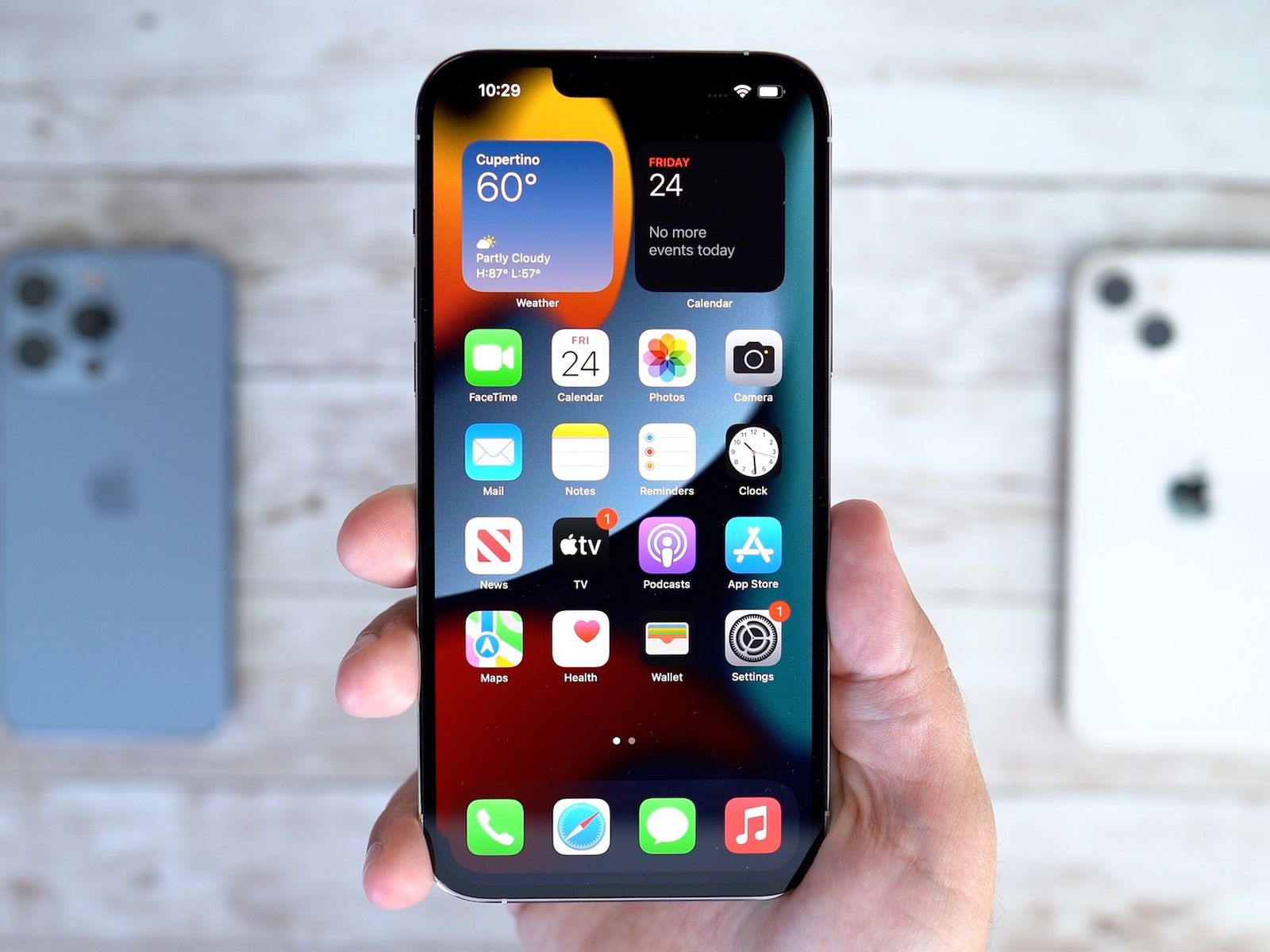
The iPhone 13 does not have a physical Home button. Apple replaced the Home button with gesture navigation on all Face ID models, so the home button on iPhone 13...
To change the text message background on iPhone 13, open the Messages app, select an iMessage conversation (blue bubble), tap the contact or group icon at the top, and then...
To pin contacts on iPhone 13, you use the Favorites feature in the Phone app, not a home screen pin. Favorites lets you quick-dial people you talk to most and...
The button on the side of the iPhone 13 is the Side button, and it is your device's primary physical control for power, Siri, Apple Pay, and emergency features. Understanding...
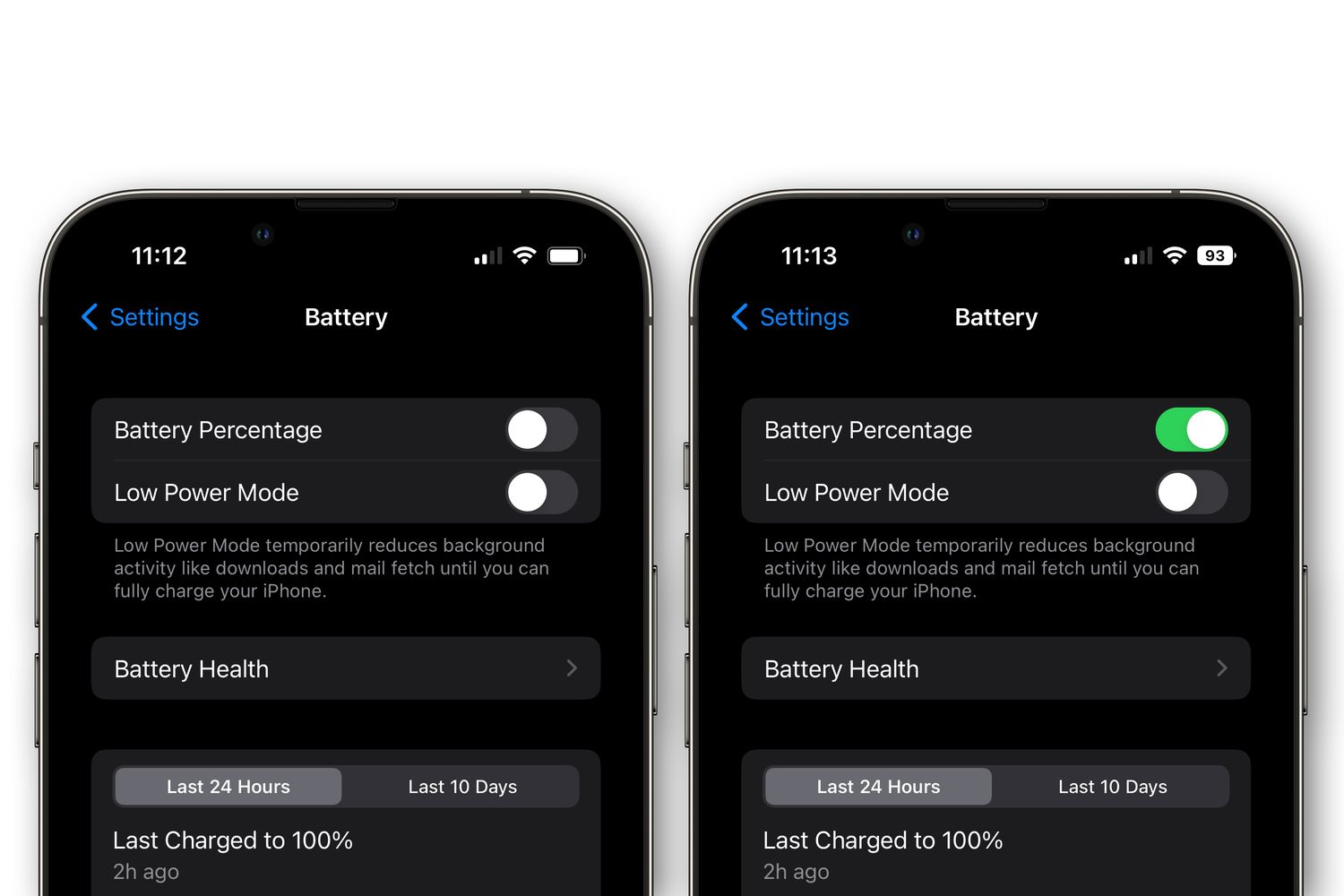
To change battery color on iPhone 13, you need to know that the only system-level battery color change is the yellow indicator that appears when Low Power Mode is enabled....
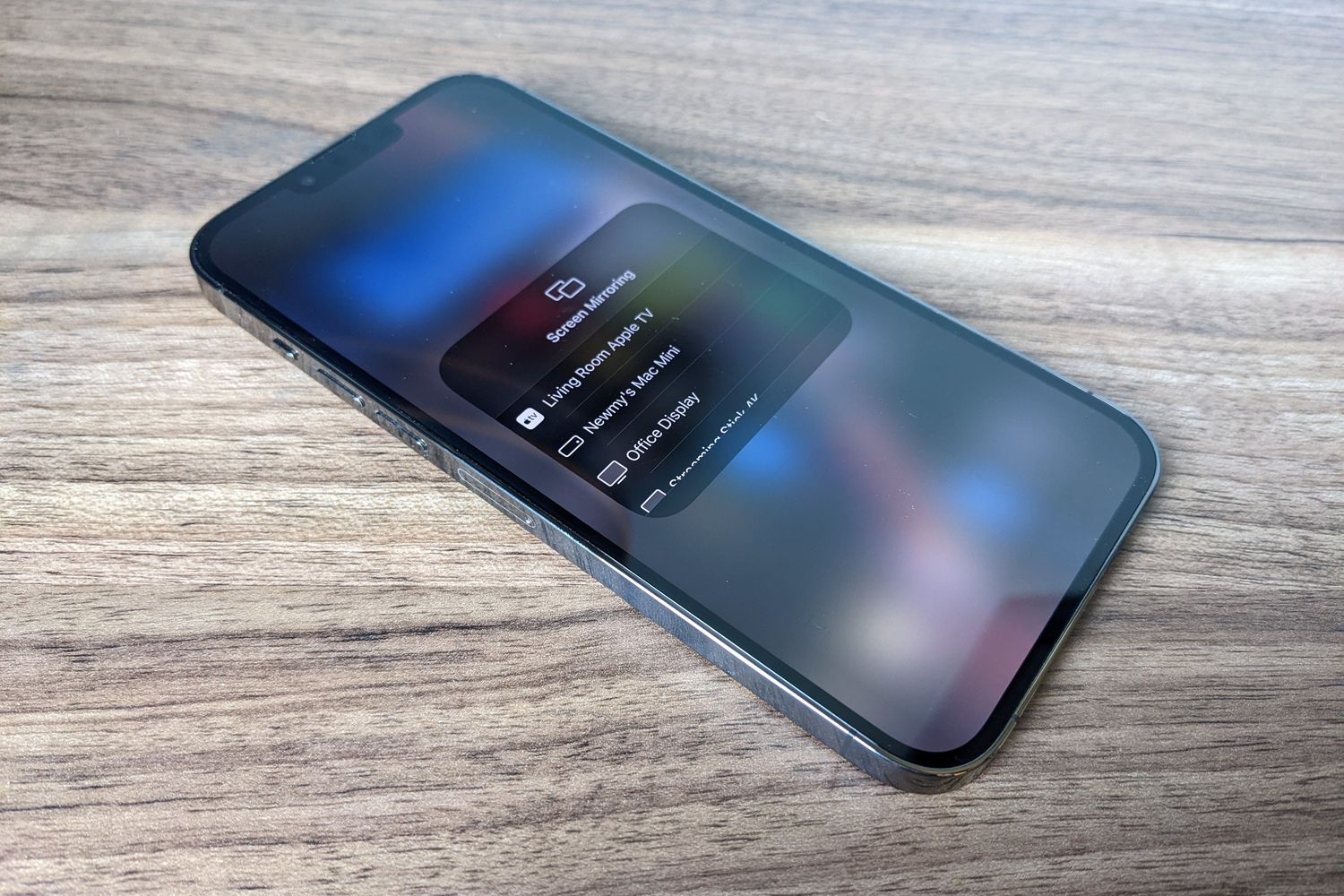
You can screen share iPhone 13 wirelessly to a TV, Mac, or during a FaceTime call using built-in tools like AirPlay and Apple’s screen sharing features. These methods let you...
You cannot split screen on iPhone 13 in the traditional sense of viewing two apps side-by-side. iPhones do not support a split-screen multitasking mode, so the closest alternative is Picture-in-Picture...
To put apps in alphabetical order on iPhone, the quickest method is to reset your Home Screen layout, which automatically sorts all downloaded apps alphabetically after the built-in Apple apps....