Welcome to the iOS tag on CellularNews. This collection is for anyone who uses an iPhone or iPad and wants to get more out of their device, from casual gamers to power users looking to tweak their system. The articles here are focused on two main areas: helping you find the best apps and games to download, and guiding you through common settings and fixes when things don't work as expected.
If you're looking for something new to play, you'll find extensive lists covering a huge variety of genres. Whether you are into strategy with the 15 Best City Building Games, competitive action with the Top 20 Fighting Games, or relaxing puzzles with 20 Mobile Games Like Candy Crush, these articles help you discover top-rated titles. For those needing practical tools, guides like 26 Best Productivity Apps and 16 Best VPN for Android & iOS help you choose the right software for work and privacy. Beyond just finding apps, the tag also solves technical problems. You can learn how to fix your software with the guide on How to Downgrade iOS Using SHSH2 Blobs, or explore system modifications with the Jailbreak iOS guide and the article on Cydia Impactor. Other topics, such as How to Find Someone's Location by Cell Phone Number and How to Use TikTok App, provide clear steps for specific tasks you might need to accomplish.
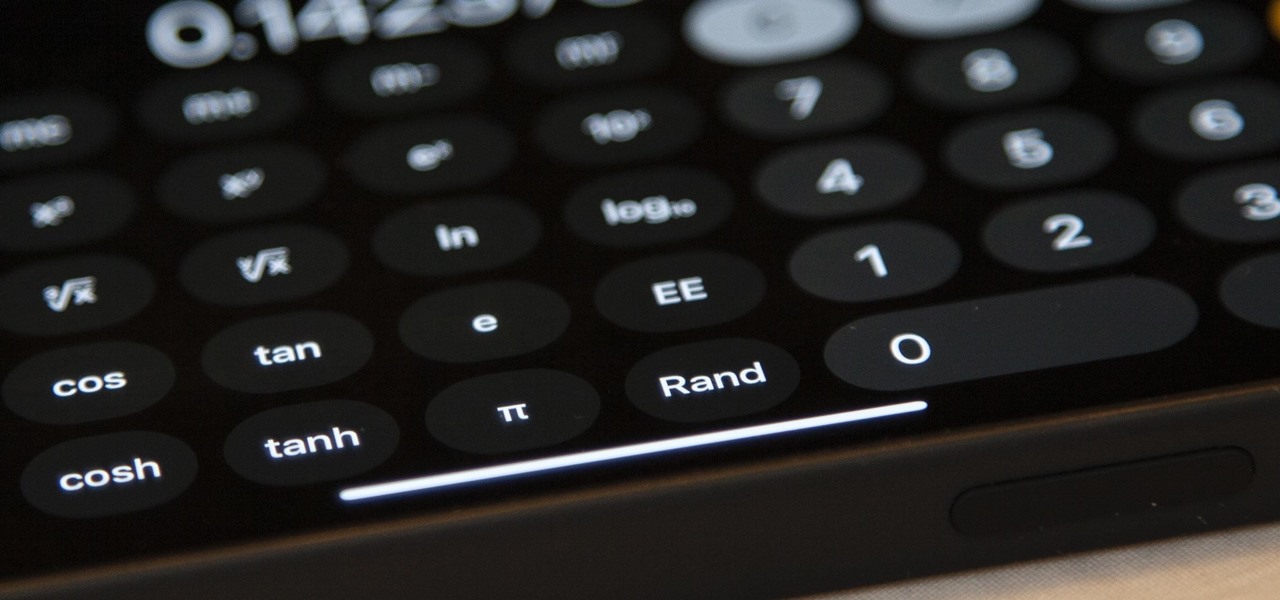
The Calculator app is built into every iPhone 13 and does not need to be downloaded. To get calculator on iPhone 13, simply locate the pre-installed Calculator app on your...
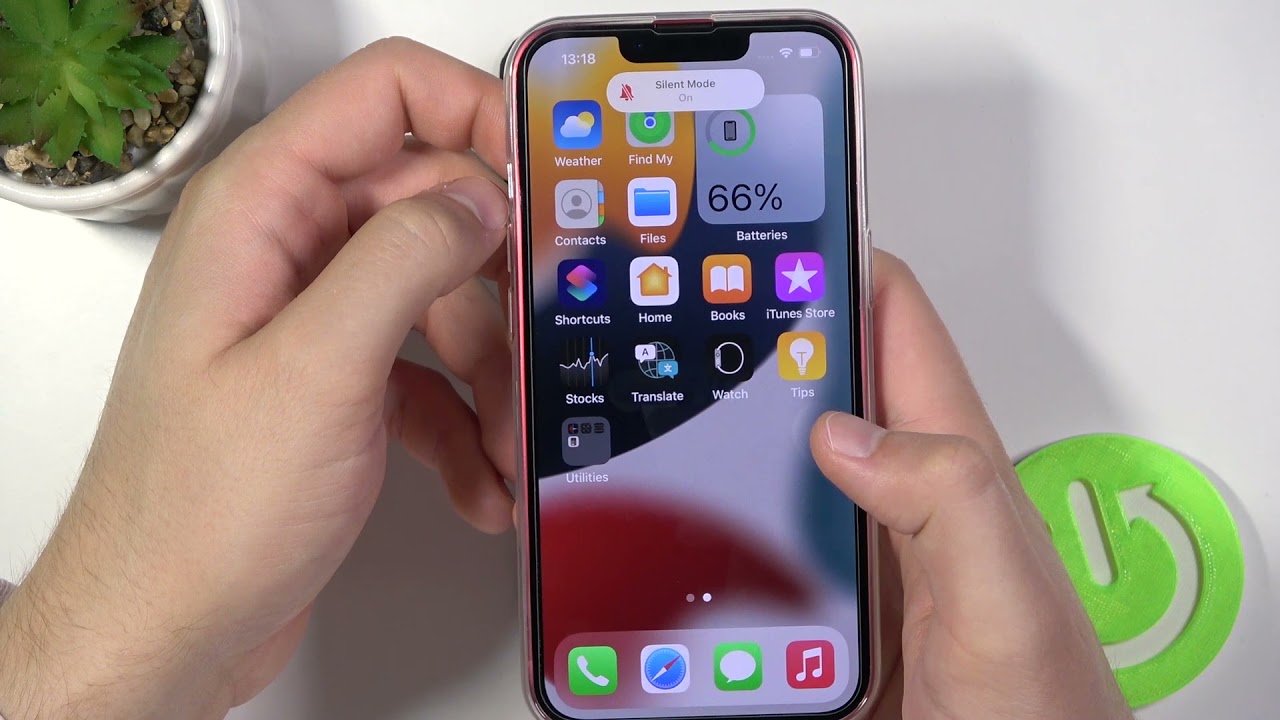
To turn silent mode on iPhone 13 on, flip the physical Ring/Silent switch located on the left side of the device toward the back of the phone. Silent mode on...
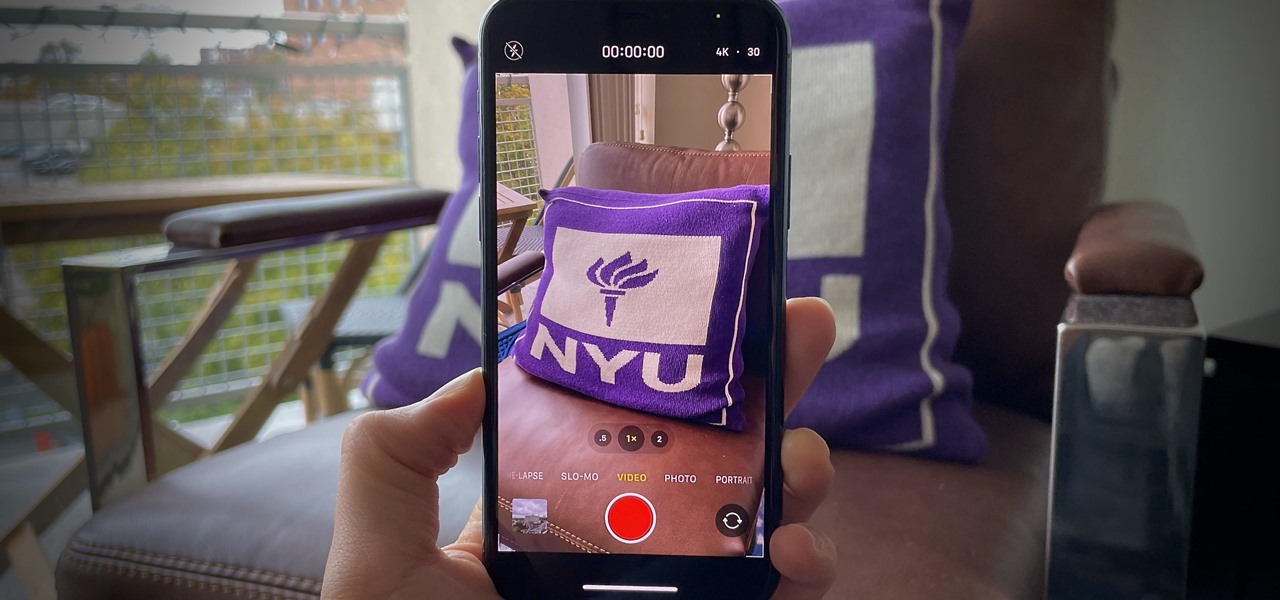
To record 4K video on your iPhone 13, use the Camera app in Video mode and select 4K resolution from the quick toggles. The iPhone 13 records 4K video only,...
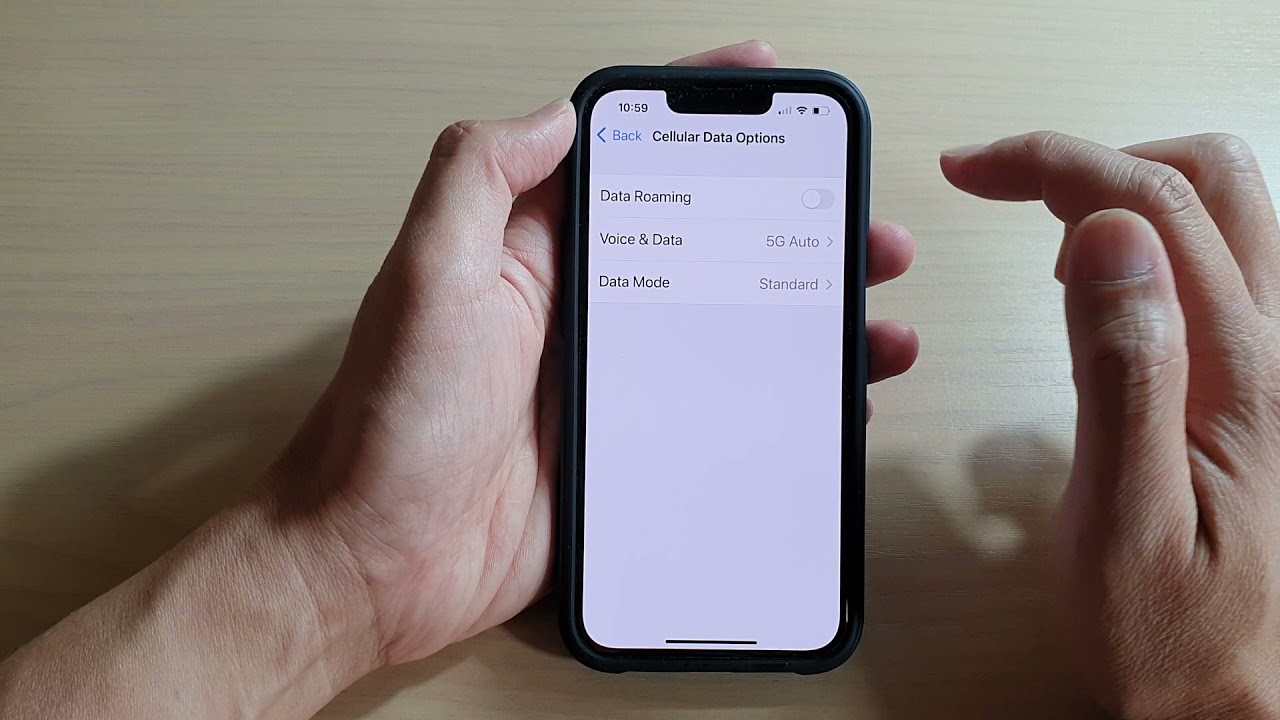
To turn on roaming on iPhone 13, open Settings > Cellular > Cellular Data Options, then toggle on Data Roaming. This is the exact, verified way to turn on roaming...
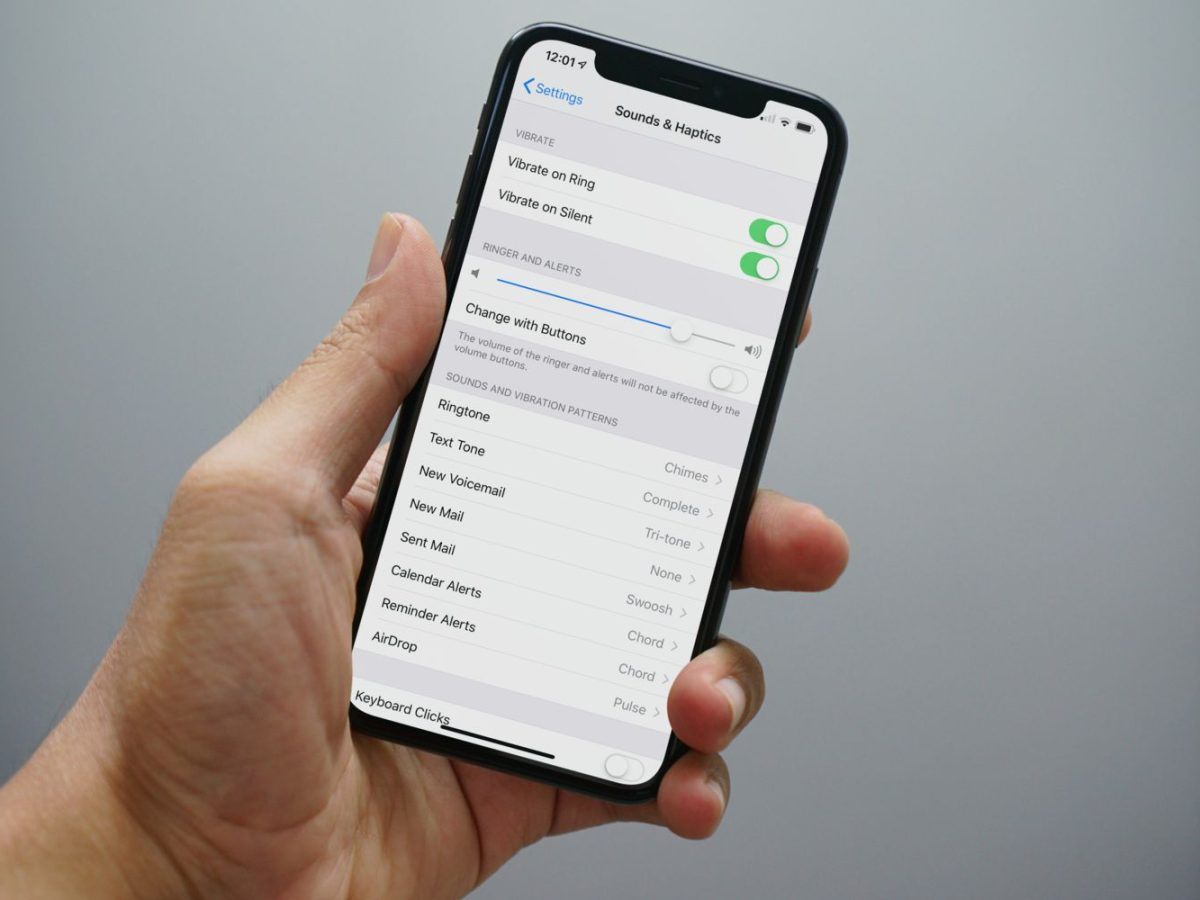
To make the ringer louder on iPhone 13, go to Settings > Sounds & Haptics > Ringtone and drag the Ringer and Alerts slider to the right. You can also...
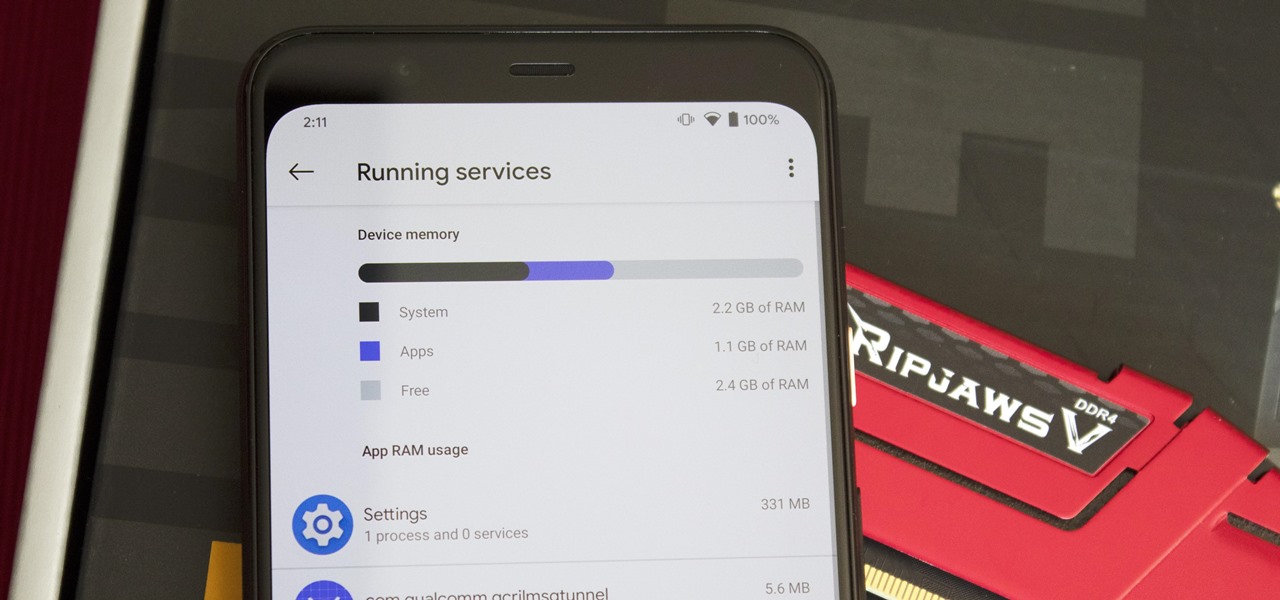
To check RAM in iPhone 13, you cannot find the total memory in the iPhone's Settings app, Apple does not display it there. Instead, the only reliable way to see...
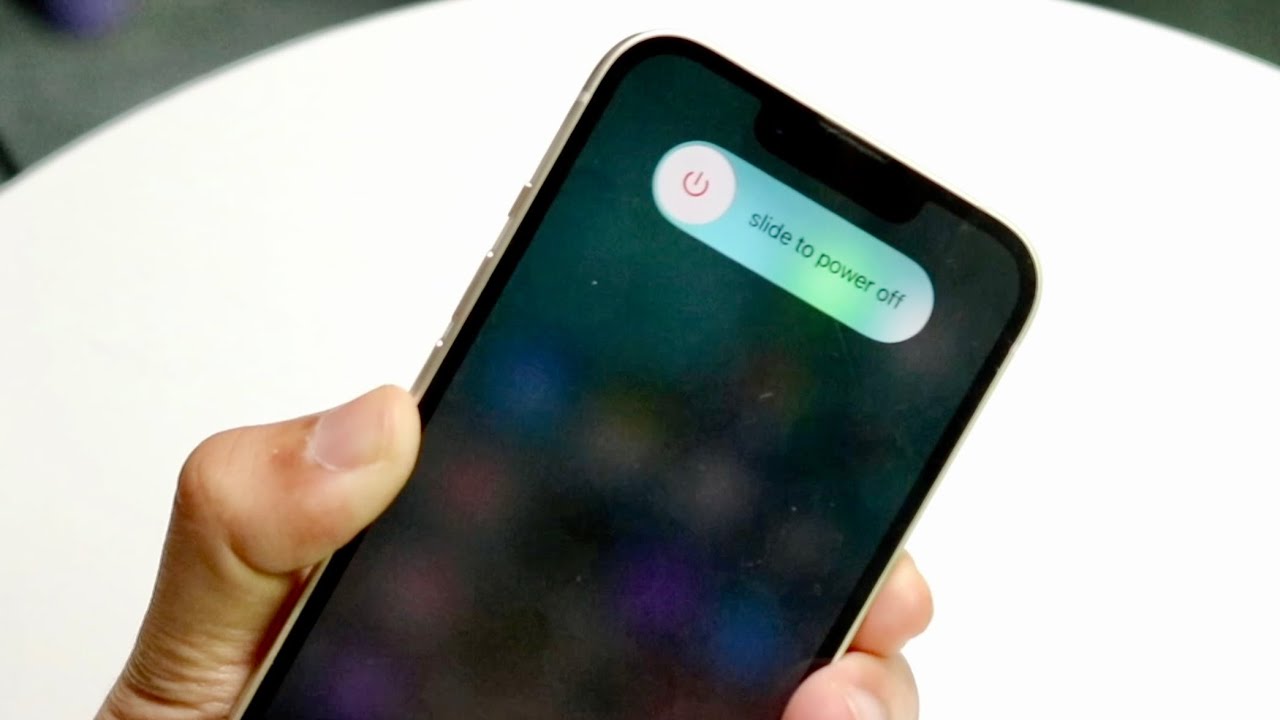
To power off iPhone 13 without touching the screen, press and hold the side button and either volume button until the power-off slider appears, then drag the slider. This is...
If your iPhone 13 Pro Max feels unusually hot, the heat is most often caused by charging (especially while using the phone), high ambient temperature or direct sunlight, or the...
If you’re wondering why is my iPhone 13 being slow, the most common causes are low storage space, background activity, and other factors Apple has documented. Why is my iPhone...
The best party game apps for your next gathering are Heads Up! and Psych! Outwit Your Friends, two top picks that work across devices and can be played in person...
The USPS augmented reality app was a holiday-themed experience tied to Priority Mail boxes, designed to let senders and recipients interact with animated seasonal scenes through their phone screens. This...