Welcome to the iOS tag on CellularNews. This collection is for anyone who uses an iPhone or iPad and wants to get more out of their device, from casual gamers to power users looking to tweak their system. The articles here are focused on two main areas: helping you find the best apps and games to download, and guiding you through common settings and fixes when things don't work as expected.
If you're looking for something new to play, you'll find extensive lists covering a huge variety of genres. Whether you are into strategy with the 15 Best City Building Games, competitive action with the Top 20 Fighting Games, or relaxing puzzles with 20 Mobile Games Like Candy Crush, these articles help you discover top-rated titles. For those needing practical tools, guides like 26 Best Productivity Apps and 16 Best VPN for Android & iOS help you choose the right software for work and privacy. Beyond just finding apps, the tag also solves technical problems. You can learn how to fix your software with the guide on How to Downgrade iOS Using SHSH2 Blobs, or explore system modifications with the Jailbreak iOS guide and the article on Cydia Impactor. Other topics, such as How to Find Someone's Location by Cell Phone Number and How to Use TikTok App, provide clear steps for specific tasks you might need to accomplish.
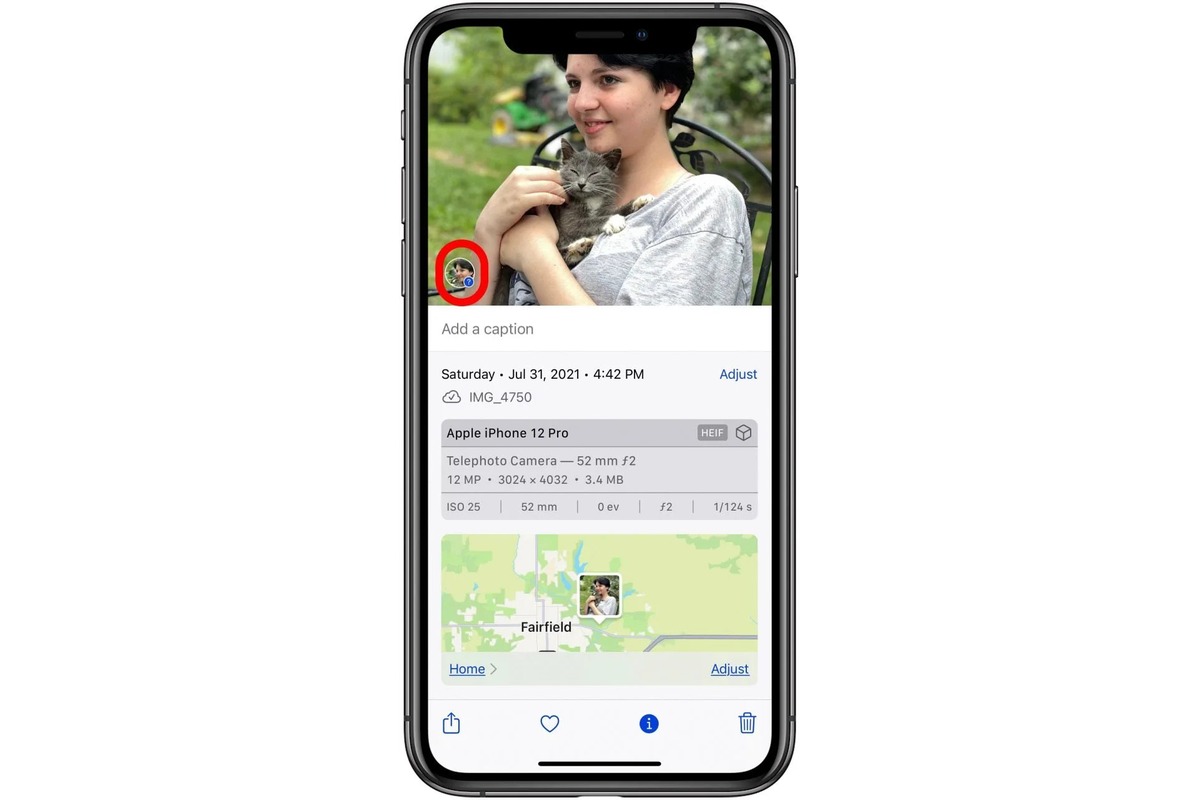
To add a person to a photo on iPhone, you need a third-party app because the built-in Photos app does not support pasting a subject onto another photo. Apple documents...
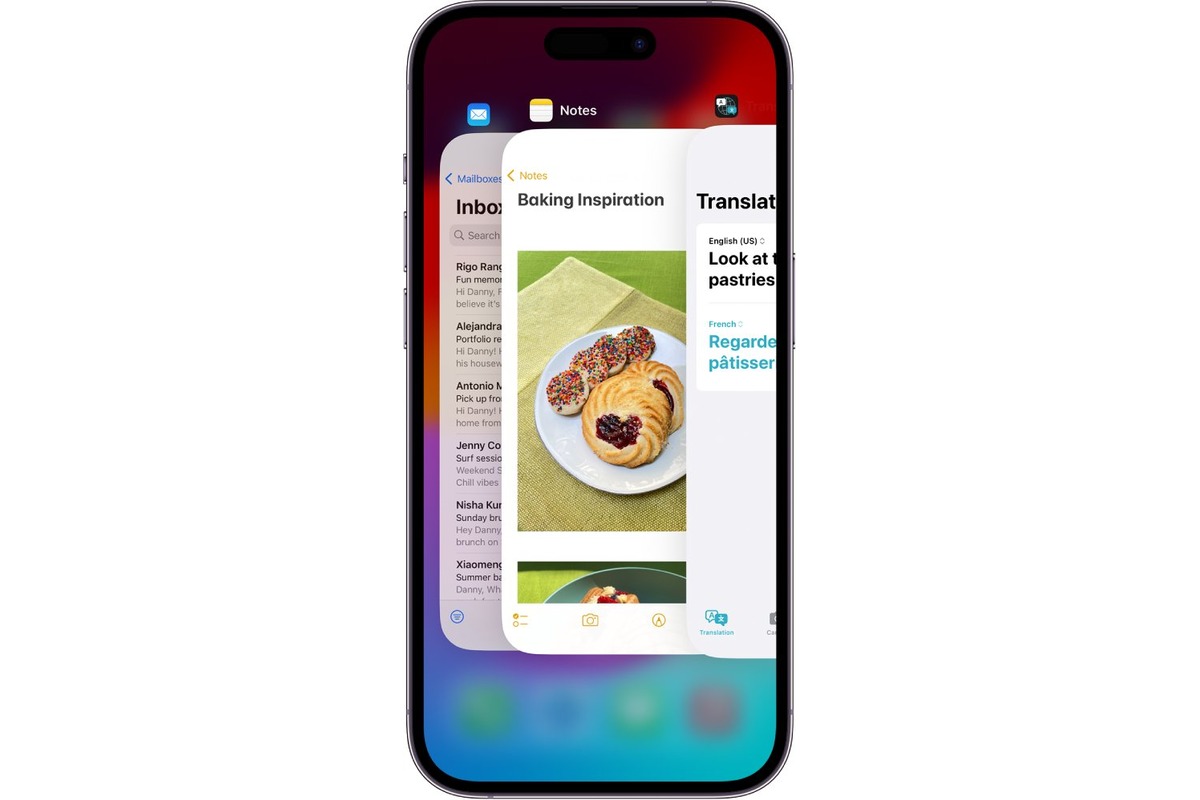
To clear open apps on iPhone 14, use the App Switcher by swiping up from the bottom edge to the middle of the screen and pausing until app cards appear....
To "put 360 on phone" means to install and set up either the Life360 family location-sharing app or the Samsung Gear 360 app for viewing 360-degree photos and videos. What...
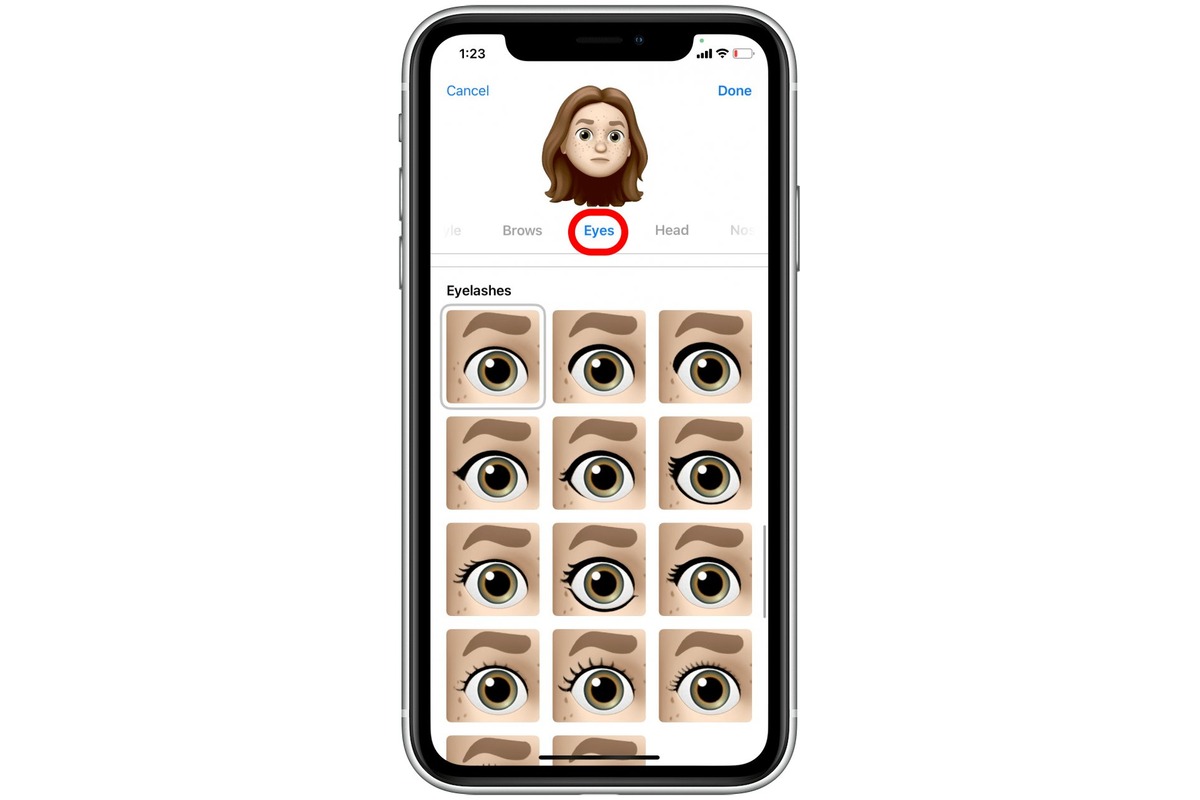
You can add custom emojis to iPhone using Apple’s built-in Genmoji feature, which lets you create unique emojis from text descriptions or photos without needing third-party apps. This is the...
To erase people from pictures on iPhone, use Apple's built-in Clean Up tool in the Photos app, it's the most direct method available. This feature lets you remove unwanted people...
Getting PS4 screenshots on your phone is easiest using the official PlayStation App, which lets you download captures directly to your device's internal storage. This method works on both Android...
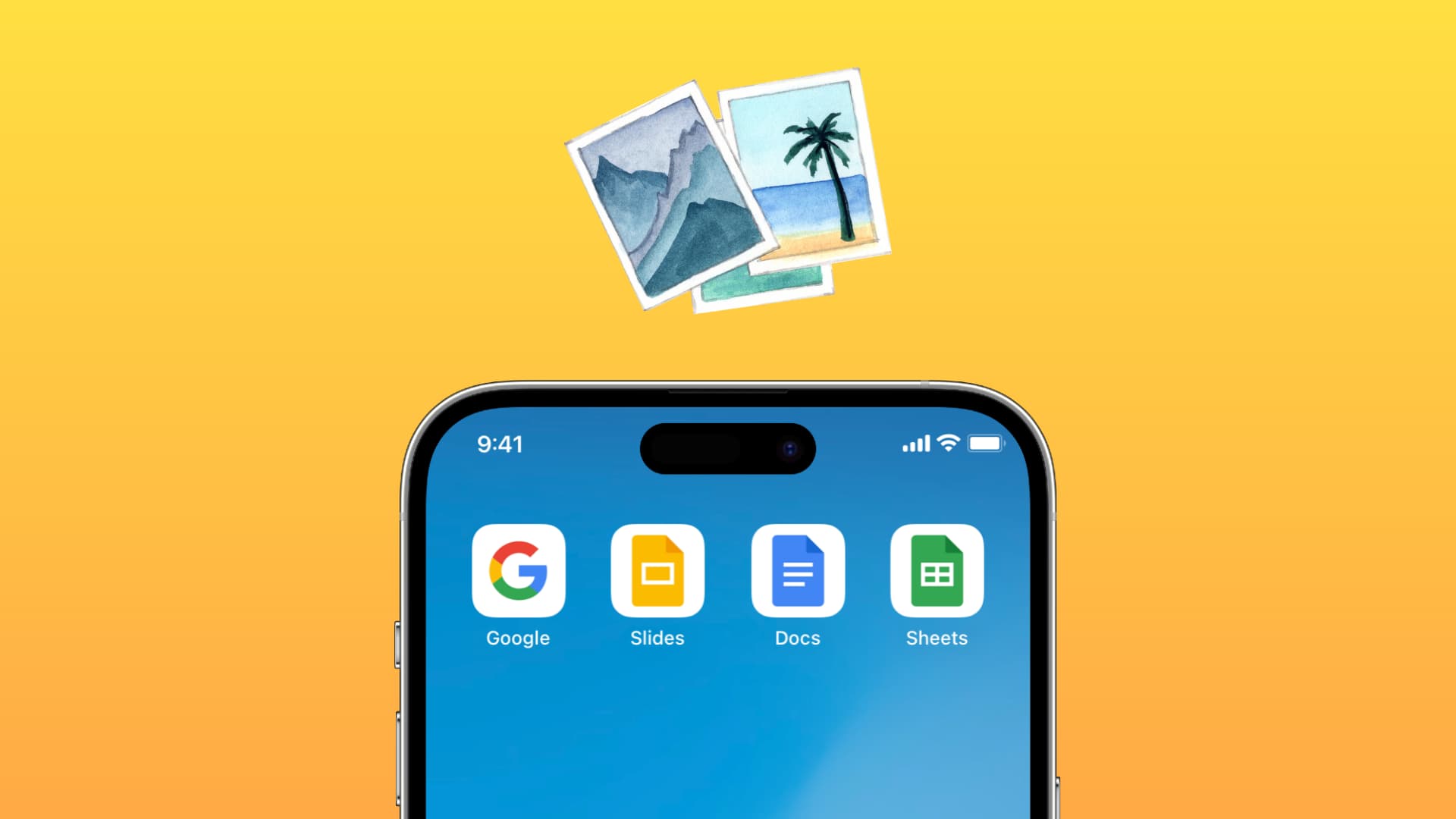
To add a video to Google Slides from camera roll on your phone, you must first upload it to Google Drive because the Google Slides mobile app cannot insert videos...
To add someone on Snapchat with phone number, you sync your device's contacts rather than typing the number into a search bar. Start by tapping your Bitmoji or Story icon...
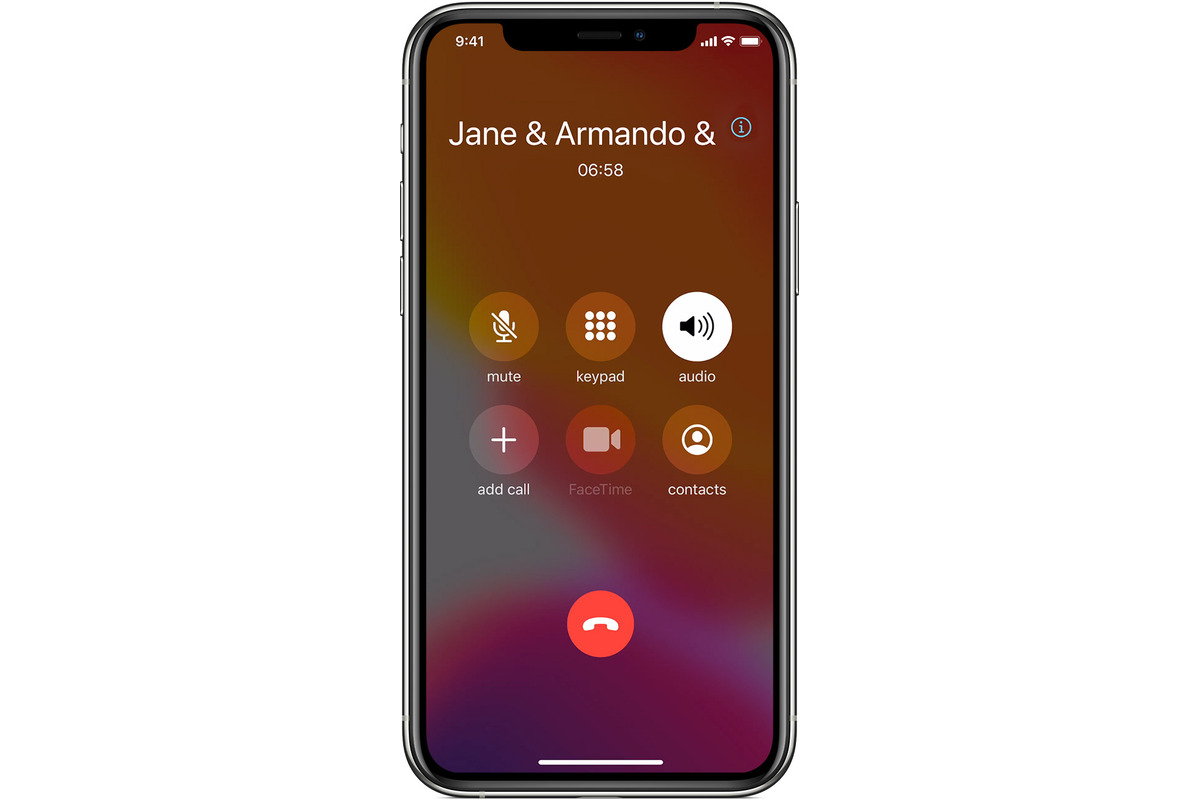
To merge calls on iPhone, start a normal call, then tap Add People or Add Call to place a second call, and tap Merge Calls to bring everyone into one...
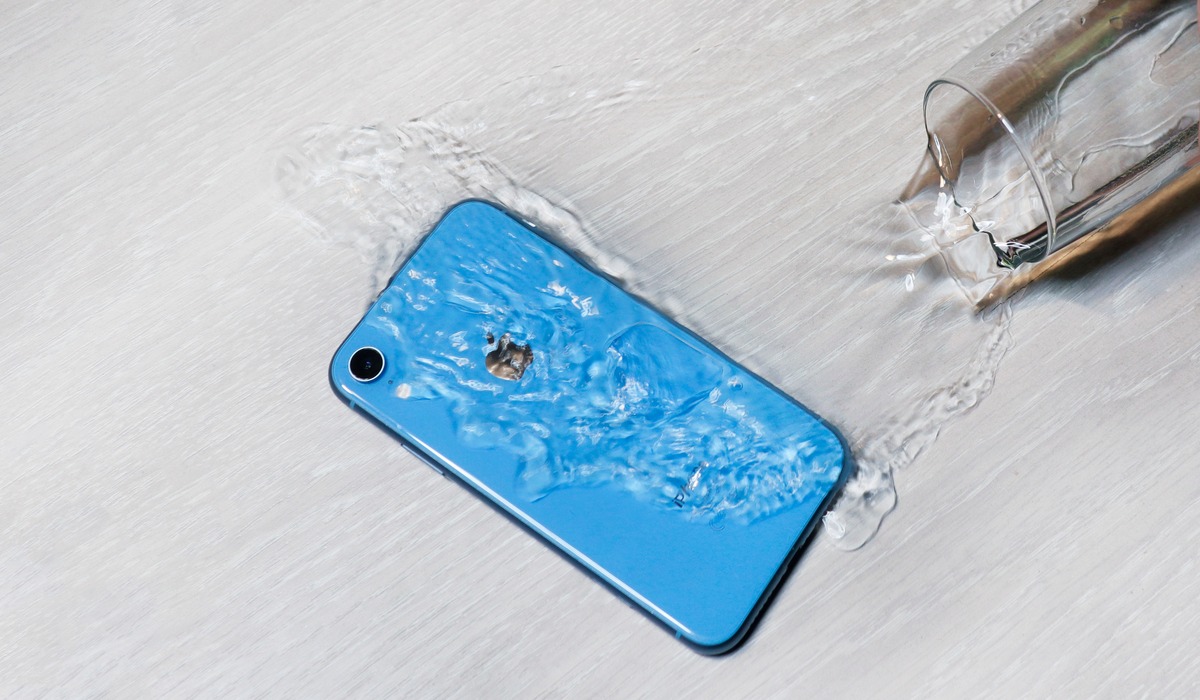
The water eject shortcut for iPhone is a downloadable Siri Shortcut, not a built-in feature, that plays a low-frequency 165Hz sound to vibrate water out of your speaker, similar to...
You customize who sees your Focus status in Messages by choosing which Focus profiles share your silenced-notification status, not by creating a per-contact whitelist. This means you control whether a...