Welcome to the iOS tag on CellularNews. This collection is for anyone who uses an iPhone or iPad and wants to get more out of their device, from casual gamers to power users looking to tweak their system. The articles here are focused on two main areas: helping you find the best apps and games to download, and guiding you through common settings and fixes when things don't work as expected.
If you're looking for something new to play, you'll find extensive lists covering a huge variety of genres. Whether you are into strategy with the 15 Best City Building Games, competitive action with the Top 20 Fighting Games, or relaxing puzzles with 20 Mobile Games Like Candy Crush, these articles help you discover top-rated titles. For those needing practical tools, guides like 26 Best Productivity Apps and 16 Best VPN for Android & iOS help you choose the right software for work and privacy. Beyond just finding apps, the tag also solves technical problems. You can learn how to fix your software with the guide on How to Downgrade iOS Using SHSH2 Blobs, or explore system modifications with the Jailbreak iOS guide and the article on Cydia Impactor. Other topics, such as How to Find Someone's Location by Cell Phone Number and How to Use TikTok App, provide clear steps for specific tasks you might need to accomplish.
There is no button inside the YouTube app to change your layout on a phone. The only documented way to change YouTube layout on phone is to open YouTube in...
There is no documented official method to check your Valorant shop on phone. Riot Games' support pages confirm that the Valorant store is only accessible through the PC game client,...
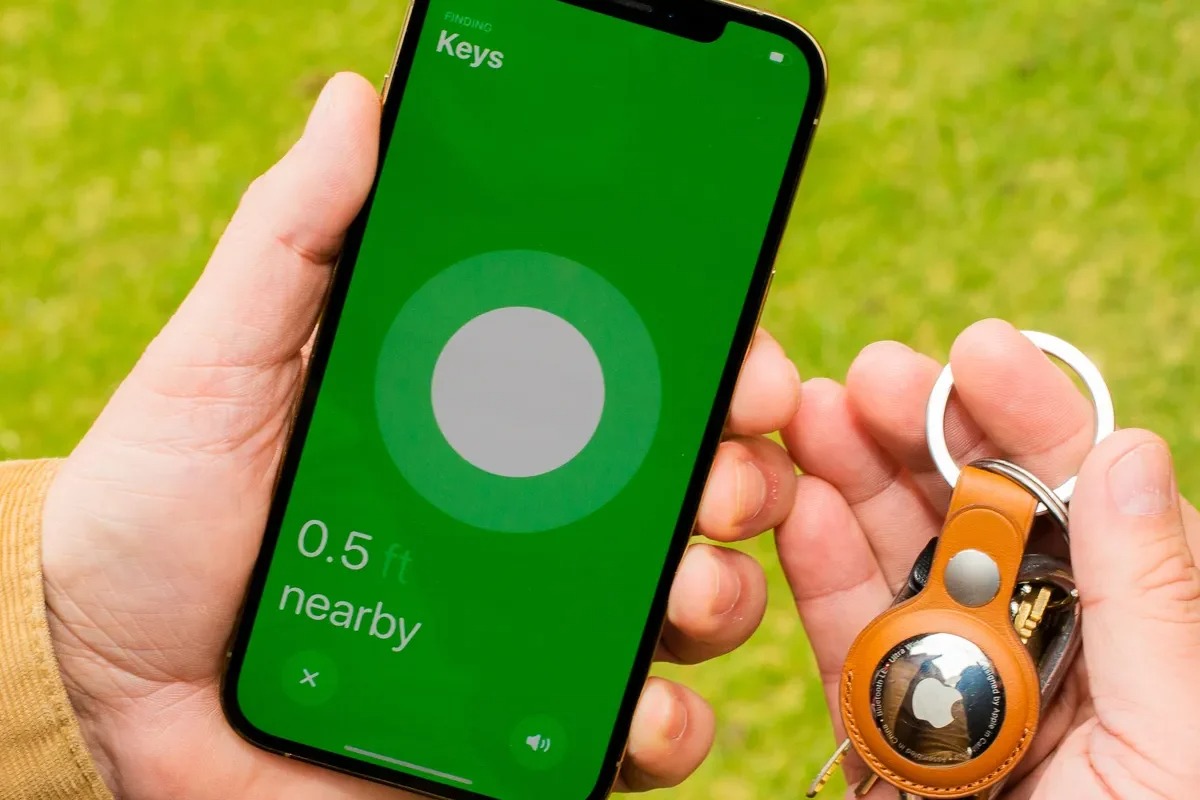
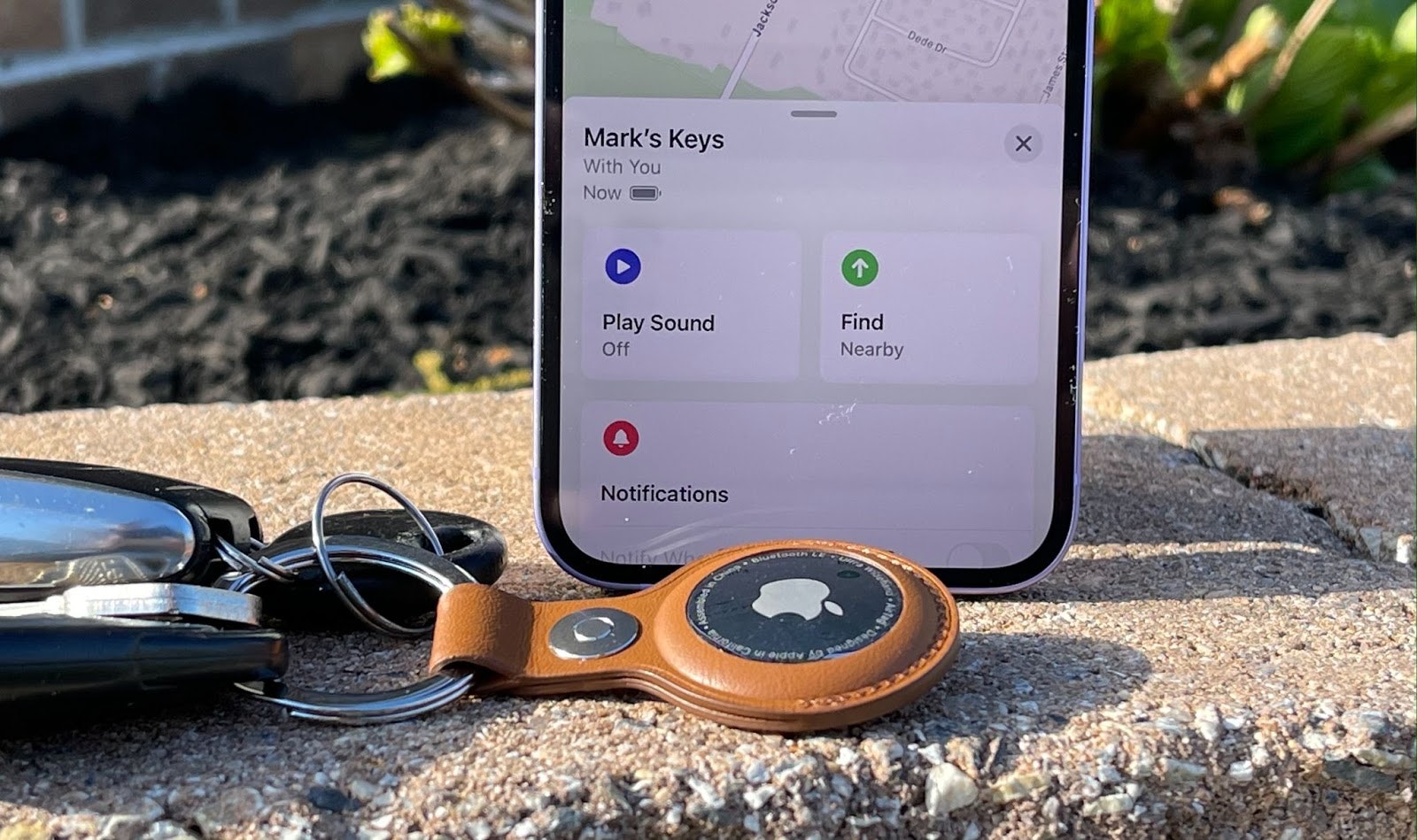
To connect an AirTag to a different phone, the previous owner must first remove it from their Apple ID, and then the new owner can pair it. This process allows...
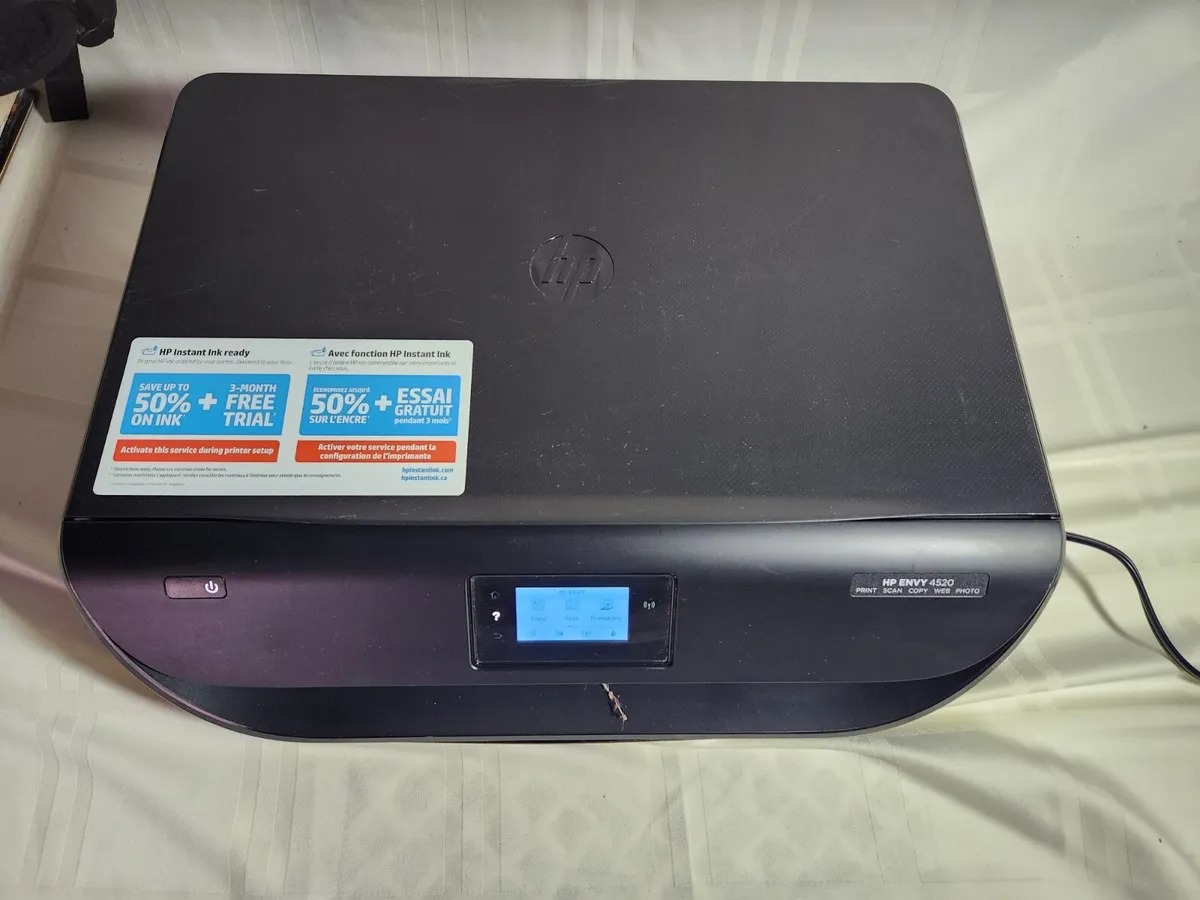
To connect your HP Envy 4520 to your phone, you have two supported options: use Wi-Fi Direct for a direct connection without a network, or connect both devices to the...
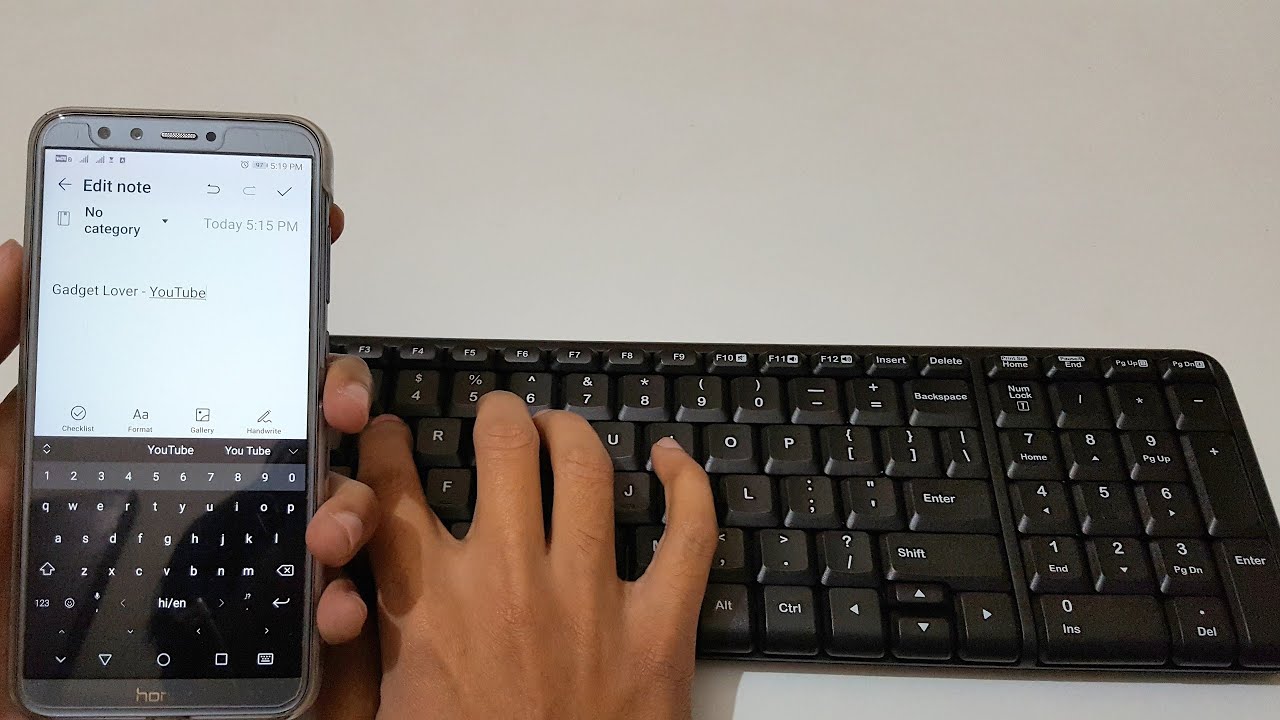
To connect a keyboard to your phone, pair a Bluetooth keyboard with your iPhone by turning on the keyboard, enabling Bluetooth in Settings, and selecting it from the Other Devices...
First-time setup for connect AirTag to iPhone To connect AirTag to iPhone, start by removing the product wrapping and pulling out the battery tab; you will hear a sound confirming...
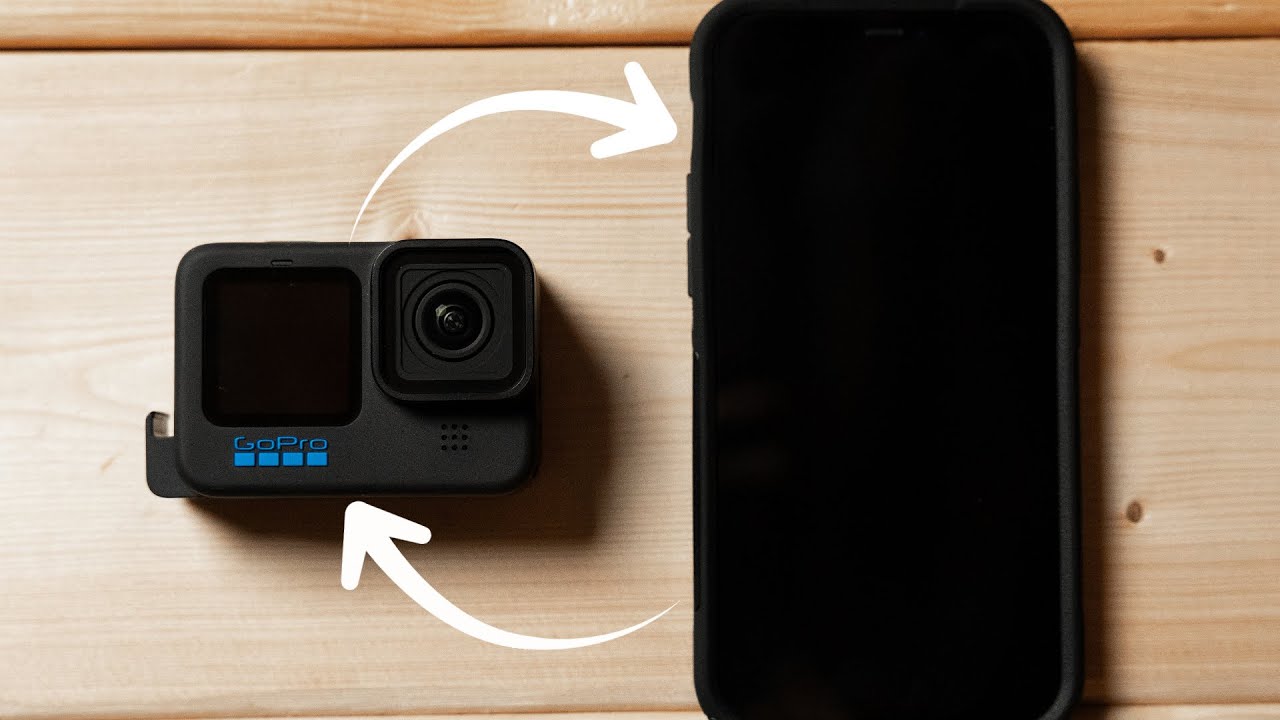
To connect your GoPro to your phone, use the GoPro Quik app with Bluetooth for initial pairing and Wi‑Fi for the camera connection and control. The app requires iOS 18...
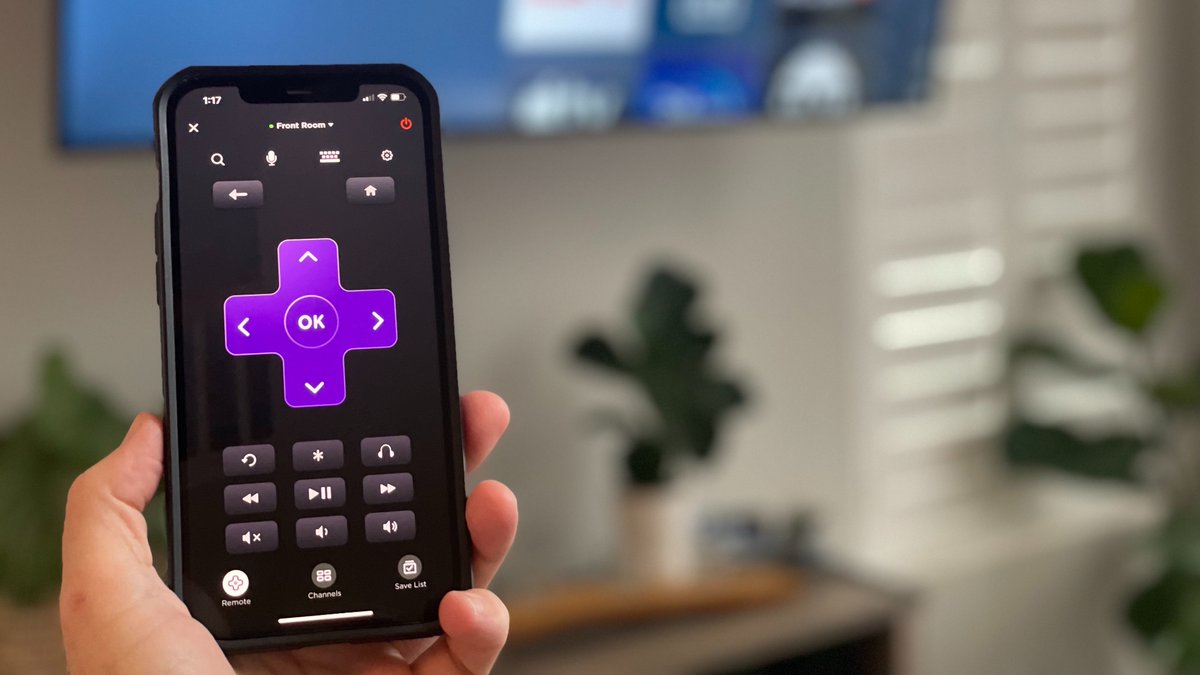
You cannot connect a phone remote to Roku TV without Wi-Fi in the way most users expect. Roku's official documentation states that the mobile app remote requires both your phone...
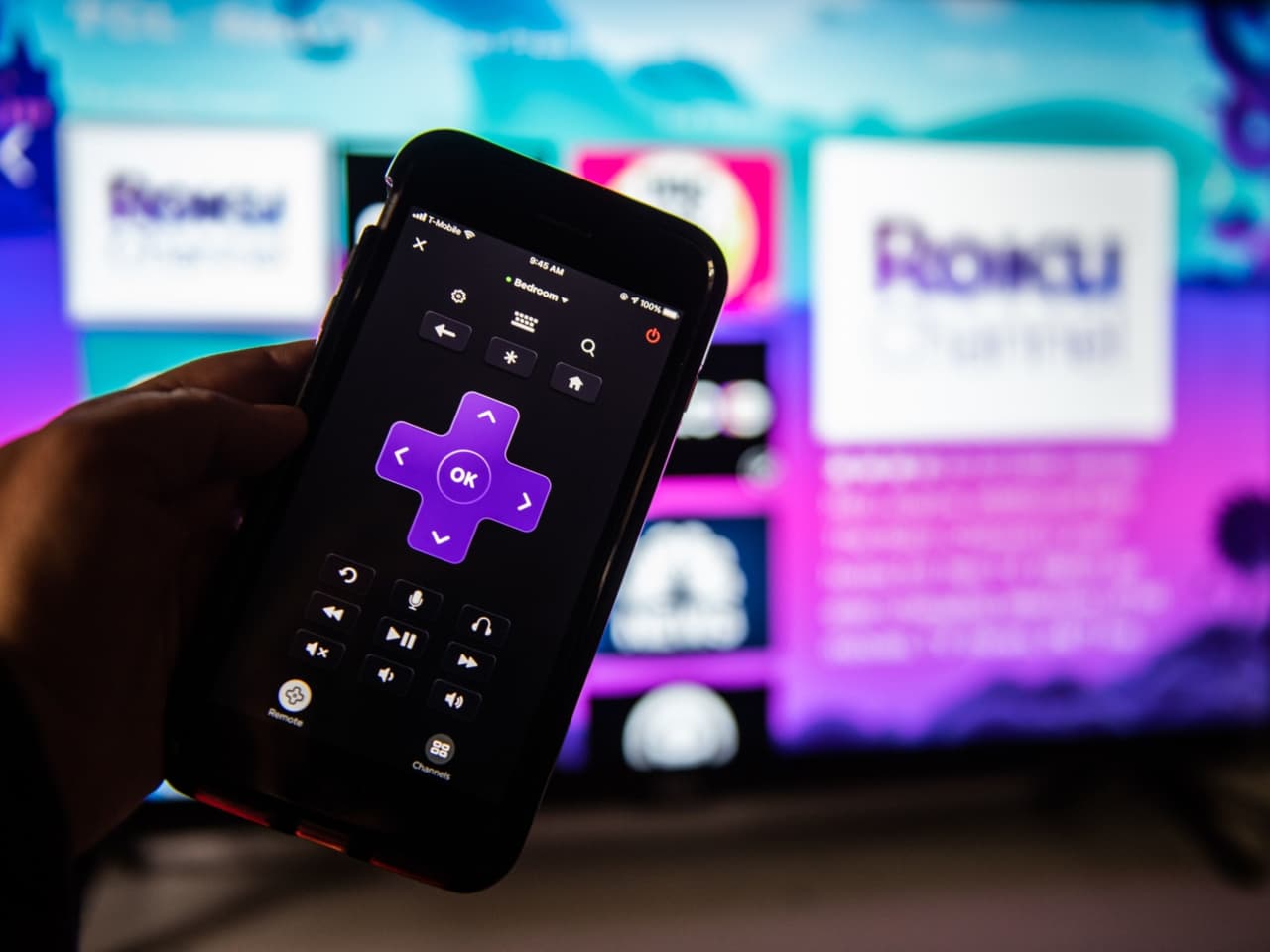
To connect your phone as a Roku remote, install the official Roku mobile app on your iOS or Android device and ensure both your phone and Roku player or Roku...
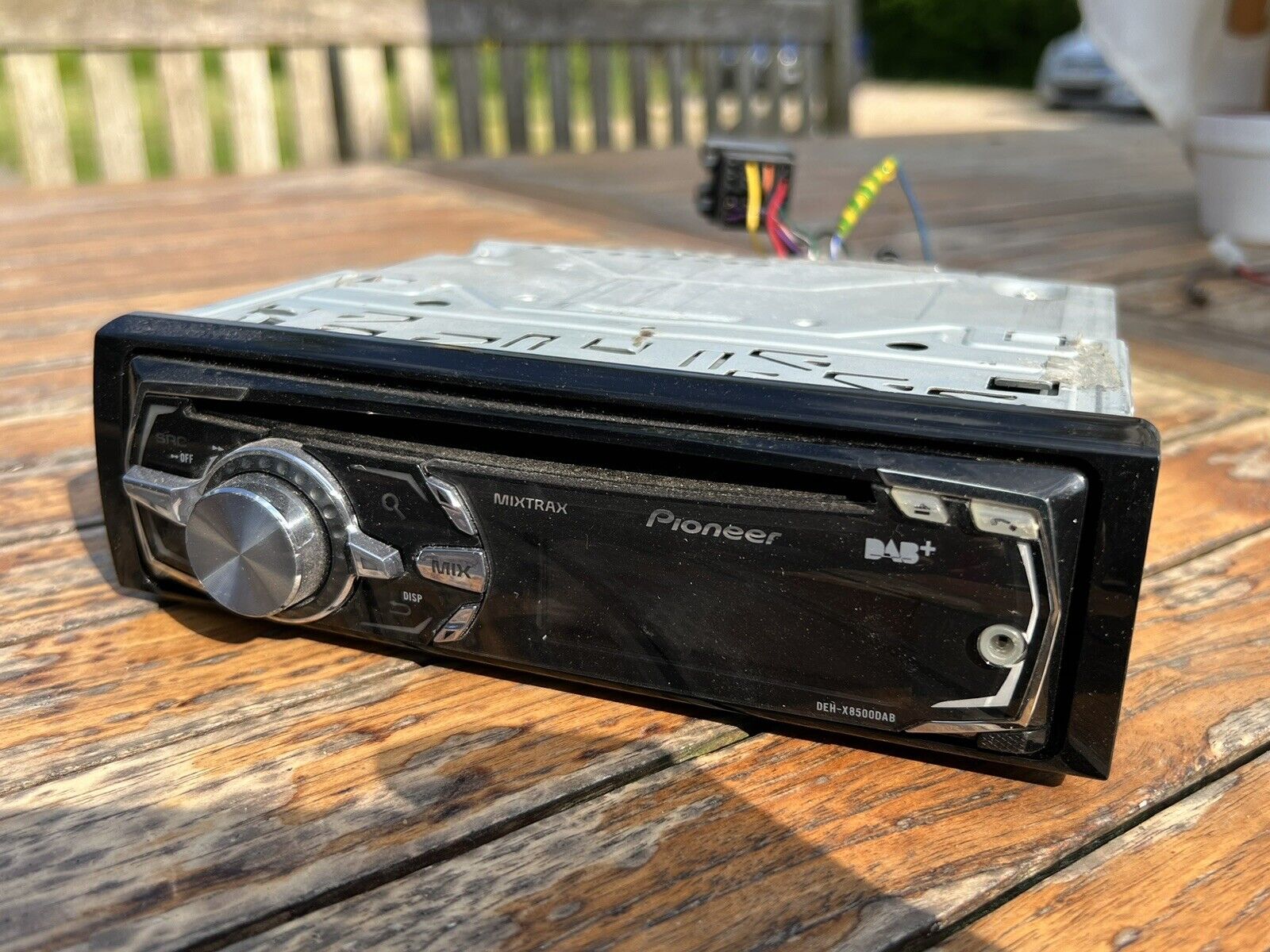
To connect your phone to Pioneer Mixtrax, start by parking your vehicle in a safe location and engaging the parking brake, then ensure Bluetooth is enabled on your smartphone. This...
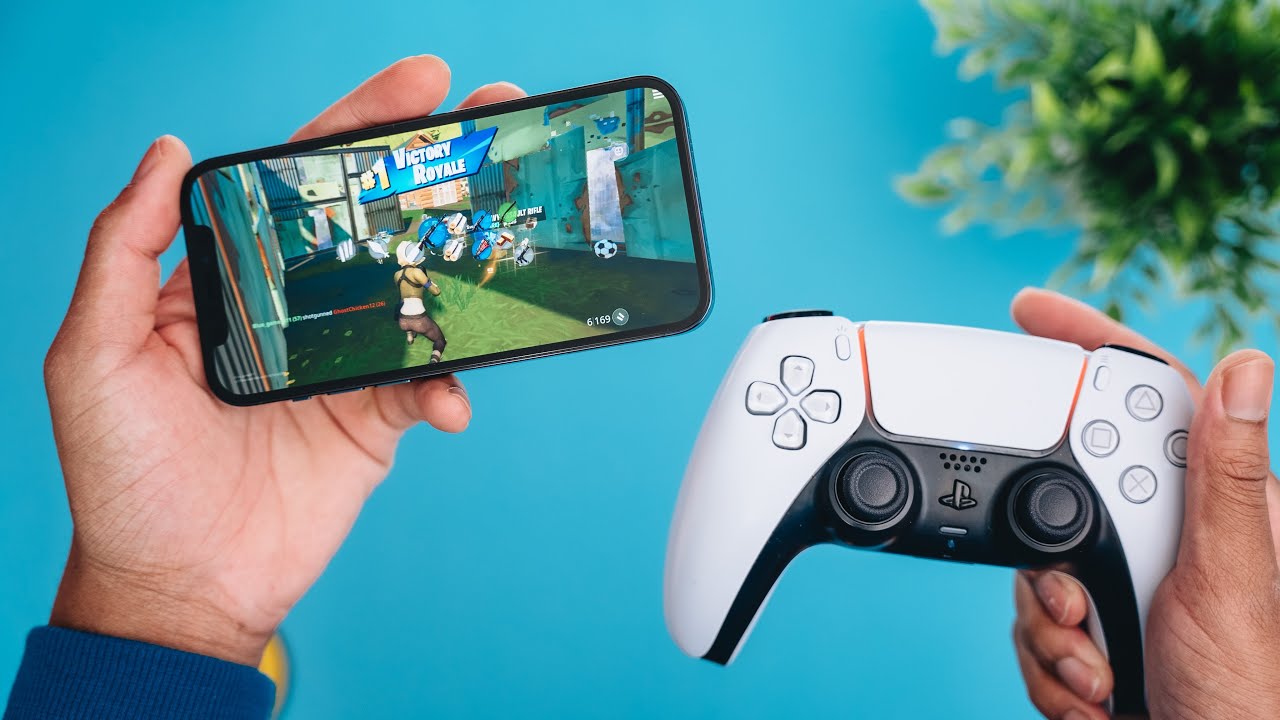
To connect a PS5 controller to your phone, you pair the DualSense wireless controller via Bluetooth with an Android device running Android 12 or later or an iPhone running iOS...
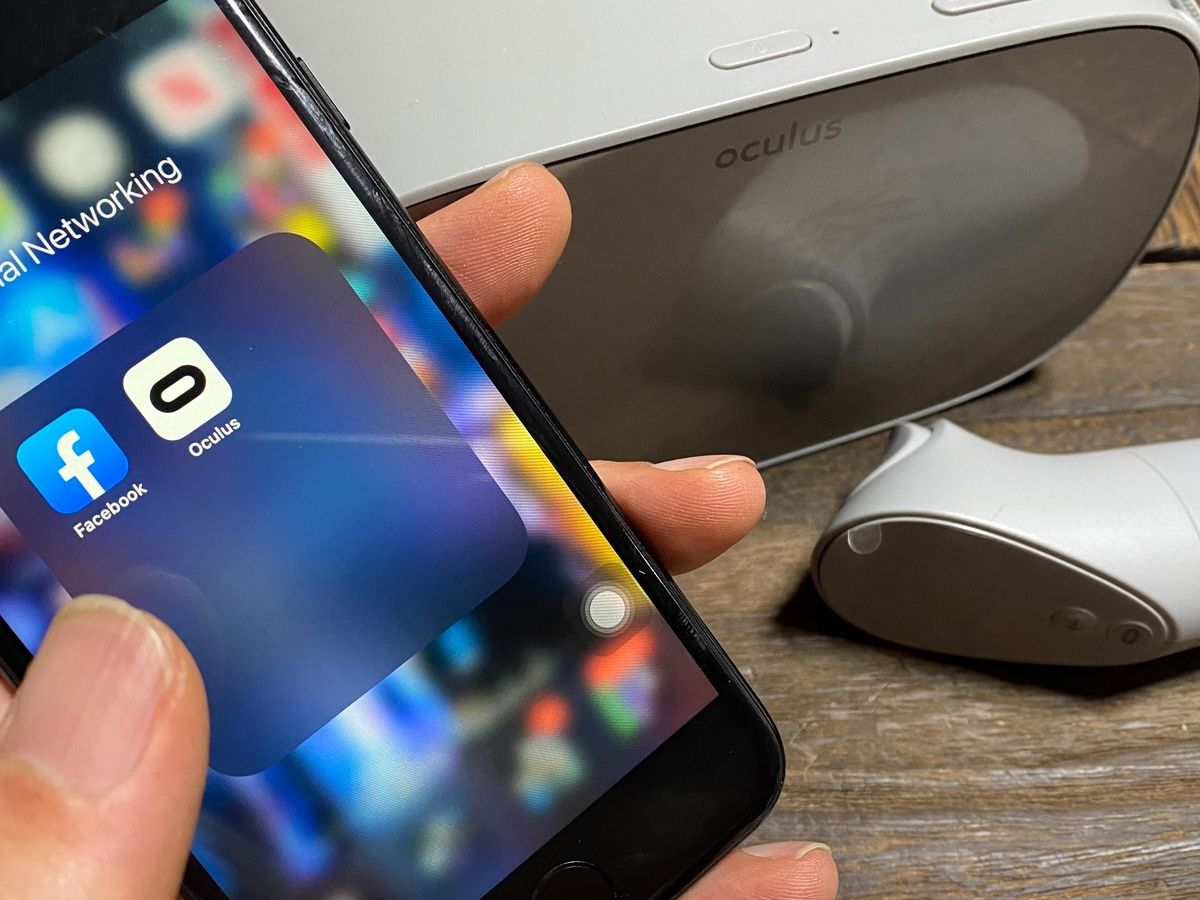
To connect your phone to Meta Quest, you need the official Meta Horizon mobile app installed on a compatible phone with Wi‑Fi and Bluetooth enabled. This wireless pairing process is...