Welcome to the iOS tag on CellularNews. This collection is for anyone who uses an iPhone or iPad and wants to get more out of their device, from casual gamers to power users looking to tweak their system. The articles here are focused on two main areas: helping you find the best apps and games to download, and guiding you through common settings and fixes when things don't work as expected.
If you're looking for something new to play, you'll find extensive lists covering a huge variety of genres. Whether you are into strategy with the 15 Best City Building Games, competitive action with the Top 20 Fighting Games, or relaxing puzzles with 20 Mobile Games Like Candy Crush, these articles help you discover top-rated titles. For those needing practical tools, guides like 26 Best Productivity Apps and 16 Best VPN for Android & iOS help you choose the right software for work and privacy. Beyond just finding apps, the tag also solves technical problems. You can learn how to fix your software with the guide on How to Downgrade iOS Using SHSH2 Blobs, or explore system modifications with the Jailbreak iOS guide and the article on Cydia Impactor. Other topics, such as How to Find Someone's Location by Cell Phone Number and How to Use TikTok App, provide clear steps for specific tasks you might need to accomplish.
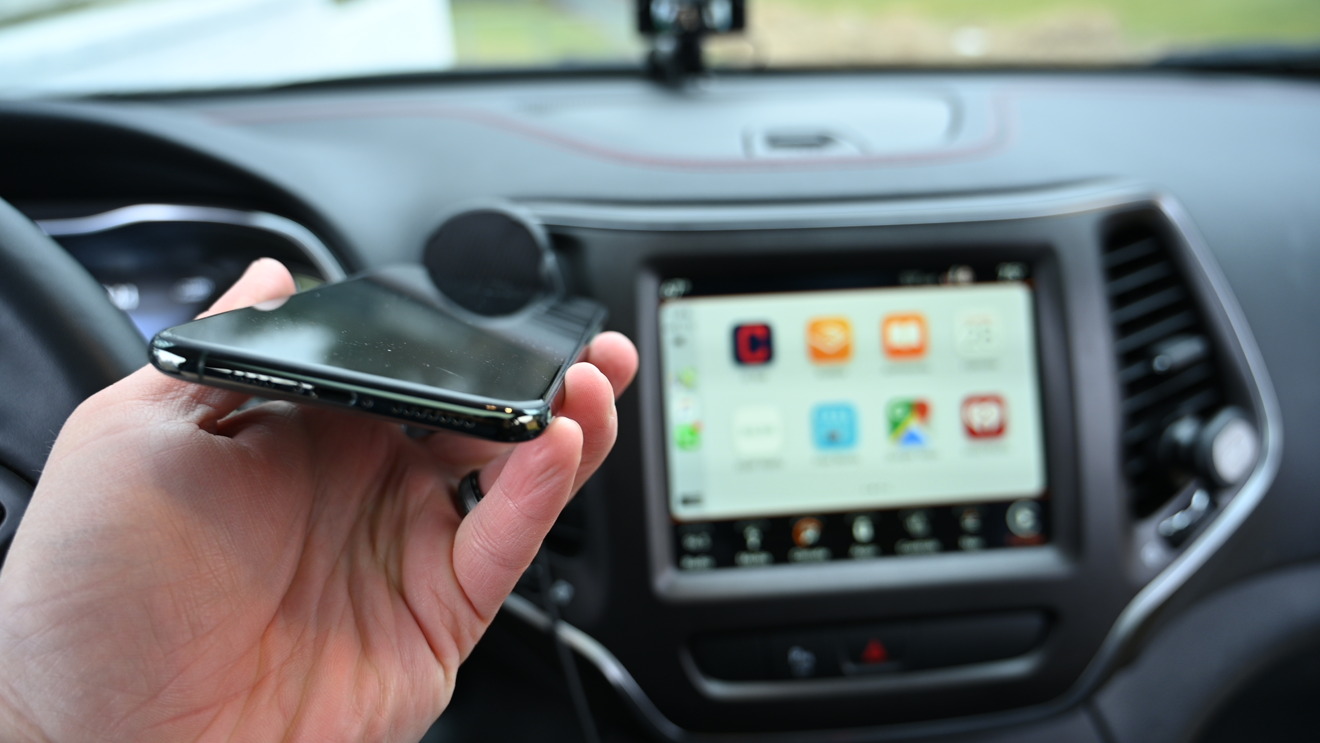
To make CarPlay wireless, you need a car that already supports wireless CarPlay and an iPhone with the latest iOS. The setup is done entirely on your iPhone, not through...
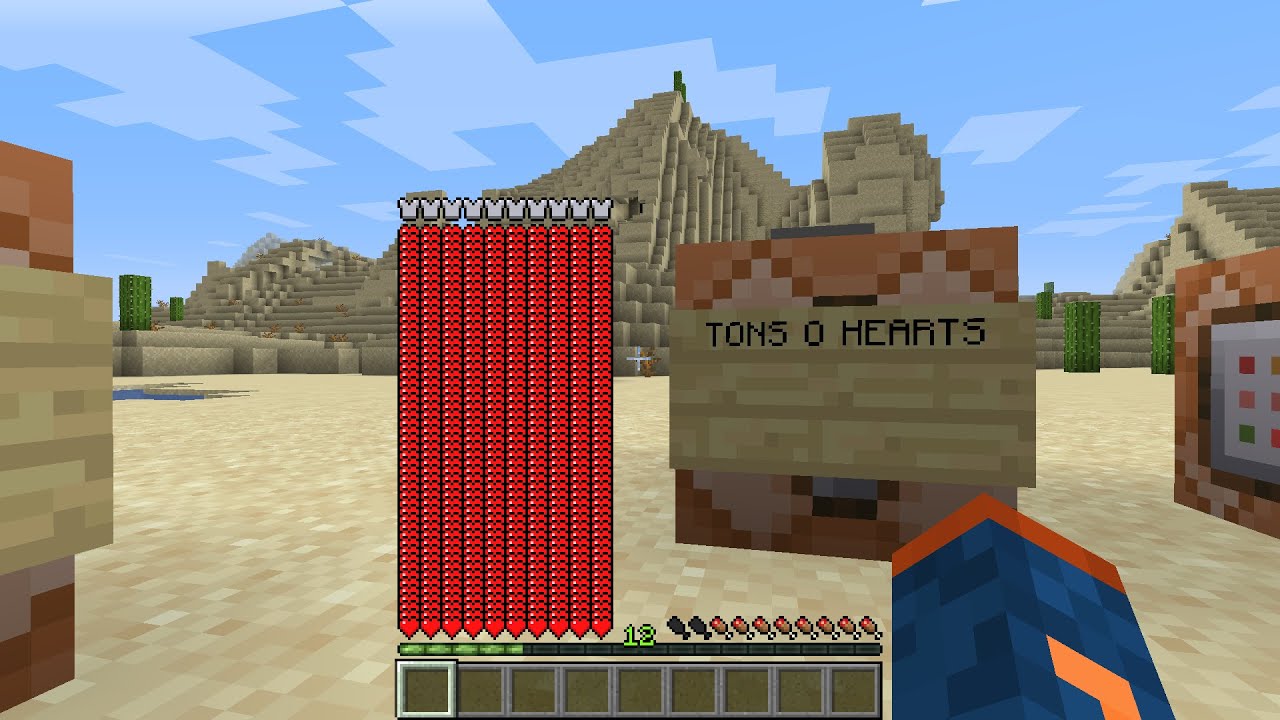
To delete player data Minecraft, you must understand that this usually means resetting a character's inventory, achievements, and progress in a specific world, not deleting your entire Minecraft account. This...
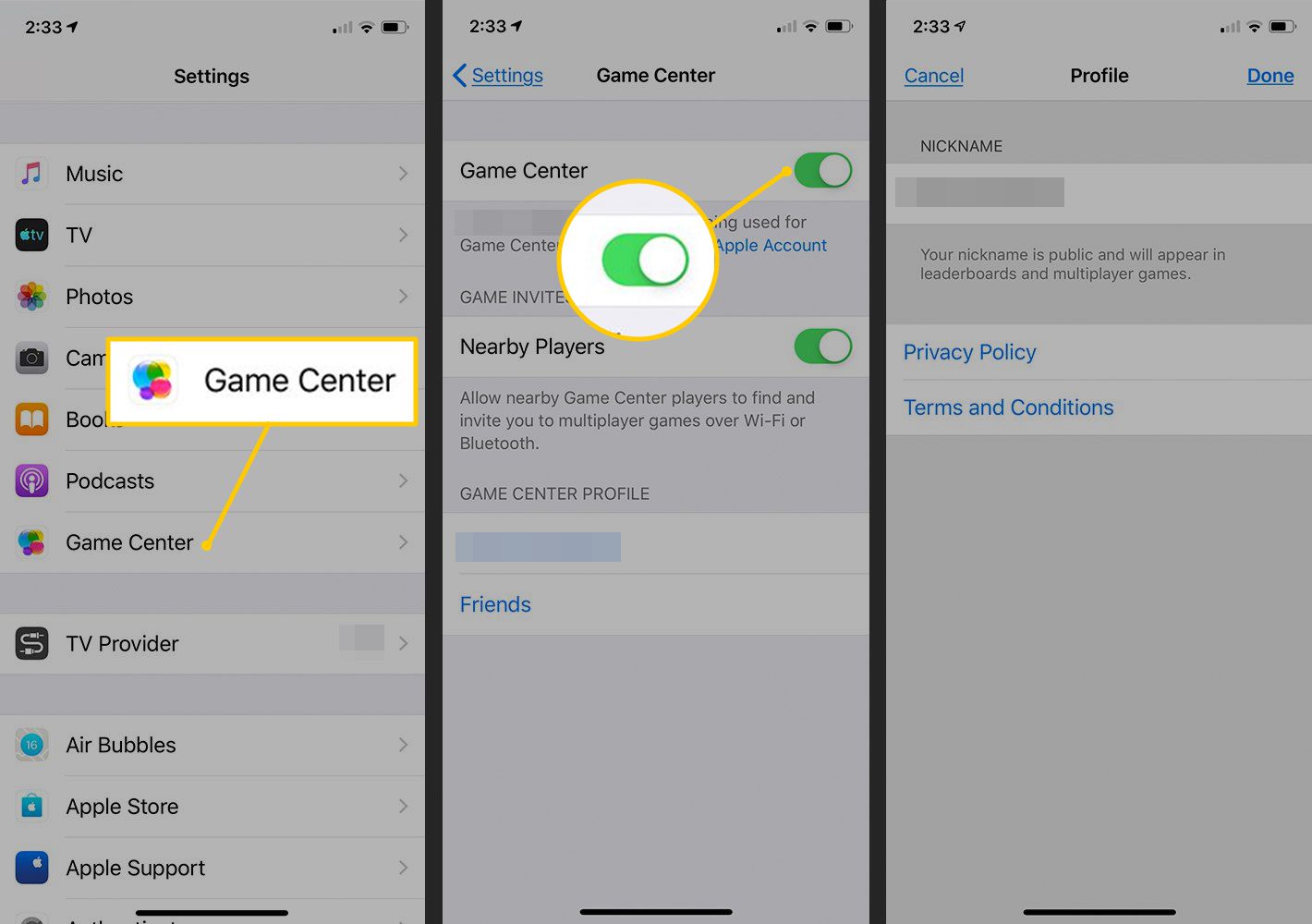
To delete game data from Game Center, you must delete the game's iCloud-backed data through your iPhone or iPad settings, as Game Center itself does not provide a direct control...
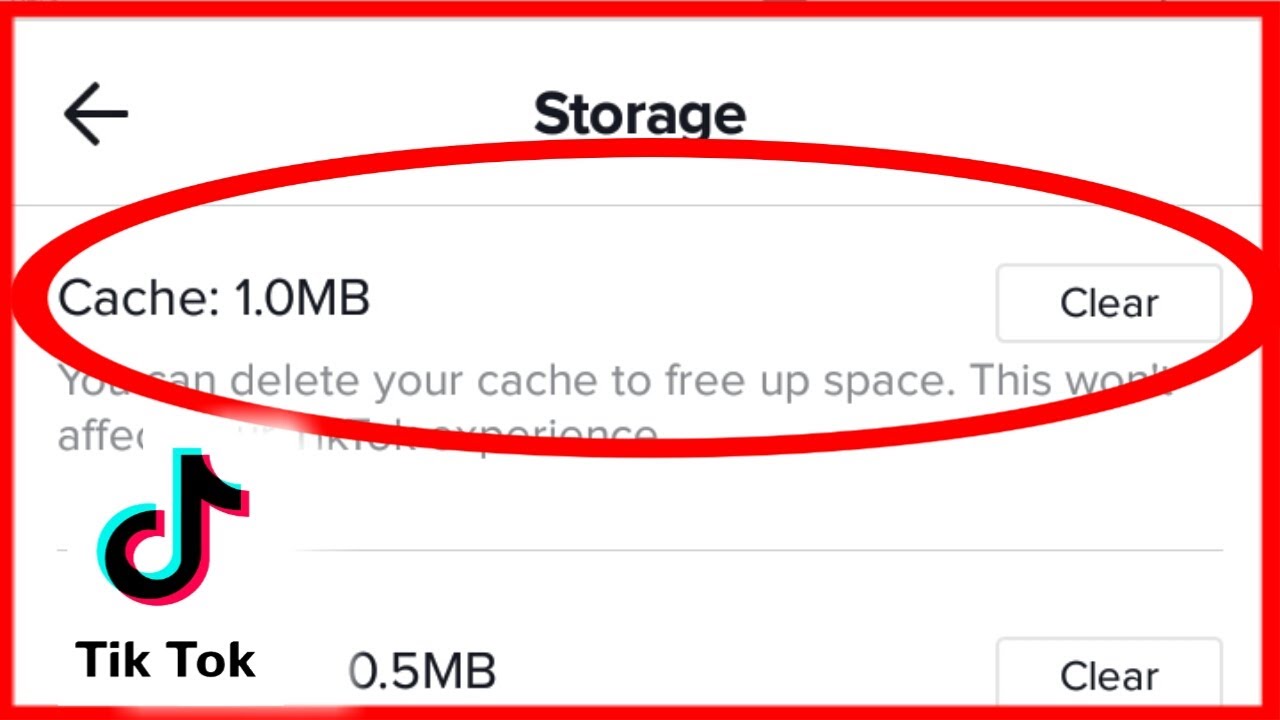
To clear data from TikTok, you can only remove temporary files like cache and in-app browser cookies, not your account or personal data stored on TikTok's servers. The app's documented...
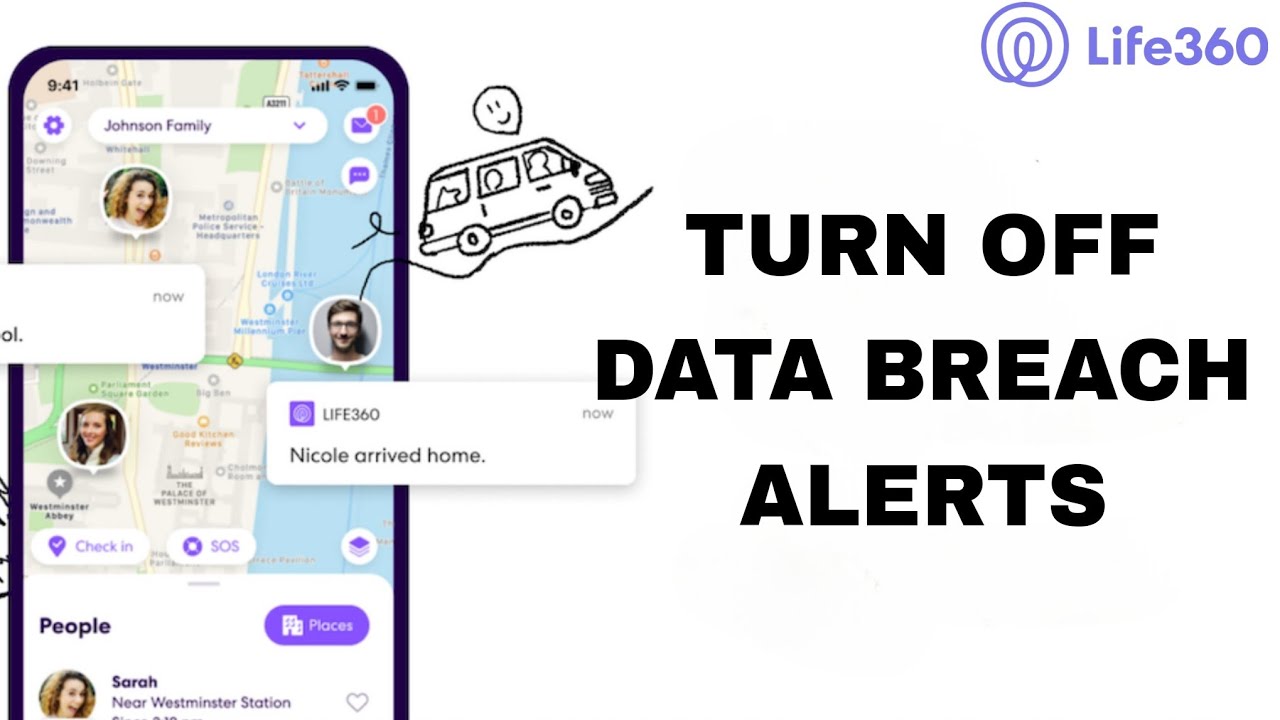
To turn off data breach alerts on Life360, open the app, tap the Settings icon in the upper left corner, then go to Privacy & Security > Digital Safety and...
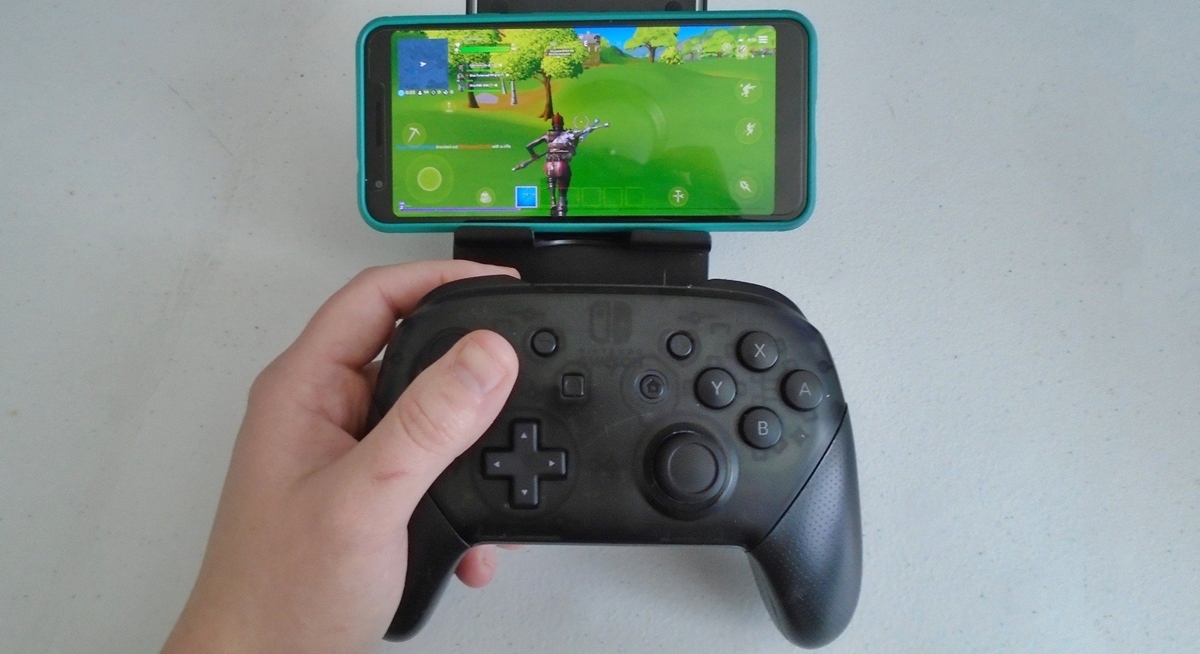
To connect a Switch controller to your phone, you pair it via Bluetooth just like any other wireless accessory. The process works for both Nintendo Switch Pro Controllers and individual...
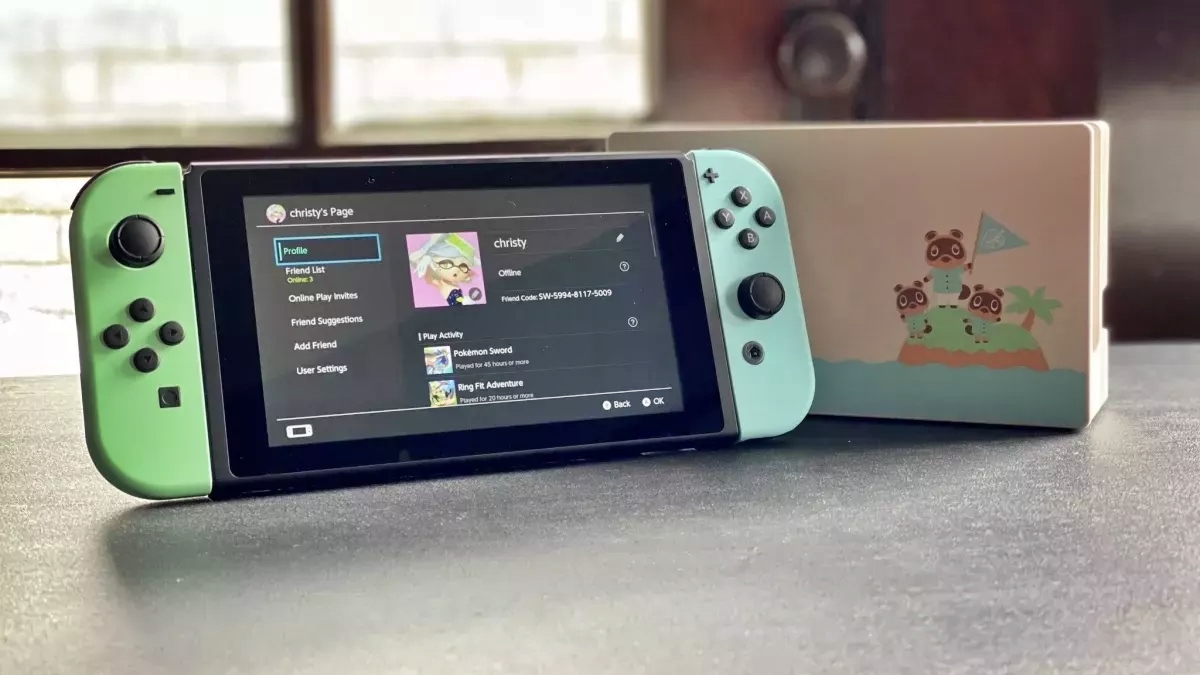
The only official way to connect your phone to a Nintendo Switch is through the Nintendo Switch App, which unlocks voice chat, game-specific services, and screenshot transfers. While you might...
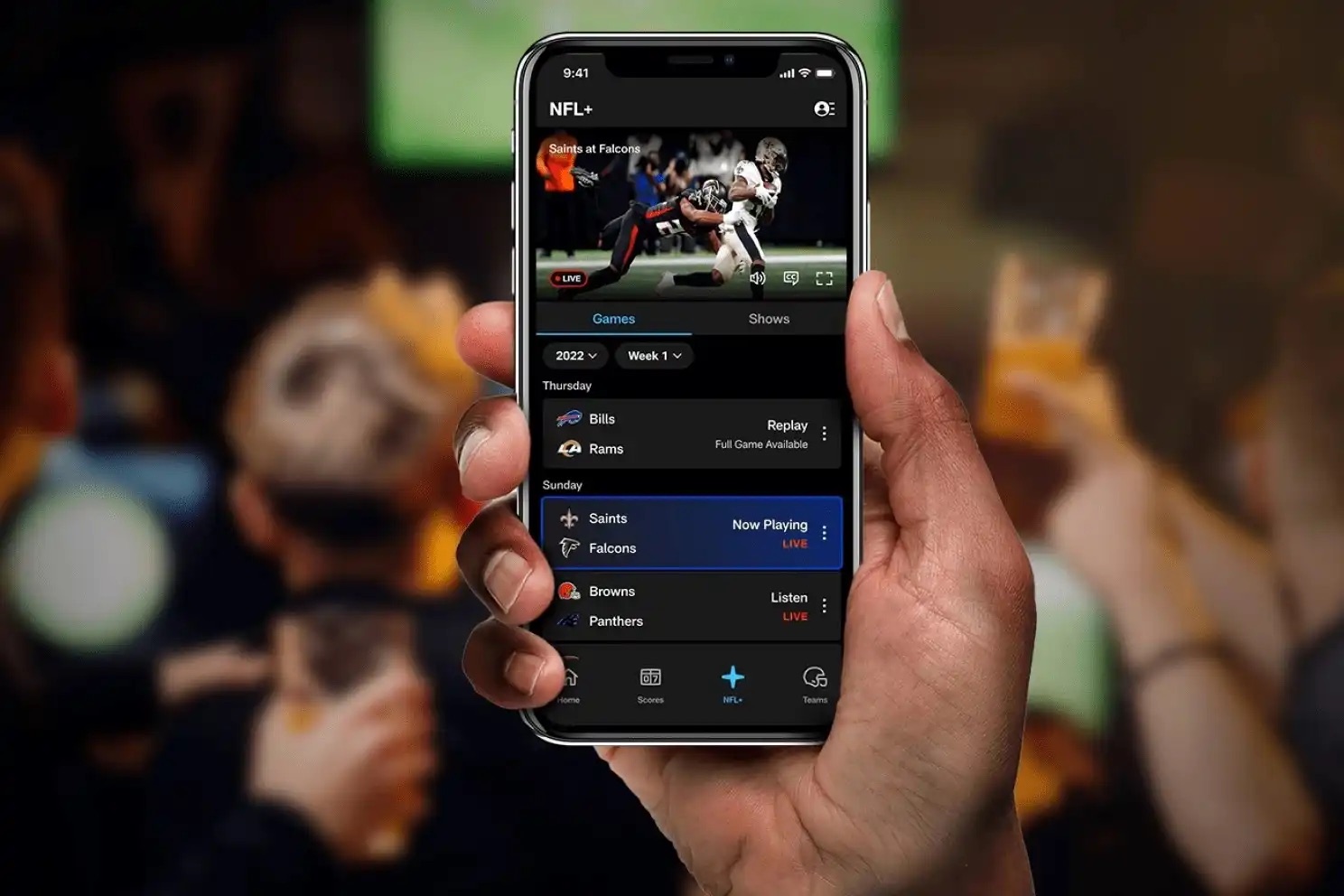
You can listen to football on your phone using a variety of free and paid methods, from dedicated subscription apps and built-in FM radio to free broadcast radio streams and...
To lock your phone while on YouTube, use the YouTube app's built-in lock screen feature, which prevents accidental touches from pausing, skipping, or tapping ads during playback. This is the...
To mirror phone to Xbox One, launch the "Wireless Display" app on your Xbox and keep it open; the screen will indicate it is "ready to connect". Then, from your...
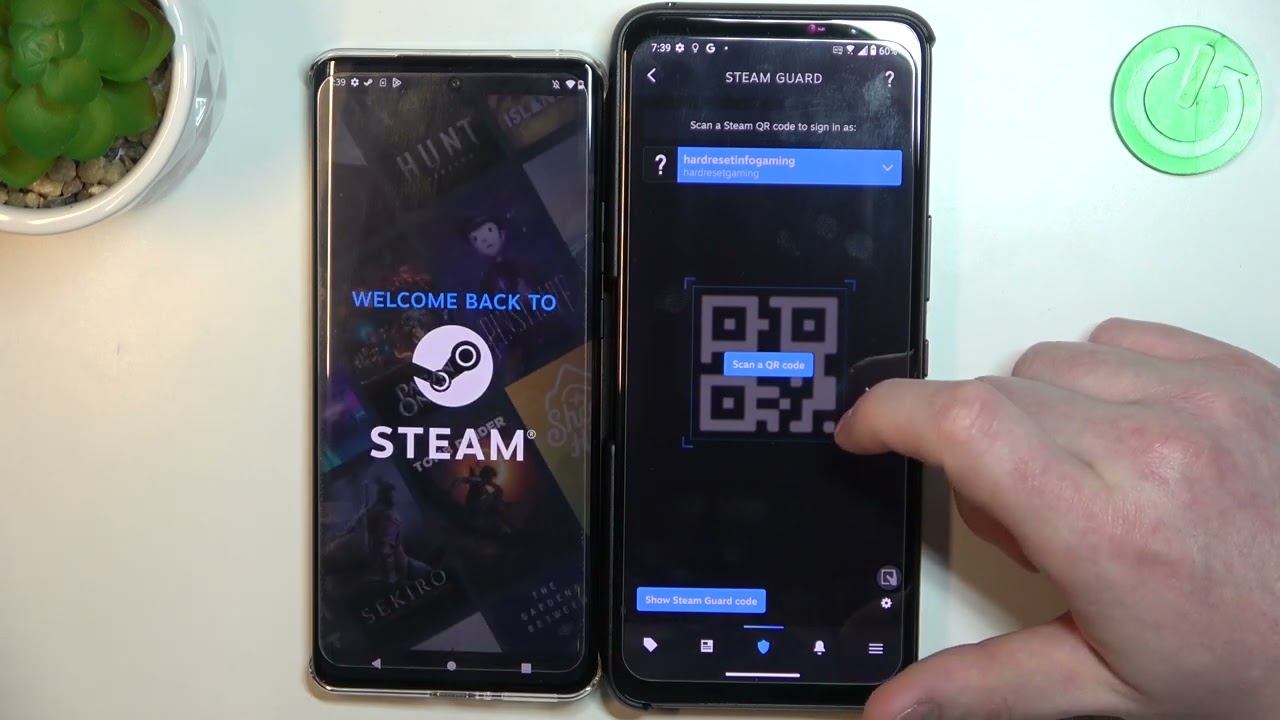
To move Steam authenticator to a new phone, use the Move Authenticator option in the Steam Guard menu on the new device while you still have access to the old...