You can listen to football on your phone using a variety of free and paid methods, from dedicated subscription apps and built-in FM radio to free broadcast radio streams and on-demand podcasts. Whether you want live play-by-play of an NFL game or a college football matchup, your smartphone can deliver the audio directly to your ears without needing a TV or a satellite receiver.
How to listen to football on phone with the SiriusXM app
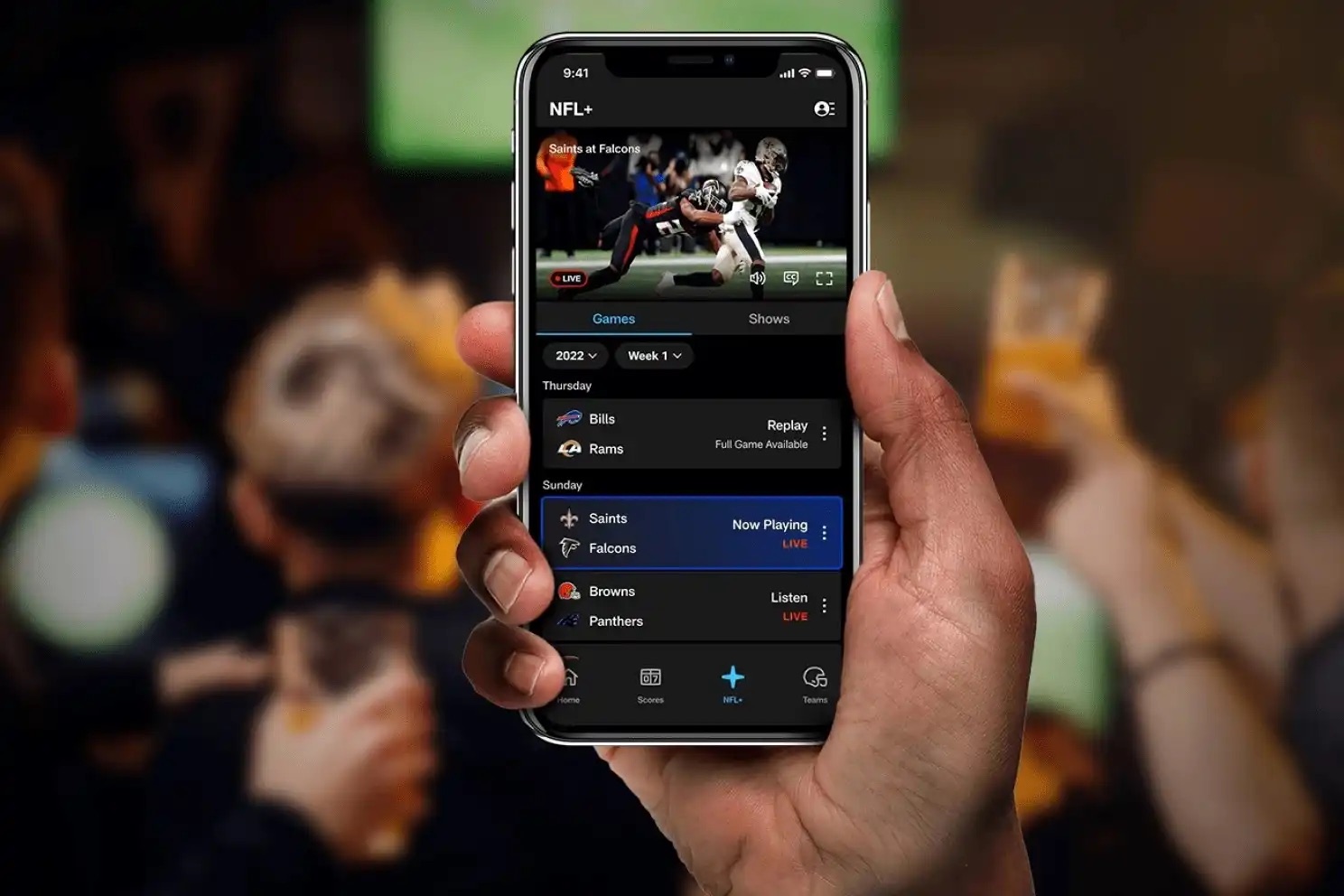
If you are already a SiriusXM subscriber, you can listen to live NFL and college football broadcasts on your phone without needing a satellite radio device. The SXM App is available for both iOS and Android. To get started, download the app from your phone’s app store, log in with your SiriusXM account credentials, and browse the sports section for live game channels. This is the most reliable way to hear every play from national broadcasts, including Sunday afternoon games and prime-time matchups.
Listen to local football broadcasts free with the Apple Music app
iPhone users can listen to live, free broadcast radio stations that cover local football games using the Music app. You do not need an Apple Music subscription to play live Apple Music radio stations or broadcast radio stations. To find a station, open the Music app, tap “Radio,” then scroll up to see stations under the “Local Broadcasters” or “International Broadcasters” heading. You can search for stations by name, call sign, frequency, and nickname. Alternatively, use Siri by saying something like “Hey Siri, play [station name] radio station.” Note that you cannot rewind or skip songs on live Apple Music radio stations.
Use your Android phone's built-in FM radio chip
Some Android phones have an FM radio receiver chip that allows you to listen to local FM radio without an internet connection. This is a great way to tune into local sports stations that broadcast live football games. On compatible Samsung phones, tap on the "Radio" app. You must connect wired headphones to your phone because they act as the antenna. The radio will start to auto scan available radio stations. Once the scan is complete, you can tap on arrow keys to search through available radio stations. The power button can be used to turn the radio on and off.
Stream games with sports radio aggregator apps
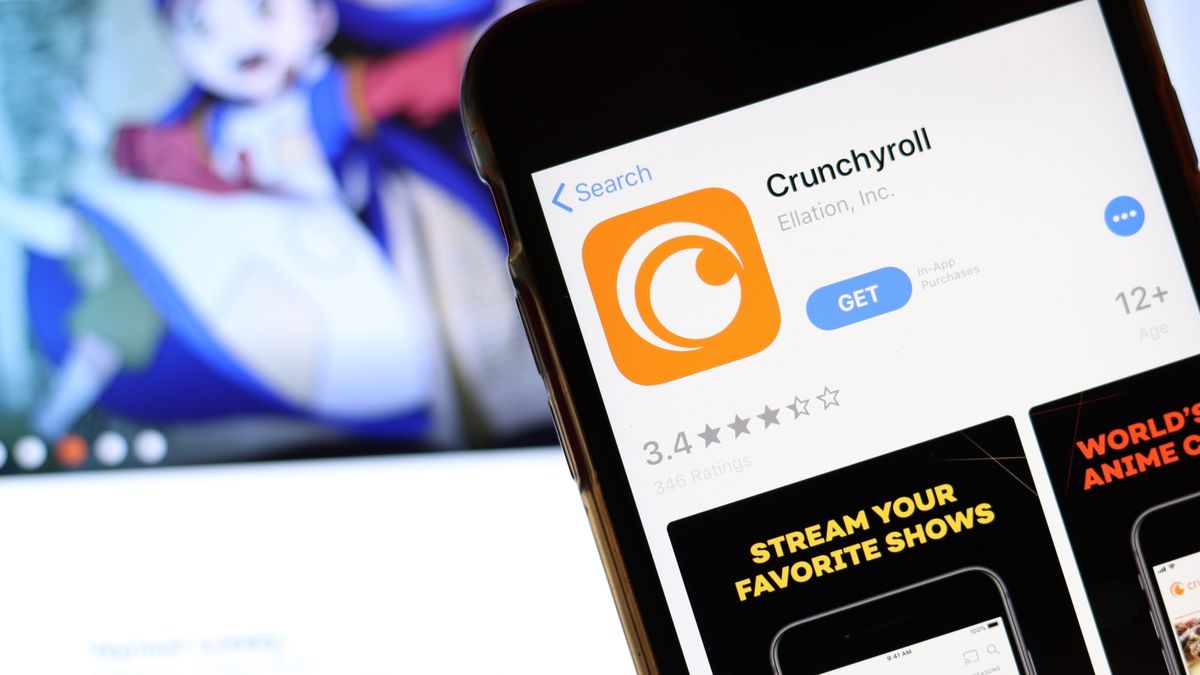
You can download free or paid apps from the App Store or Google Play Store to stream live football commentary. Popular options include TuneIn Radio, iHeartRadio, and official team apps. On an iPhone, open the App Store, tap the “Search” tab, and look for a specific app. Tap the price or “Get” button, then authenticate with Face ID, Touch ID, or your passcode. On an Android phone, open the Google Play Store app, tap “Install” for free apps or the app’s price for paid ones, and follow the on-screen instructions. Google Play Protect scans apps for security issues. These aggregator apps let you find local and national sports stations, and many official team apps offer live audio of their games.
Find on-demand football talk in the podcasts app
The Podcasts app on your phone allows you to stream and download millions of shows, including sports analysis and football talk programs. This is useful for catching up on game breakdowns, previews, and interviews when you cannot listen live. On an iPhone, launch the Podcasts app, tap “Search” in the menu at the bottom of your screen, and enter a team name or topic. On Android, use Google Podcasts to search for similar content. You can download episodes for offline listening, so you never miss analysis even without a data connection. If you also enjoy mobile gaming content, you can search for FIFA and Madden Mobile guides in the same podcast directories.
Frequently Asked Questions
Will listening to football on my phone use a lot of data?
Streaming live audio uses far less data than video, but a full game can still consume several hundred megabytes. If you are on a limited data plan, connect to Wi-Fi when possible or download podcast episodes for offline listening.
Are there completely free ways to listen to live football on my phone?
Yes. The Apple Music app’s broadcast radio feature is free without a subscription, and many local FM stations can be heard for free using a compatible Android phone’s built-in FM radio chip. Free ad-supported apps like TuneIn also offer many local sports stations.
Can I listen to football on my phone if I am in a different country?
Most apps and streaming platforms have worldwide access, but some broadcasts may be subject to regional restrictions due to licensing agreements. Check the app’s terms or try a local broadcast radio station through the Music app or TuneIn to see what is available in your location.
Do I need headphones to use the built-in FM radio on my Android phone?
Yes. Wired headphones must be connected because they act as the antenna for the FM radio receiver. The radio will not work without them.
Can I listen to live NFL games on the SiriusXM app without a satellite radio subscription?
No. The SXM App requires an active SiriusXM subscription to stream live NFL and college football broadcasts. You cannot access the live game channels without a paid account.
Related reading: How To Watch Hulu On My Phone and How To Stream Roku From A Phone To TV.