The iPhones tag page on CellularNews collects articles specifically for iPhone users, from casual owners to those who like to tinker with their devices. This tag is for anyone who wants to get more out of their phone, whether that means fixing a common glitch, finding a new app, or understanding a key feature.

The articles here solve real-world problems grouped around a few clear themes. One major theme is troubleshooting and network fixes, with guides on resetting network settings, fixing cellular network errors, and using Wi-Fi calling. Another theme is customization and app management, covering how to transfer apps to a new iPhone, schedule text messages, and recover deleted texts and WhatsApp messages. A third theme focuses on entertainment and productivity, including lists of the best Apple Arcade games, free movie apps, and text to speech readers.

These articles help the reader do practical things: fix a phone that won't make calls, learn how to screen record mobile games, recover deleted messages, and choose the best phone case or mobile accessory. They also explain technical topics like what an IPA file is and how to jailbreak an iPhone without a PC, giving clear steps for specific tasks.
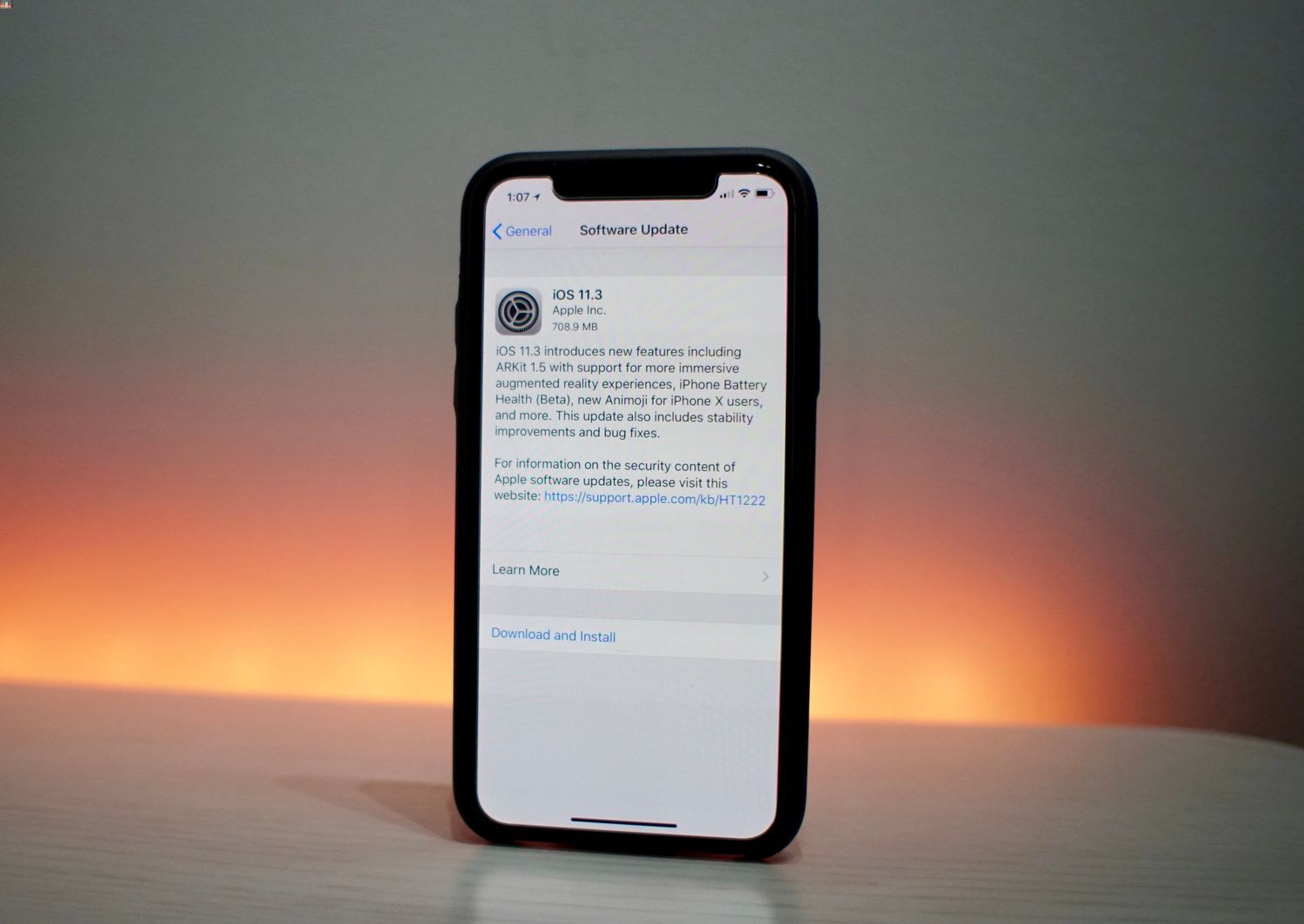
How To Disable iPhone Performance Throttling In iOS 11.3

To disable iPhone performance throttling in iOS 11.3, open Settings, tap Battery, tap Battery Health, and turn off the performance-management feature if it appears. This toggle only shows up after...

How To Pair Redmi Earbuds

To pair Redmi earbuds, start by charging the earbuds and their case, then put the earbuds into pairing mode and connect from your device's Bluetooth settings. This is the core...

How To Reset Data Usage

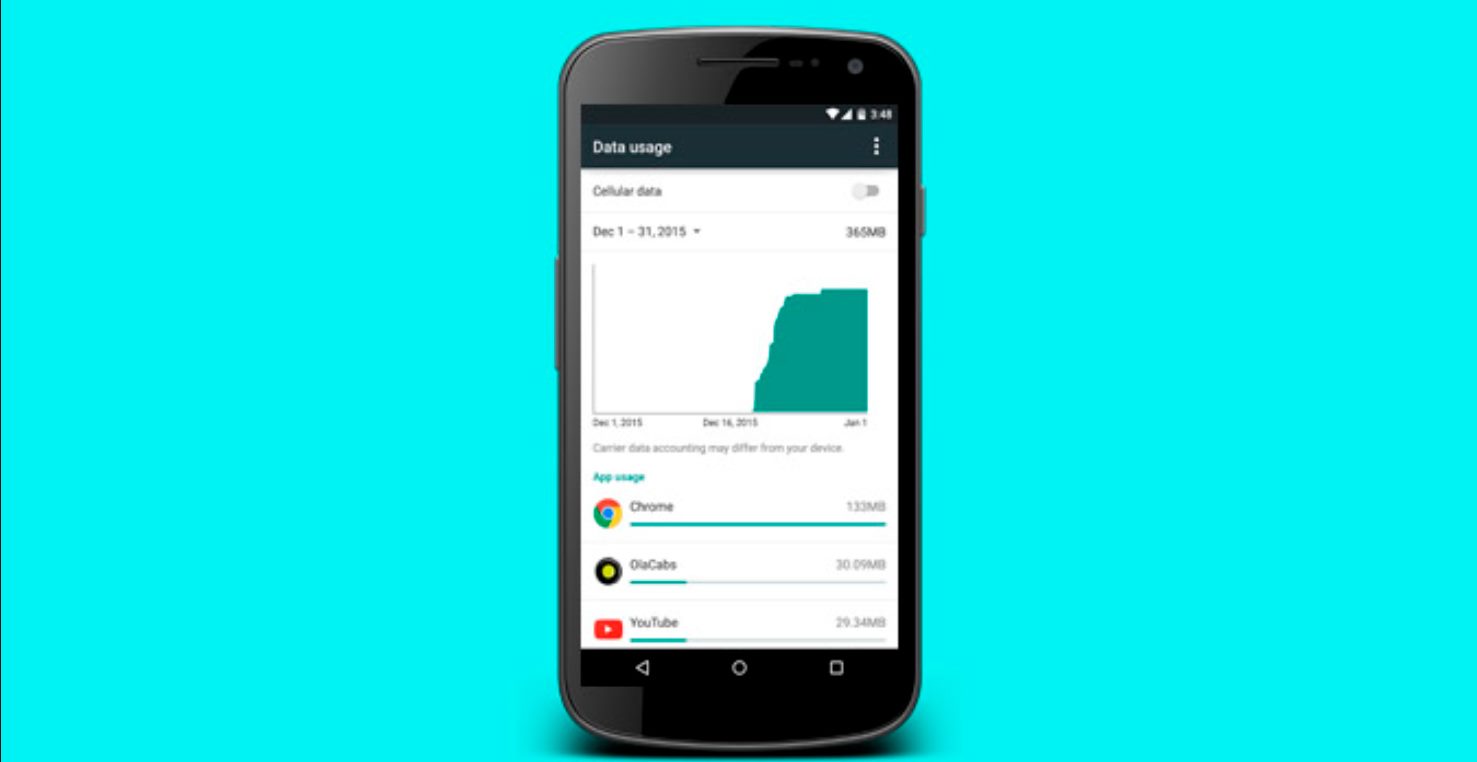
To reset data usage on your iPhone or iPad, you clear the on-device cellular statistics counter, not your carrier's billing record. The only officially documented method is on Apple devices,...

How To Get Unlimited Data For Free

To reduce mobile data usage, you need to use the built-in data-saving settings on your phone, not find a mythical free unlimited plan. While no phone setting can give you...

How To Turn Low Data Mode Off

To turn off Low Data Mode, open Settings on your iPhone or Android phone and disable the feature where you turned it on. This restores full-speed, unrestricted data usage for...

How To Clear Up System Data

To clear up system data on your iPhone or Android phone, you need to understand that this category, sometimes called "Other" on older devices, is a mix of caches, logs,...

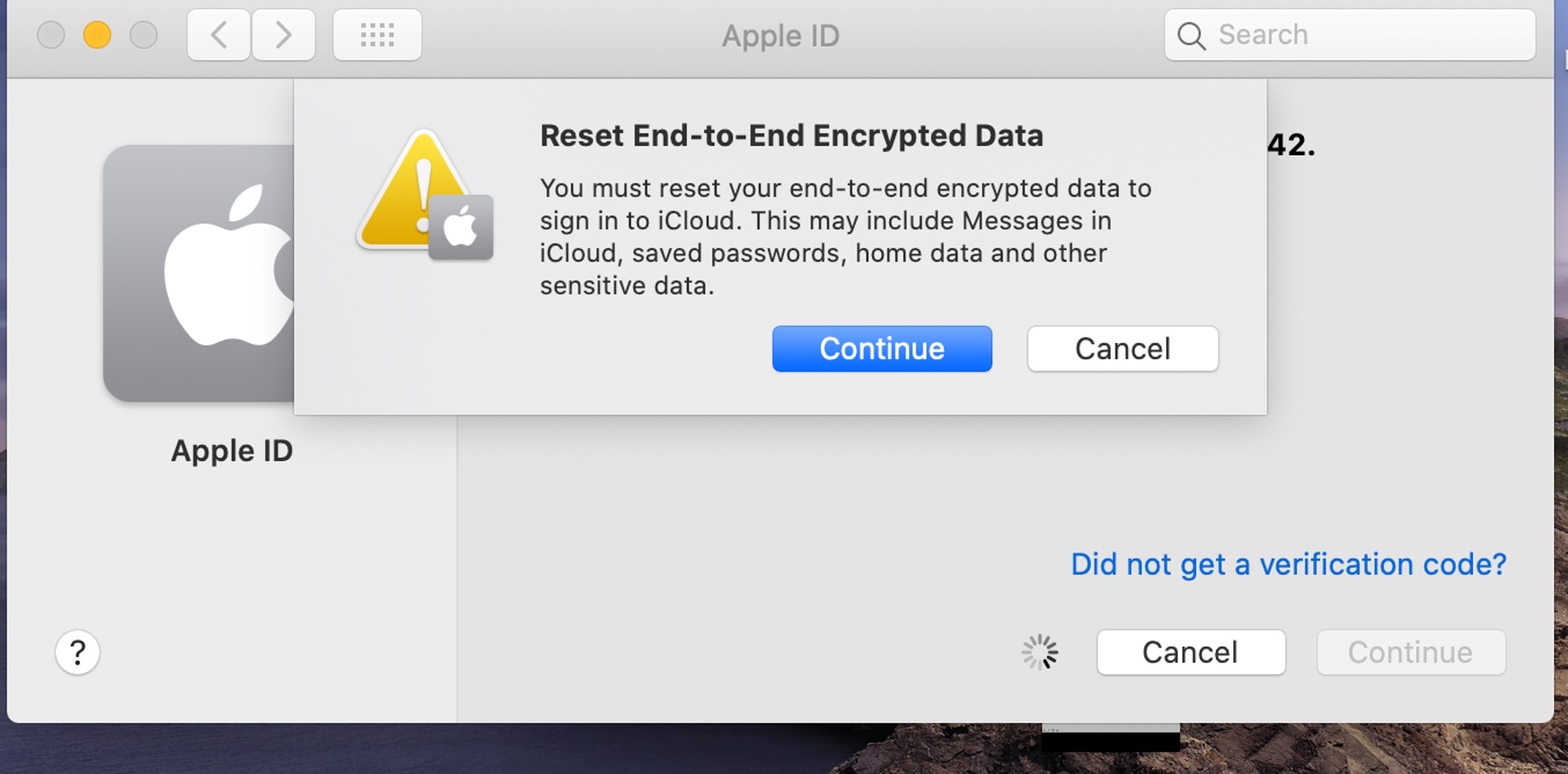
How To Reset End To End Encrypted Data

To reset end-to-end encrypted data means to clear the encryption keys that protect your synced iCloud information, typically to fix a persistent “Some iCloud data isn’t syncing” error or to...