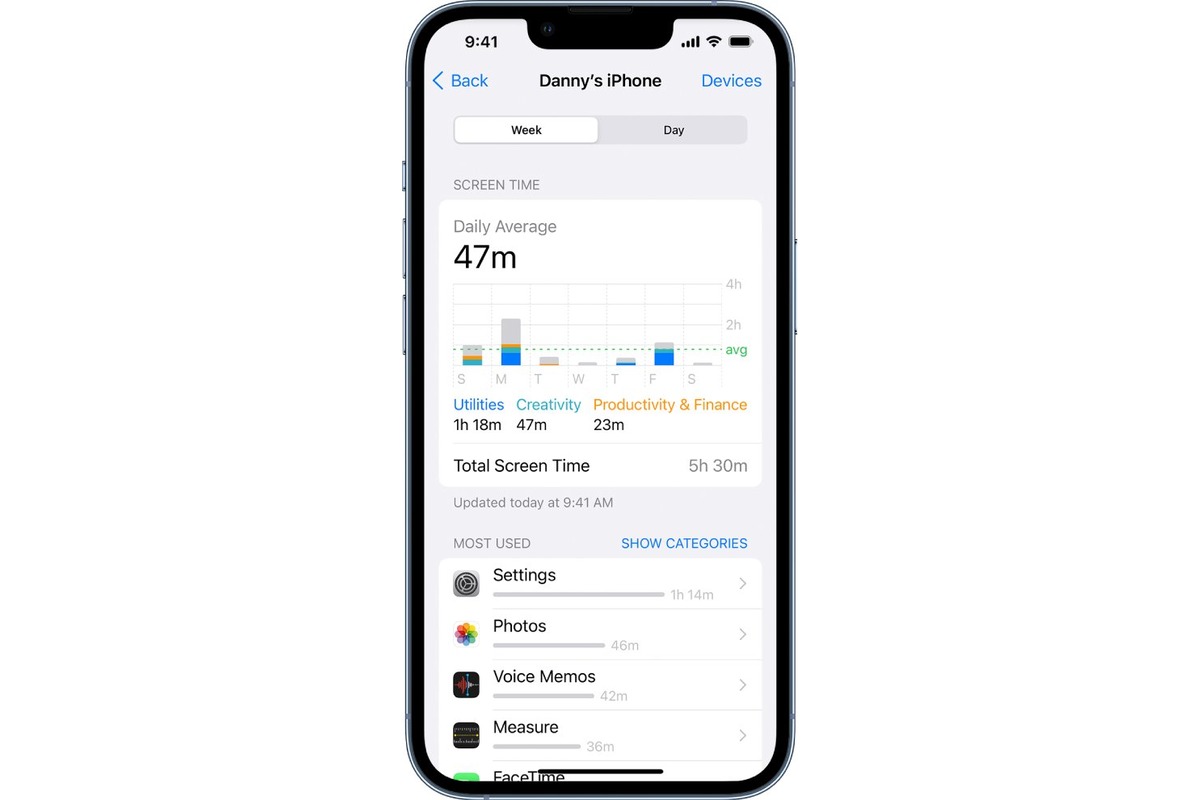
To reset data usage on your iPhone or iPad, you clear the on-device cellular statistics counter, not your carrier's billing record. The only officially documented method is on Apple devices, where you can reset the cellular data usage statistics to start tracking from zero for a new period.
What it means to reset data usage
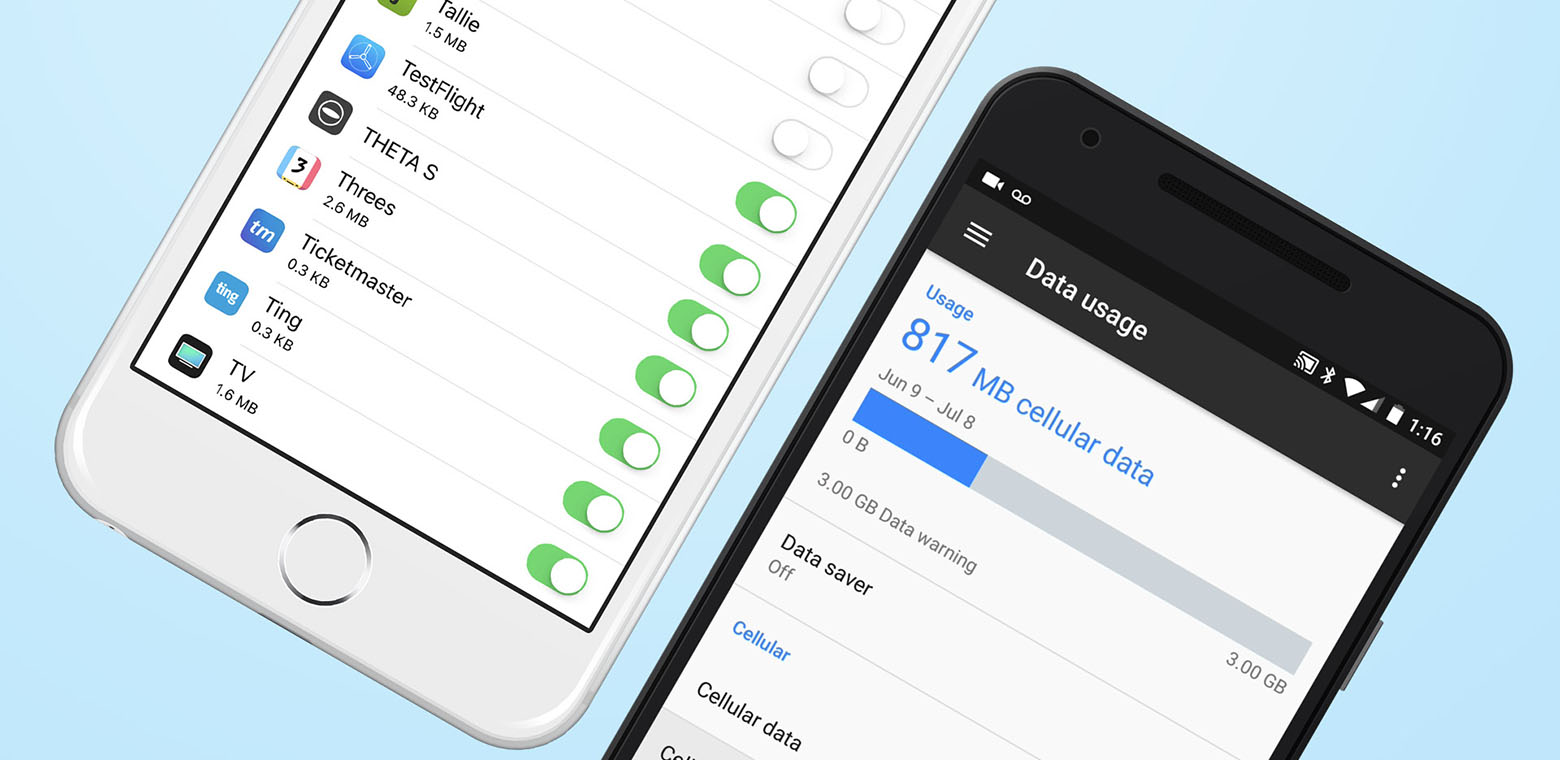
Resetting data usage clears the cellular usage statistics shown on your device for the current period, including per-app data totals. This action does not change your carrier's billing record or reset your monthly data allowance. Resetting data usage can help identify unusual or excessive data consumption by letting you monitor usage from a clean baseline. Apple documents this feature only on iPhone and iPad, and recommends contacting your carrier for the most accurate usage tied to a billing cycle.
How to reset data usage on iPhone and iPad
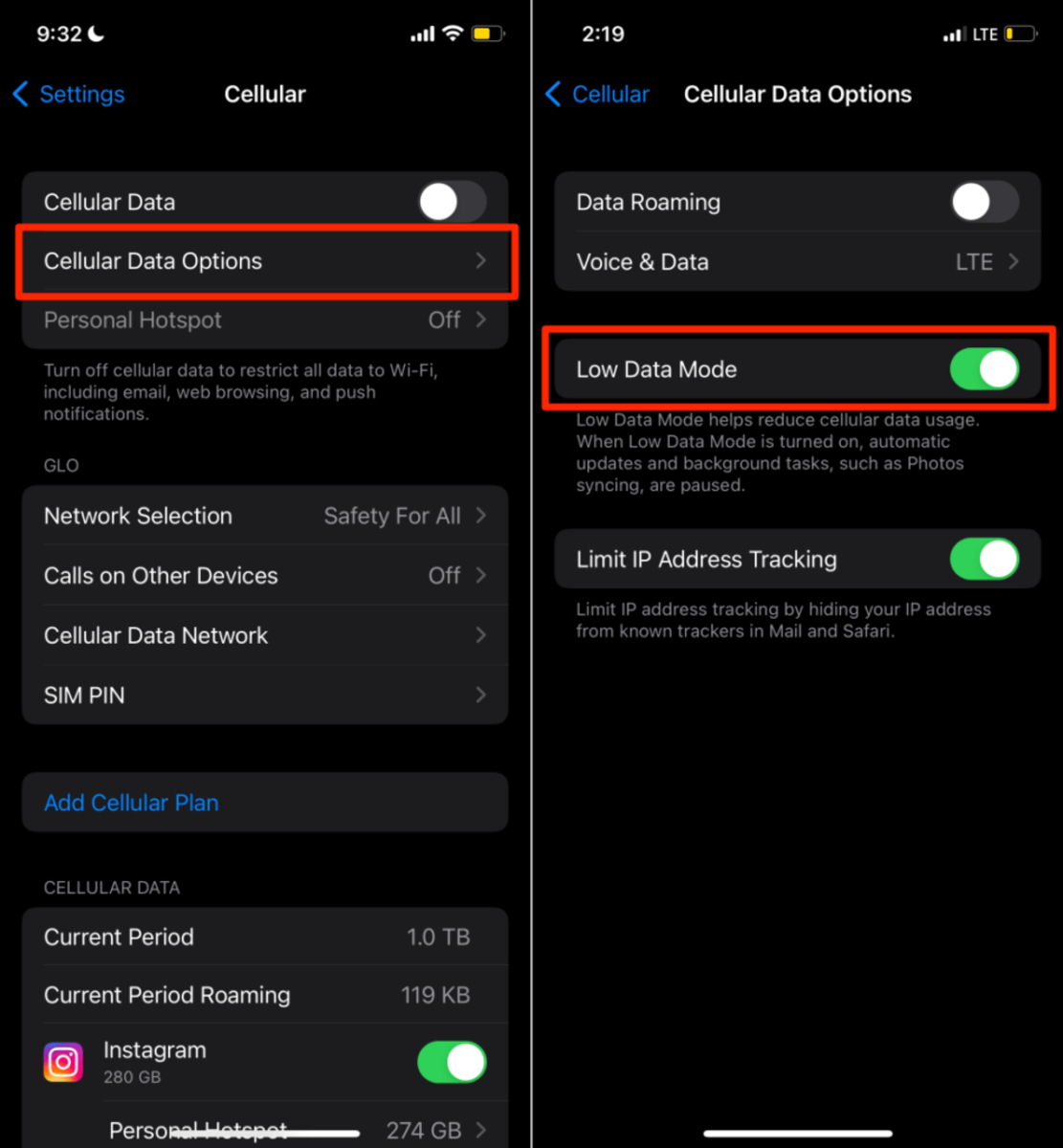
Apple provides a single, official path to reset cellular data statistics on iPhone and iPad. Follow these steps:
- Open Settings.
- Tap Cellular or Mobile Data.
- Scroll to the bottom of the page.
- Tap Reset Statistics.
After tapping Reset Statistics, the device clears the usage data for the current period. If you need the most accurate usage for a billing cycle, Apple says to contact your carrier.
What about resetting data usage on Android?
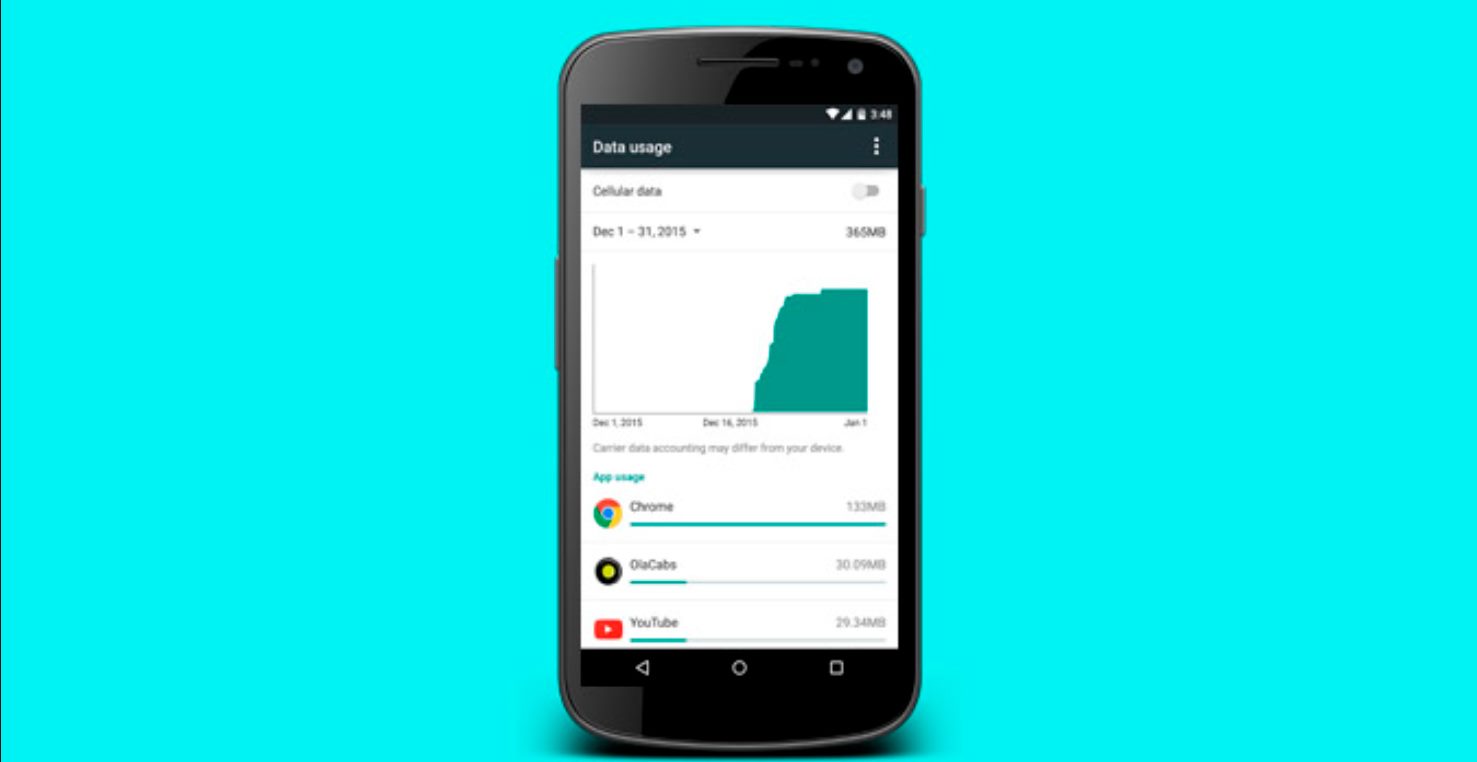
No official Google or manufacturer support page documents a reset path for cellular data usage on Android. For managing cellular data settings and fixing issues, check your data usage through your carrier instead.
What about resetting data usage on Windows or Mac?
No official Microsoft or Apple support page documents a data usage reset for Windows or Mac. For checking data usage and balance, use your carrier's tools or the hub page for tracking.
Frequently Asked Questions
What is data usage?
Data usage is measured in MB or GB and is consumed when browsing, streaming, using social media, or downloading files.
Why is it important to monitor data usage?
Monitoring data usage helps you avoid exceeding your data limit and incurring extra charges, understand your internet habits, and manage your data plan effectively.
Will resetting data usage affect my billing cycle?
No. Resetting the on-device counter does not change your billing cycle or the data your carrier tracks. Your carrier continues to bill based on its own records.
How do I check my current data usage?
On iPhone, go to Settings > Cellular or Mobile Data to see current usage. For the most accurate billing-cycle total, check your carrier's app or website.
What if the reset option is missing on my iPhone?
The Reset Statistics button appears at the bottom of the Cellular or Mobile Data settings page. If it is missing, make sure you are on a supported iOS version and that you have scrolled to the very bottom of the page.
Related reading: How To Reset My Cellular Data.