The iPhones tag page on CellularNews collects articles specifically for iPhone users, from casual owners to those who like to tinker with their devices. This tag is for anyone who wants to get more out of their phone, whether that means fixing a common glitch, finding a new app, or understanding a key feature.

The articles here solve real-world problems grouped around a few clear themes. One major theme is troubleshooting and network fixes, with guides on resetting network settings, fixing cellular network errors, and using Wi-Fi calling. Another theme is customization and app management, covering how to transfer apps to a new iPhone, schedule text messages, and recover deleted texts and WhatsApp messages. A third theme focuses on entertainment and productivity, including lists of the best Apple Arcade games, free movie apps, and text to speech readers.

These articles help the reader do practical things: fix a phone that won't make calls, learn how to screen record mobile games, recover deleted messages, and choose the best phone case or mobile accessory. They also explain technical topics like what an IPA file is and how to jailbreak an iPhone without a PC, giving clear steps for specific tasks.
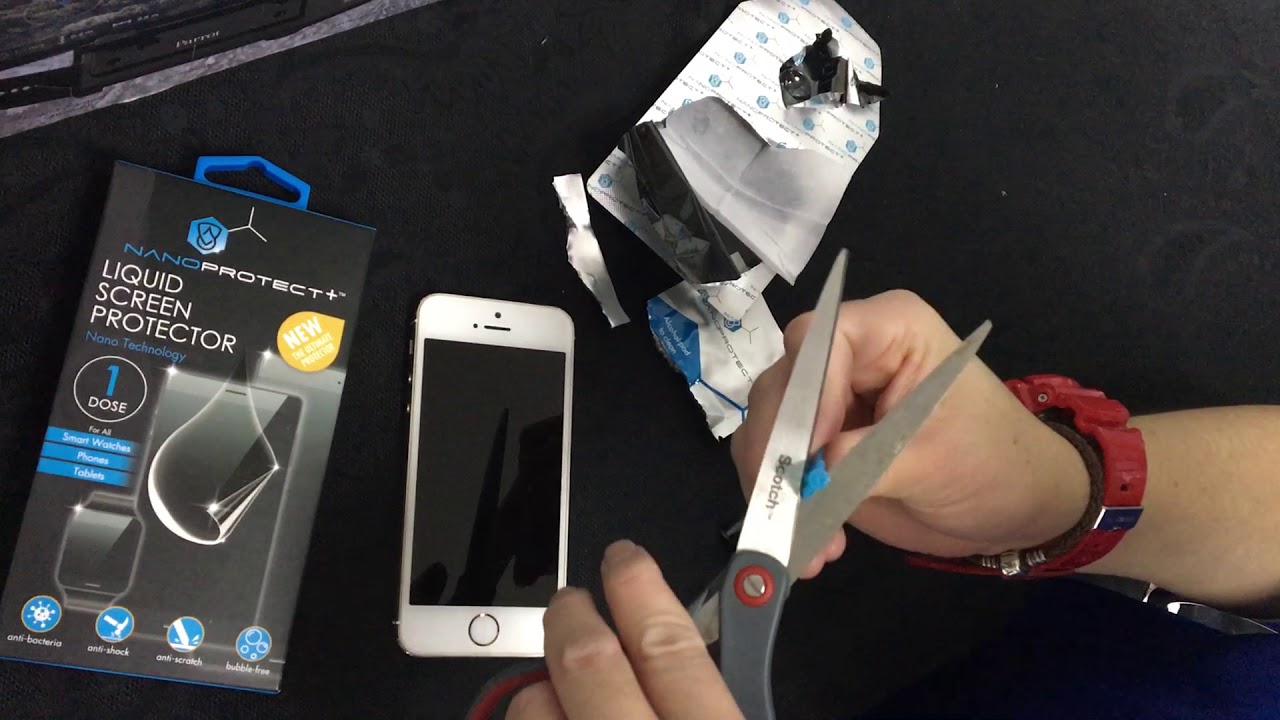
How To Remove A Liquid Screen Protector

To safely remove a liquid screen protector from a standard smartphone, you need to understand that manufacturer guidance is limited and universal methods carry risk. Before you begin the process...

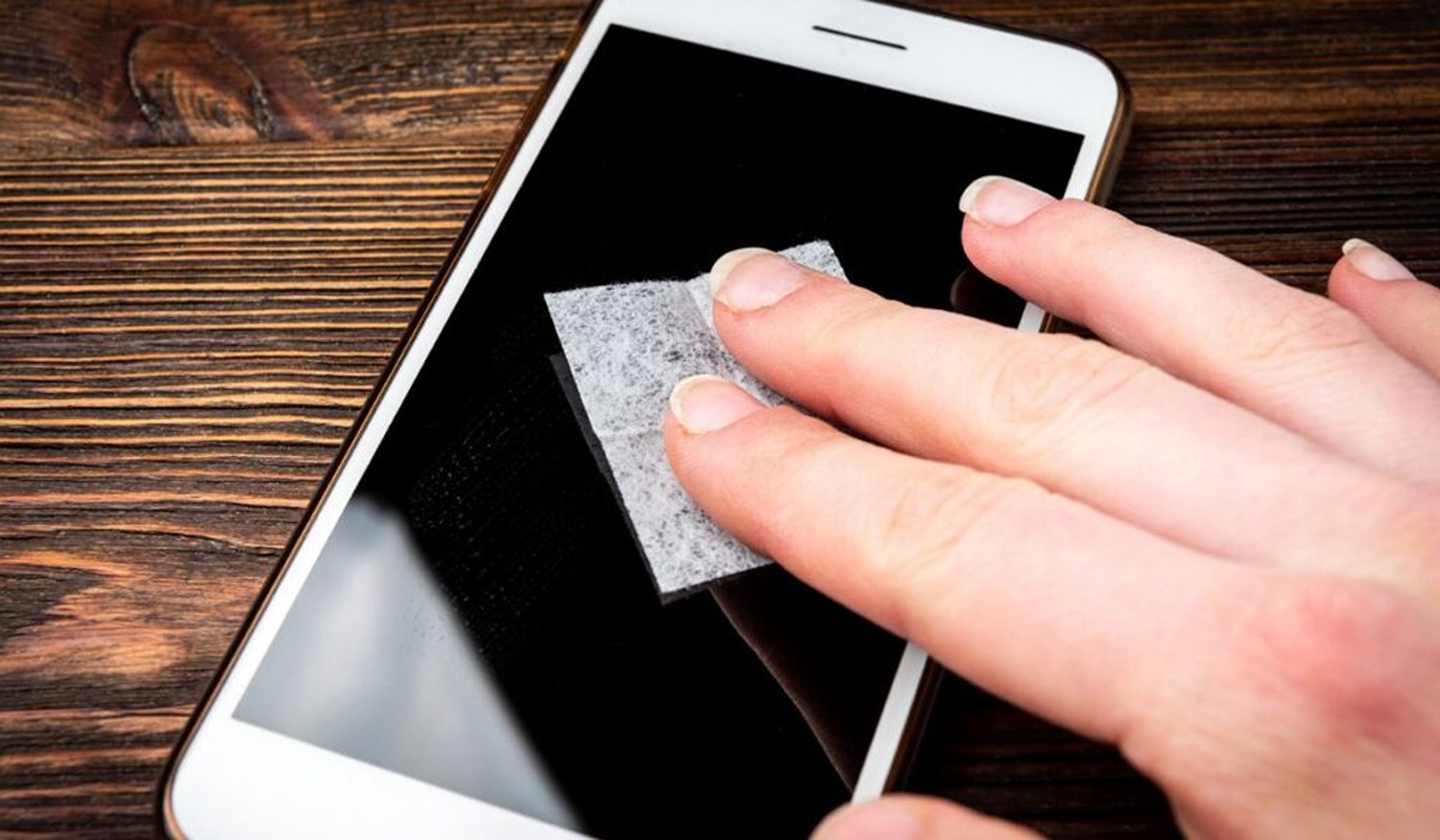
How To Clean A Screen Protector

To clean a screen protector safely, you need a soft, lint-free microfiber cloth and a careful, dry-first approach that avoids moisture in your phone's openings. The universal first step is...

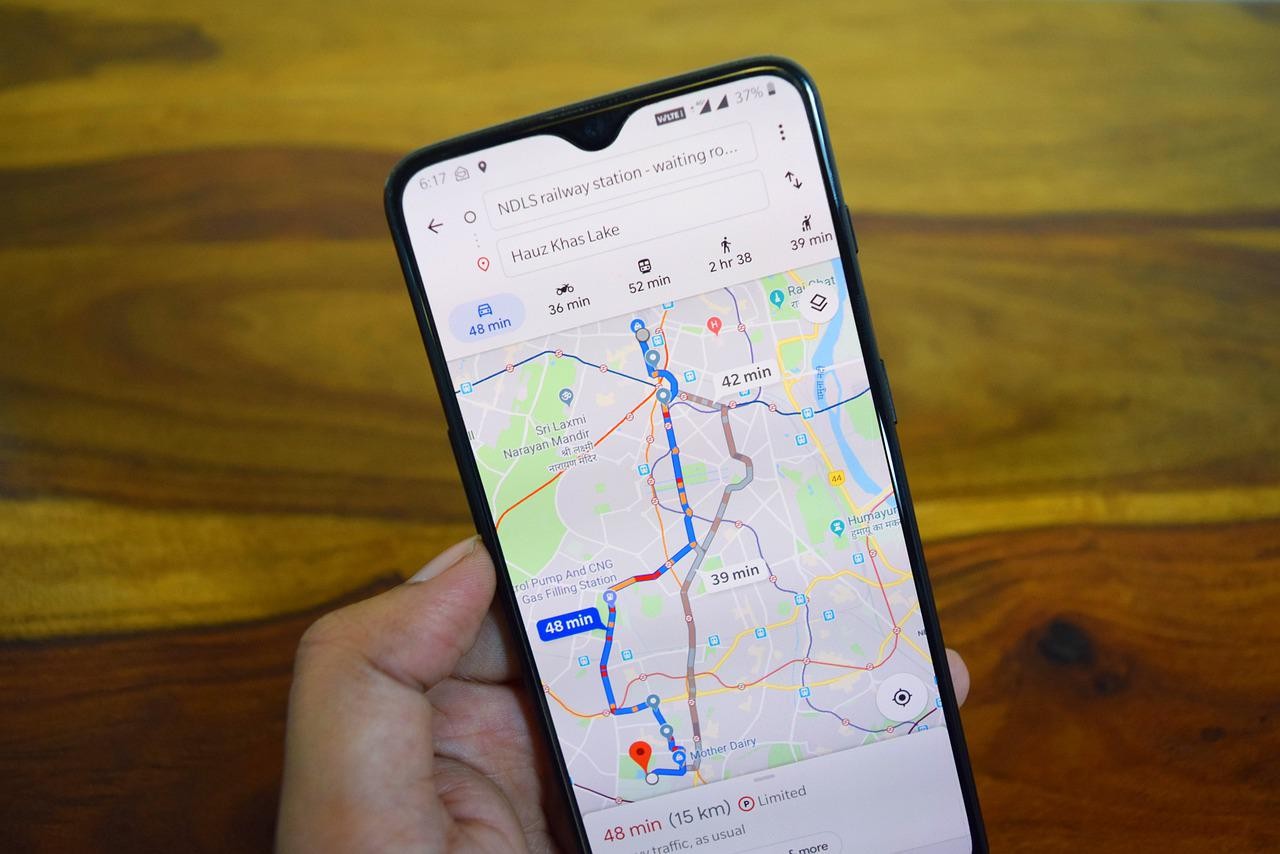
How To Track A Cellphone Location

To track a cellphone location, you must use the built-in tracking service provided by Apple or Google, which is the only reliable free method for finding a lost or misplaced...

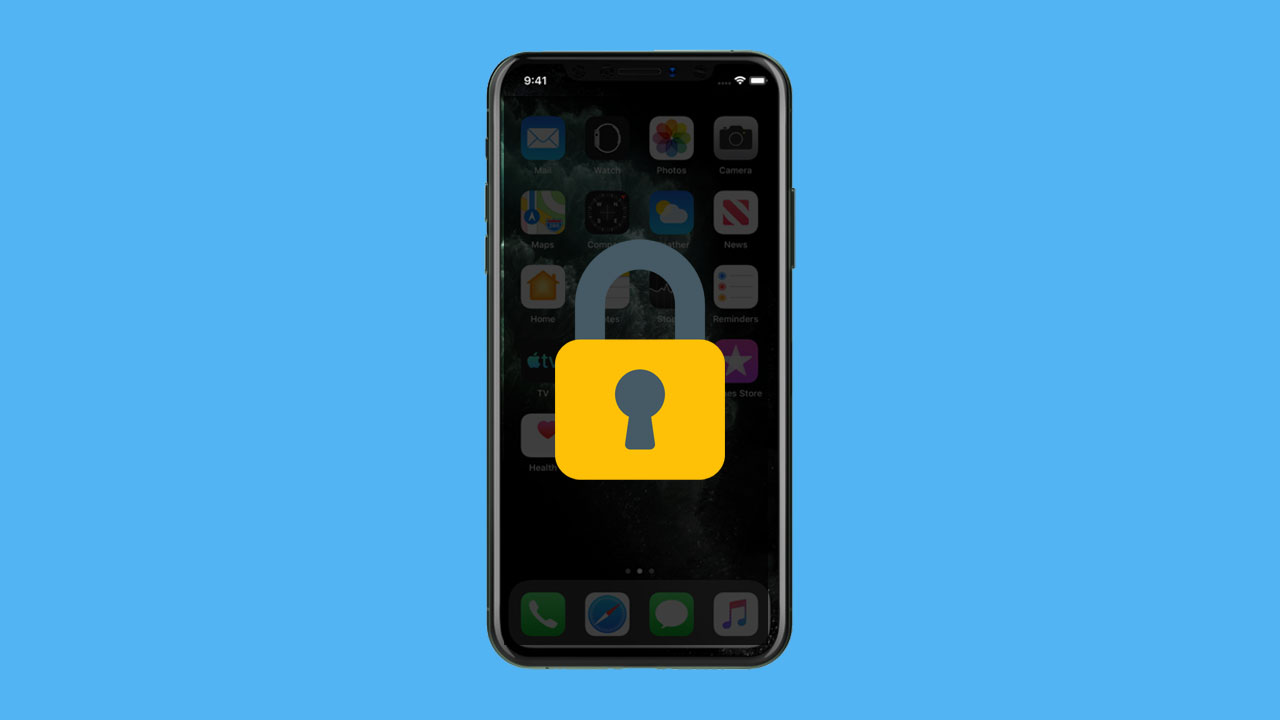
How To Turn On The Privacy Screen On iPhone

You can achieve similar privacy to an iPhone privacy screen by combining several built-in settings to hide your screen content from people nearby, including hiding notification previews, managing the Always-On...

What Cellphone Company Has The Best Signal

The best cellphone signal isn't tied to a single carrier; the documented truth is that no cellphone company is universally best, and signal quality depends entirely on your location and...

How Long Should A Cellphone Last

How long should a cellphone last is a question with no single number, because a phone’s practical life is limited more by battery wear and software support than by the...

Why Isnt My Phone Ringing

If your phone isn't ringing, the most common causes are that Silent mode or Do Not Disturb is enabled, the ringer volume is turned down, or your phone is connected...

Where Is The Flashlight On My Phone

The flashlight on your phone is the camera's LED flash, typically located next to the camera lens on the back of the device. To find where is the flashlight on...

Why Is My Phone Saying No Service

If your phone is saying no service, the most common verified cause is a carrier or account issue, such as an unpaid bill or an expired service plan. The other...

What Does Lte Mean On My Phone

LTE on your phone stands for Long-Term Evolution, the mobile data standard that provides high-speed internet connectivity on your device. When you see the LTE icon, it simply means your...