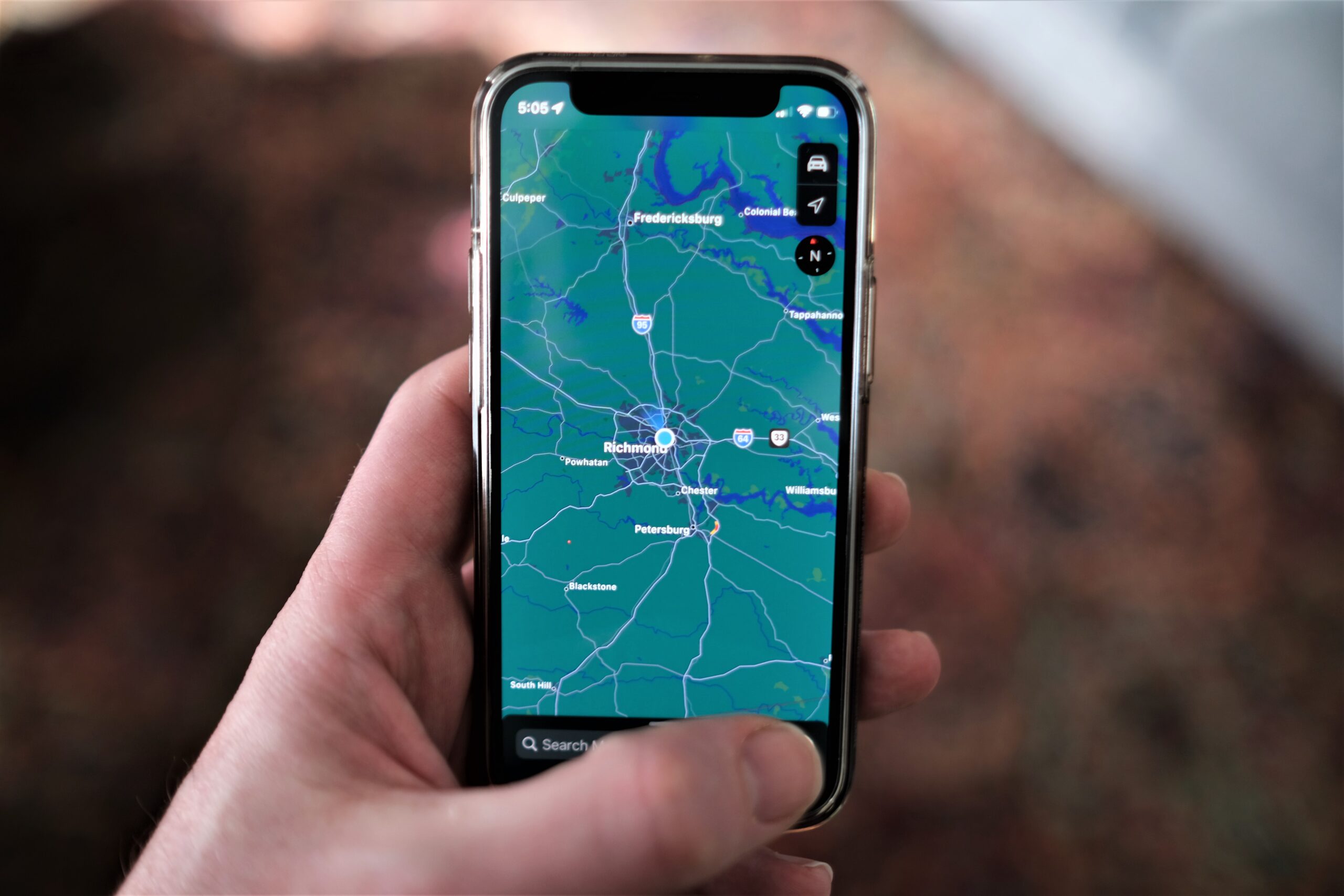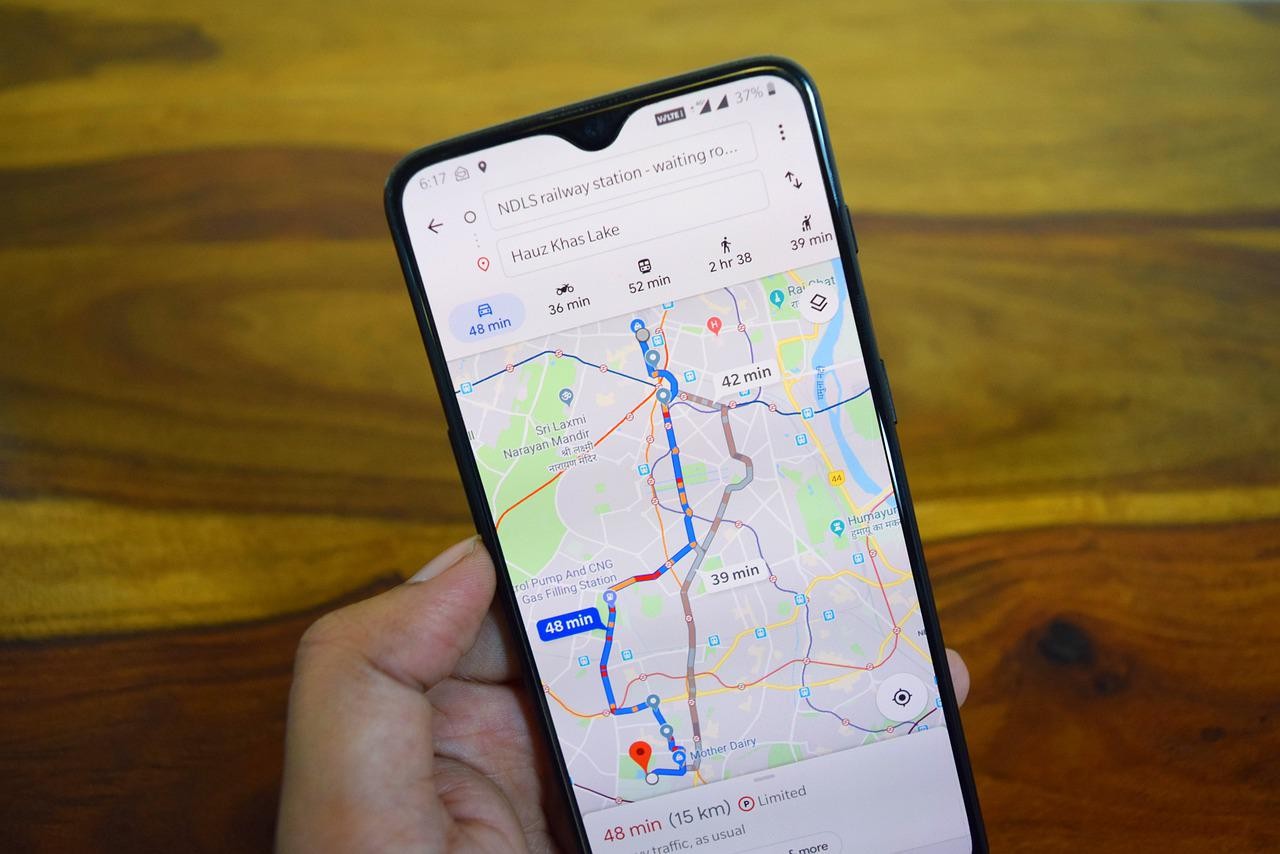
To track a cellphone location, you must use the built-in tracking service provided by Apple or Google, which is the only reliable free method for finding a lost or misplaced device. These tools, Find My for iPhone and Find My Device for Android, work only if you turned on the tracking feature before the phone went missing.
Before you start: what you must do to track a cellphone location
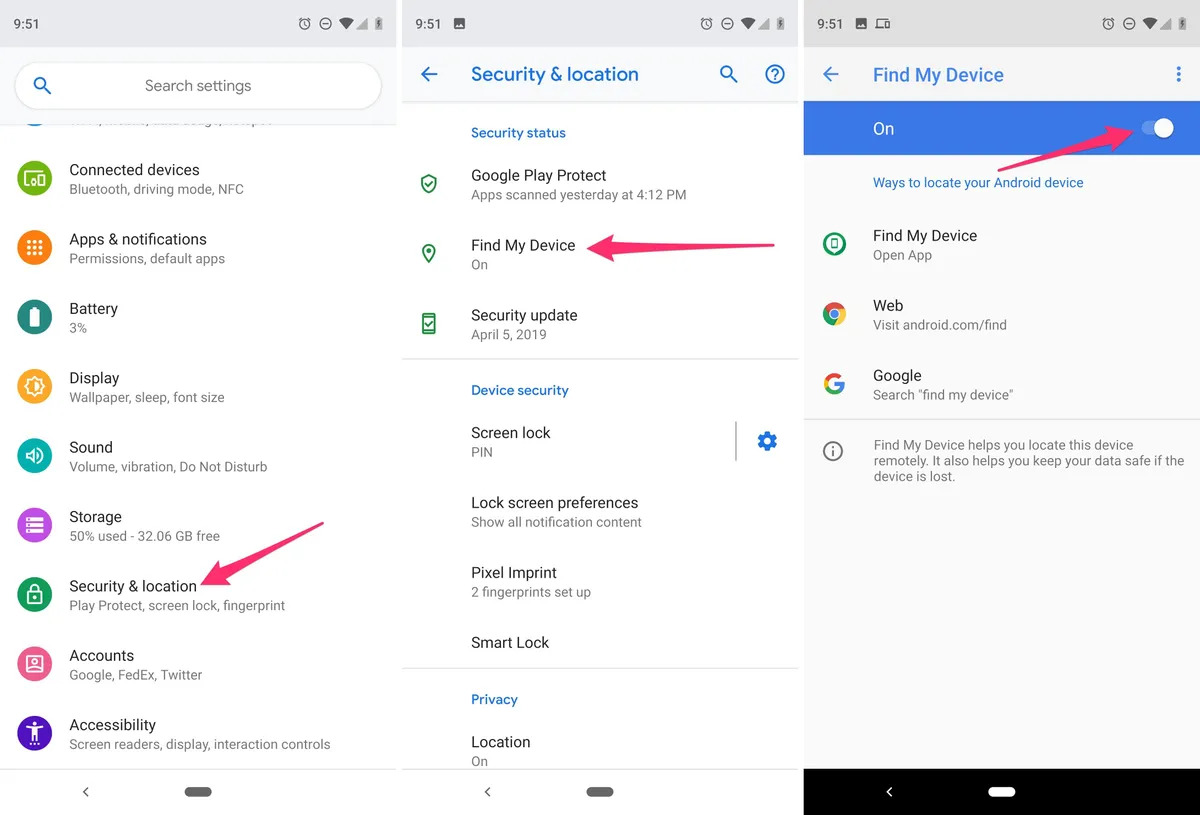
The single most important step is to enable tracking before the device is lost. Without this, you cannot locate it using Apple’s or Google’s free tools. For an iPhone, open Settings, tap your name, then tap Find My and turn on Find My iPhone. On that same screen, also turn on Find My network and Send Last Location. Apple also documents Find My network and Send Last Location on that screen. For an Android device, the phone needs a Google account, Location turned on, and Find Hub turned on. You can check this in Settings under Security or Google settings. Legal disclaimer: Tracking someone else’s device without their consent may violate privacy laws. Only use these methods to locate your own device or a family member’s phone with their permission.
How to track a lost iPhone with Find My
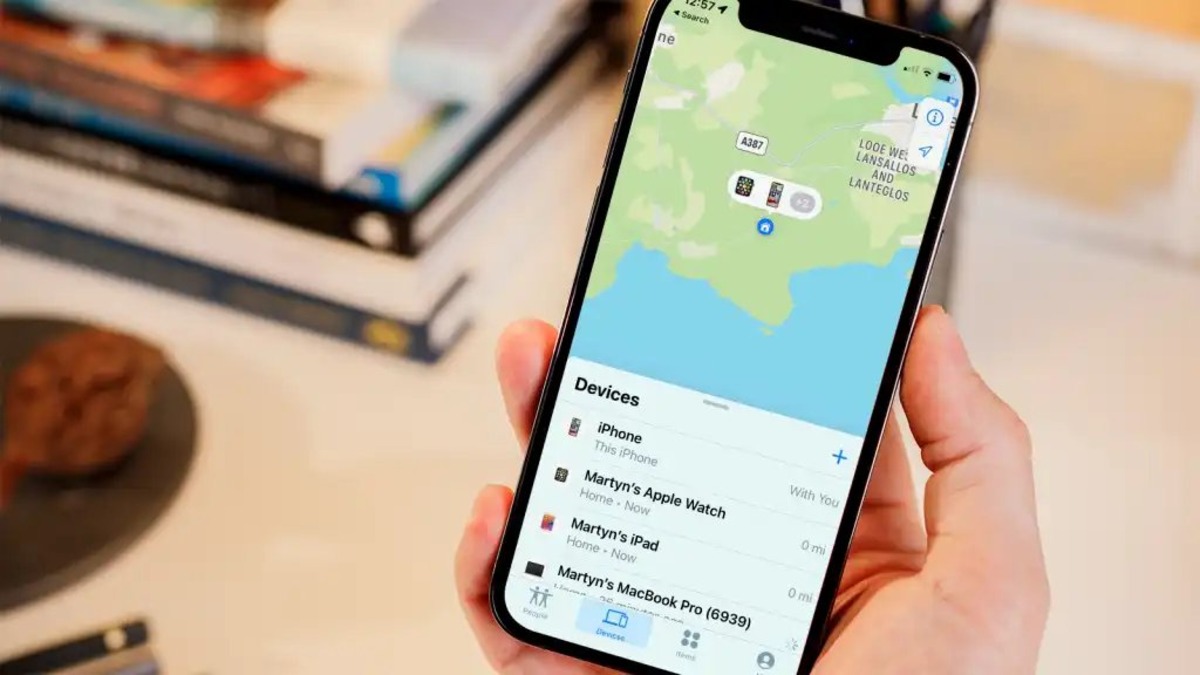
- On another iPhone, iPad, or Mac, open the Find My app. Alternatively, go to iCloud.com/find on any computer and sign in with your Apple ID.
- Tap the Devices tab (or select the device from the list on the web).
- Choose your lost iPhone from the list. The map will show its location if the device is online and can be located.
- If the device is offline, you will see Offline under the device name. Apple stores the last known location for up to 24 hours. You can also tap Notify me when found to receive an email when the device comes back online.
Find My works for iPhone, iPad, Mac, Apple Watch, AirPods, and Beats products. The device must have been connected to the internet and have location services enabled for real-time tracking.
How to track a lost Android phone with Find My Device
- On another Android phone or tablet, open the Find Hub app (also called Find My Device on some devices). Or go to android.com/find on any computer and sign in with the Google account linked to the lost phone.
- Select the lost device from the list. If you have more than one device, choose the correct one.
- The map will show the device’s location if available. On Android 9 or higher, you may be prompted to enter the device’s lock screen PIN to view the location.
- The lost device will receive a notification that it is being located.
Find My Device requires the phone to have a Google account, Location turned on, and Find Hub enabled before it was lost. Offline-device handling is documented separately by Google; the main locate page shows the location only if the device is online.
How to share your location with family members
For ongoing location sharing, you can set up a permanent share so family members always see your location. On an iPhone, open Find My, tap Me, then turn on Share My Location. You can also choose Use This iPhone as My Location if needed. On an Android phone, open Settings, tap Location, then Location services, and select Google Location Sharing to manage who can see your location. To turn sharing off, Google says to open Settings > Location > Location services > Google Location Sharing > turn off Use Location Sharing. Real-time sharing requires an active internet connection and a mobile device.
Using your carrier’s tracking service
Some mobile carriers offer their own tracking service as a backup. For example, T‑Mobile provides FamilyWhere, which is available only to the primary account holder. You can use the FamilyWhere Android app or log in to T‑Mobile.com to locate any device on the account. T-Mobile documents FamilyWhere as a tracking service for the primary account holder; it works in the FamilyWhere Android app or on T-Mobile.com to locate any device on the account. This service works even if the phone’s built-in tracking was not enabled, but it requires the account holder’s credentials.
What to do if you cannot locate your device
If the device is offline or tracking was never enabled, you still have options. First, report the loss or theft to local law enforcement. Provide them with the device’s serial number if you have it. Next, contact your carrier to report the device as lost or stolen; they may be able to block the phone from being used on their network. If you need alternative methods beyond the free built-in tools, see our related articles on phone location tracking methods and third-party services.
Frequently Asked Questions
Can I track a cellphone location without the owner knowing?
No. Tracking a phone without the owner’s consent is generally illegal and violates privacy laws. The methods described here require the device owner to have enabled tracking beforehand or to give explicit permission for location sharing.
What if my phone is turned off or has no internet?
If the phone is offline, Apple shows the last known location for up to 24 hours. Android’s Find My Device will not show a location until the device comes back online. In both cases, you can set a notification to be alerted when the device is found again.
Can I track a lost phone if I never set up Find My or Find My Device?
No. The free built-in tools require the feature to be turned on before the device is lost. Without that, you cannot use Apple’s or Google’s services. Your carrier’s tracking service (like T‑Mobile FamilyWhere) may still work if you are the primary account holder, but it depends on the carrier.
Does tracking work on AirPods or other accessories?
Yes. Apple’s Find My network supports AirPods, Beats products, and other supported devices. They appear in the same Devices list in the Find My app. Android’s Find Hub currently supports phones and tablets, not accessories.
Will the person I’m tracking know I’m looking at their location?
If you are using location sharing (e.g., Share My Location or Google Location Sharing), the person has already agreed to share their location with you. When you use Find My or Find My Device to locate a lost device, the lost phone receives a notification that it is being located.
For the wider topic, see tracking a phone location.
Related reading: How To Track A Dead Phone and Easy Guide: How to Find Someone's Location by Cell Phone Number.