The iPhones tag page on CellularNews collects articles specifically for iPhone users, from casual owners to those who like to tinker with their devices. This tag is for anyone who wants to get more out of their phone, whether that means fixing a common glitch, finding a new app, or understanding a key feature.

The articles here solve real-world problems grouped around a few clear themes. One major theme is troubleshooting and network fixes, with guides on resetting network settings, fixing cellular network errors, and using Wi-Fi calling. Another theme is customization and app management, covering how to transfer apps to a new iPhone, schedule text messages, and recover deleted texts and WhatsApp messages. A third theme focuses on entertainment and productivity, including lists of the best Apple Arcade games, free movie apps, and text to speech readers.

These articles help the reader do practical things: fix a phone that won't make calls, learn how to screen record mobile games, recover deleted messages, and choose the best phone case or mobile accessory. They also explain technical topics like what an IPA file is and how to jailbreak an iPhone without a PC, giving clear steps for specific tasks.
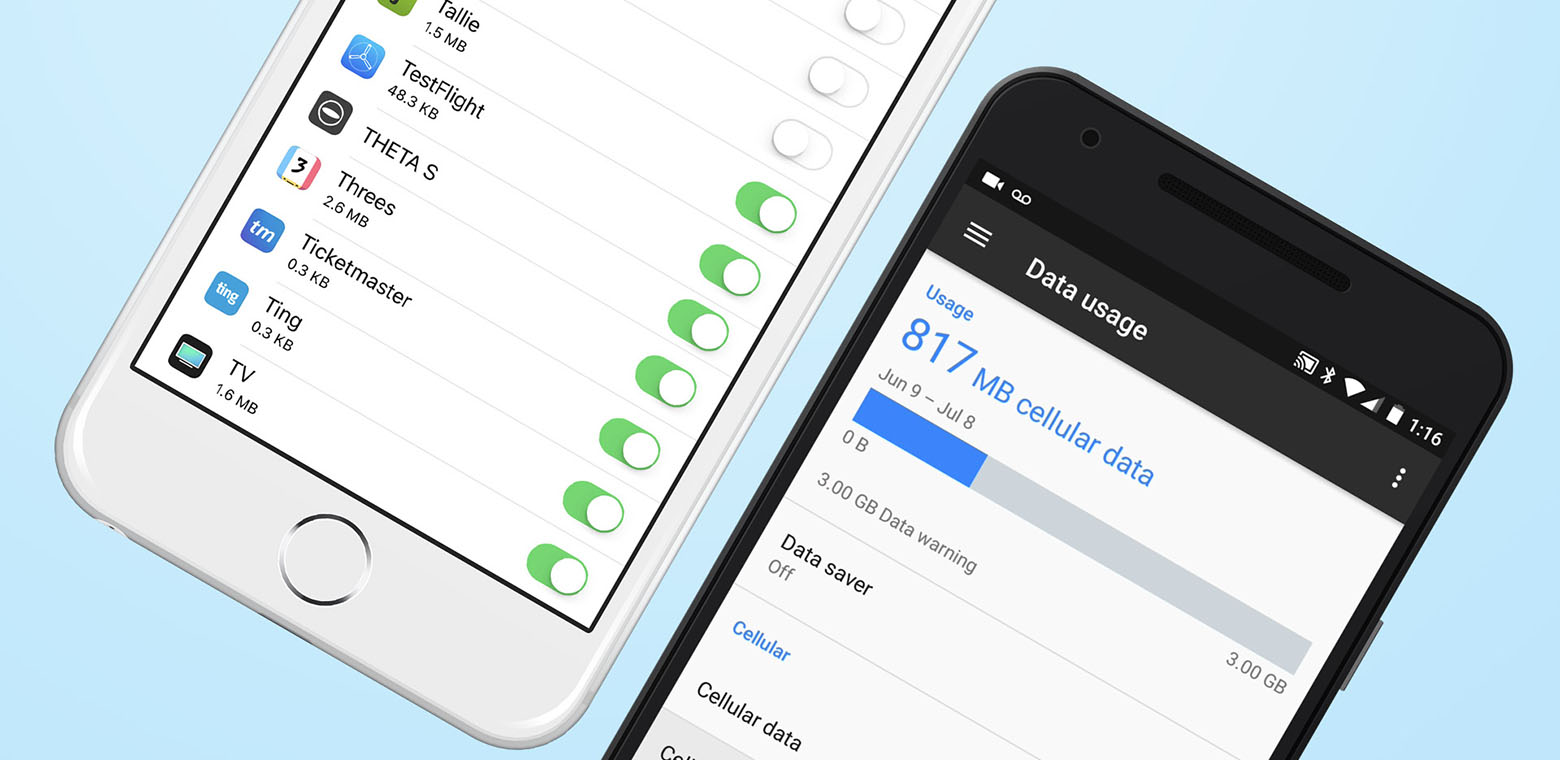
How To Back Up Your Phone

To back up your phone using built-in cloud tools, use iCloud for iPhone or Google Drive for Android to get automatic protection and easy restore on a new device, or...

How Do You Record A Phone Call

To record a phone call on your iPhone or Android device, you can use the built-in call recording feature found on iOS 18.1+ iPhones, Google Pixel (6+), and Samsung Galaxy...

How To Unzoom IPhone

To unzoom an iPhone screen instantly, double-tap the display with three fingers. This gesture is the fastest way to fix an accidentally zoomed-in screen and directly addresses how to unzoom...

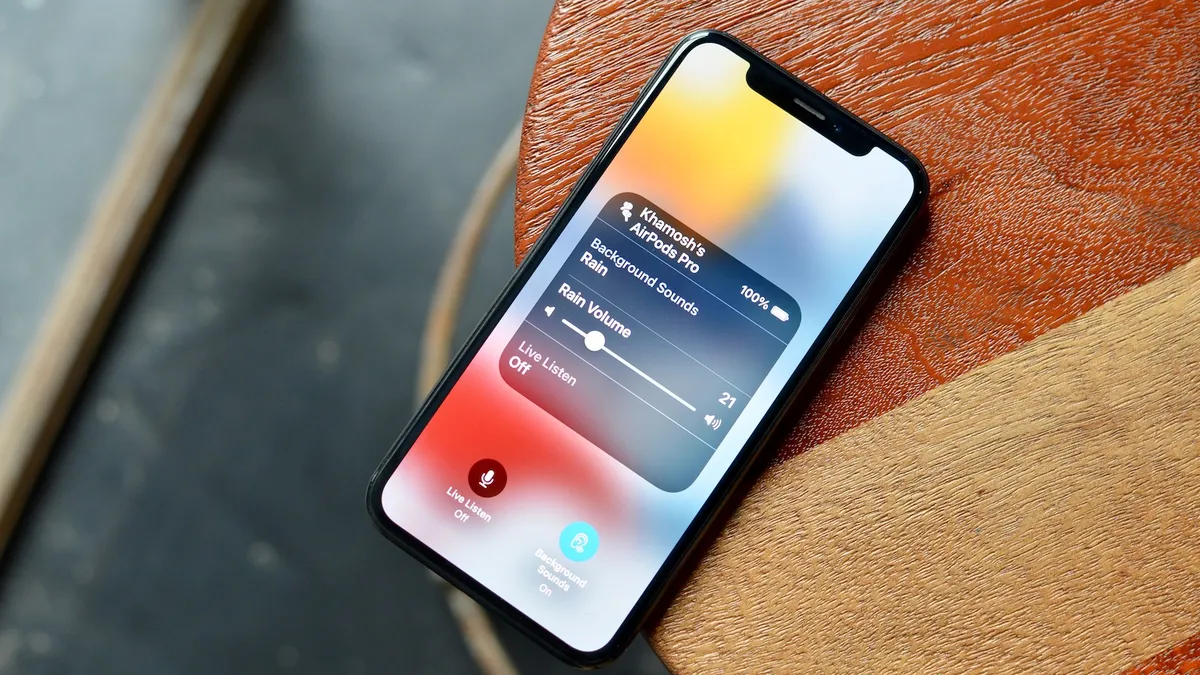
What Is Live Listen IOS 15

Live Listen in iOS 15 is an Apple accessibility feature that turns your iPhone or iPad into a remote microphone, streaming audio directly to your AirPods, Beats, or compatible Made...

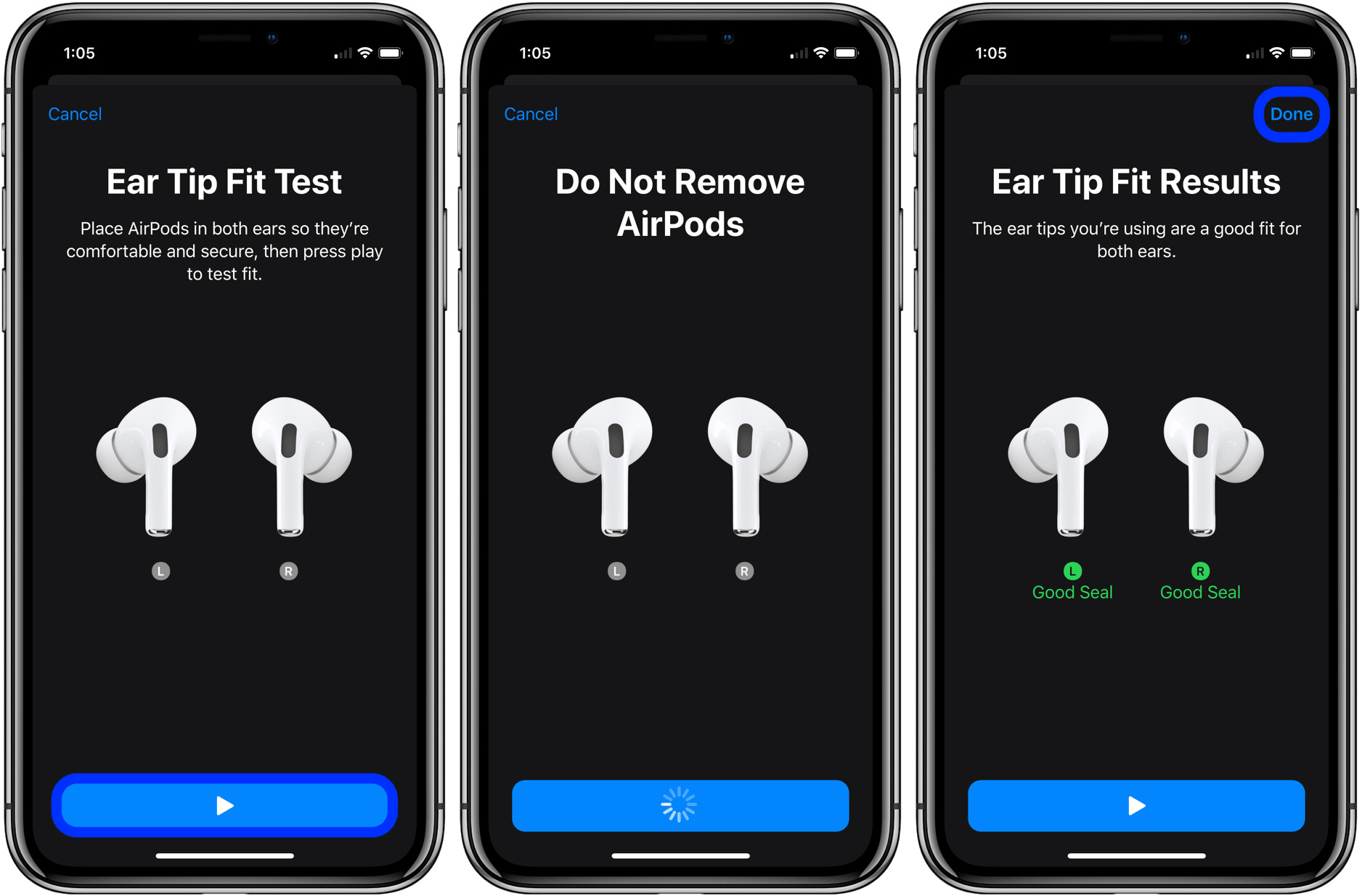
How To Use The AirPod Pros

To use AirPod Pros, you pair them with your iPhone, control them with stem gestures, and customize their settings for noise cancellation and Siri. How to use AirPod Pros: a...

What Is The #1 Selling Phone?

The #1 selling phone right now is the iPhone 17, which has claimed the top spot in global sales through a combination of display innovation, camera performance, and deep ecosystem...

What Phone Does Elon Musk Use?

There is no official confirmation of exactly which phone Elon Musk currently uses, but public sightings show him with both iPhones and Samsung Galaxy devices. This makes the direct answer...

Are IOS Apps Free?

Yes, iOS apps can be free: on the App Store, a Get button instead of a price means the app is free, and Apple says you will not be charged...

What Is A Similar Word For Mobile?

The most direct similar word for mobile is cellular. Other primary synonyms include cellphone, handheld, and portable. Definition of mobile in phone settings In consumer phone settings, mobile usually means...

How To Turn Off AirPod Announcements

To turn off AirPod announcements, you need to adjust Siri's notification settings and disable Automatic Ear Detection on your iPhone, iPad, or Mac. These two controls stop Siri from reading...

Where Is IOS Setup Assistant

The iOS Setup Assistant is the automatic, step-by-step process that appears when you first turn on a new iPhone or iPad, or immediately after you erase the device. It is...