Articles that help you understand the blinking lights and charging cues on your gadgets. This page is for anyone who owns a power bank, wireless earbuds, a smartwatch, or a gaming headset and wants to know what those small lights actually mean. Instead of guessing whether your device is working properly, these guides give you clear, practical answers.
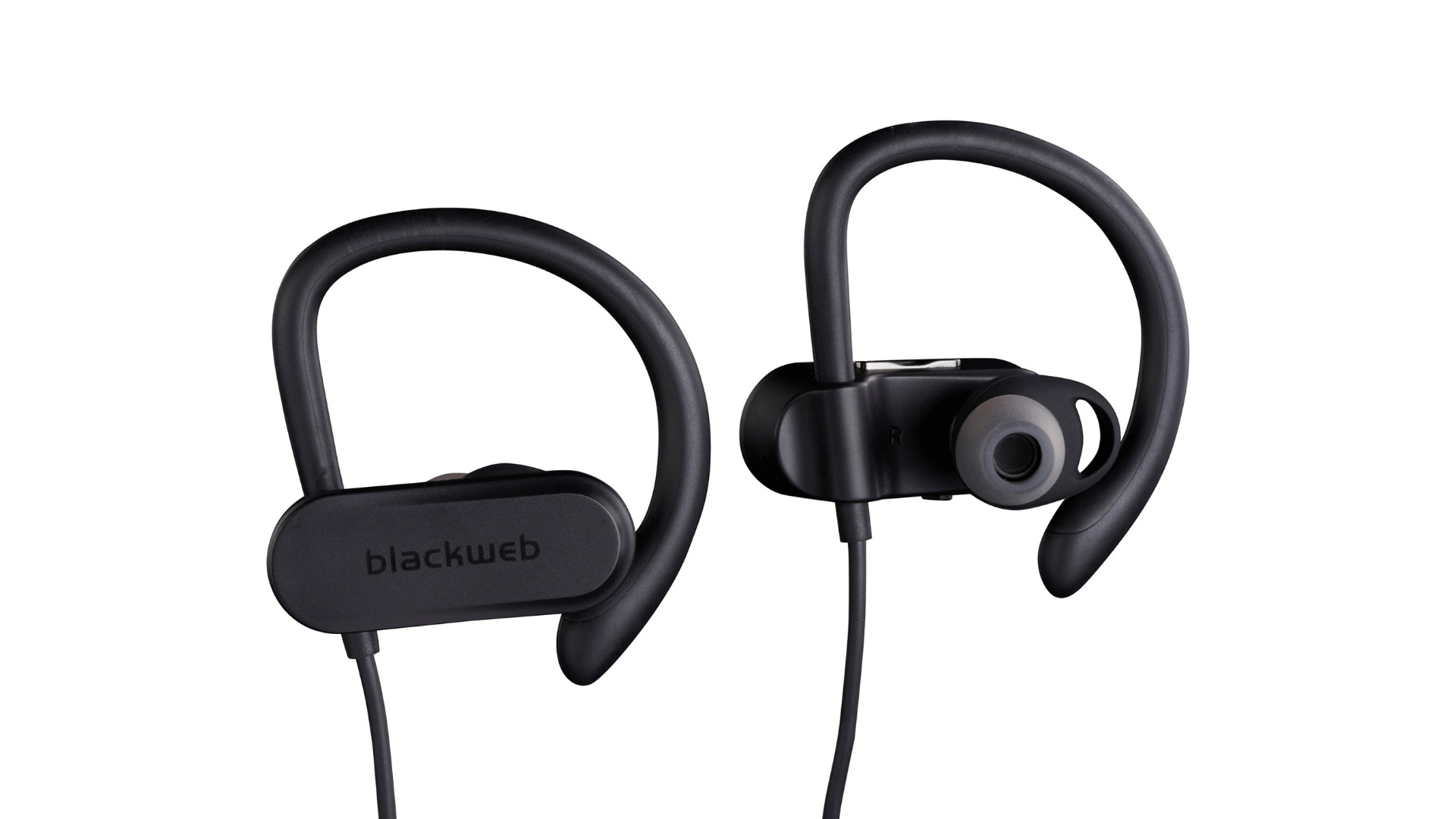
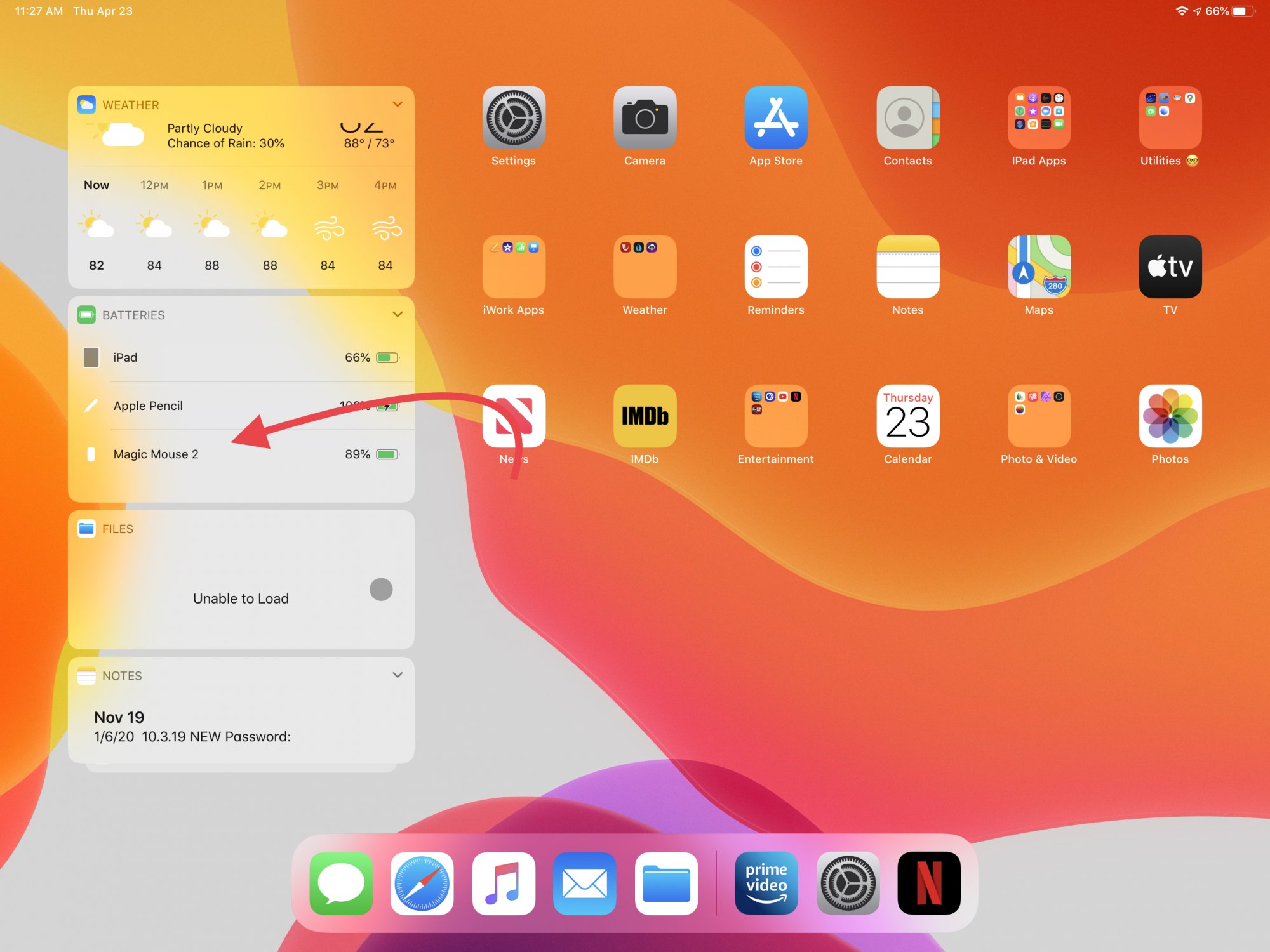
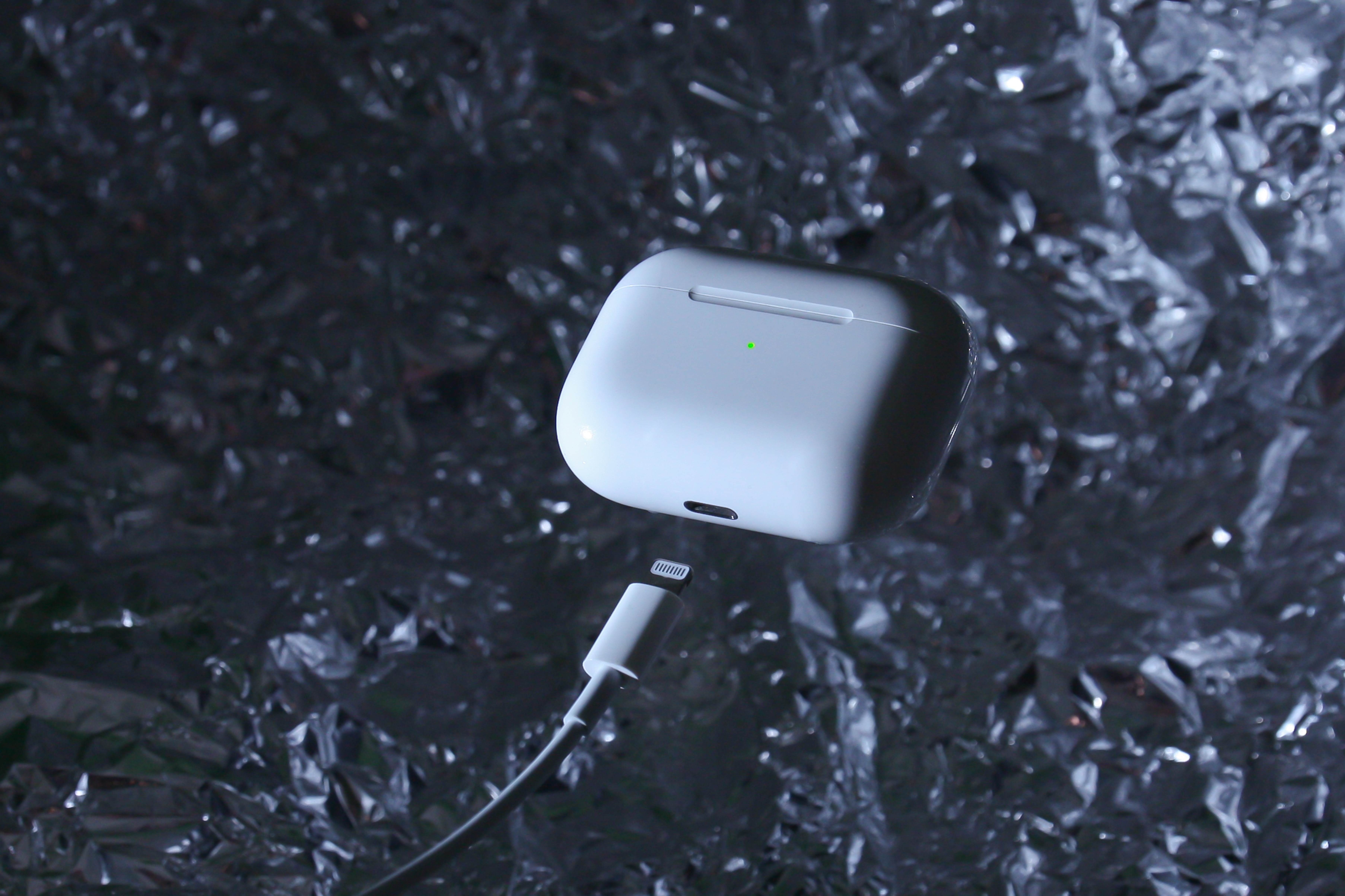
The articles here solve two main kinds of problems. First, they help you figure out charging status and battery levels. You can learn how to tell if a Belkin power bank is charging, what the green light means on an Anker power bank, or how to check the battery of a wireless mouse. Second, they explain what specific light patterns and colors mean, like why your wireless earbuds keep flashing or why your G435 headset is flashing blue. A smaller group of articles also covers basic setup tasks, such as how to turn on a Miady power bank or how to connect Blackweb wireless headphones.
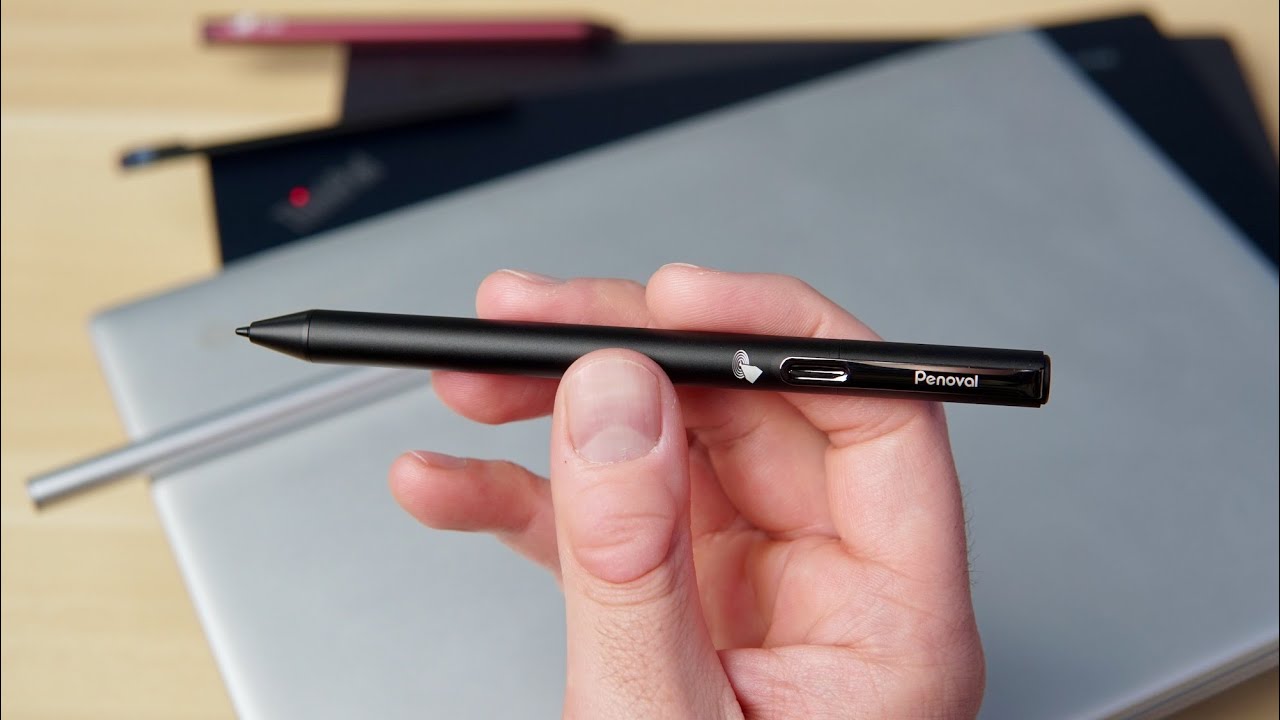
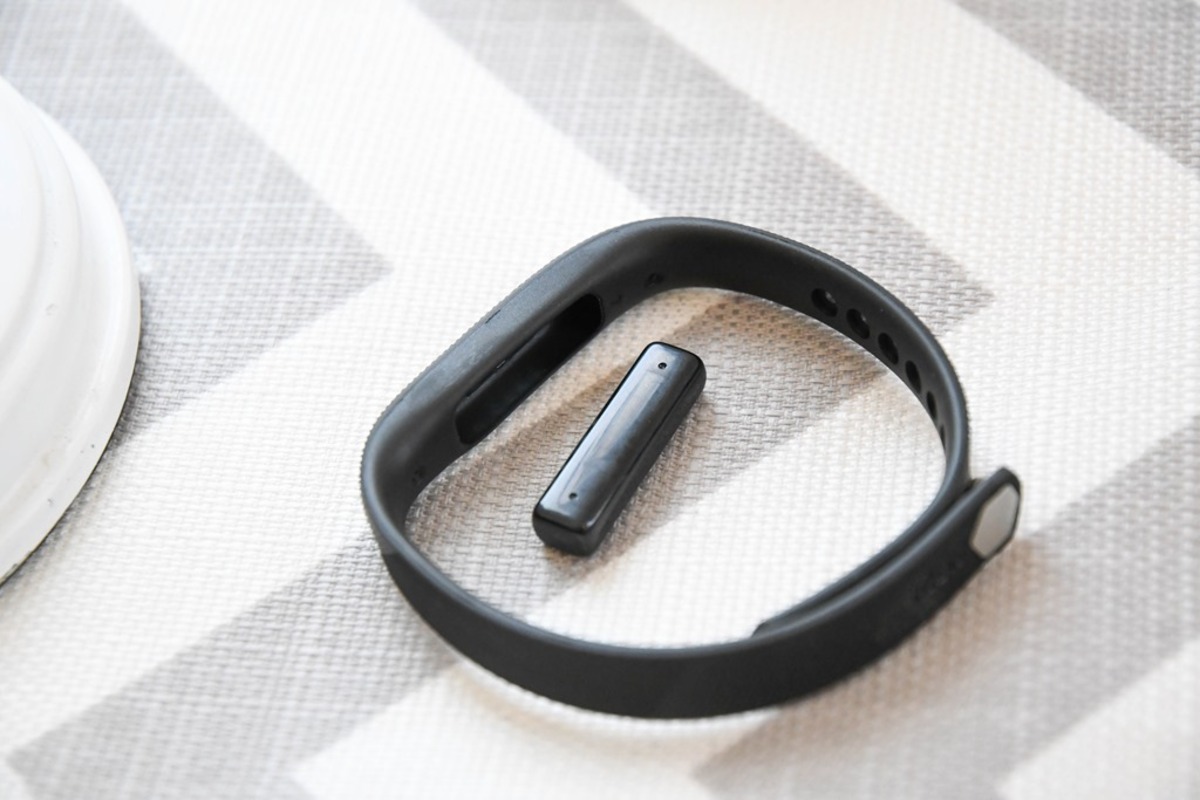
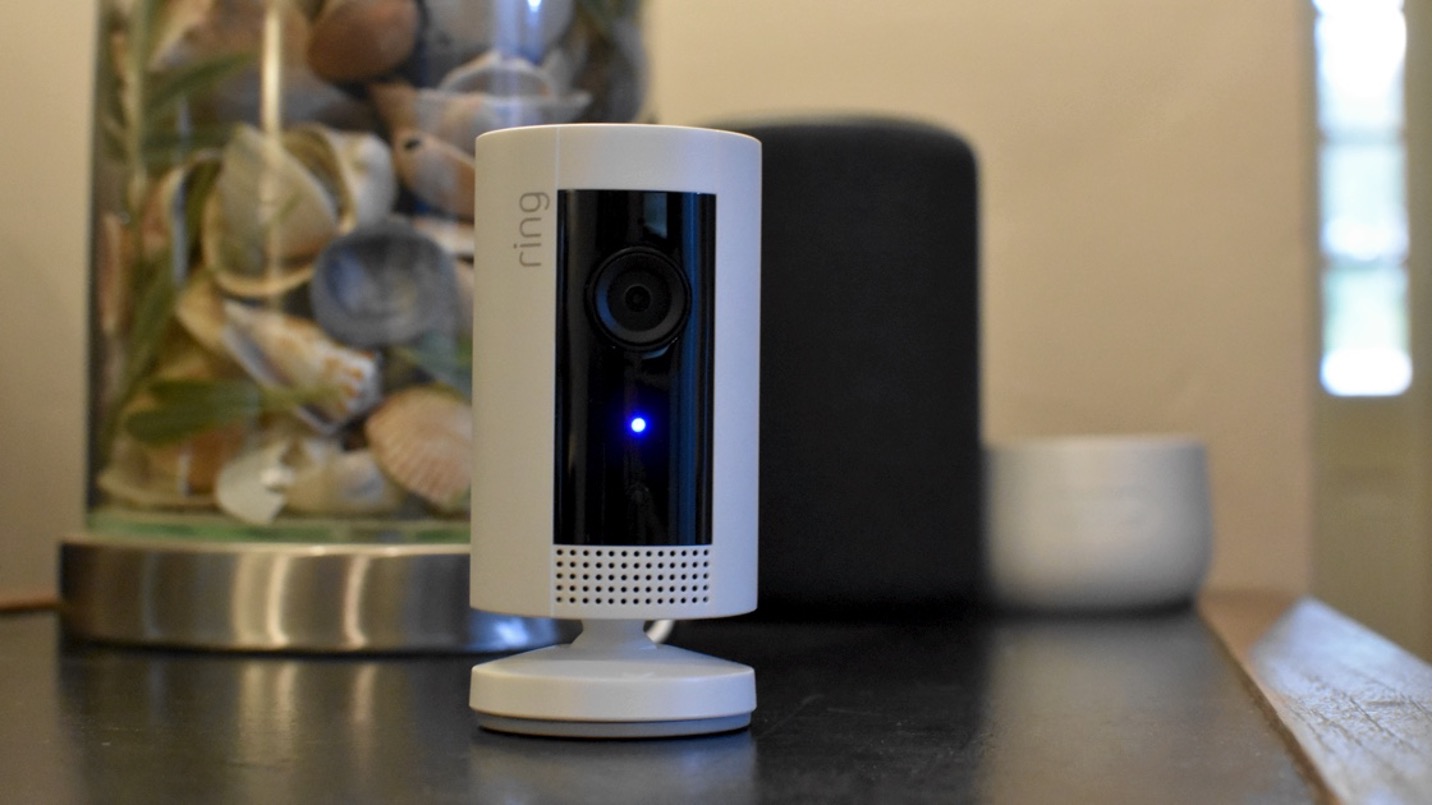
Whether you are trying to charge a Quest 2 headset, turn off the blue light on a Ring camera, or simply understand how to turn on a stylus pen, these articles walk you through the exact steps. They focus on real-world tasks like knowing when your Fitbit Flex is fully charged or what it means when the ring light is blue, so you can use your devices with confidence.