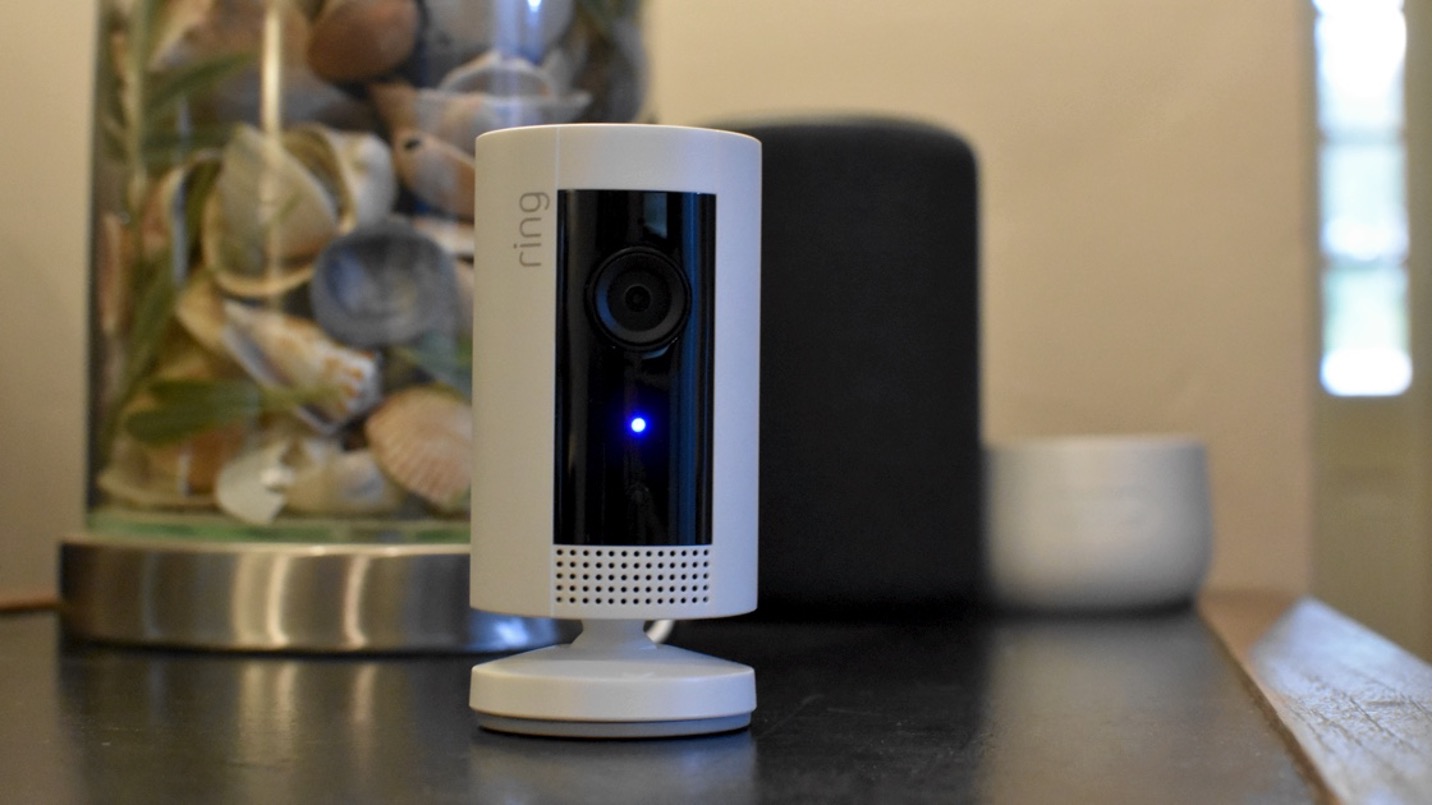
A blue ring light on your Ring device is a normal indicator that typically means the device is powered on, charging, in setup mode, recording, or on an active call. The exact meaning of a ring light blue signal depends entirely on your specific Ring model and whether the light is solid, pulsing, flashing, or spinning.
What the blue light means by Ring device
The blue-light meanings documented here are device-specific and vary by product family: Ring Intercom, Ring Chime, Ring doorbells, and Indoor Cam / Pan-Tilt Indoor Cam do not use the same patterns for the same state.
Blue light patterns on Ring video doorbells
Ring video doorbells use several distinct blue patterns. A blue circle filling clockwise indicates the battery is charging. When setup is successful, you will see four blue corner LEDs flash. A blue light spinning clockwise means the doorbell button has been pressed. A solid blue circle appears during an active call with the speaker enabled.
Blue light patterns on Ring Chime
Ring Chime devices show a solid blue ring light when powered on. A pulsing blue light means the Chime is in setup mode. Blue flashing one second on and one second off indicates setup failed. The light flashes quickly while the Chime is scanning for networks or rebooting. After successful setup, you will see a solid blue circle.
Blue light patterns on Ring Intercom
Ring Intercom displays a solid blue light while booting up, during setup success, or during an audio call in progress. A slow blinking blue light means the device is in setup mode. After successful setup, the light stays solid blue for five seconds. During an intercom call started via the Ring app or Alexa, the blue light fades in and out.
Blue light patterns on Ring Indoor Cam
Ring Indoor Cam and Pan-Tilt Indoor Cam show a solid blue light during startup. A slow blue flashing light indicates setup mode. The light stays solid blue while the camera is recording. A specific fast/slow flash pattern can mean setup failed because the camera could not connect to Wi‑Fi or the password was entered incorrectly.
Troubleshooting a blue light that won't go away
If a blue light persists unexpectedly, start by checking the exact pattern. Setup mode, setup success, rebooting, and setup failure all use different blue patterns. If the device is stuck in setup mode or flashing blue after setup should be complete, the documented cause is usually a Wi‑Fi connection problem or an incorrect Wi‑Fi password for Indoor Cam and Chime. For Ring doorbells, a blue light during charging is normal and indicates charge progress. A blue light during a call or Live View is also normal for supported Ring intercom and doorbell states.
If you need further assistance with wireless audio connections, refer to the Wireless Audio and Connection Guides for your specific device model.
Frequently Asked Questions
Can I turn off the blue light on my Ring device?
The blue light is a hardware indicator that cannot be disabled through standard settings.
Why is my Ring doorbell blue but not ringing?
A solid blue circle during an active call means the speaker is enabled, but the doorbell may not ring if the call is already in progress. If the blue light is spinning clockwise, the button was pressed and the device is processing the event.
Does a blue light mean my Ring device is recording?
For other models, a blue light typically indicates power, charging, setup, or an active call rather than recording.
What should I do if my Ring Chime shows a fast flashing blue light?
A fast flashing blue light on Ring Chime means the device is scanning for available networks or rebooting. Wait a few minutes for the process to complete. If it continues, check your Wi‑Fi connection and router.
Is a blue light on my Ring device a sign of a problem?
Not usually. Blue lights are normal for power, charging, setup, and active calls. The only blue patterns that indicate a problem are the setup-failure flashes on Chime (one second on, one second off) and Indoor Cam (fast/slow flash pattern), which are typically caused by Wi‑Fi issues.
Does a blue light mean my Ring device is connected to a carrier network?
Related reading: How To Turn Off Blue Light On Ring Camera, What Does It Mean When Ring Light Is Red, and Why Does My Ring Light Keep Turning On.