This tag collects CellularNews articles focused on Microsoft products and services as they intersect with mobile and personal computing. It is intended for users who rely on Microsoft hardware, such as Surface devices, wireless mice, and stylus pens, as well as those who manage Microsoft accounts and subscriptions from their phone or tablet.
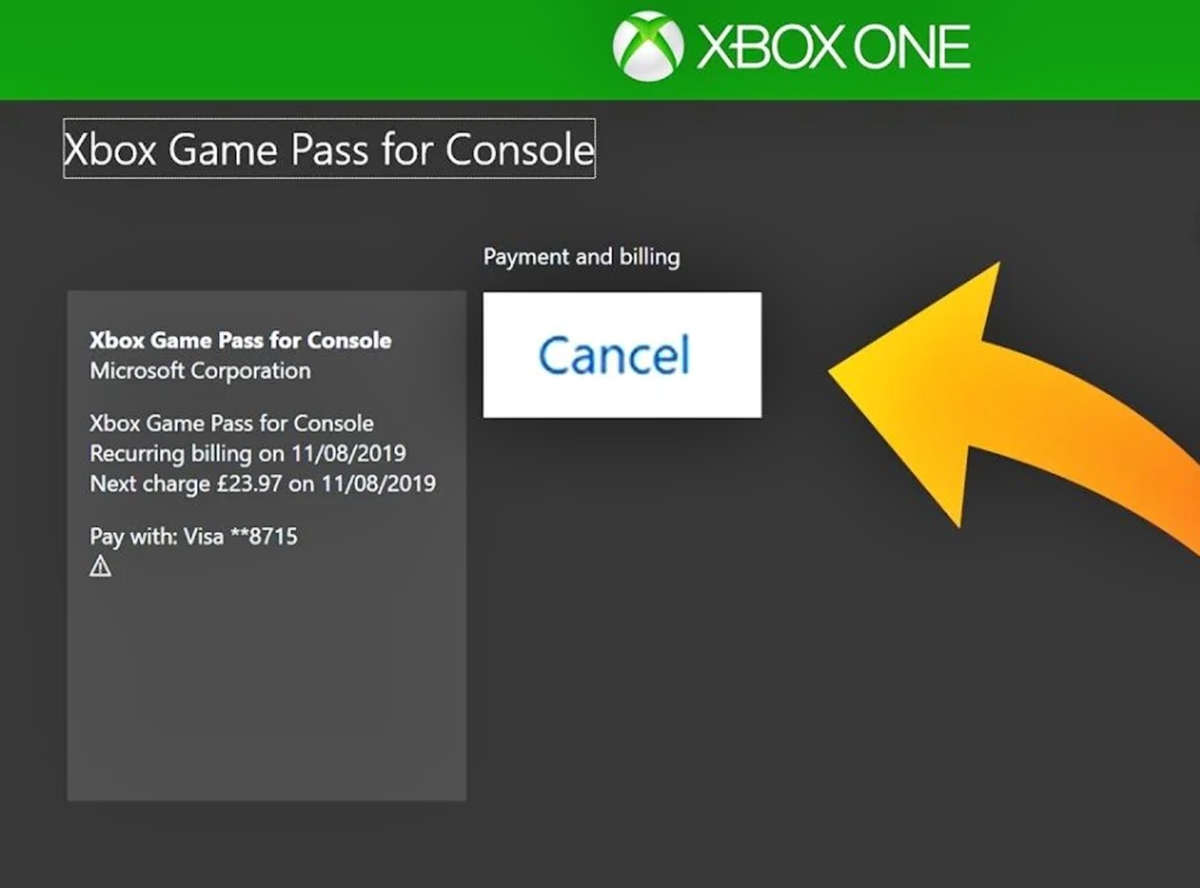
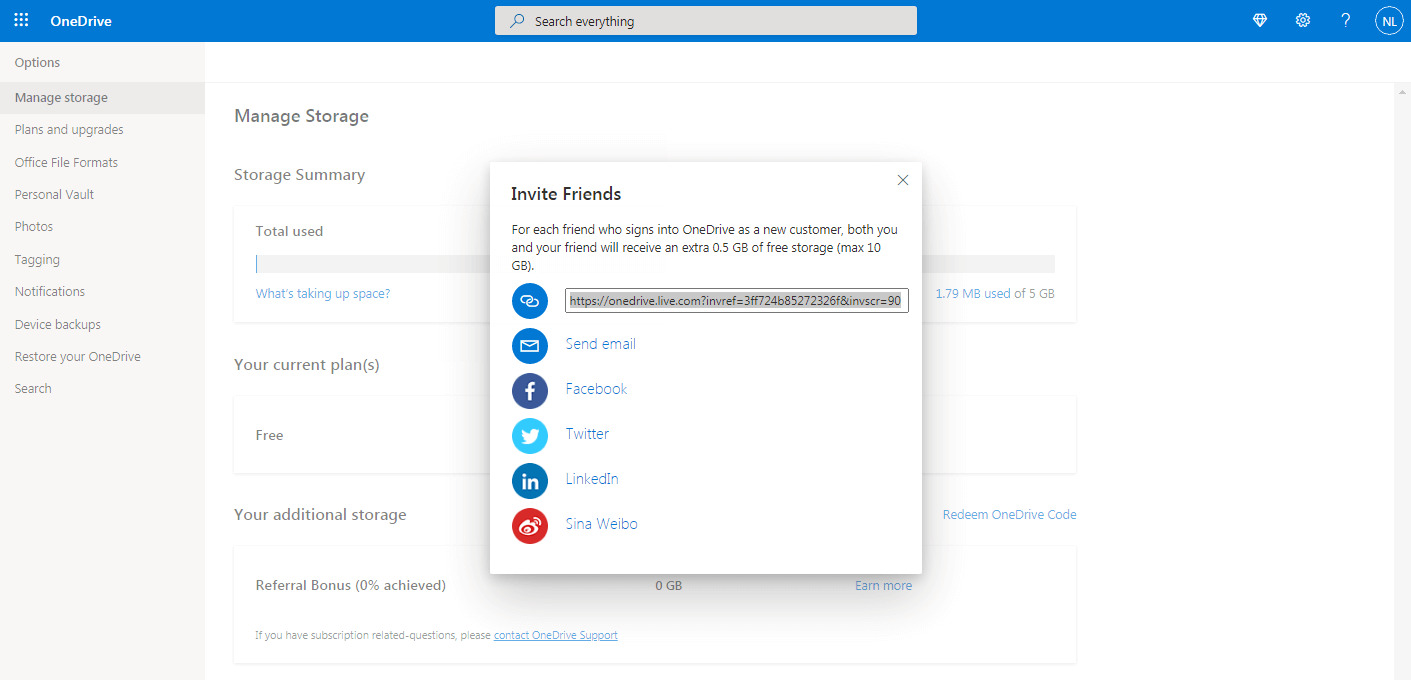
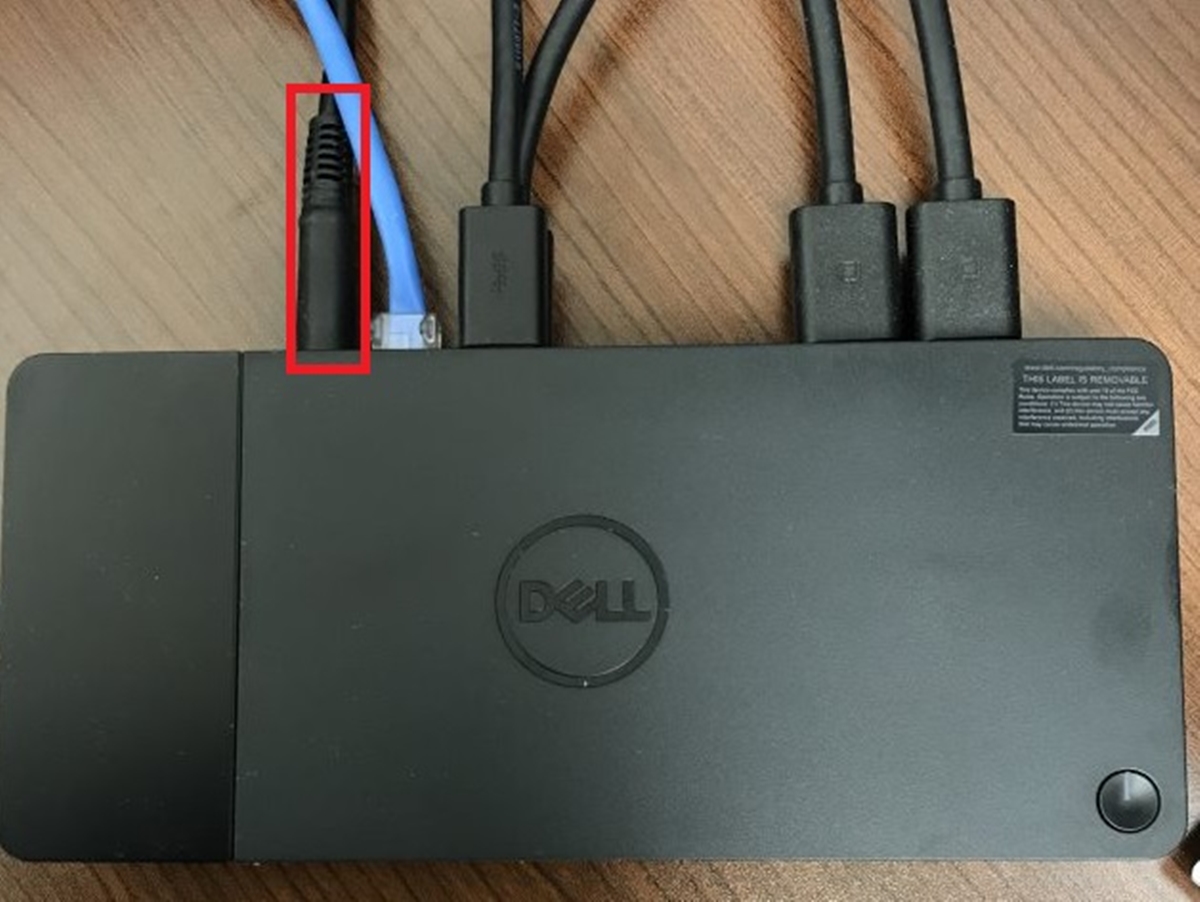
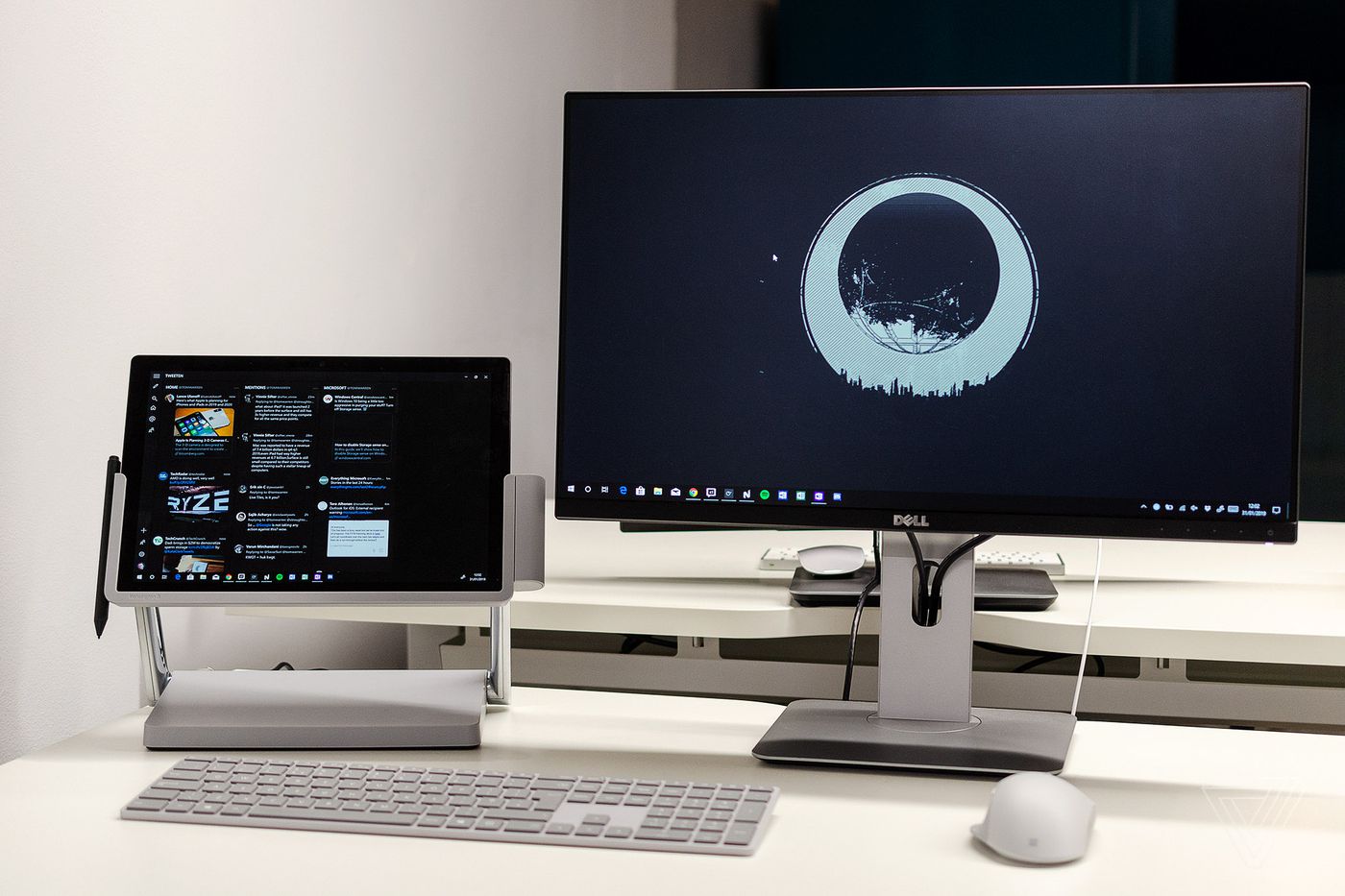
The articles here solve practical problems grouped into two main themes. One theme is connectivity and hardware setup, covering how to connect a Surface Pro with a docking station to two external monitors, how to restart that docking station, and how to take apart a Microsoft wireless mouse for repair or battery replacement. Another theme is account and software management, including how to change your Microsoft phone number, how to cancel Xbox Live on your phone, and how to get more free OneDrive storage in 2024. Several articles also address specific app settings and fixes, such as sending a high priority email in the Outlook Mobile app for Android and viewing a password within that same app.
Overall, these guides help the reader perform specific actions: connect external displays, manage storage and subscriptions, adjust email settings, and maintain Microsoft peripherals. Whether you need to use a stylus pen effectively or set up Remote Desktop Connection (RDC), the tag provides direct, task-oriented instructions for common Microsoft-related challenges.