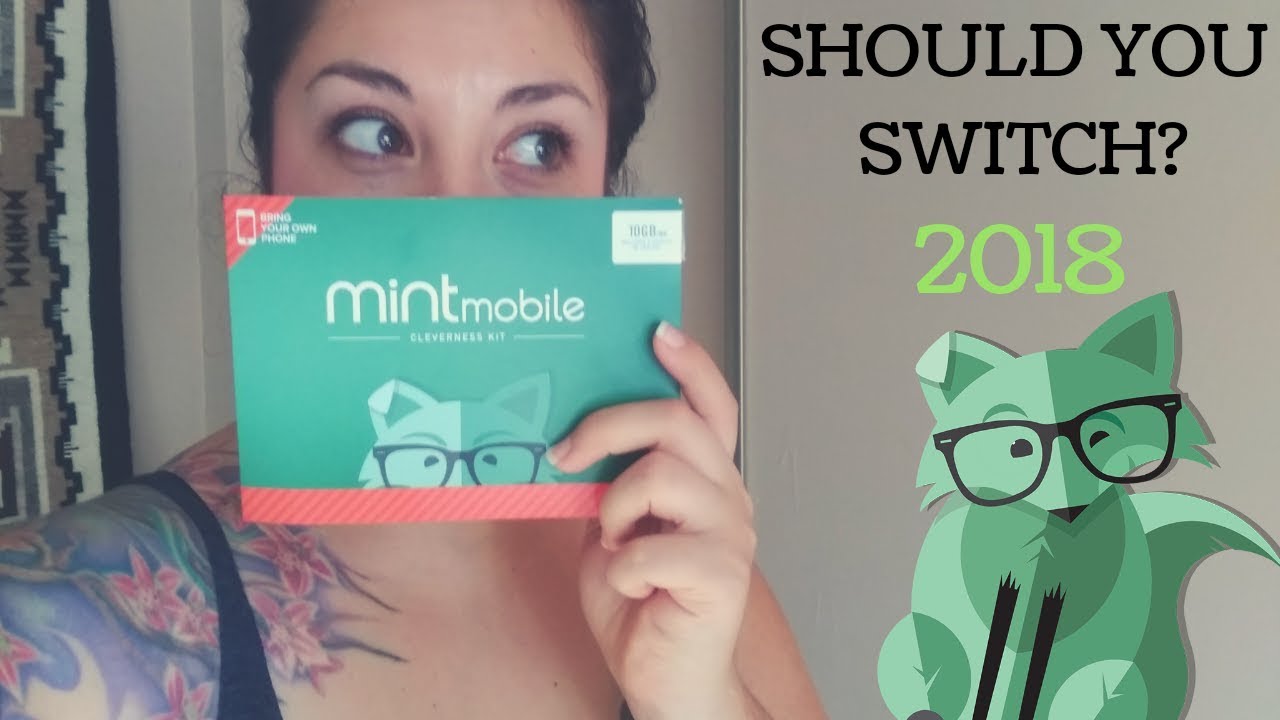
This tag page collects all of CellularNews’s articles about Mint Mobile, a prepaid carrier known for its low-cost, no-contract plans. It is designed for current Mint Mobile customers who need help managing their service, as well as for anyone considering making the switch. Whether you are troubleshooting a specific issue or just trying to understand how the carrier works, the articles here provide straightforward, step-by-step guidance.

The articles address two main areas of need. The first is getting started and managing your account. You will find clear instructions for signing up, setting up your phone, and activating your service, including how long activation typically takes. For existing users, there are guides on how to check your data usage, pay your bill, and even what happens when you run out of data. The second area covers changes and transitions. This includes practical steps for switching to Mint Mobile from another carrier like Verizon, transferring your existing phone number, and switching phones or to an eSIM. You can also learn how to cancel your plan and how to get a refund if needed.

Specific topics covered include setting up and accessing voicemail, making international calls, and finding your account number and PIN. For those dealing with billing details, the page explains what a recovery fee is and how to change your phone number. Overall, these articles help you take direct action, from the initial sign-up to everyday account management and troubleshooting common service issues.
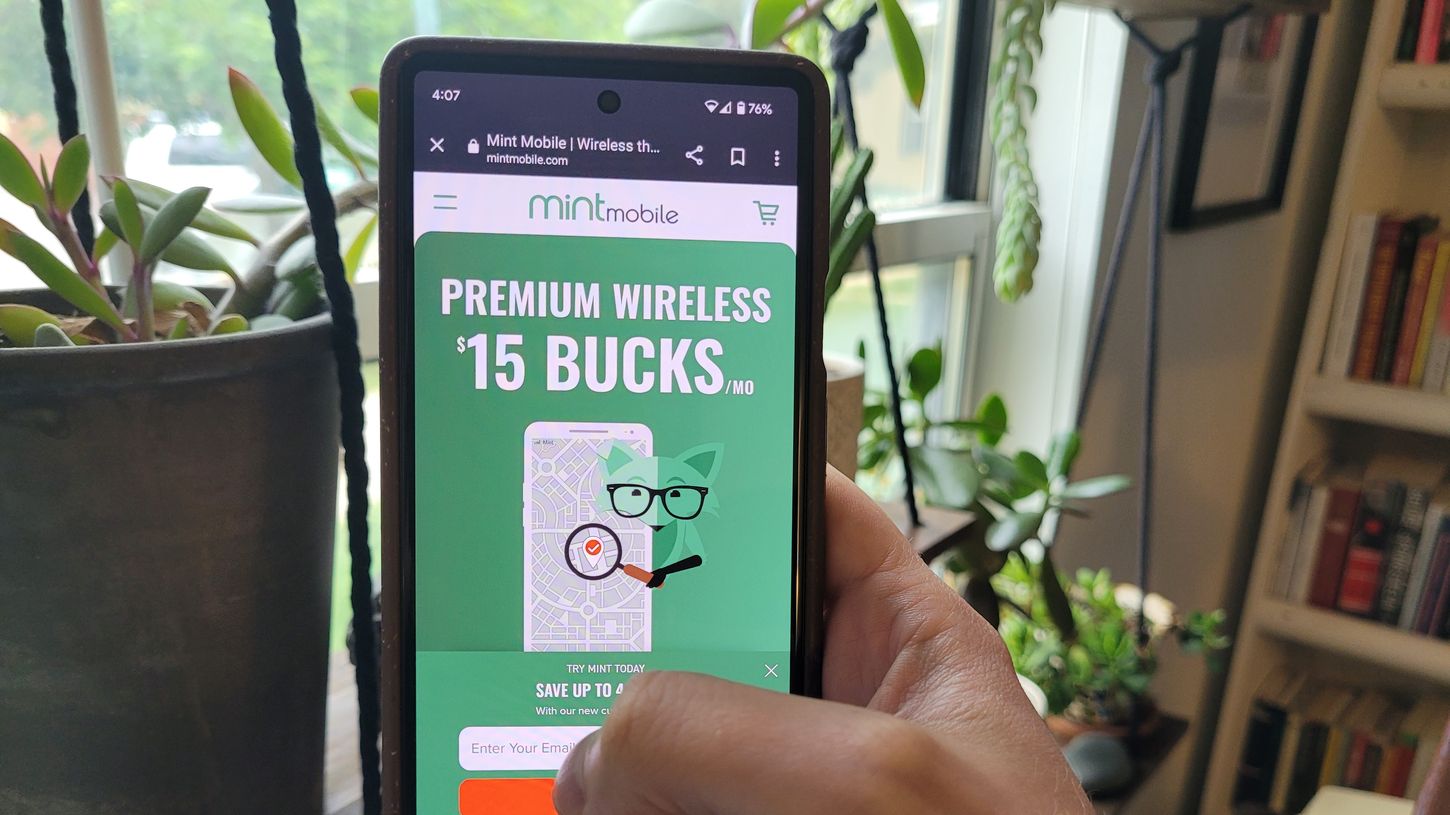
How Do I Pay My Mint Mobile Bill

To pay my Mint Mobile bill, log in to your account at my.mintmobile.com and go to the billing section to make a one-time payment. For the quickest recurring setup, enroll...

What Is A Recovery Fee Mint Mobile

Mint Mobile's recovery fee is a separate charge added to a plan purchase or renewal that helps the company recover costs tied to compliance and administrative expenses. It is not...

How To Change Phone Number In Mint Mobile

To change your phone number in Mint Mobile, you must call their Care team directly at (800) 683-7392. There is no self-service option on the website or app to change...

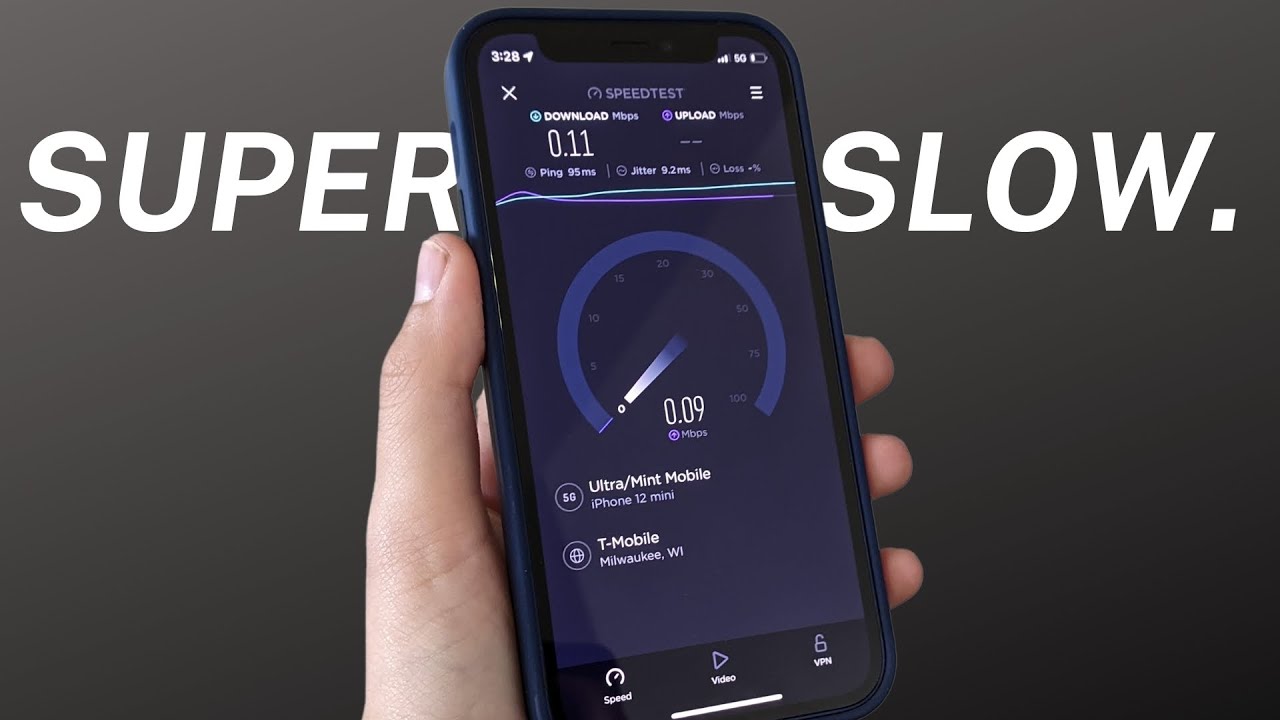
How Good Is Mint Mobile Coverage

Mint Mobile coverage is provided through T-Mobile's network, but the only verified detail about its actual coverage type is that it uses native, non-roaming coverage rather than relying on partner...

How To Transfer From Verizon To Mint Mobile

To transfer from Verizon to Mint Mobile, you need your Verizon account number and a Verizon Number Transfer PIN, and your phone must be unlocked. You generate this PIN through...

How To Switch To ESIM Mint Mobile

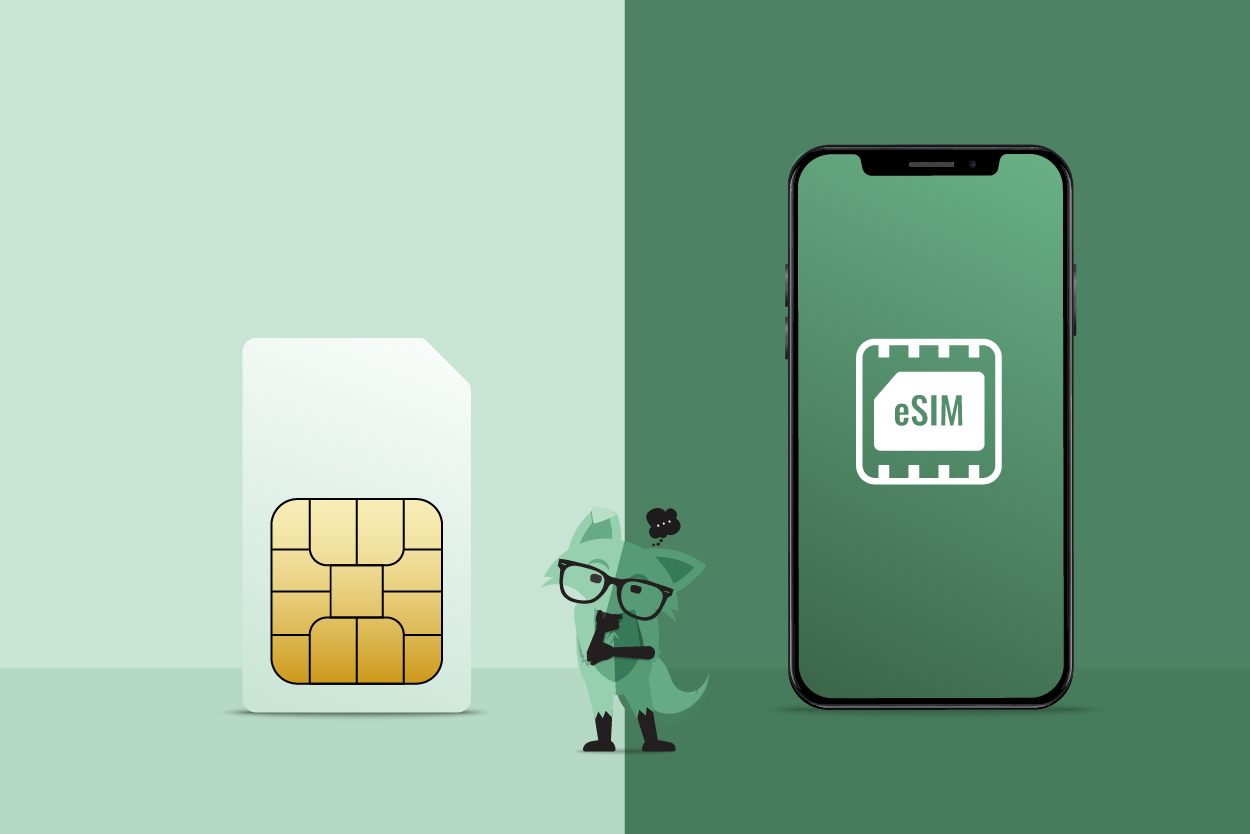
To switch to eSIM Mint Mobile, you can activate your service in minutes using the Mint Mobile app or by scanning a QR code sent to your email. This digital...

How To Set Up Mint Mobile

To set up Mint Mobile, you need to activate your SIM card or eSIM in the app, transfer your phone number if desired, and configure your phone's settings. Before you...

How Do I Get A Refund From Mint Mobile

Mint Mobile offers a strict 7-day money-back guarantee for new service activations, and refunds are not prorated after that window. To get a Mint Mobile refund, you must act within...

How Do I Switch To Mint Mobile

Before you switch to Mint Mobile Before you switch to Mint Mobile, it is worth looking closely at the Mint Mobile network provider because your experience depends entirely on the...