Multimedia messaging and the settings that make it work across different phones and carriers. This content is for anyone who has run into trouble sending or receiving picture messages, wants to adjust their messaging app’s behavior, or simply needs a clearer understanding of how texting functions on their device. Whether you use Android, iPhone, or a specific carrier like T-Mobile or Verizon, these guides address the practical side of getting texts and photos where they need to go.
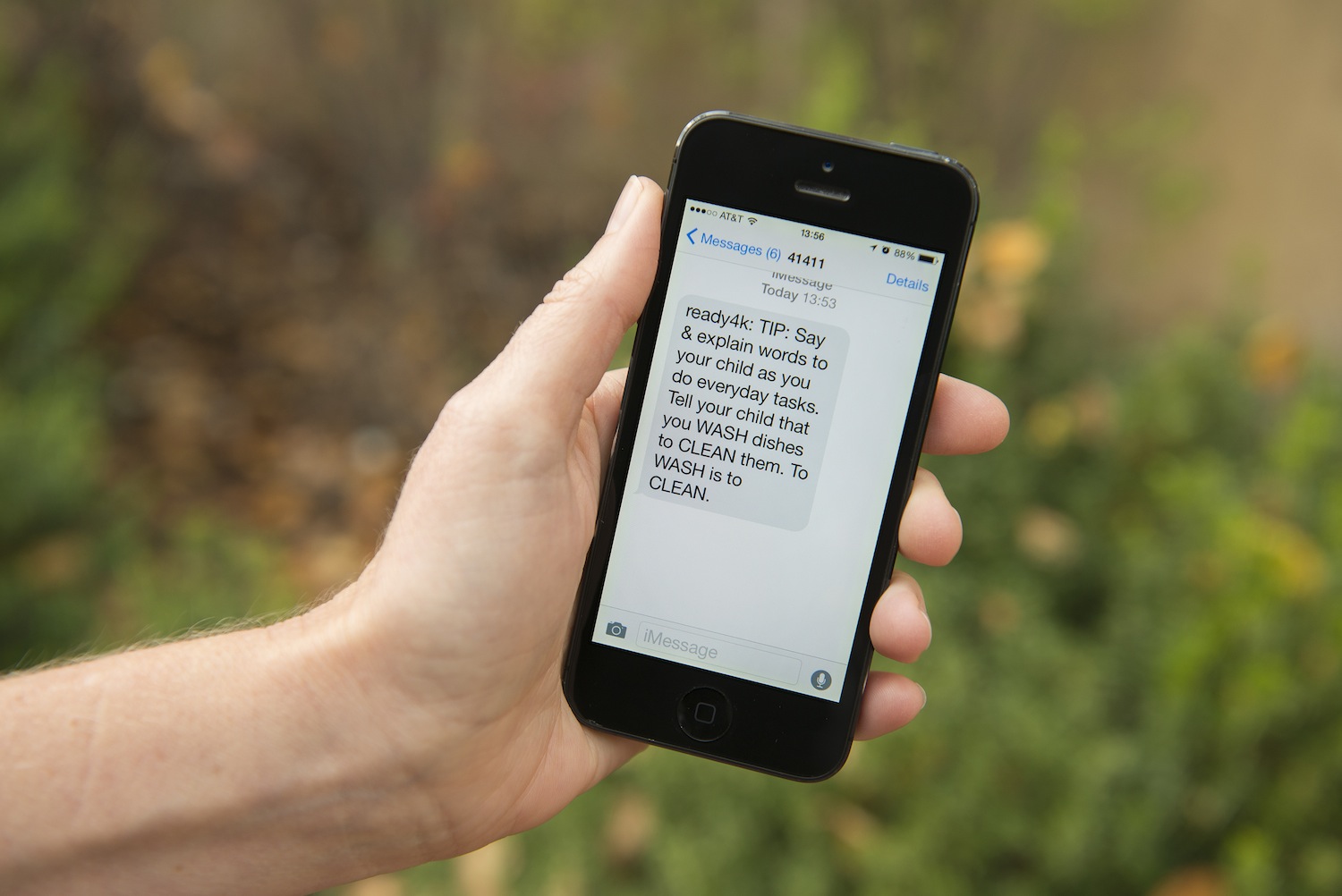
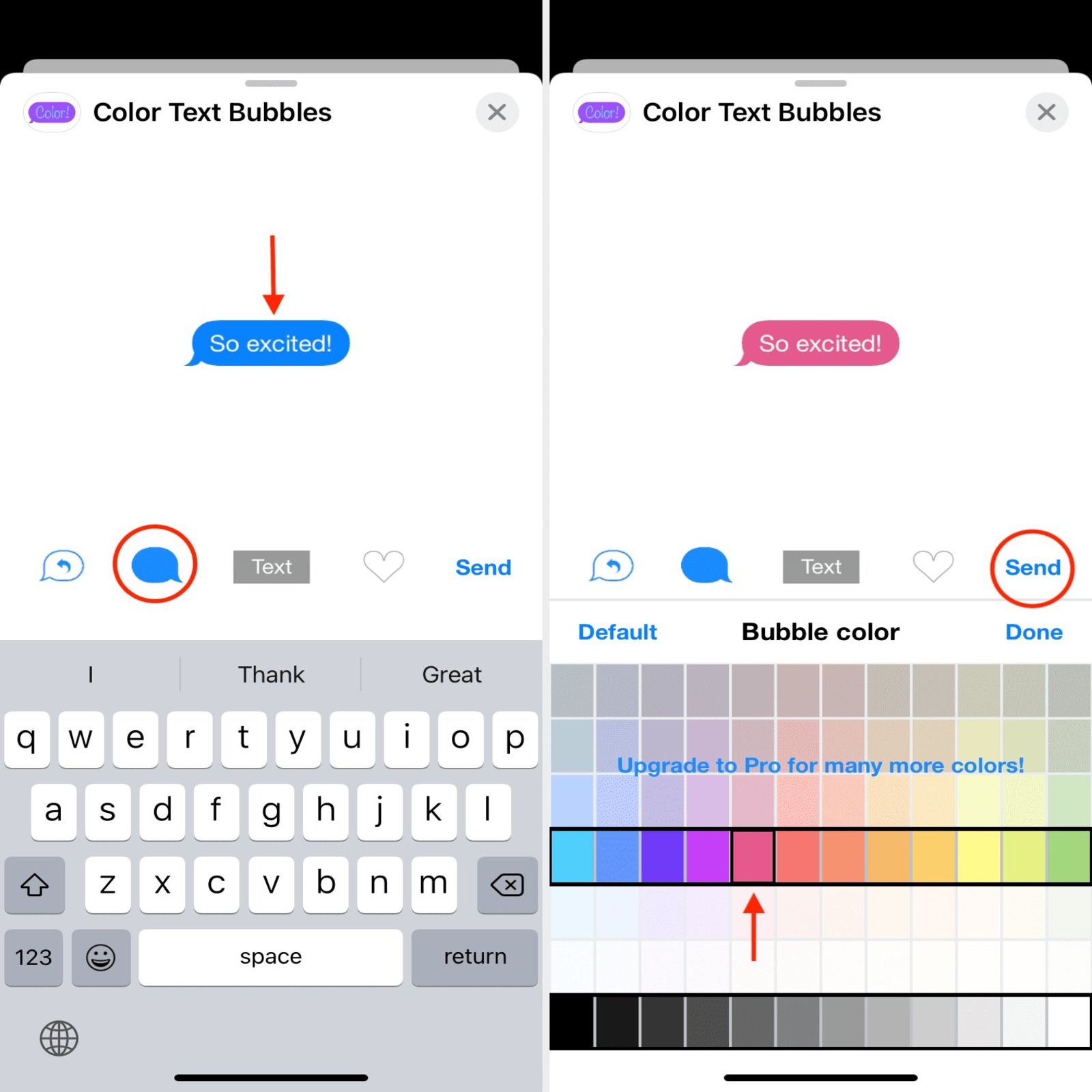
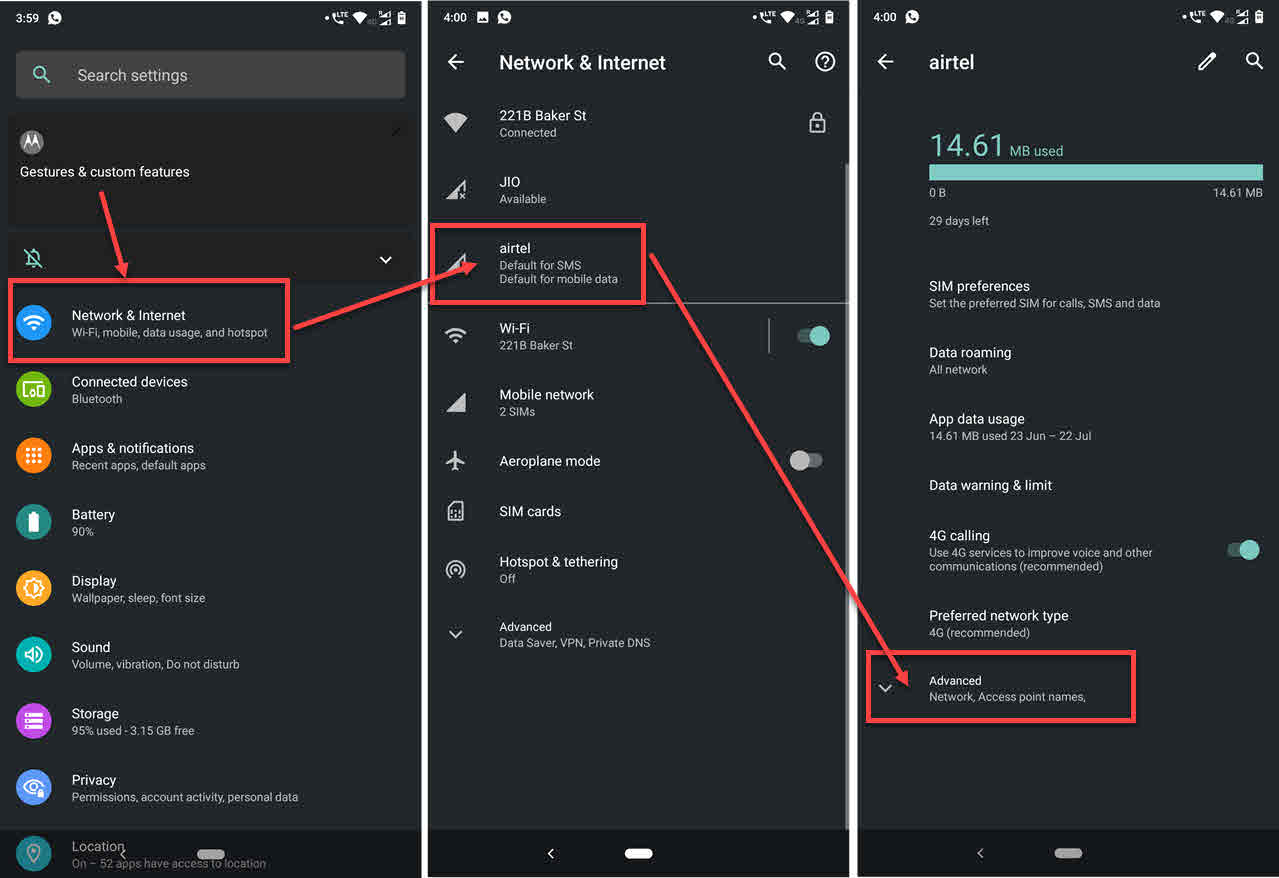
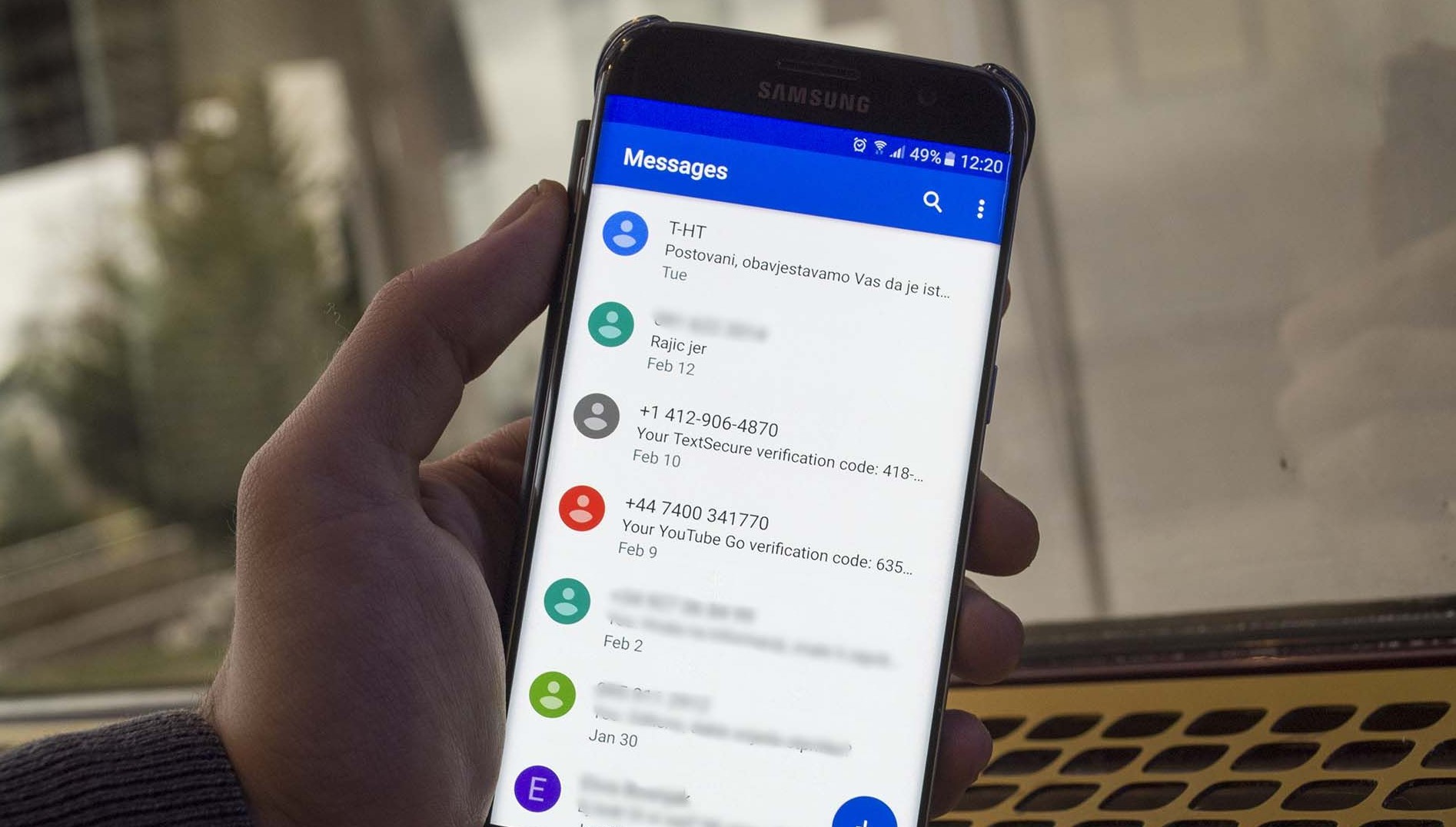
The articles here solve two main kinds of problems: configuration issues and everyday messaging tasks. For configuration, you will find step-by-step help for turning on MMS on Android or enabling MMS on an iPhone 14 or iPhone 11. Several pieces also dig into APN settings, explaining what an APN is and how changing those settings can fix broken MMS. On the task side, the collection covers how to send a picture from an Android phone, how to email a picture to a Verizon phone, and how to delete text messages on Android for both sides. You will also find explanations of what texting is, along with guides for changing the text bubble color on iPhone and viewing text messages online on Boost Mobile.
Overall, these articles help the reader take direct action: fix a non-working MMS feature, send a photo to another phone number, or adjust text messaging settings on a specific carrier. The focus stays on clear, actionable steps without straying into unrelated topics or making promises the listed articles do not support.