You cannot view text messages online through any Boost Mobile web portal or app.
Can you view text messages online on Boost Mobile?
The direct answer is no. Boost Mobile does not offer a web-based or in-app feature that displays the content of your SMS or MMS messages. The official help pages cover account settings, notifications, RCS configuration, and troubleshooting texts, but they contain no “Messaging” section, text-history viewer, or search/filter tools for reading message content online. If your goal is to see what someone wrote to you, the only documented option is to use the messaging app on your phone itself.
What you can do in the Boost Mobile app and online
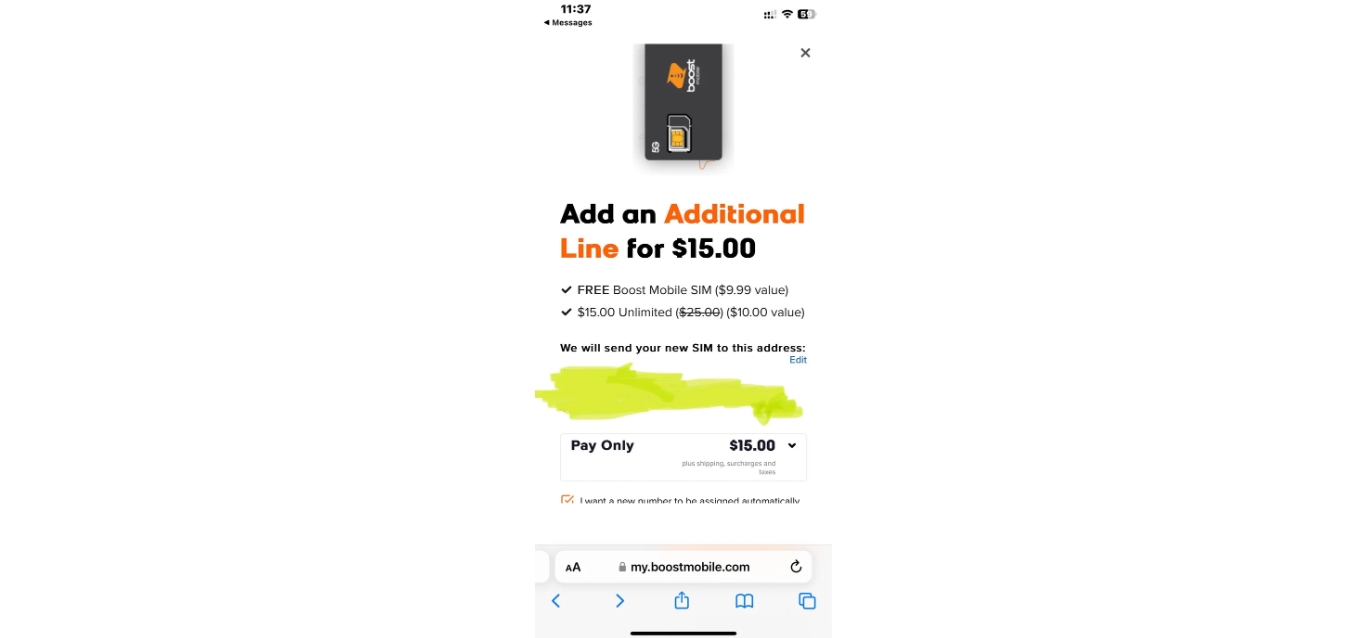
While you cannot read texts online, the Boost Mobile app and website do let you manage your account. Setting up an online account involves identity verification via a verification code sent to your registered contact details. In the app or on the web, account settings are under Settings → Notifications → Lines. The Boost Mobile app page says it lets you activate your line, manage your account, and contact customer support. These are the documented functions for Boost Mobile services (Boost Mobile Plans, Payments and Account Services), not for reading message content.
How to read your texts using your phone’s messaging app
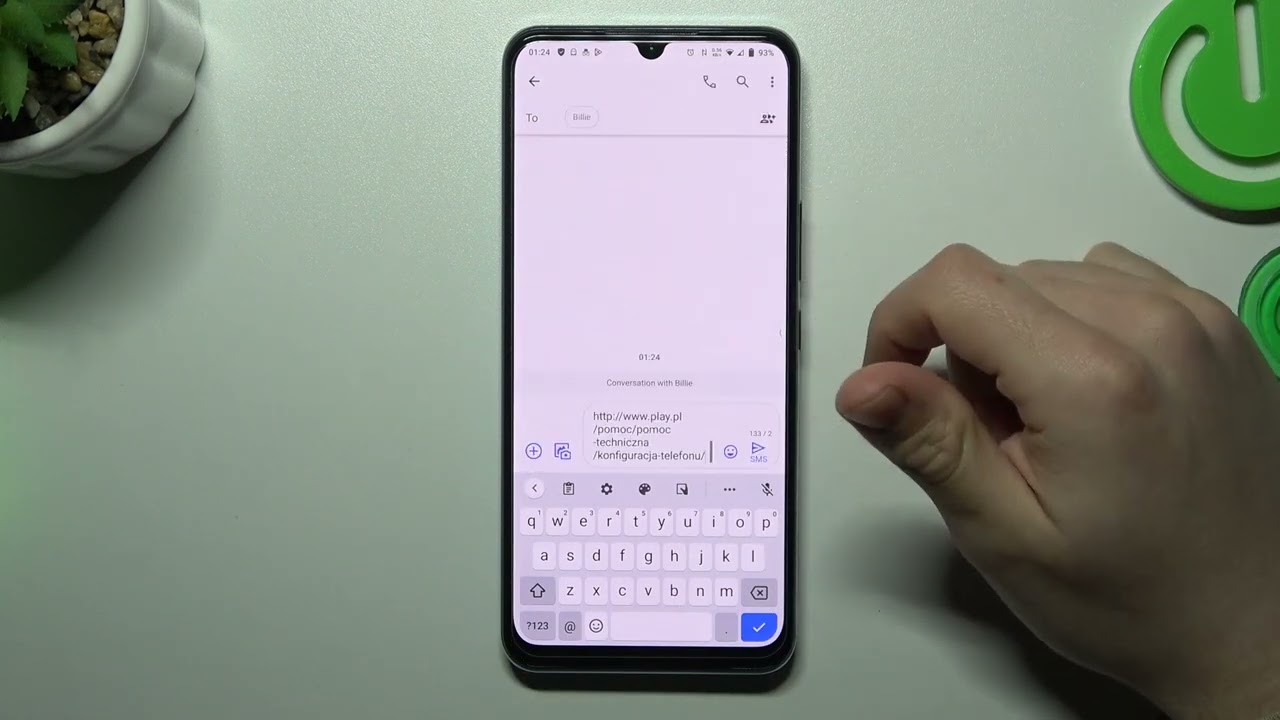
Boost Mobile’s official troubleshooting guidance directs you to your phone’s default messaging app. On Android, try the default messaging app, naming Messages, Google Messages, and Samsung Messages. On iPhone, refer to iMessage and the blue message bubble. For RCS settings, open Settings → Apps → Messages, then under Text Messaging tap RCS Messaging and toggle it on or off. These are the only documented ways to view your text message content.
Tips for keeping your Boost Mobile account secure
Since your online account manages your line and billing, securing it matters. Account setup includes setting up security measures such as security questions or a unique PIN. Enable two-factor authentication if Boost Mobile offers it for your account. Use a strong, unique password that combines uppercase and lowercase letters, numbers, and special characters. Avoid accessing your account on public Wi-Fi networks, and always log out completely after using a shared or public device. Regularly review your account activity and login history to spot unauthorized access. These steps protect your Boost Mobile account even though they do not grant online access to your text messages.
Frequently Asked Questions
Can I view my Boost Mobile text messages online?
No. Boost Mobile does not provide any web portal or app feature that shows the content of your SMS or MMS messages. The My Boost app or Boost Mobile website do not offer this capability. You can only read them on your phone using its default messaging app.
Is it possible to view text messages from a different device or location?
Not through Boost Mobile’s own system. There is no official way to read your Boost Mobile texts from a computer or another device. Some third-party services claim to offer this, but Boost Mobile does not support or document any such method.
Are there any charges for accessing text messages online with Boost Mobile?
There are no charges because the feature does not exist. You are not billed for attempting to use account management tools, but you also cannot view message content online at any price.
Can I view multimedia messages (MMS) online as well?
No. Boost Mobile’s online platform does not support viewing MMS content, including photos or videos. Multimedia messages are only accessible on your phone through its messaging app.
Is it secure to view text messages online with Boost Mobile?
Since Boost Mobile does not offer online message viewing, there is no security risk from that feature. Your phone’s messaging app handles message security, and your Boost Mobile account security is separate. Always use strong passwords and two-factor authentication for your account.
Related reading: How To View My Text Messages Online On T-Mobile and How To Delete Text Messages On Android For Both Sides.