Practical guides and step-by-step fixes for everyday phone use, aimed at anyone who wants to get more out of their device, whether you're deep into mobile gaming, managing app settings, or handling cross-country calls. These articles are written for real-world problems, not theory.
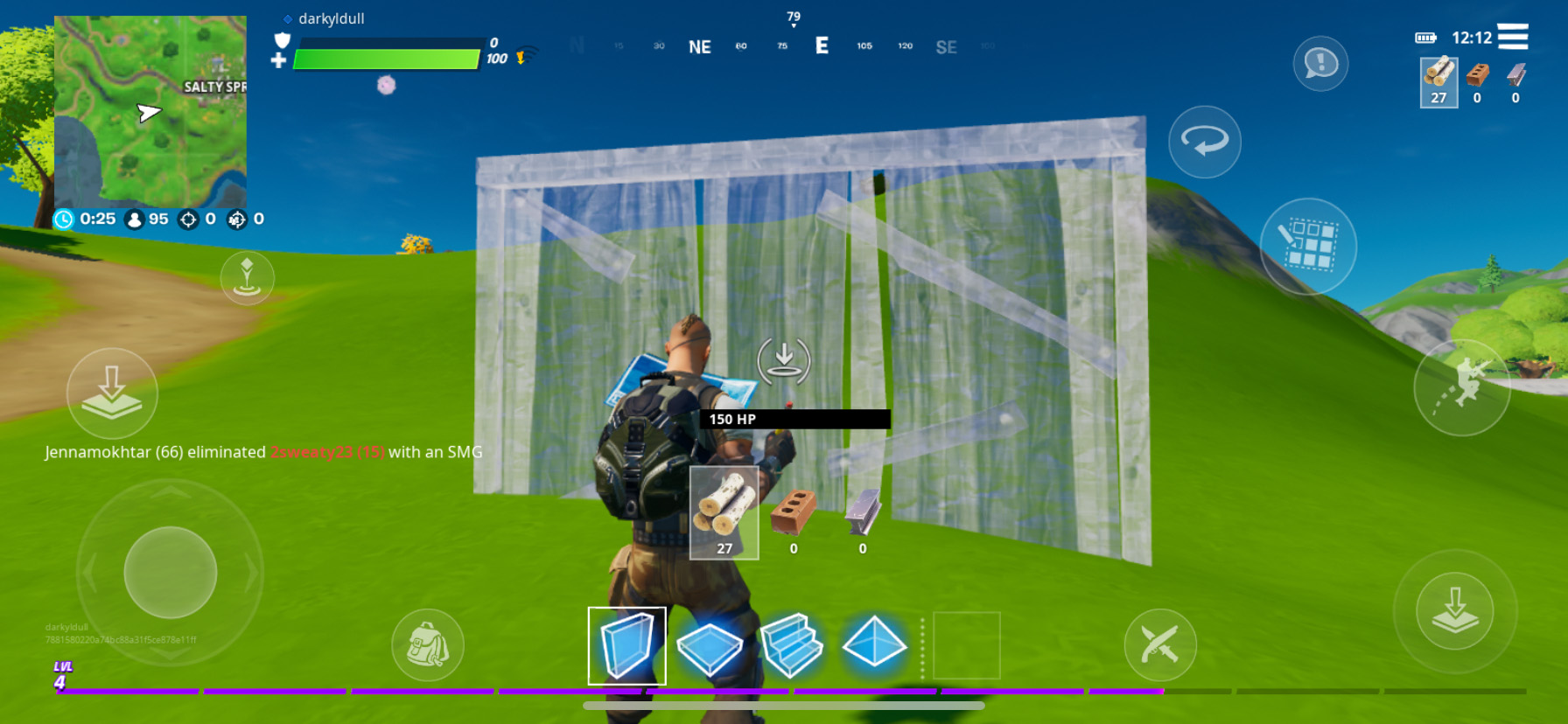
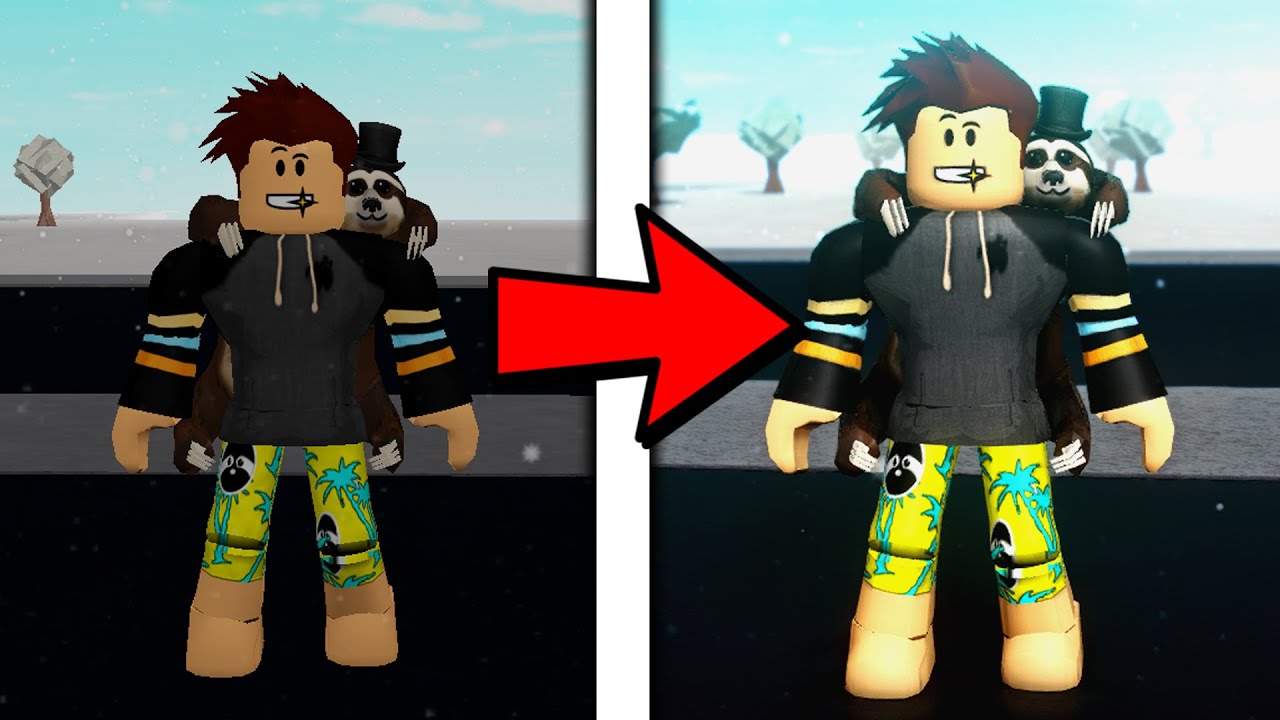
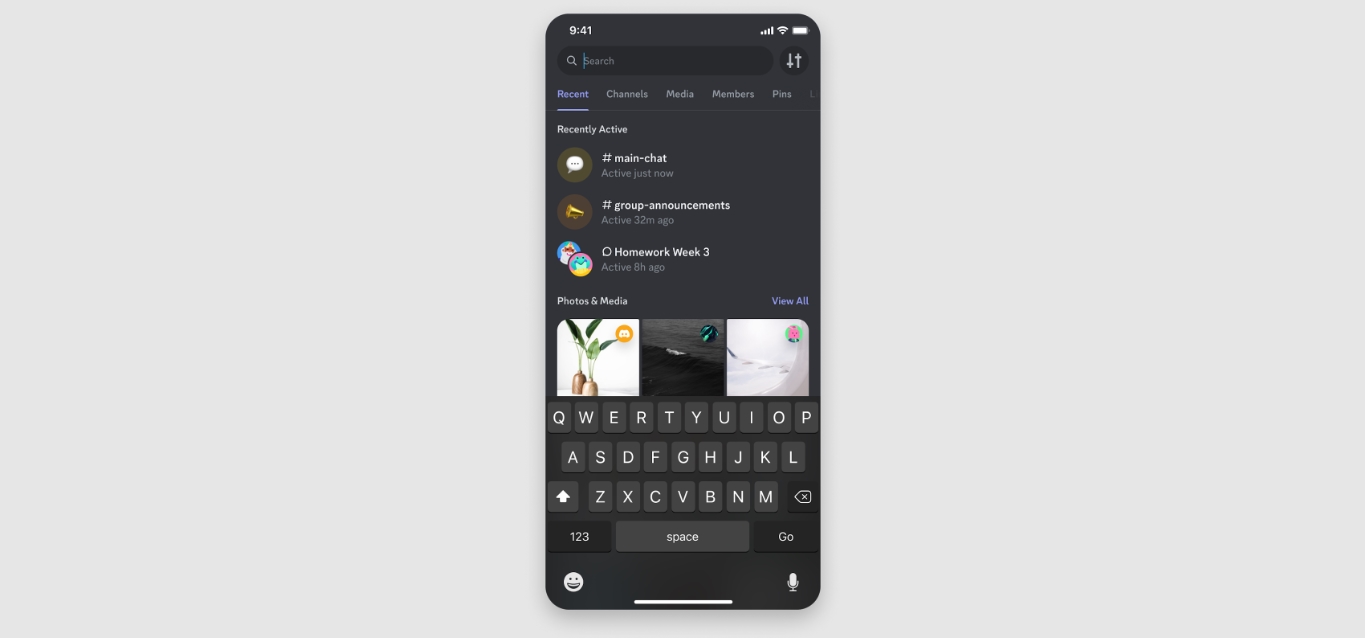
The content falls into a few clear themes. One big group focuses on in-game actions and customization, especially for Roblox, Fortnite, and Minecraft: you'll find help on accepting friend requests, dropping items, changing your height, wearing multiple hairs, and even adding shaders or VR support. Another set of articles tackles app and device settings, like how to change font size in Google Docs, mute YouTube, unmute Discord, or make Google Sheets mobile-friendly. There are also connectivity and communication guides, for example, how to connect to Cox WiFi, call a Mexican or Italian phone number from the US, or call a US number from an Australian mobile.
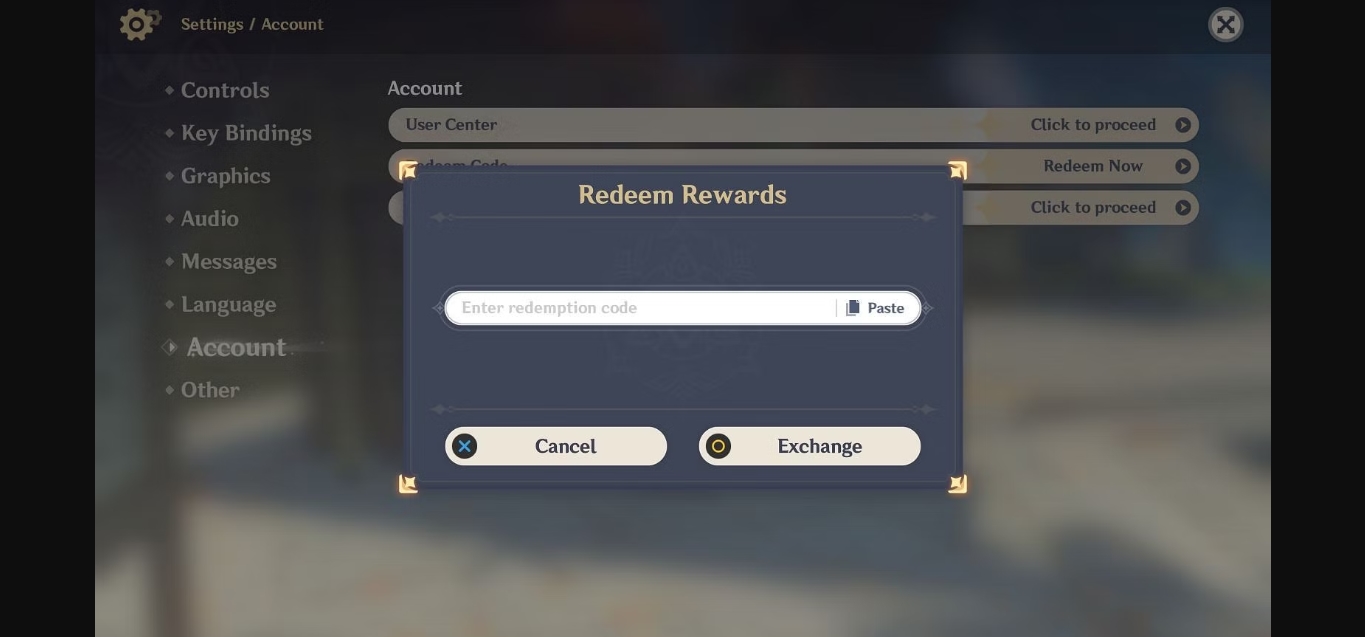
Whether you need to enter Genshin codes, save Roblox outfits, view a Thinkorswim options chart, or just figure out what a Print Screen key does, these articles walk you through the exact steps to make it happen on your phone.