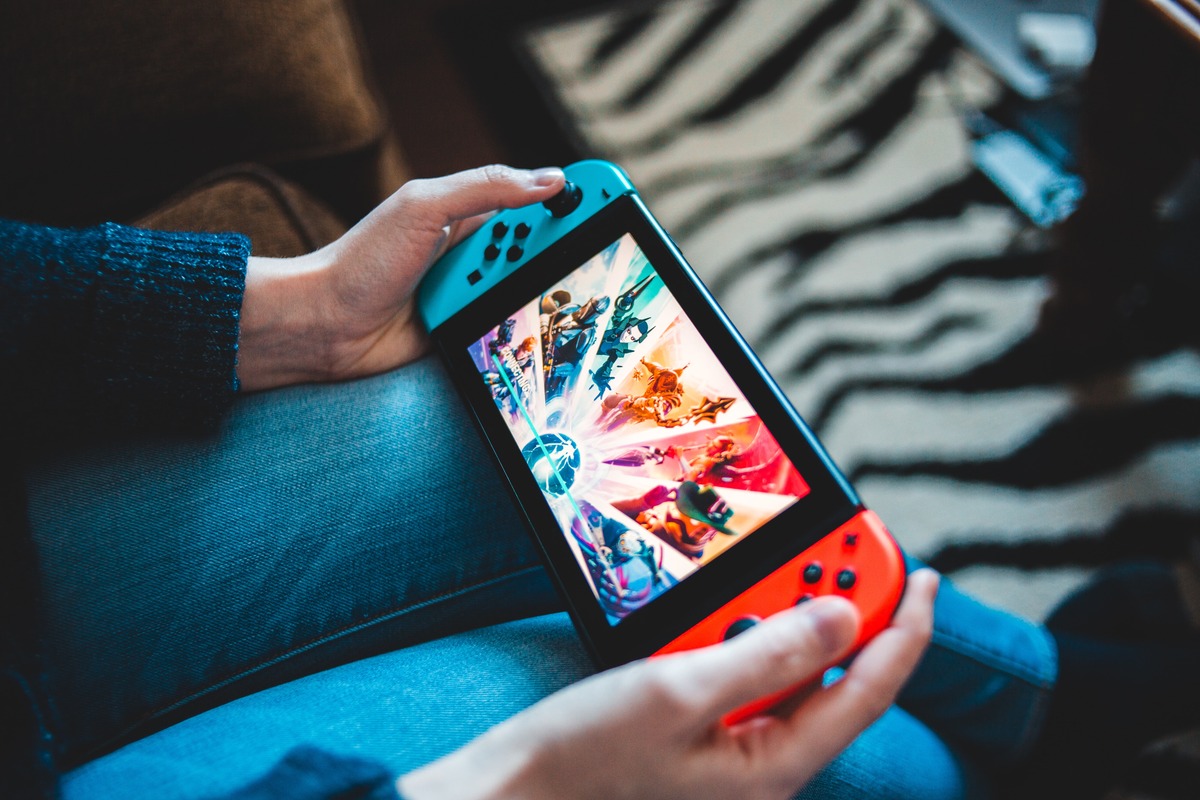
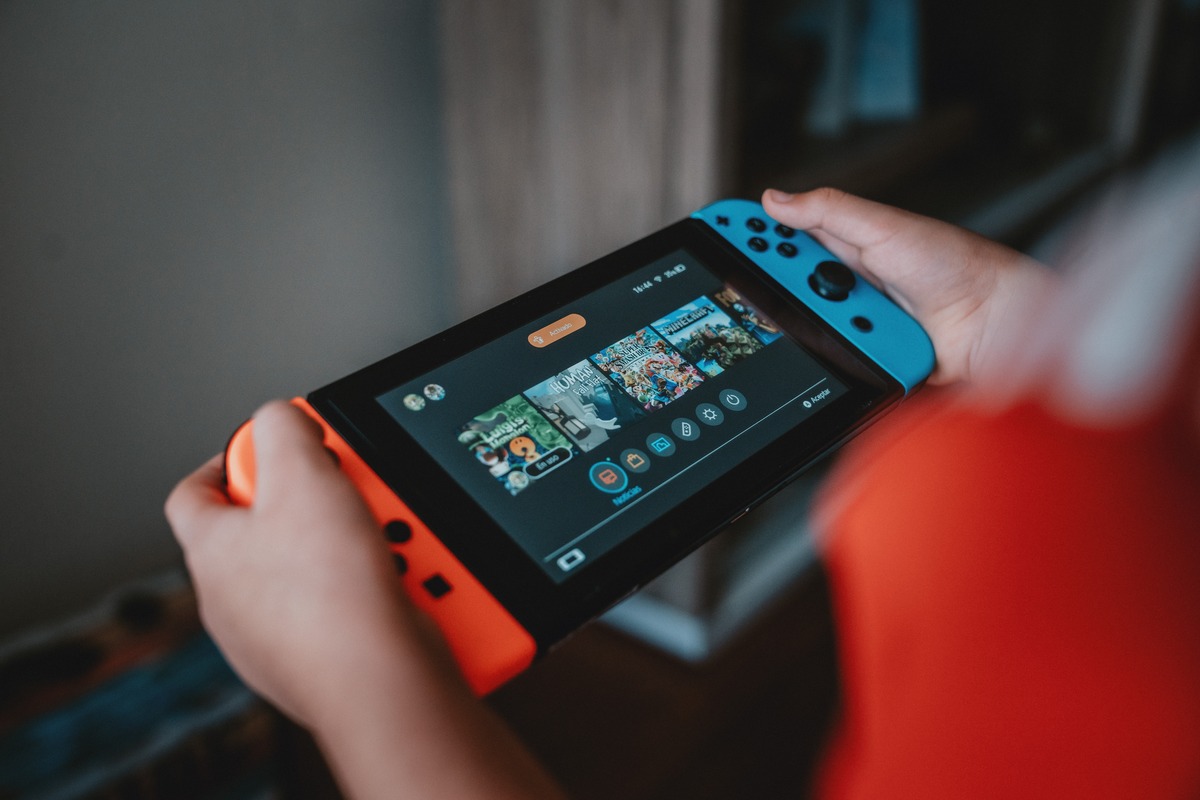
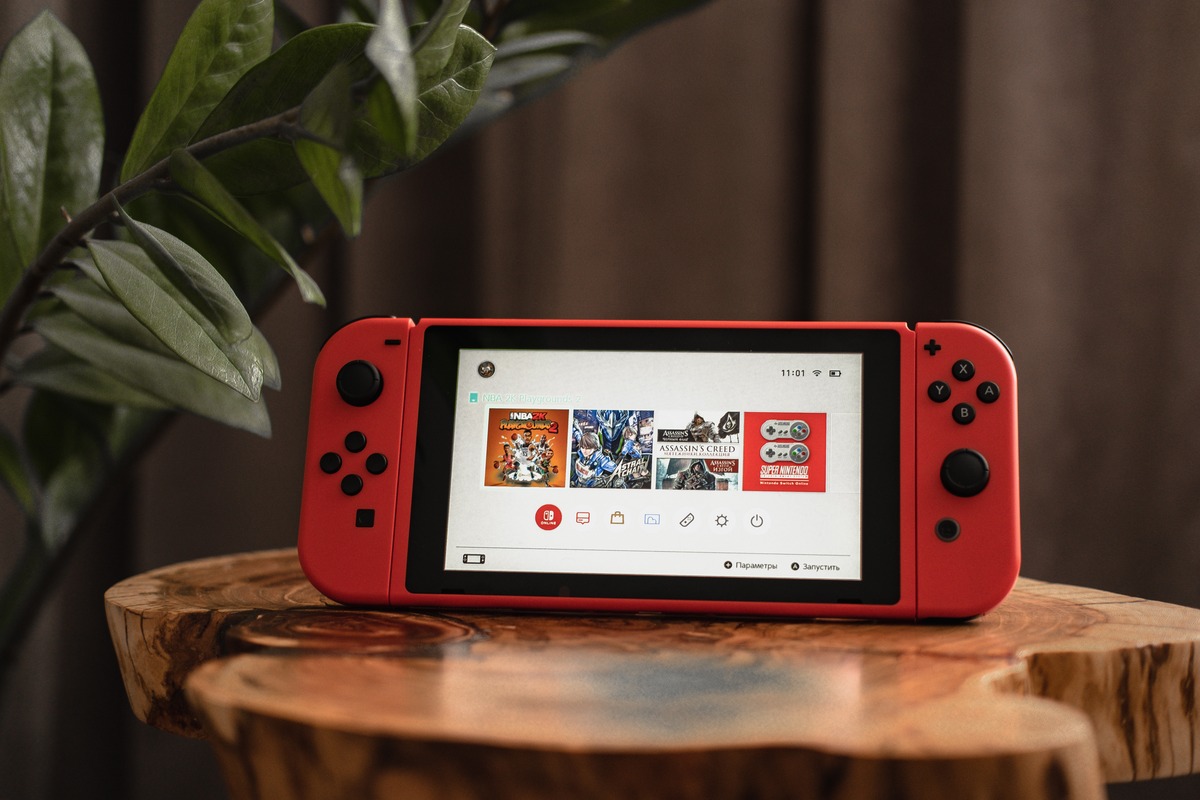
Guides and troubleshooting advice for gamers who want to connect their hybrid console with their phone, fix common hardware issues, and manage their game data. This content is for anyone who owns a Switch and a smartphone and wants to make the two devices work together, or who needs practical, step-by-step help with everyday problems like a broken joystick or corrupted save files.
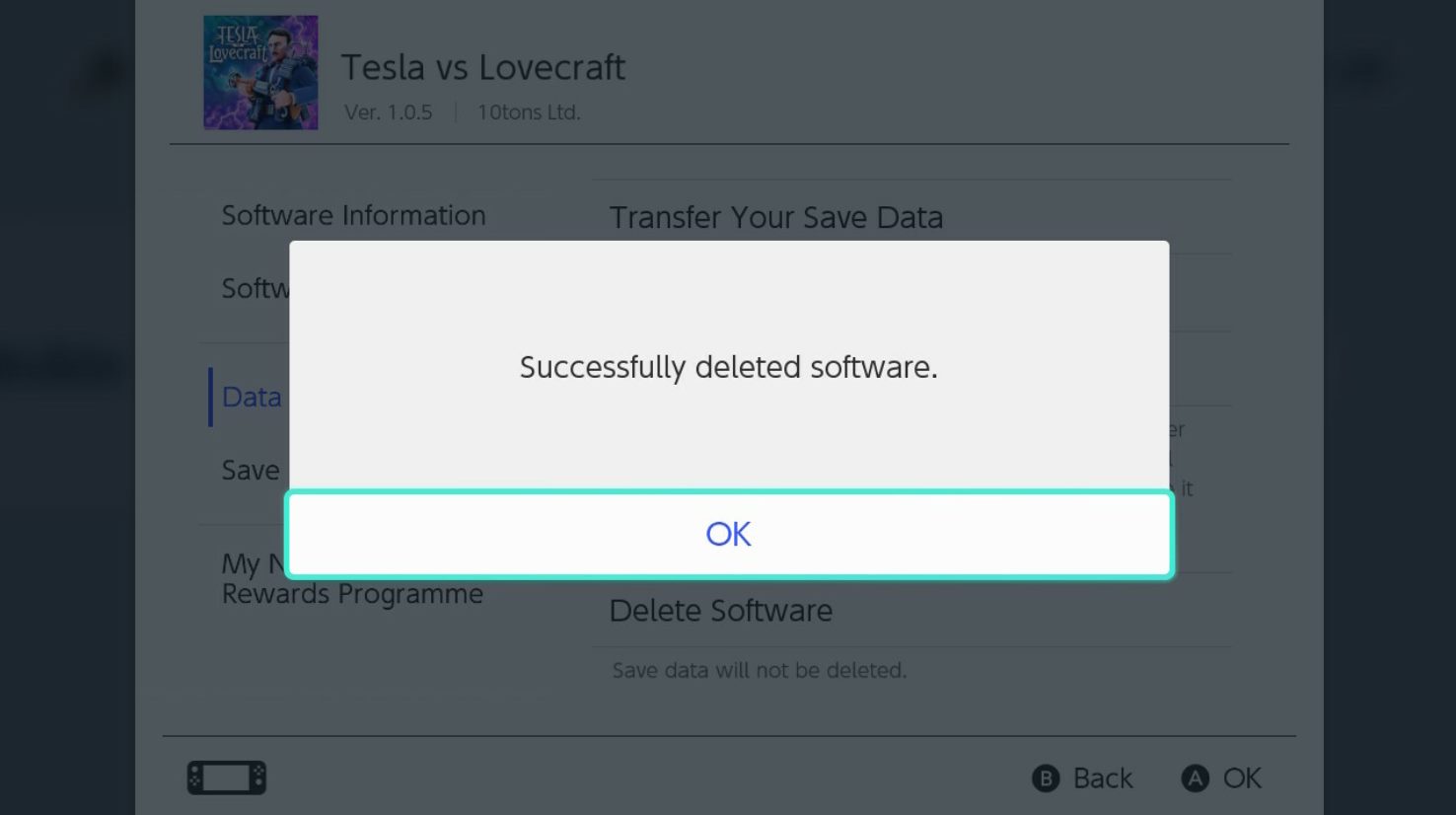
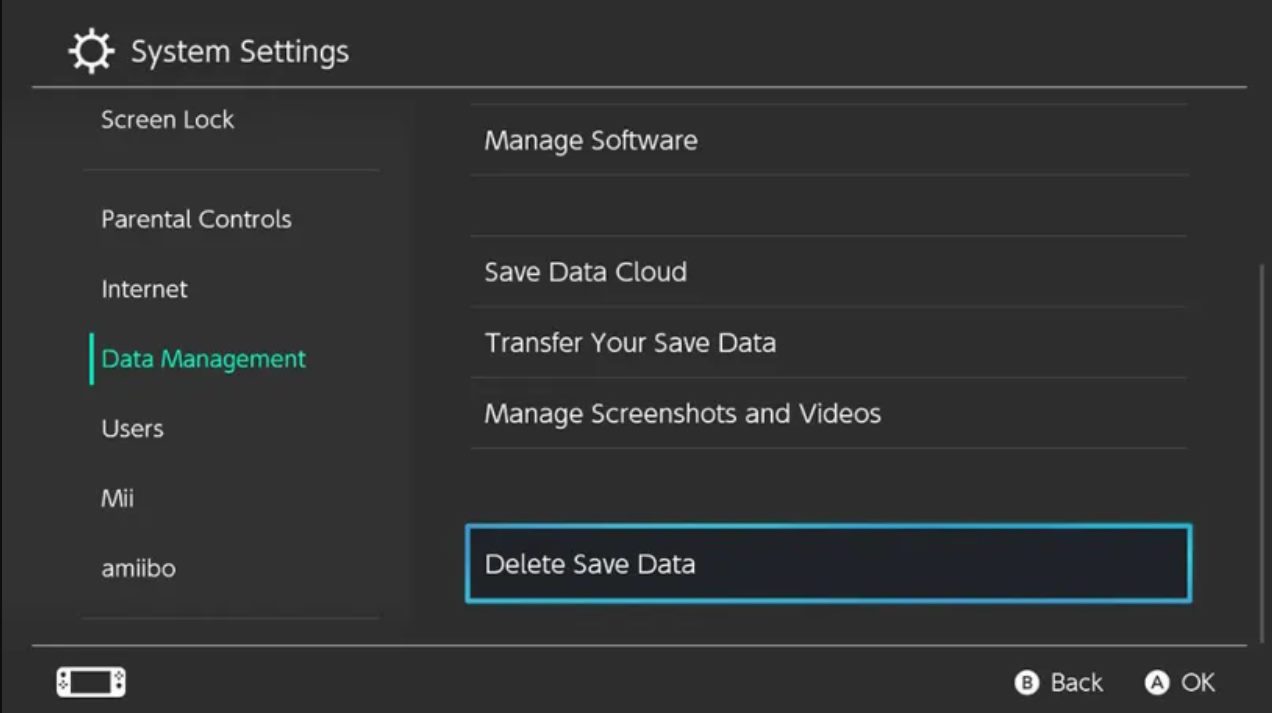
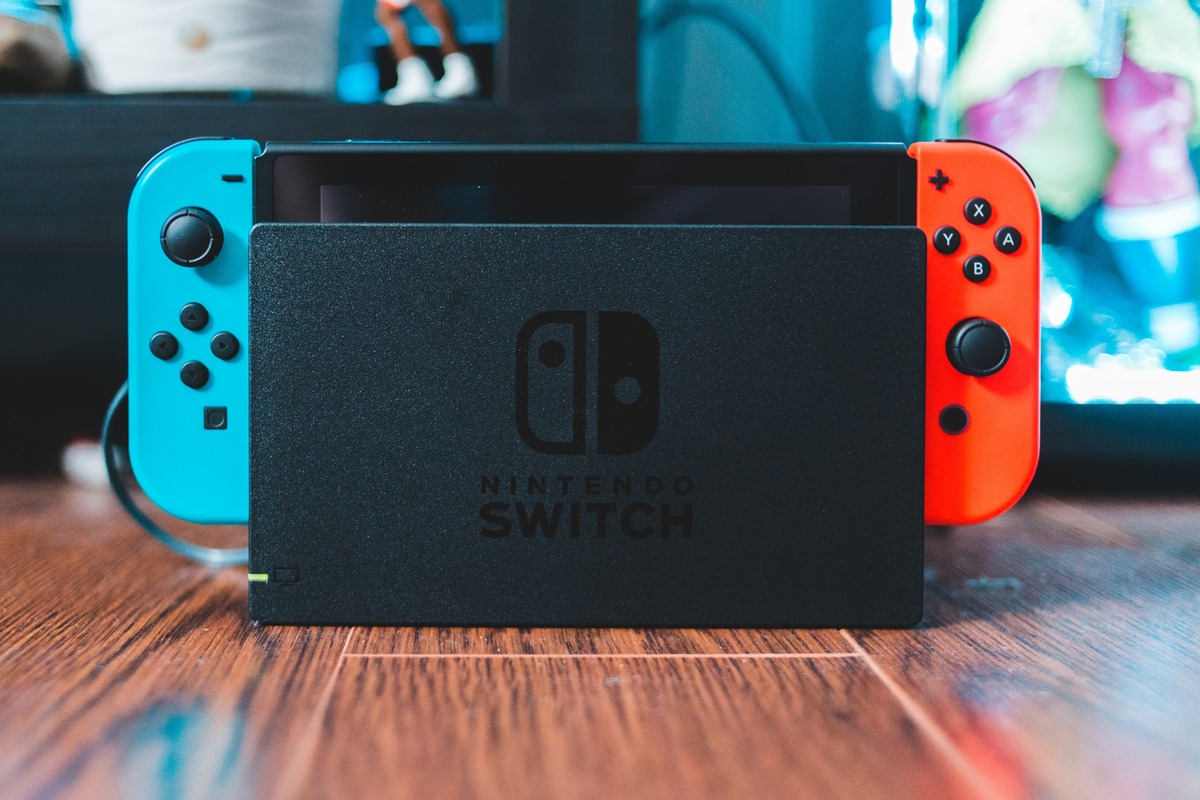
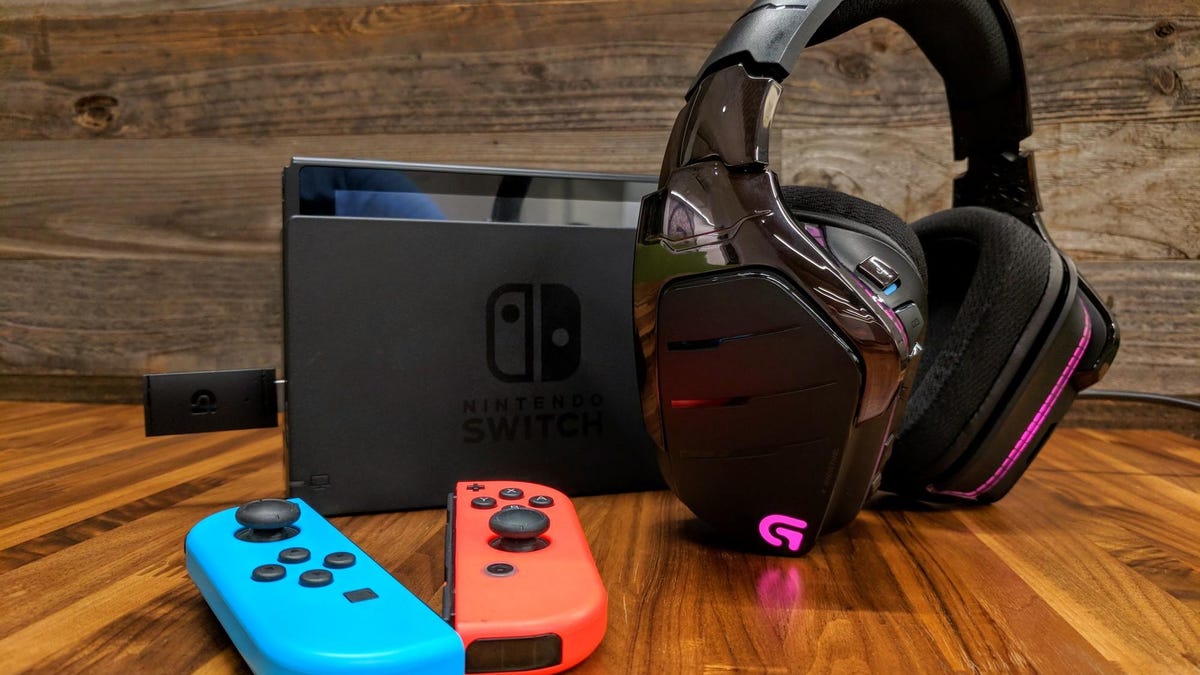
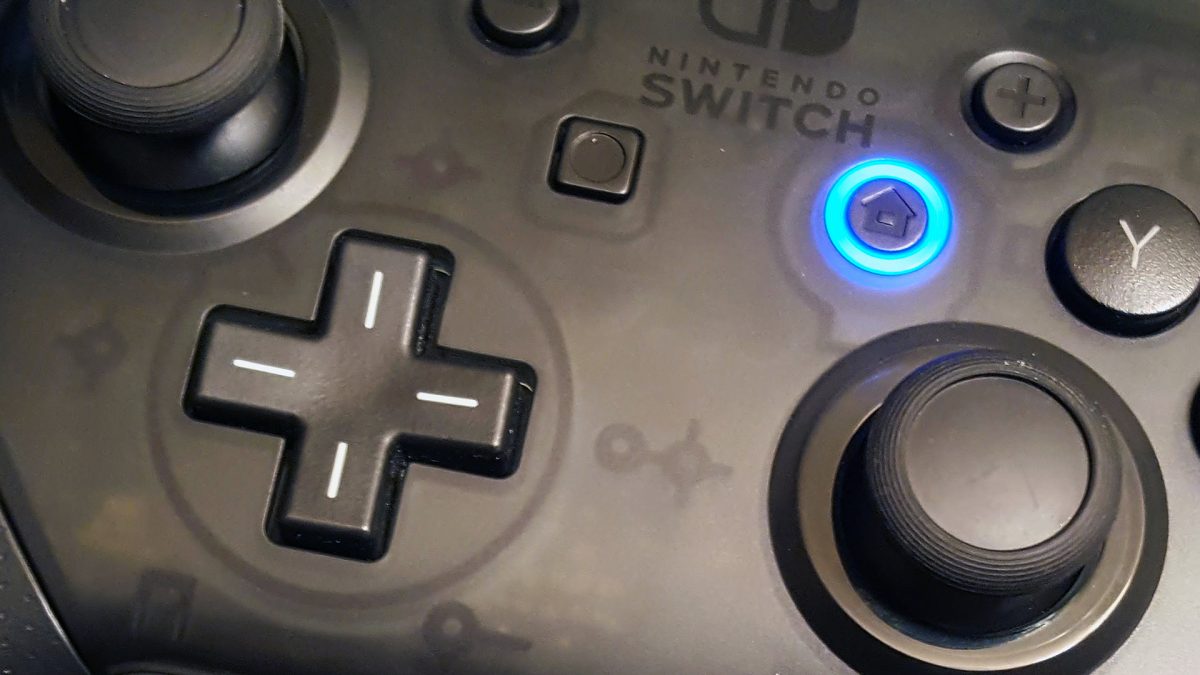
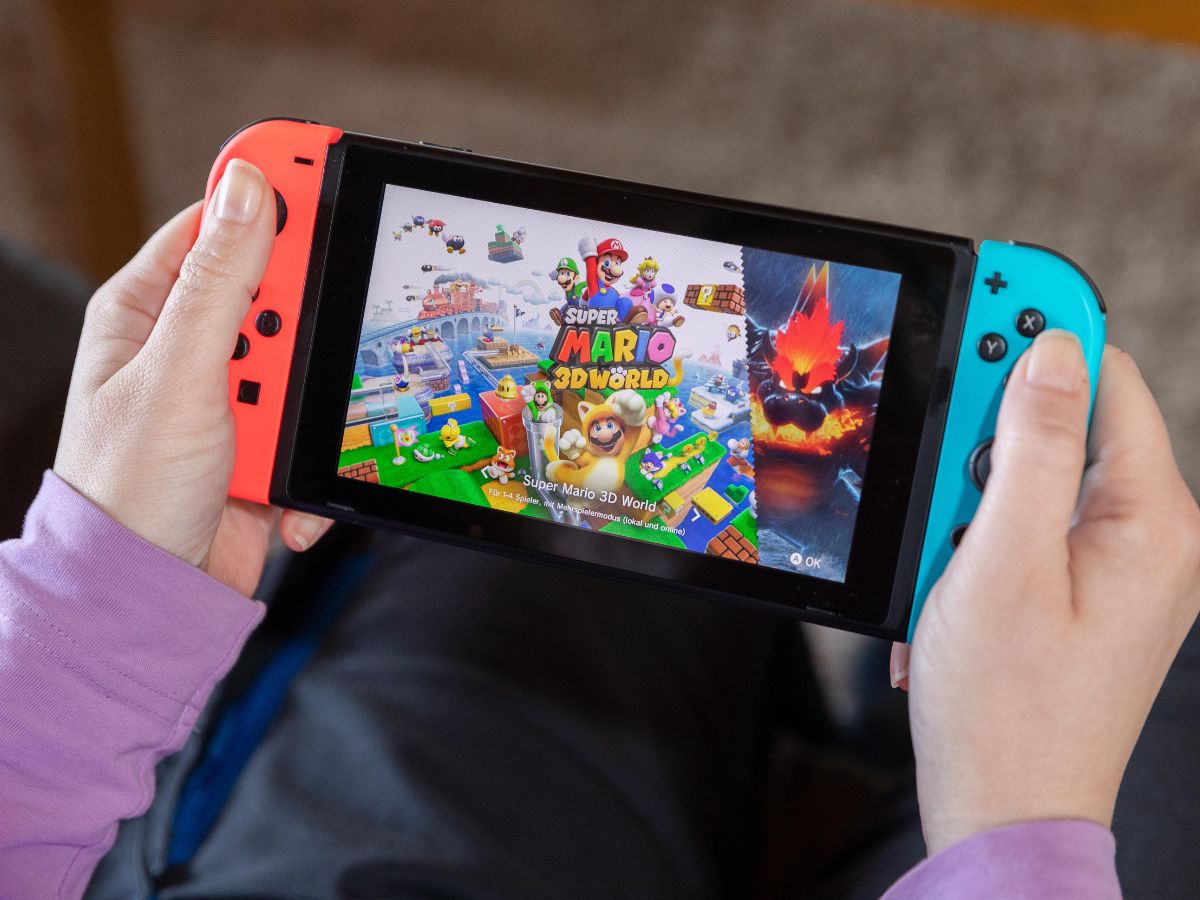
The articles here solve three main kinds of problems. First, connectivity: many guides show you exactly how to use your phone as a Nintendo Switch controller, how to connect Joy-Cons or a Pro Controller to your phone, and how to send pictures from the Switch to your phone. You will also find instructions for connecting wireless headphones, using a Switch docking station, and linking the console to a mobile hotspot. Second, hardware fixes: if your joystick is not clicking or needs replacing, or if you need to take off a screen protector without damaging the display, these articles walk you through the repair. Third, data management: you can learn how to transfer save data from one Switch to another, how to recover deleted save data, and how to move Animal Crossing data to a new console.
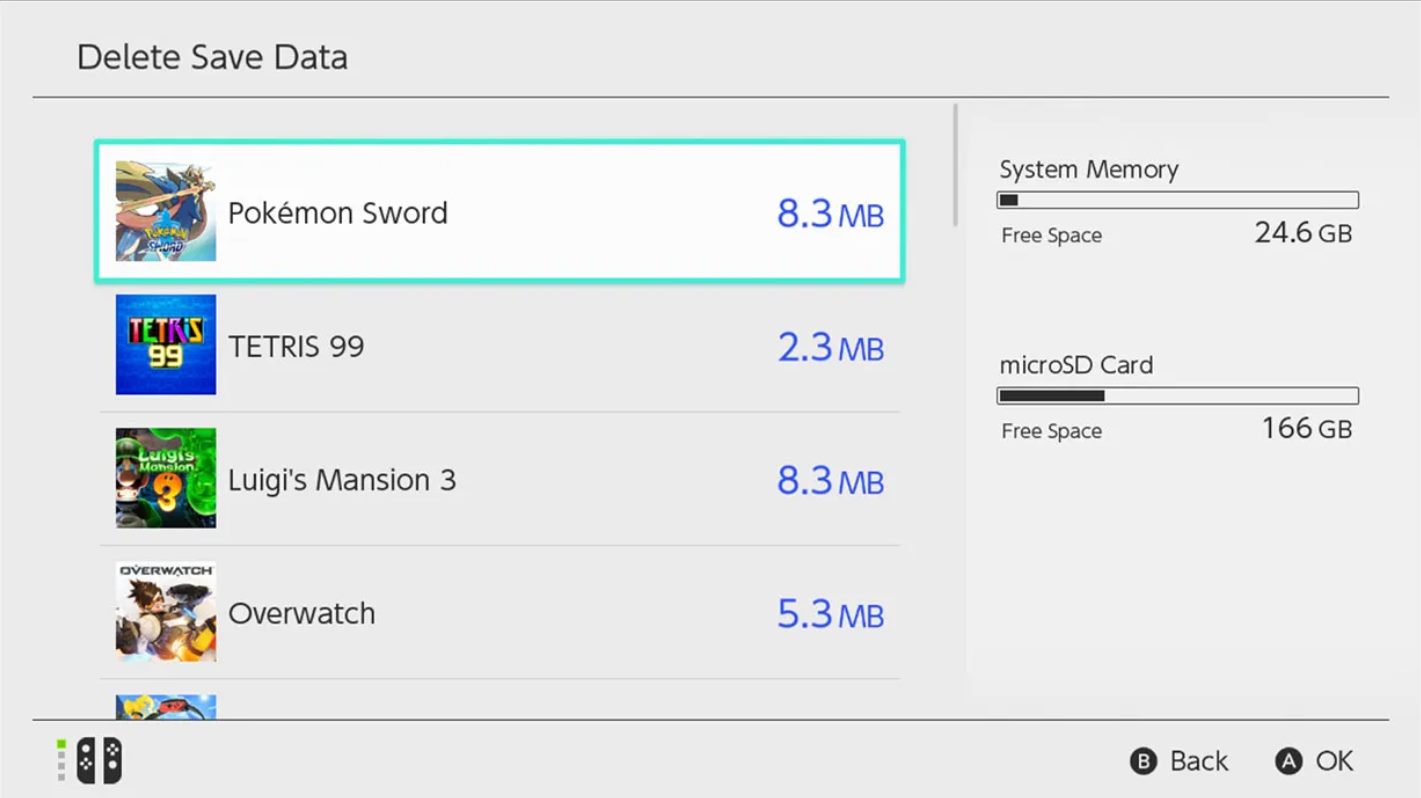
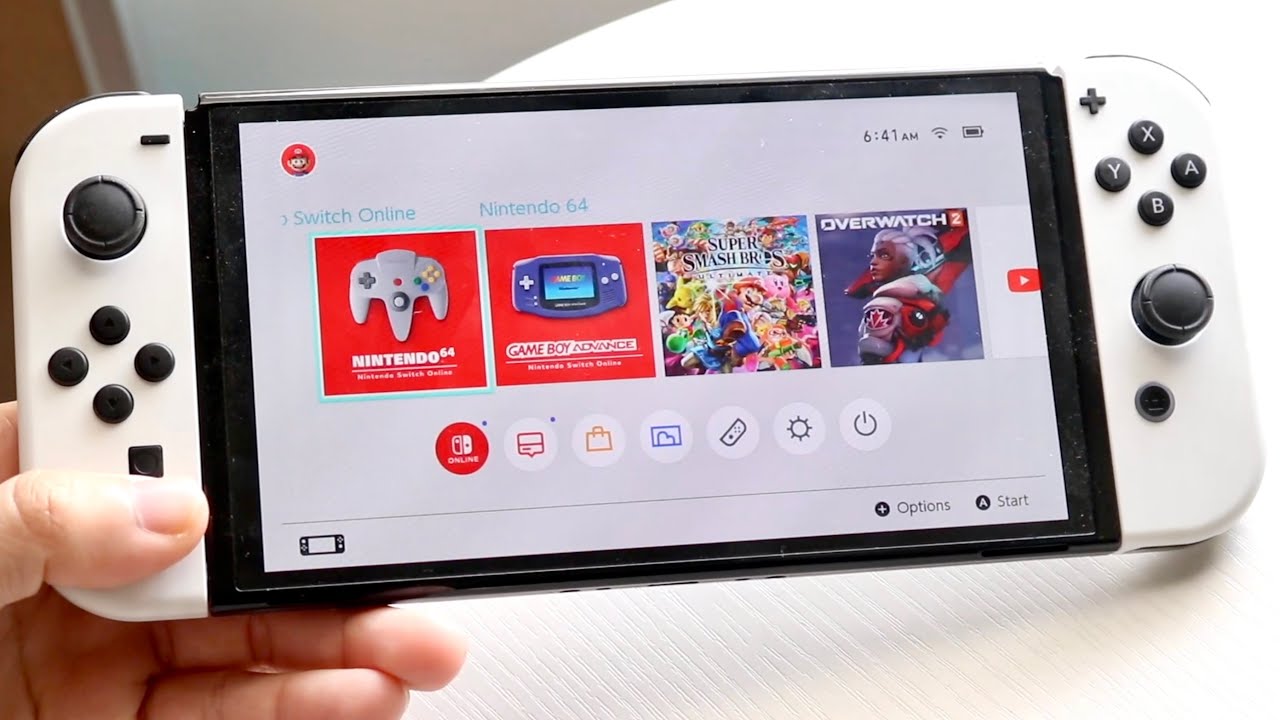
Specific topics include fixing corrupted data, deleting save data for Pokémon Scarlet and Pokémon Sword, transferring data to a new micro SD card, and using your phone as a Just Dance controller. Whether you are a retro gamer looking at the best handheld emulators or just trying to get your Switch to work with your phone, these articles give you the direct steps to get it done.