Guides and troubleshooting articles for anyone who wants more control over the alerts, sounds, and interruptions coming from their phone, smartwatch, or apps. Whether you use an iPhone, an Android device, a Samsung phone, a Fitbit, or even a Quest 2 headset, these articles are written to help you manage exactly when and how you get notified.
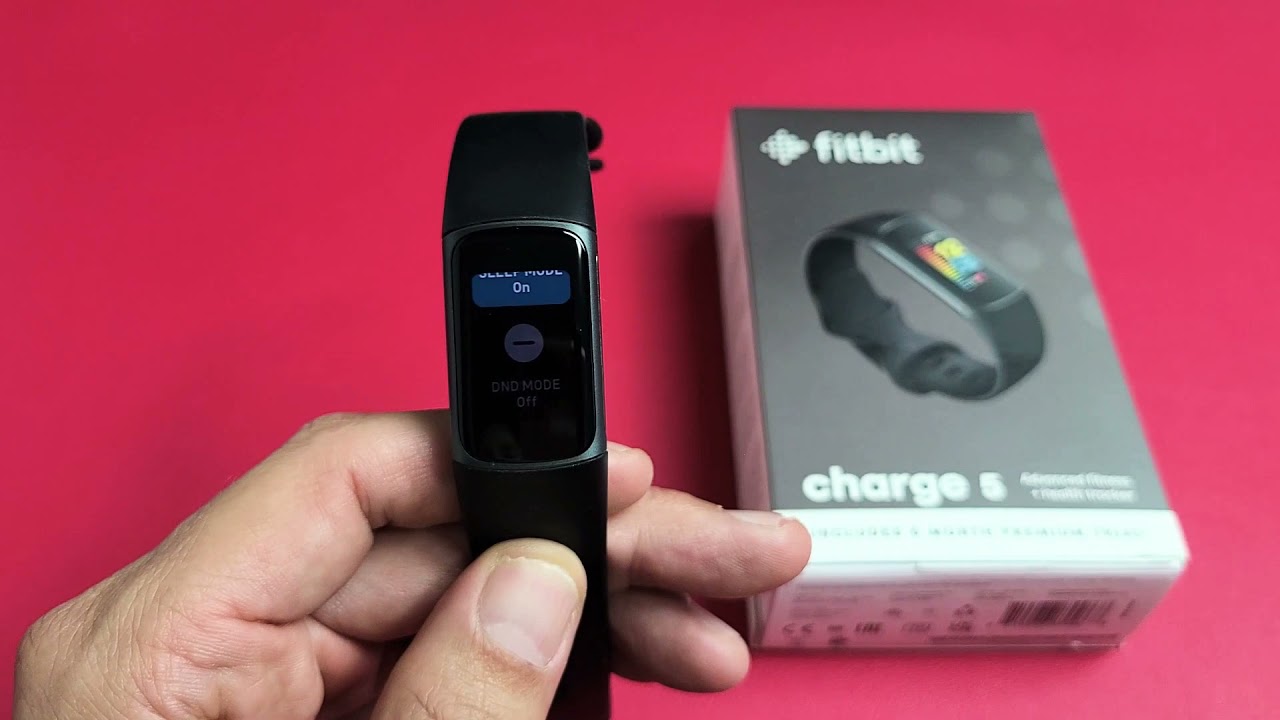
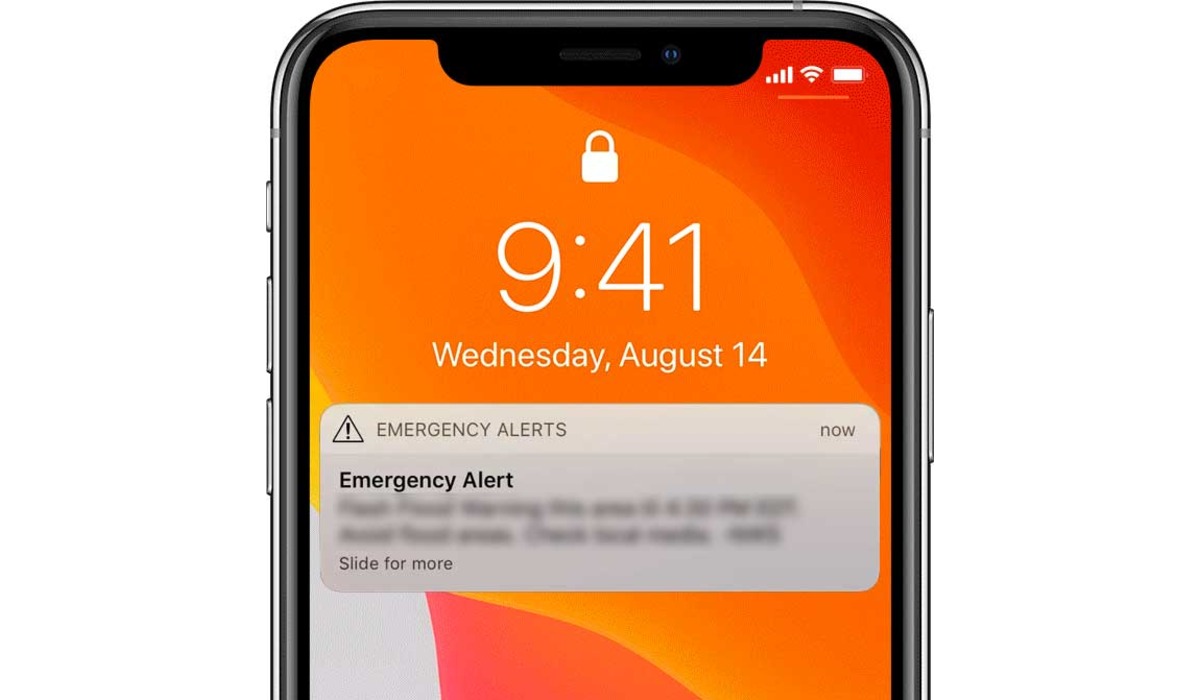
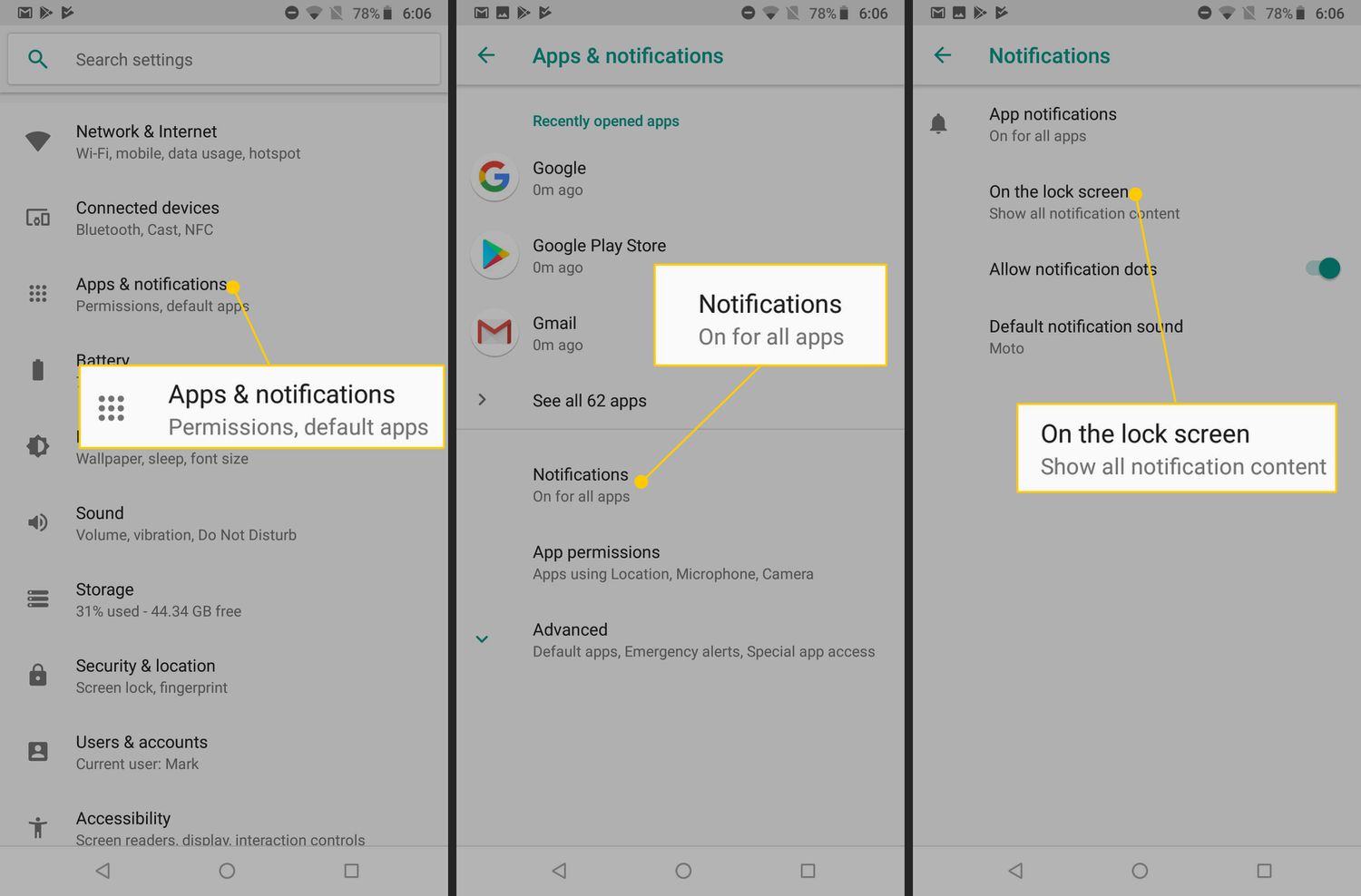
The articles here solve three main kinds of problems. First, they help you stop unwanted interruptions: you can learn how to mute someone on Discord, turn off pop-up ads on Android, disable government alerts, or silence data breach alerts from Life360. Second, they help you customize how notifications look and feel, for example, you can turn on a flashing light when your phone rings, make your iPhone vibrate stronger, or switch off vibration entirely on Android. Third, they cover specific features like Focus Mode on iPhone, Do Not Disturb on Android, and how to see phone notifications on a Quest 2 headset.
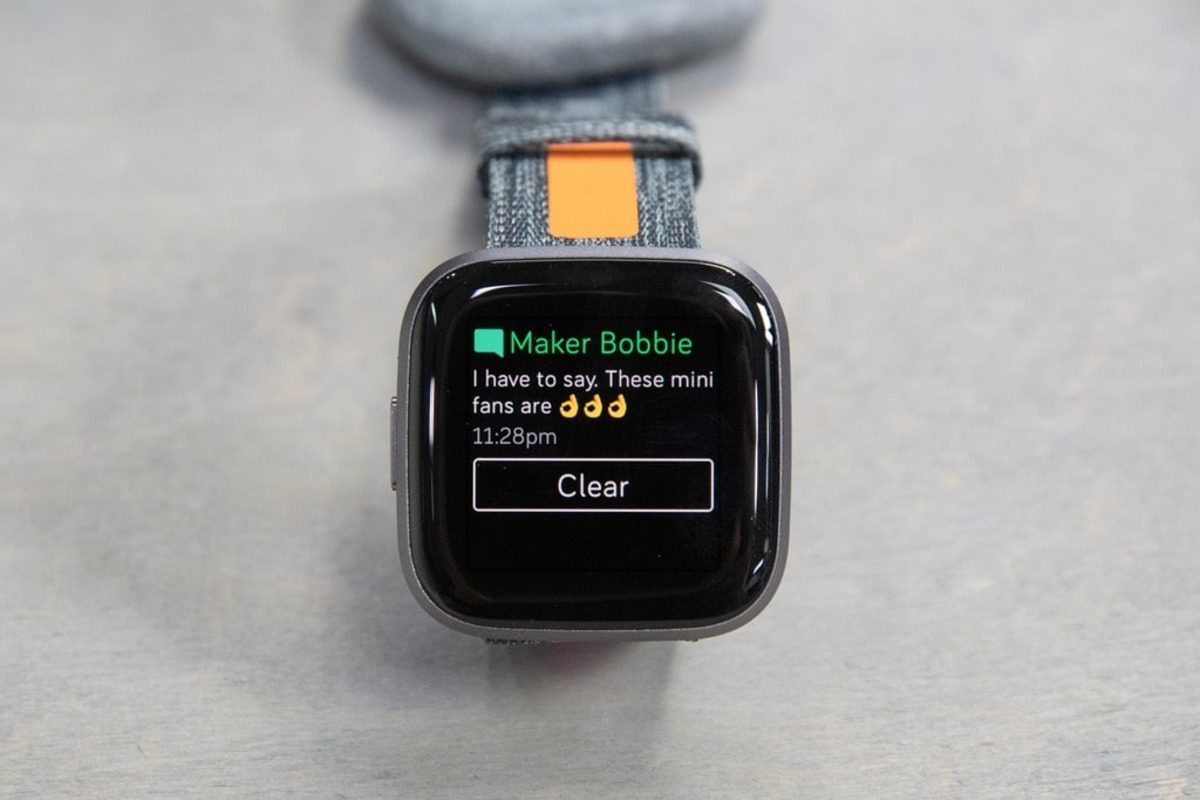
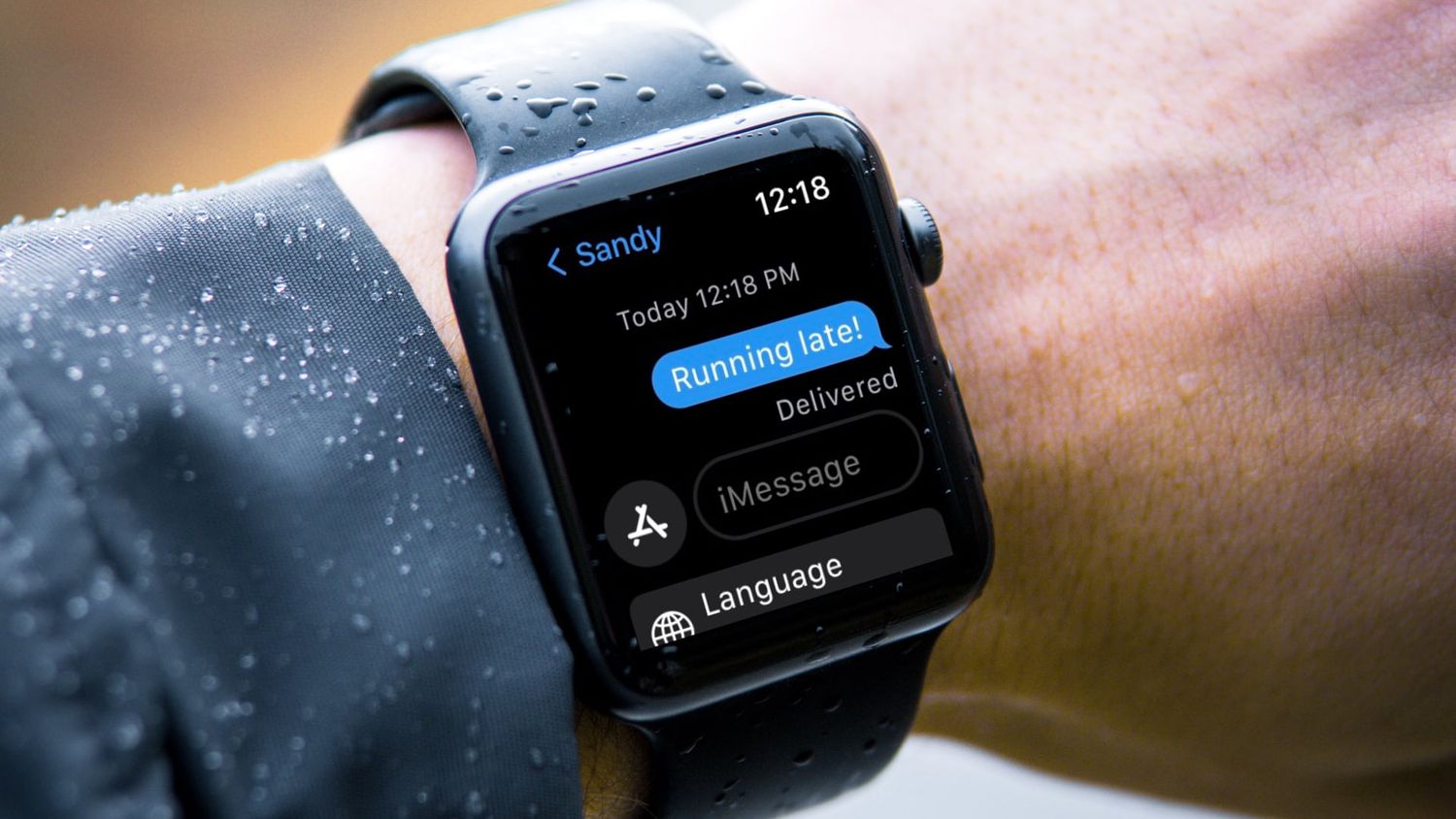
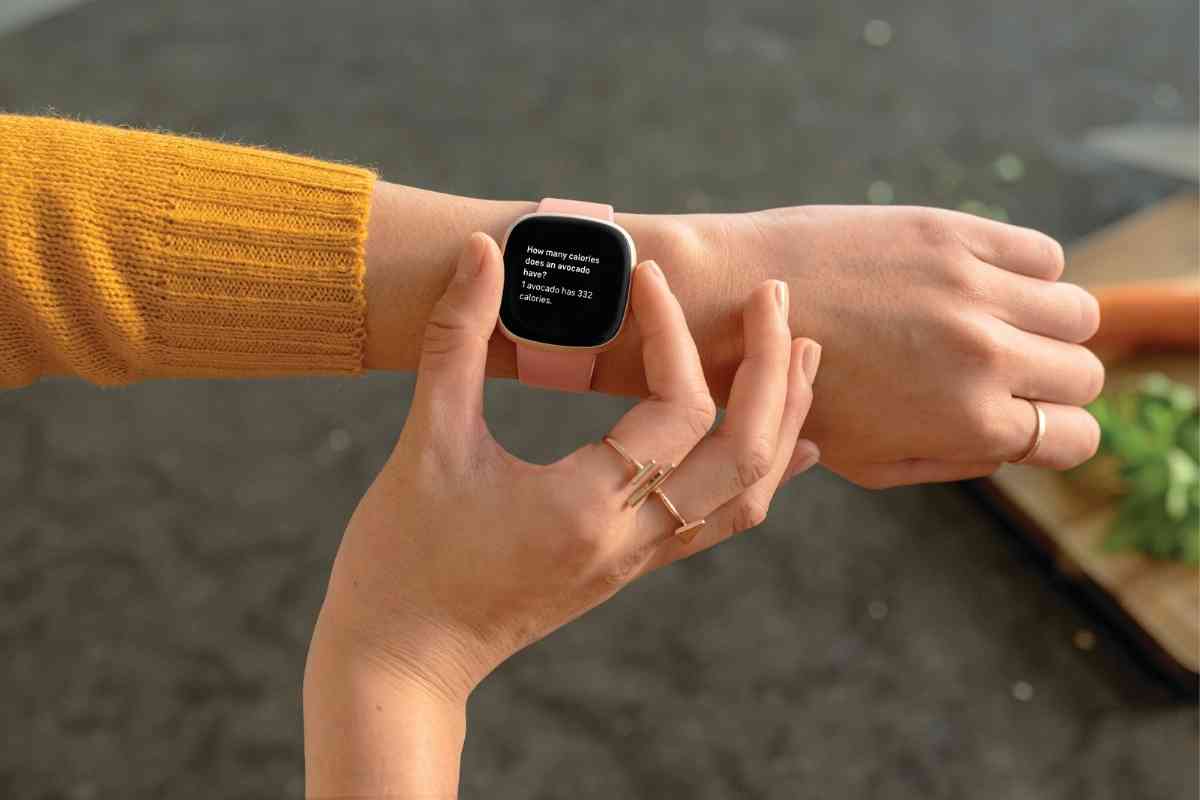
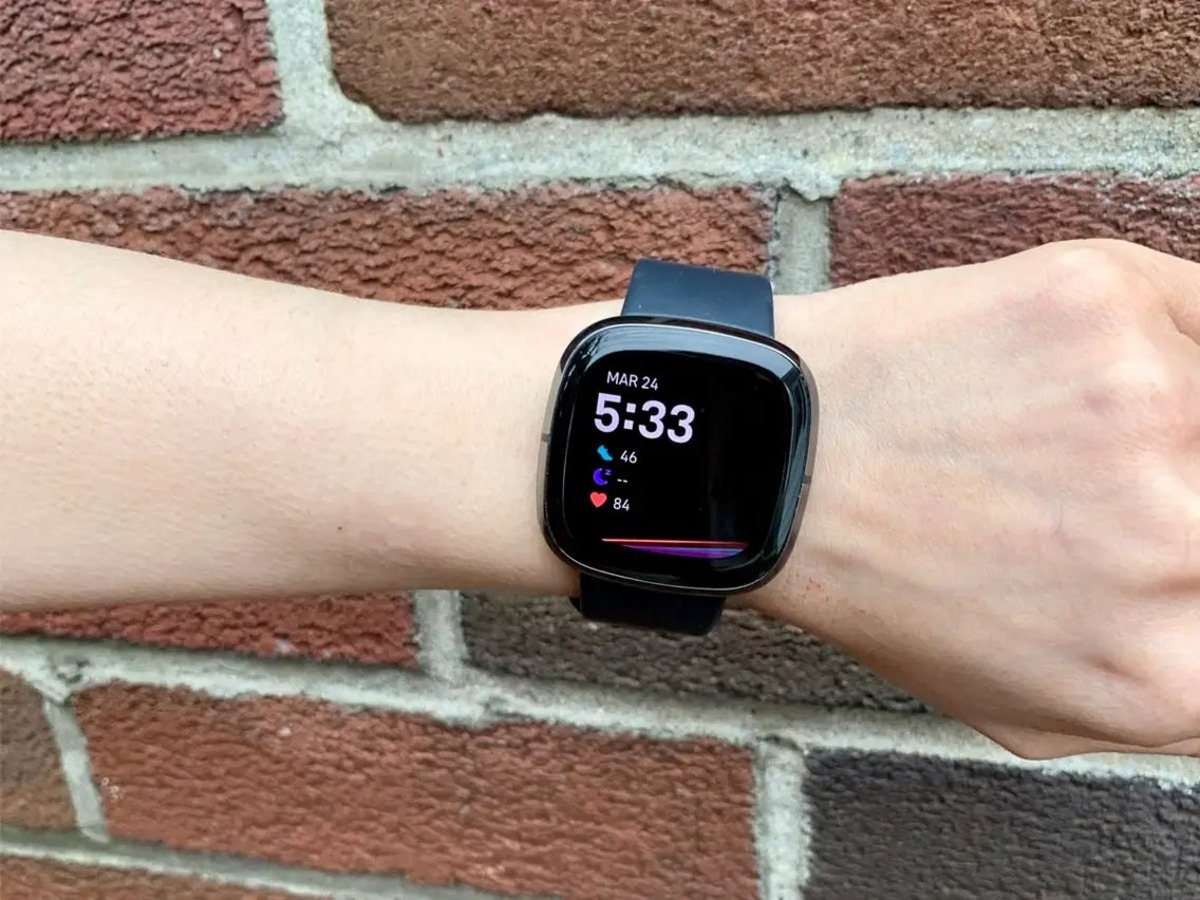
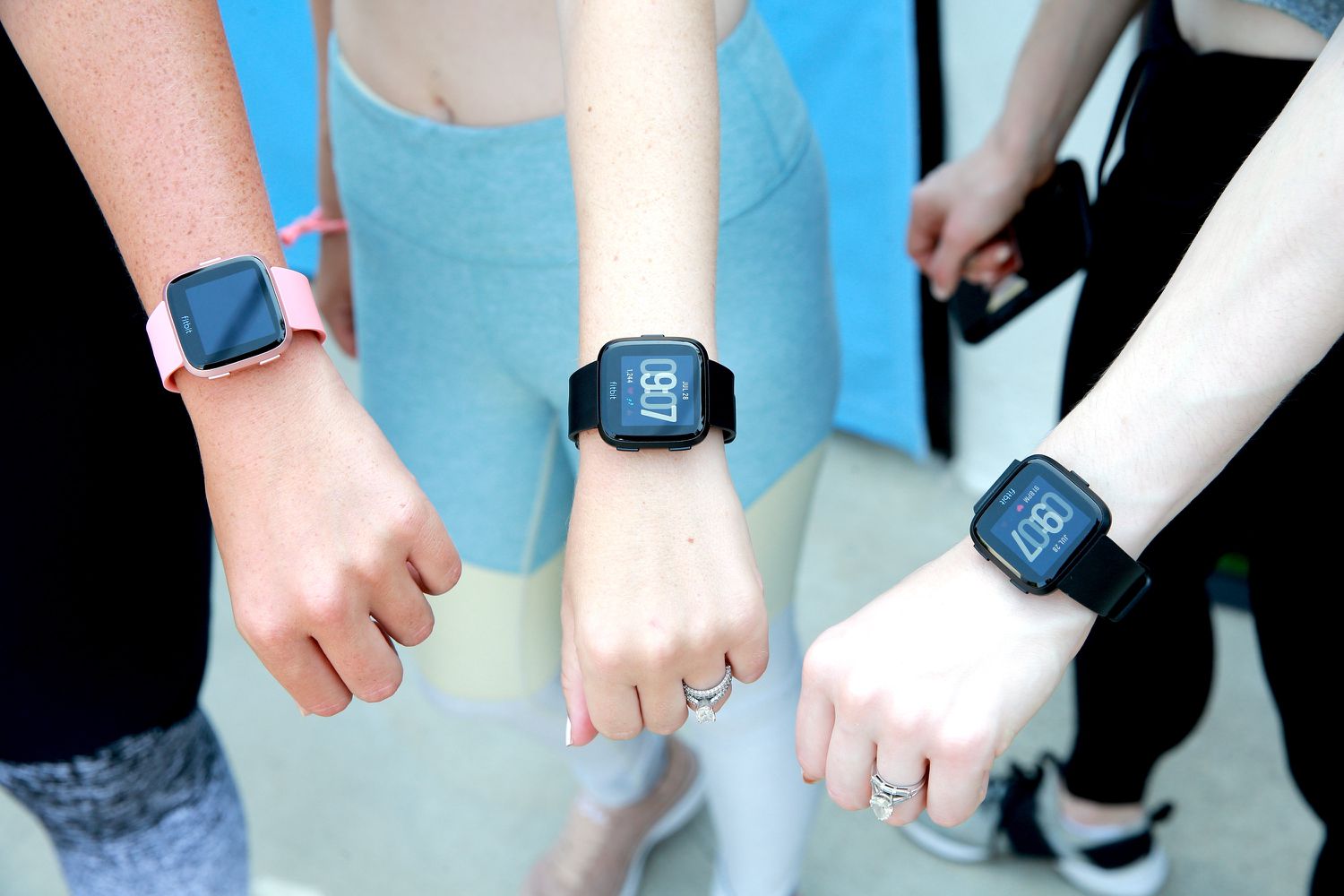
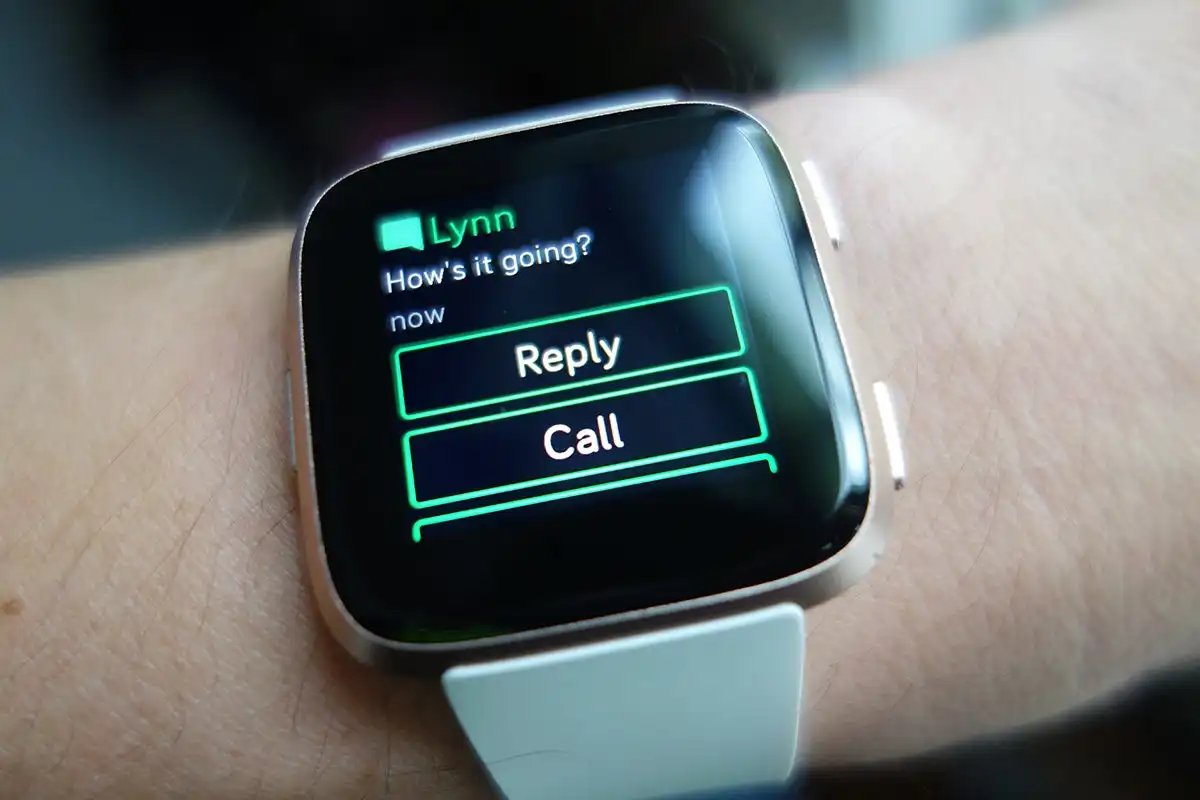
These articles are practical, step-by-step fixes. They show you how to get text notifications on a Fitbit Alta, how to read a message without triggering a read receipt, and how to turn off AirPod announcements. If you need to clear notifications on Facebook Mobile, find saved drafts on the Facebook app, or favorite a game on Roblox Mobile, you will find clear instructions here. The goal is to help you take back control of your device’s attention, one setting at a time.