The Notifications tag on CellularNews collects guides and troubleshooting articles for anyone who wants more control over the alerts, sounds, and interruptions coming from their phone, smartwatch, or apps. Whether you use an iPhone, an Android device, a Samsung phone, a Fitbit, or even a Quest 2 headset, these articles are written to help you manage exactly when and how you get notified.

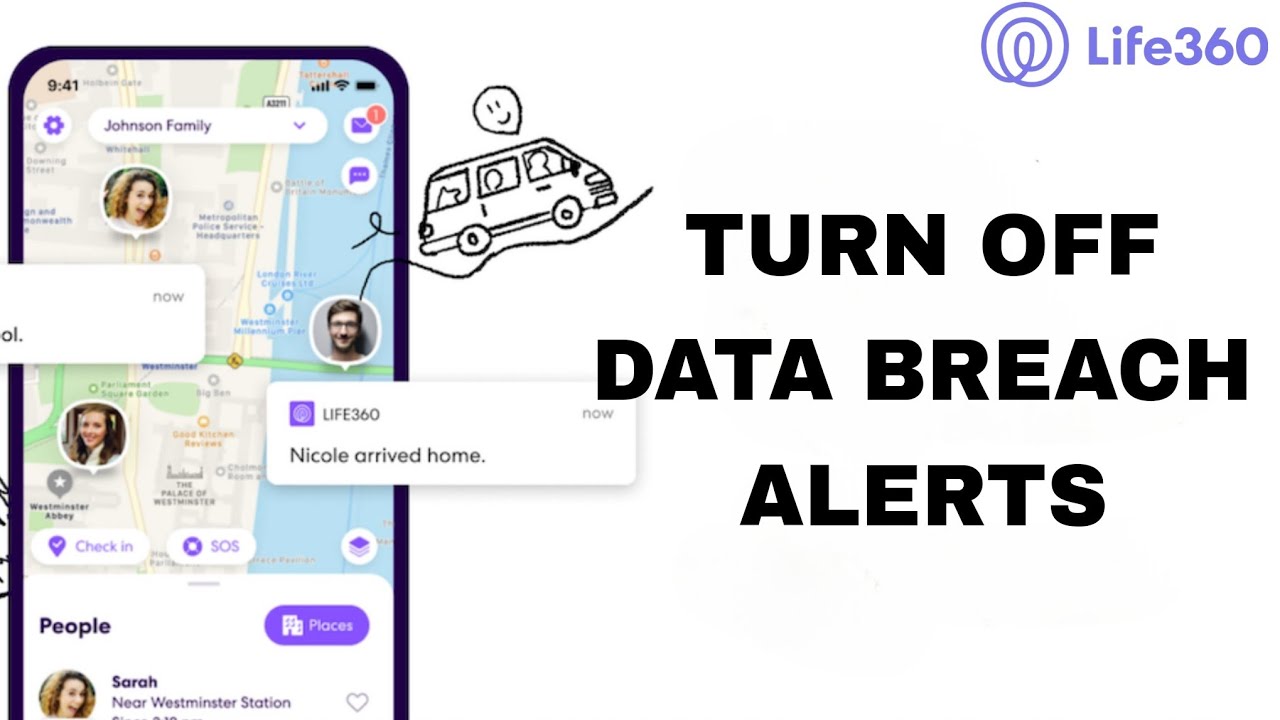
The articles here solve three main kinds of problems. First, they help you stop unwanted interruptions: you can learn how to mute someone on Discord, turn off pop-up ads on Android, disable government alerts, or silence data breach alerts from Life360. Second, they help you customize how notifications look and feel, for example, you can turn on a flashing light when your phone rings, make your iPhone vibrate stronger, or switch off vibration entirely on Android. Third, they cover specific features like Focus Mode on iPhone, Do Not Disturb on Android, and how to see phone notifications on a Quest 2 headset.

These articles are practical, step-by-step fixes. They show you how to get text notifications on a Fitbit Alta, how to read a message without triggering a read receipt, and how to turn off AirPod announcements. If you need to clear notifications on Facebook Mobile, find saved drafts on the Facebook app, or favorite a game on Roblox Mobile, you will find clear instructions here. The goal is to help you take back control of your device’s attention, one setting at a time.
How To Make Vibrate Stronger On IPhone

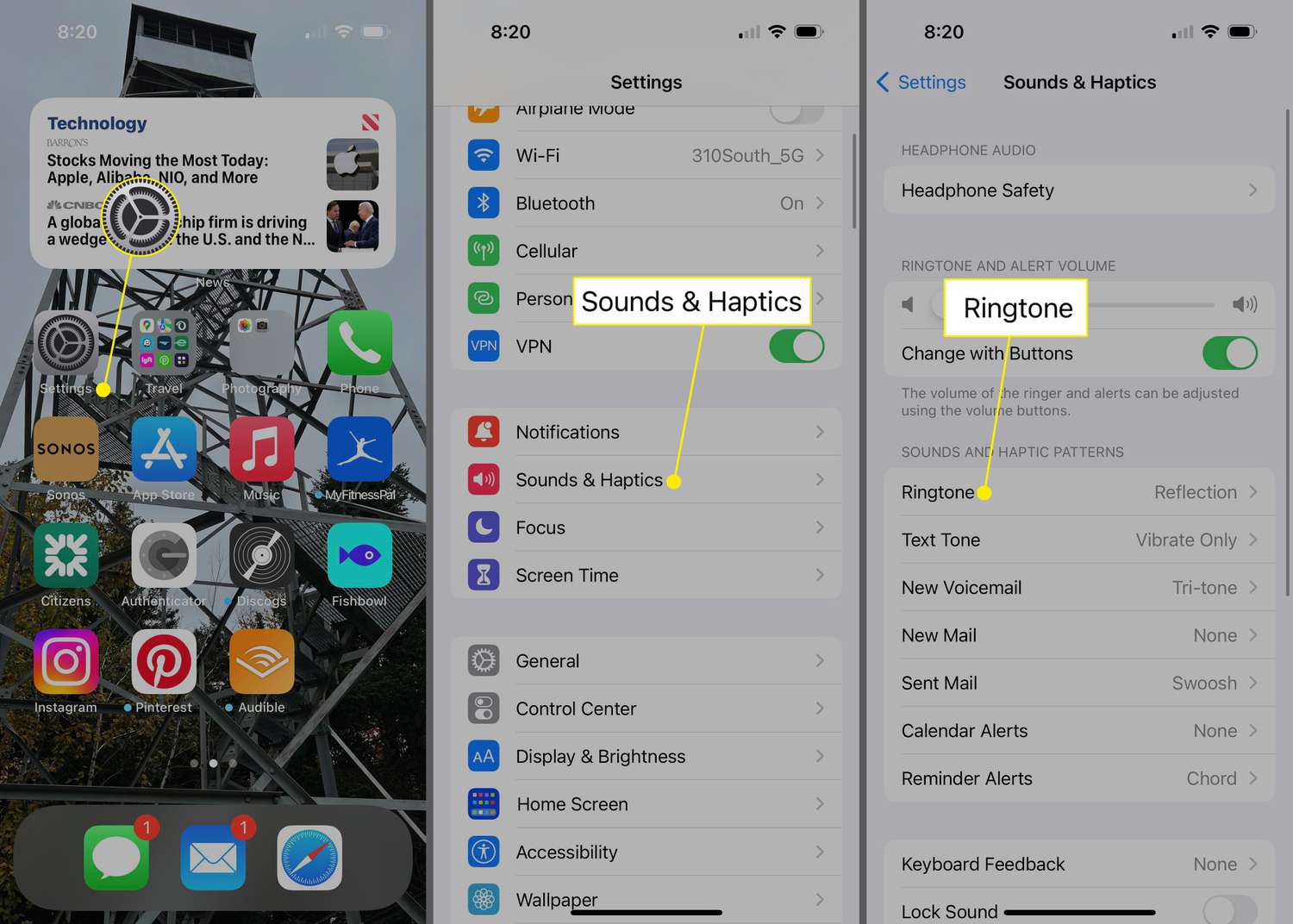
To make vibrate stronger on iPhone, you need to know that Apple does not provide a slider to increase vibration intensity. Instead, the only documented way to make your iPhone...

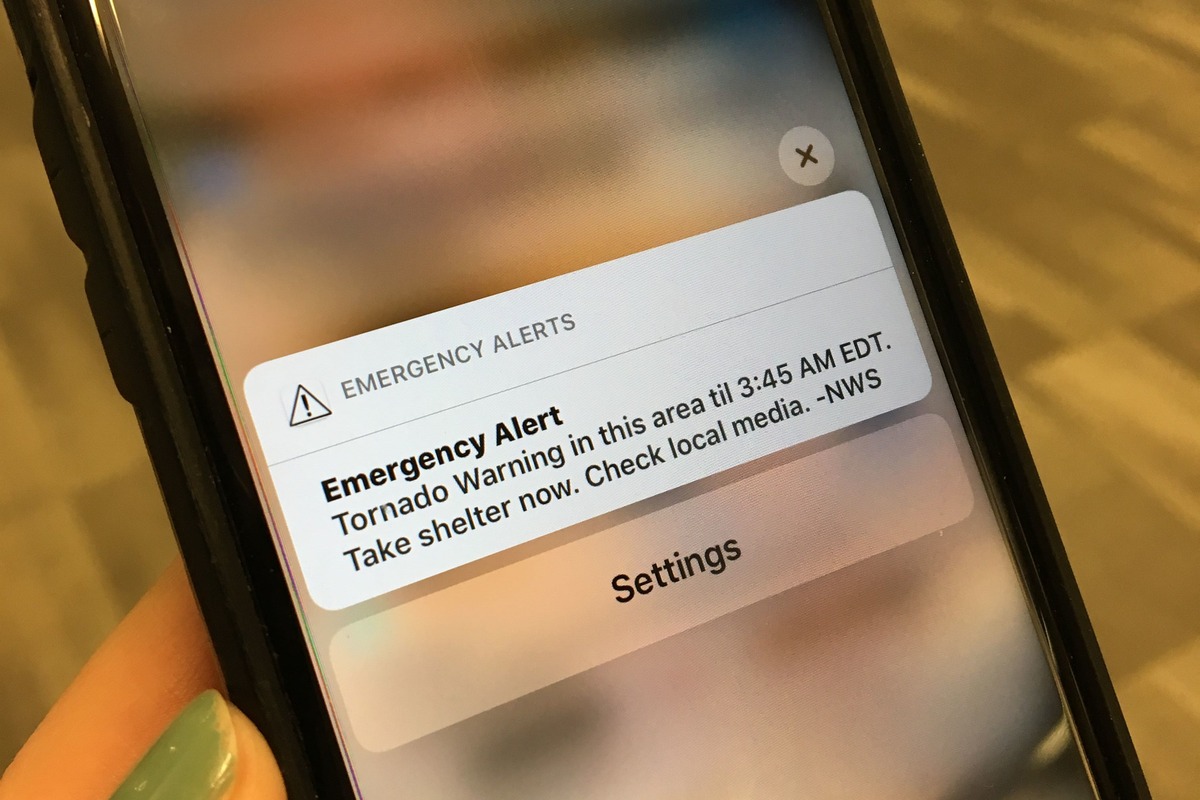
How To Get Tornado Warnings On My IPhone

To get tornado warnings on your iPhone, use the built-in Government Alerts system, which delivers location-based emergency alerts from authorities like the National Weather Service. These alerts are on by...

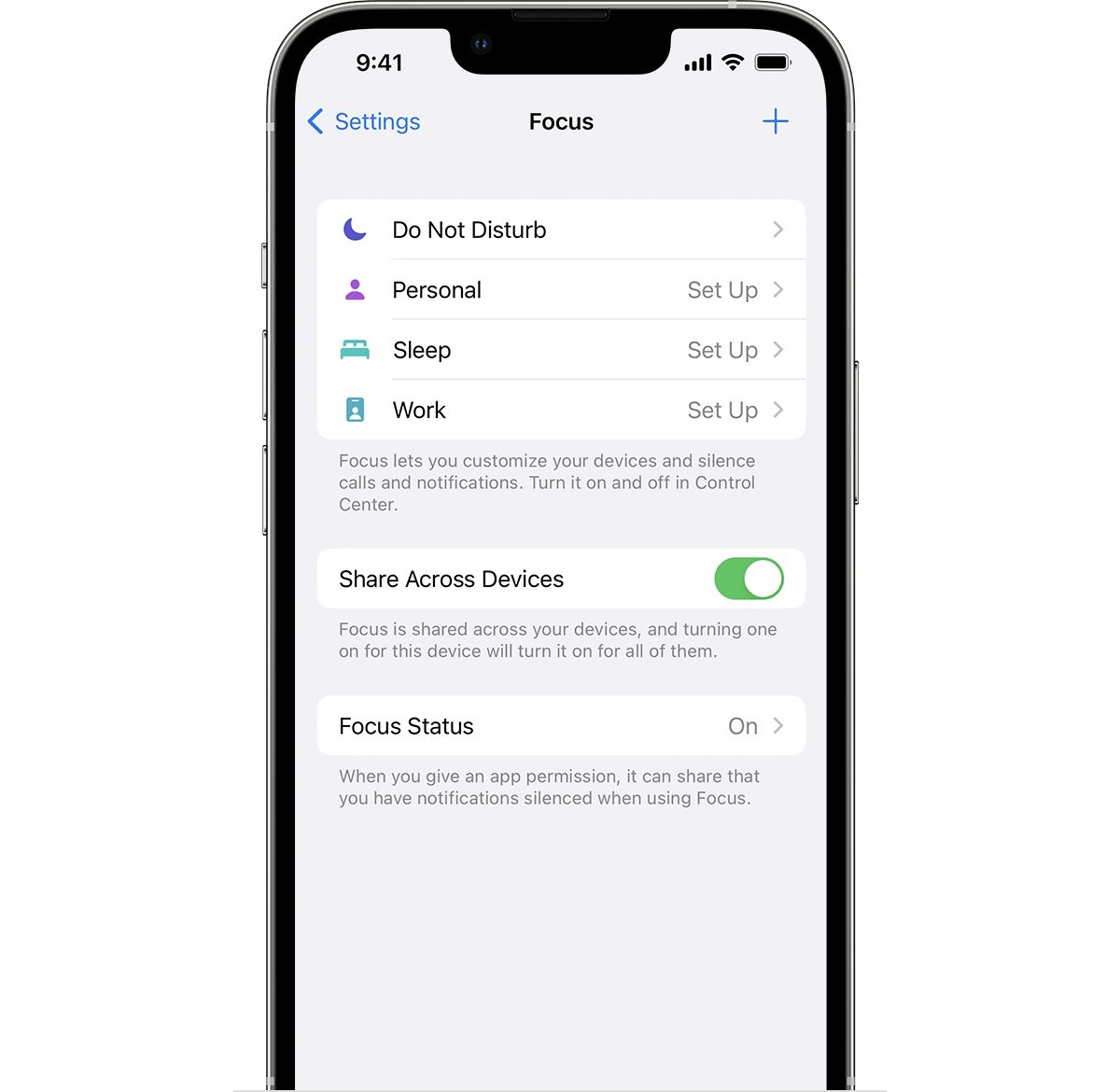
How To Disable Focus On IPhone

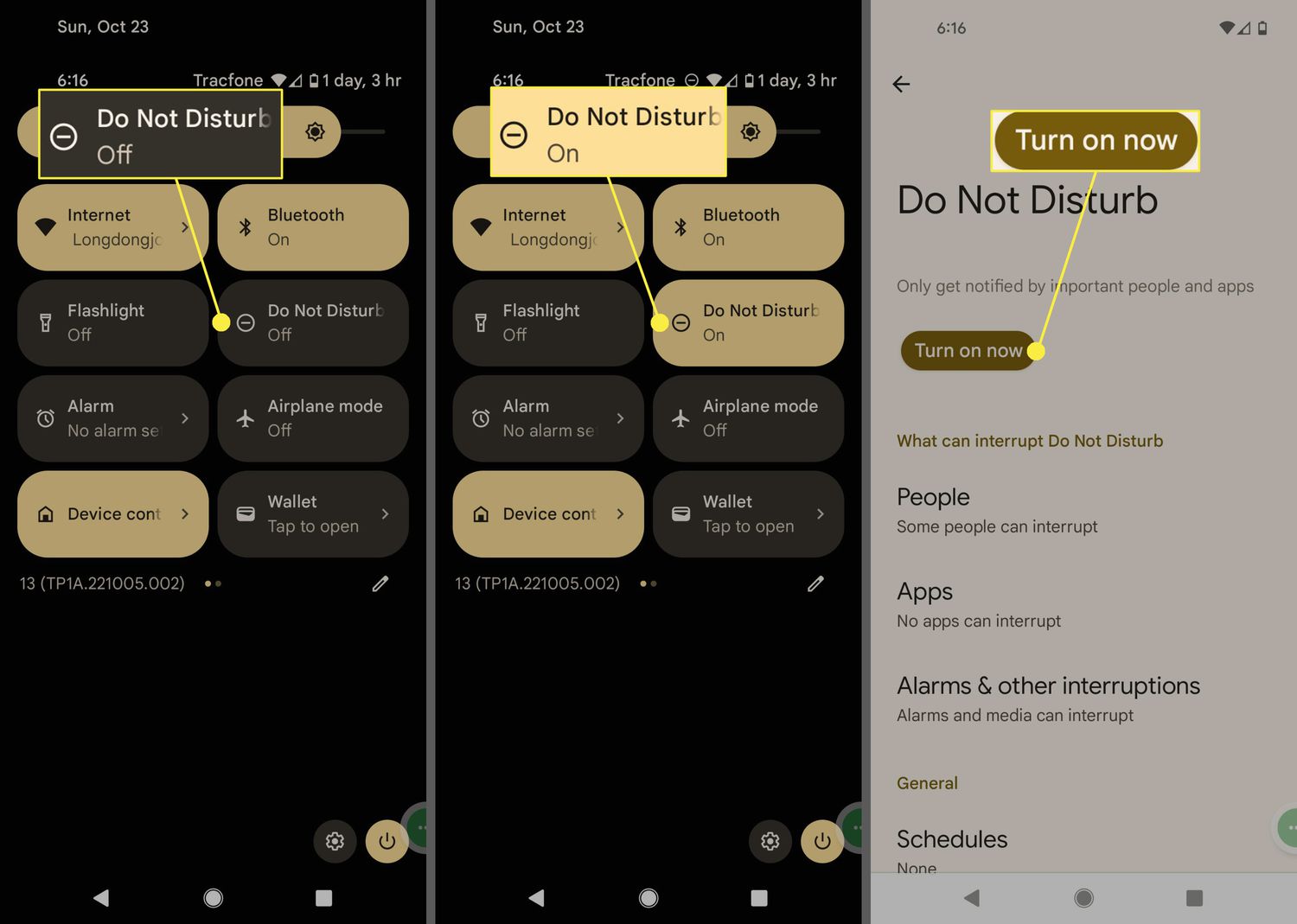
To disable focus on iPhone, open Control Center by swiping down from the top-right corner (on models with Face ID), tap Focus, then tap the active Focus to turn it...

How To Turn Off Vibration On Android

To turn off vibration on Android, you need to adjust separate controls for calls, notifications, keyboard taps, and touch interactions. The exact menu paths may vary by device maker and...

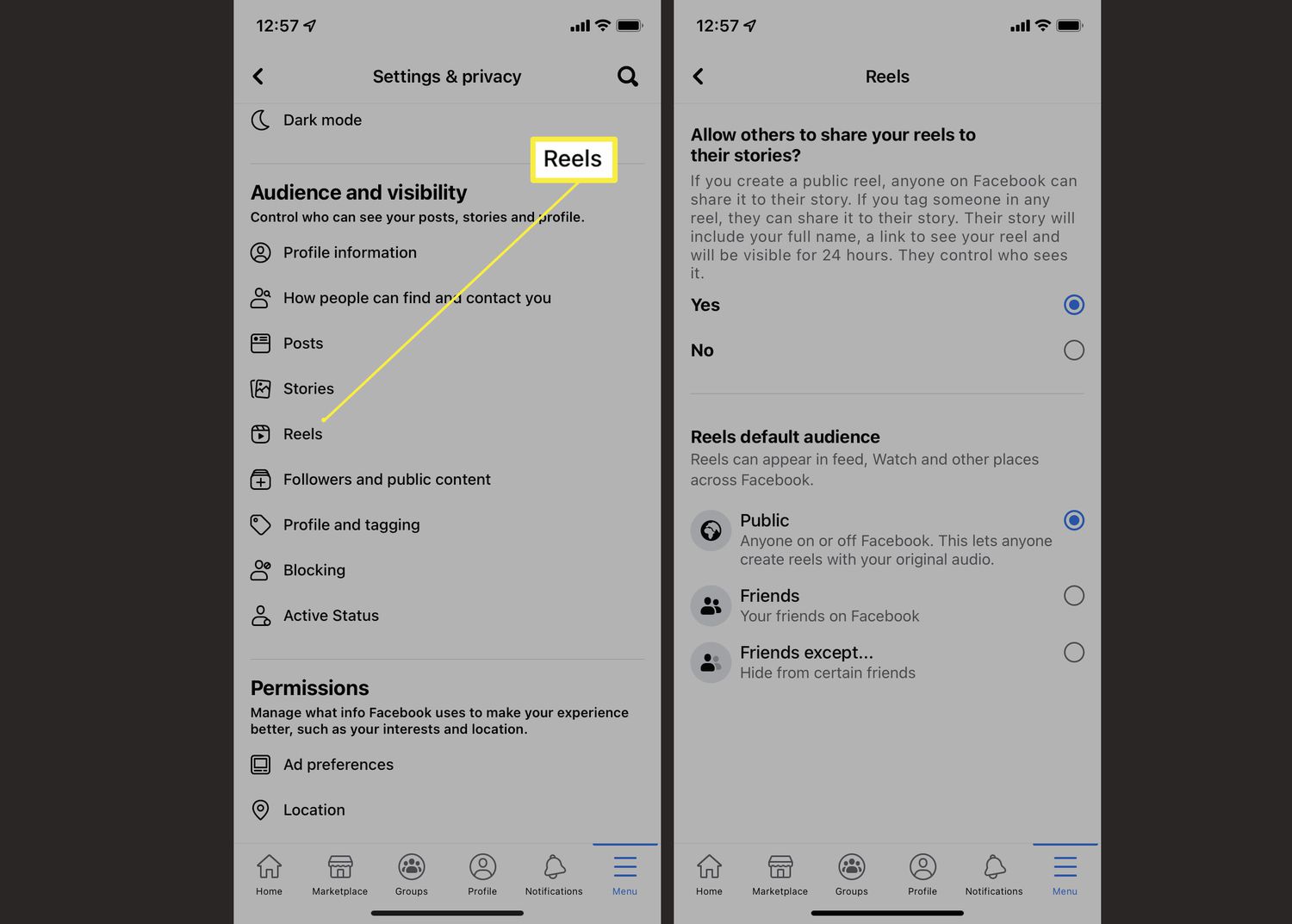
How To Remove Reels From Facebook On Android

By turning off Reels notifications, customizing your feed preferences, and adjusting autoplay sound, you can minimize distractions and regain control over your scrolling experience, whether you are using Twitch on...

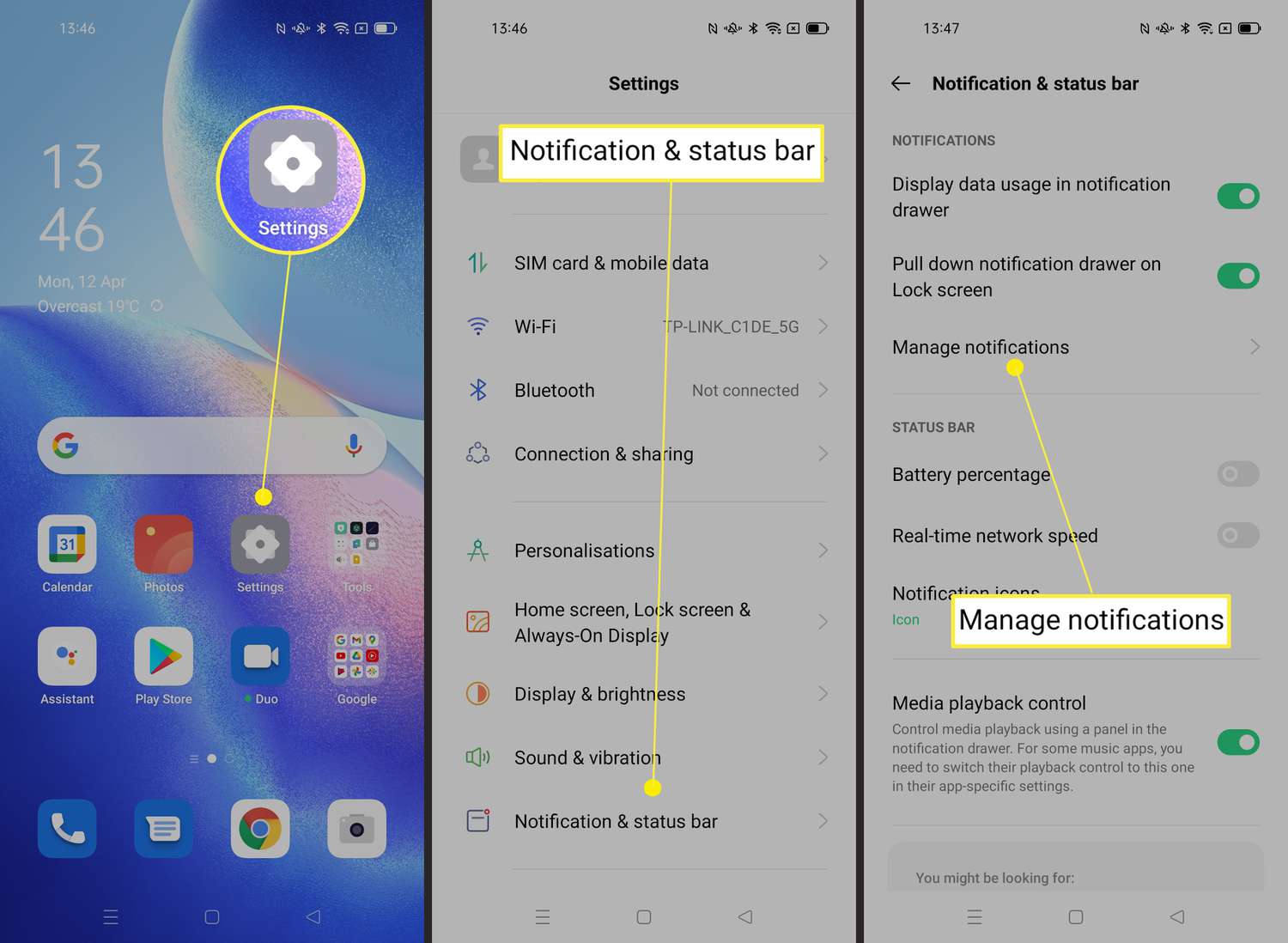
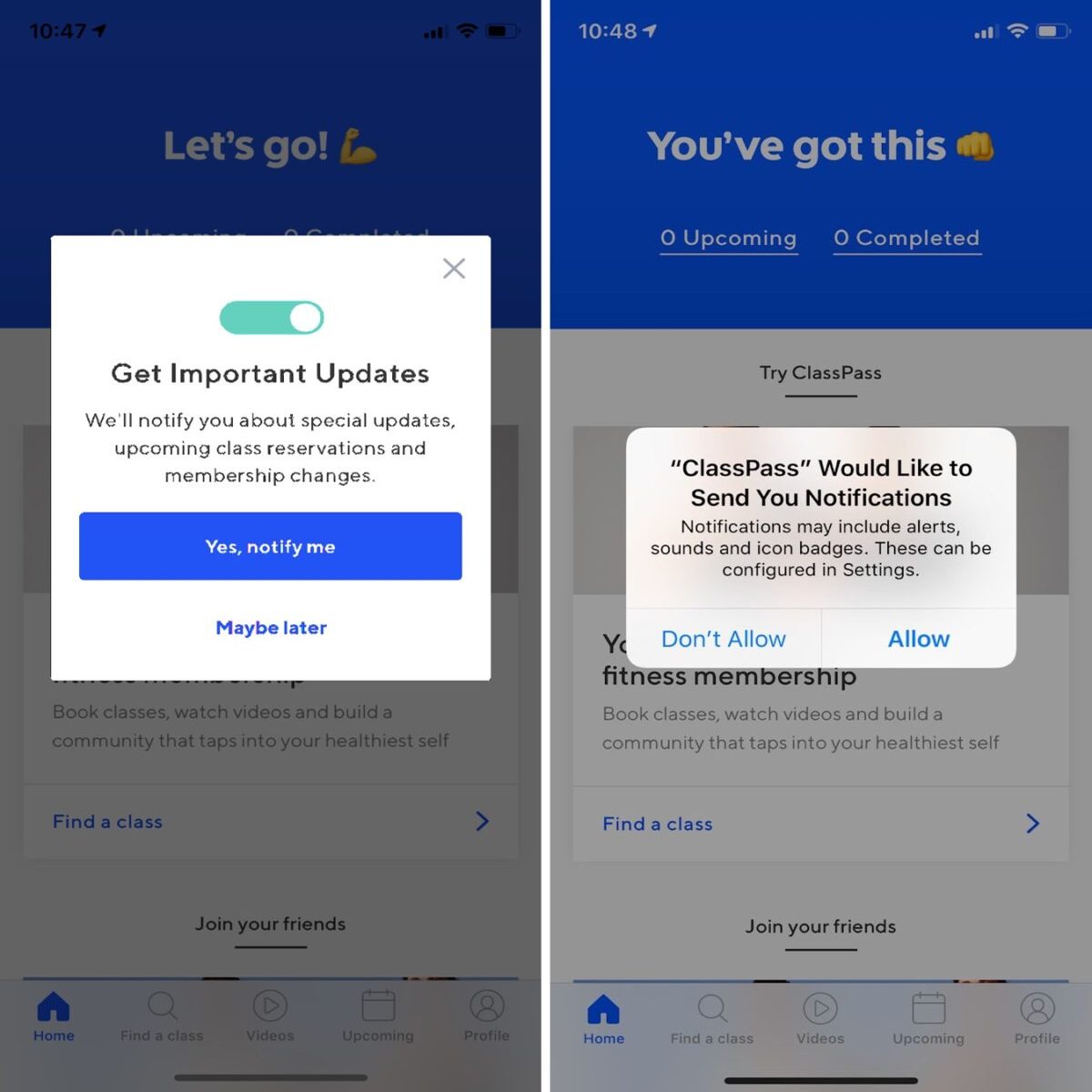
How To Enable Push Notifications On Android

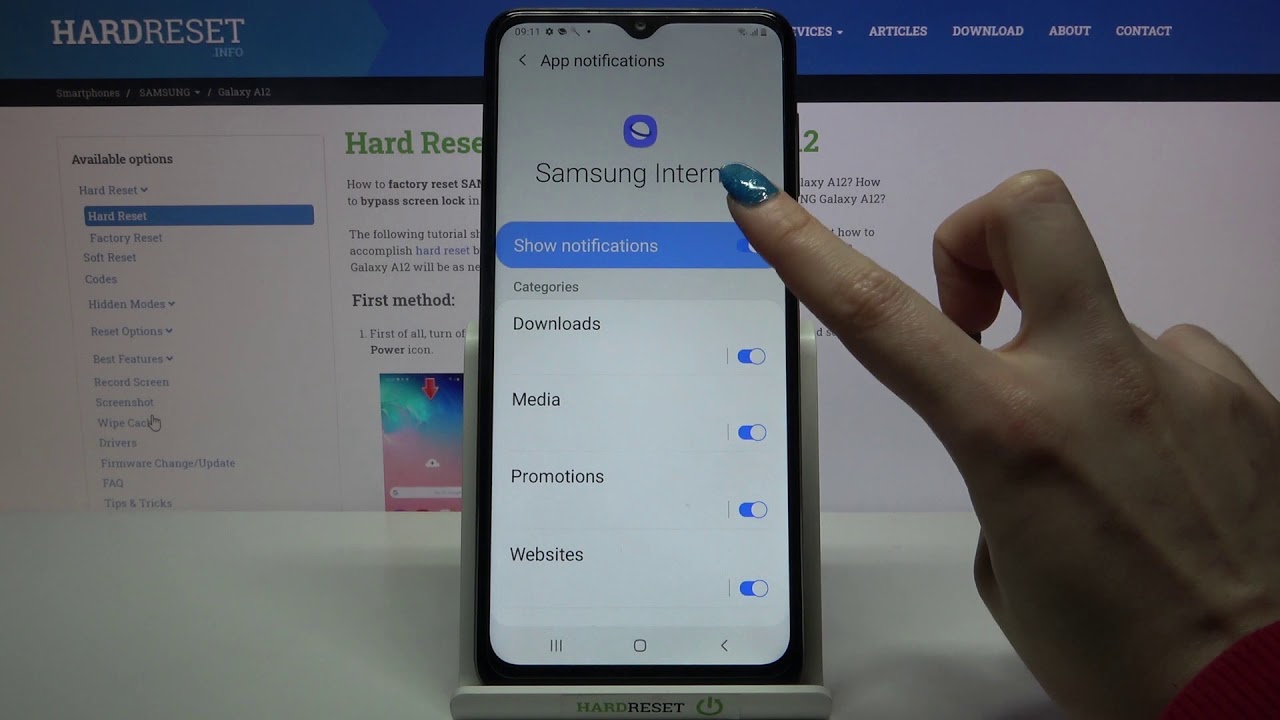
To enable push notifications on Android, open your device's Settings app, then go to Notifications > App notifications, select the app, and turn its notifications on. This is the definitive...

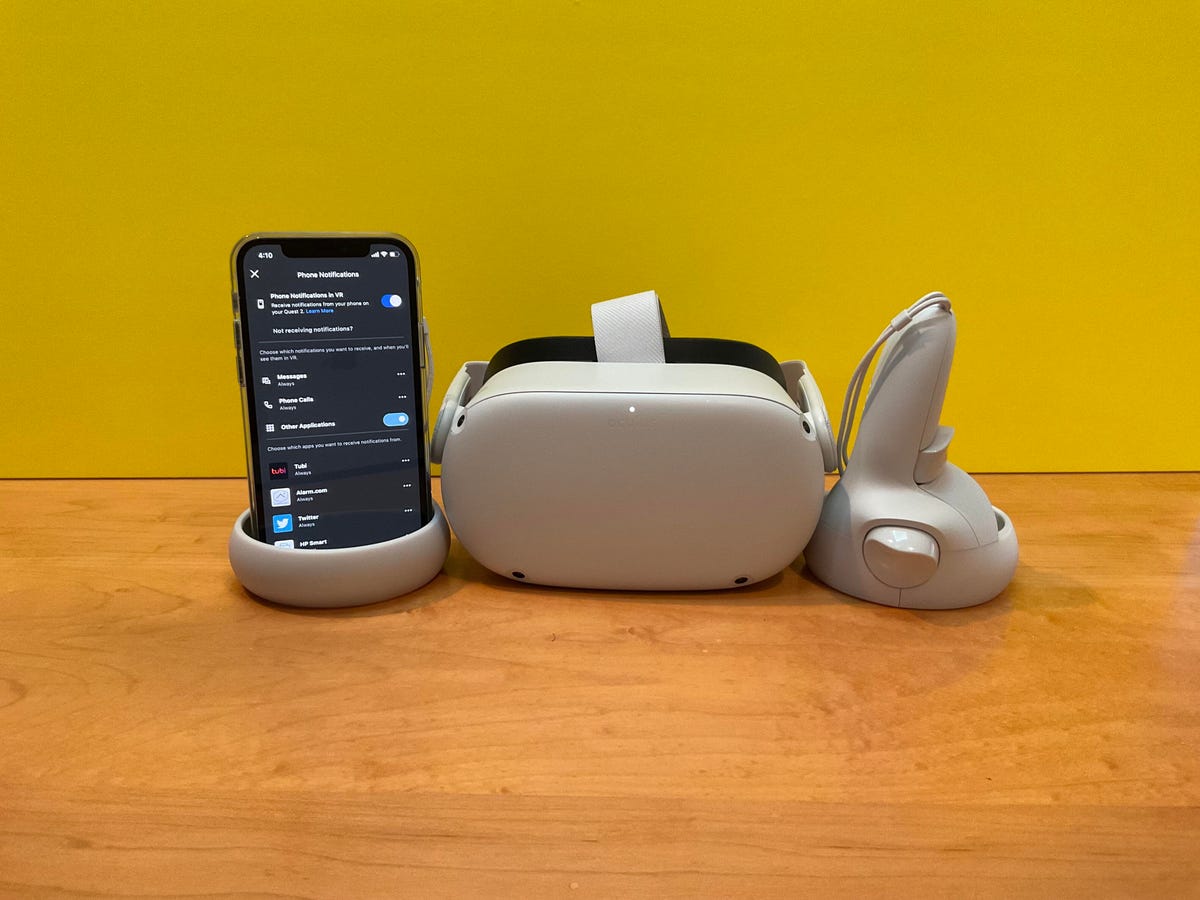
How To See Phone Notifications On Quest 2

You can check quest 2 phone notifications directly in your headset, but the feature’s current status is confusing because Meta’s own documentation contradicts itself. One official page says phone notifications...

How To Turn Off Flash When Phone Rings

To turn off flash when phone rings, you need to disable the camera flash notification in your phone’s accessibility settings. The exact steps depend on whether you use an iPhone,...