This tag page collects articles about parental controls and phone management for families, aimed at parents and guardians who want to set boundaries around their children’s mobile use. The content covers both how to monitor activity and how to restrict access to certain features, focusing on real-world solutions for common concerns.
The articles solve two main kinds of problems. One group helps with monitoring and oversight: you can learn how to use Verizon Smart Family to track online activity, how to see texts from another phone on your Verizon plan, and even how to mirror a phone to another phone. Another group focuses on restricting content and apps, with guides on how to block YouTube on your phone, how to block an app on Android, and how to turn off Safe Search on mobile. A third theme addresses dedicated kid-friendly devices, such as how to set up a Gabb Phone and how to add apps to a Gabb Phone, along with a roundup of the safest phones for kids.
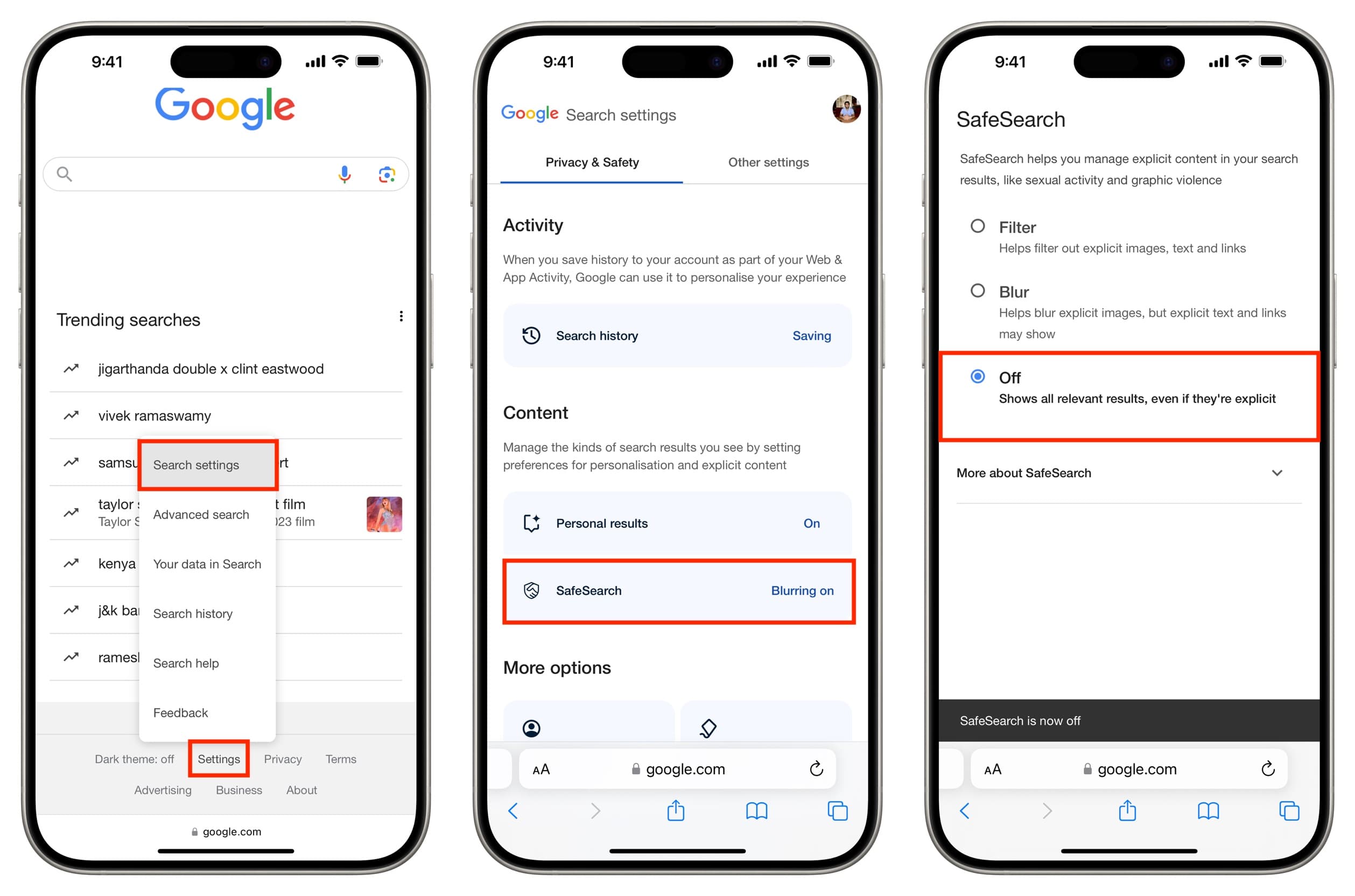
You can turn off safe search on mobile by opening the Google app, tapping your profile picture or initial, then going to Settings > SafeSearch and selecting Off. This works...
The safest phones for kids are not defined by hardware durability or camera specs but by robust, documented parental controls that let you manage screen time, filter content, and block...
To create a Fitbit family account, open the Fitbit app on your phone, go to the Today tab, tap your profile icon, and select Create Family Account then Create Family....
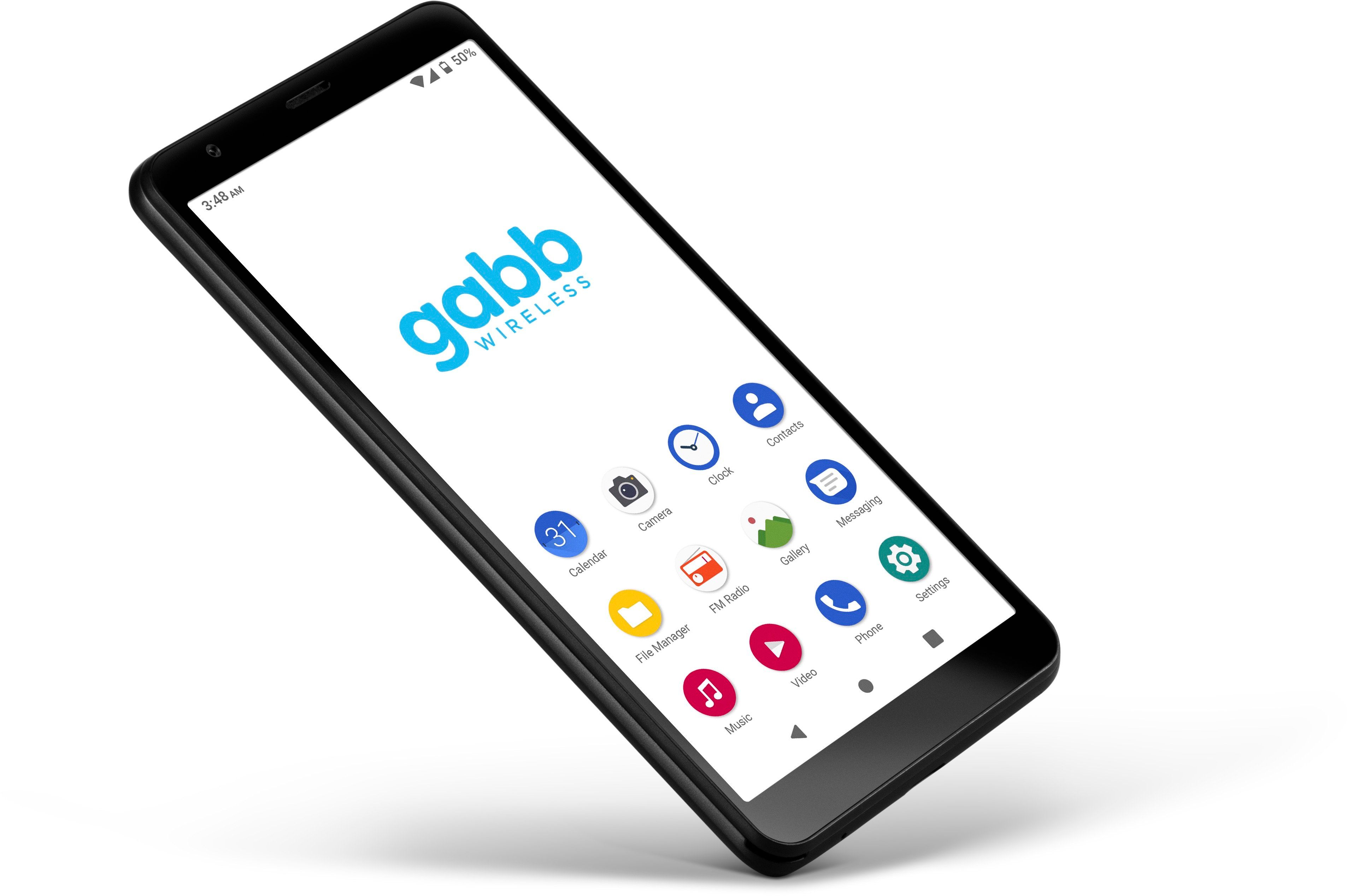
To add apps to a Gabb phone, you must use one of two official methods that differ by model: the Gabb Phone 4 uses the parent's MyGabb account synced through...
To block YouTube on your phone, use your device's built-in parental controls rather than third-party apps, as Apple and Google provide official tools for restricting app and web access. On...
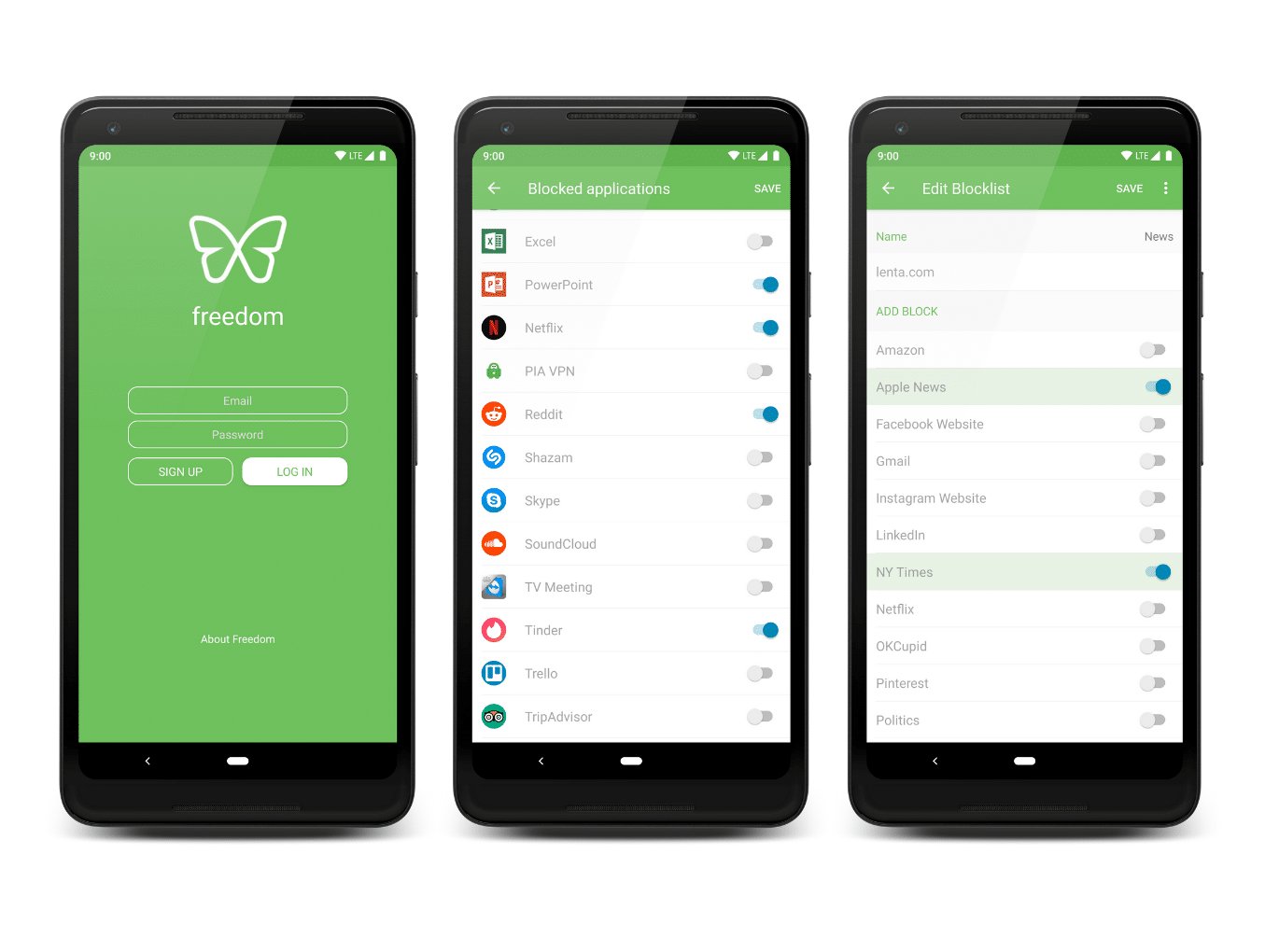
To block an app on Android, you use Google Family Link, which is the only documented official method for restricting access to specific apps or setting individual time limits. This...
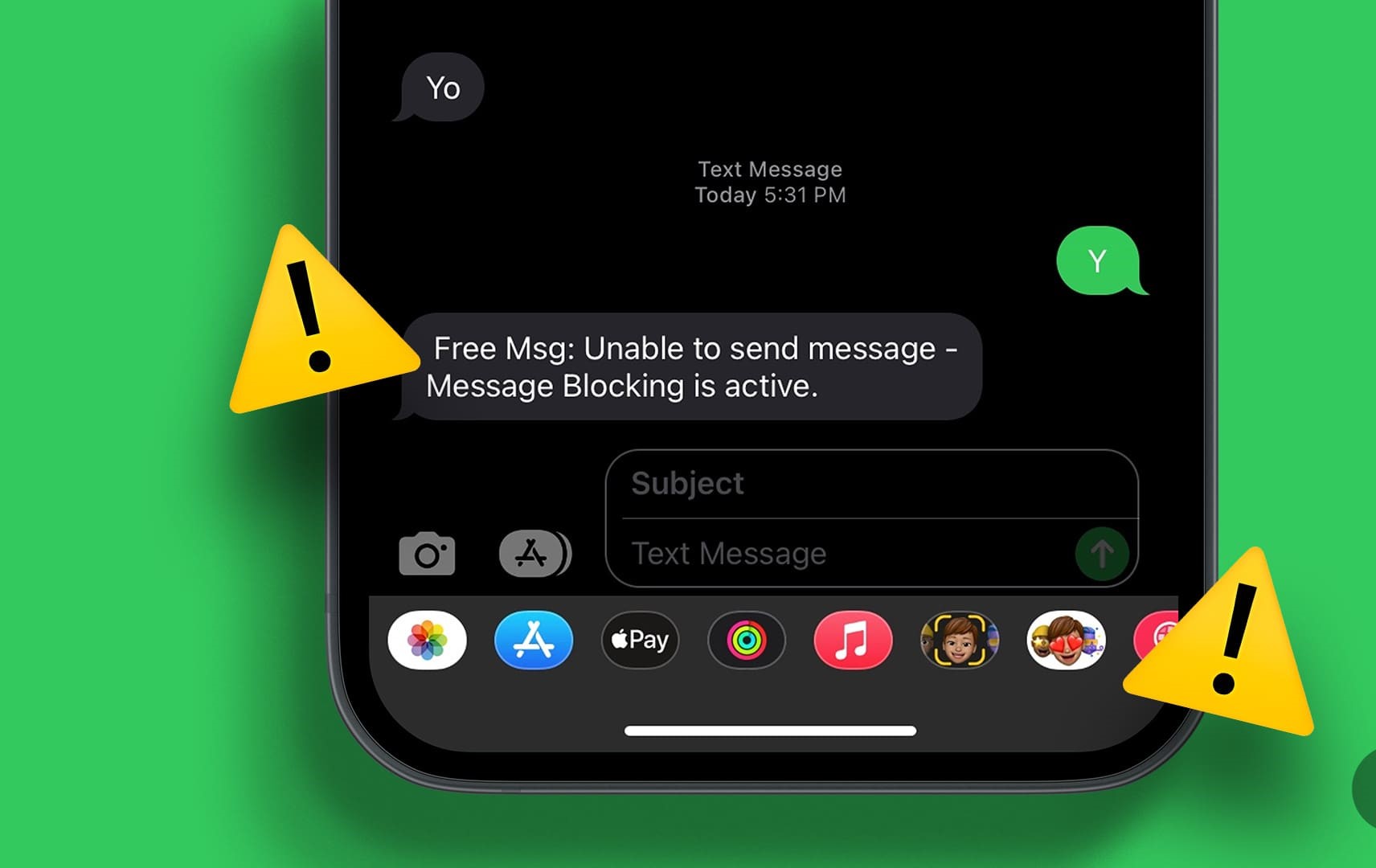
To remove message blocking on Android, you need to identify whether the block is on your carrier account, in your messaging app's blocked contacts list, or set by a parental...
Have you ever wondered if it's possible to mirror one phone to another without the person knowing? In today's connected world, there may be times when you need to monitor...
As a Verizon account holder, you cannot see the content of texts from another phone on your plan by default, but Verizon Smart Family provides a tool for managing and...
To set up a Gabb Phone for your child, you must start at Gabb's official activation portal on your computer or phone browser, not by tapping through the phone's built-in...
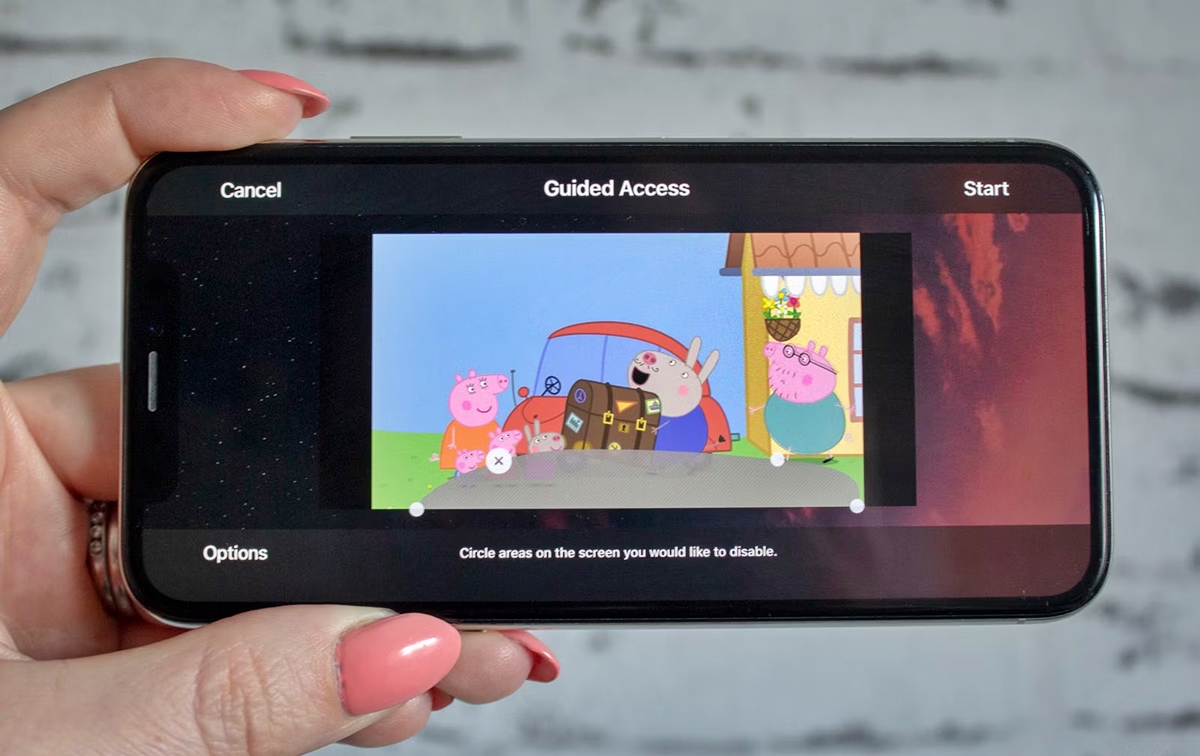
To lock your phone screen for baby use, you need to restrict the device to a single app so your child can watch or play without accidentally exiting, making calls,...
To change chat settings in Among Us mobile, you must switch from Quick Chat to Free Chat by signing into a full account registered as 13 or older. If you...