Start here: PC

All topics →

The PC tag on CellularNews collects guides and troubleshooting articles for readers who want to bridge their mobile and desktop gaming experiences, or who need help setting up peripherals and connections on a Windows computer. Whether you are a gamer looking to play phone titles on a larger screen, a VR enthusiast sorting out hardware issues, or someone simply trying to pair a headset or controller, these articles provide step-by-step fixes and setup instructions.

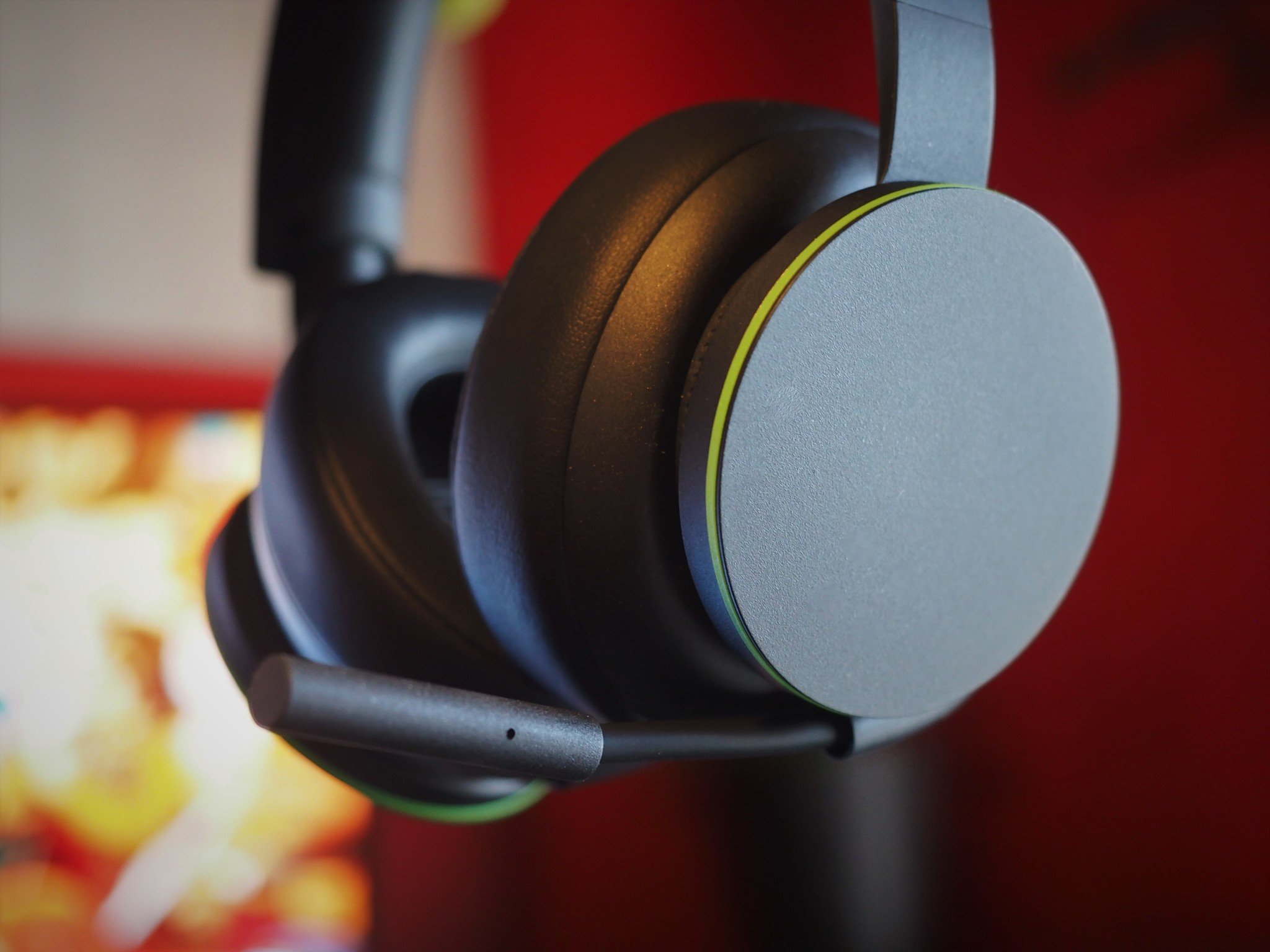
The articles fall into a few clear themes. One major group focuses on cross-platform play and mobile-to-PC transitions, covering topics like how to play mobile games on PC, PUBG crossplay, and using Roblox FPS unlockers. Another theme centers on VR and controller setup, from connecting a VR headset to a PC and fixing a non-working headset, to installing a joystick for GTA 5 or adding gamepad controls in Roblox and Resident Evil 7. A third theme addresses wireless connectivity and accessories, including guides on Bluetooth dongles, pairing an Xbox wireless headset, hooking up Beats to a PC, and syncing Afterglow or Turtle Beach headsets.

These articles help the reader perform specific tasks: moving a mobile game to a PC, muting someone on Discord across devices, getting VR Chat running, or updating a Razer headset. They also assist with practical hardware questions like how to tell if a PC has a wireless card, how to connect a PS2 controller wirelessly, and how to use a phone in GTA 5. Each piece is written to solve a concrete problem without unnecessary fluff.
VR Setup and Casting to Your TV

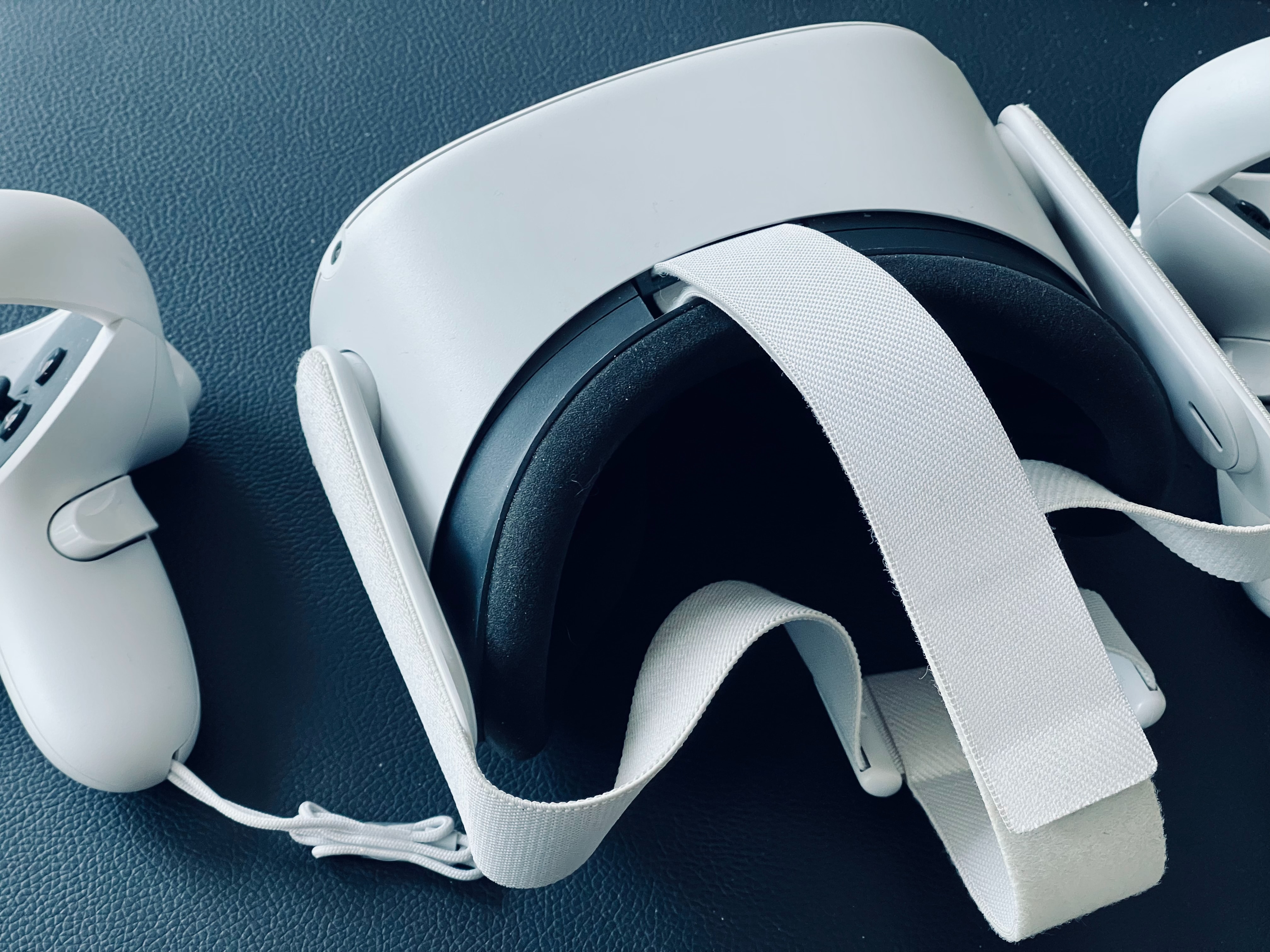
Understanding your Steam VR setup hardware Before you buy or set anything up for your Steam VR setup, it helps to know that virtual reality headsets explained simply are displays...

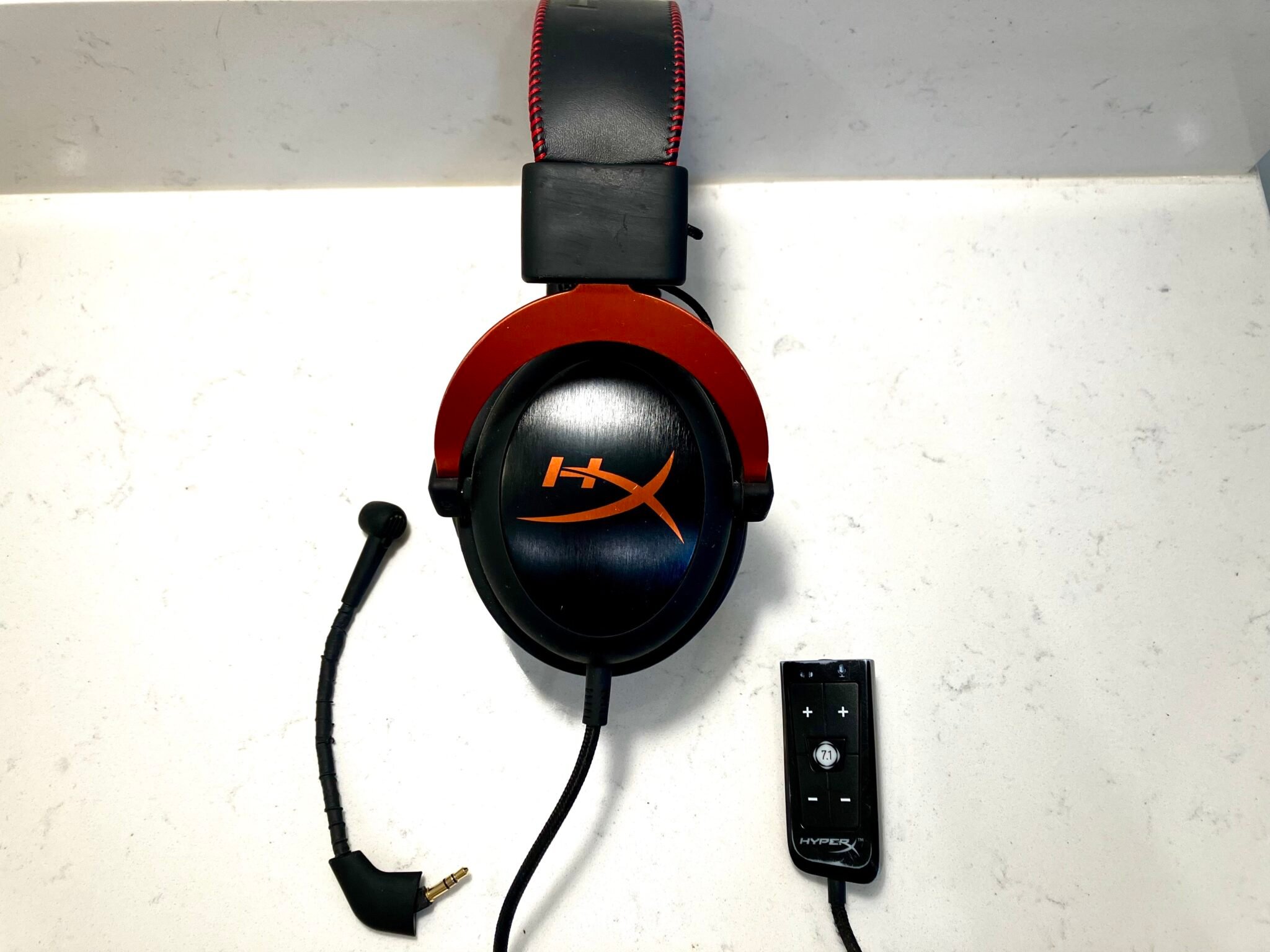
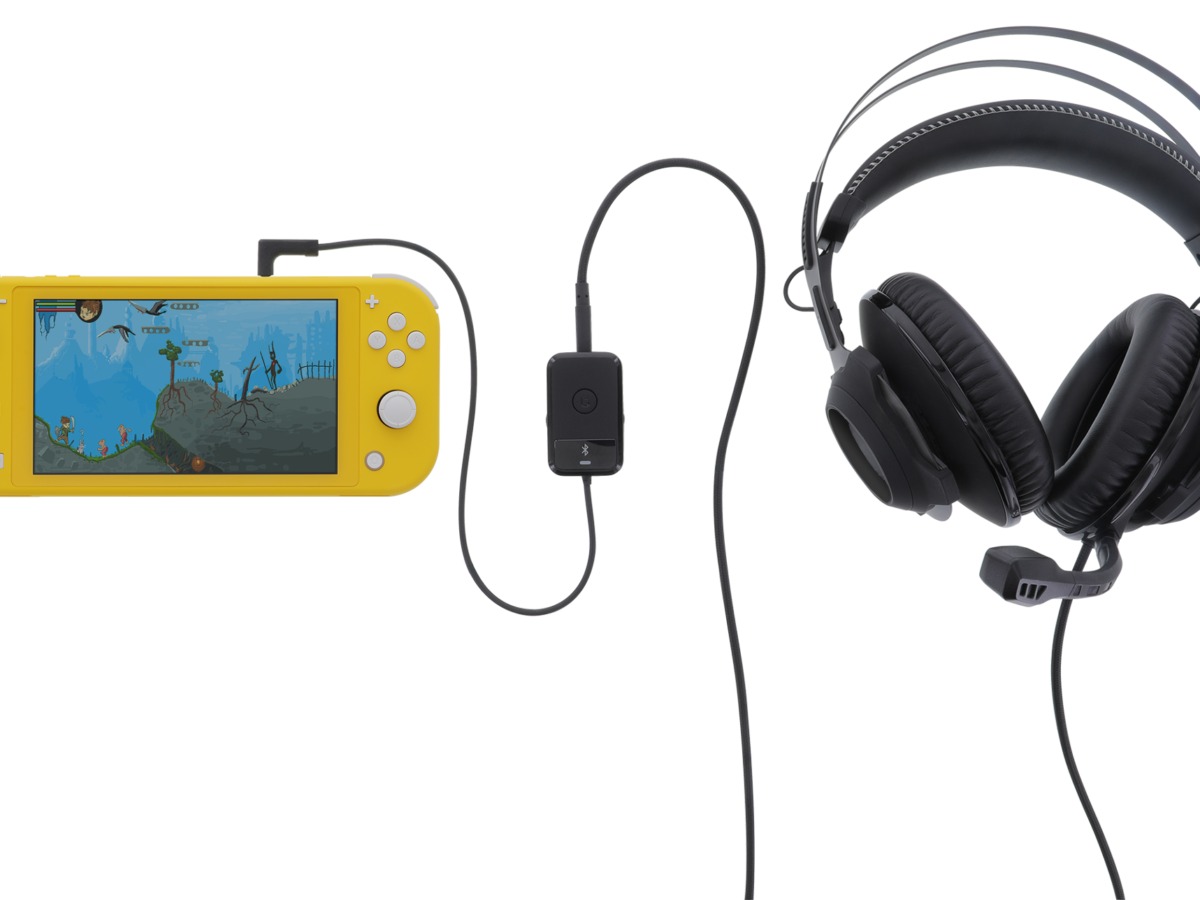
How To Setup Hyperx Cloud Headset

To setup HyperX Cloud headset, plug the included 3.5mm audio cable directly into your device's headphone jack. If your device has a single combo audio jack, attach the included audio...

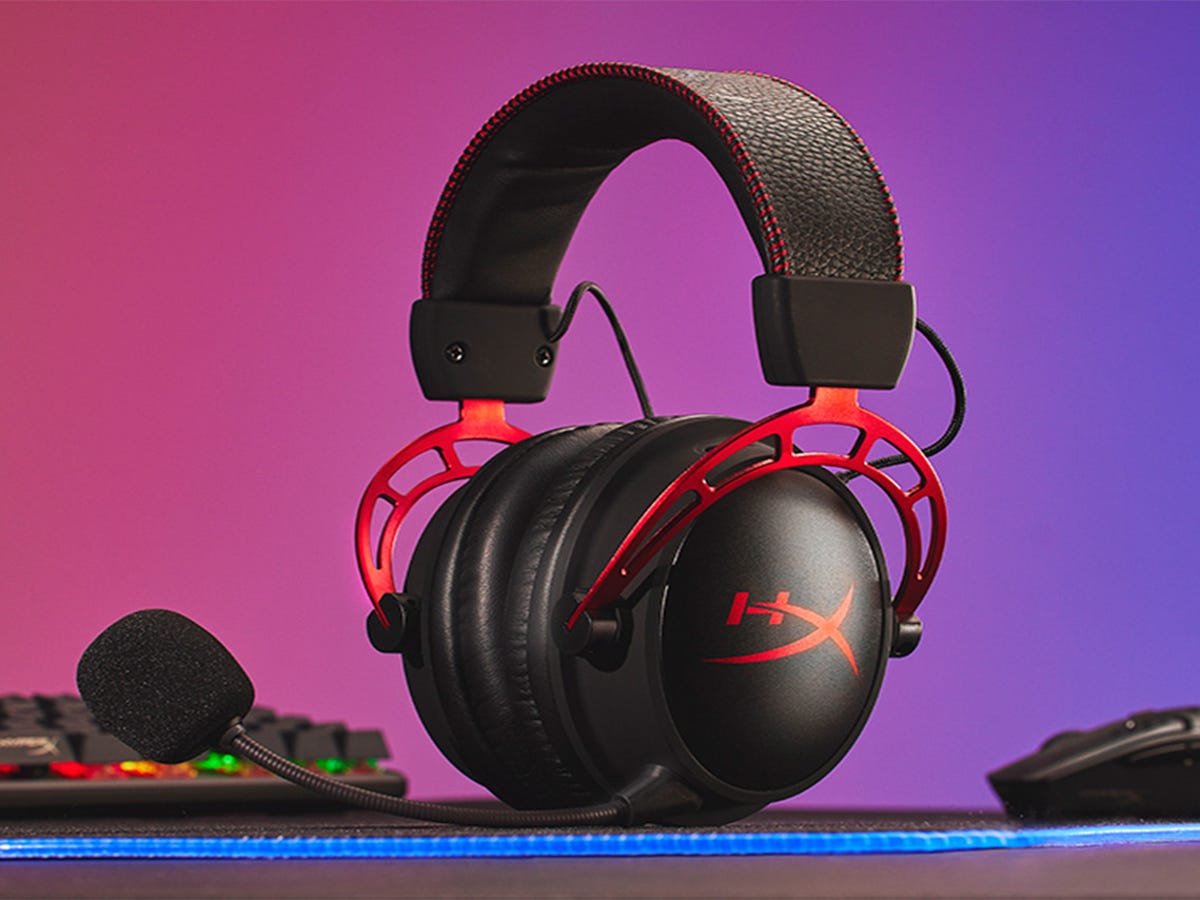
What Is The Best Hyper X Headset

The best HyperX headset is the HyperX Cloud Alpha, based on verified official compatibility and features. It is the only model with confirmed support across PC, PS5, PS4, Xbox Series...

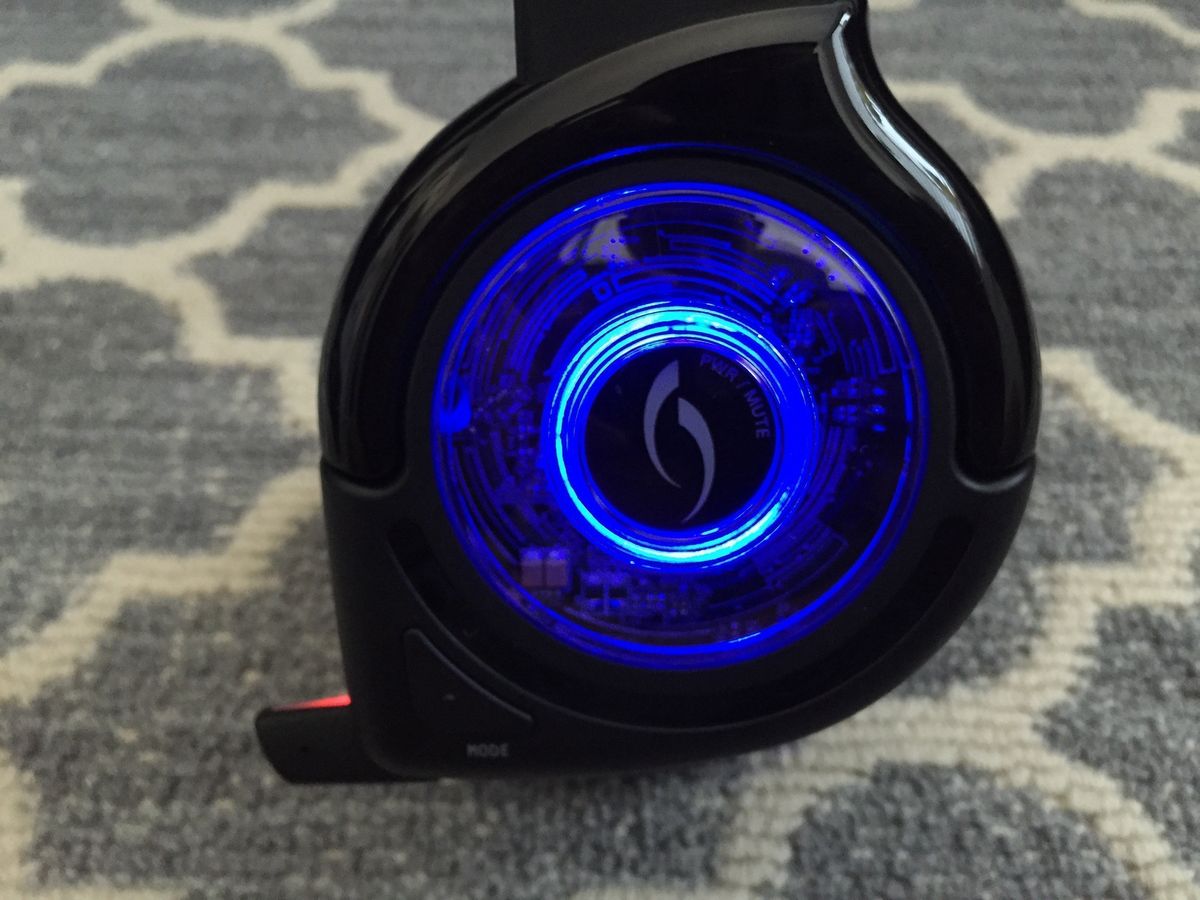
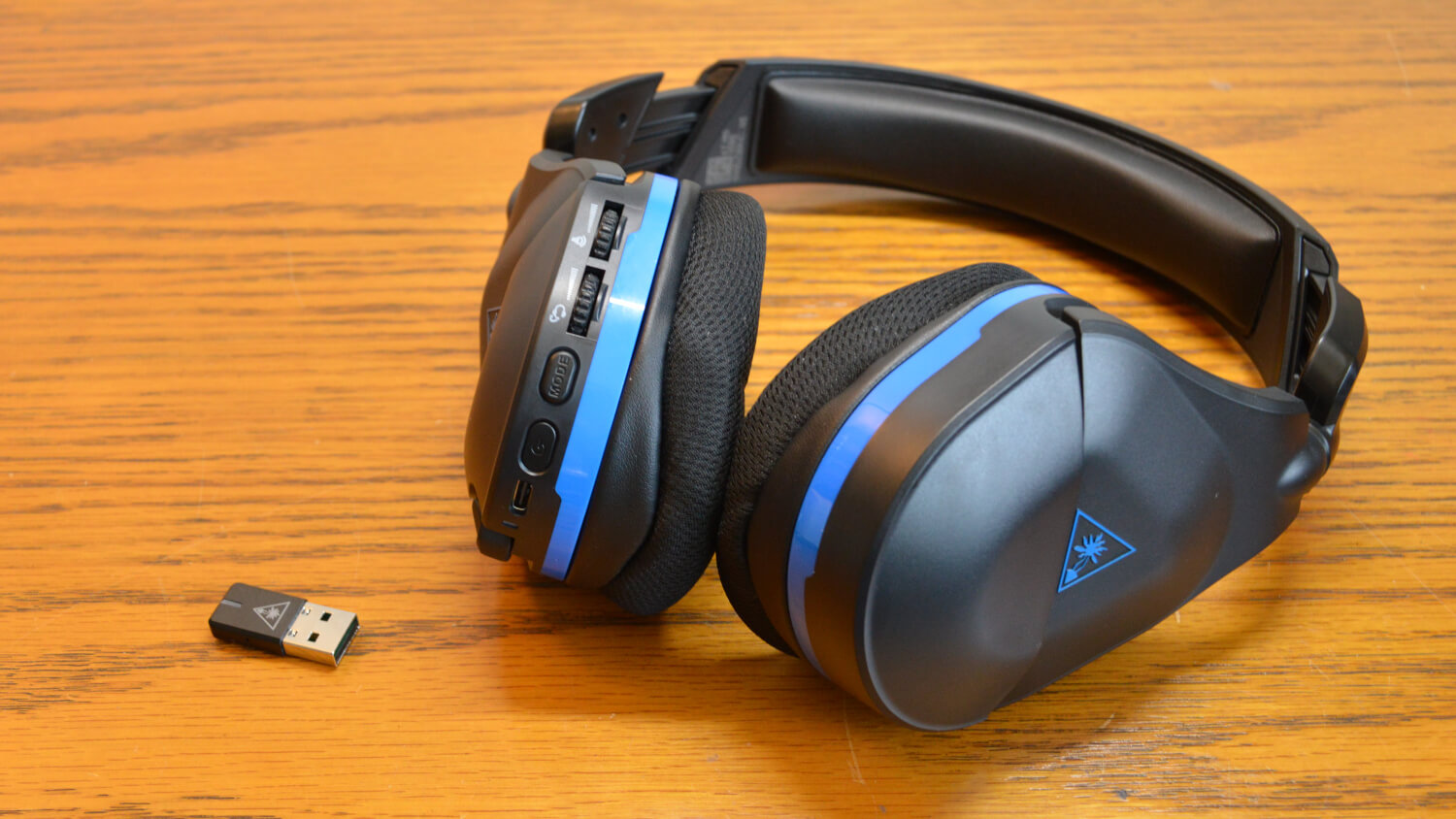
How To Set Up Afterglow Headset

To set up an Afterglow headset, connect the USB transmitter to your device and select the headset in your audio settings. The exact steps depend on whether you are using...

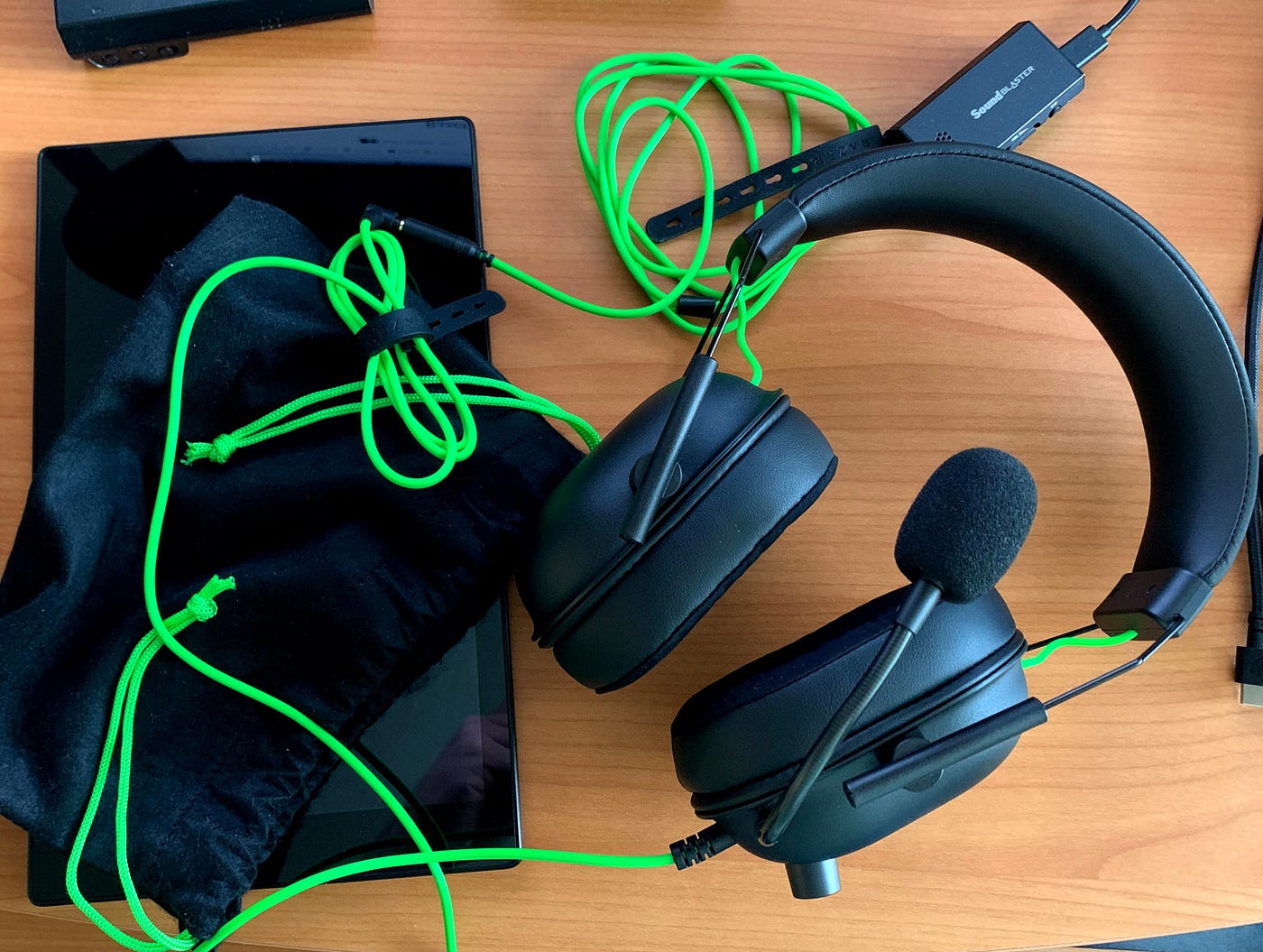
How To Update Razer Headset

To update a Razer headset, you need to follow one of two paths depending on your specific model: either the Razer Audio app on your phone or a dedicated PC...

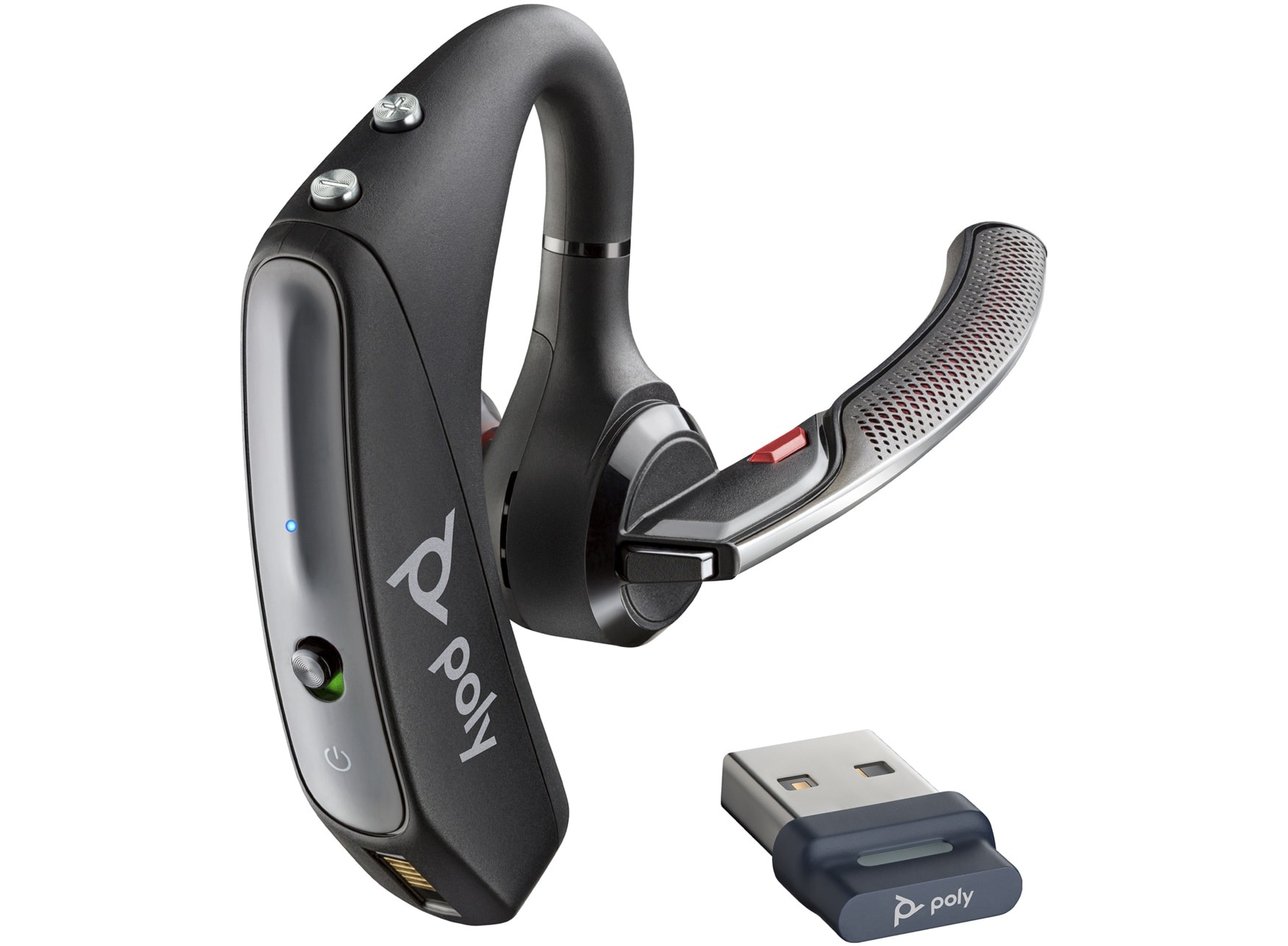
How To Pair Bt600 To Headset

To pair BT600 to headset, plug the BT600 USB adapter into your computer, then put your headset into pairing mode, and finally press the BT600 Pair button to complete the...

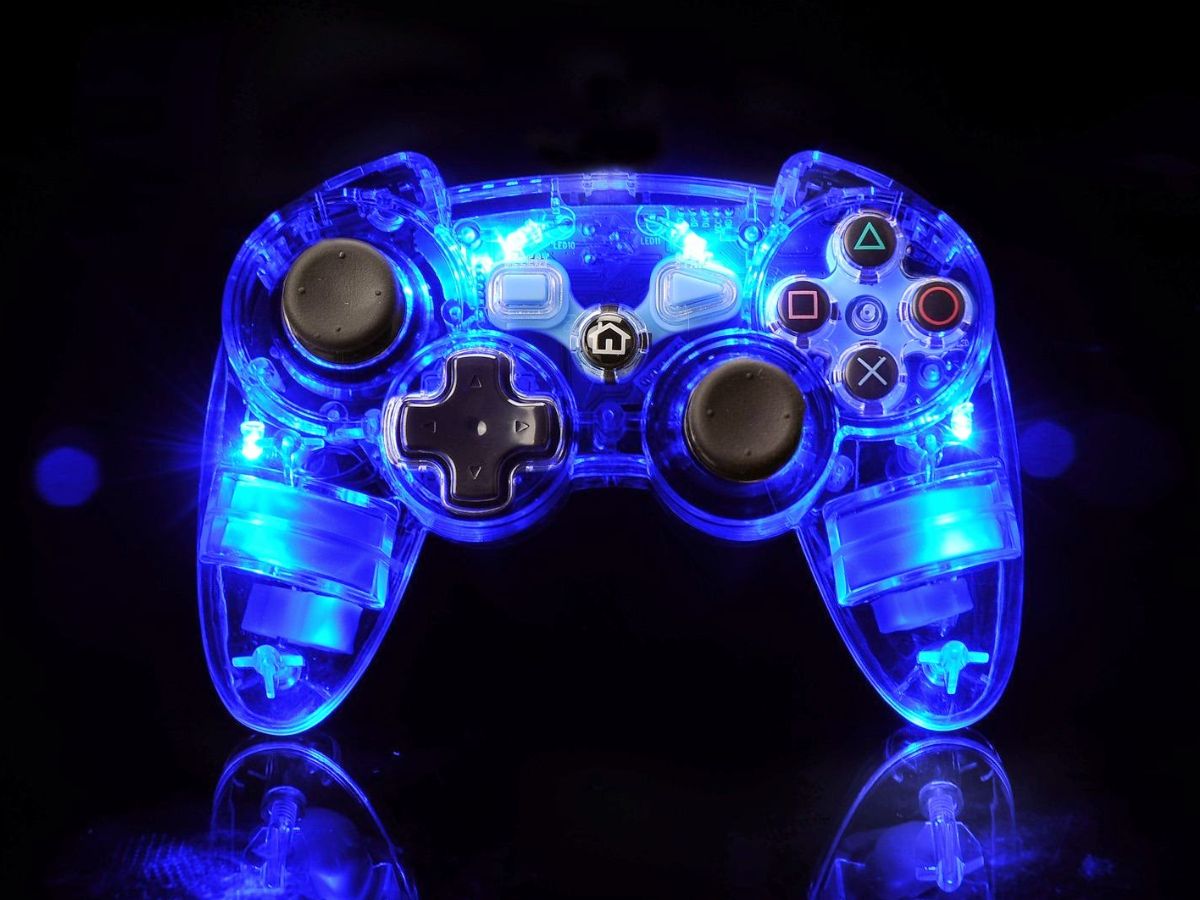
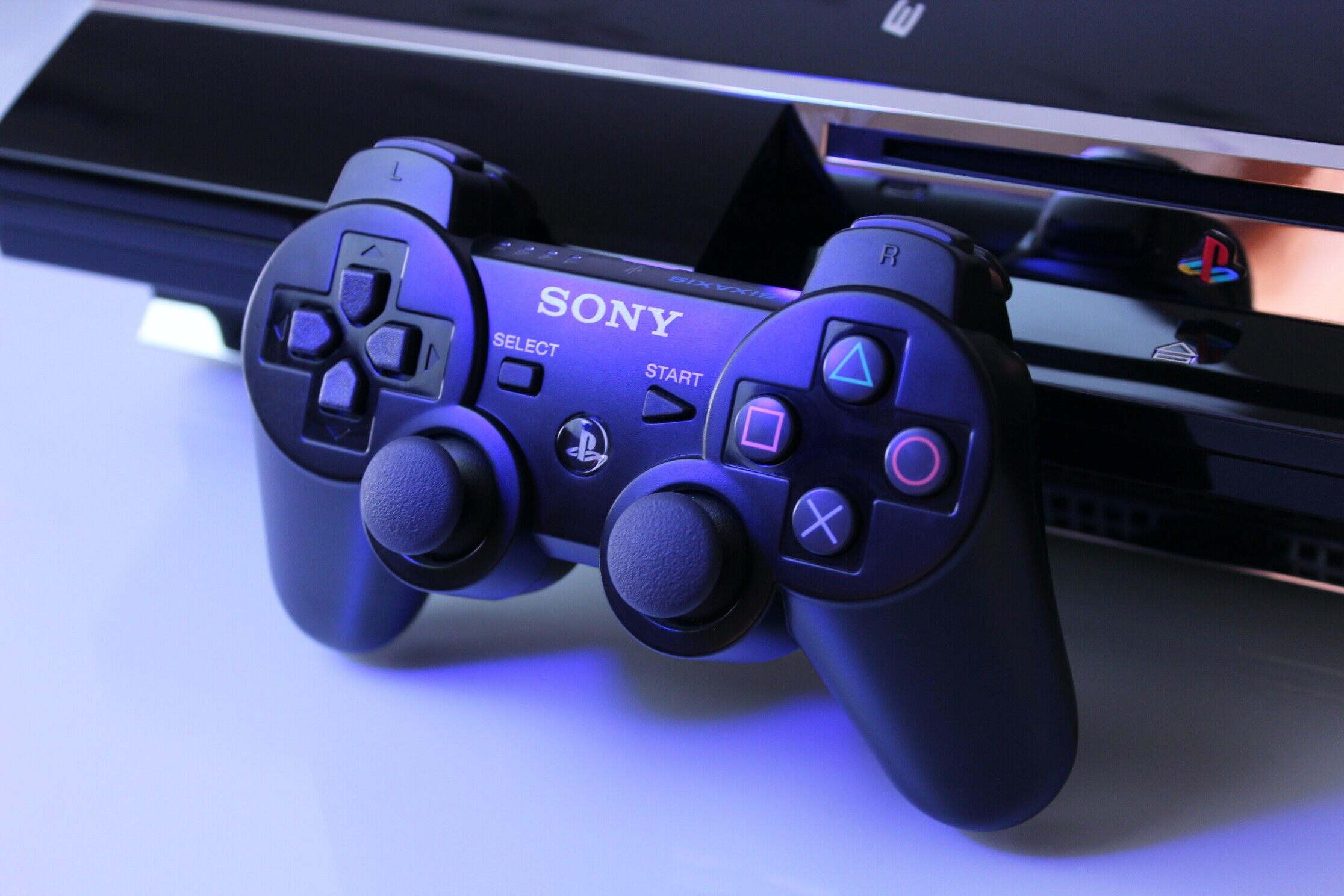
How To Connect Wireless Ps2 Controller

To connect wireless PS2 controller to a modern device like a phone or PC, you need an adapter because the controller cannot connect directly via Bluetooth. The Mayflash AD001 is...