Guides and troubleshooting articles for readers who want to bridge their mobile and desktop gaming experiences, or who need help setting up peripherals and connections on a Windows computer. Whether you are a gamer looking to play phone titles on a larger screen, a VR enthusiast sorting out hardware issues, or someone simply trying to pair a headset or controller, these articles provide step-by-step fixes and setup instructions.
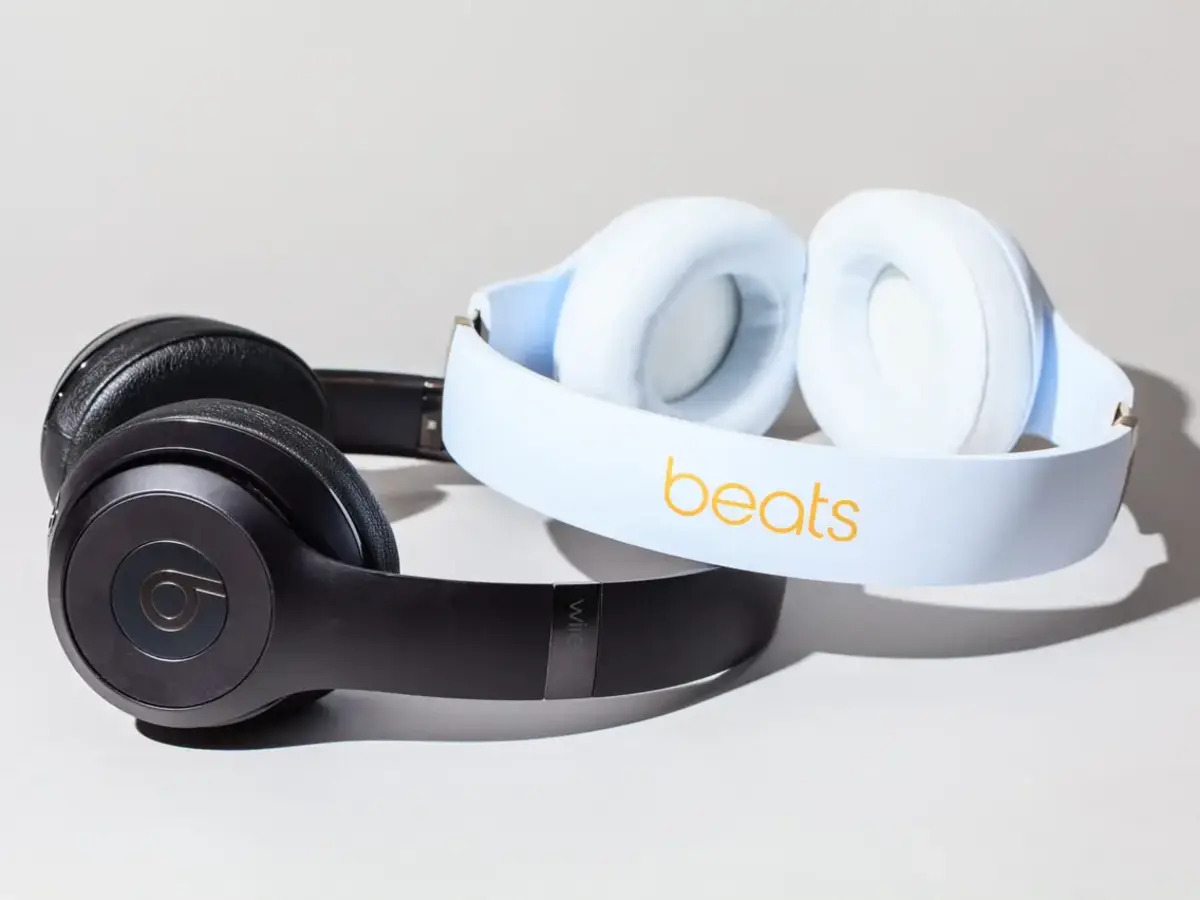
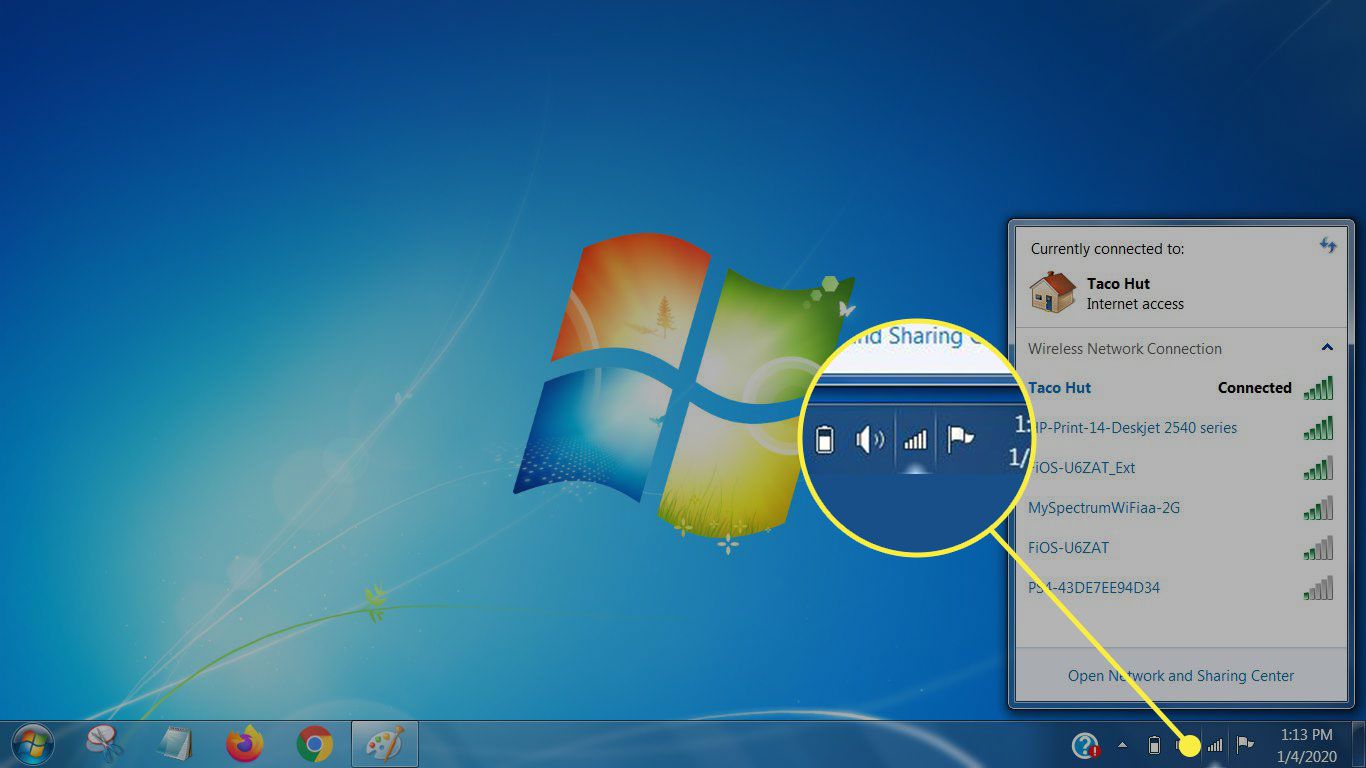
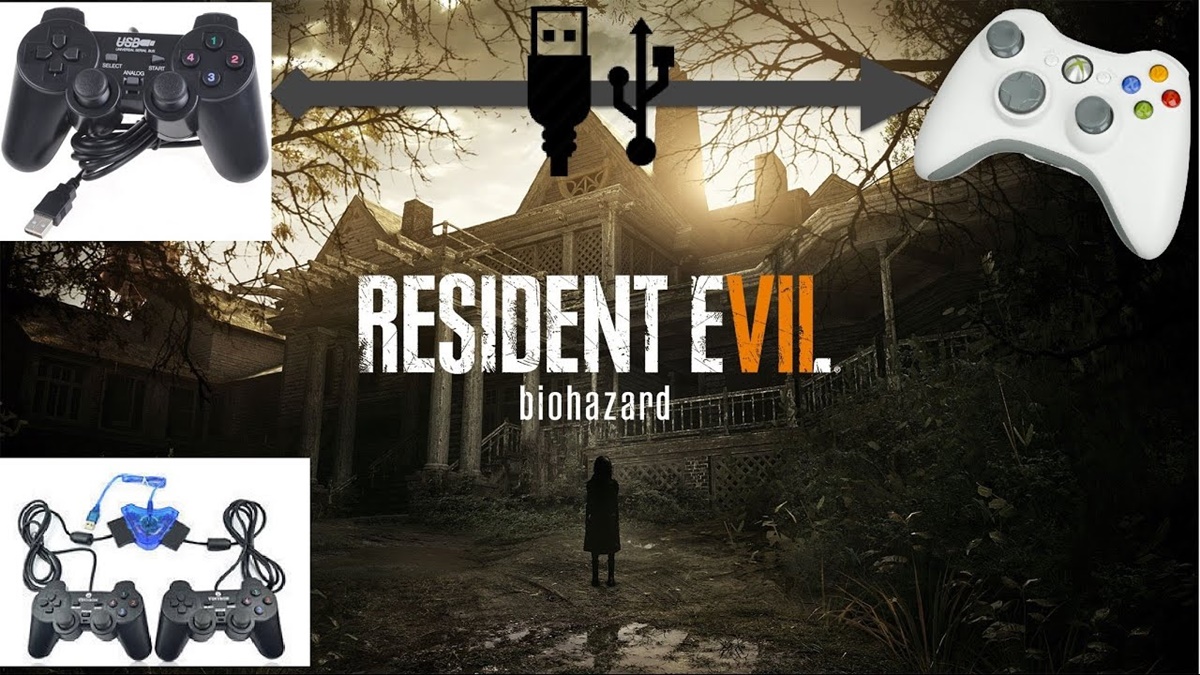
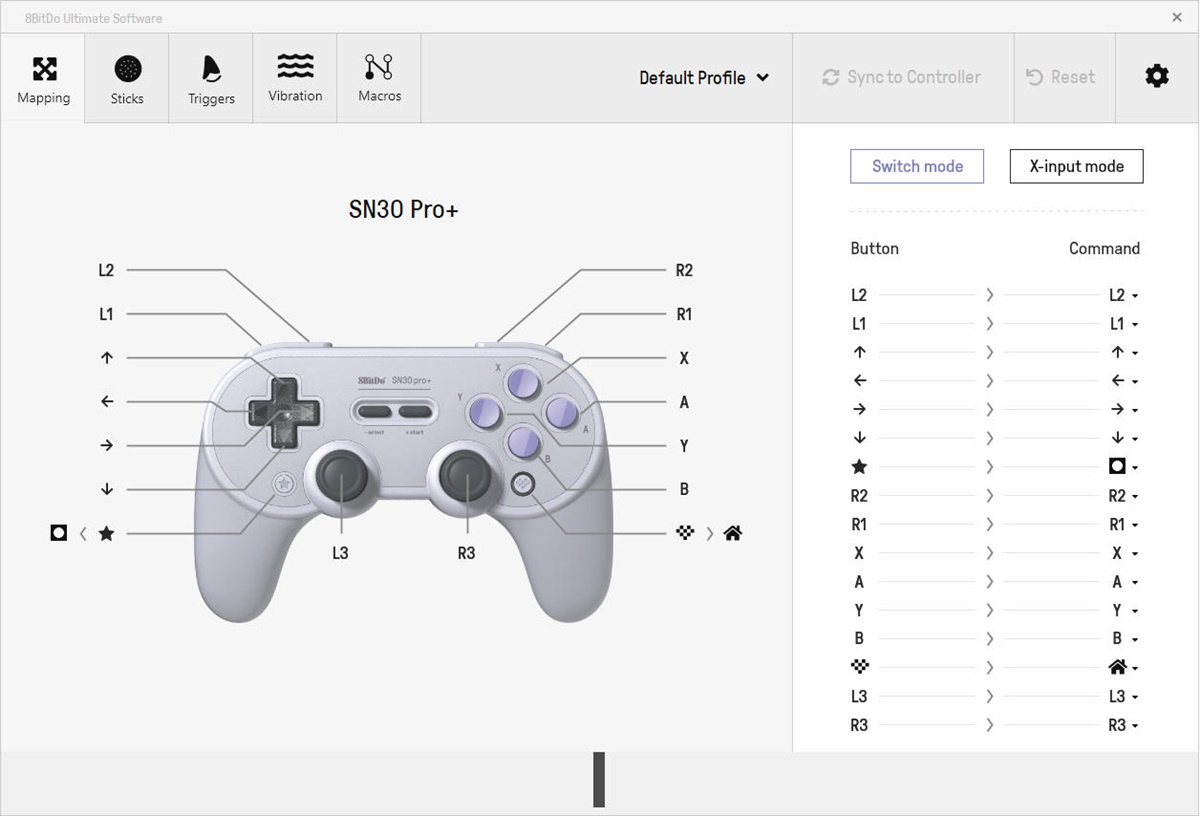
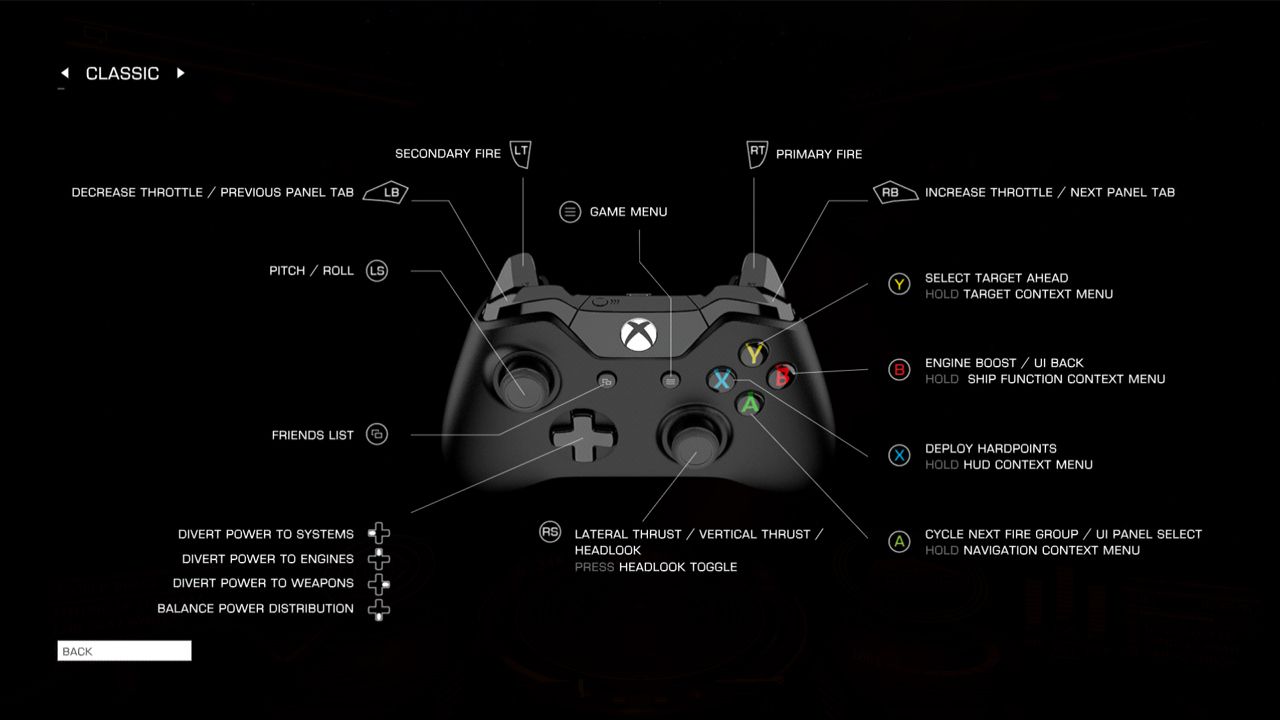
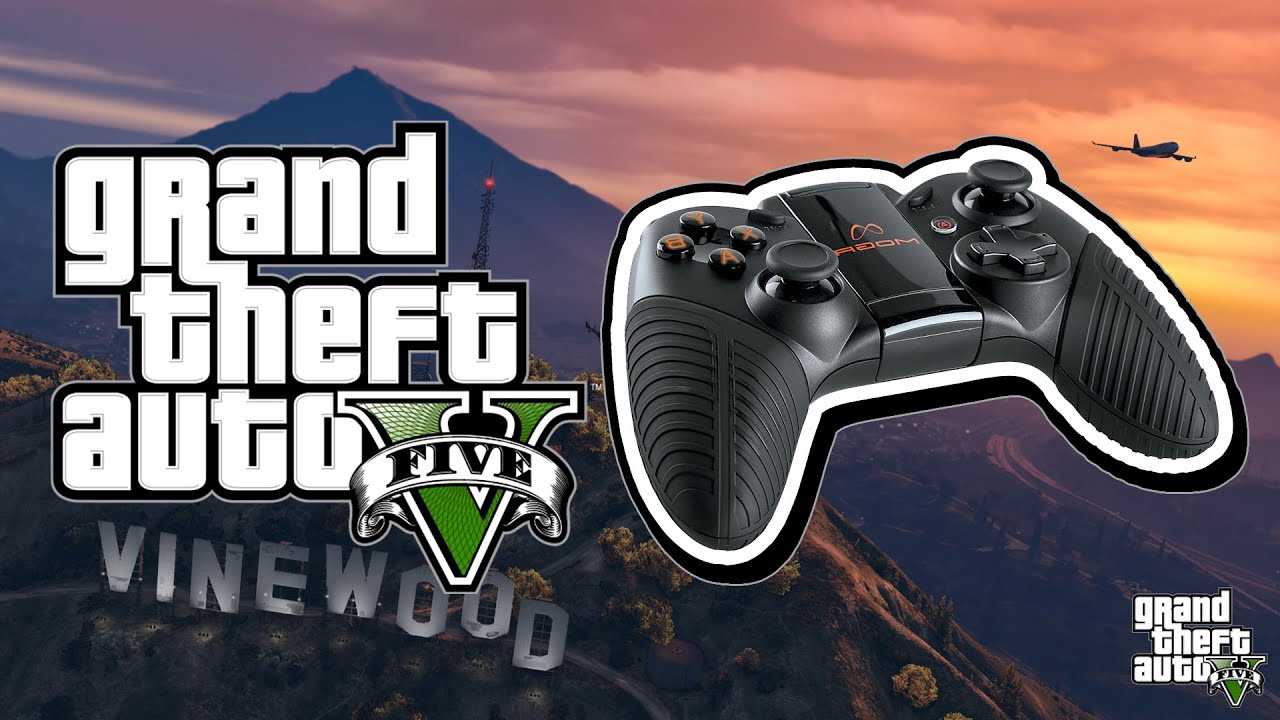
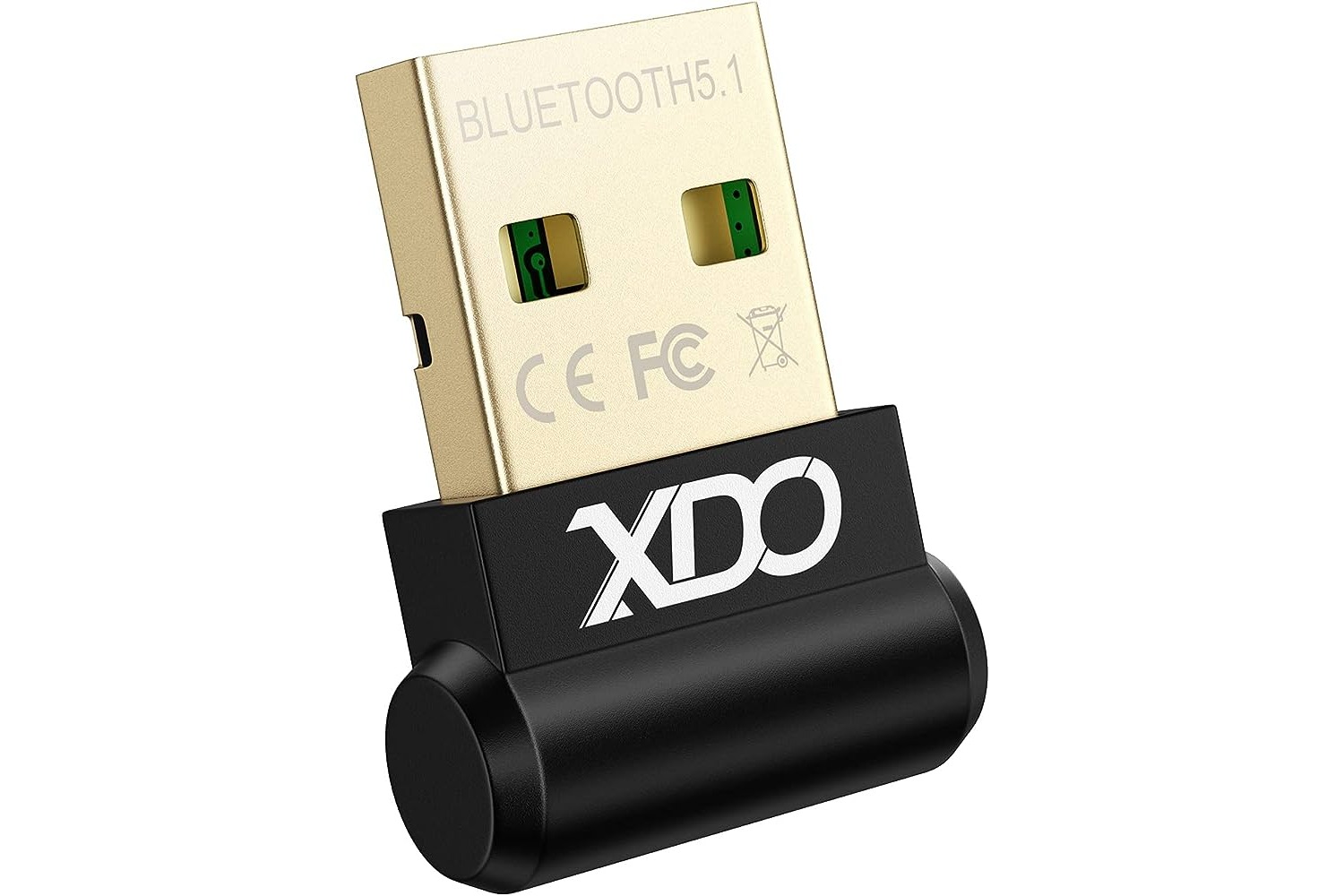
The articles fall into a few clear themes. One major group focuses on cross-platform play and mobile-to-PC transitions, covering topics like how to play mobile games on PC, PUBG crossplay, and using Roblox FPS unlockers. Another theme centers on VR and controller setup, from connecting a VR headset to a PC and fixing a non-working headset, to installing a joystick for GTA 5 or adding gamepad controls in Roblox and Resident Evil 7. A third theme addresses wireless connectivity and accessories, including guides on Bluetooth dongles, pairing an Xbox wireless headset, hooking up Beats to a PC, and syncing Afterglow or Turtle Beach headsets.
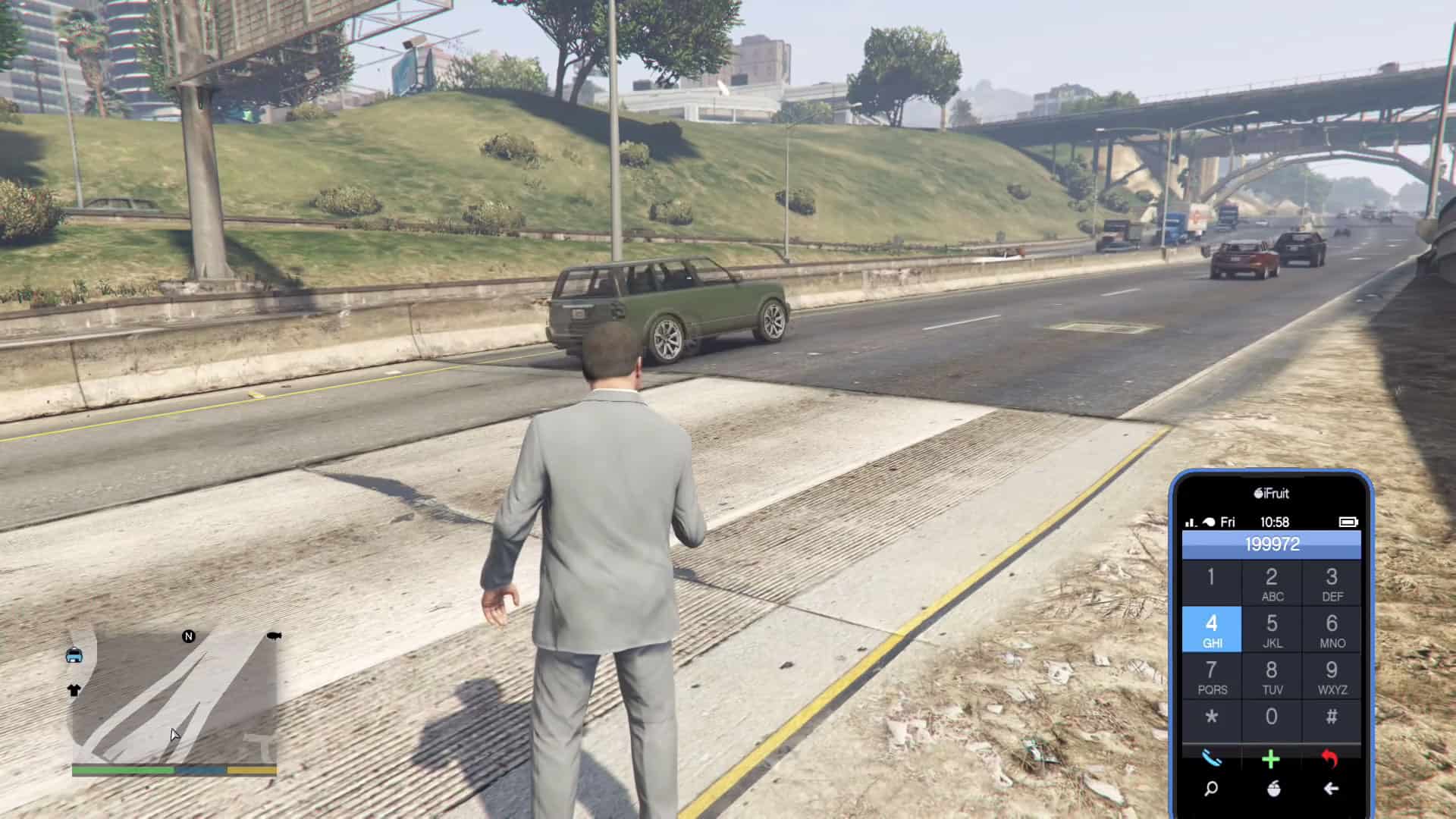
These articles help the reader perform specific tasks: moving a mobile game to a PC, muting someone on Discord across devices, getting VR Chat running, or updating a Razer headset. They also assist with practical hardware questions like how to tell if a PC has a wireless card, how to connect a PS2 controller wirelessly, and how to use a phone in GTA 5. Each piece is written to solve a concrete problem without unnecessary fluff.