A practical library of guides focused on the real-world use and maintenance of phone cases, screen protectors, power banks, and grip aids like the PopSocket. This collection is designed for anyone who owns a smartphone and wants to keep their device safe, functional, and personalized without relying on guesswork or trial-and-error.
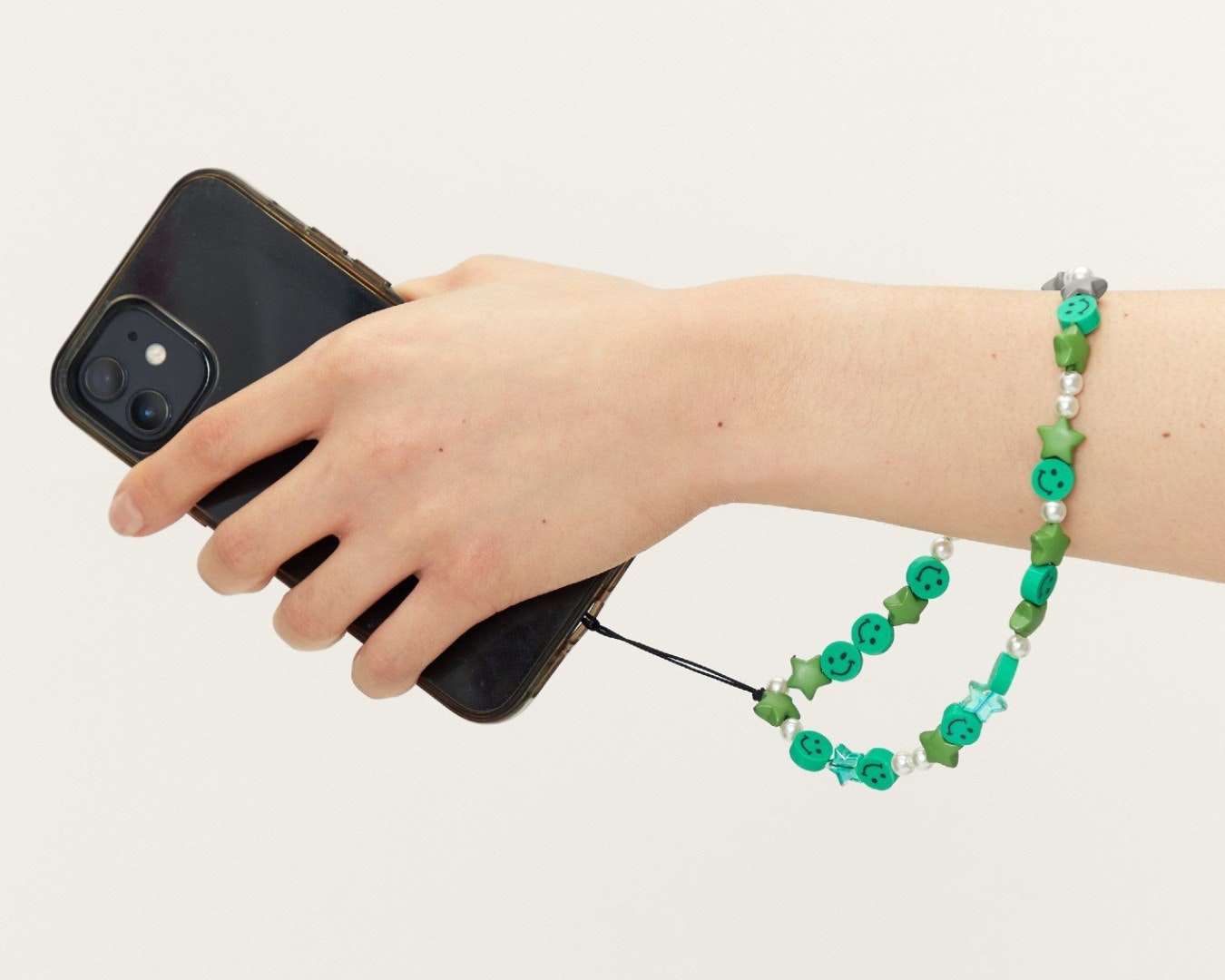
The articles solve common problems grouped around three main themes: protecting your screen, maintaining and modifying your phone case, and understanding how accessories work. For screen protection, you can find clear steps on how to put on a glass or liquid screen protector, how often to change it, and how to tell if the protector or the actual screen is cracked. There are also specific guides for removing and replacing Zagg screen protectors, plus explanations of what terms like "9H" and "tempered glass" actually mean. For phone cases, the articles help you attach a lanyard or wrist strap, fix a sticky silicone case, and understand what the magnetic ring or the two small holes on your case are for.
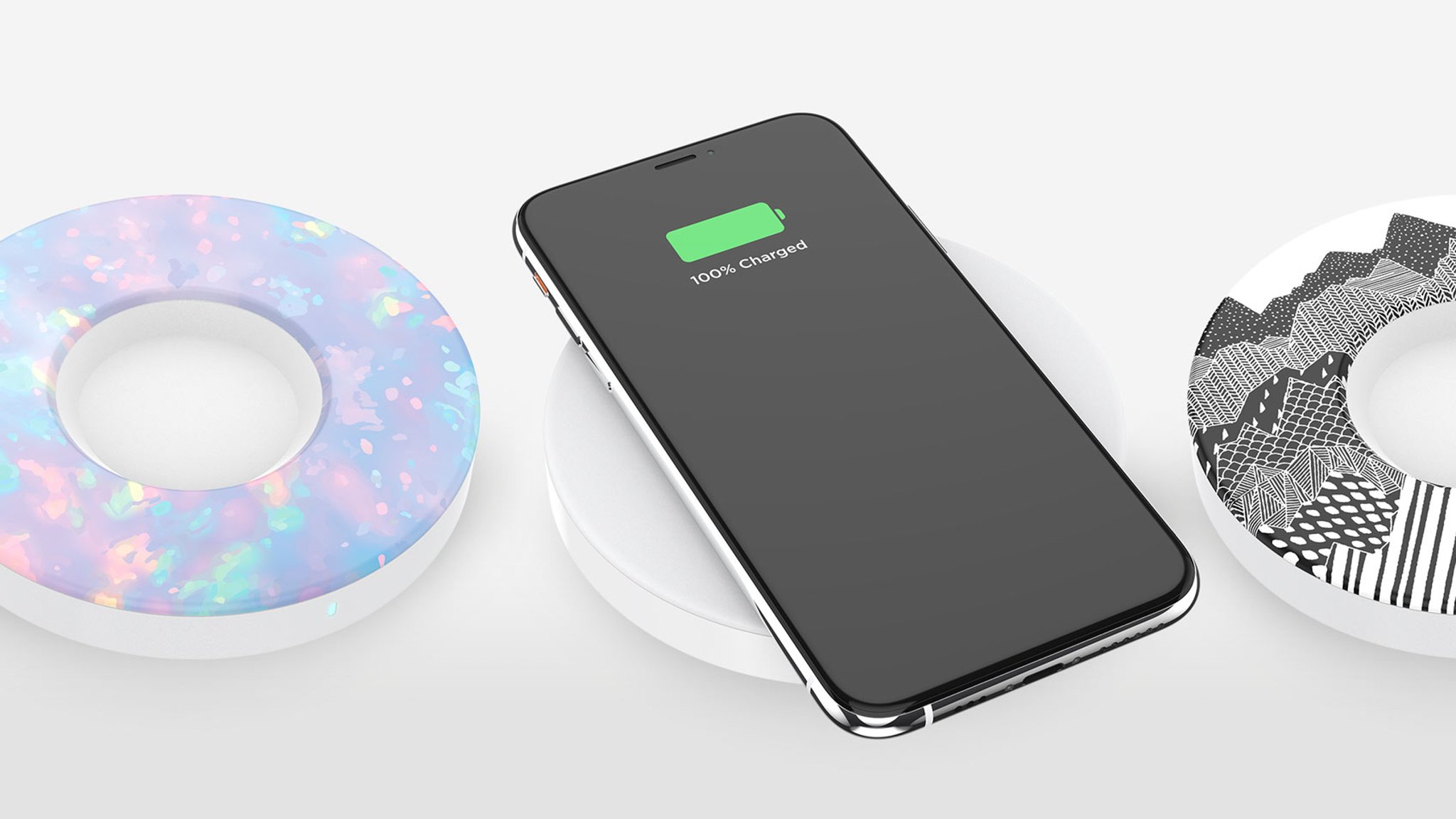
PopSocket owners will find dedicated help for taking the accessory apart, moving it to a new position, making it magnetic, and even putting it back on after removal. Other topics cover the cost of screen protectors, the capacity of a 4000mAh power bank, and how to connect an Atumtek selfie stick. Each article focuses on a single, specific task or question, giving you the straightforward answers you need to get your phone accessories working the way you want.