The Phone Accessories tag on CellularNews brings together a practical library of guides focused on the real-world use and maintenance of phone cases, screen protectors, power banks, and grip aids like the PopSocket. This collection is designed for anyone who owns a smartphone and wants to keep their device safe, functional, and personalized without relying on guesswork or trial-and-error.

The articles solve common problems grouped around three main themes: protecting your screen, maintaining and modifying your phone case, and understanding how accessories work. For screen protection, you can find clear steps on how to put on a glass or liquid screen protector, how often to change it, and how to tell if the protector or the actual screen is cracked. There are also specific guides for removing and replacing Zagg screen protectors, plus explanations of what terms like "9H" and "tempered glass" actually mean. For phone cases, the articles help you attach a lanyard or wrist strap, fix a sticky silicone case, and understand what the magnetic ring or the two small holes on your case are for.

PopSocket owners will find dedicated help for taking the accessory apart, moving it to a new position, making it magnetic, and even putting it back on after removal. Other topics cover the cost of screen protectors, the capacity of a 4000mAh power bank, and how to connect an Atumtek selfie stick. Each article focuses on a single, specific task or question, giving you the straightforward answers you need to get your phone accessories working the way you want.
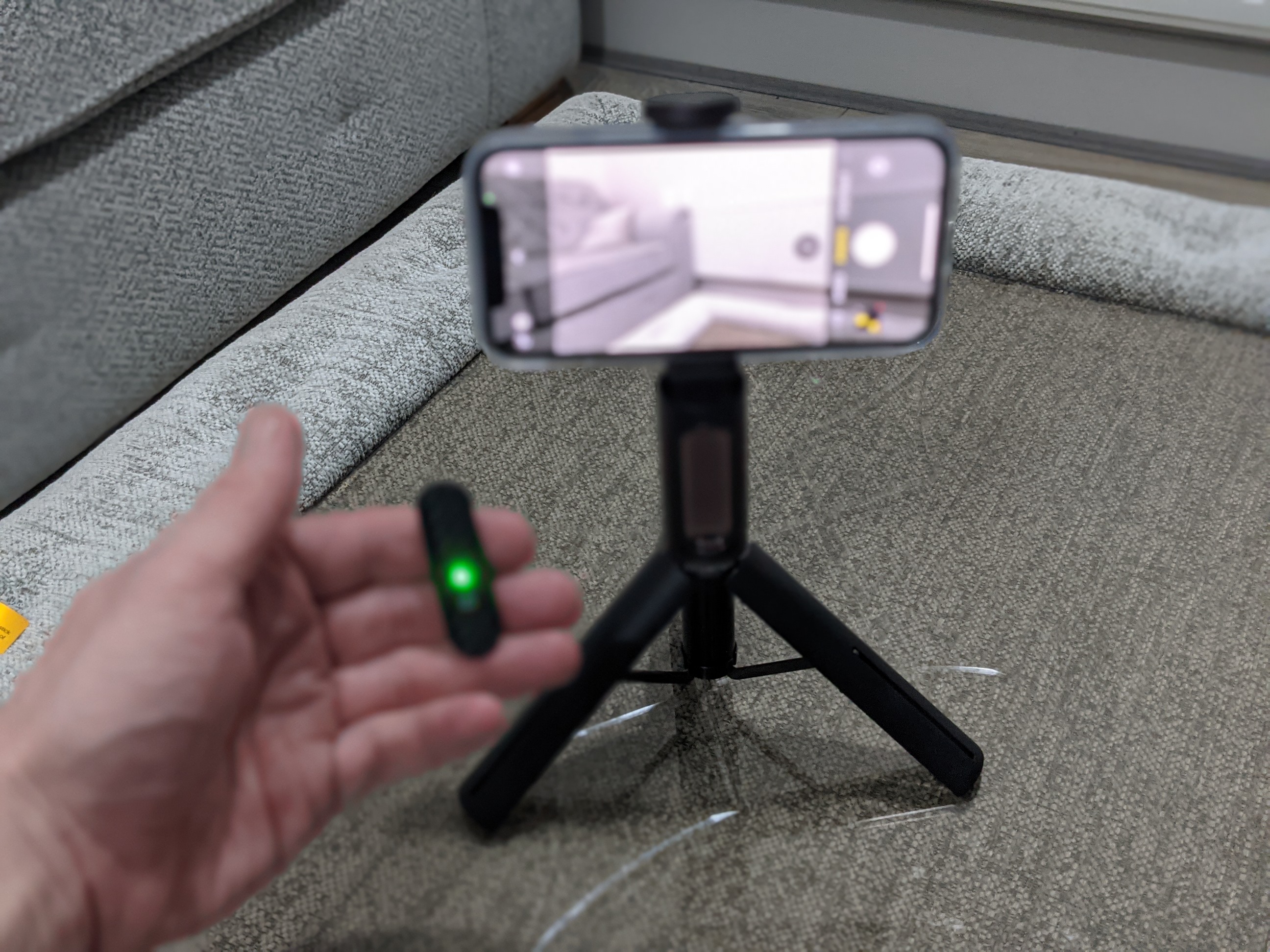
How To Connect Atumtek Selfie Stick

To connect an ATUMTEK selfie stick, extend and lock the telescopic pole, turn on the Bluetooth remote, then pair your phone to the remote named “ATUMTEK” from your phone’s Bluetooth...

Where Can You Get A Popsocket

If you’re wondering where can you get a PopSocket, you can find one directly from the official PopSockets website, which offers the full product range and customization options, or from...

How To Make Popsocket Magnetic

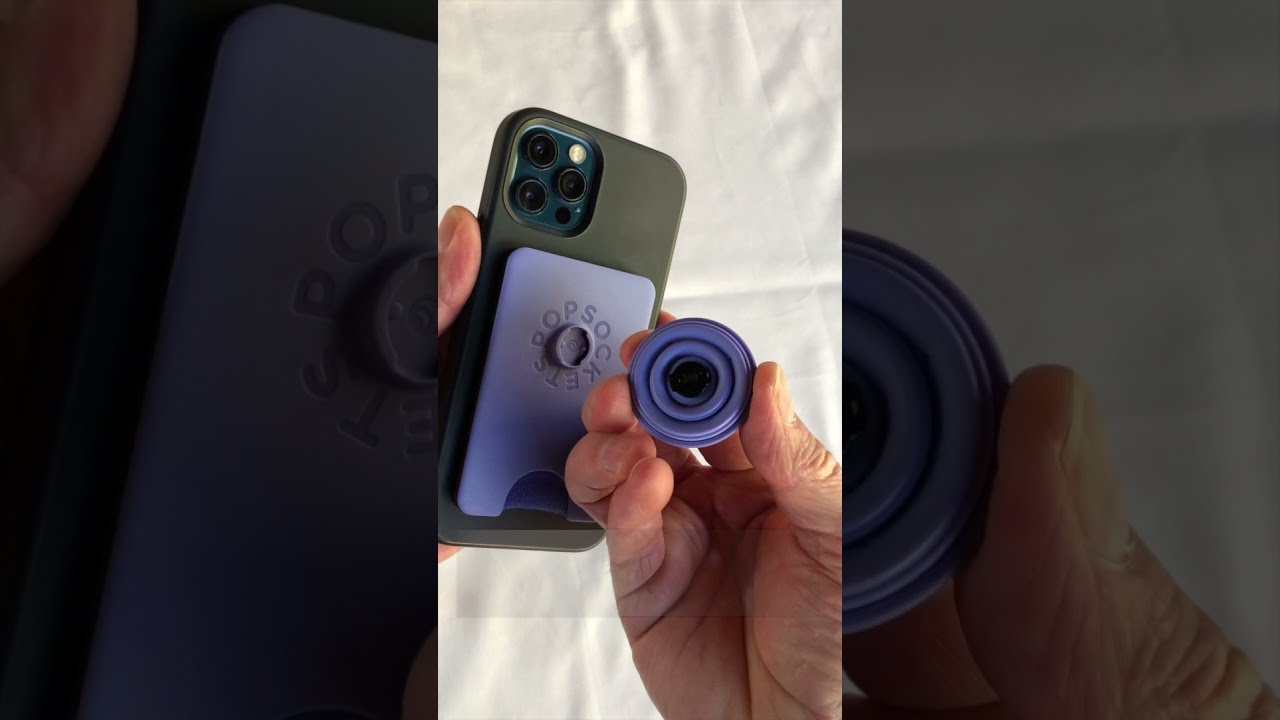
To make a popsocket magnetic, you can either add neodymium magnets to a standard PopSocket yourself or buy the official MagSafe version. The DIY method requires a PopSocket, two small...

What Is A Popsocket?

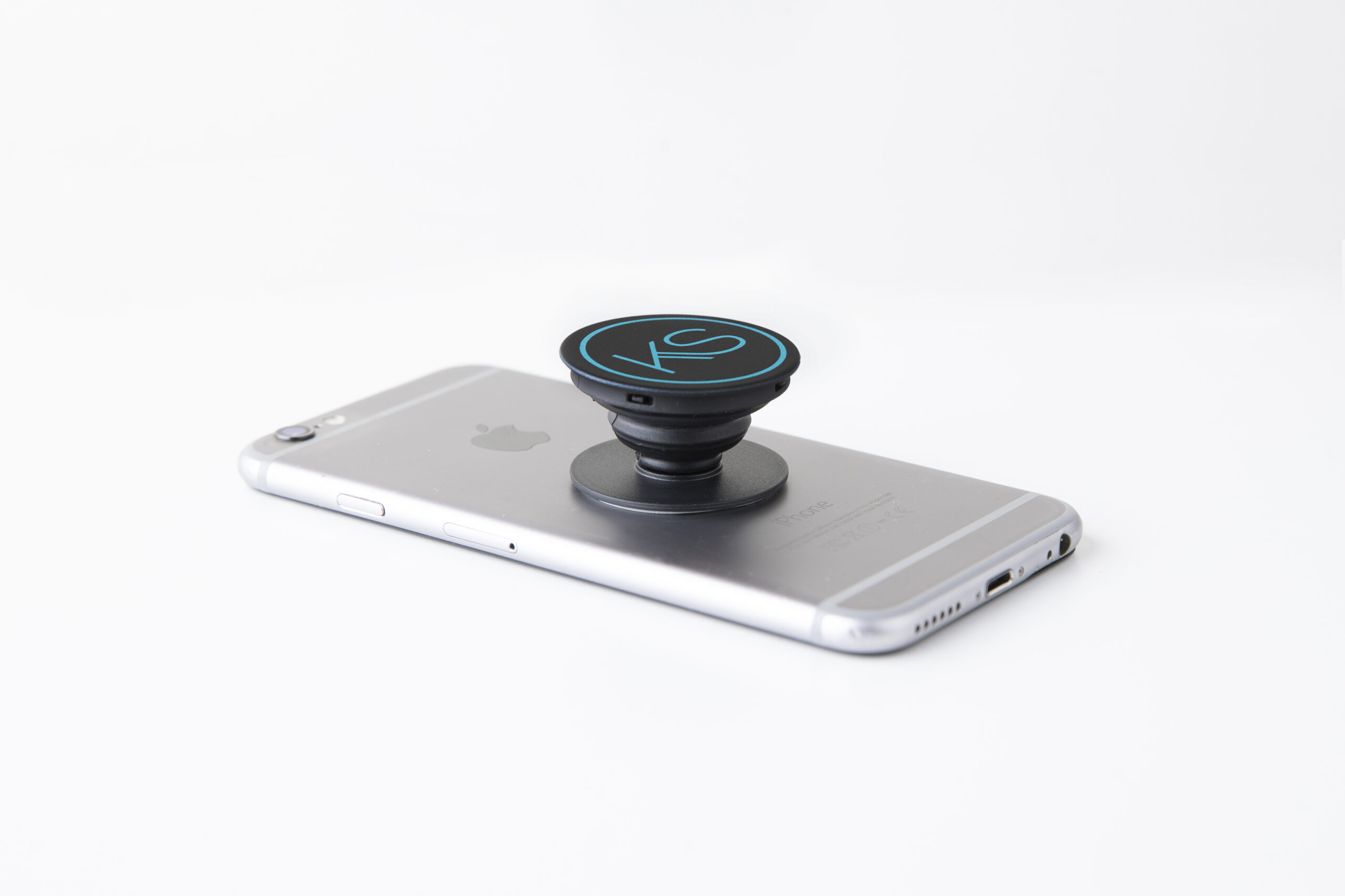
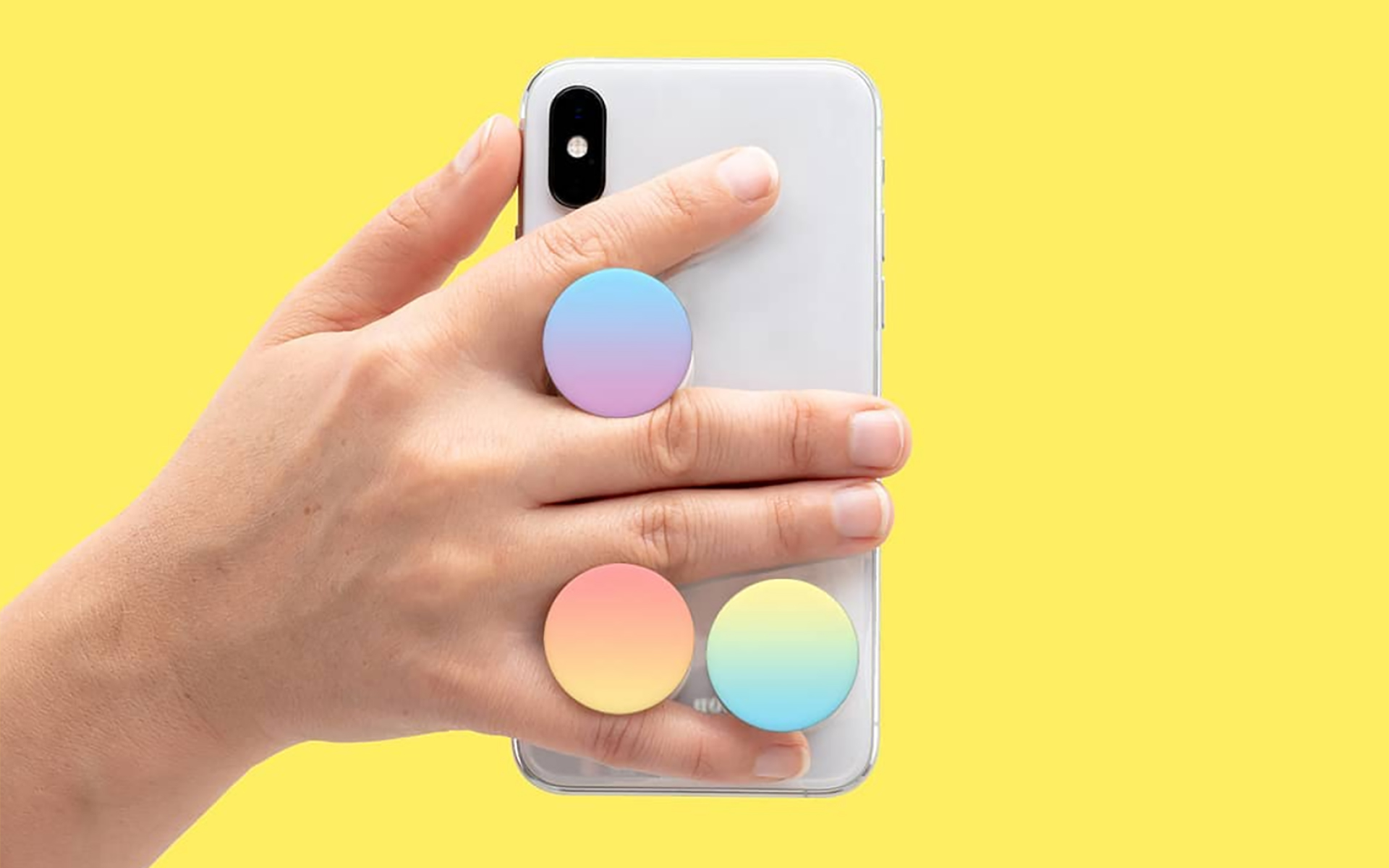
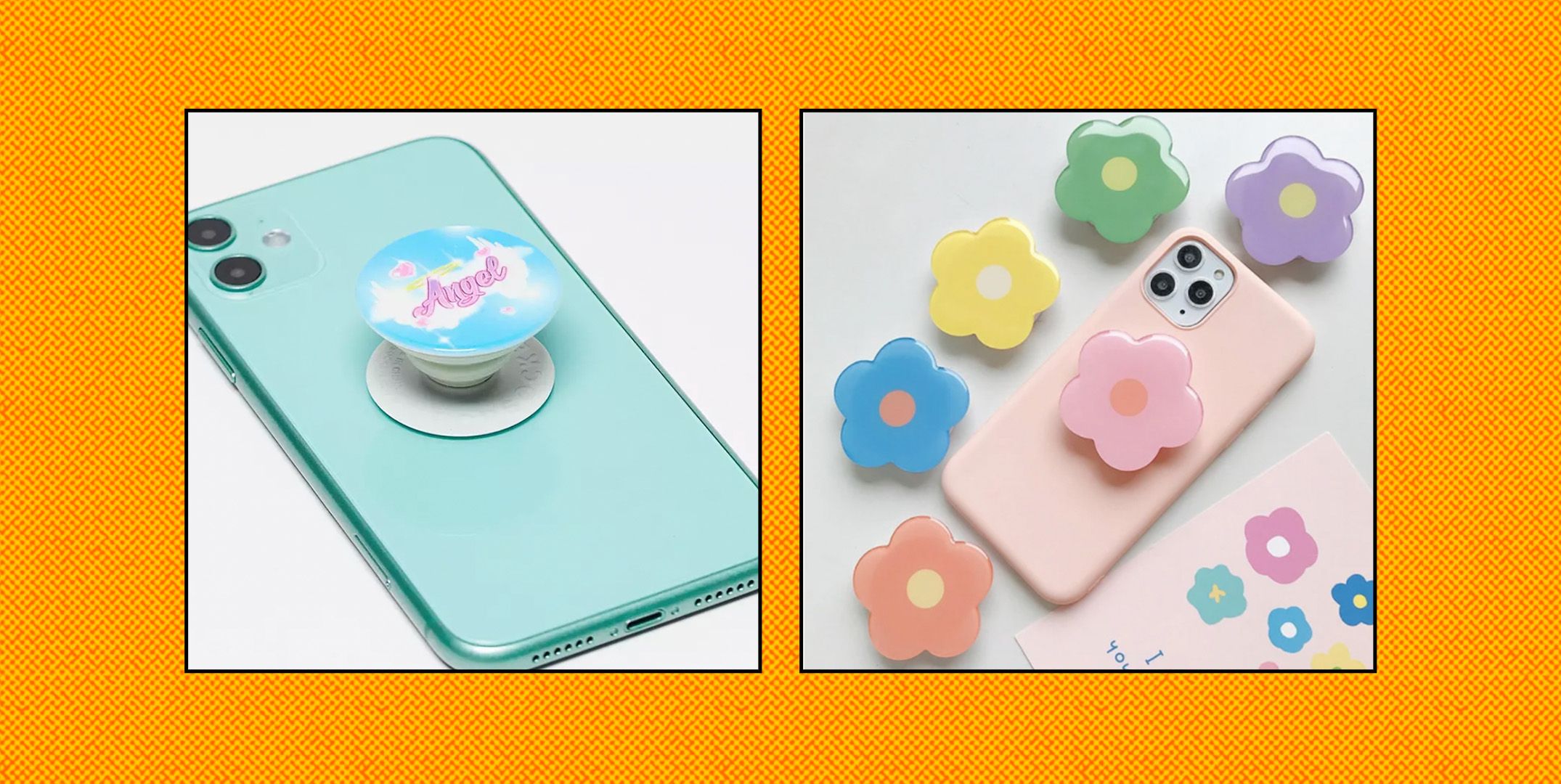
A PopSocket is a magnetic phone grip and stand that attaches to the back of your phone or case. The modern version snaps onto any MagSafe-compatible case using built-in magnets,...

How Take Apart Popsocket

To take apart a PopSocket, the only manufacturer-documented method is to close the PopGrip flat, press down on the center, and twist the top 90 degrees to remove the PopTop....

How Do I Move My Popsocket

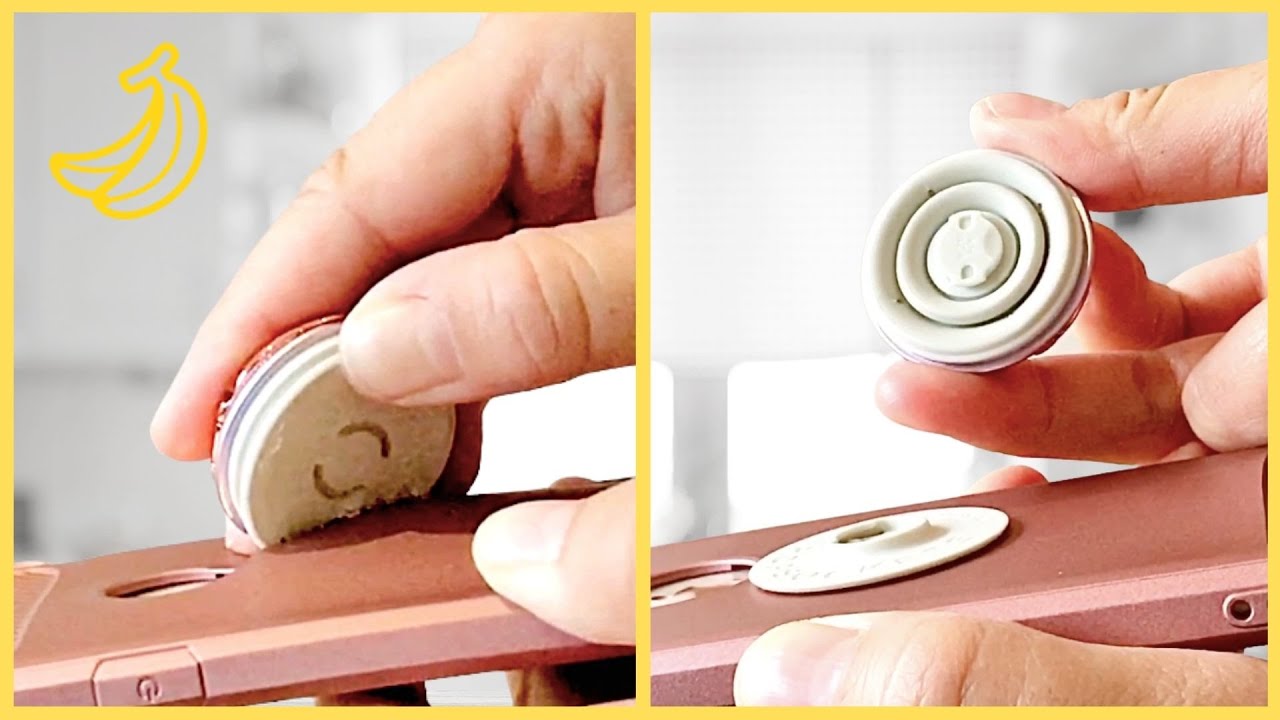
To move my PopSocket, you simply remove it from its current spot, clean the adhesive, and reapply it to a new location on your phone or case. PopSockets are designed...

Who Invented Popsocket

David Barnett invented the PopSocket, first creating a prototype in 2010 and launching the company in 2014. The answer to who invented popsocket is David Barnett, a philosophy professor who...

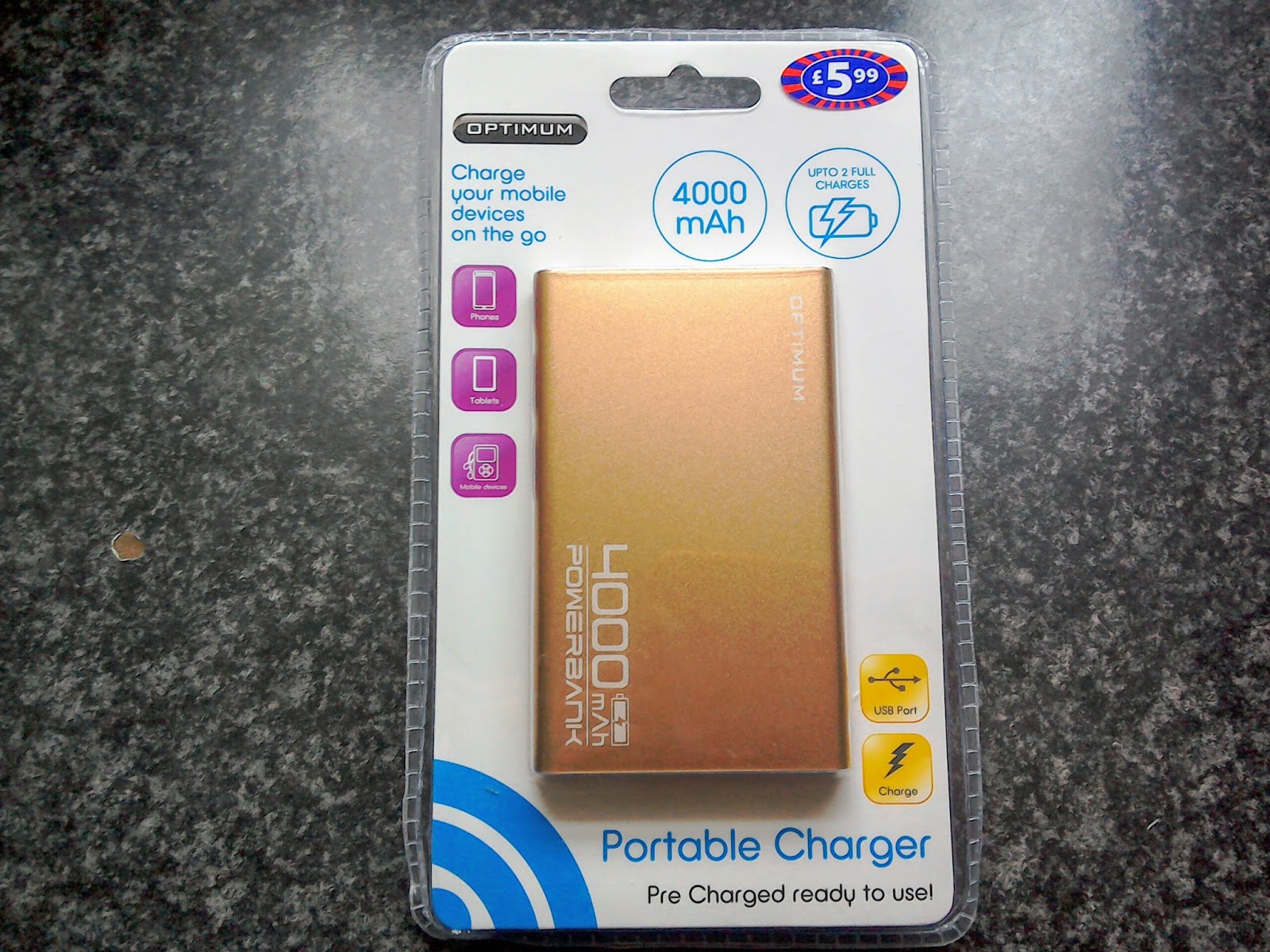
How Much Is 4000mAh Power Bank

This capacity rating means it is designed for emergency top-ups rather than full charges, because the real-world usable output is always less than the printed number. What a 4000mAh power...