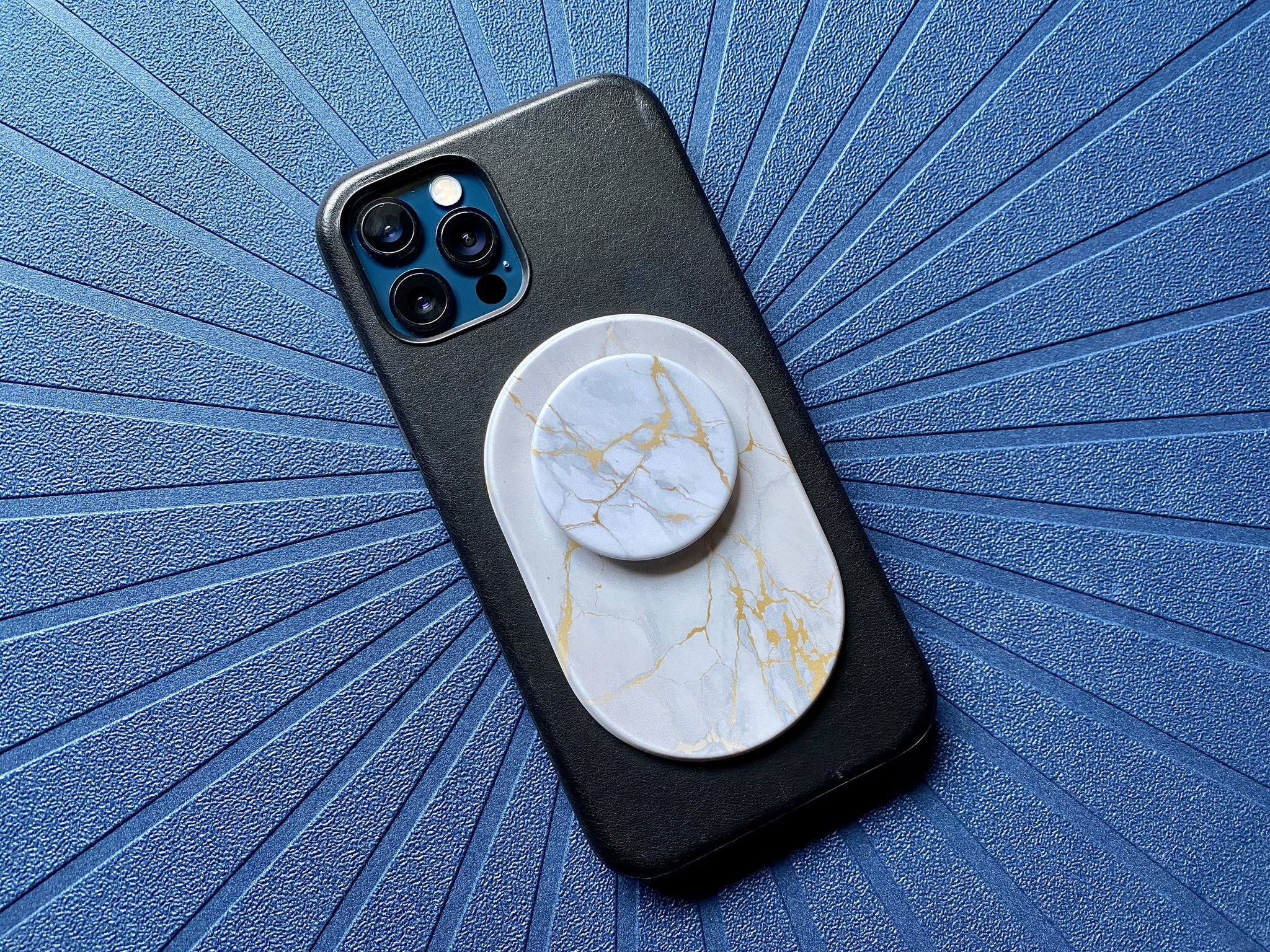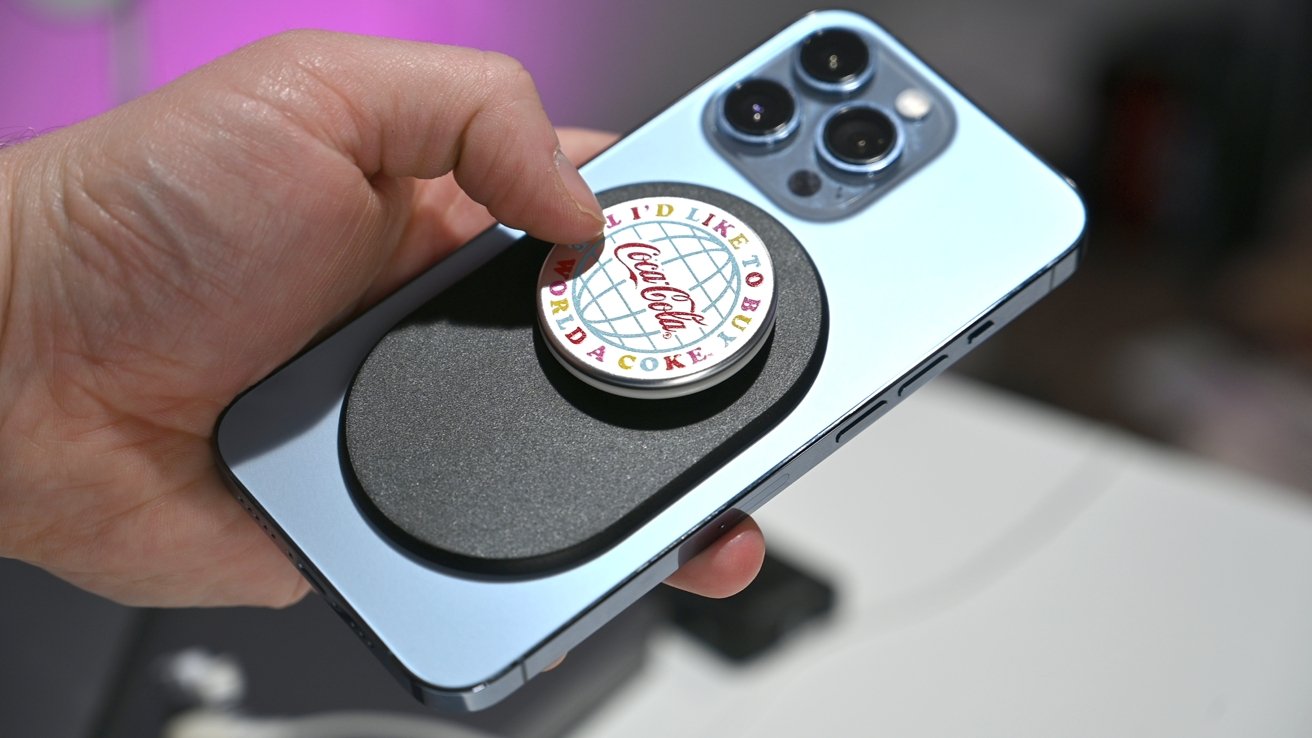
To make a popsocket magnetic, you can either add neodymium magnets to a standard PopSocket yourself or buy the official MagSafe version. The DIY method requires a PopSocket, two small neodymium magnets, strong adhesive (like epoxy or super glue), rubbing alcohol, a clean cloth, and a craft knife or scissors.
What you need to make a popsocket magnetic
There are two paths to a magnetic PopSocket. The first is a DIY approach where you attach magnets directly to a standard PopSocket. The second is to buy PopSockets' official MagSafe PopGrip or Magnetic Adapter Ring. For the DIY method, gather these materials: a PopSocket, two small neodymium disc magnets, a strong adhesive (such as epoxy or super glue), rubbing alcohol or isopropyl alcohol, a clean cloth or paper towel, sandpaper or a file, and a craft knife or scissors.
Before you start: Official MagSafe popsockets vs. DIY magnets
PopSockets sells a documented MagSafe PopGrip and Magnetic Adapter Ring. The MagSafe PopGrip securely attaches to any MagSafe-compatible case, and the Magnetic Adapter Ring works with all MagSafe accessories, including PopSockets Magnetic Phone Grips and Wallets. This is the safer, manufacturer-approved path. Apple warns that magnets near the iPhone rear cameras can interfere with camera sensors and degrade performance. For iPhone 12 and newer models, PopSockets recommends using its MagSafe grips for the best experience. The DIY method carries risk of voiding warranties or damaging your device.
Step 1: Gathering the materials
For the DIY method, you need a PopSocket, neodymium magnets (these are extremely strong and durable), a strong adhesive suitable for bonding metal surfaces, rubbing alcohol or isopropyl alcohol, and a clean cloth or paper towel. Clean the surfaces of both the PopSocket and the magnets with rubbing alcohol before starting to ensure proper adhesion.
Step 2: Preparing the popsocket
- Remove the adhesive backing from the PopSocket to expose the sticky surface.
- Clean the surface of the PopSocket thoroughly with a damp cloth or alcohol wipes to remove dirt and debris.
- Decide where to place the magnetic attachment on the PopSocket, keeping in mind it should be conveniently accessible when attaching your phone to magnetic surfaces.
Step 3: Preparing the magnets
- Measure the dimensions of the back of the PopSocket where you want to attach the magnets, leaving enough space for them to fit properly.
- Using scissors, cut adhesive tape into small pieces slightly larger than the magnets for better adhesion.
- Peel off the backing of the adhesive tape to reveal the sticky side, then place the magnets onto the sticky side of the tape.
- Once the magnets are attached to the tape, carefully remove the backing from the adhesive to expose the sticky side.
- Position the adhesive side of the tape with the magnets onto the back of the PopSocket in the desired location.
- Press firmly on the adhesive tape for a few seconds to allow the adhesive to set.
Step 4: Attaching the magnets to the popsocket
- Place the PopSocket on a clean, flat surface.
- Apply a small amount of adhesive or glue to one side of a magnet, using a strong adhesive that will securely bond the magnet to the PopSocket.
- Carefully place the magnet onto the back of the PopSocket, aligned with the center.
- Apply gentle pressure for a few seconds to allow the adhesive to bond.
- Repeat the process for the second magnet, attaching it to the opposite side of the PopSocket.
- Allow the adhesive to dry fully according to the product instructions.
- Give the popsocket with magnets time to sit undisturbed for a little while longer to ensure maximum adhesion after the adhesive has dried.
- After drying, gently tug on the magnets to confirm they are firmly in place.
The strength of the magnetic connection may vary depending on the type of magnets and adhesive used; if magnets are not securely attached, consider using a stronger adhesive or larger magnets.
Step 5: Testing the magnetic connection
- Hold the PopSocket in one hand and the phone in the other.
- Bring the PopSocket close to the back of the phone, aligning the magnets.
- Gently release your grip and observe if it stays attached.
- Apply slight pressure to see if it remains firmly in place.
- Rotate the phone and PopSocket in different orientations to test the magnetic connection.
- Repeat the testing process multiple times for consistent results.
If the connection feels weak, re-evaluate the position or strength of the magnets. You may need stronger magnets or to reposition them. If the popsocket doesn't stay attached or the connection feels weak, you may need to re-evaluate the position or strength of the magnets; it's possible the magnets were not properly aligned or are not strong enough to create a reliable connection. Ensure the phone surface is clean and free from debris or dust that could interfere with the magnetic connection. Experimentation and making adjustments may be necessary to achieve the desired results.
Using your magnetic popsocket safely
For wireless charging, ensure the PopSocket is correctly aligned with the charging pad. Position the PopSocket towards the bottom of the phone, away from the wireless charging coil, to avoid interference. Avoid placing credit cards near the magnetic PopSocket, as the magnetism might interfere with the card's functionality.
Frequently Asked Questions
How does a magnetic popsocket work?
A magnetic PopSocket uses built-in magnets that allow it to securely attach to magnetic surfaces. These magnets are placed within the design to ensure a strong, reliable connection to car mounts, refrigerators, or other magnet-friendly surfaces.
Can a magnetic popsocket damage my phone?
No, the magnets used in magnetic PopSockets are engineered to have no adverse effects on phone performance or functioning.
Will a magnetic popsocket interfere with wireless charging?
In most cases, a magnetic PopSocket will not interfere with wireless charging, provided it is correctly aligned with the charging pad.
Can I remove a magnetic popsocket and reattach it multiple times?
Yes, one advantage of a magnetic PopSocket is its ease of removal and reattachment. You can gently pull it off and reattach it to a different location or device without loss of magnetic strength.
Are there different styles and designs available for magnetic popsockets?
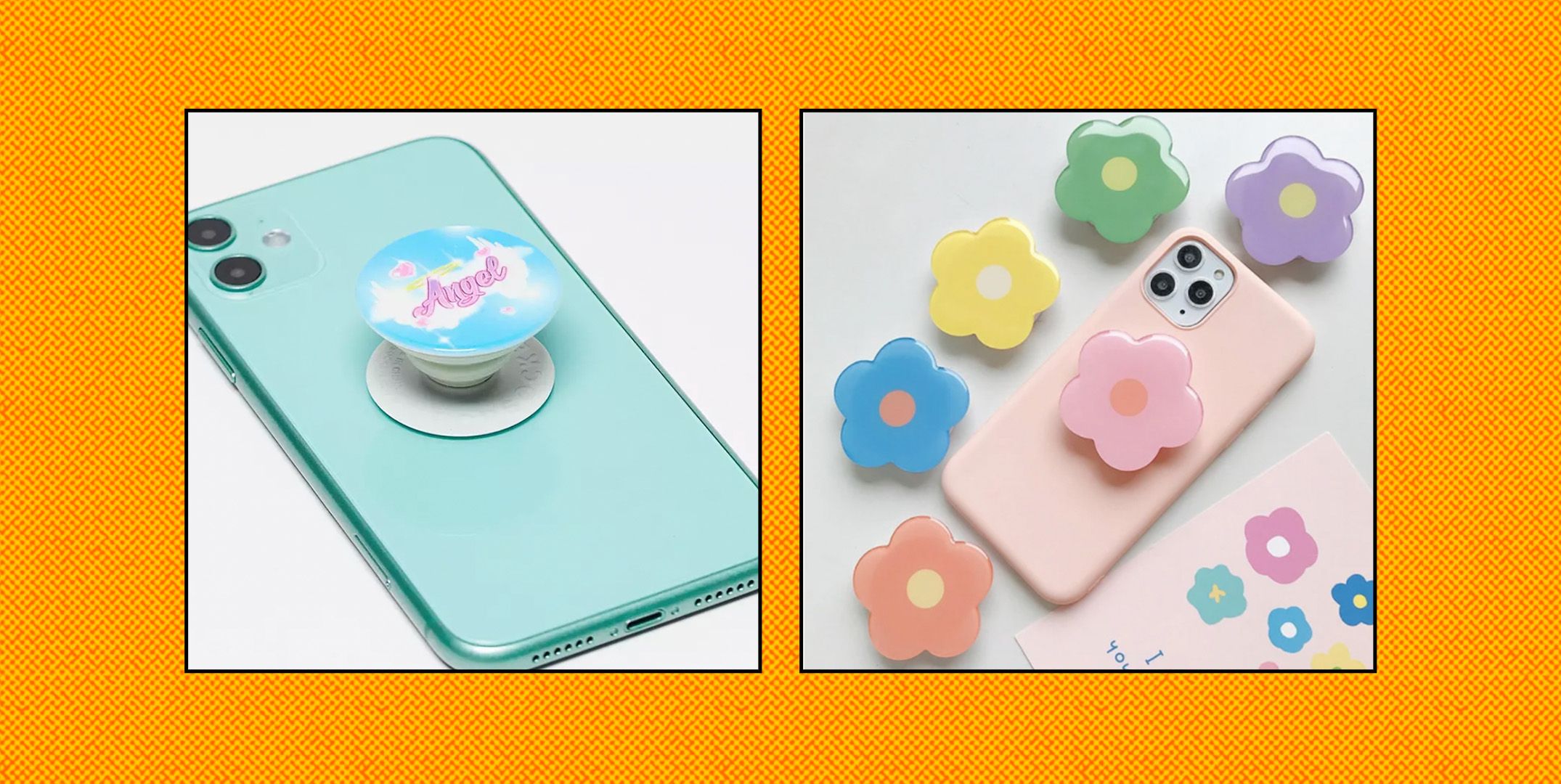
Yes, magnetic PopSockets come in various styles, designs, and colors. Options range from simple and sleek to vibrant patterns, sports team logos, and customized designs.
For the wider topic, see Popsocket installation and repair.