The "phone calls" tag on CellularNews collects articles focused on the practical, everyday challenges of making, receiving, and managing calls on your mobile device. This section is for anyone who has run into a frustrating call issue, whether it’s an echo on the line, figuring out how to dial an extension, or simply wanting to record a conversation, and needs a clear, step-by-step fix. It is also for those looking to understand basic phone features, like what the RTT or phone icon actually means, or how to use a Bluetooth speaker for music during a call.

The articles here solve two main kinds of problems: basic operational questions and specific troubleshooting fixes. For the basics, you can learn how to answer an incoming call on an Android phone, how to enter a telephone number that includes letters, and even which Fitbit models are capable of making calls. On the troubleshooting side, the guides help you fix an echo on your Android phone, cancel a Consumer Cellular service plan, and locate the speaker icon when you need to switch audio output. A few of the specific topics covered include recording a conversation, understanding RTT, and playing music through a Bluetooth speaker while staying on a call.
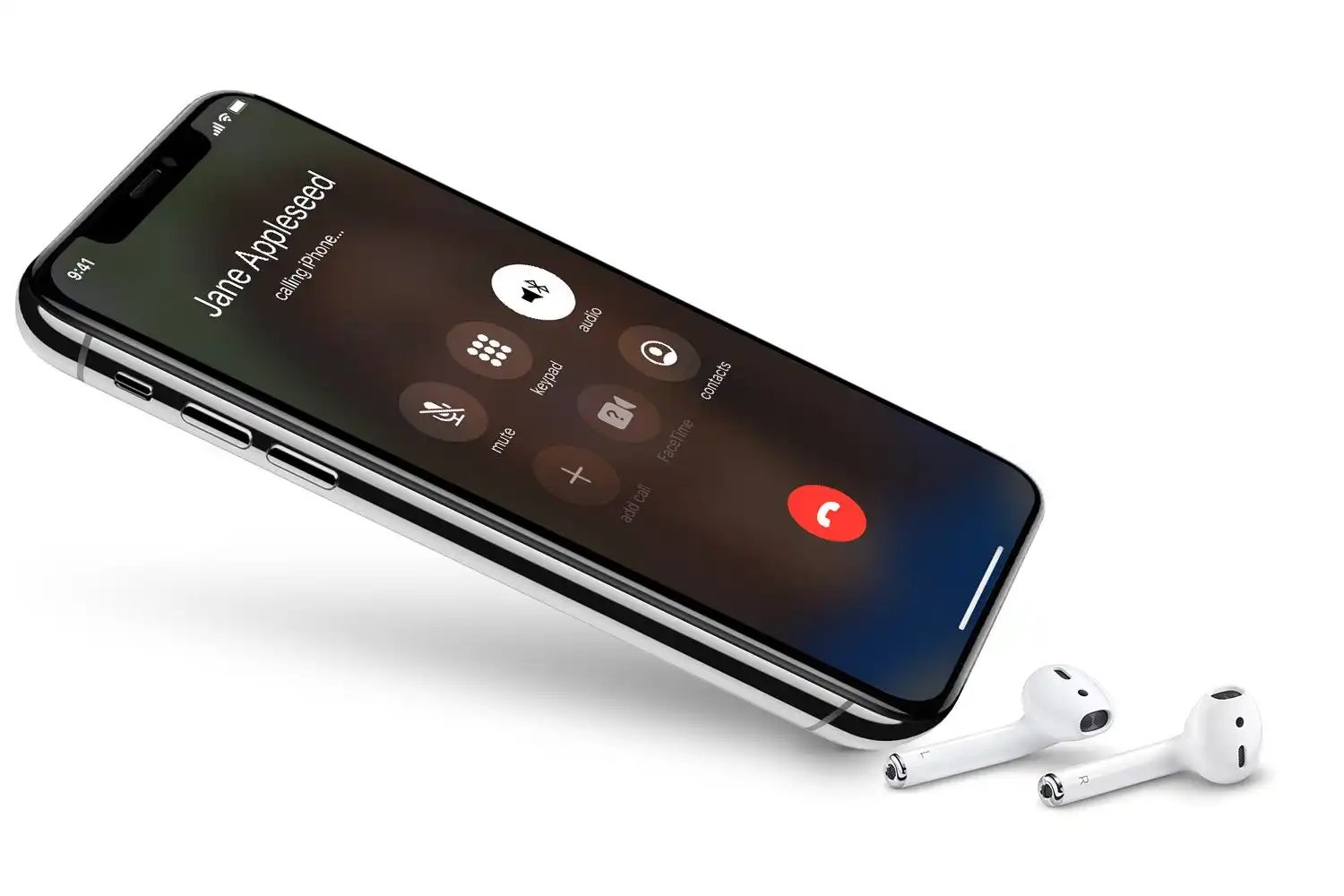
What Is Phone Icon

The phone icon on your screen is a status indicator that tells you your device is currently on an active phone call. On iPhone, this icon appears in the status...

How To Cancel Consumer Cellular Service

To cancel Consumer Cellular service, call (888) 345-5509. Have your account number and phone number ready before you dial so the process moves quickly. How to cancel Consumer Cellular service:...

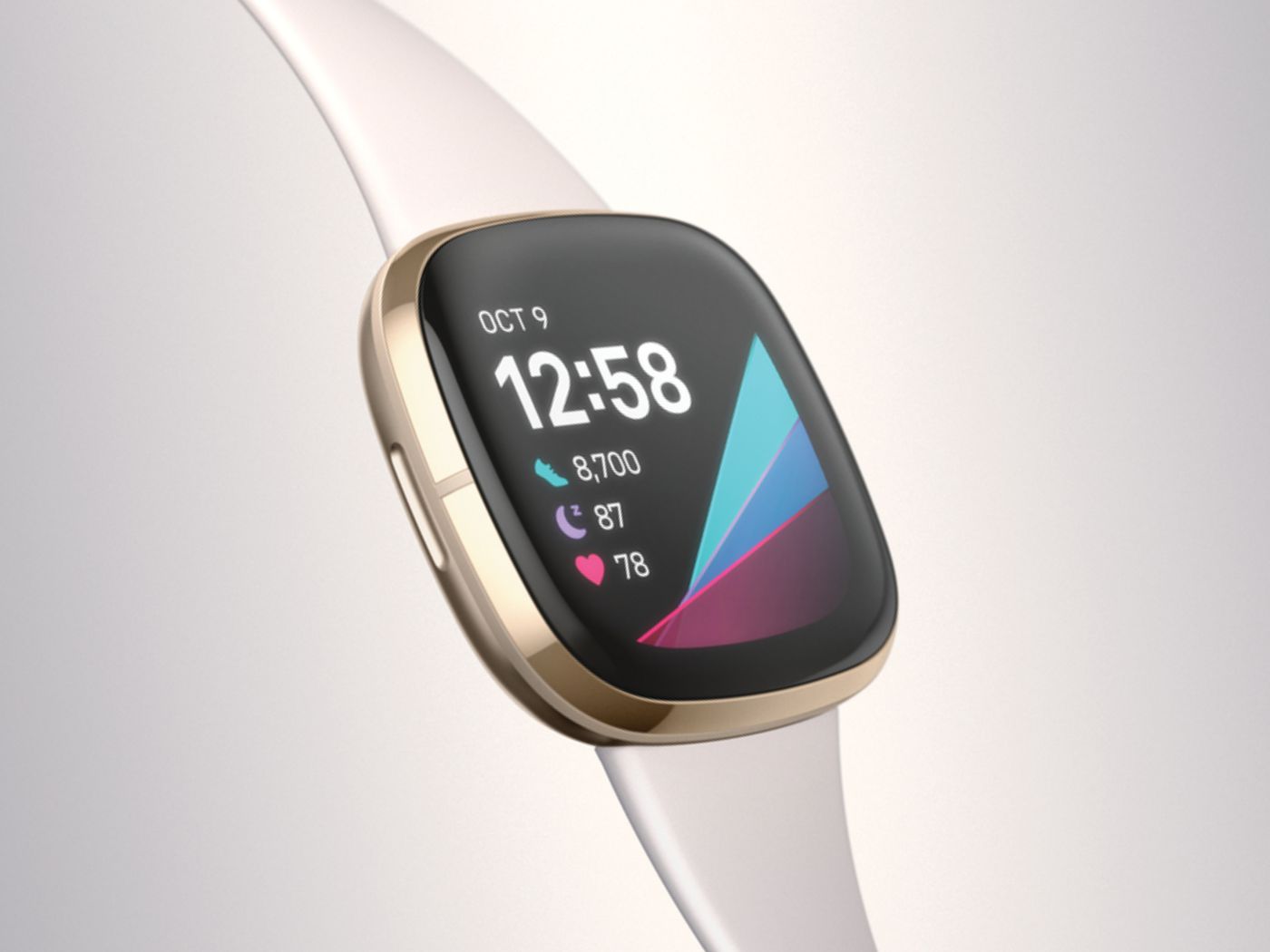
Which Fitbit Can Make Calls

If you are searching for which Fitbit can make calls, the answer is limited to five specific models: the Sense, Sense 2, Versa 3, Versa 4, and Ace LTE. These...

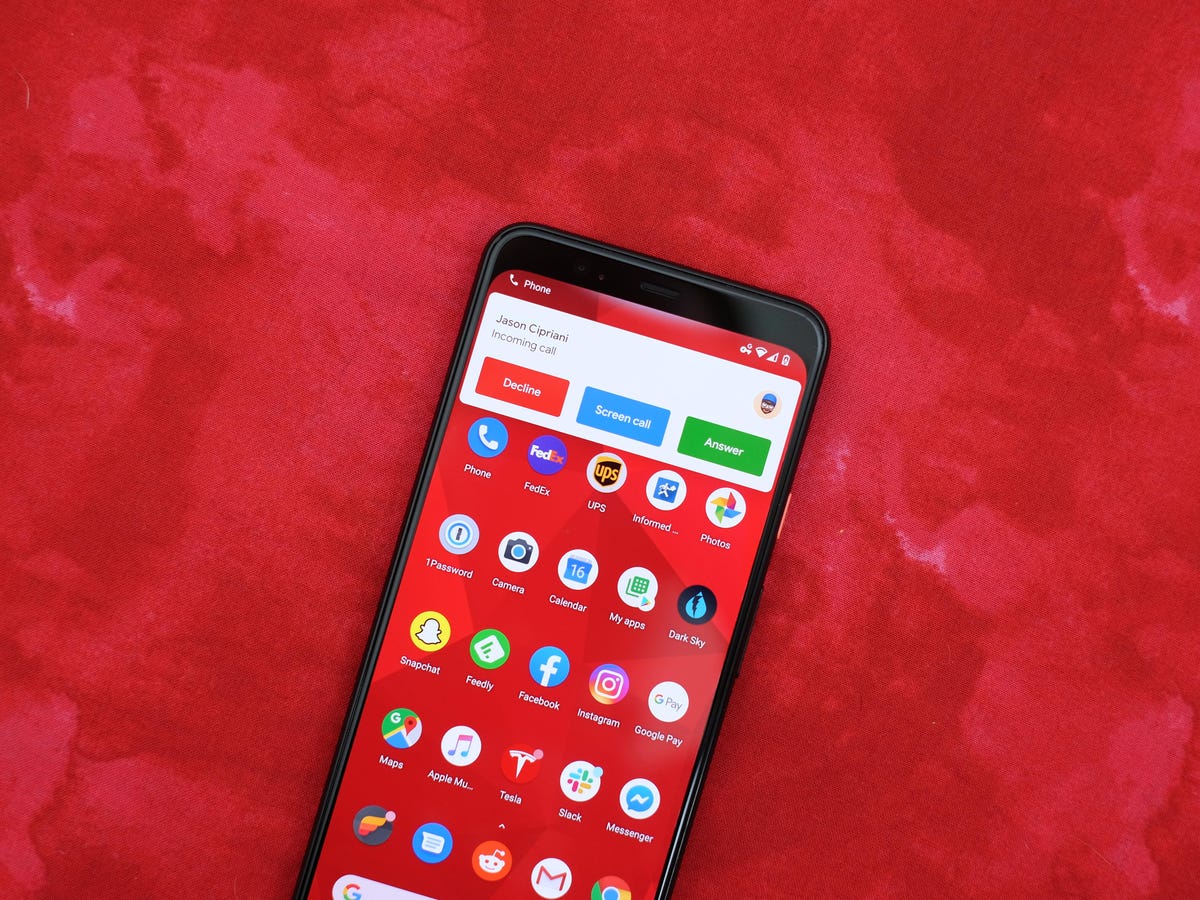
How To Answer An Android Phone

To answer an Android phone, the most common method is to swipe the green phone icon or call bar to the right or upwards on the screen when a call...

How To Call Phone With Extension

To call a phone with an extension, dial the main number, wait for the automated system or operator to answer, then enter the extension using your keypad. This manual method...

How To Fix Echo On Android Phone

To fix echo on an Android phone, the most common cause is the other person's speaker volume being too high, which creates a feedback loop that their own phone's microphone...

What Is Rtt On My Phone

Real-Time Text (RTT) is a feature on your phone that transmits text instantly, character-by-character, during a phone call, allowing the recipient to read and respond immediately. It is primarily designed...