Start here: Photos

All topics →

This tag collects practical guides for anyone managing photos and videos directly on their phone or wearable device. Whether you use an iPhone, an Android phone, or an Apple Watch, the articles here focus on the everyday tasks of moving, deleting, sharing, and organizing your visual media. The content is built for users who want clear, step-by-step instructions rather than general advice.

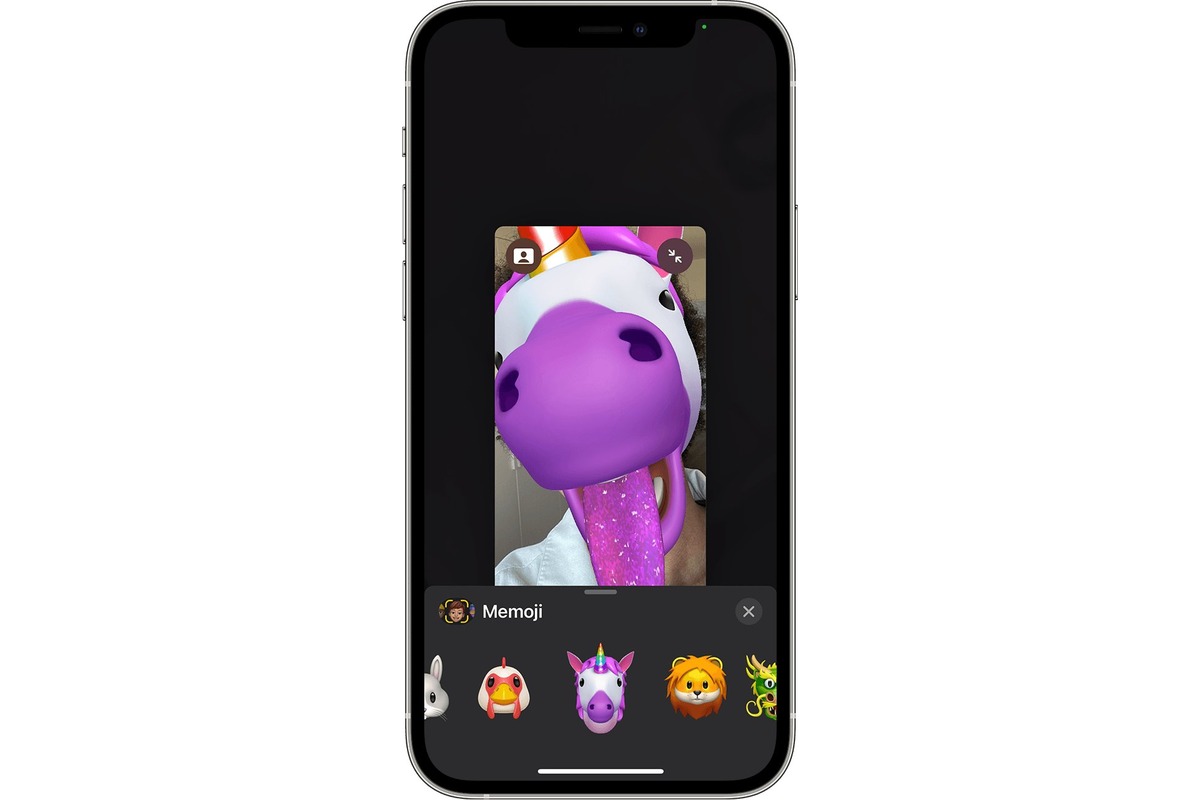
The problems these articles solve fall into a few clear themes. One major group deals with storage and cleanup: you can learn how to delete photos on Apple Watch, move photos to an SD card on Android, clear trash on iPhone, and free up storage space on your phone. Another theme centers on sharing and exporting your media, with guides on how to email a photo from an Android phone and how to play a video on an Android phone. Finally, there are several articles about specific features and customization, including how to make a custom emoji from a picture, where favorites are on iPhone 13, how to screen record on iPhone 14 Plus, and how to lock hidden photos on iPhone 12.

Each article helps you perform a specific action, like transferring files off your device, cleaning out unwanted images, or unlocking a hidden feature on your phone. The goal is to give you the exact steps needed to get these jobs done without extra fluff.
Freeing Up Storage Space on Your Phone

Start here: find and empty your phone's trash to clear phone storage Before you delete another app or scroll through your camera roll, the single fastest way to clear phone...

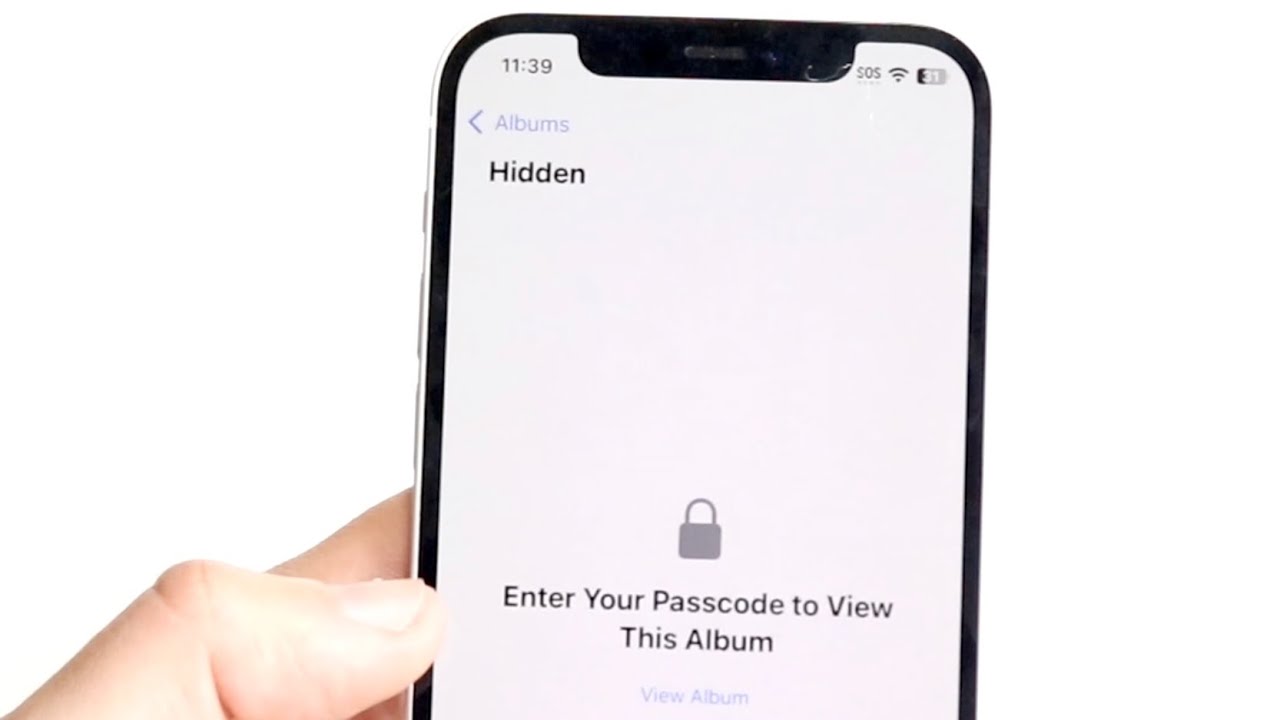
How To Lock Hidden Photos On IPhone 12

Your iPhone 12 locks hidden photos automatically on iOS 16 and later, so any photo you move to the Hidden album requires Face ID or Touch ID to view and...

How Do I Screen Record On IPhone 14 Plus

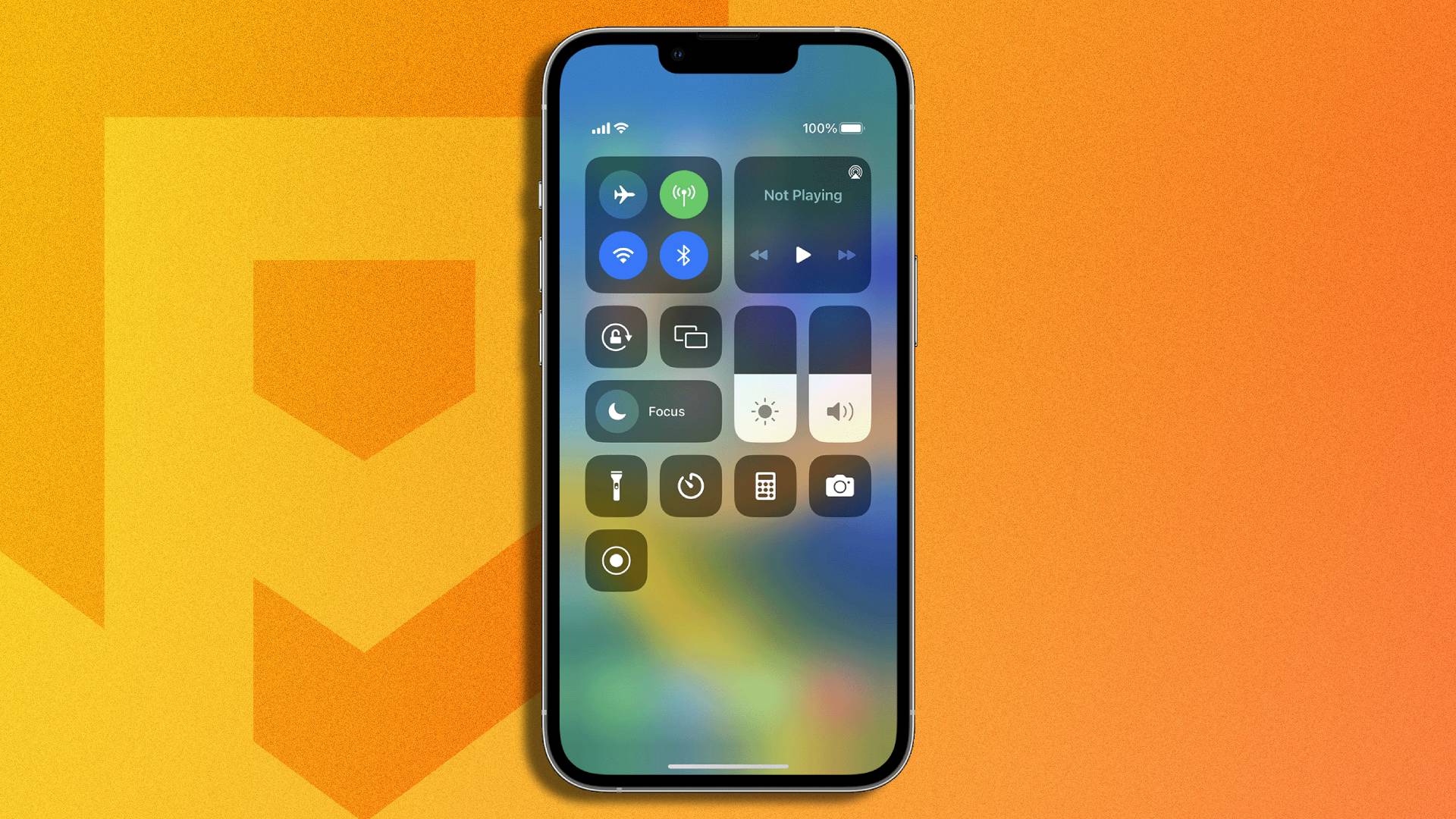
To screen record on iPhone 14 Plus, swipe down from the top-right corner to open Control Center, then tap the gray Screen Recording button. After a 3-second countdown, your screen...

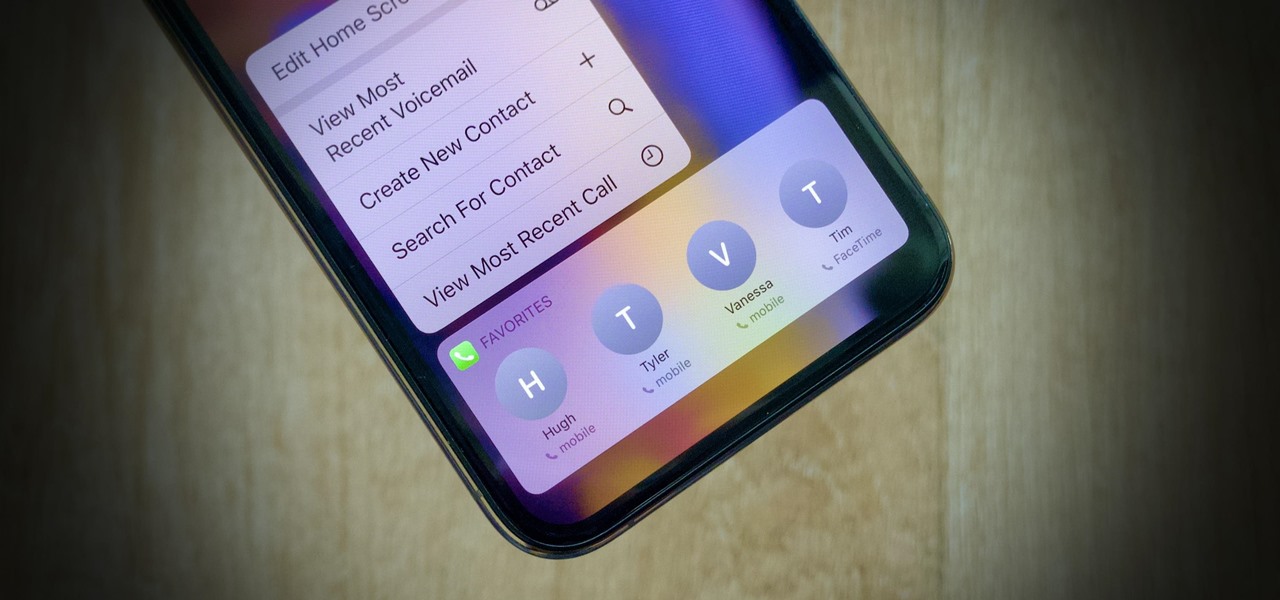
Where Are Favorites On IPhone 13

On an iPhone 13, "favorites" are not a single feature but are stored separately across multiple built-in apps, each with its own location and management method. To find where favorites...

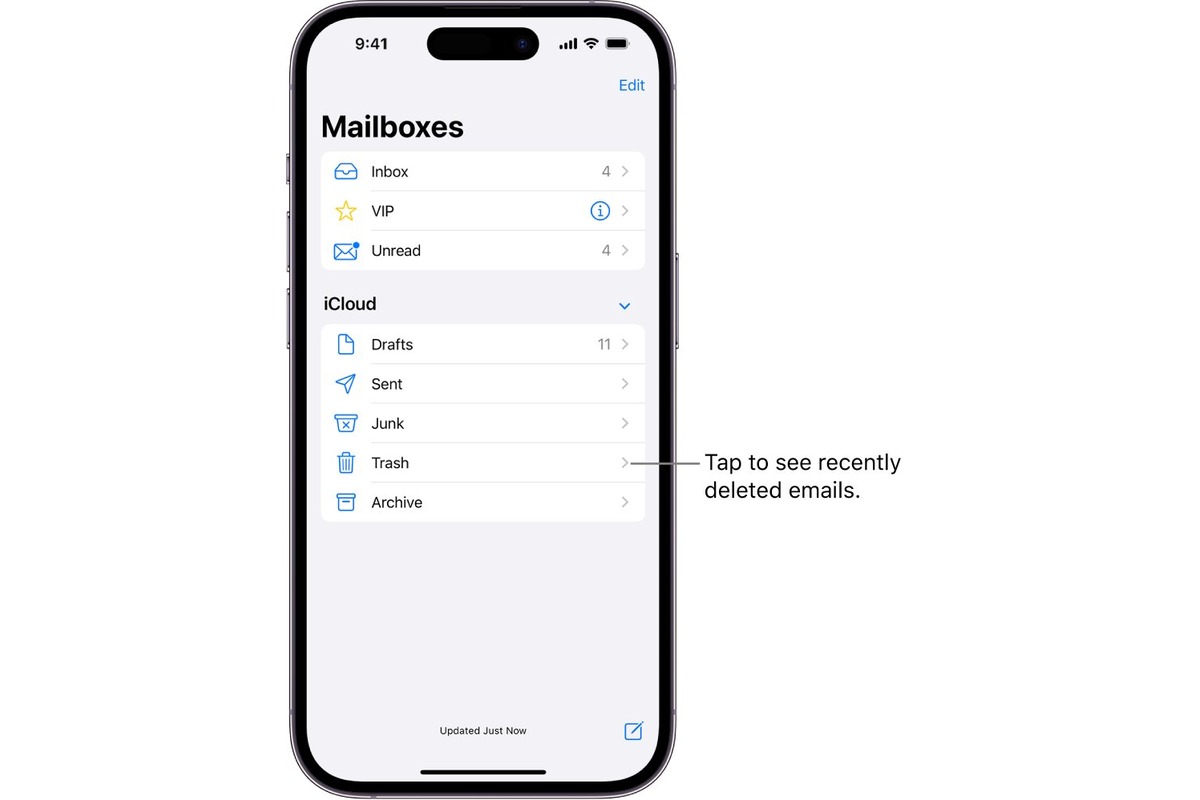
How To Clear Trash On IPhone

To clear trash on iPhone, you need to work within individual apps, because there is no single system-wide trash bin. Instead, apps like Photos and Messages keep their own “Recently...

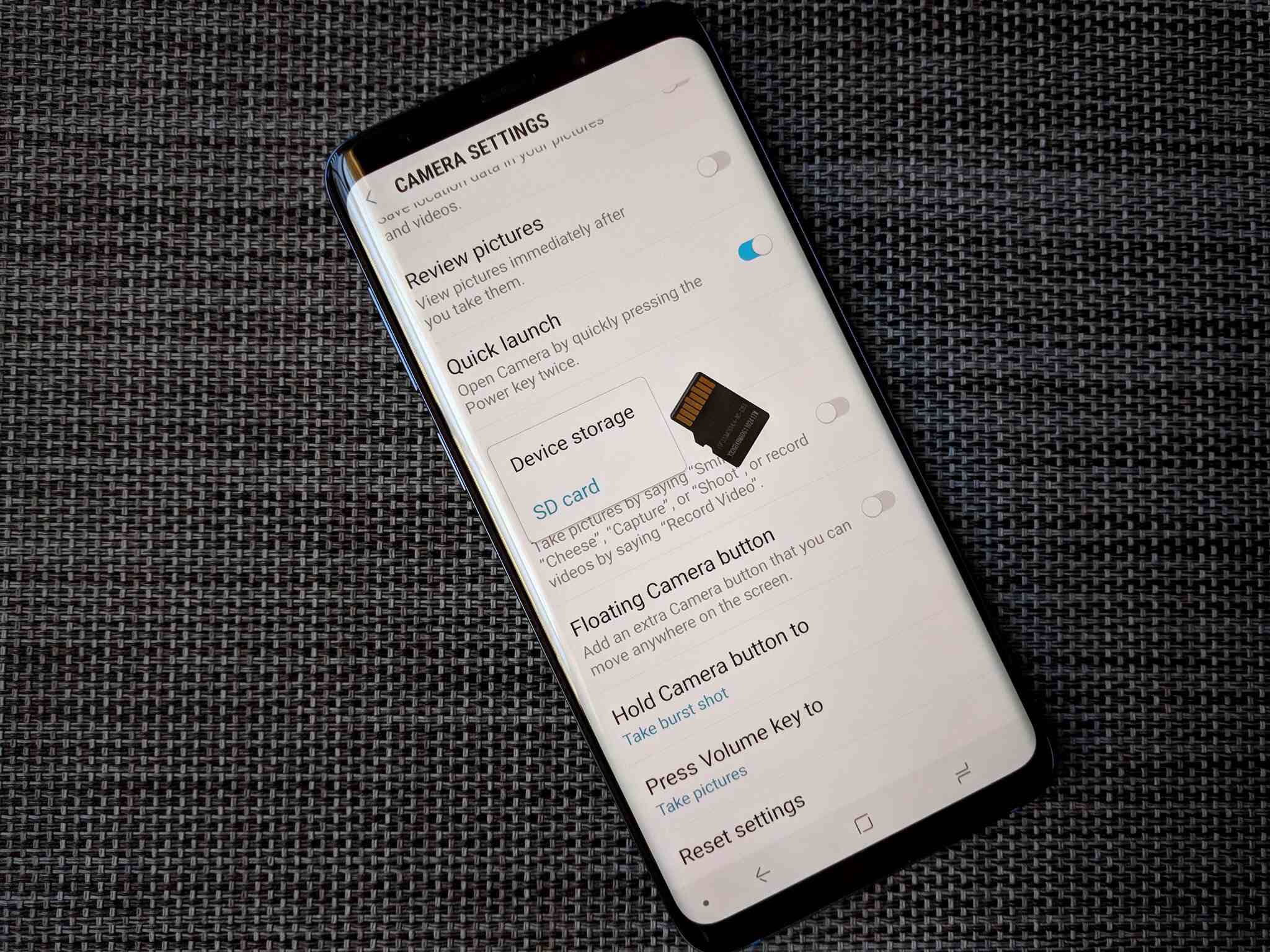
How To Move Photos To SD Card On Android

To move photos to SD card on Android, use the Files by Google app or your device's Gallery app, as these are the documented ways to free up internal storage...

How To Email Photo From Android Phone

To email a photo from an Android phone, the quickest and most reliable method is to attach it directly from the Gmail app's compose screen. Open the Gmail app, tap...

How To Play Video On Android Phone

To play video on Android, the simplest method is to open your phone's default Gallery or Photos app, find the video you want, and tap it to start playback. Once...