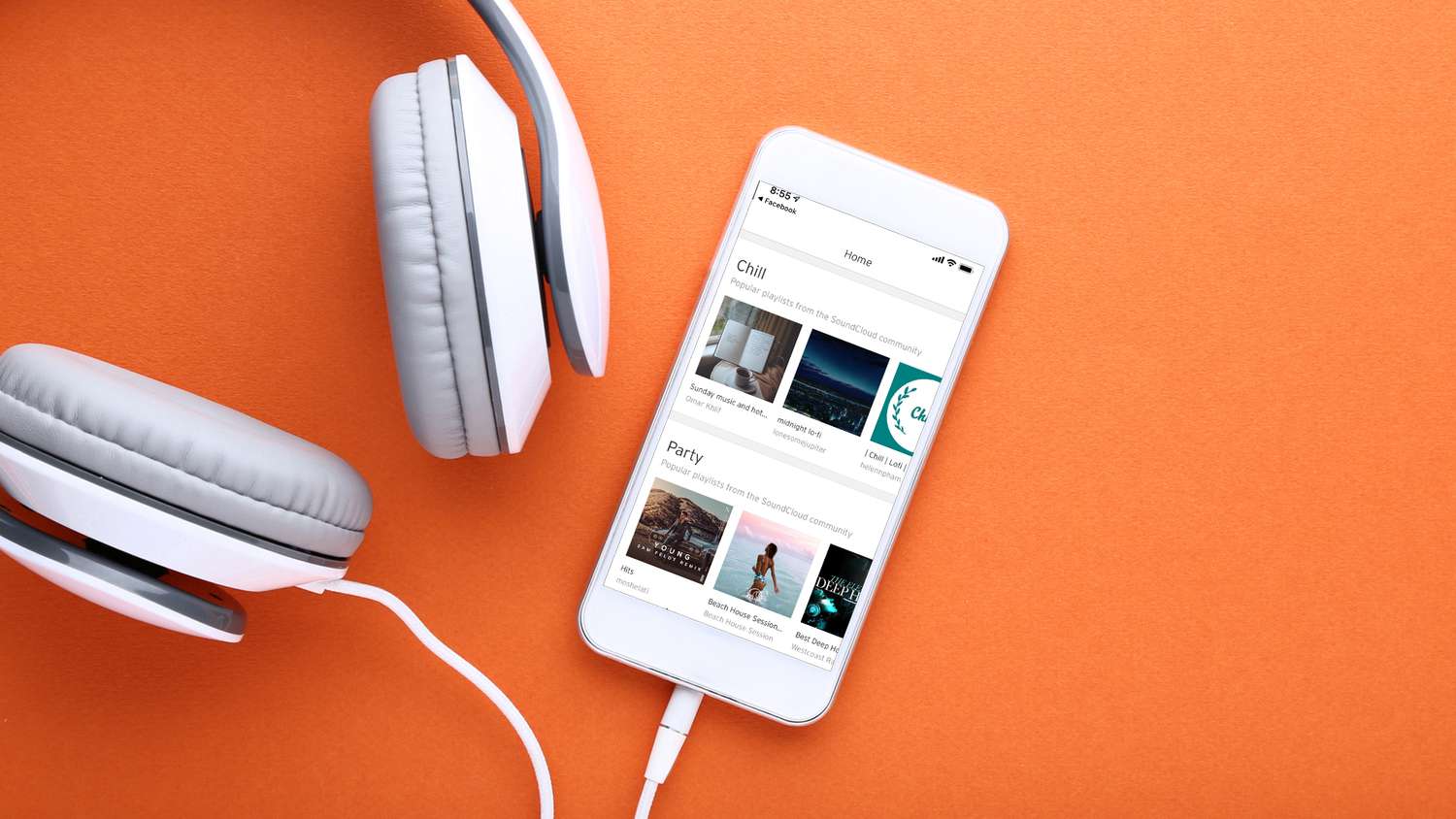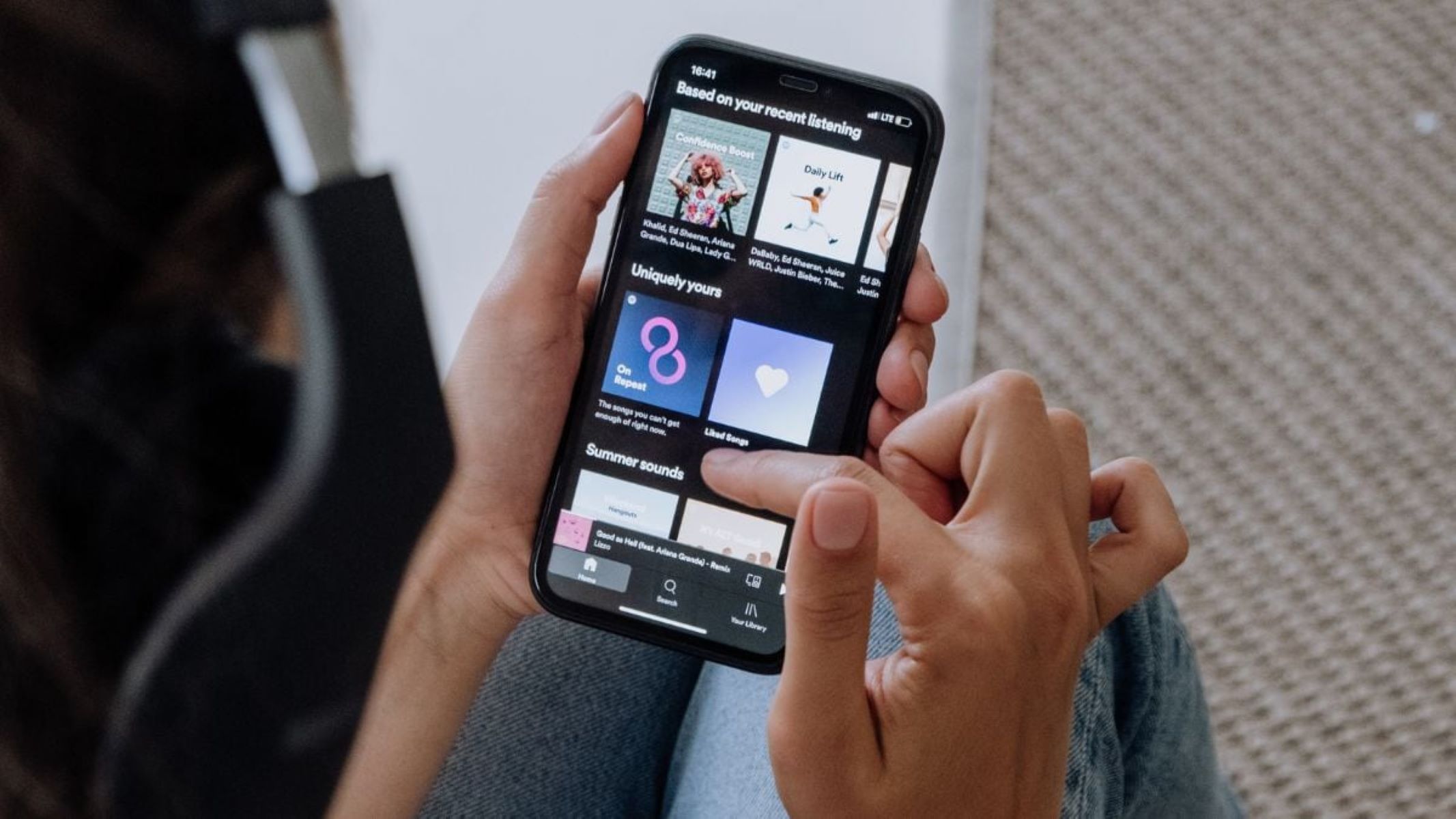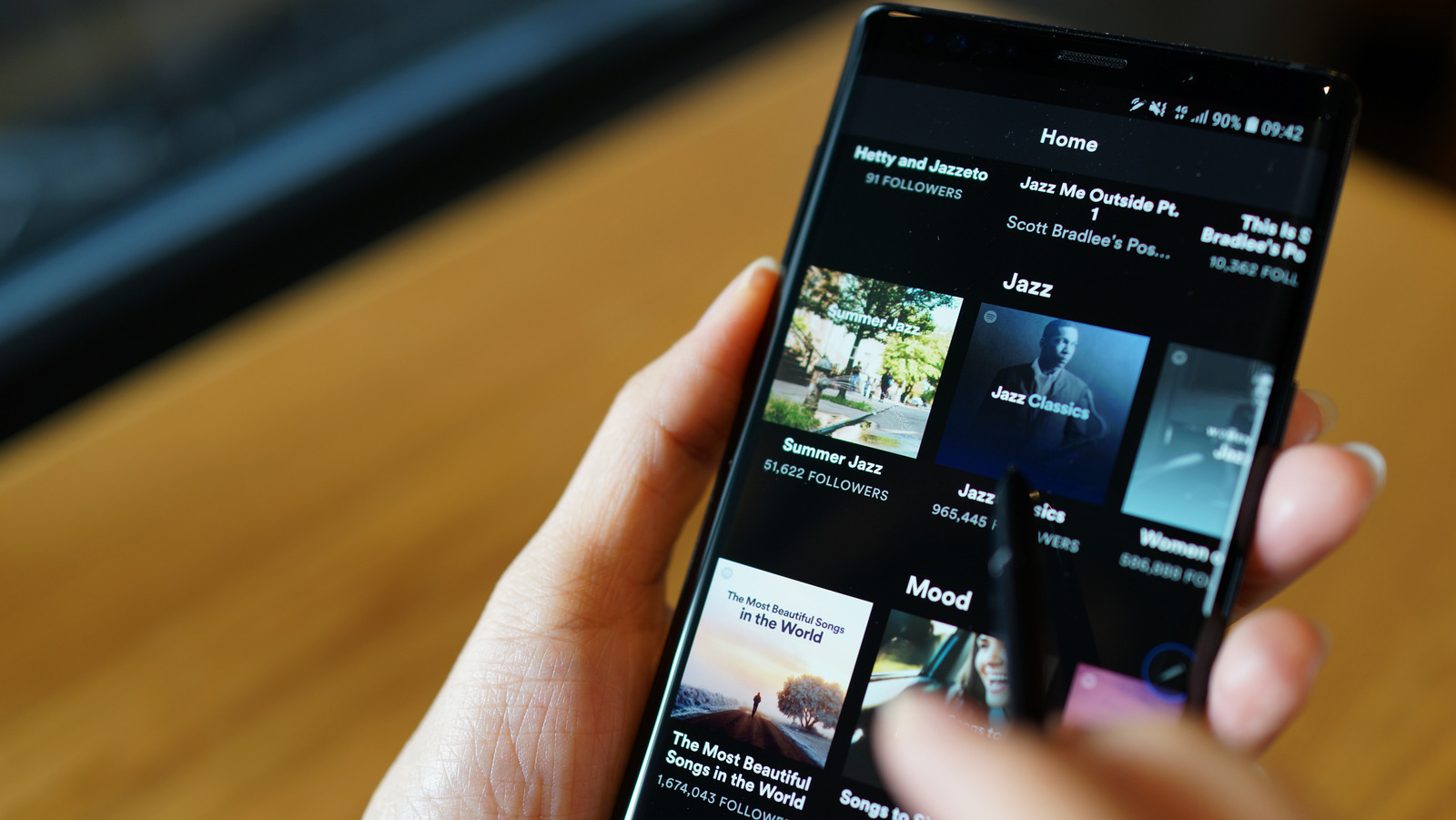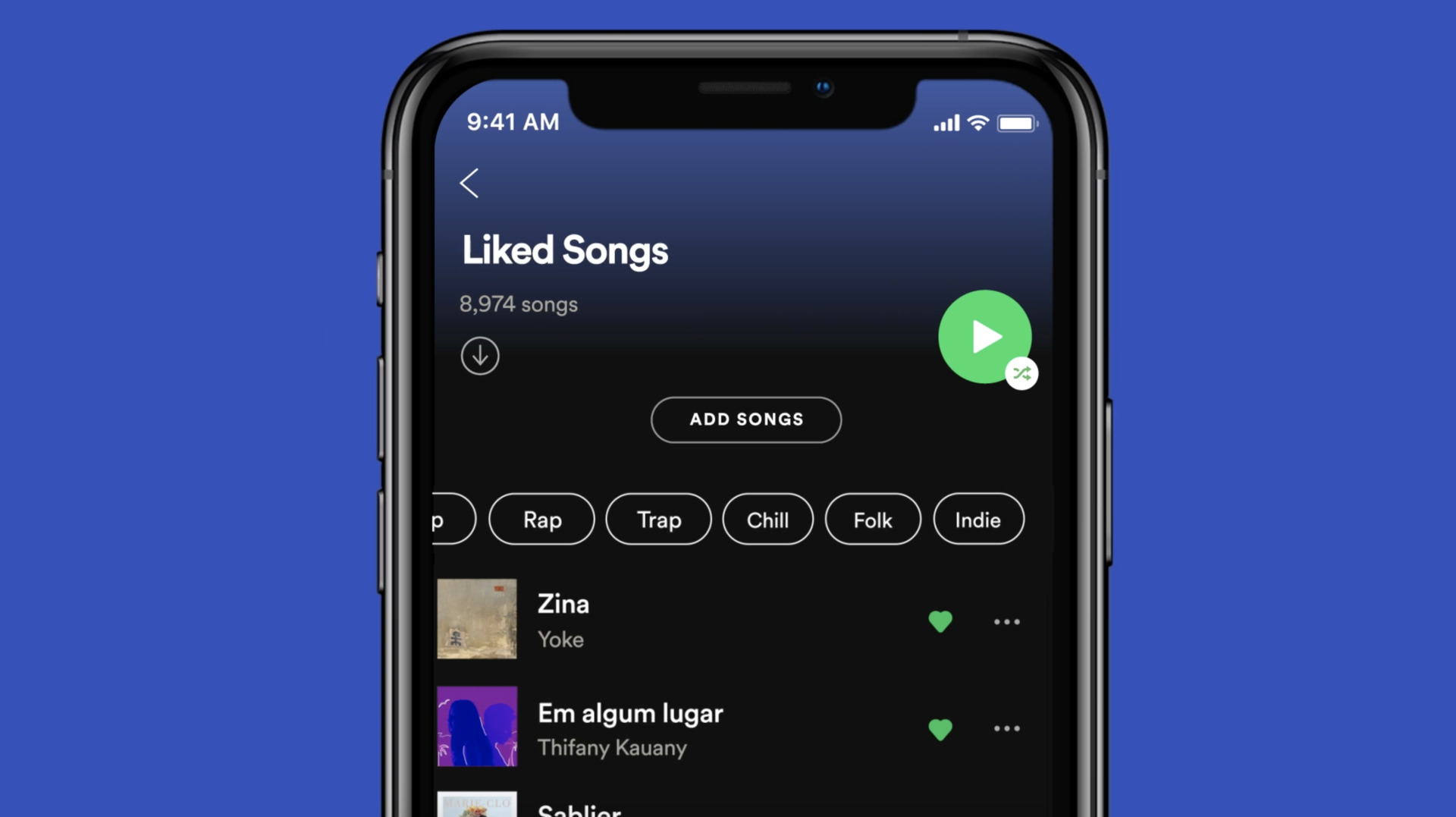
Practical guides focused on the apps, settings, and features that control your listening experience, specifically for platforms like Spotify and SoundCloud.
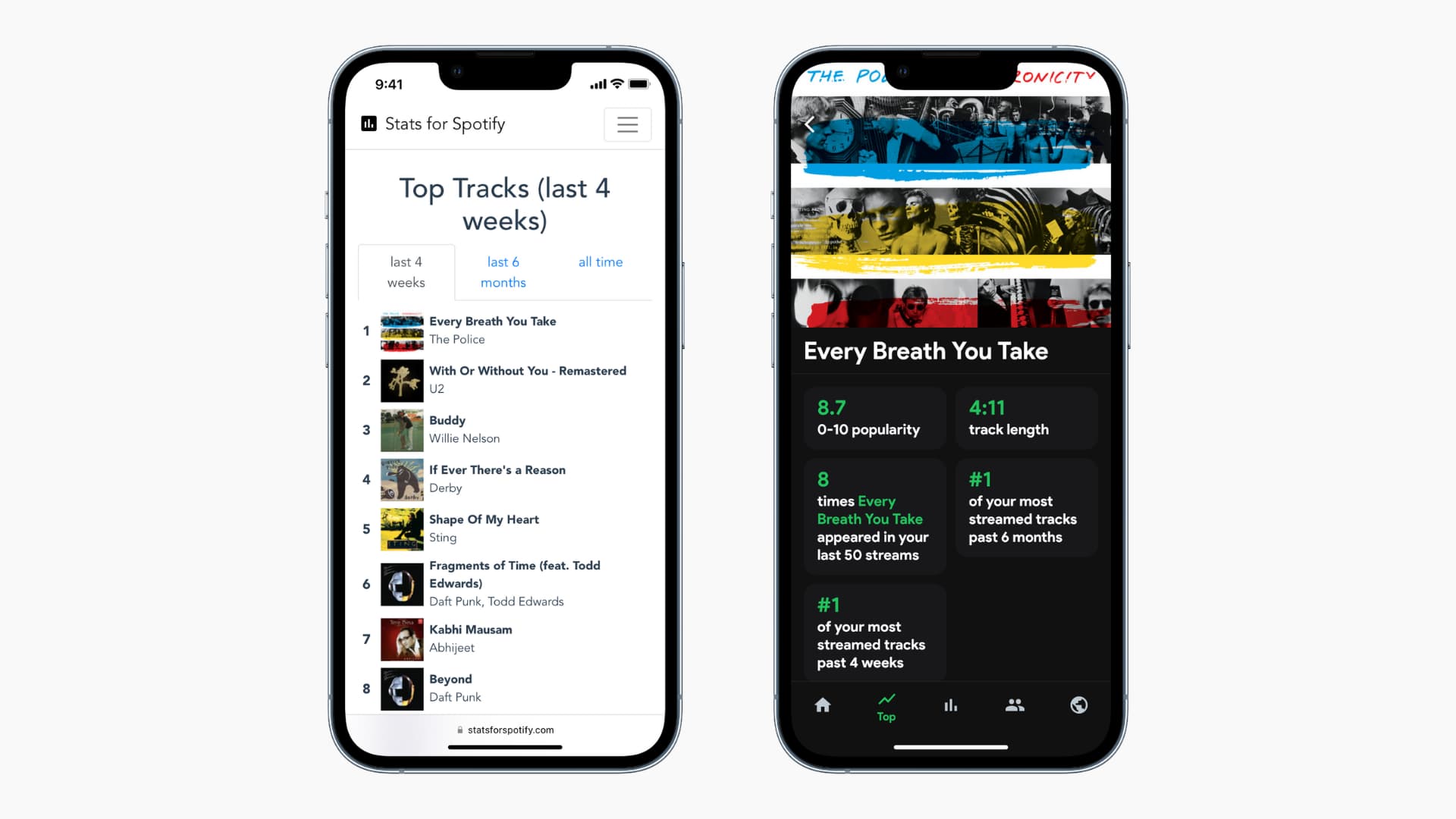
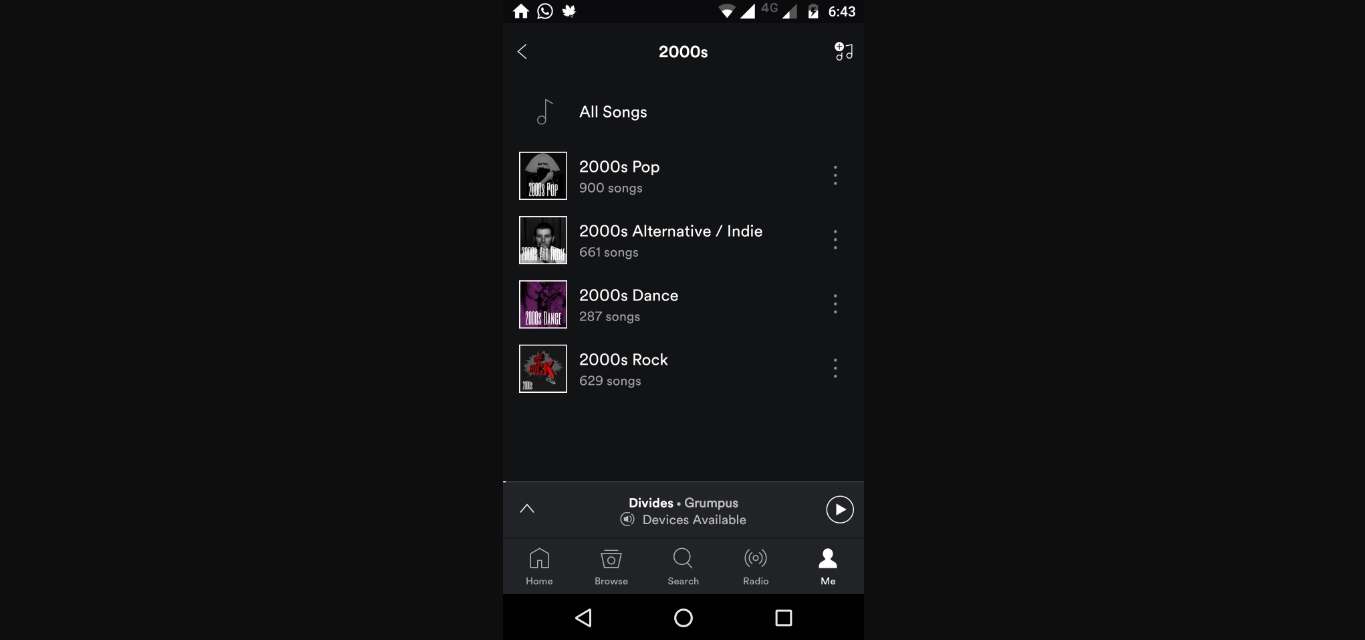
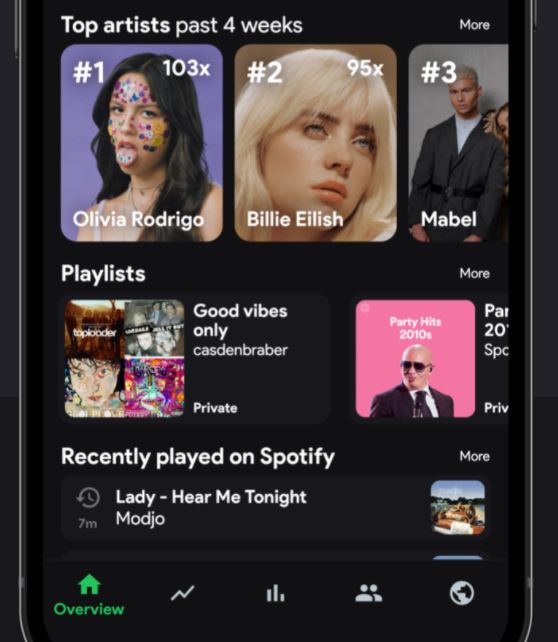
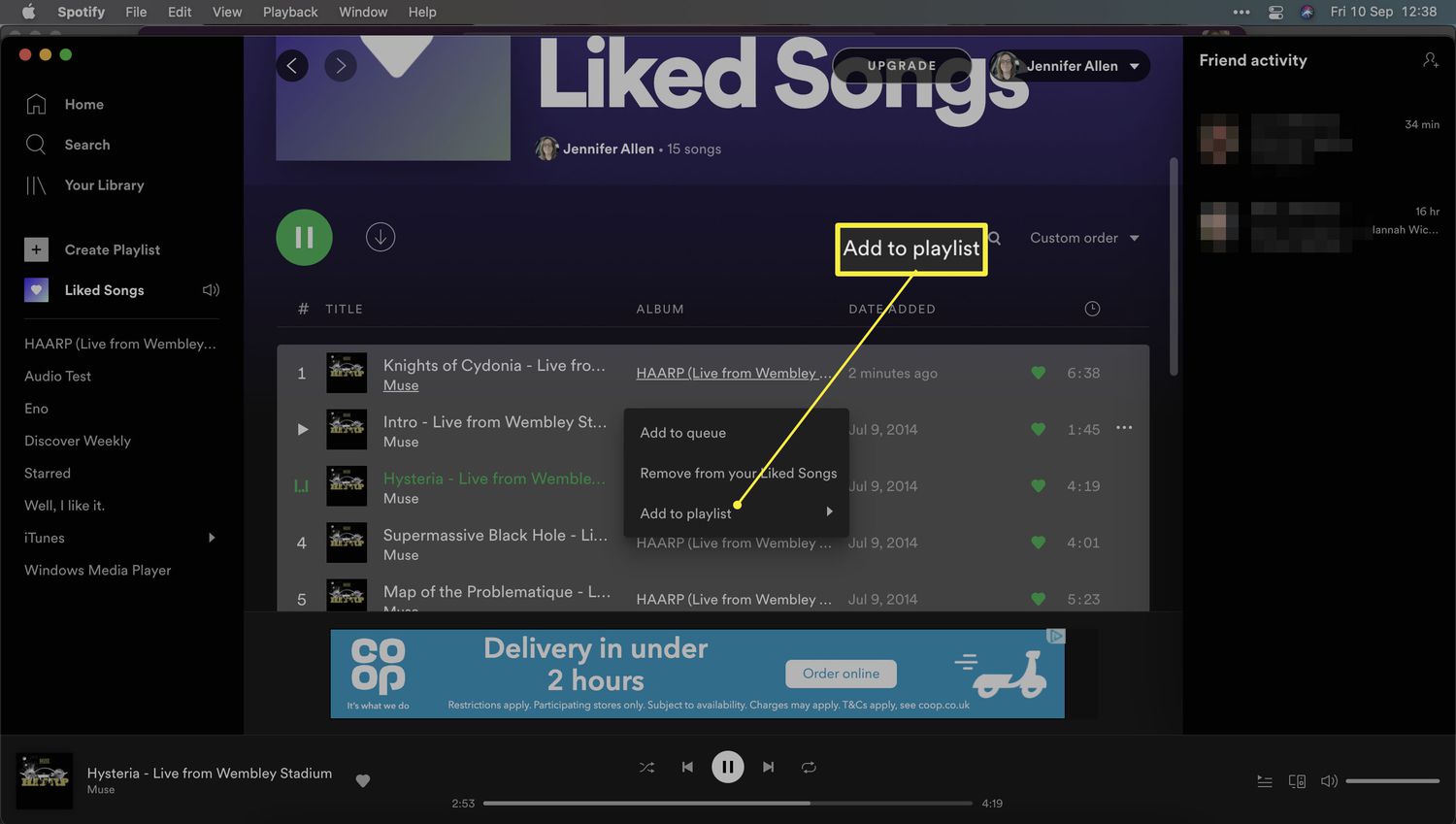
The articles here solve two main kinds of problems. First, they help you organize and customize your music library. You can learn how to rearrange songs within a playlist, move your liked songs into a new dedicated playlist, or even add an entire playlist into another one on Spotify Mobile. Second, the tag covers discovery and control, showing you how to check your Spotify stats for most-played artists and genres, or how to shuffle a playlist effectively. Specific topics include creating a playlist on an Android phone, downloading a single song on an iPhone or iPad, and even making an album on SoundCloud Mobile.
These guides are straightforward, step-by-step solutions for common mobile music tasks. They help you take direct action, from seeing the exact number of songs in a Spotify playlist to moving songs around and making your liked songs into a proper collection. This tag is for the reader who wants to stop searching and start managing their music with confidence.