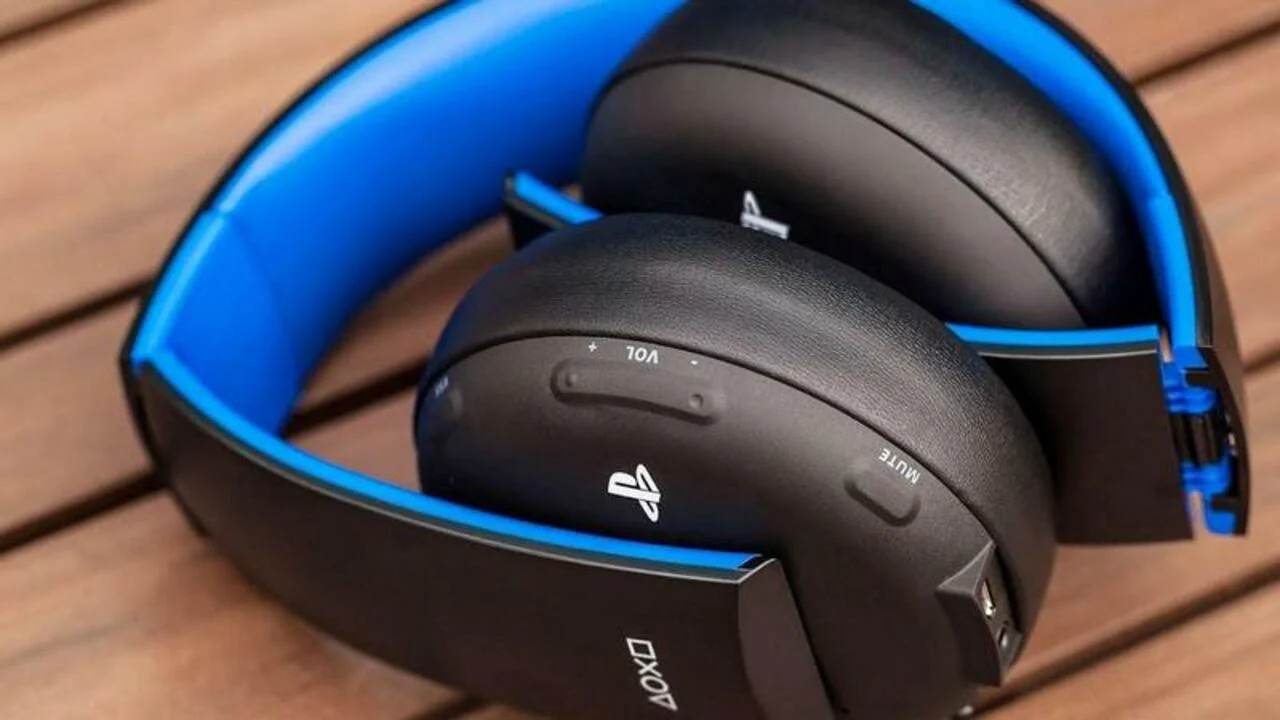
Before you connect gaming headset hardware To connect gaming headset gear to your console, you must first check how the device transmits audio, not just the physical plug. A device...
You cannot change your phone number on PS4 without signing in, because the console's settings require you to be logged into your PlayStation Network account to access account details. The...
You can't change your mobile number on PS4 directly because those account settings are managed through Sony's account management system, not the console's menus. Can you change your mobile number...
Getting PS4 screenshots on your phone is easiest using the official PlayStation App, which lets you download captures directly to your device's internal storage. This method works on both Android...
To change your phone number on a PlayStation account, log in to the official PlayStation website and navigate to the Security tab in your account settings. This is the primary...
To change your phone number on PS5, you must sign into your PlayStation account first, there is no offline or console-only method to change your phone number on PS5 without...
To change your PS4 cover image on your phone, you use the phone only to transfer the image, the final setting is applied on the console itself. You send a...
Set up your phone and console for PlayStation clips Getting your PlayStation clips on phone starts with pairing the PlayStation App to your PS5, and once connected, you can manage...
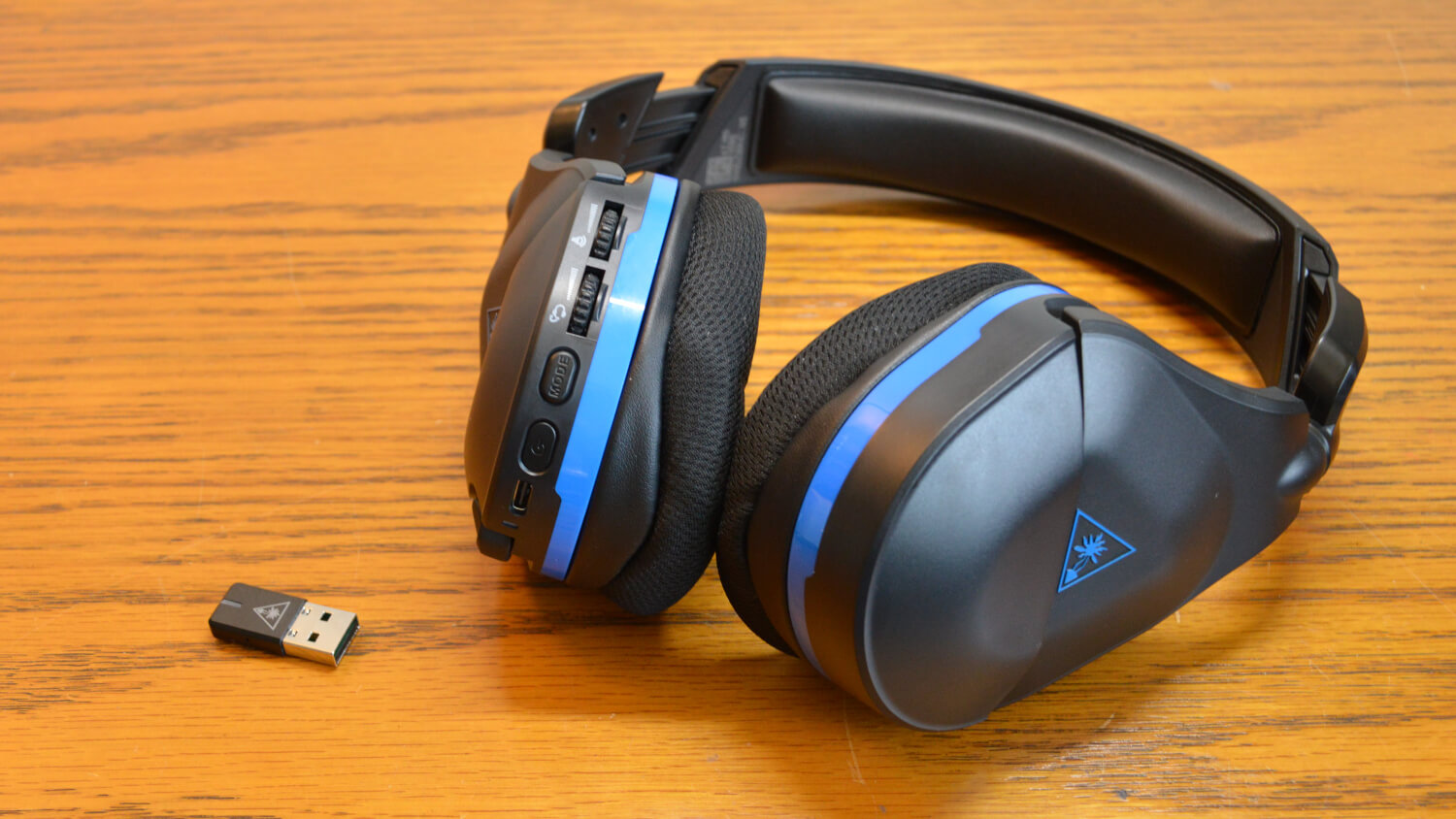
To connect wireless PS4 headset to your console, insert the headset’s USB wireless adapter into a USB port on the PS4, charge the headset if needed, turn it on, and...
You cannot get PS4 clips on phone through the official PlayStation App, because the app's capture viewing feature is exclusive to the PS5. To get PlayStation clips on phone, you...
The quickest way to save PS5 clips to phone is to use the official PlayStation App, which lets you download your captures directly to your camera roll. This is the...
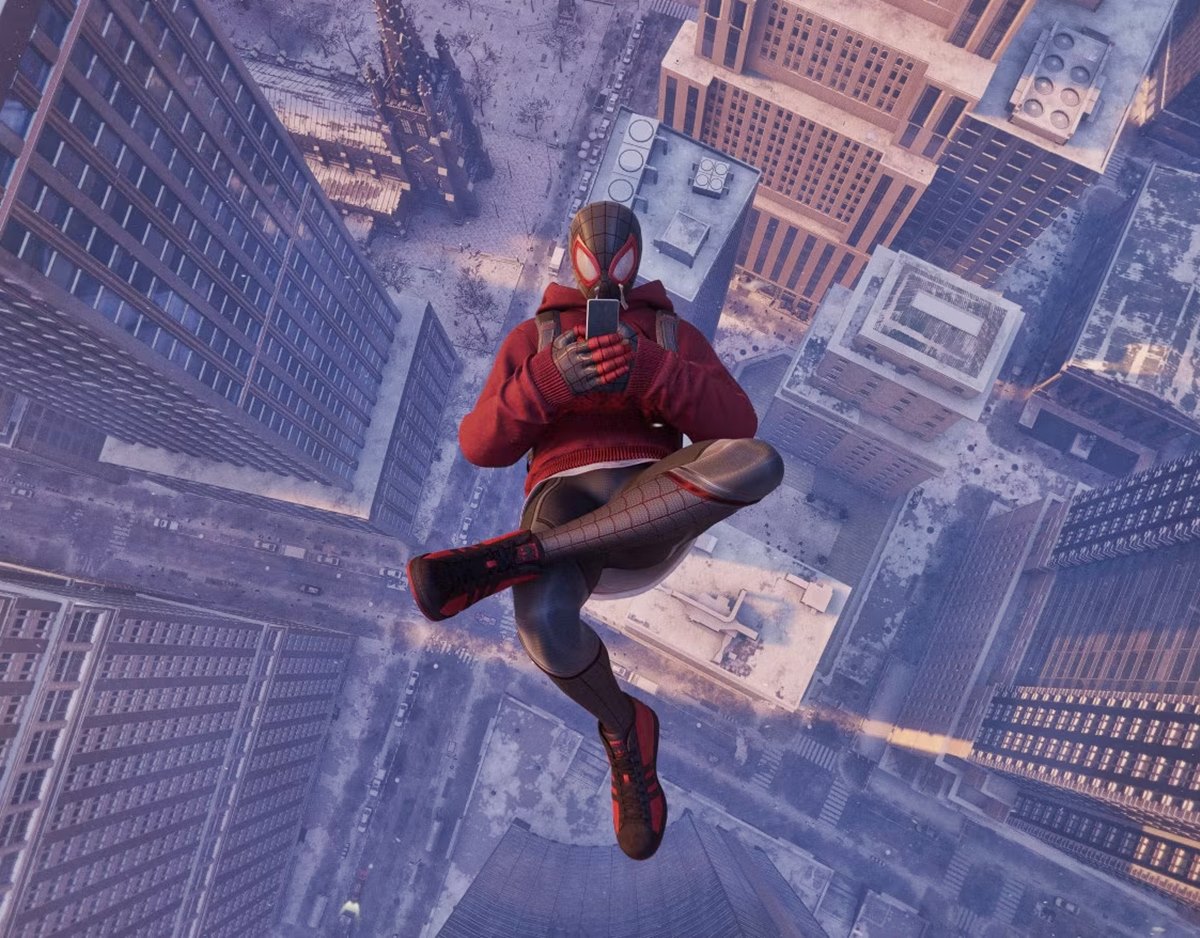
The miles morales phone trick is a hidden backward-dive easter egg where Miles pulls out his phone and faces the camera mid-air, not an official move or a real phone...