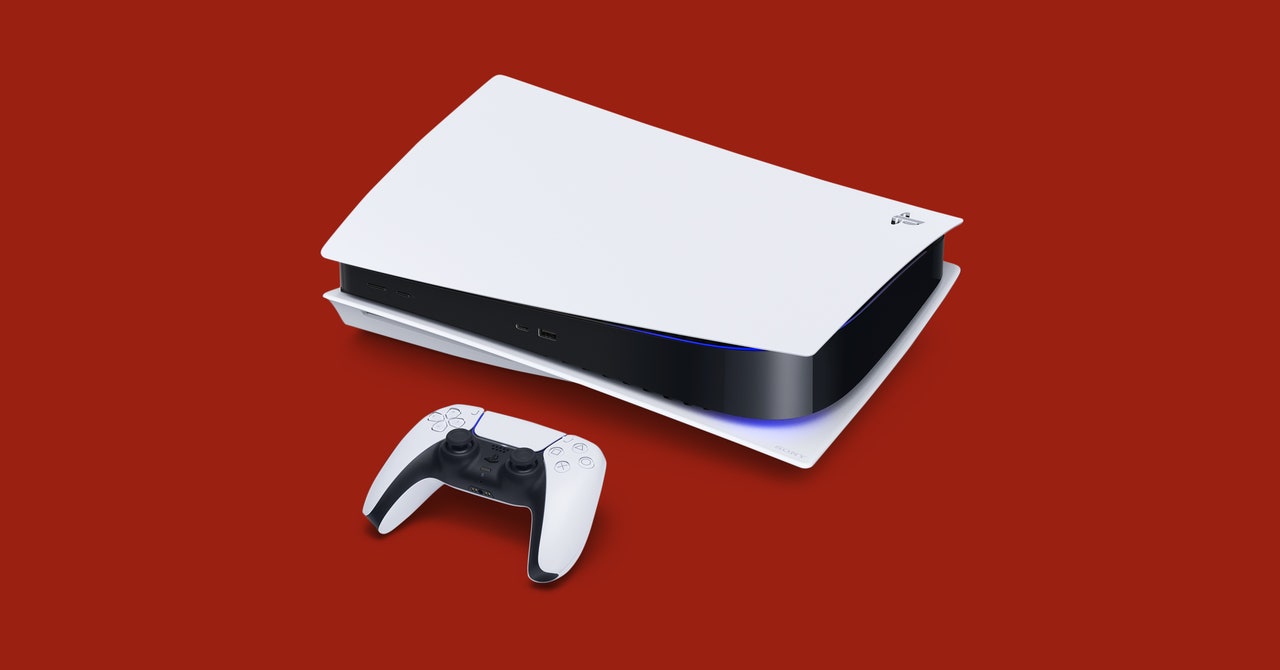
To change your phone number on PS5, you must sign into your PlayStation account first, there is no offline or console-only method to change your phone number on PS5 without authentication.
How to change phone number on PS5: what you need to know
Changing your phone number on a PlayStation account requires signing in to the account through the PlayStation website. Sony’s account help page states that the phone number is managed from account security settings, and any change is saved to the account and applied to all devices and consoles. There is no documented method to change the number directly from the PS5 console menu or through an offline process. If you are already signed in, the change is straightforward. If you are locked out because your old number is gone, you must contact PlayStation Support.
Change your phone number through the PlayStation website (signed-in method)
This is the official flow documented by Sony for users who can sign into their account. Follow these steps on a computer or mobile browser:
- Go to the PlayStation website and sign in with your account credentials.
- Open Account settings.
- Select Security settings.
- Find the Mobile Phone section and choose Edit next to it.
- To add a new number, select Add a Mobile Phone, enter the mobile number, select Continue, then enter the verification code sent via text and select Verify.
- To remove an existing number, select the arrow next to the number, choose Remove, then confirm with Yes.
PlayStation states that these security setting changes are saved to the account and apply to all devices and consoles. A PS5 console path also exists: Settings > User and Accounts > Account Information > Privacy > Communication and Broadcasts > Phone Number, with a password verification step.
What if you're locked out and can't receive a verification code?
If you cannot sign in because your old phone number is unavailable and you cannot receive the two-factor authentication code, there is no self-service option to change the number without signing in. The retrieved official support pages direct users to contact PlayStation Support rather than providing an unauthenticated change flow. When you contact support, they may ask for the following details to verify your identity:
- Your account’s online ID
- Your sign-in ID (email address on the account)
- The serial number of the console used to create or log into the account
- Recent transaction details
PlayStation’s support guide advises looking up the issue first to find the relevant contact method. Be prepared to provide these details to expedite the process.
Frequently Asked Questions
Can the phone number be changed without signing in?
No official PlayStation page documents a method to change the account phone number without signing in. Sign-in is required because the phone number is a security setting tied to the account.
Is there a PS5 console menu path for changing the phone number?
No official PS5 menu path has been documented for changing the account phone number. The change must be made through the account settings on the PlayStation website.
Is there a PlayStation app method to change the phone number?
No official PlayStation app support page documents a phone-number change flow. The only documented method is through the PlayStation website’s account security settings.
What happens after changing the phone number setting?
PlayStation says the change is saved to the account and applies to all devices and consoles. Your new number will be used for account security, notifications, and two-factor verification going forward.
Why is there no option to change the phone number without signing in?
Sony requires authentication before changing security settings like the phone number. This prevents unauthorized changes and protects your account.
Will changing my phone number on PS5 affect my gaming progress or saved data?
No, changing your phone number does not affect gaming progress or saved data. It only updates your account security and notification contact information.
Are there any restrictions or limitations when changing the phone number on PS5?
You must be able to sign in and verify the new number via a text message code. The number cannot already be linked to another PlayStation account.
Do I need any additional hardware or software to change my phone number on PS5?
No additional hardware or software is needed beyond a web browser or the PS5 console itself to navigate to the account settings.
Related reading: How To Change Phone Number On Sony Account and How To Change Phone Number On Playstation Account.