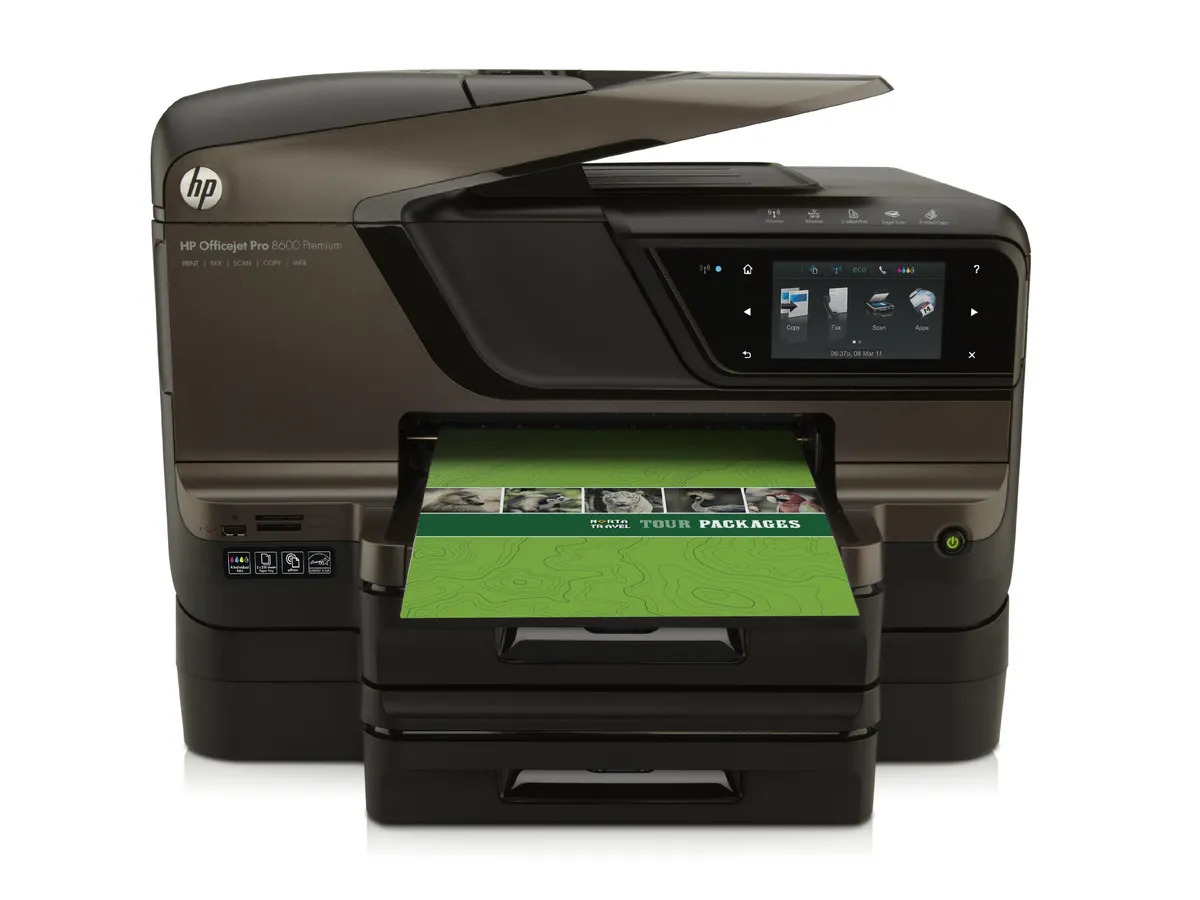
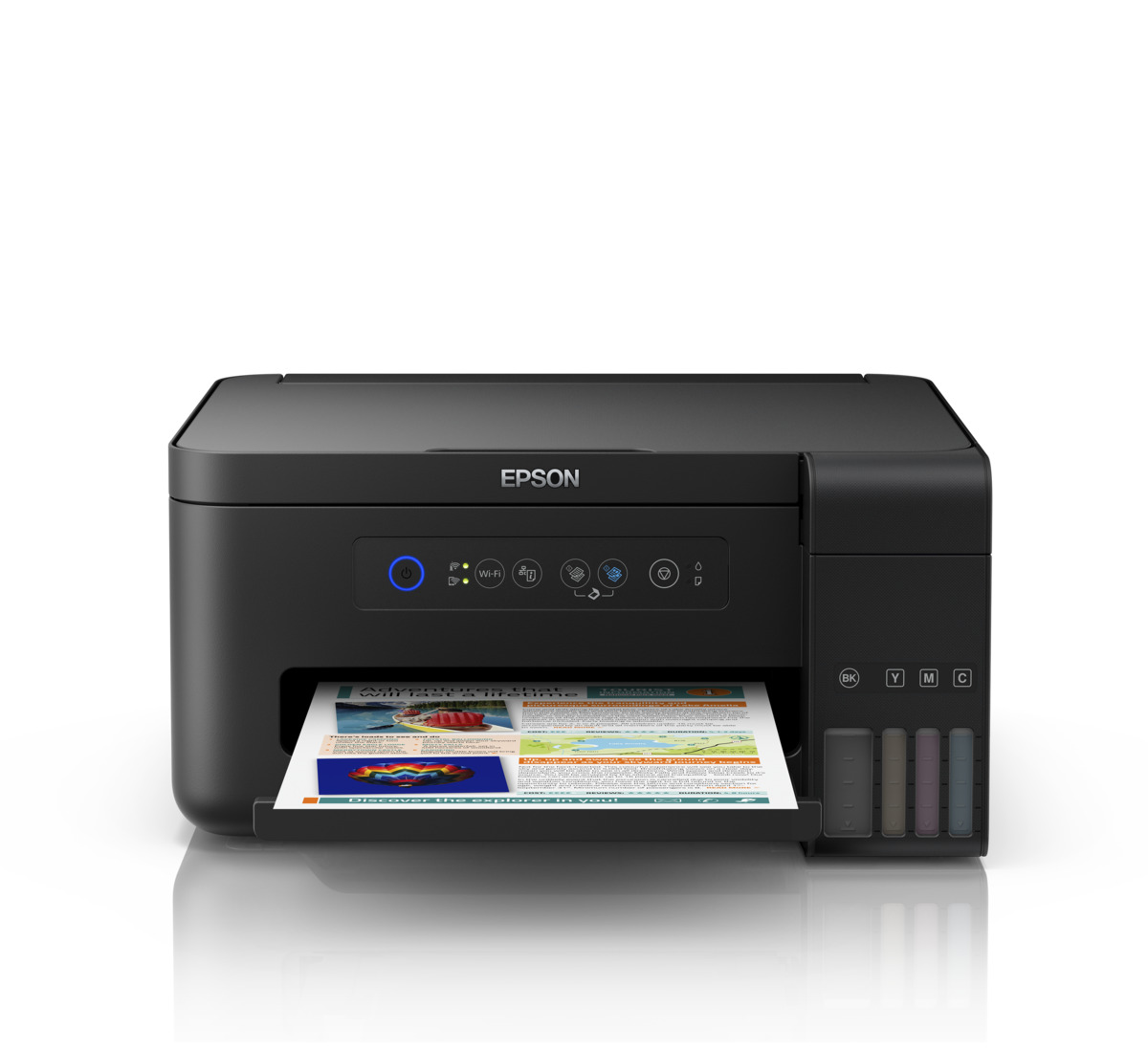
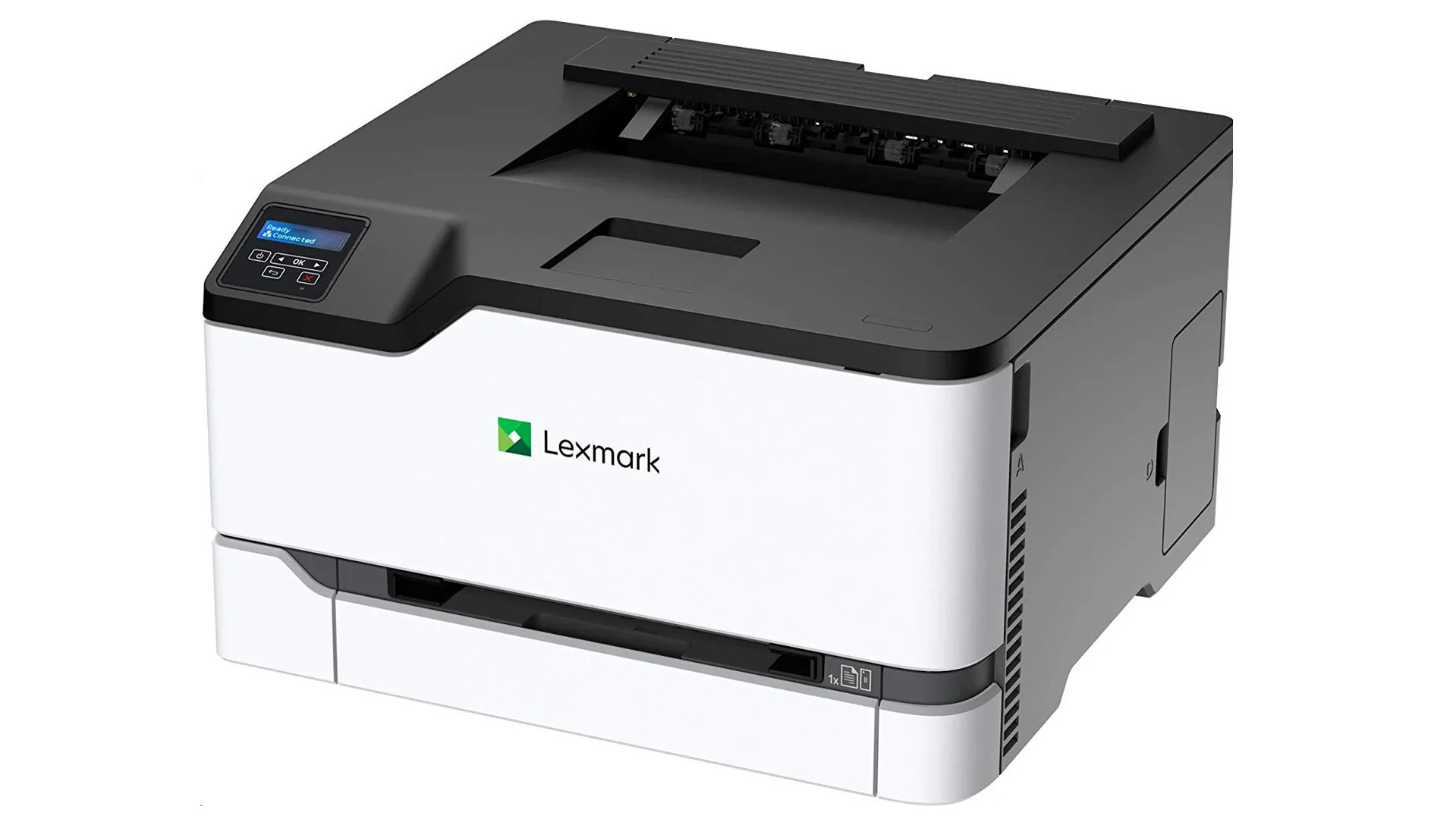
This tag collects practical, step-by-step guides for setting up wireless printers, specifically focused on the challenges mobile and laptop users face when connecting to popular brands like HP, Canon, and Epson. It’s written for anyone who needs to get a printer online quickly, whether you’re pairing it with a phone, a Dell laptop, or a T-Mobile internet hotspot, without sifting through confusing manuals.
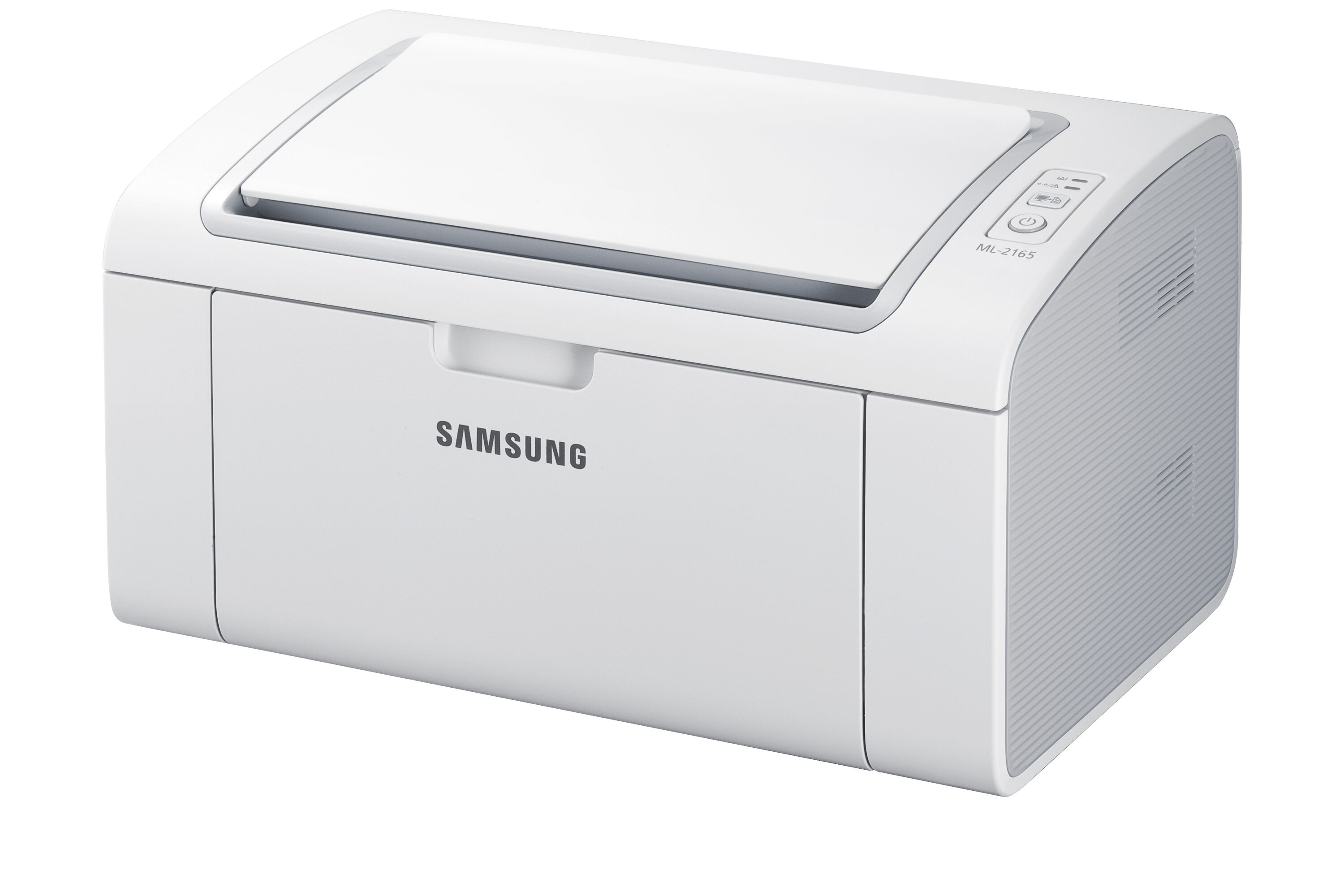
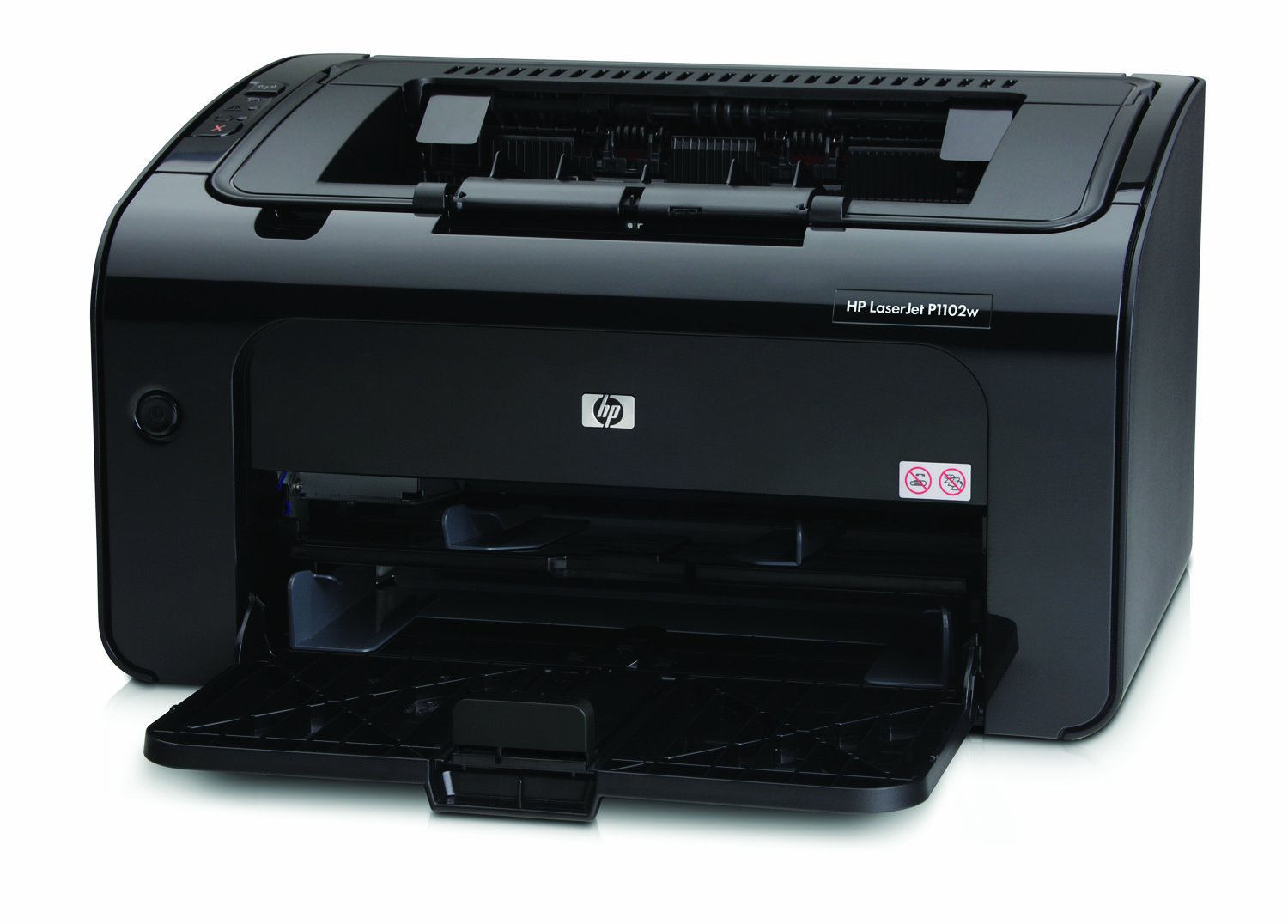
The articles solve three main types of problems. First, they cover initial wireless setup for specific models, such as the Brother HL L2360DW, the HP Officejet 4630, and the Canon Pixma MP495. Second, they address connectivity issues, like how to connect a Canon printer to a phone or how to change an HP printer from wireless to USB. Third, they include troubleshooting and alternative methods, such as setting up a wireless printer without the CD or fixing a blinking blue light on an HP printer. You’ll also find guides for connecting a printer to a laptop, installing the HP LaserJet P1102W wirelessly, and setting up the Samsung ML-2165W. These articles help you move from a printer that won’t connect to one that prints reliably from any device on your network.