The Remote Control tag collects articles about using your phone as a command center for other devices. This page is for anyone who wants to turn their smartphone into a universal remote, control a computer from their pocket, or troubleshoot connectivity between gadgets. Whether you are dealing with a TV, a projector, or another phone, these guides focus on the practical steps to make it happen.

The articles here solve two main kinds of problems. First, they help you connect your phone to a specific display or media device, such as a Vizio TV, Roku TV, or Insignia Fire TV. Second, they explain how to use your phone to control a device remotely, whether that is another phone, a computer via TeamViewer, or a Promethean Board. A few pieces also clarify what a feature does, like the IR Blaster on an LG TV or what Remote Desktop Connection actually is.

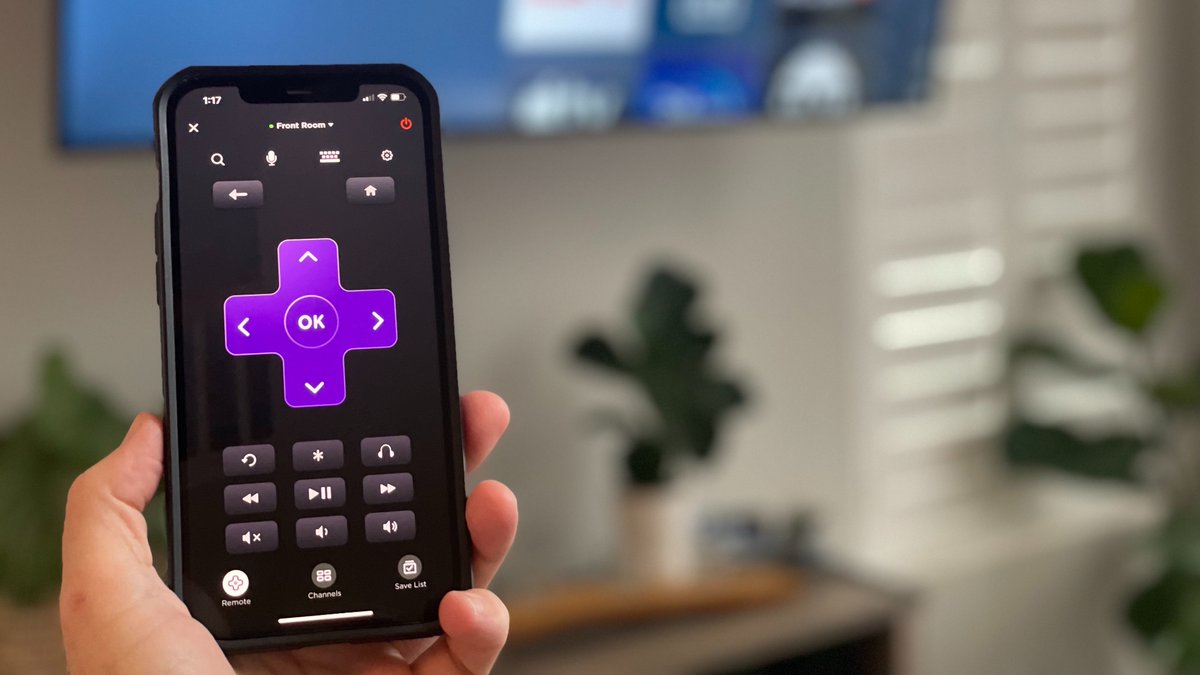
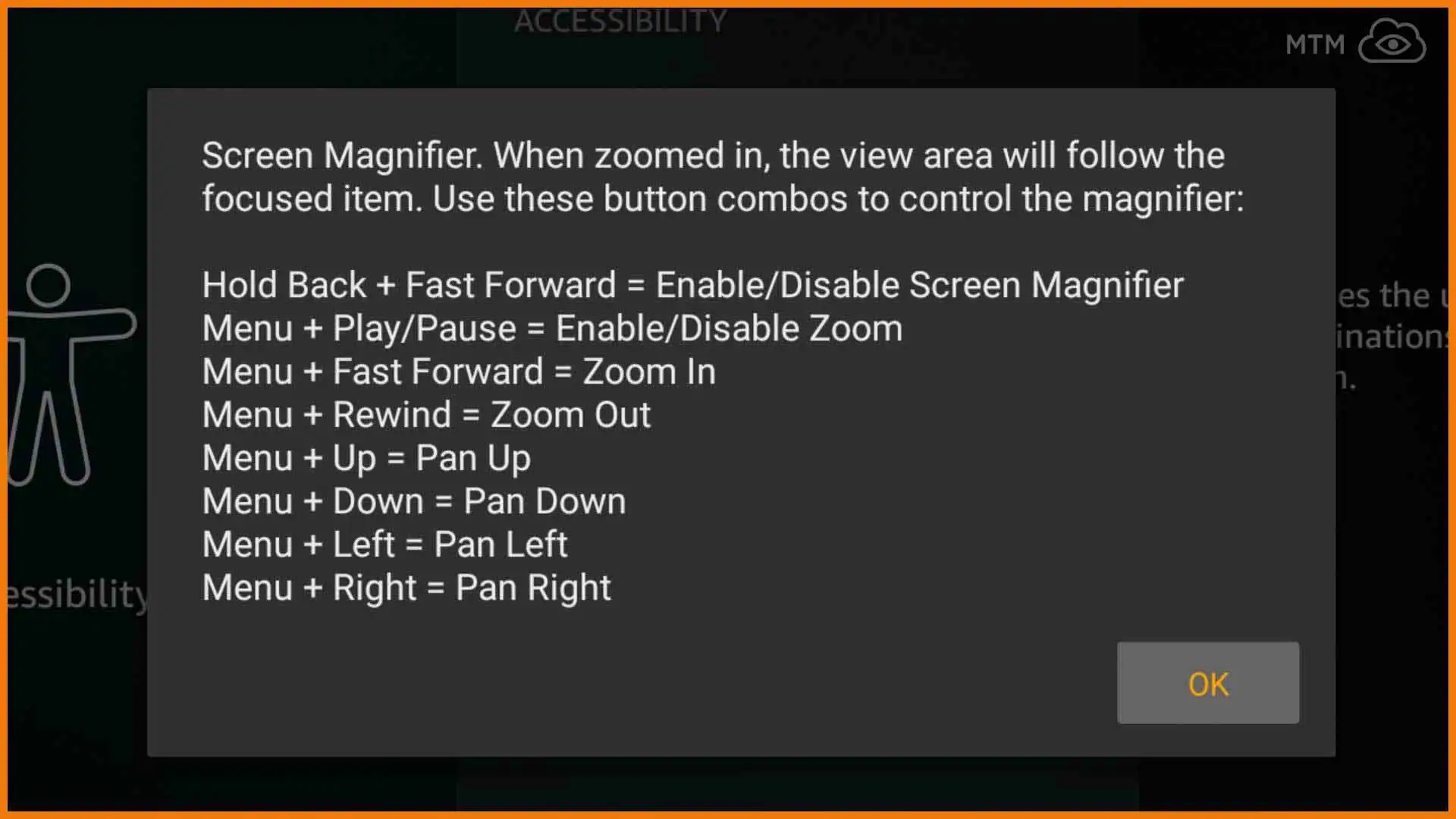
You can learn how to use your phone as a remote for a Vizio TV, how to connect a phone remote to a Roku TV without Wi-Fi, and how to control another phone from your phone. The articles help you take action: pair devices, disable unwanted features like a screen magnifier on a Fire Stick, or turn off a classroom projector from your pocket.
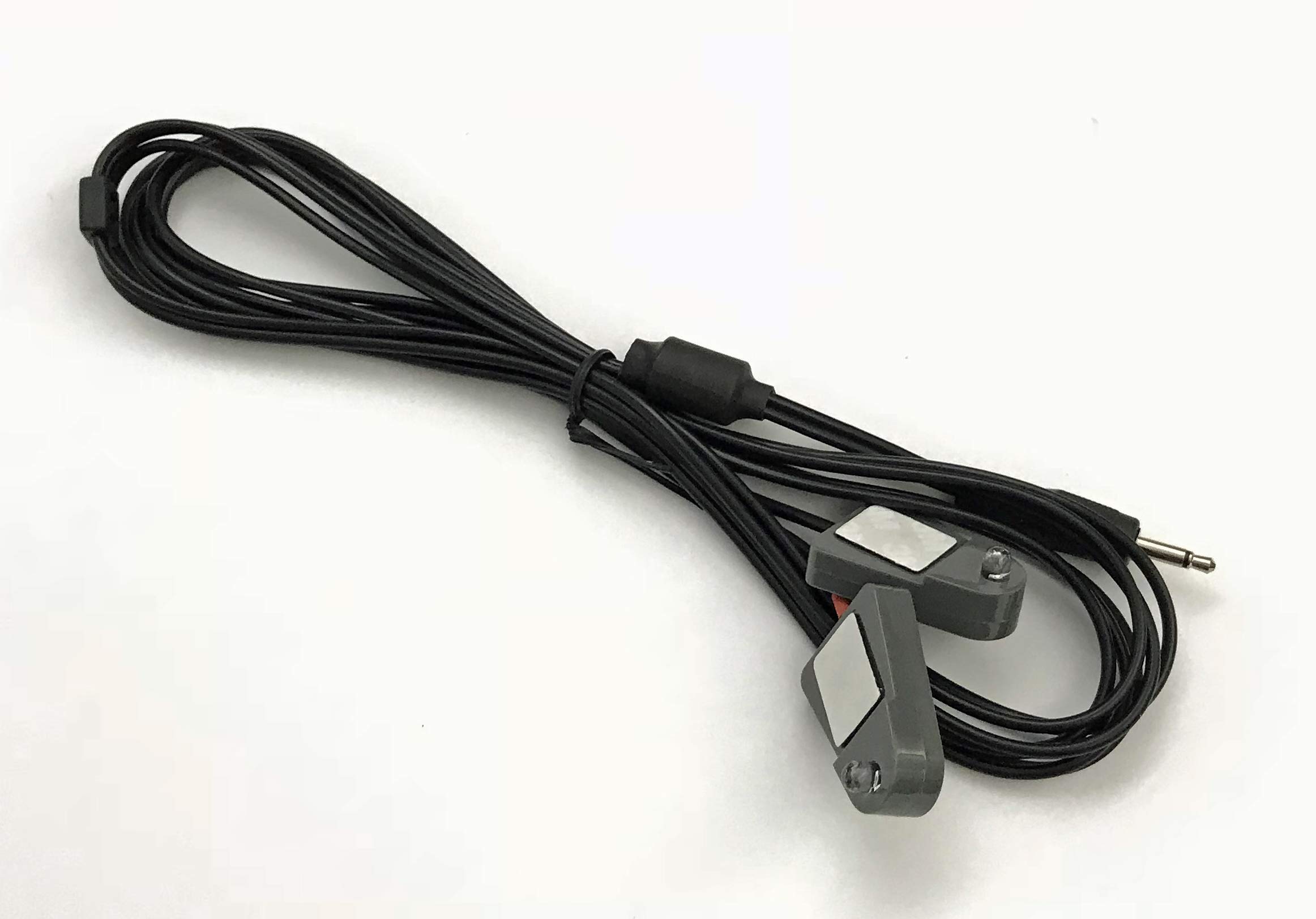
What Is IR Blaster On LG TV

An IR blaster on an LG TV is not a feature built into the TV itself; it is an infrared transmitter built into a phone or external accessory that sends...

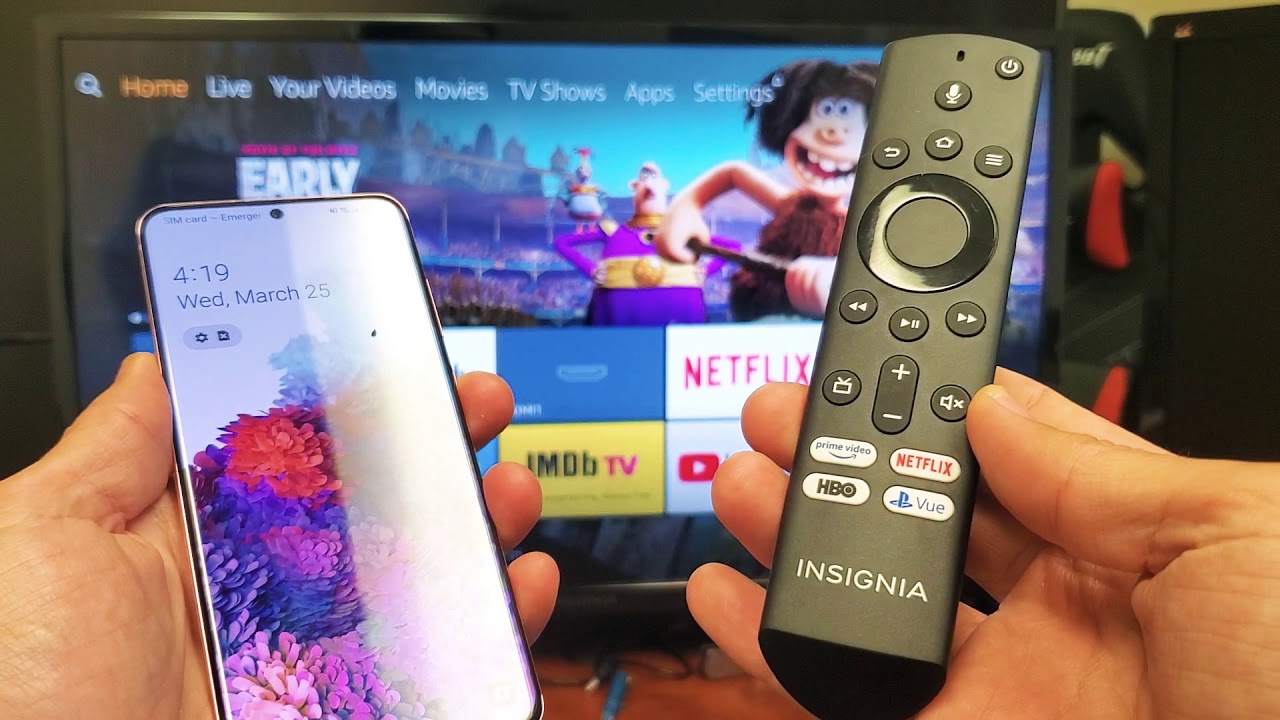
How To Connect Phone To Insignia Fire TV

To connect your phone to Insignia Fire TV, you must use the wireless screen mirroring feature over Wi-Fi; Bluetooth is not supported for mirroring your phone's screen to the TV....

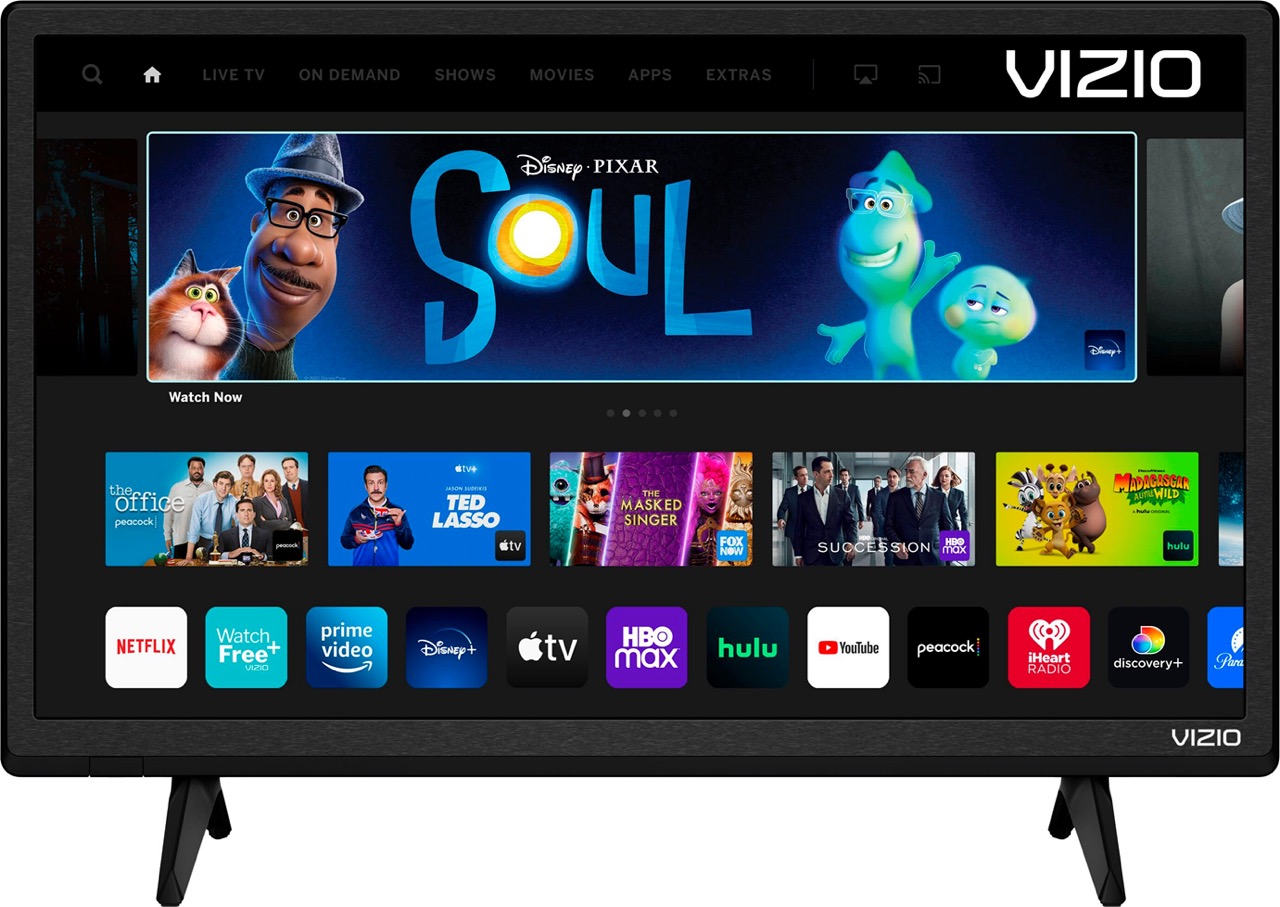
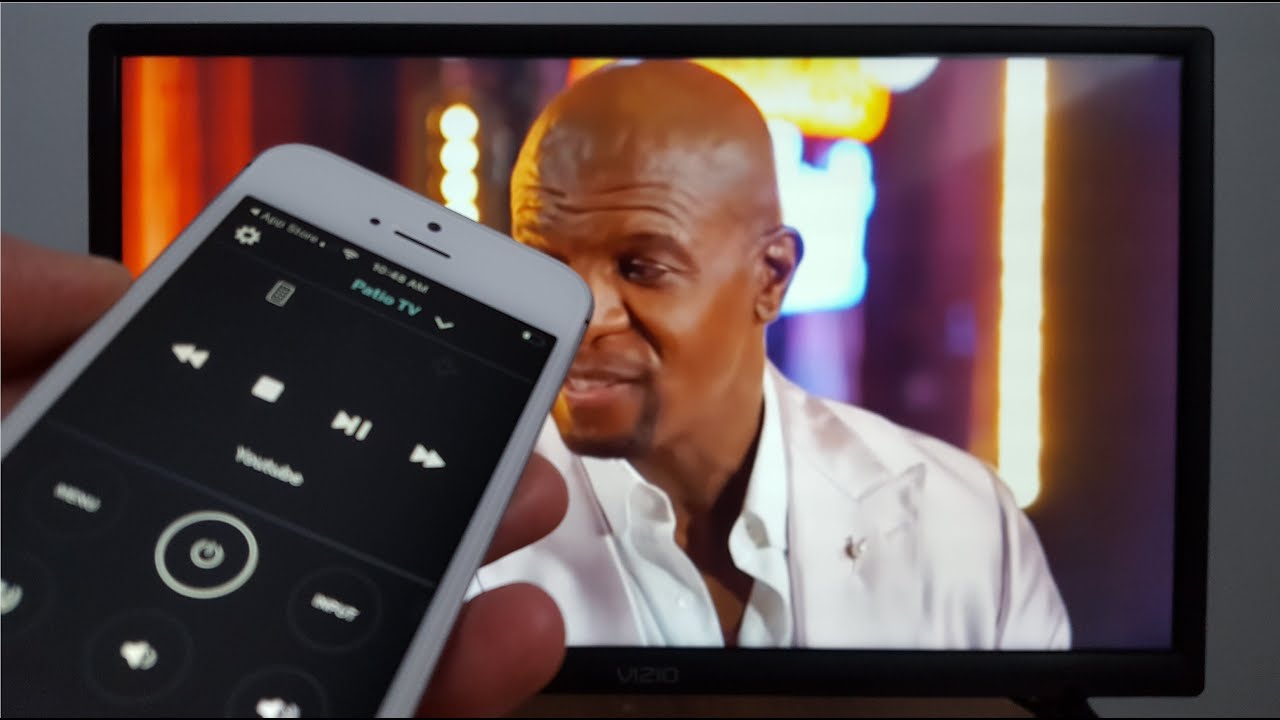
How To Pair My Phone To My Vizio TV

To pair my phone to my Vizio TV for control and setup, you need to use the official VIZIO Mobile App over a shared Wi-Fi network, not Bluetooth. This connection...

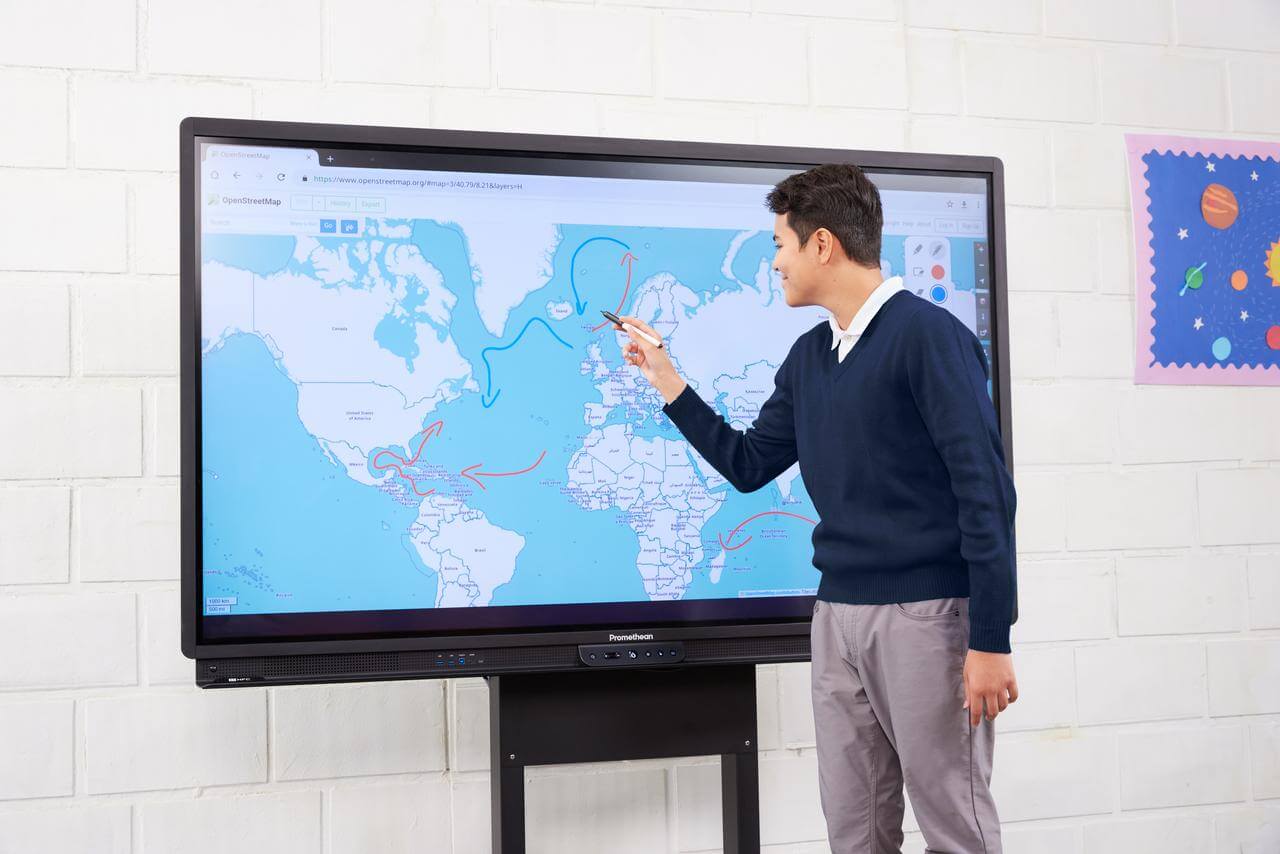
How To Turn Off Promethean Board With Phone

You cannot turn off a Promethean board with your phone using any official Promethean mobile app, as no documented power-off feature exists for remote control. Instead, the verified methods to...

What Is Remote Desktop Connection (RDC)?

Remote Desktop Connection (RDC) is Microsoft's remote access client that lets you connect to your Windows desktop, apps, and resources from an iPhone, iPad, or Android device. This means you...

How to Use TeamViewer on Your Smartphone?

To use TeamViewer on your smartphone, you need to install the correct app for your specific task: the TeamViewer Remote Control app to control another device, or the QuickSupport or...