Start here: ringer

All topics →

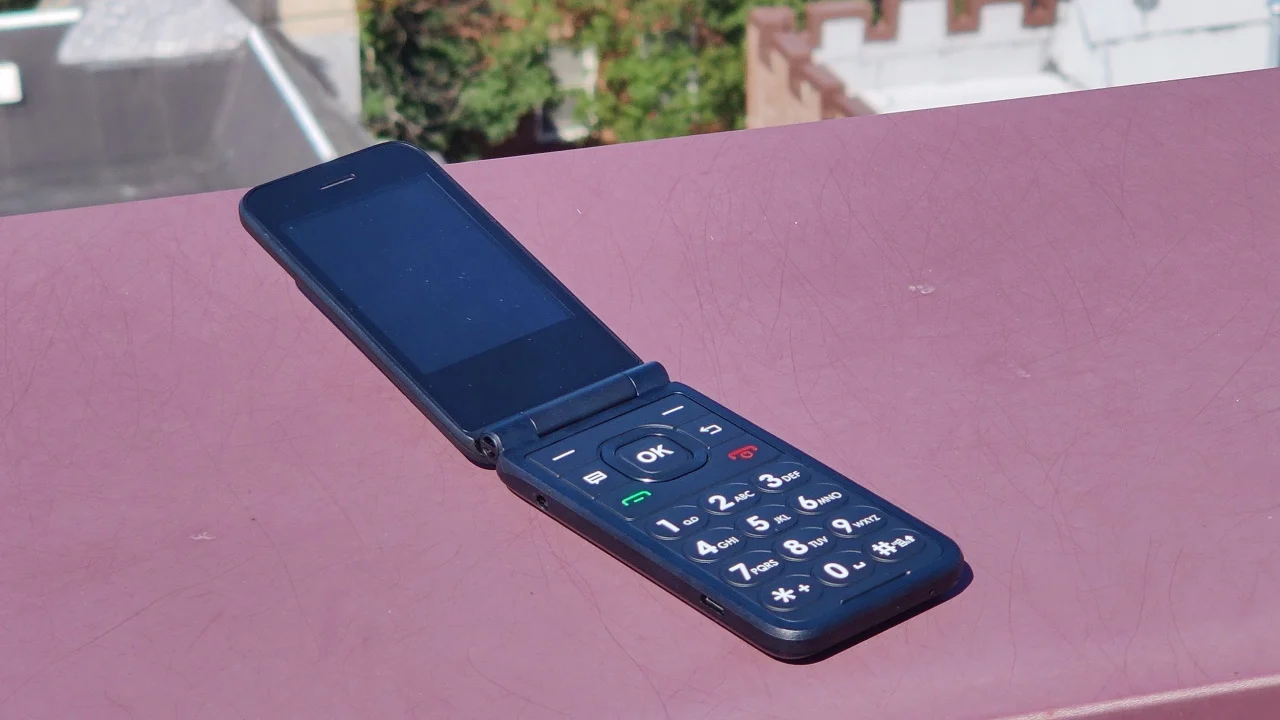
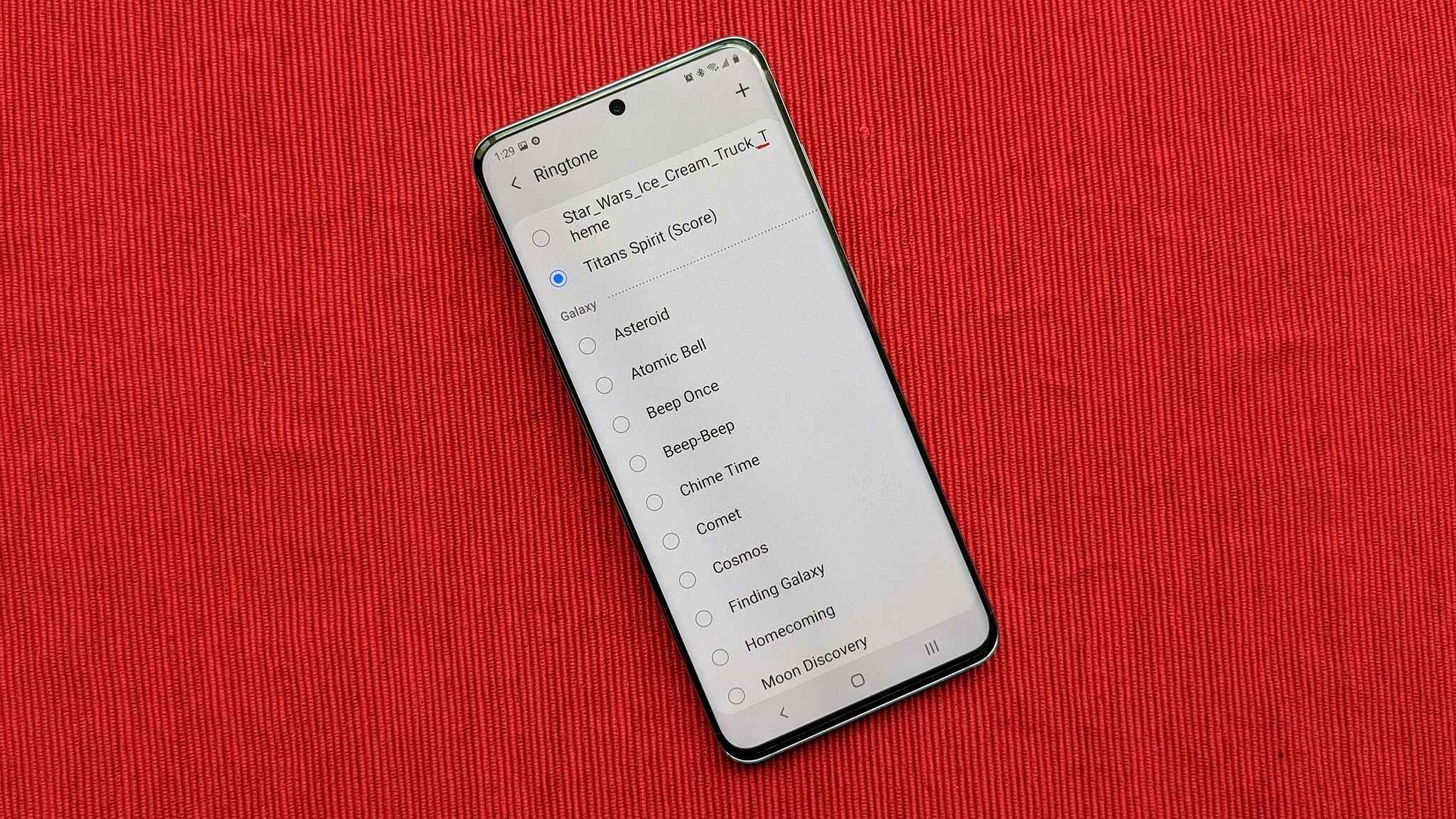
This tag collects all of CellularNews's guides and troubleshooting articles about your phone's ringer, the sound that alerts you to incoming calls and notifications. It is for anyone who needs to manage, adjust, or fix how their phone rings, whether you are using a modern smartphone or a basic flip phone. The articles here are built for real-world problems, not just theory.

The content falls into a few clear themes. First, there are straightforward how-to guides for turning the ringer on or off across different devices, including Samsung phones, various Android models, AT&T flip phones, and multiple iPhone generations like the iPhone 11, 12, 13, and 14. Second, several articles tackle volume and behavior issues, such as making the ringer louder on an iPhone 13 or understanding why a phone might still ring even when it is set to silent. Finally, there is coverage for specific scenarios, like getting a Google Phone app to ring properly, and broader troubleshooting for general ringer and ringtone issues.

These articles help you take direct action: turn a silent ringer back on, silence a phone that won't stop ringing, boost a ringtone that is too quiet, or diagnose why your phone is not behaving as expected. Whether you need to make sure you hear an important call or ensure your phone stays quiet in a meeting, these guides provide the steps to get your ringer working exactly how you want it.
Ringer and Ringtone Issues

First steps when your phone is not ringing at all If your phone is not ringing for incoming calls, the fix is often simpler than a hardware repair. Before assuming...

How To Turn On Ringer On IPhone 12

To turn on the ringer on iPhone 12, locate the physical Ring/Silent switch on the left side of the phone, above the volume buttons, and flip it toward the front...

How To Get Google Phone To Ring

To get your Google phone to ring, first check the physical volume button on the side of your device and the on-screen volume panel to ensure the phone is not...

How To Turn The Ringer On IPhone 11

To turn the ringer on your iPhone 11, flip the physical Ring/Silent switch on the left side of the device so that orange is no longer visible. When the switch...

How To Turn Off Ringer On IPhone 14

To turn off the ringer on iPhone 14, use the physical Ring/Silent switch on the left side of the phone. Flip the switch toward the back of the device to...

How To Turn Ringer Off IPhone 13

To turn ringer off iPhone 13 instantly, flip the physical Ring/Silent switch on the left side of the device toward the back of the phone until you see an orange...

How To Make Ringer Louder On IPhone 13

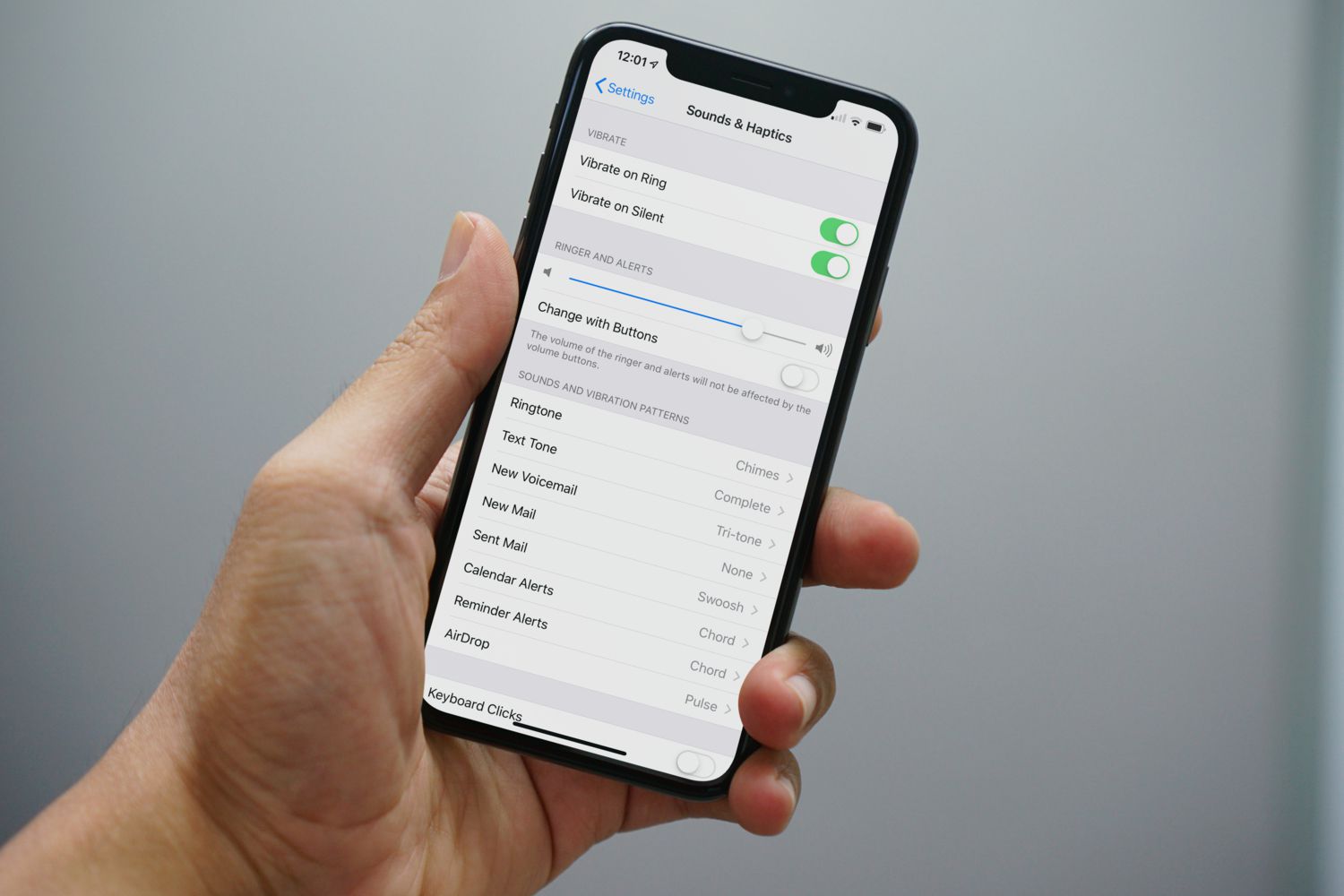
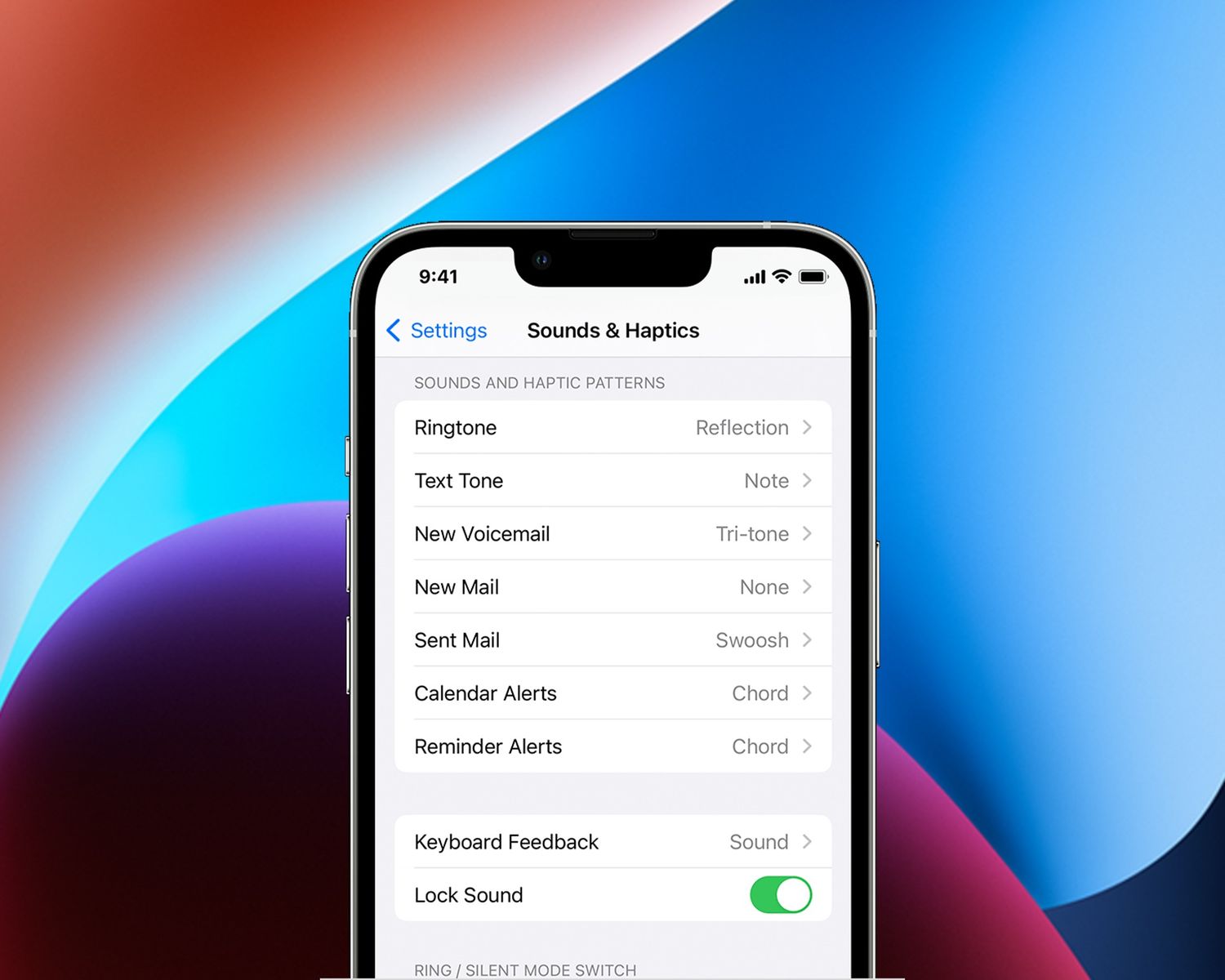
To make the ringer louder on iPhone 13, go to Settings > Sounds & Haptics > Ringtone and drag the Ringer and Alerts slider to the right. You can also...

How To Turn Ringer On Samsung Phone

To turn the ringer on your Samsung phone, swipe down from the top of the screen twice to fully expand the Quick Settings panel. Then, locate the Sound Mode icon,...