The Router tag on CellularNews collects our library of straightforward, step-by-step guides focused on getting your home network up and running smoothly. This section is designed for anyone who manages their own Wi-Fi, whether you're setting up a new router for the first time, troubleshooting a slow connection, or trying to connect a specific device like a gaming console or printer to your wireless network.

The articles here solve three common types of problems. First, they cover basic setup and configuration tasks, such as how to change your wireless network name, set up a Netgear or Linksys router, and change the password on a Verizon or Xfinity router. Second, they address connectivity and range issues, with guides on how to connect to the 5.0 GHz band, improve wireless strength for an Xbox One, set up a wireless repeater or extender, and even pair two wireless routers to extend your coverage. Third, they help you connect a wide variety of devices, including wireless cameras, HP Deskjet printers, the Nintendo Wii, and a landline phone, while also showing you how to switch your Samsung phone to 2.4 GHz Wi-Fi or reset a stubborn network connection.
How To Find The Wireless Password

To find the wireless password for a network you own or have permission to access, start by checking the physical label on your router or modem, where the default Wi-Fi...

How To Connect Wireless Camera

To connect wireless camera to your home network and smartphone, start by ensuring the camera is powered on and your Wi-Fi network is compatible. The process differs between iPhone and...

How To Set Up Netgear Wireless Router

To set up your Netgear wireless router, start by connecting the modem to the router's Internet or WAN port with an Ethernet cable, then power on the modem first and...

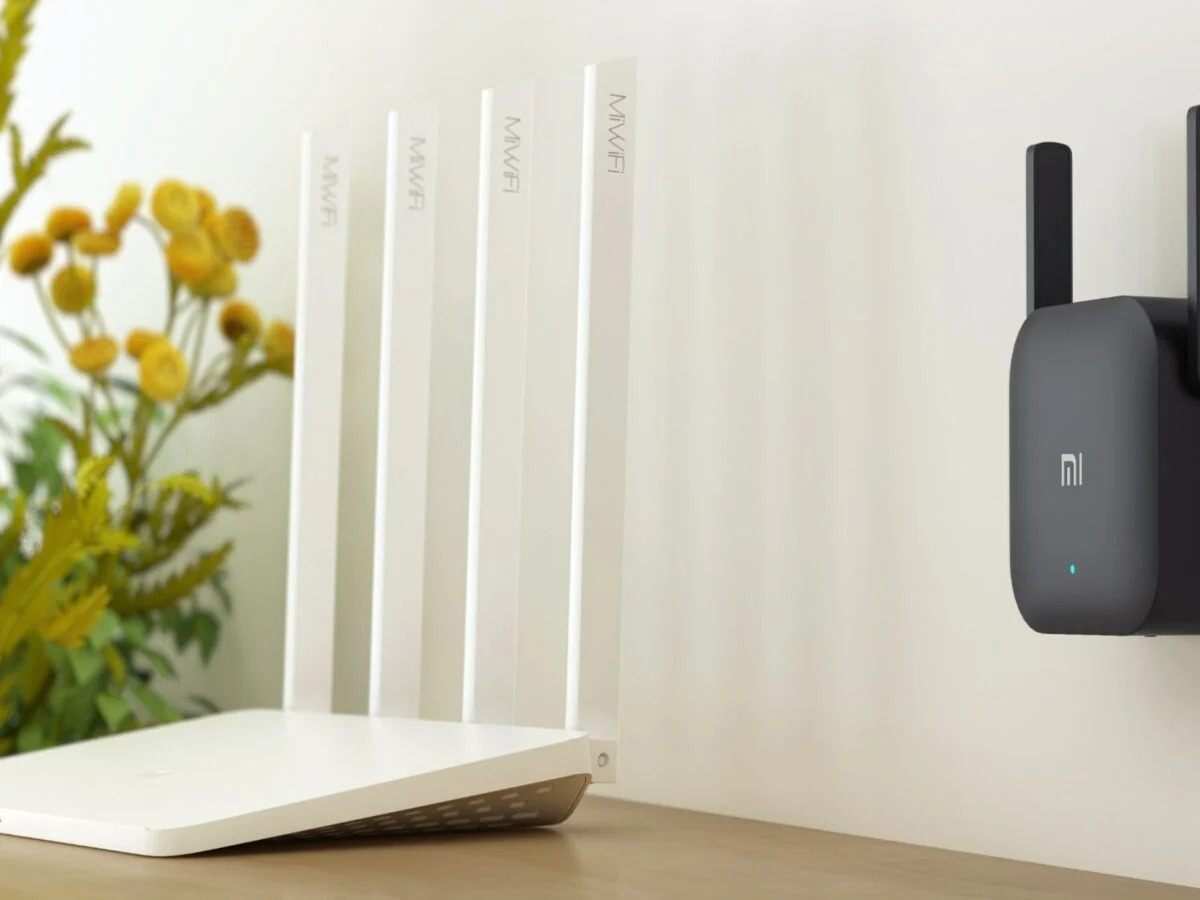
How To Set Up Wireless Repeater

To set up a wireless repeater, place it within range of your main router's strong signal, connect a device to its default network, and configure it through its web interface...

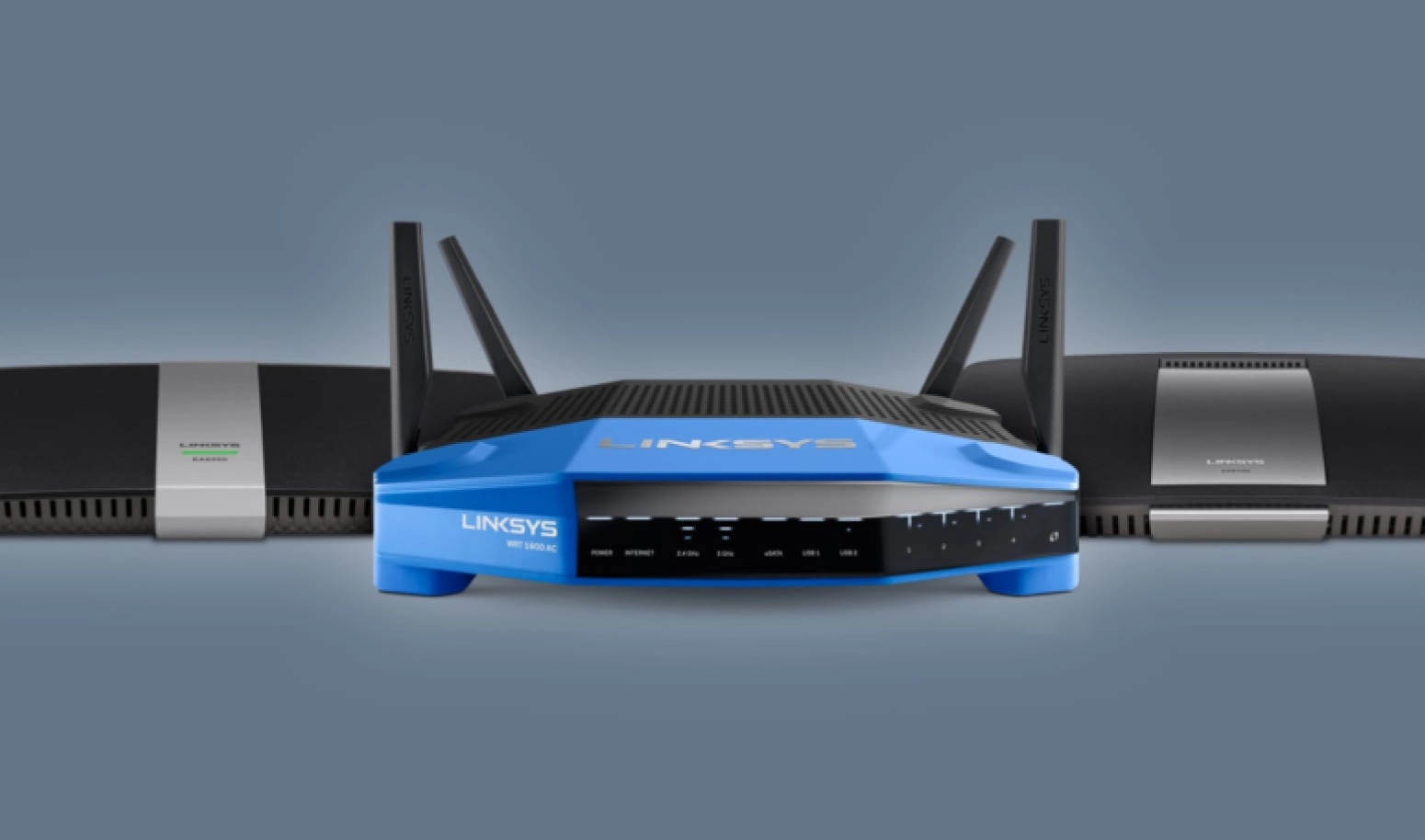
How To Connect Linksys Wireless Router

To connect a Linksys wireless router, first connect your modem to the router's yellow Internet port using an Ethernet cable, then plug in the router's power adapter and turn it...

How To Connect To 5.0 Ghz Wireless

To connect to 5.0 GHz wireless, you select the router's 5 GHz network name from your device's Wi‑Fi settings. This band offers faster speeds, less interference, and support for newer...

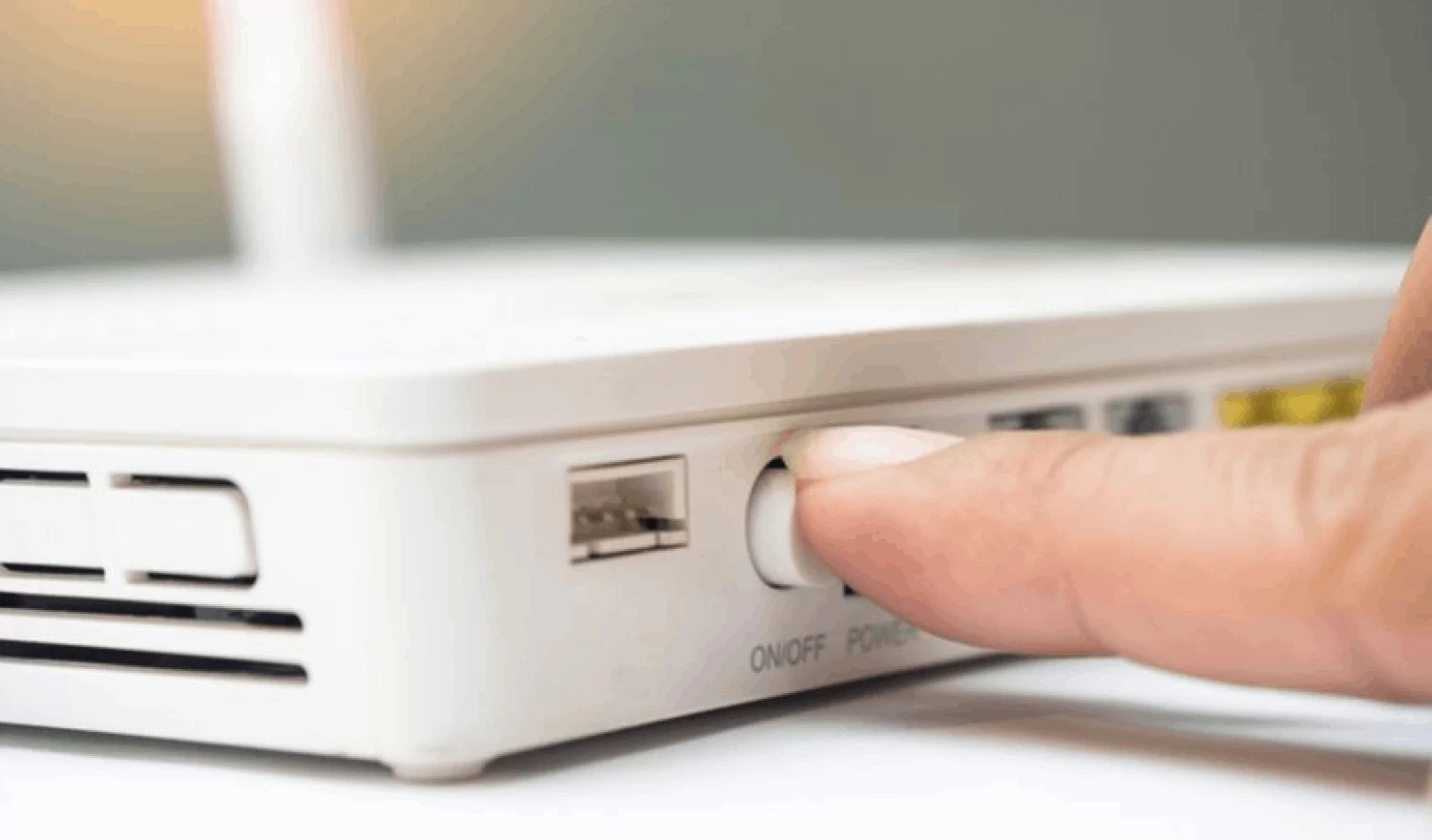
How To Restart Wireless Router

The fastest way to restart your wireless router is to unplug the router and the cable modem, wait a moment, and then plug them back in. This direct power cycle...

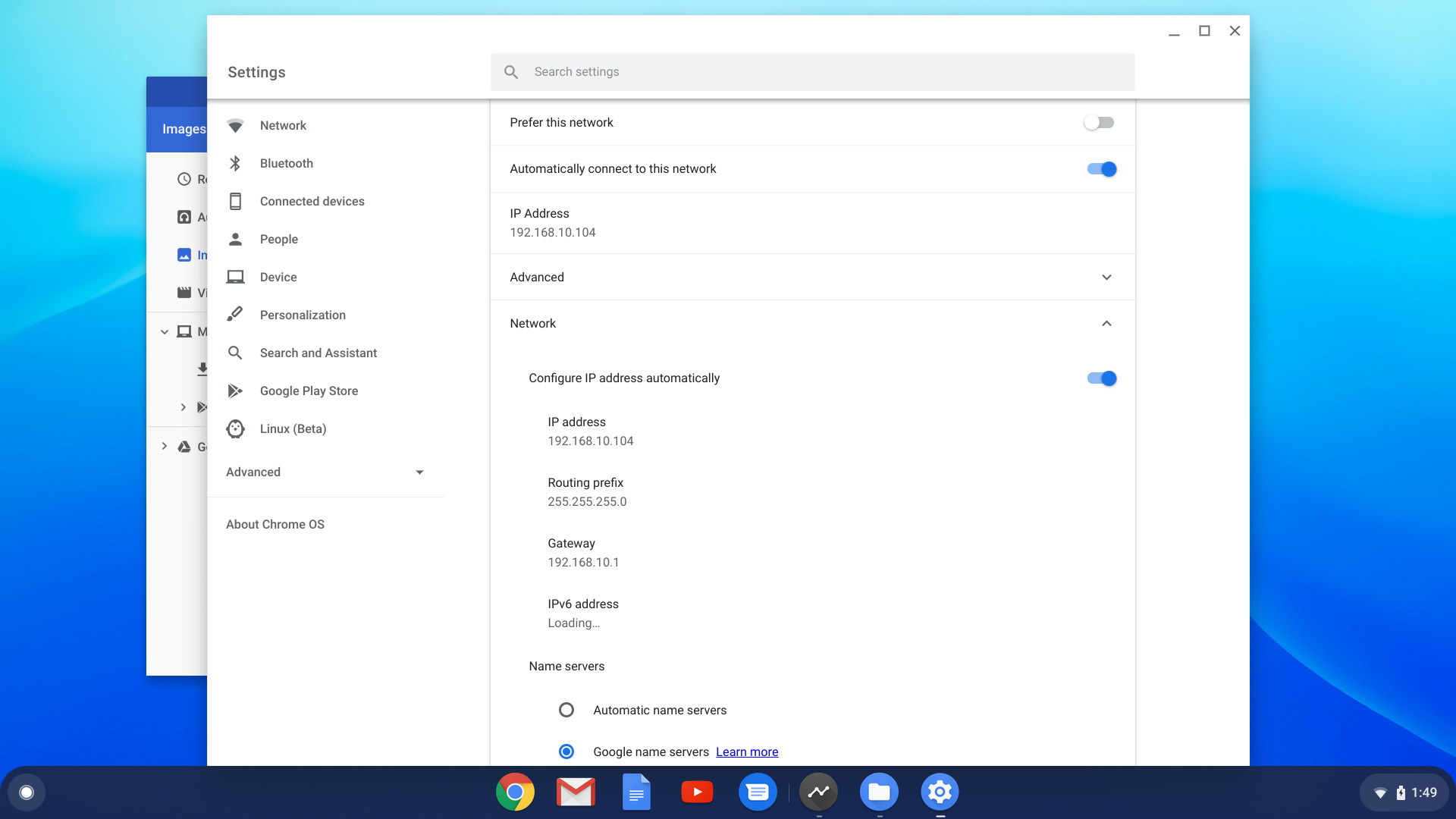
How To Change Wireless Network Name

To change your wireless network name, you must log into your router’s settings using either the manufacturer’s app or a web browser via the router’s IP address. The exact method...