Practical guides and straightforward answers for anyone who owns, uses, or is curious about mobile phones. Whether you are a first-time buyer, a parent deciding on a child’s first phone, or a user trying to solve a specific problem, these articles are written for you. The topics range from basic definitions to hands-on fixes, all focused on real-world phone use.

The articles fall into two main groups. One set helps you understand your device’s capabilities and history: you can learn what a mobile hotspot does without data, how Symbian shaped today’s operating systems, or when the first touchscreen was invented. Another group solves everyday technical problems: you will find instructions for removing a liquid screen protector, recording voice on Android, connecting a Hohem gimbal, or using your phone as a Bluetooth dongle. Several pieces also tackle common questions about phone types, the correct word for cell phone, and why phones are important to us.

These articles help you do specific things: figure out if a Jitterbug phone is right for you, cast VR to a Roku TV, turn up volume on wireless earbuds, or even learn which phone Elon Musk uses. They also answer practical questions like how long a 5000mAh power bank lasts and at what age a child should get a cellphone. No fluff, just clear, useful information for people who want to get more out of their smartphones.

How To Return Asurion Phone

To return an Asurion phone, use the prepaid return kit that arrives with your replacement device and send the old phone back within the timeframe stated in your contract or...

How To See When You Got Your Phone

The most reliable way to see when you got your phone is to check your purchase receipt, online order history, or carrier records. Phone settings do not show the original...

How To Pick Up Uhaul Mobile

U-Haul mobile pickup is the Truck Share 24/7 self-service process that lets you rent and pick up a truck using only your smartphone, bypassing the rental counter entirely. This method...

How To Get Mobile Boarding Pass Delta

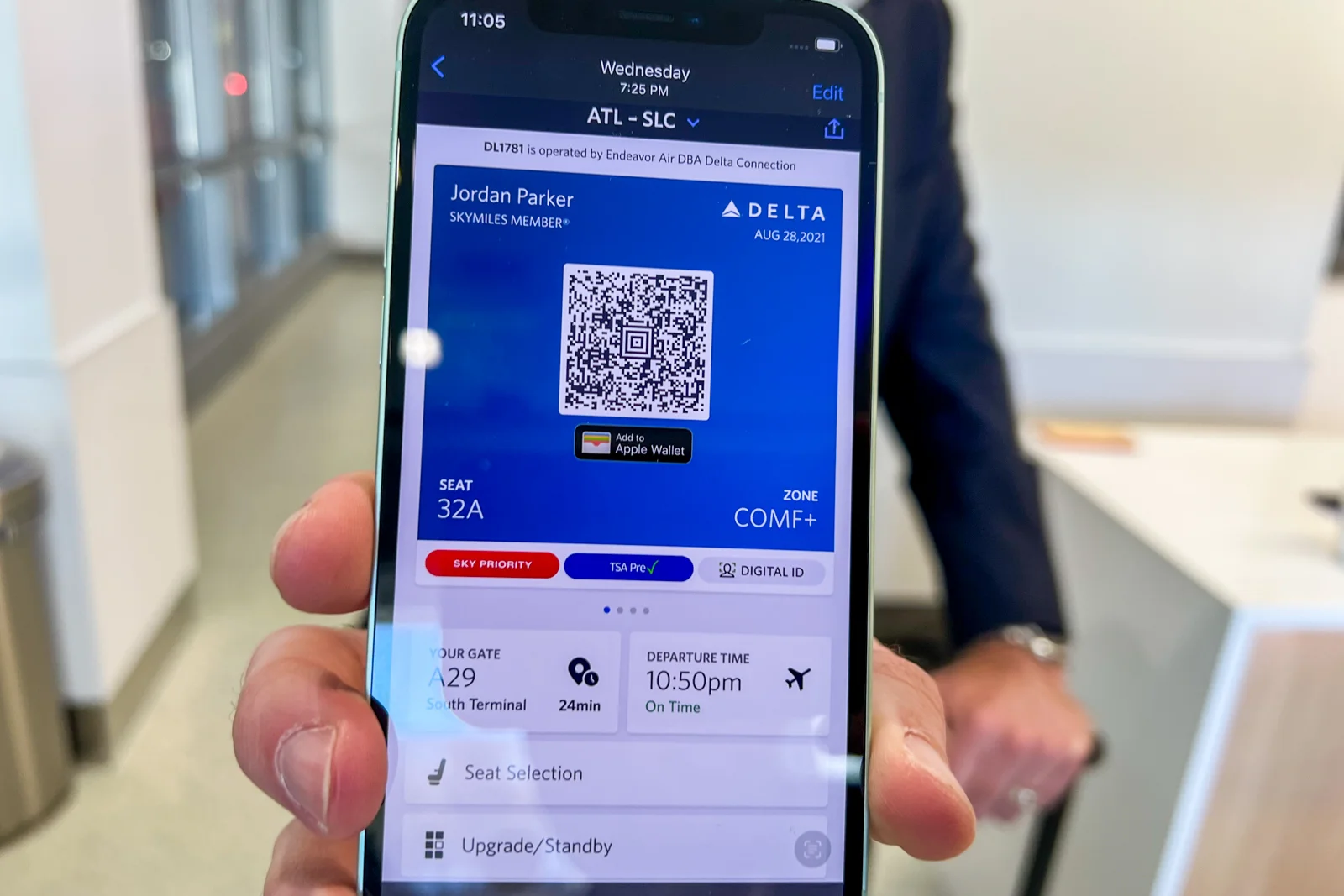
To get mobile boarding pass Delta, use the Fly Delta app or check in on delta.com. Check-in opens 24 hours before your scheduled departure time, and your digital boarding pass...

How To Use The Letters On Phone Keypad

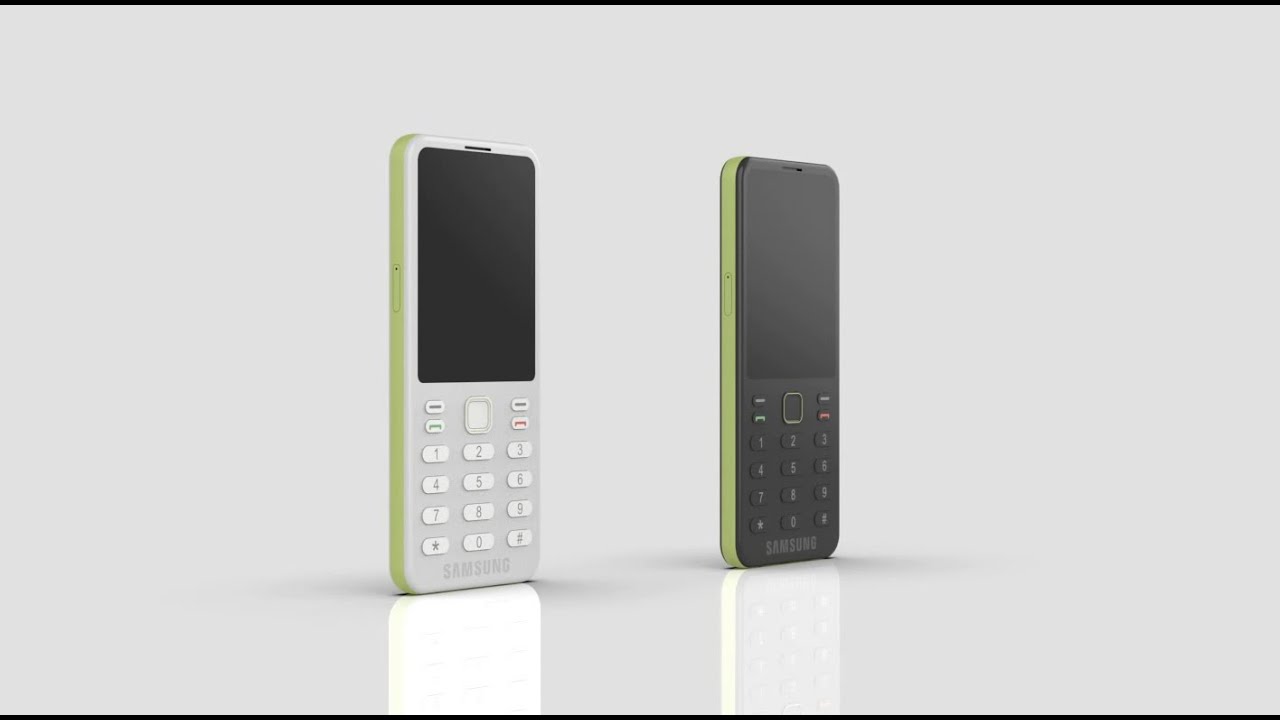
The letters on a phone keypad are a standardized system for mapping letters to the numeric keys 2 through 9, enabling you to dial phonewords, filter contacts by name, and...

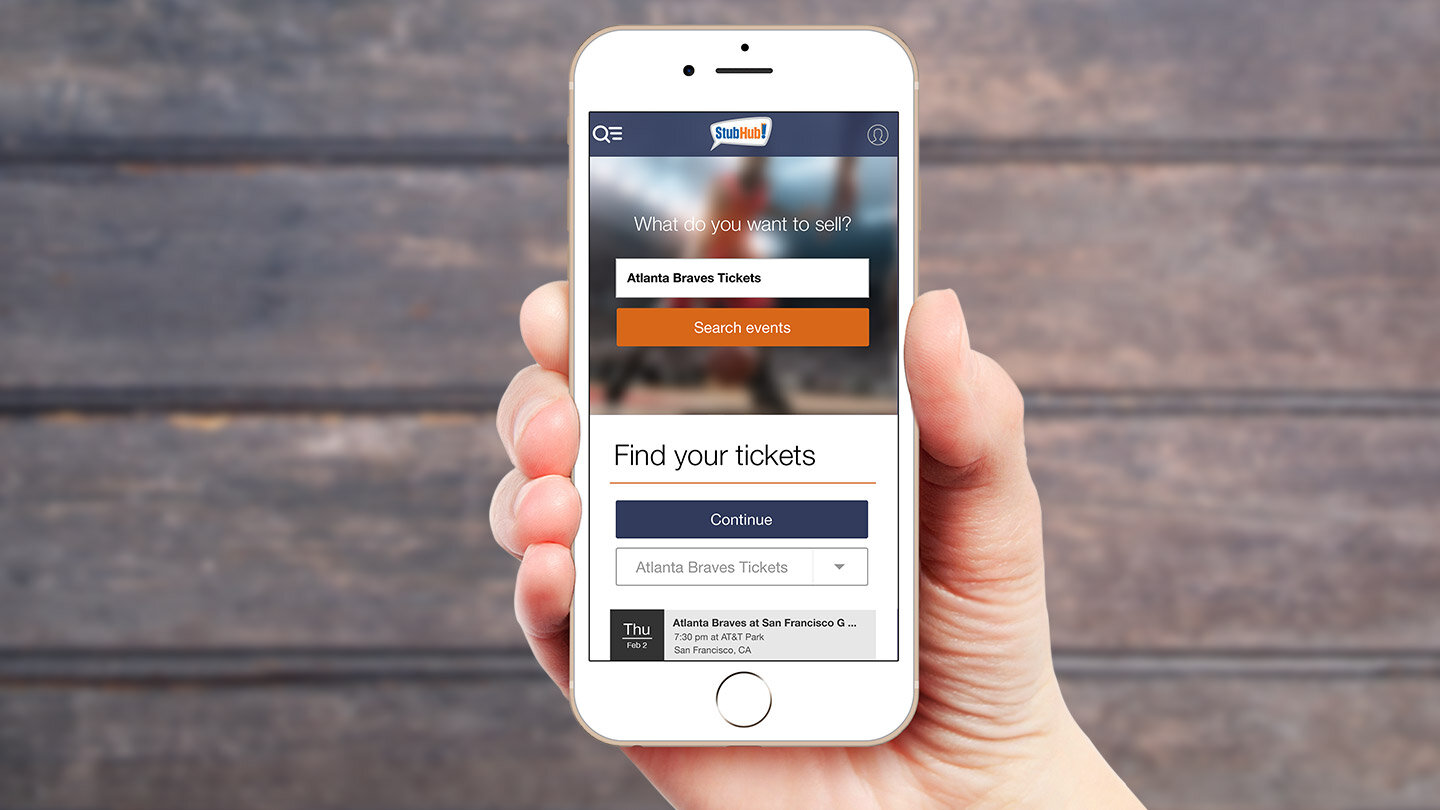
How To Transfer Mobile Tickets On Stubhub

To transfer mobile tickets on StubHub, you must deliver them through the original ticket vendor's website or app where you first purchased them, not directly within StubHub. Step 1: Find...

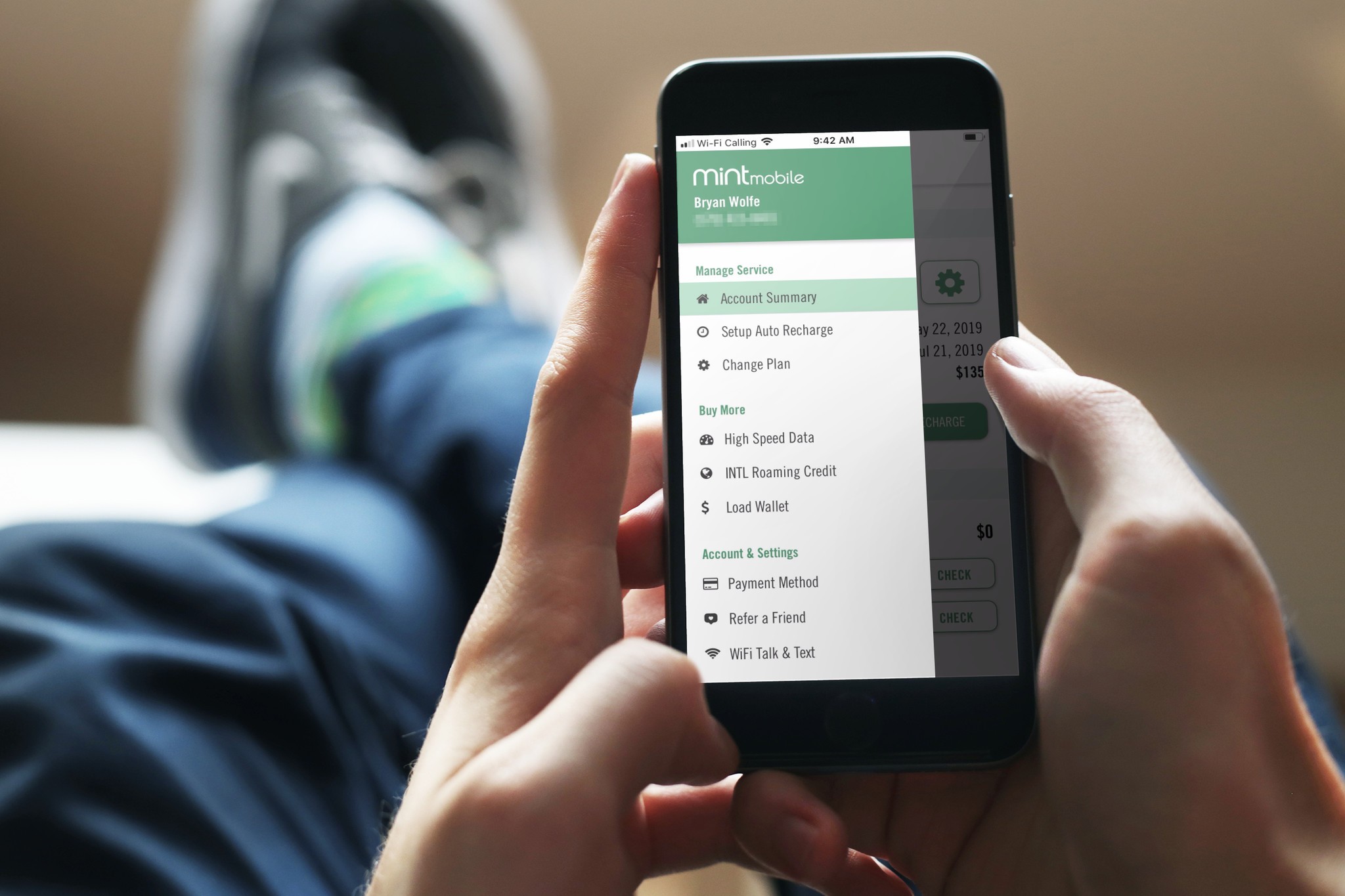
How To Access Voicemail Mint Mobile

To access voicemail on Mint Mobile, the standard and fastest method is to press and hold the '1' key on your phone's dial pad. This will automatically dial the voicemail...