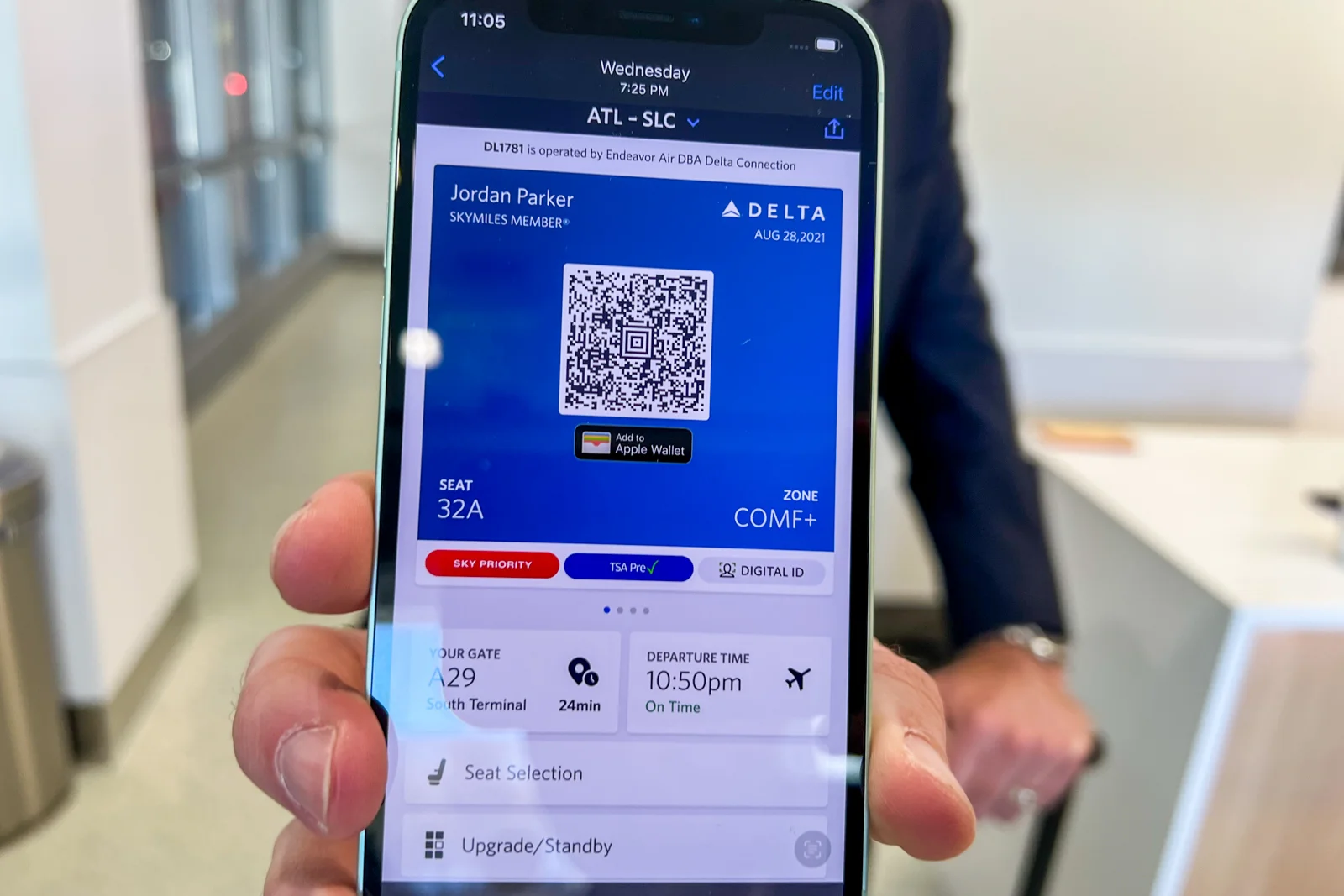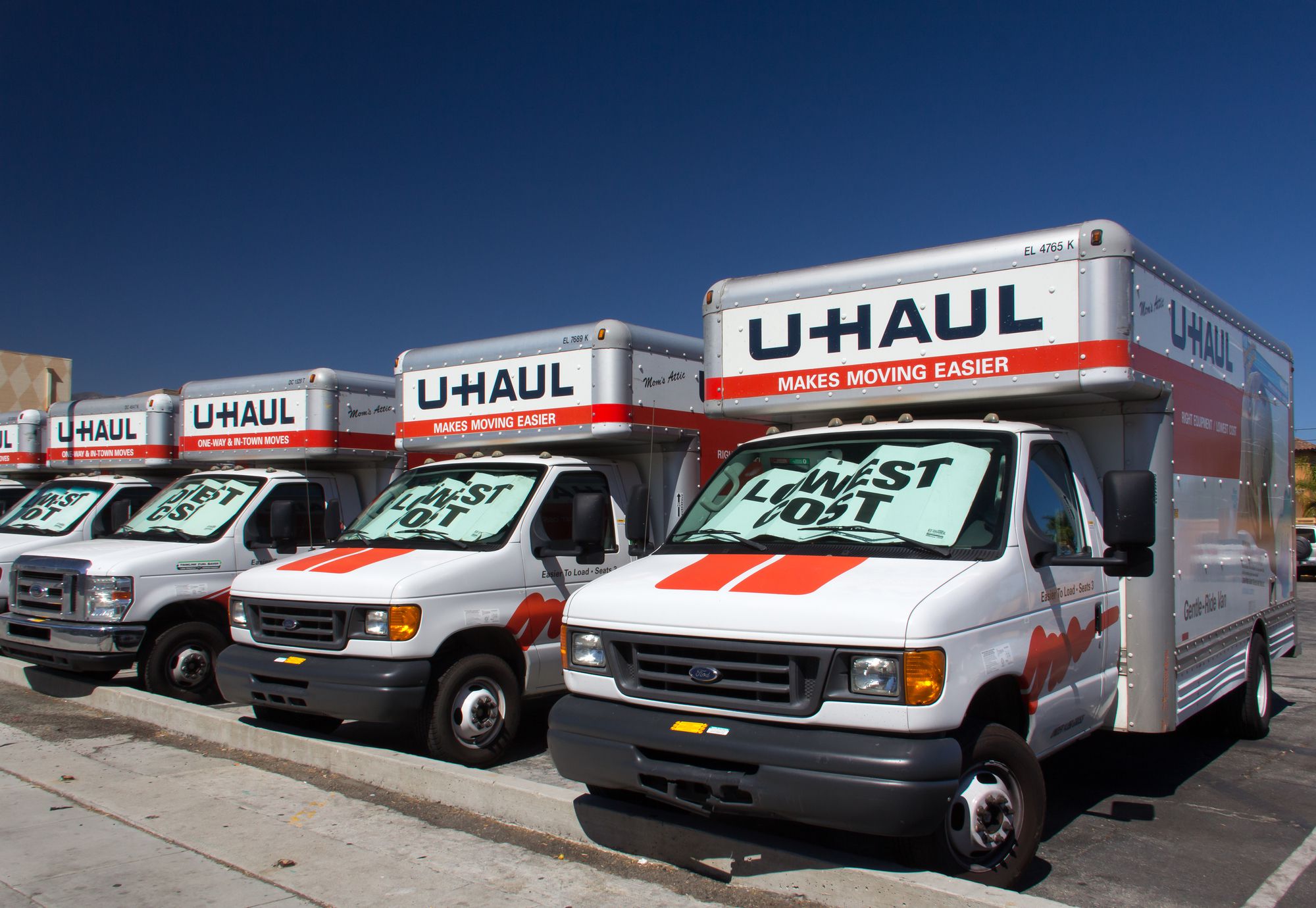
U-Haul mobile pickup is the Truck Share 24/7 self-service process that lets you rent and pick up a truck using only your smartphone, bypassing the rental counter entirely. This method allows you to complete the entire pickup process through the U-Haul app, even outside of normal business hours, so you can get on the road without waiting in line.
What uhaul mobile pickup actually is
Despite what the name might suggest, "U-Haul Mobile" is not a phone or a mobile device you purchase. Instead, it refers to the U-Haul Truck Share 24/7 program, which enables self-pickup of truck rentals using your own smartphone. This system is designed to eliminate physical paperwork and counter interactions, providing step-by-step guidance through the app to unlock and access your rental vehicle. You can manage your rentals, track your reservations, and access vehicle specifications and pickup location details through the app.
What you need before you start
Before you attempt a uhaul mobile pickup, you must have the following items ready:
- A U-Haul account, created through the U-Haul website or app
- A charged smartphone with a working camera, internet connection, and enough storage space for photos
- A valid, non-expired government-issued driver's license (you must be at least 18 years old)
- A second form of identification, such as an alternate contact, credit or debit card, U.S. passport, military ID, or employer identification
- A major credit or debit card in your name for online reservations and for cargo van or pickup truck rentals at pickup (cash is accepted for box trucks with a deposit, or at return if reserved with a card)
Step-by-step uhaul mobile pickup instructions
- Download the U-Haul App on your smartphone before arriving at the location.
- Arrive at your pick-up location at least 10 minutes early. The 'Pick Up My Truck' option will only become active an hour before your scheduled pickup time.
- Sign into your U-Haul account on the U-Haul app or uhaul.com and select "Pick Up My Truck" from your reservation details.
- Complete the Live Verification Approval process by taking photos of your physical driver's license and a selfie, then providing additional contact information for identity confirmation by trained specialists.
Getting your keys and hitting the road
After your identity is verified, the app will provide step-by-step instructions to locate your truck on the lot. You will be directed to retrieve the keys from a secure location, and you will have the option to add damage coverage before driving off. The app provides built-in GPS tracking for navigation to your destination. This process ensures you can handle all cell phone facts and usage tips directly from your device, making the rental experience seamless and contactless.
Frequently Asked Questions
Do I need a Commercial Driver's License (CDL) to rent a U-Haul truck?
U-Haul trucks generally do not require a CDL. The only exception is for 26-foot trucks rented in Quebec, Canada, which do require a CDL.
What if I arrive early for my uhaul mobile pickup?
You should arrive at least 10 minutes early, but the "Pick Up My Truck" option will not activate until one hour before your scheduled pickup time. You may need to wait until that window opens to begin the process.
What forms of payment are accepted for uhaul mobile pickup?
Cash payments are accepted for box trucks with a deposit, or at return if the reservation was made with a card.
Can I use uhaul mobile pickup if my phone battery dies?
No, you need a charged smartphone with a working camera and internet connection to complete the Live Verification process and retrieve your keys. Ensure your phone is fully charged before arriving.
What happens if my driver's license photo doesn't pass verification?
The Live Verification process involves trained specialists reviewing your photos. If the photos are unclear or the information doesn't match, you may be prompted to retake them or contact customer support for manual assistance.
For the wider topic, see cell phone facts and usage.
Related reading: How To Hook Up T-Mobile Internet On Your Mobile and Is Mobile Phone A Computer?.