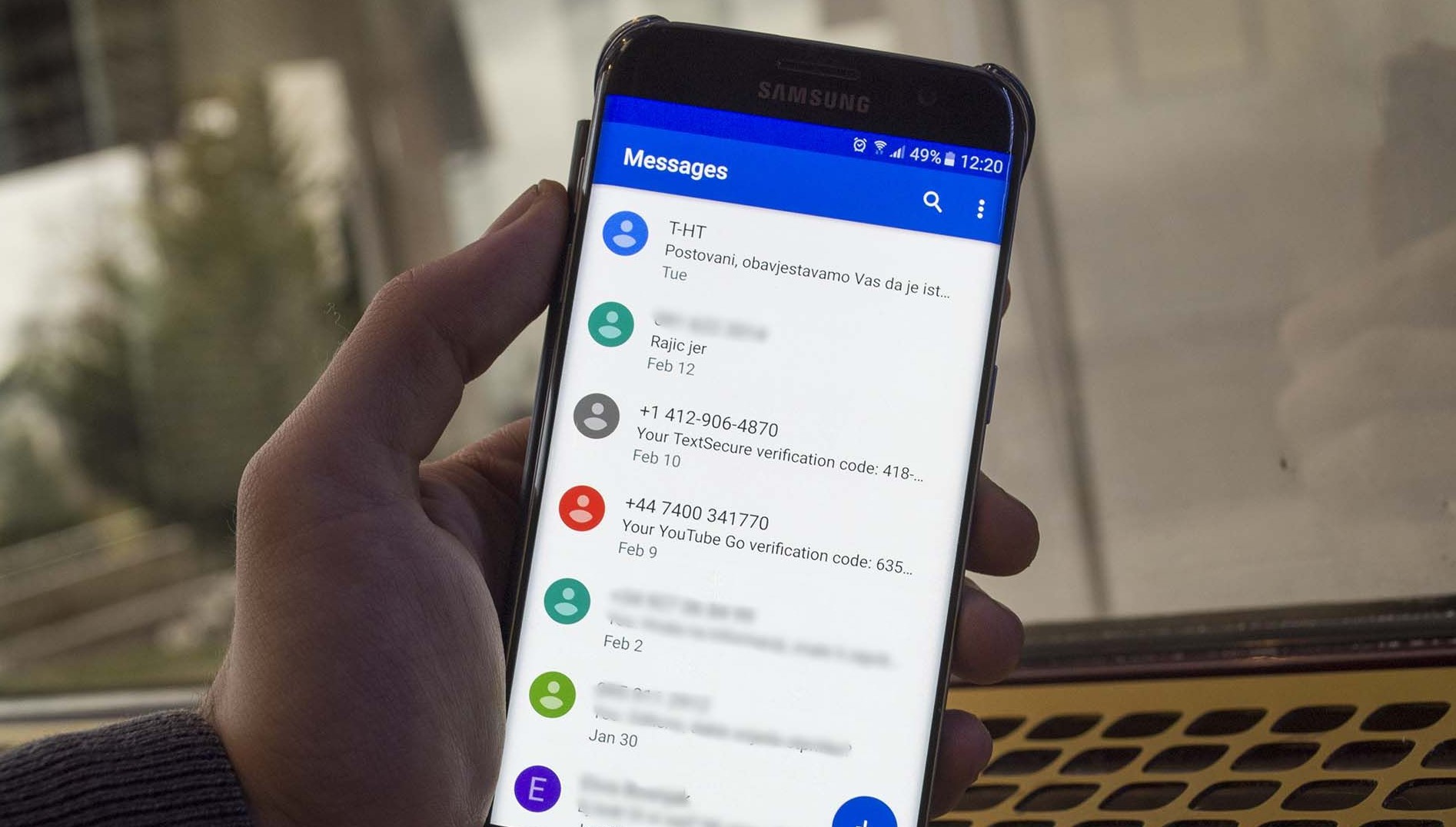
The "Text Messages" tag on CellularNews gathers all our guides and troubleshooting articles about the core function of any phone: sending and receiving texts. This collection is built for anyone who relies on SMS, whether you are an Android user, an iPhone owner, or a customer on a major carrier like T-Mobile, Verizon, AT&T, or Boost Mobile. The articles here address the everyday questions and frustrations that come up when texts go missing, get blocked, or simply need to be managed across devices.
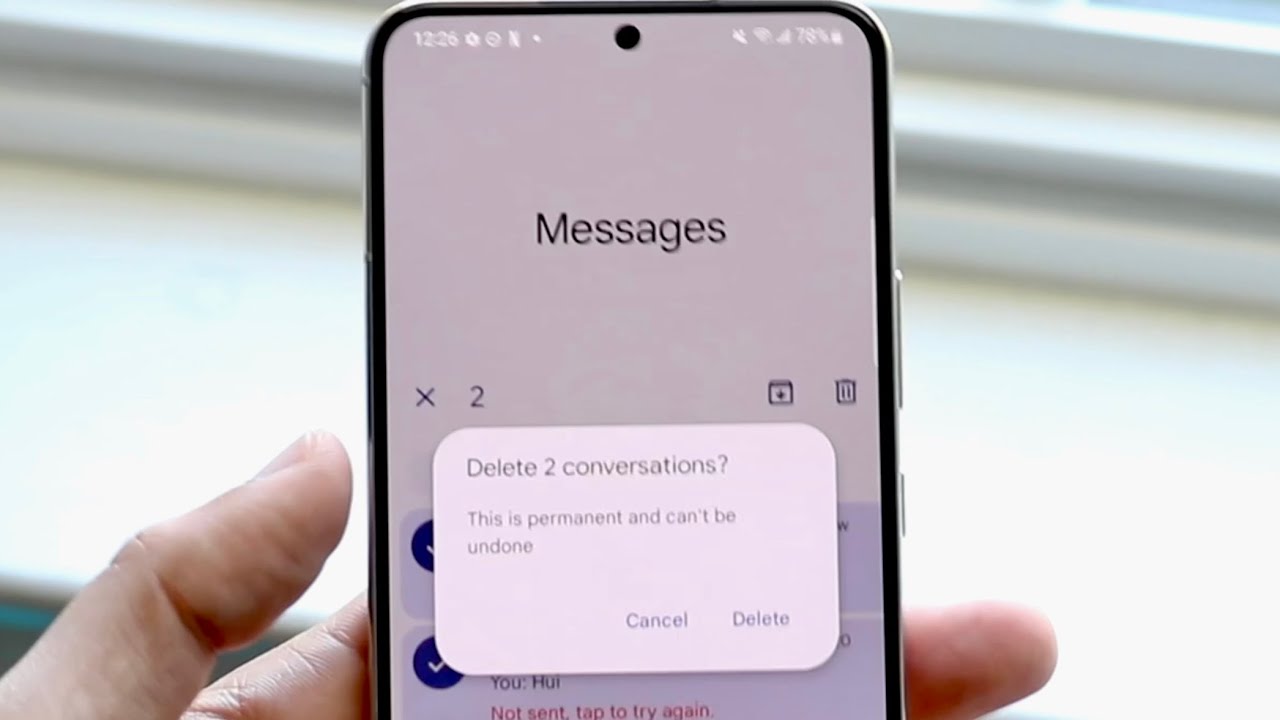
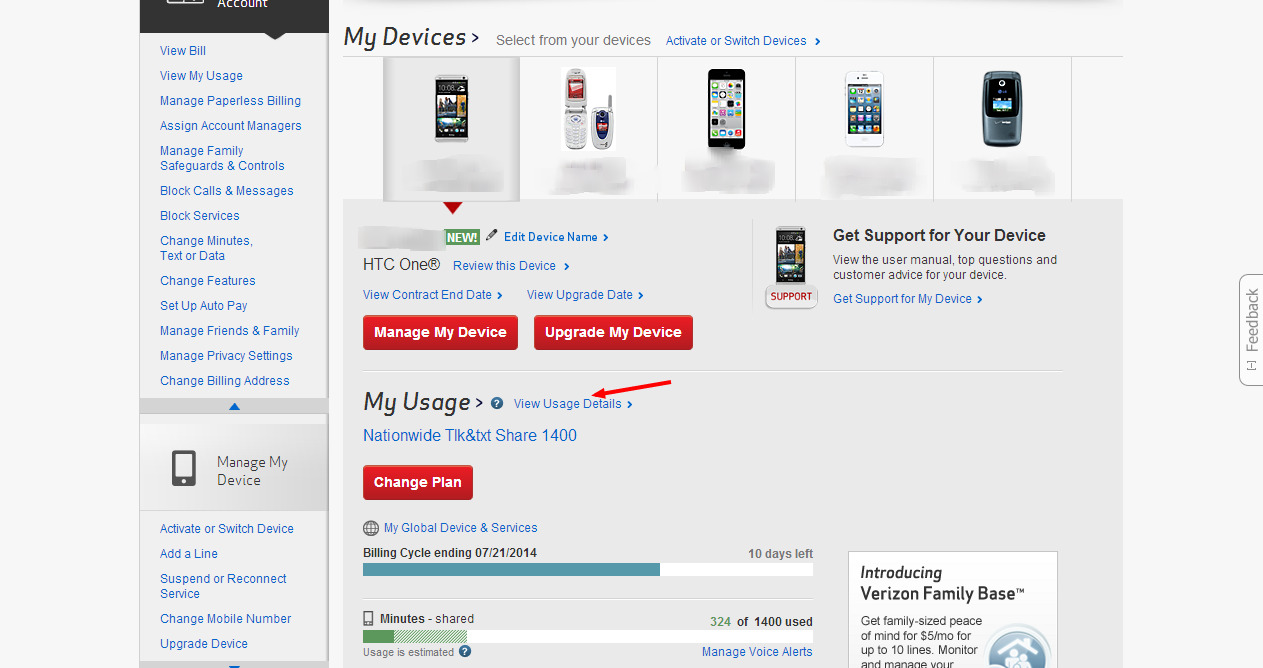
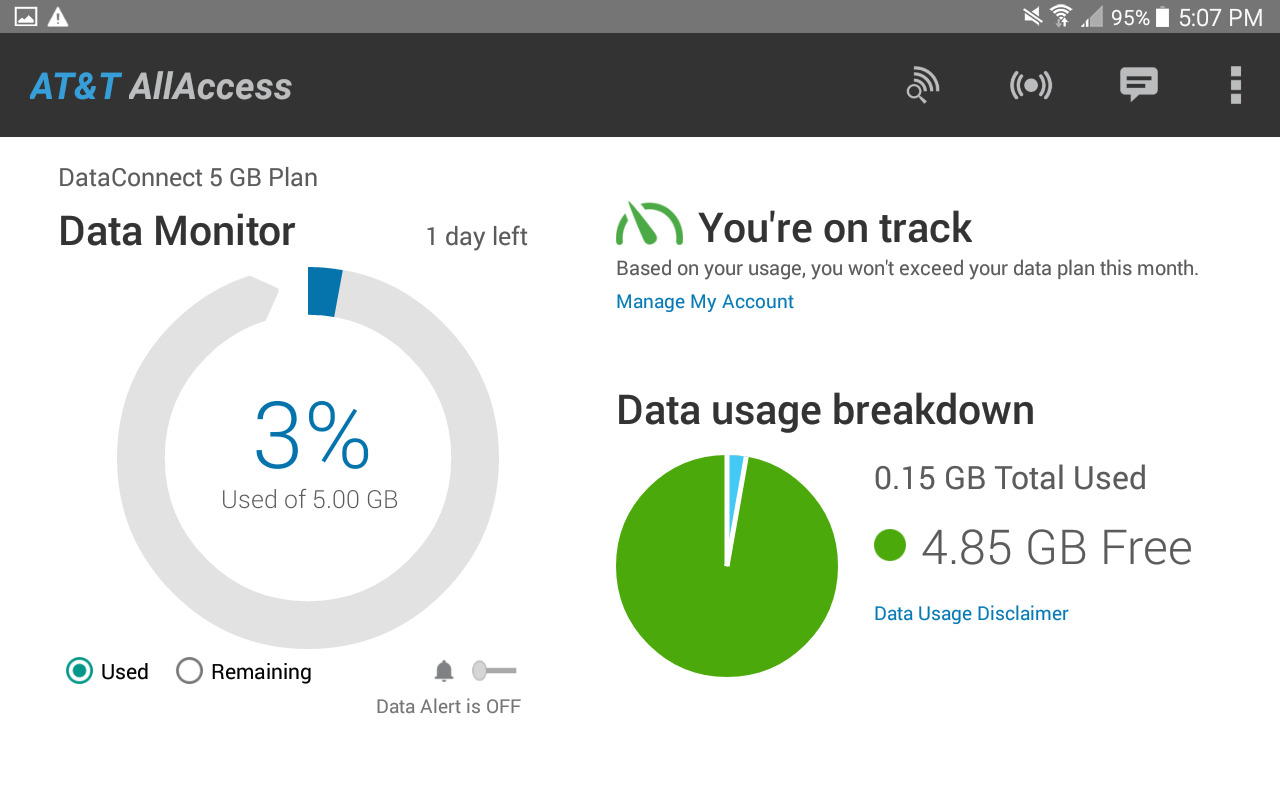
One major theme you will find is recovery and retrieval. Several articles tackle the common panic of losing important conversations, with step-by-step instructions on how to recover deleted texts and messages on both Android and iPhone, as well as how to retrieve deleted messages from specific carriers like T-Mobile. Another clear theme is account and carrier management. These pieces help you check your AT&T data usage via text, view your text messages online for T-Mobile or Verizon, and even change your Straight Talk phone number. A third theme covers setup, blocking, and hidden features. You can learn how to set up auto-reply for texts and calls using Do Not Disturb, how to add emojis with the emoji keyboard, and how to find hidden text messages on an iPhone 11.
Overall, these articles help you take direct action: recover lost conversations, monitor your messaging activity through your carrier, adjust your phone’s settings for automated replies, and troubleshoot why a number might be blocked or why your phone number won’t work on services like Venmo. Whether you want to delete messages on both sides of an Android conversation or receive texts on a Fitbit Versa 2, this tag provides the specific fixes you need.