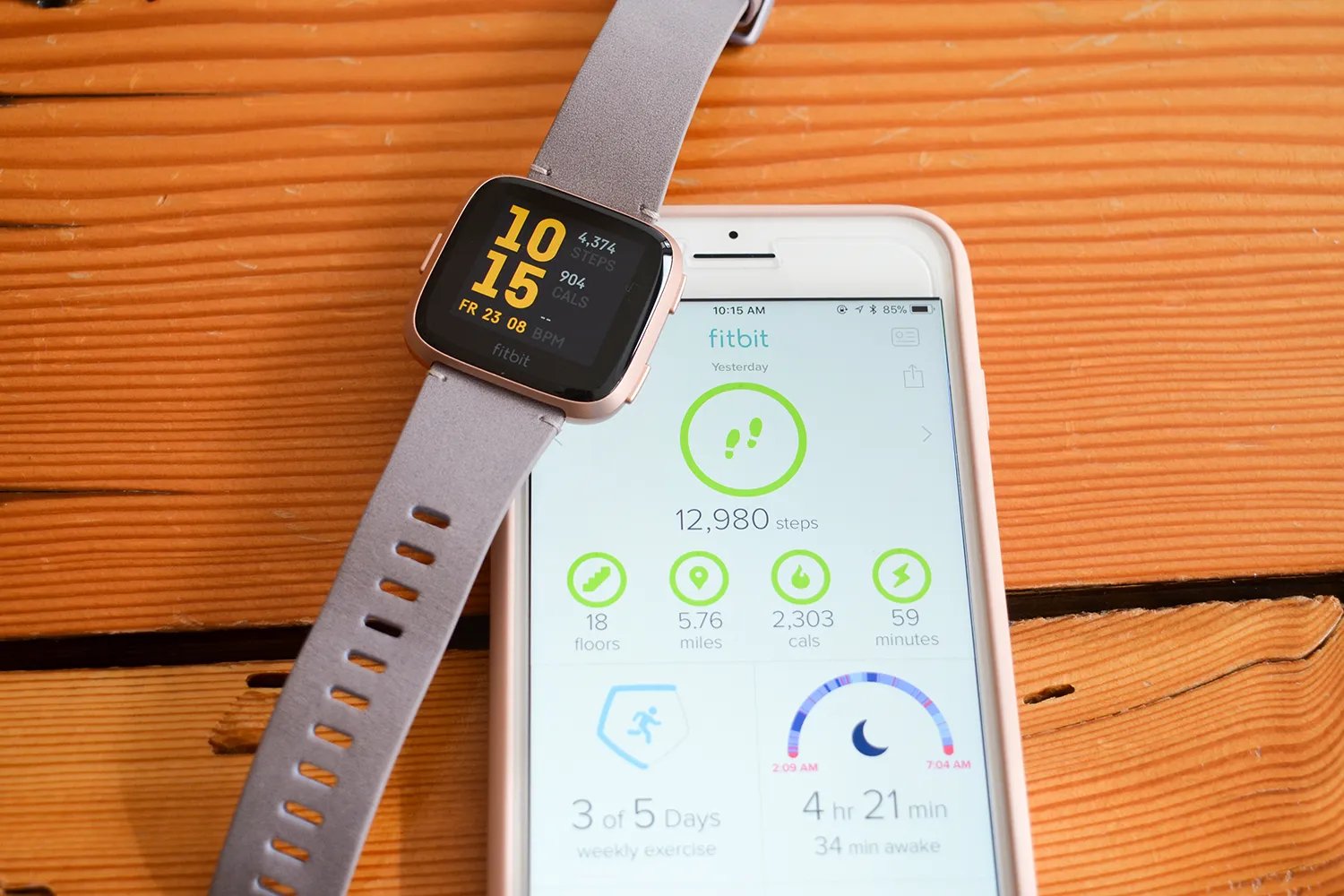
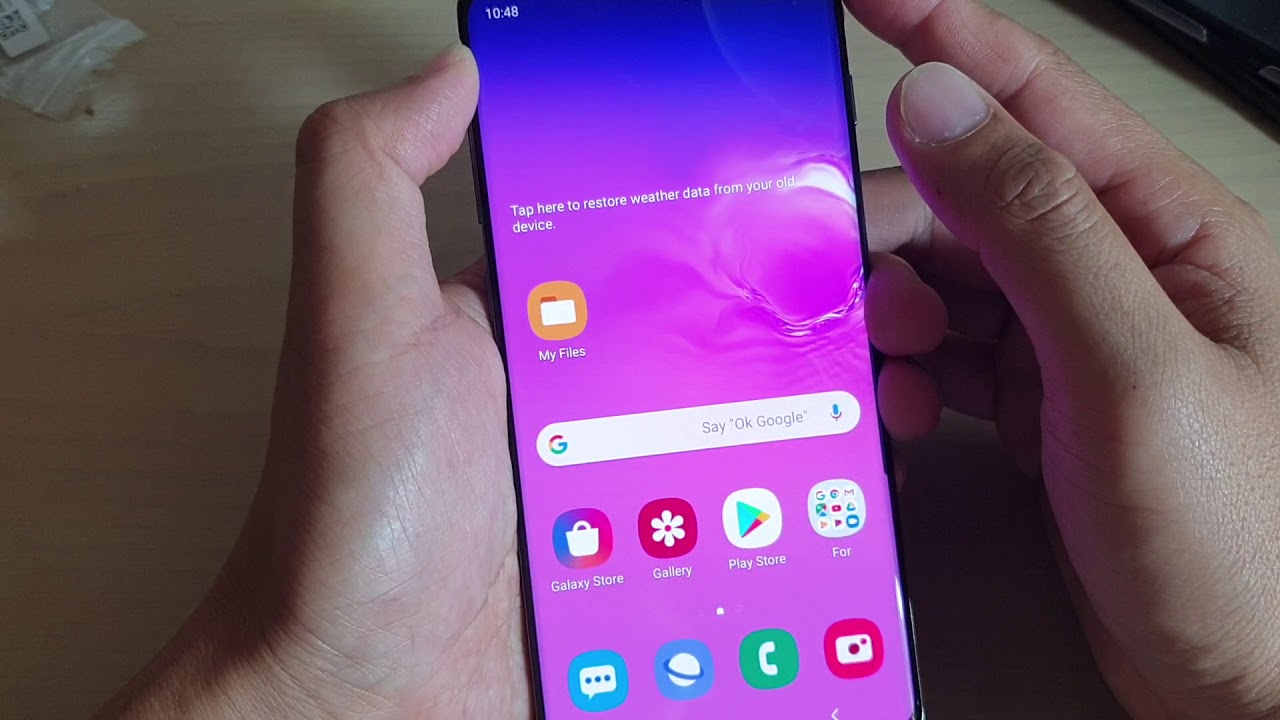
Step-by-step guides for anyone who owns or uses a phone, wireless earbuds, a smartwatch, or a connected home device like a Ring light or ADT alarm. Whether you are a casual user or someone who likes to fix things yourself, these articles are written to help you solve common problems without needing special tools or technical training.
The articles here fall into a few clear themes. One major group covers connectivity and setup issues, such as how to sync a Klipsch wireless subwoofer, connect JBL wireless earphones, or set up an HP Officejet 4650 wireless printer. Another theme focuses on hardware and display problems, like how to tell if a screen protector or screen is cracked, get rid of lines on a phone screen, or fix a Nintendo Switch Lite joystick. A third group tackles device behavior and resets, including why wireless earbuds keep flashing, how to reset Skullcandy or Jib True wireless earbuds, and what to do when a device gets stuck in recovery mode.
Each article helps the reader perform a specific action: turn on a Motorola or AT&T flip phone, remove a battery from an Android phone, fix a broken SIM card, or stop an ADT alarm from beeping with a low battery. If you are dealing with a 5xx server error on Instagram, a blinking Ring light, or a smartwatch that won’t turn on, you will find direct, practical instructions here.