Start here: Twitch

All topics →

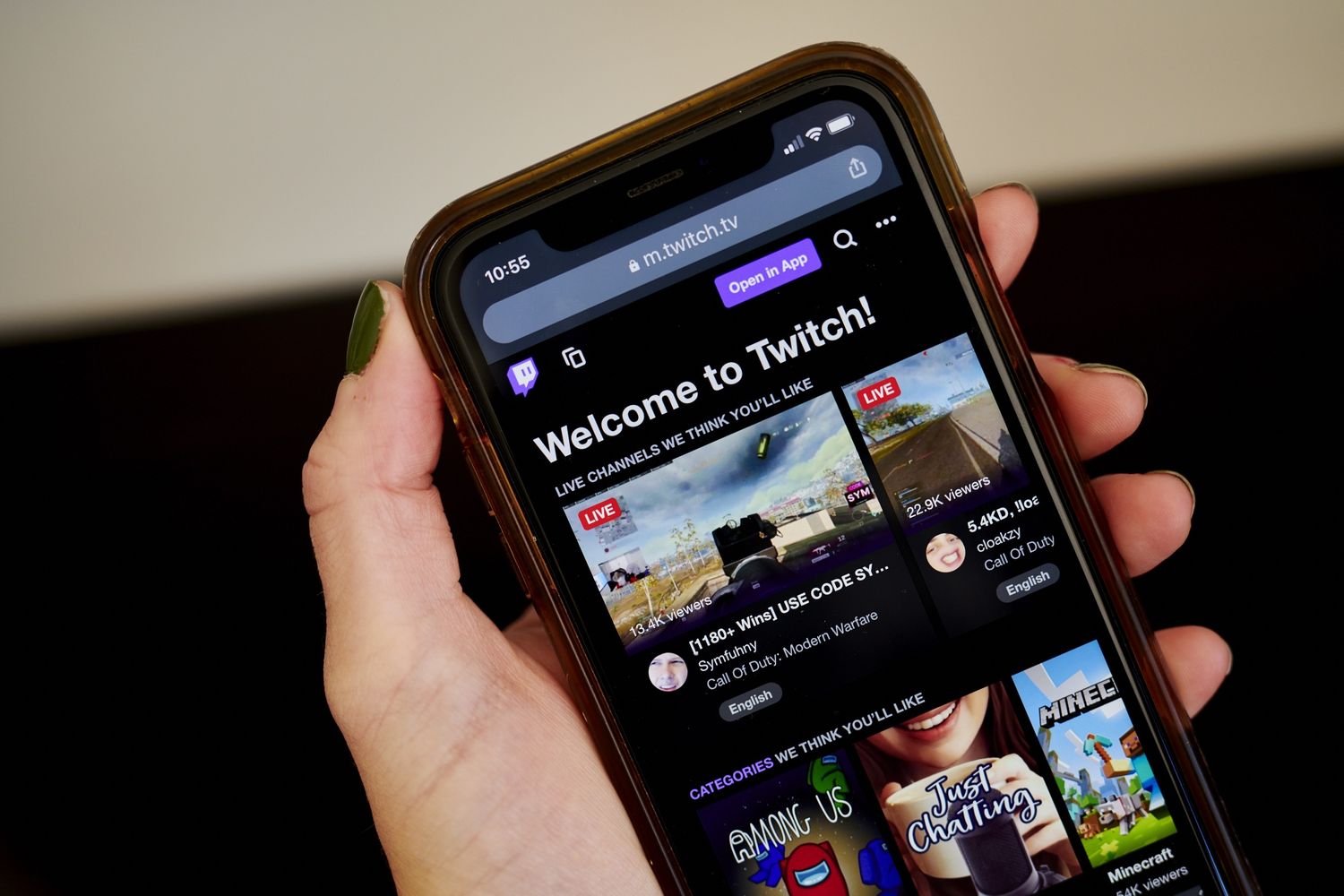
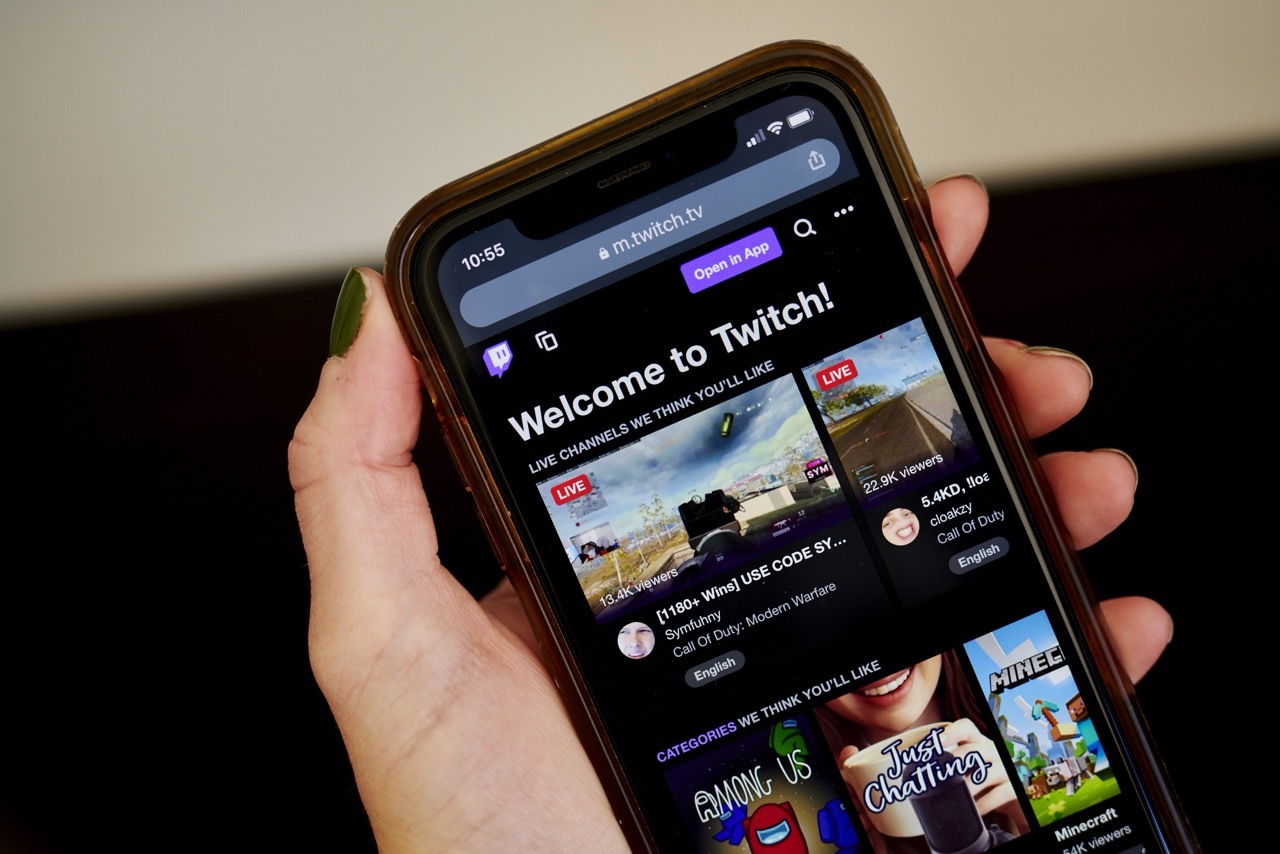
This tag collects guides and troubleshooting articles for using Twitch on mobile devices, specifically aimed at streamers and viewers who want to manage their experience from a phone. Whether you are setting up a broadcast, interacting with your community, or handling account settings, these articles focus on practical steps for the mobile version of the platform.

The articles address three main areas of mobile Twitch use. One group covers the technical side of streaming and hardware, including how to stream directly from your phone, use your phone as a webcam for Xbox One, and even view Twitch chat in VR on the Oculus Quest 2. Another theme centers on community management and engagement, with guides for moderators on starting predictions, setting up Twitch bots, donating, tipping, and checking who follows you. A third set of articles solves common account and content issues, such as verifying or changing your phone number, checking your payout and analytics, saving or deleting VODs, and uploading streams to YouTube.

Readers can expect to find clear, step-by-step instructions for tasks like seeing emotes on mobile, hiding chat, getting your Twitch URL, and betting. The collection also includes a broader overview of using Twitch on your mobile phone, making it a practical resource for anyone who wants to control their streaming activity entirely from a handheld device.
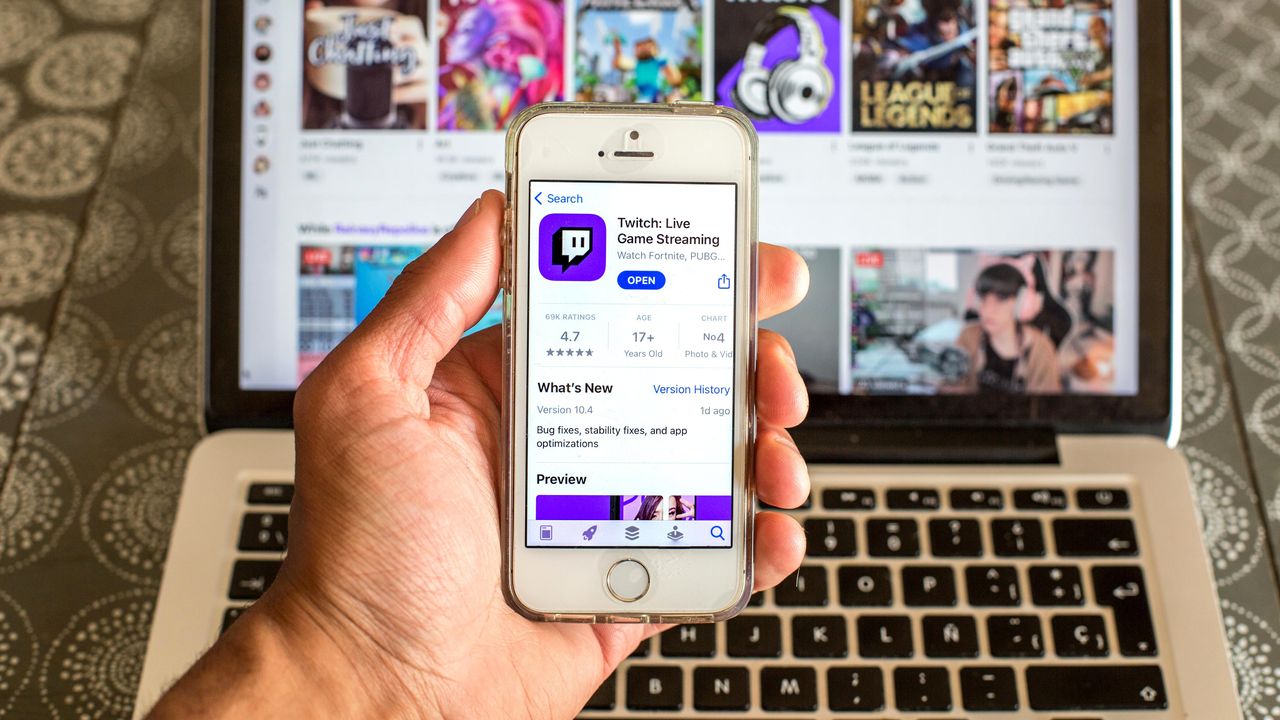
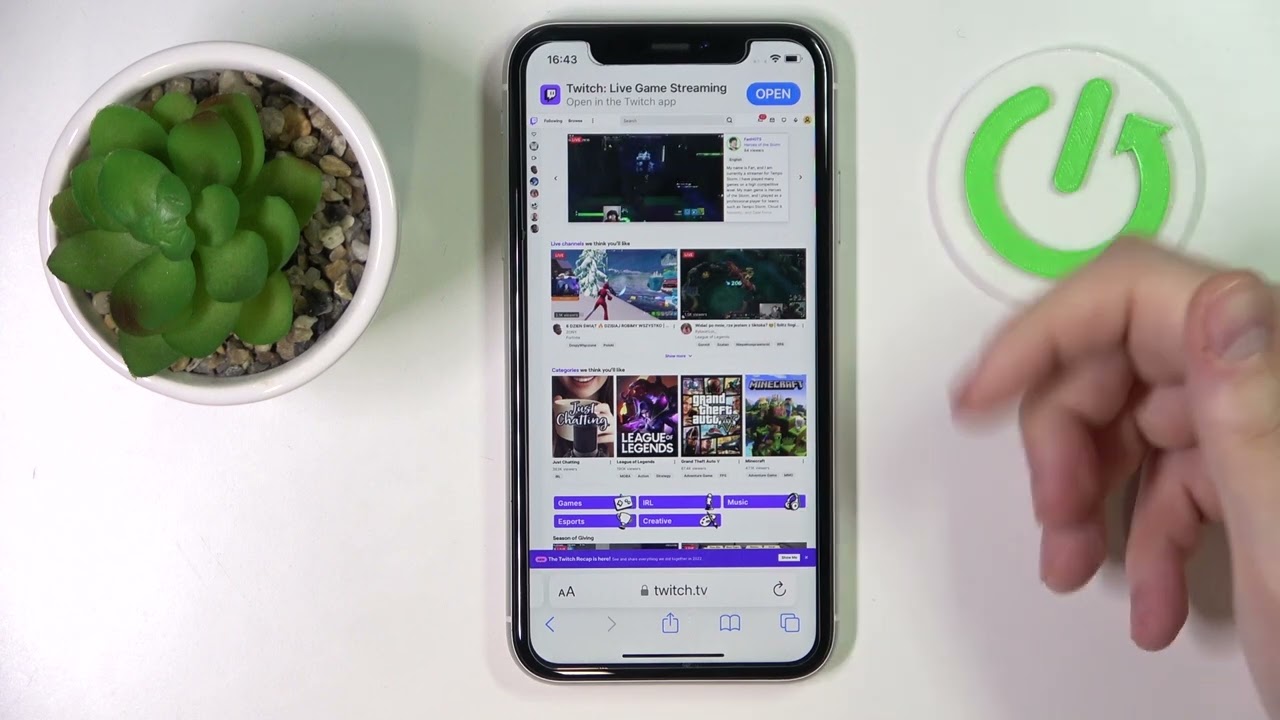
Using Twitch on Your Mobile Phone

Setting up your mobile game streaming The steps to go live on kick mobile differ slightly in their in-app layout, and account verification may be required before mobile access unlocks,...

How To Check Twitch Payout On Mobile

To check Twitch payout on mobile, open a mobile browser and sign in to the Twitch website, then navigate to the Revenue page inside Analytics to see your earnings, revenue-source...

Twitch: How To Donate On Mobile

To donate on Twitch mobile, you must use the Twitch Charity Tool, not a built-in 'Donate' button. The official mobile donation method is exclusively accessed through a link provided by...

How To Hide Twitch Chat On The Mobile App

To hide Twitch chat on mobile and watch a stream without the distraction of scrolling messages, you simply need to rotate your phone to landscape mode and tap the chat...

How To Tip On Twitch Mobile

To tip on Twitch mobile, the direct answer is that the Twitch mobile app has no native tipping button. The only official, documented way to send money to a streamer...

How To Delete Videos On Twitch Mobile

You cannot delete videos directly within the Twitch mobile app. To delete videos on Twitch mobile, you must use a mobile web browser to access the Creator Dashboard, which is...

How To Save Streams On Twitch Mobile

To save streams on Twitch mobile, you must first enable the setting on the web Creator Dashboard, because the toggle is not available in the mobile app itself. This is...