You cannot verify your phone number on Twitch because the number is a blocked VoIP service, is already linked to another account, or you have hit the rate limit of 3 attempts per 12 hours. To successfully verify your phone number on Twitch, you must first identify which of these three root causes applies to your situation and then follow the specific fix for that cause.
Why you can't verify your phone number on Twitch: The three verified root causes
There are three primary reasons why your phone number verification fails. The number you are using is a blocked VoIP service like Google Voice, Skype, or TextNow. The number is already linked to another Twitch account, which triggers an "already in use" or "disabled for reuse" error. Or, you have requested more than 3 SMS codes within a 12-hour period, triggering a temporary lockout.
Fix 1: Don't use a VoIP or virtual number
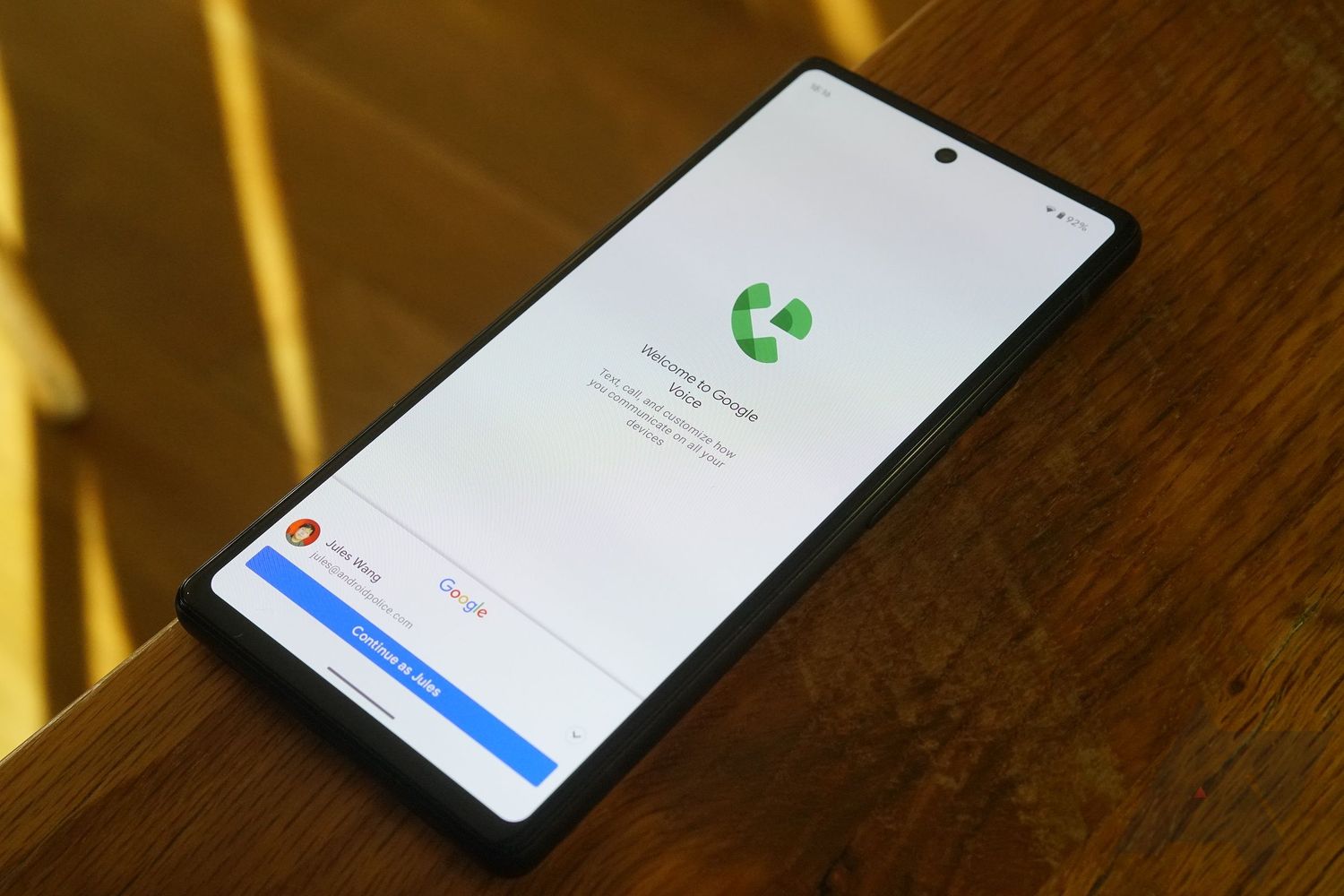
Twitch blocks all Voice over IP (VoIP) numbers for security purposes. This includes services like Google Voice, Skype, and TextNow. These numbers are blocked because they are often used to create spoofed and fake phone numbers that bypass security checks. You must use a real mobile carrier number from a provider like Verizon, T-Mobile, AT&T, or a similar legitimate carrier. If you attempt to use a VoIP number, the verification will fail immediately.
Fix 2: Recover a number already in use
If you see an "already in use" or "disabled for reuse" error, your phone number is linked to a different Twitch account. You must find that account and enable additional account creation.
- Go to the Account Recovery Tool at
twitch.tv/user/account-recovery. - Enter your phone number to find the linked account.
- Log into that account.
- Navigate to its Security Settings.
- Enable the "Additional account creation" option.
Once enabled, you can use that same phone number to verify up to five different Twitch accounts. If you cannot access the linked account, you will need to recover it first before proceeding.
Fix 3: Wait out the rate limit
Twitch enforces a rate limit of 3 verification code requests per 12 hours per phone number. If you request more than 3 codes in that period, you will be temporarily locked out from requesting further codes. The only fix is to wait. Do not keep requesting codes, as this will only reset the timer. After 12 hours have passed from your first request, you can try again.
Still not receiving the 6-digit SMS code?
If you are using a valid mobile number and have not hit the rate limit, but the code still does not arrive, try these troubleshooting steps.
- Wait 5-10 minutes for the code to arrive.
- Verify you entered the correct number and country code.
- Check your phone's spam or junk SMS folder.
- Disable "Do Not Disturb" mode on your phone.
- Restart your phone.
If the code still does not arrive after these steps, the issue may be with your mobile carrier's network congestion or a temporary carrier-side problem.
What to know about 2FA and multiple accounts
SMS verification is always required first when setting up Two-Factor Authentication (2FA), even if you intend to use an authenticator app like Google Authenticator or Microsoft Authenticator. After initial SMS verification for 2FA, you can optionally set up an authenticator app for more reliable code generation, which does not rely on carrier delivery. To add a phone number, navigate to twitch.tv/settings/security, click 'Add a number' under the Phone Verification section, select your area code, enter your number, click 'Save,' and then input the 6-digit code. A single mobile phone number can verify up to five Twitch accounts, but if one account is suspended site-wide, all other accounts linked to that same phone number will also be suspended. You cannot use a phone number that is already tied to an actively suspended account to verify additional accounts.
Frequently Asked Questions
Can I use a landline number to verify my Twitch account?
Twitch's phone verification system is designed for mobile numbers that can receive SMS text messages. Landline numbers typically cannot receive SMS codes, so they will not work for verification.
What should I do if I no longer have access to my old phone number with 2FA enabled?
If you have Two-Factor Authentication (2FA) enabled and no longer have access to your old phone number, you must use Authy's Phone Change Form to update it. This is the only way to regain access without the old number.
Why do some Twitch channels require phone verification to chat?
Some Twitch channels may require phone verification for users to participate in chat, a setting controlled by the streamer or moderators. This helps reduce spam and harassment in their channels.
Can I change my phone number on Twitch without verifying the new one?
No. To change your phone number, go to twitch.tv/settings/security, click the pencil icon next to 'Phone Number' under Contact, enter the new number, click 'Save,' and confirm.
For the wider topic, see spoofed and fake phone numbers.