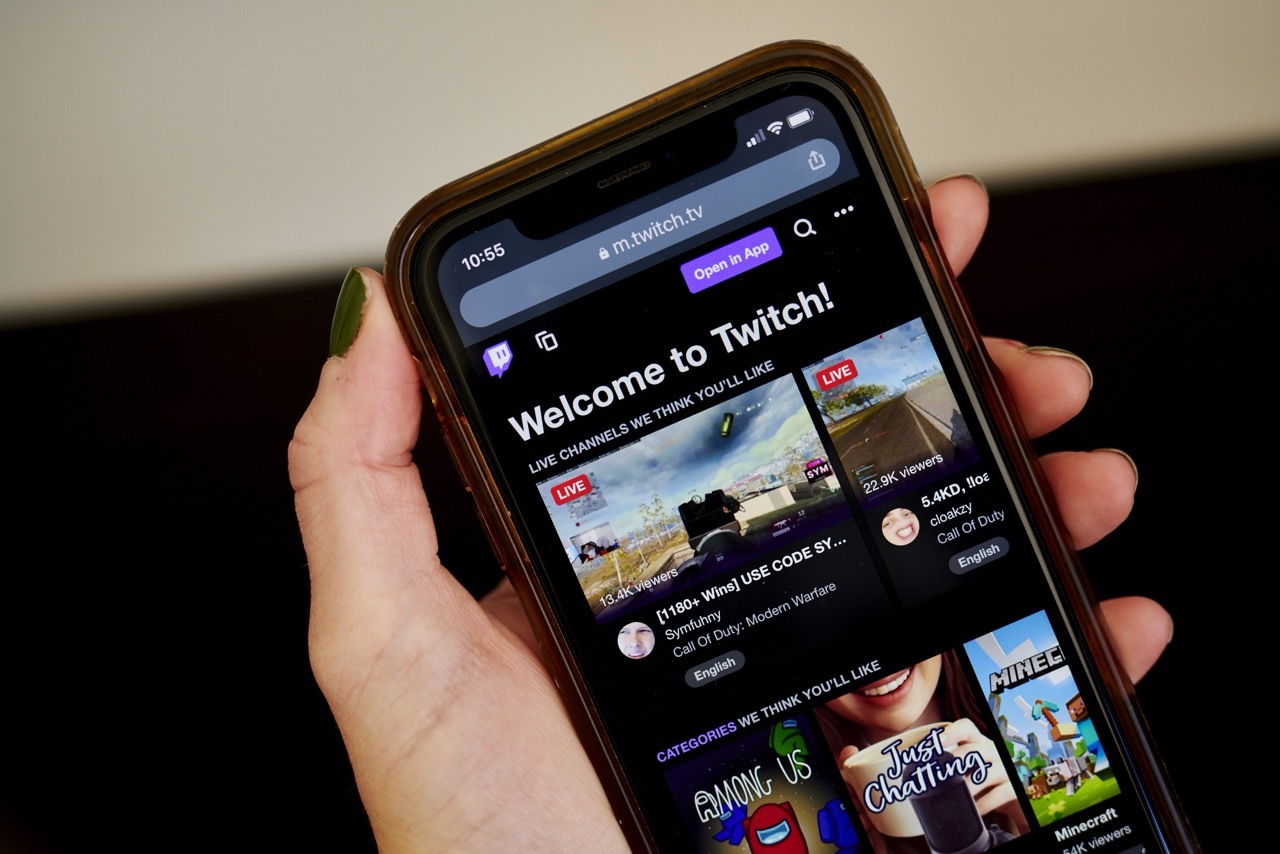
Setting up your mobile game streaming
The steps to go live on kick mobile differ slightly in their in-app layout, and account verification may be required before mobile access unlocks, which is why a dedicated walkthrough helps you navigate those menus quickly. For players focused on Korean platforms, learning to stream mobile games on afreeca TV often starts with installing the official SOOP app and logging in with a verified account to access broadcasting features, and a beginner’s guide makes that process straightforward. Console streamers can bypass a pricey capture card if they use your phone as a webcam on Xbox one Twitch by running a third-party camera app that links to the console’s broadcast features, saving money while improving stream quality. Meanwhile, the fastest way to get mobile gaming on TikTok live is to confirm your account has at least 1,000 followers.
- use your phone as a webcam on Xbox one Twitch
- stream mobile games on afreeca TV
- go live on kick mobile
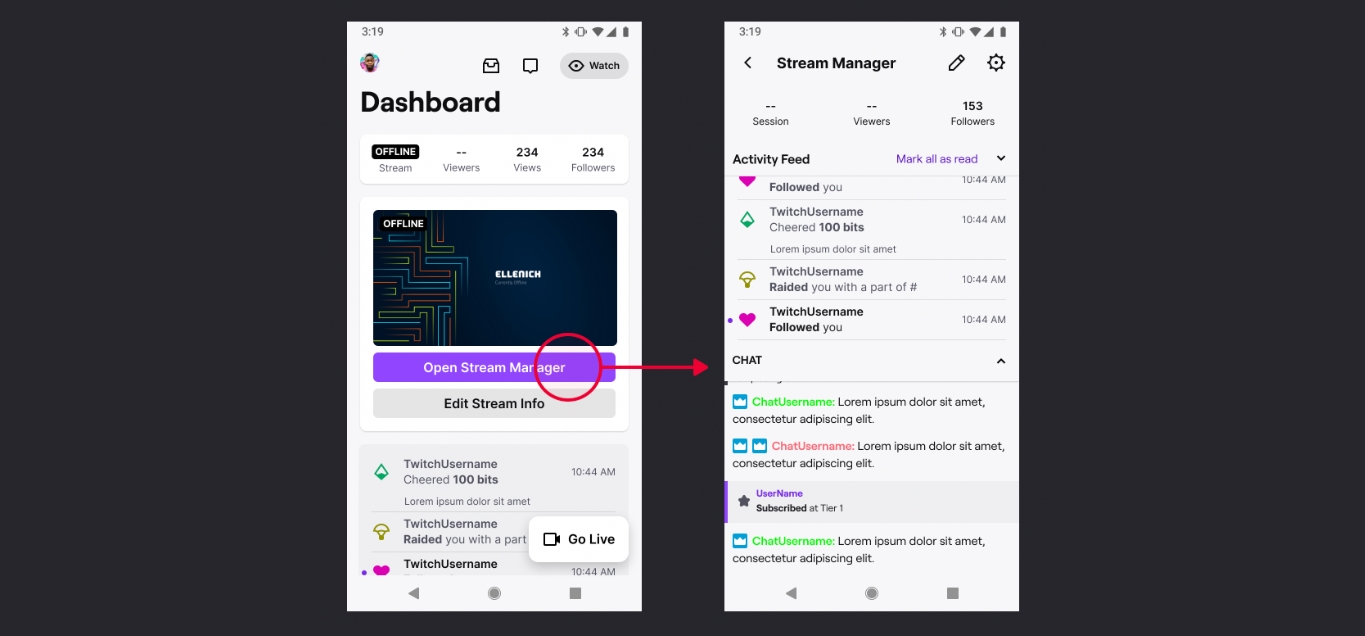
- stream on Twitch
Managing your channel and content on the go
When you need to clean up your library, the option to delete videos on Twitch mobile is not inside the app at all. Open your phone’s browser and navigate to the Creator Dashboard, then go into Content and find Video Producer where each VOD has a three-dots menu that lets you remove it permanently.
Before anything can be removed, of course, it has to exist. The toggle that controls that is called Store past broadcasts in Creator Dashboard > Settings > Stream > VOD Settings. If your goal is to save streams on Twitch mobile, you are really just making sure that toggle is switched on before you go live, because the platform does not offer a direct download button inside the app and VODs live on the website, not on your phone’s local storage.
Once a broadcast is stored, you might want to save VODs on Twitch mobile for editing elsewhere, so the workflow shifts to exporting rather than downloading. That means linking your YouTube account first under Settings > Connections, then returning to Video Producer, finding the VOD, and choosing export from its menu. The process to upload a YouTube video on your phone is straightforward in YouTube’s own app, but getting the file there from Twitch requires that browser-based export step. The full path to upload Twitch streams to YouTube on mobile therefore runs through the Creator Dashboard, not through the Twitch app itself.
Engaging with your community from your phone
When you are live and need to keep up with your community, the mobile app gives you a few direct ways to stay connected without pulling out a laptop. You can hide Twitch chat on the mobile app to get a clean view of the gameplay until you are ready to jump back into the conversation. If you want to react properly, you first need to see emotes on Twitch mobile using the option inside the chat field that pulls up the full set of emotes available to you, including any stream-specific ones you have unlocked.
Moderators who need to run interactive segments face a different challenge. To start prediction on Twitch as a mod on mobile, open your phone's browser to access the Creator Dashboard where the Predictions widget becomes available for you to configure and launch.
For a broader view of your growing audience, you can see who follows you on Twitch on mobile by opening the app and looking for the option to scroll through recent names. To keep the chat manageable while you are away from a full keyboard, exploring the 11 best Twitch bots for every streamer helps you set up automated moderation and engagement commands that run regardless of which device you are using to broadcast.
Handling money, subs, and donations
When you want to support a streamer directly from your phone, the options depend heavily on whether you are using an iPhone or an Android device. On Android, using Twitch Prime sub on mobile can be done right inside the app by tapping the Subscribe button on a streamer’s page and following the prompts, as long as Prime subscriptions are available in your region. On an iPhone, that same flow will only let you pay through Apple’s system, and Prime subs are not supported in the iOS app at all. Before any of that works, you must have already linked your Amazon and Twitch accounts through the Prime Gaming website.
For one-time support, you can donate on mobile by purchasing Bits in the app and using available chat features to show support, which is the built-in way to tip on Twitch mobile without leaving the broadcast. The official app does not surface any direct tools for placing a wager, so if you want to bet on Twitch mobile using channel points on a prediction, you will need to open your phone’s browser, switch to desktop mode, and access the relevant dashboard features. That same workaround is the only path available when you need to check Twitch payout on mobile, as your revenue details and payout threshold progress may not be readily available in the Twitch app itself.
Finding and sharing your channel info
When you need to get your Twitch URL on mobile, the app itself does not offer a straightforward copy button. One common workaround is to open your phone’s browser, switch to desktop mode, and navigate to your page from the Creator Dashboard.
The same workaround applies if you want to check Twitch analytics on mobile. Twitch has started bringing Stream Summary analytics into the mobile app but is still working to make those stats match what you see on the web. Until that parity arrives, a desktop-mode browser path is one way to access your full performance data from a phone, regardless of whether you use iPhone or Android.
Watching and organizing video content
When a major tournament is live, setting up a mobile World Cup viewing session is straightforward, though the exact app and steps to watch world cup on mobile may vary. If you want to save Reels to your phone from your own Facebook account, the process is the same on both Android and iPhone: tap your profile picture, select the Reels tab next to Photos, open the clip, and hit the Options menu to find Download reel. On Android it lands in your gallery, while on iPhone it goes straight to your camera roll, and the feature is not available on desktop computers. For other people's clips, the Options menu instead offers Save reel to bookmark them for later. If your feed feels too crowded, there is no way to remove Reels from Facebook on Android, so you are limited to adjusting what you engage with rather than hiding the format entirely.
Frequently Asked Questions
Can I use my Prime sub on the Twitch iOS app?
No, Prime subscriptions are not supported in the Twitch iOS app at all. On Android, you can use a Prime sub by tapping Subscribe on a channel and following the prompts, provided Prime subscriptions are available in your region.
Where do I export a Twitch VOD to YouTube from my phone?
Open your phone’s browser to Creator Dashboard > Content > Video Producer, tap the three-dots menu on the VOD, and choose export. You must first link your YouTube account under Settings > Connections before the export option appears.
What does the follow drawer show in the Twitch mobile app?
The follow drawer in the upper-left corner of the new Twitch mobile app shows your followed channels. It does not display a list of who follows you, which requires a different path through the app to scroll through recent follower names.