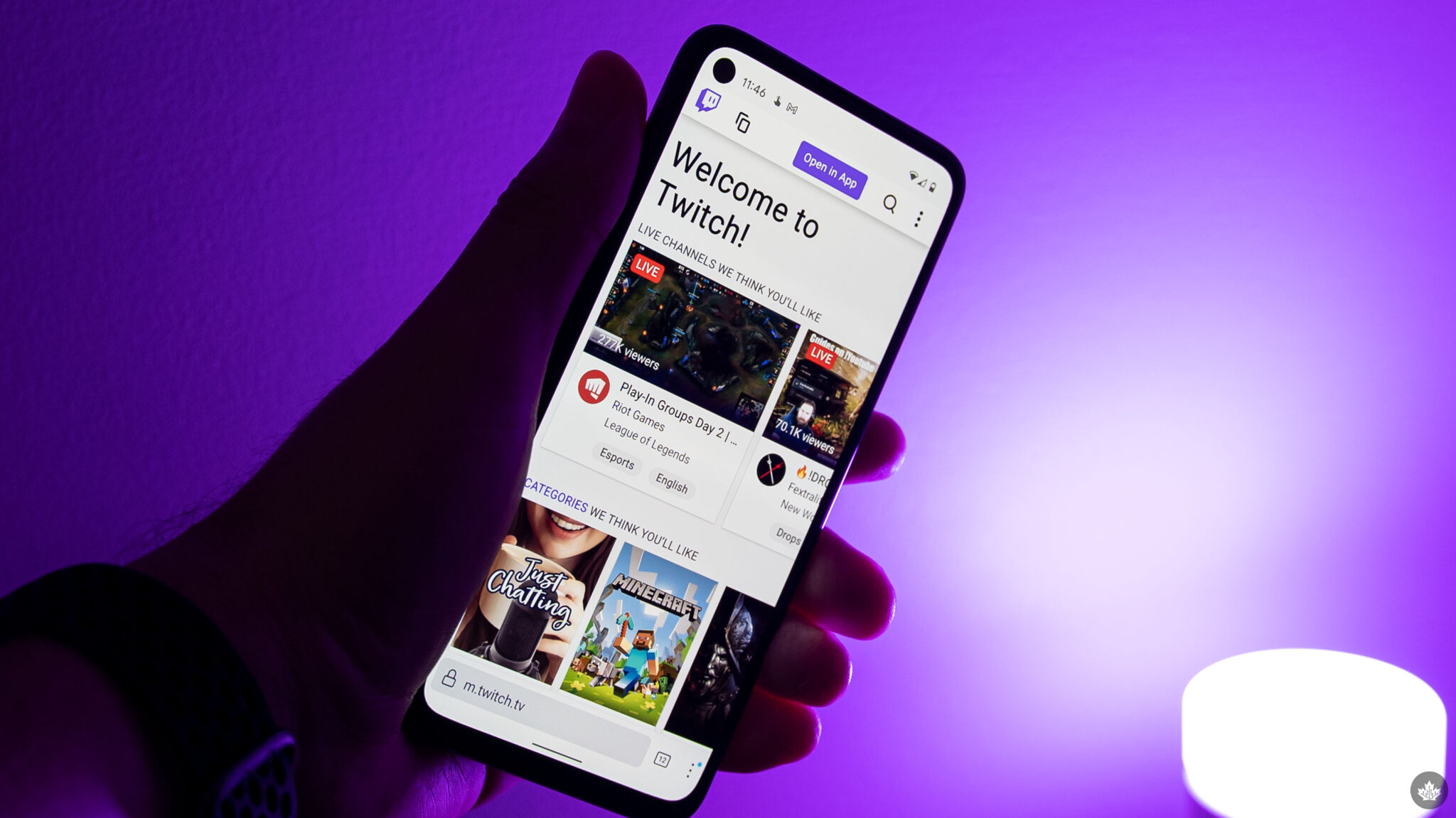
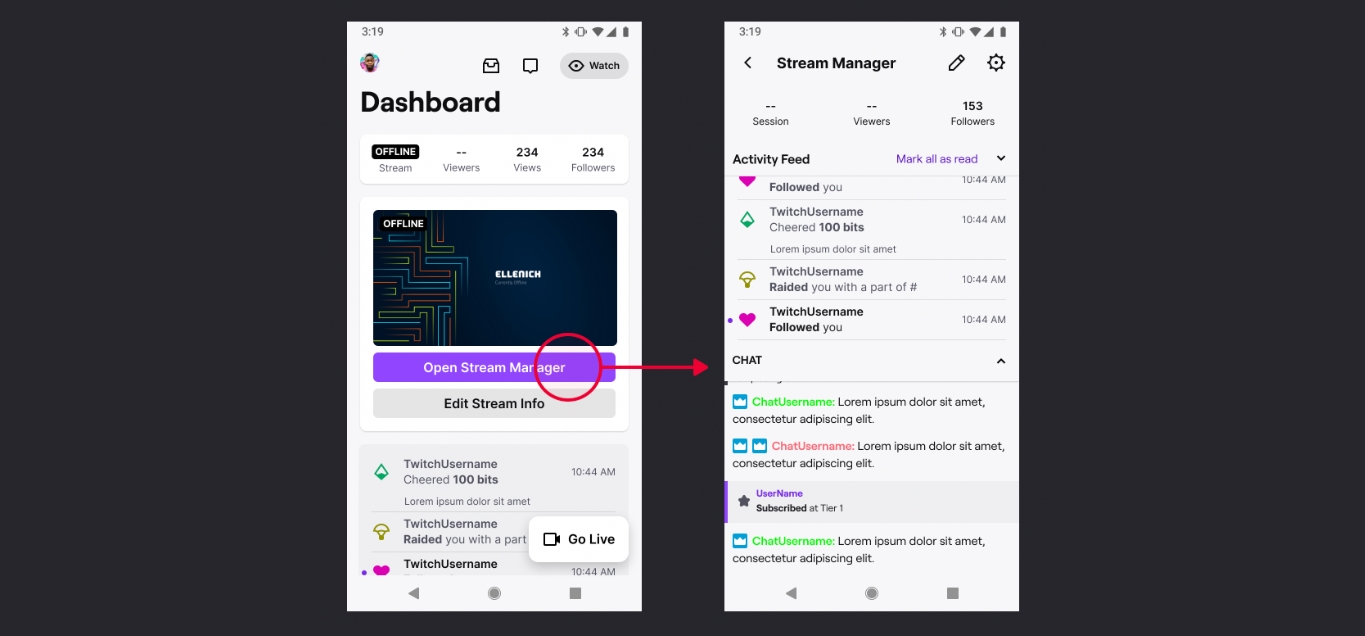
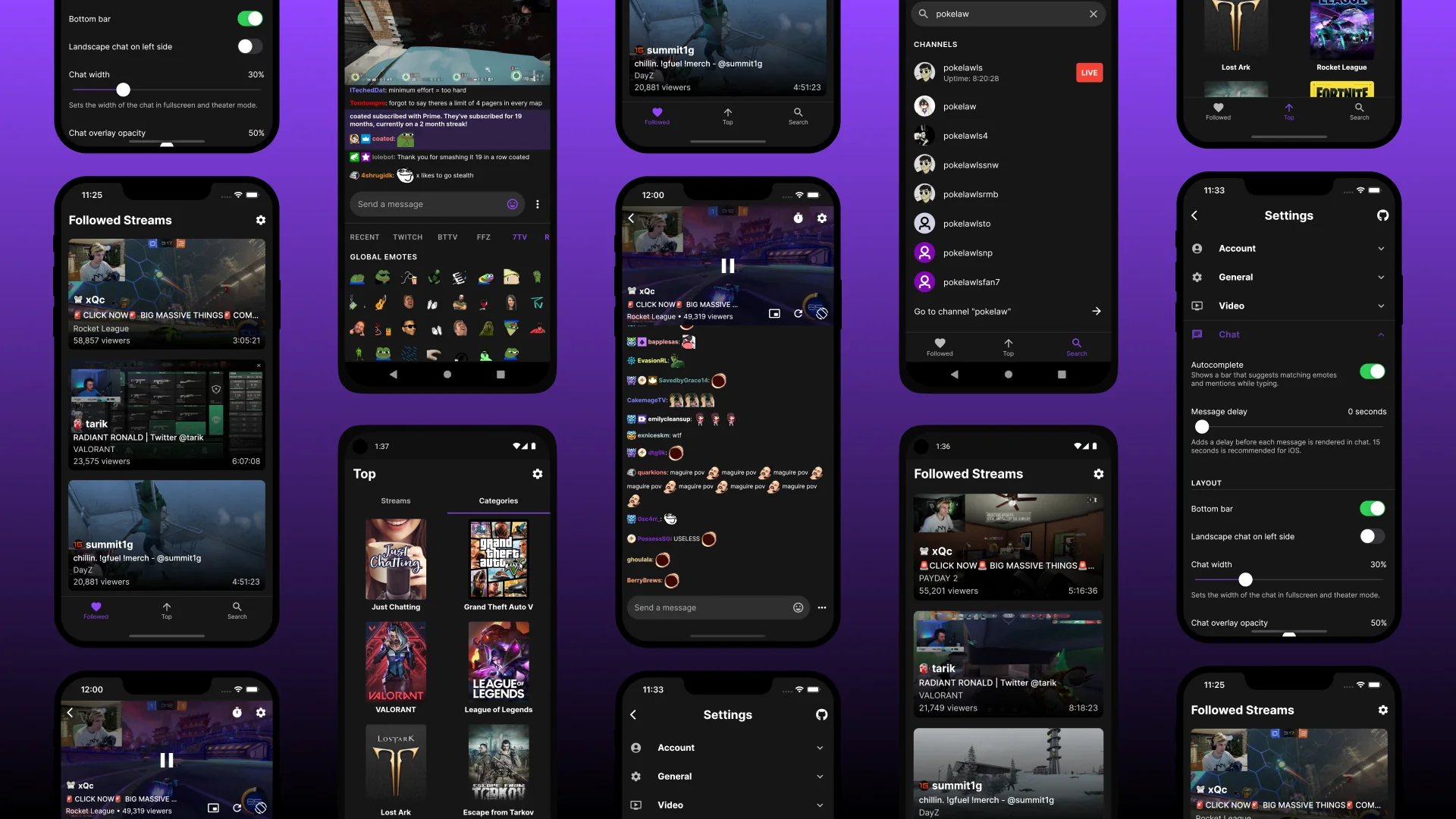
This tag collects guides and troubleshooting articles for using Twitch on mobile devices, specifically aimed at streamers and viewers who want to manage their experience from a phone. Whether you are setting up a broadcast, interacting with your community, or handling account settings, these articles focus on practical steps for the mobile version of the platform.
The articles address three main areas of mobile Twitch use. One group covers the technical side of streaming and hardware, including how to stream directly from your phone, use your phone as a webcam for Xbox One, and even view Twitch chat in VR on the Oculus Quest 2. Another theme centers on community management and engagement, with guides for moderators on starting predictions, setting up Twitch bots, donating, tipping, and checking who follows you. A third set of articles solves common account and content issues, such as verifying or changing your phone number, checking your payout and analytics, saving or deleting VODs, and uploading streams to YouTube.
Readers can expect to find clear, step-by-step instructions for tasks like seeing emotes on mobile, hiding chat, getting your Twitch URL, and betting. The collection also includes a broader overview of using Twitch on your mobile phone, making it a practical resource for anyone who wants to control their streaming activity entirely from a handheld device.