First, understand what a power bank is and how to use it
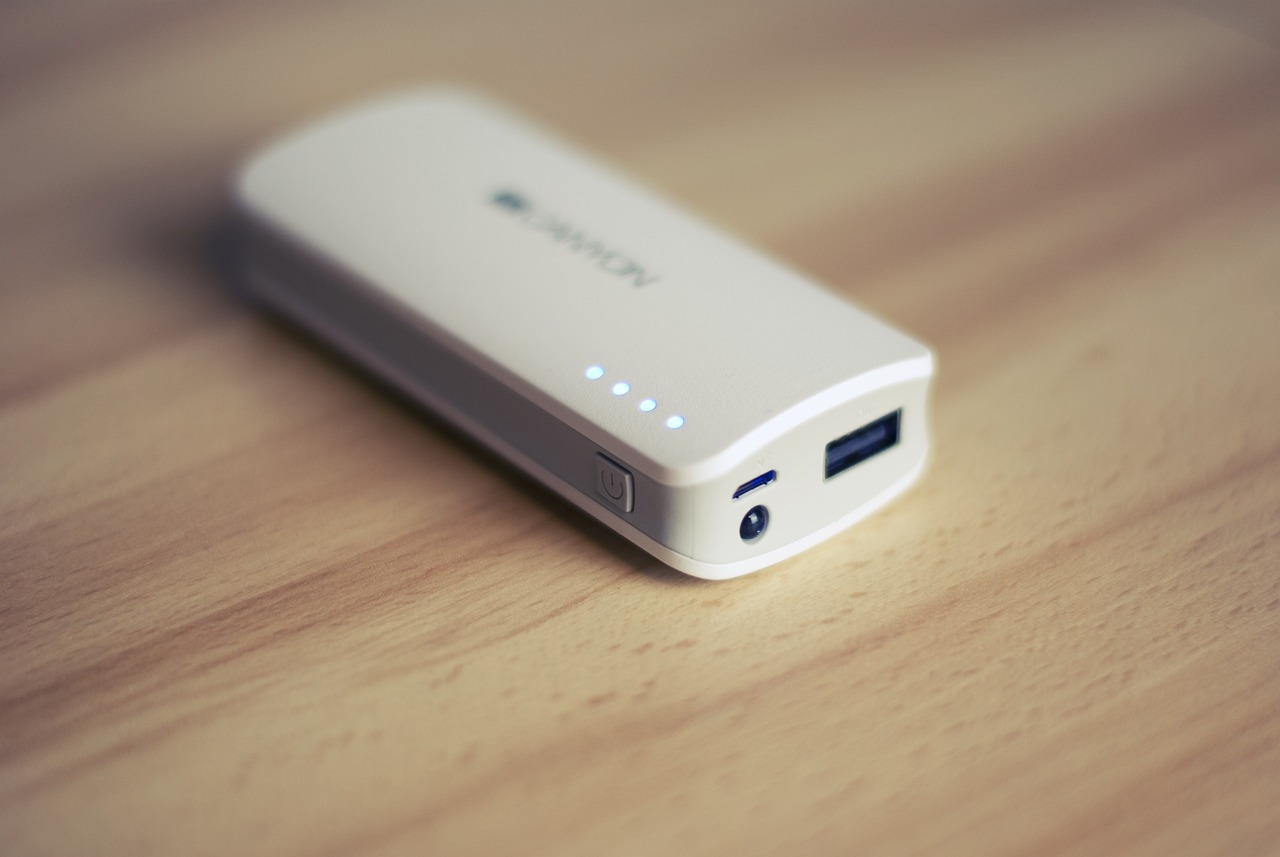
Learning how to use a power bank starts with understanding the basics: a power bank is a portable rechargeable battery that stores electrical energy and then sends it out through its ports to charge another device. The internal cells hold a charge at a low voltage, and when you plug in your phone, an output circuit steps that voltage up to the standard 5V or higher that USB devices expect. Before first use, you should charge the unit through its input port, where the built-in regulation circuit manages the incoming current to safely fill the cells.
How does the power bank work once it is full? You connect your device with the appropriate cable, and some models begin delivering energy automatically while others require a short press of the power button to start. During this process, the circuitry may adjust voltage and current to match what the connected phone or tablet asks for, but all of that conversion comes with a cost.
Choosing the right capacity and features
When you are deciding whether a 10000mAh power bank is better or a 20000mAh one, start by thinking about usable energy rather than the label on the box. A 10,000mAh unit typically delivers about 6,000-8,500mAh of actual output after voltage conversion, depending on efficiency. This translates to roughly one to three phone refills depending on your device’s battery size. It makes a pocketable daily companion for topping up a single phone.
Step up to a 20,000mAh bank and the usable figure lands closer to 12,000-17,000mAh, depending on efficiency. The question of a 20000 mAh power bank how many charges it provides comes down to your hardware. Sources show it can range from about 2.5 full refills on a large-phone assumption to more than six on a smaller, modern handset. The trade-off is weight and bulk, but you gain the ability to share power across a phone and a tablet throughout a weekend trip. To settle the debate on which power bank is better 10000mah or 20000mah, consider that the larger unit offers nearly double the usable energy for multi-device trips, while the smaller one prioritizes portability for daily carry.
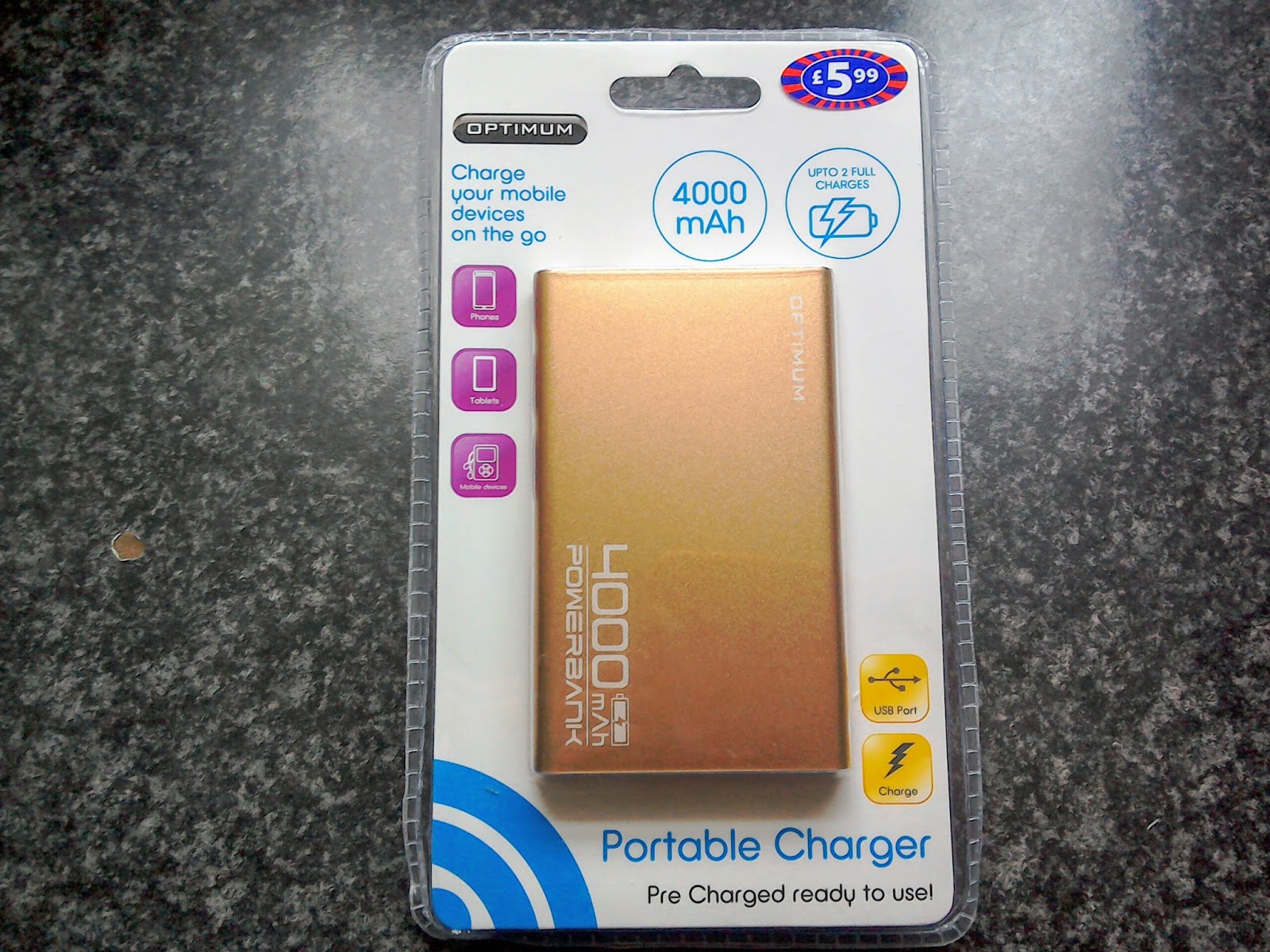
For lighter needs, a compact 5000mAh unit usually delivers around one full top-up. With a bigger phone, expect closer to 0.8 refills. This sets realistic expectations for 5000mAh power bank battery life during a long day out. Cost scales with capacity, and while the 4000mAh power bank cost is not pinned to a single number in available references, you should treat price as a signal for build quality and circuit efficiency rather than raw milliamp-hours alone.
When selecting a power bank, match the mAh rating to your carry habits and the number of devices you need to sustain. Remember that the lifespan of a 10000mAh power bank is measured in charge cycles. A well-built unit will serve reliably through hundreds of uses before its internal cells begin to fade.
Travel rules and preparation
Before you pack, check the allowed power bank sizes on flights because the rules are strict and enforced at the gate. You will want to read the article about allowed power bank sizes on flights to avoid having your device confiscated at security. The TSA requires all power banks to travel in your carry-on bag, never in checked luggage, and if your carry-on gets gate-checked at the last minute you must remove the battery and keep it with you in the cabin. Individual airlines layer on their own restrictions; Southwest, for instance, may impose its own restrictions, so always check your airline's specific regulations before traveling. Always check your airline's specific regulations before traveling, as some carriers may impose additional restrictions.
When you bring a new unit home, the steps for how you charge power bank for the first time are refreshingly simple because no special conditioning ritual is required. You will want to read the article about how to charge power bank for the first time to ensure your battery gauge is accurate from day one. Plug it into a quality wall adapter using the supplied cable and let it reach a full saturation before you rely on it, which ensures the internal fuel gauge is calibrated. There is no hidden menu path on your phone to enable or a multi-day break-in sequence to follow; just replenish it until the indicator shows full, then treat subsequent top-ups as normal. That initial full saturation gives you the most accurate starting point for estimating how much usable energy you will actually get, and keep in mind that real-world output will settle into that 60-70% range of the printed number.
How to charge the power bank itself
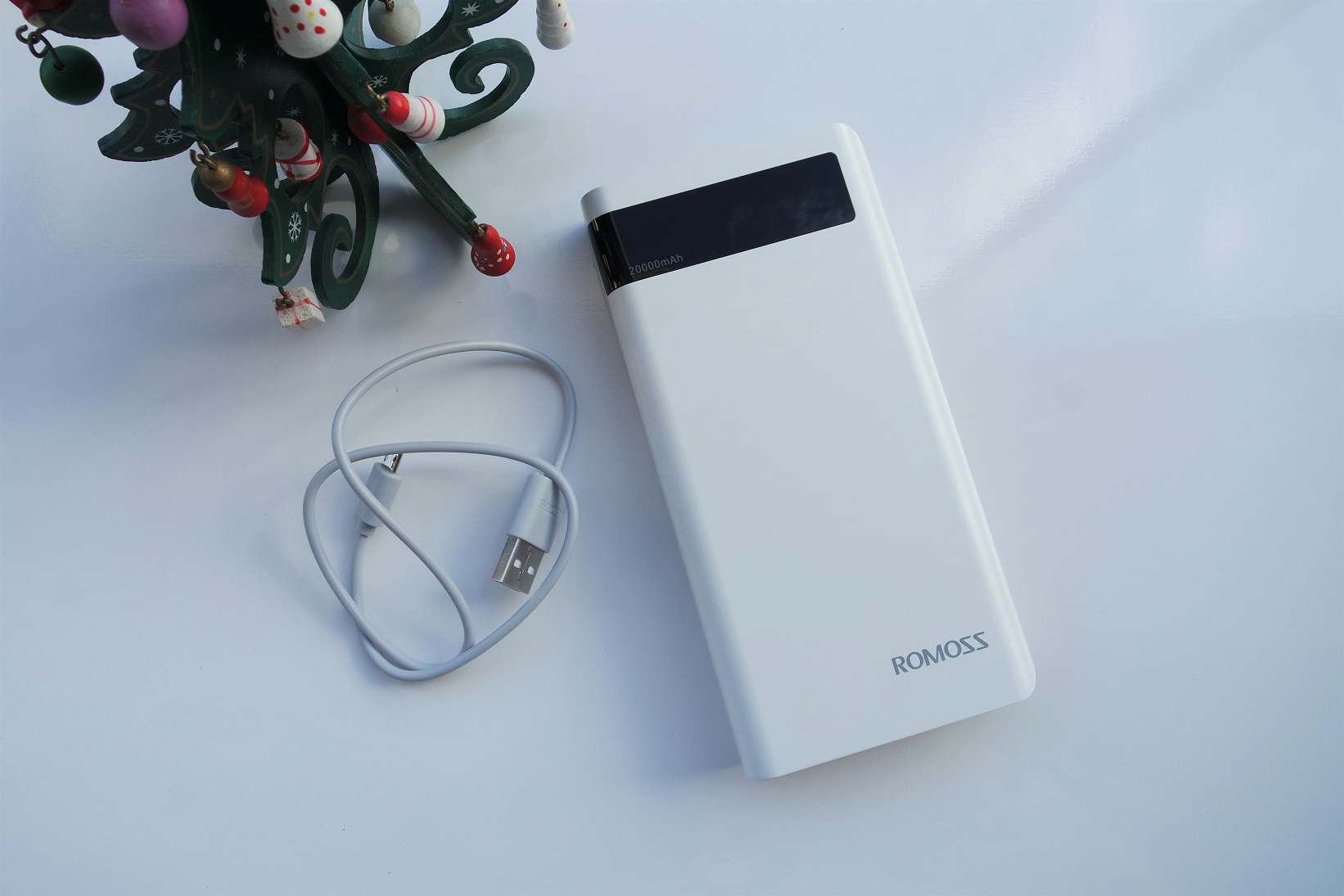
When you need to top up the battery, connect the input port to a wall charger using a quality cable. If you need to charge a Belkin power bank, the LED indicators give a clear readout. On BOOST↑CHARGE 5K and 10 K models, four solid lights mean 100%, three mean 75%, two mean 50%, and one means 25%. The USB‑C 20 K version pulses the lights during a top-up and shows a range. Four lights indicate 75% to 100%, three show 50% to 75%, two mean 25% to 50%, and one appears when the level drops to 25% or less. Owners looking up Anker power bank how to charge will find that the four small round indicator lights map to specific levels. For a Blavor solar power bank how to charge, plug into the micro‑USB port and watch the indicator lights flash in sequence until full. Pressing the power button lights up four blue bars for 25%, 50%, 75%, and 100%. The solar panel only trickles current in strong sunlight. For romoss power bank how to charge. You will need to rely on the behavior of your specific unit. When recharging a Belkin power bank 10k how to charge follows the same four‑light pattern as the 5 K model, with all four staying solid when ready. The question of charging a 20000mAh power bank does not have a single timed answer.
How to use the power bank to charge your devices
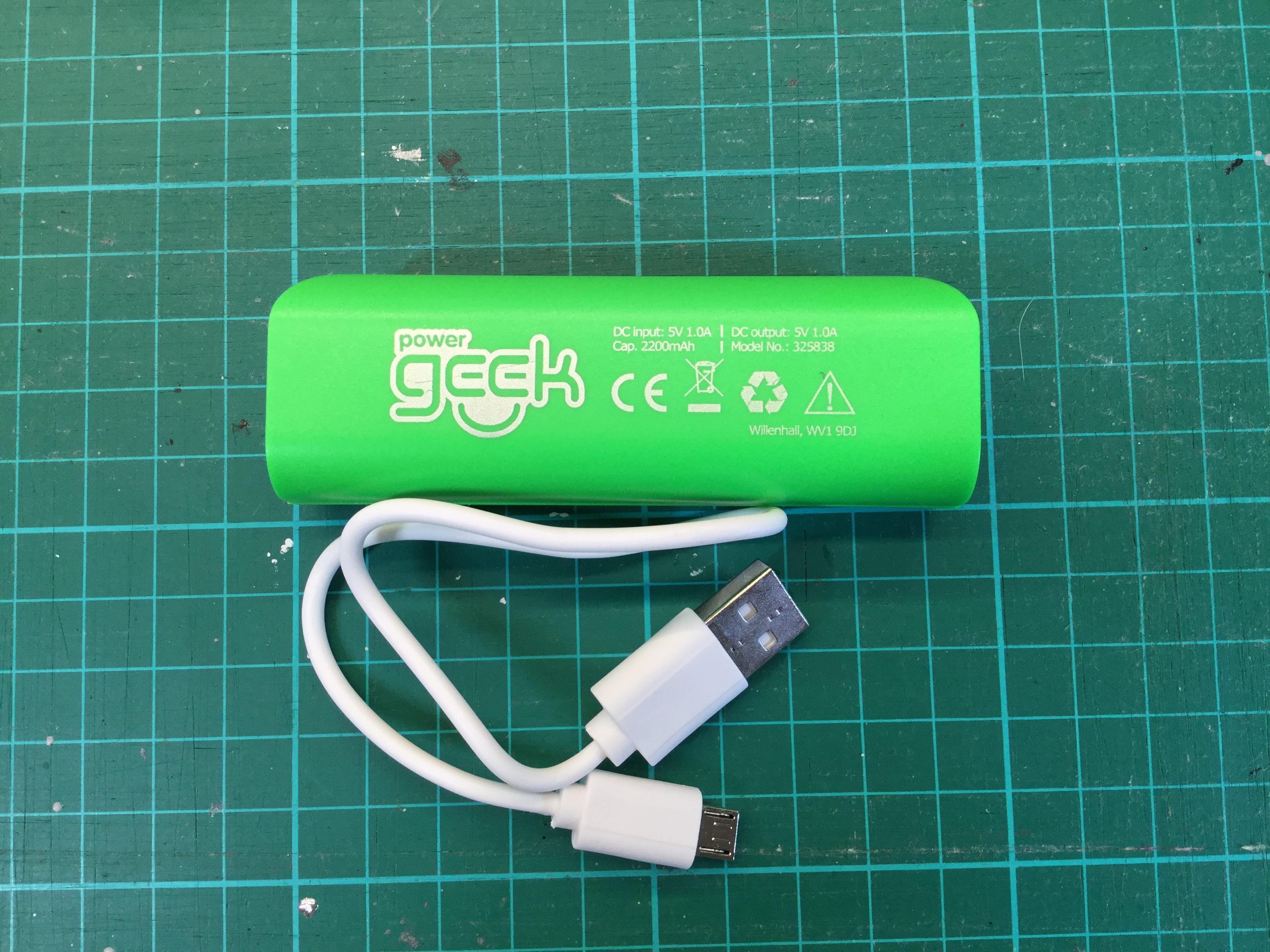
Standard power banks connect with a USB cable, and most will wake and begin delivering power the moment you plug in a device, though a quick press of the power button usually forces it on if it stays dark. The same logic applies when you use power bank charger 2200mah, where the unit’s small capacity makes it especially important to confirm the indicator lights are active so you do not drain it without knowing.
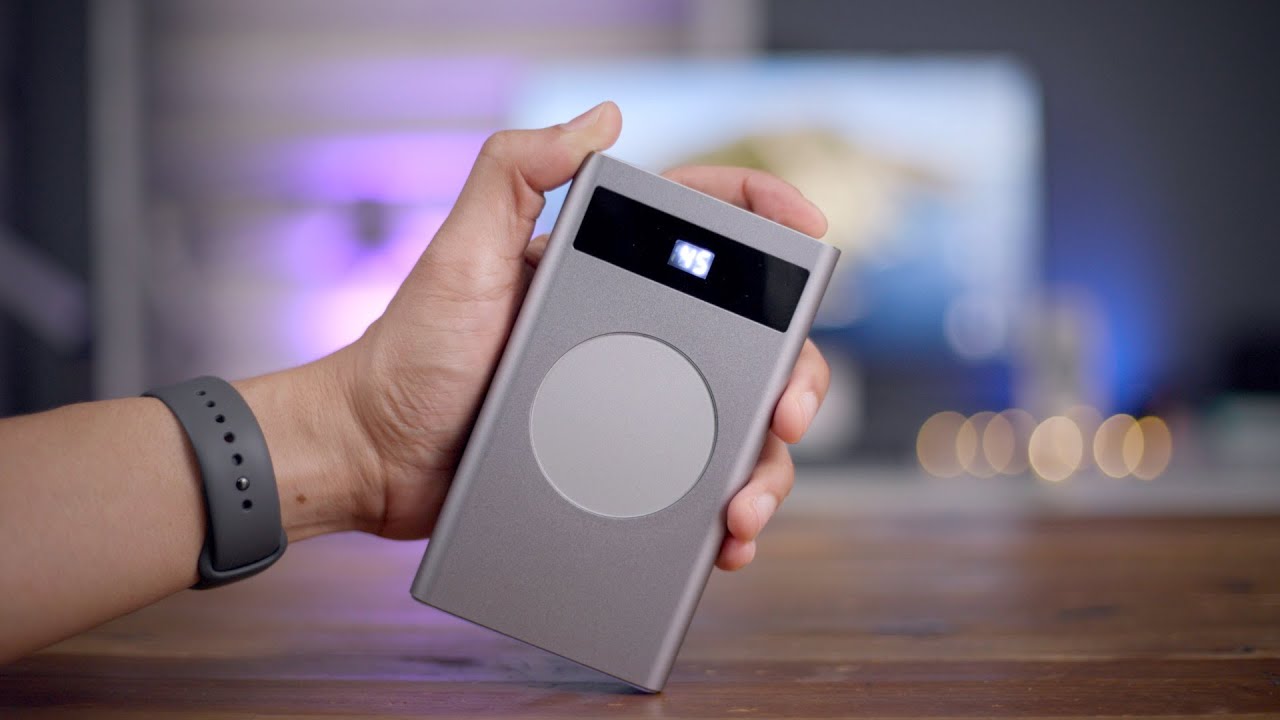
For phones that support it, a wireless power bank how to use is refreshingly direct: set the phone onto the pad and wait a few seconds for the screen to confirm current is flowing. Apple notes that an iPhone should start charging a few seconds after it is placed on a wireless charger, with no menu path or Bluetooth pairing required. If you use magnetic wireless power bank with a MagSafe-compatible iPhone 12 through iPhone 15 models, the disc snaps into alignment on its own and replenishing begins automatically. Apple's MagSafe Battery Pack and Belkin's Qi2 magnetic power bank are documented as delivering wireless output, though the connection is purely magnetic, so a case that holds metal or is thicker than Apple’s guidelines can weaken the hold and interrupt the session.
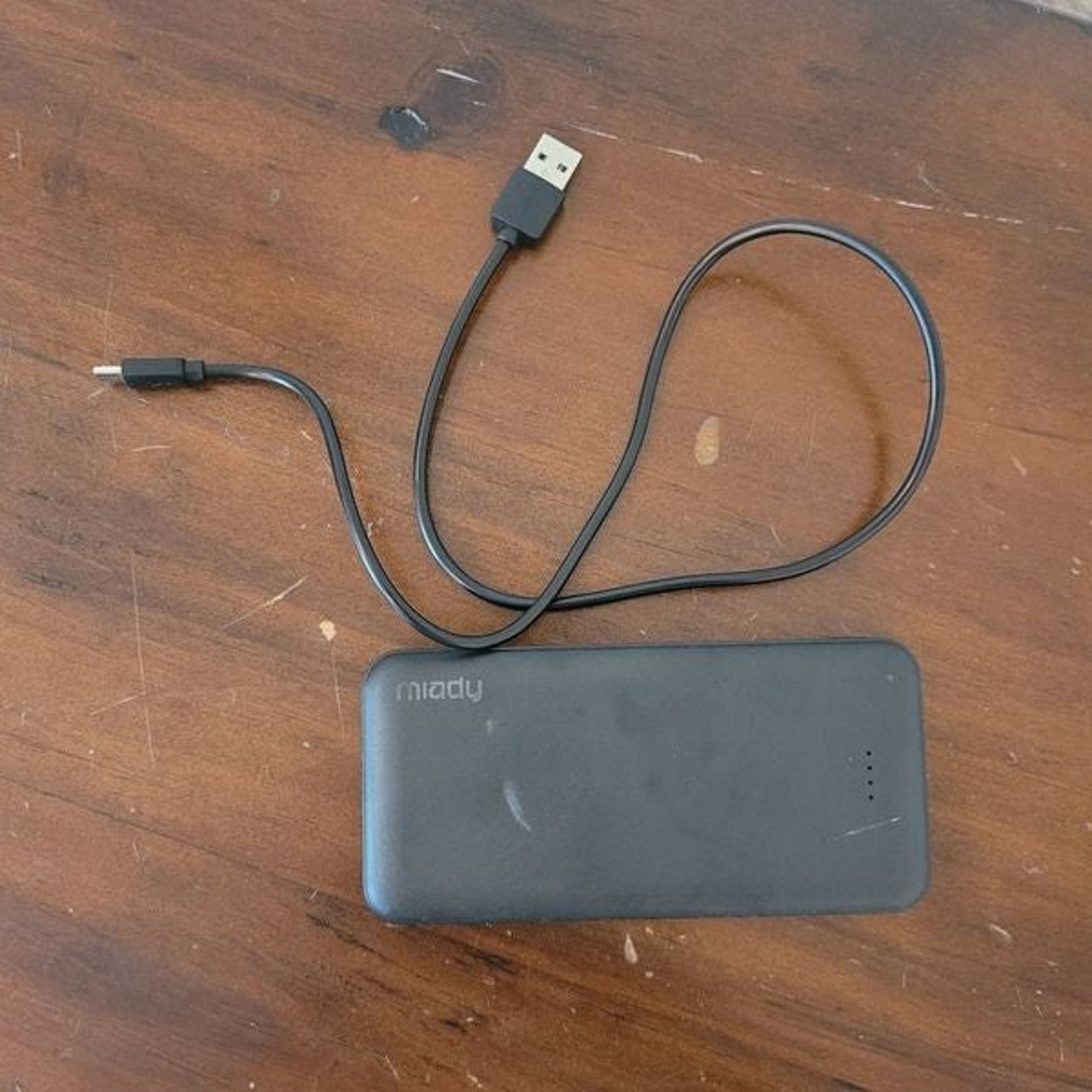
Some simpler units, such as the Miady power bank how to turn on, follow the same basic rule: press the button once or connect a USB cable to a device and the bank will wake by itself. If the lights pulse once and go dark, the internal battery is likely depleted and needs a refill before it can pass usable energy along. Because real-world output settles into that 60-70% range of the printed capacity, a full bank will deliver noticeably less than the label suggests, and watching the indicator lights helps you gauge when it is time to refuel.
Checking charging status and understanding indicator lights
When you plug your power bank into a wall charger, the first thing to check is whether the indicator lights are pulsing slowly, because on many models this gentle blink is the clear sign you need to know if my power bank is charging. The lights will continue to pulse until the internal cells are topped off, and once every bar stays solid white without any flicker, the battery is full and you can unplug it. If you press the status button and see a single light, the remaining capacity has dropped to roughly 25% or less, which is a good reminder that real-world output will be less than the printed mAh rating due to conversion losses.
A steady glow does not always mean what you expect, and the easiest way to misinterpret your hardware is to assume that a green light mean on Anker power bank signals a finished charge. On some Anker models, a green light means fast charging mode is active, while trickle charging mode for low-power accessories like earbuds is often toggled by double-tapping the power button. To know if Belkin power bank is charging, ignore the color and focus on the behavior: pulsing bars typically mean current is flowing into the pack, while four solid lights confirm it is ready to go. Because the lights are only an approximation, watching that transition from pulse to solid is the most reliable way to confirm your bank is genuinely full and not just displaying a static reading.
- know if Belkin power bank is charging
- green light mean on Anker power bank
- know if my power bank is charging
Frequently Asked Questions
How do I turn on trickle charging mode on an Anker power bank?
Double-tap the power button to toggle trickle charging mode for low-power accessories like earbuds. A green light on some Anker models indicates fast charging mode is active, not that the bank is full.
What does a pulsing light on a Belkin power bank mean?
Pulsing bars on a Belkin power bank mean current is flowing into the pack and it is actively recharging. Four solid lights without any pulsing confirm the internal cells are full and the bank is ready to unplug.
Can I charge a power bank using the solar panel on a Blavor model?
The solar panel only trickles current in strong sunlight above 25,000 lux, with a maximum solar charge current of 180 mA. Plugging into the micro-USB port is the primary method to fully replenish the internal cells.
How many power banks can I bring on a Southwest flight?
Southwest limits each customer to one power bank, which must not exceed 100 watt-hours. It must be stored in a personal item under the seat, not in the overhead bin, and cannot be charged onboard using in-seat power.