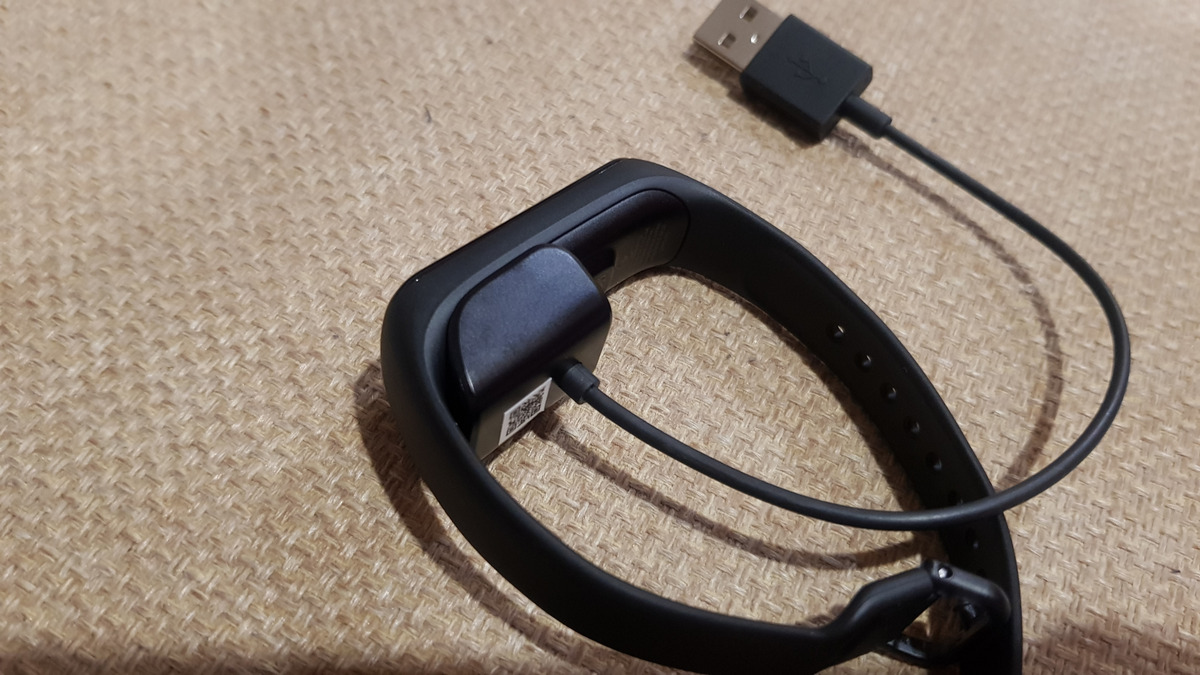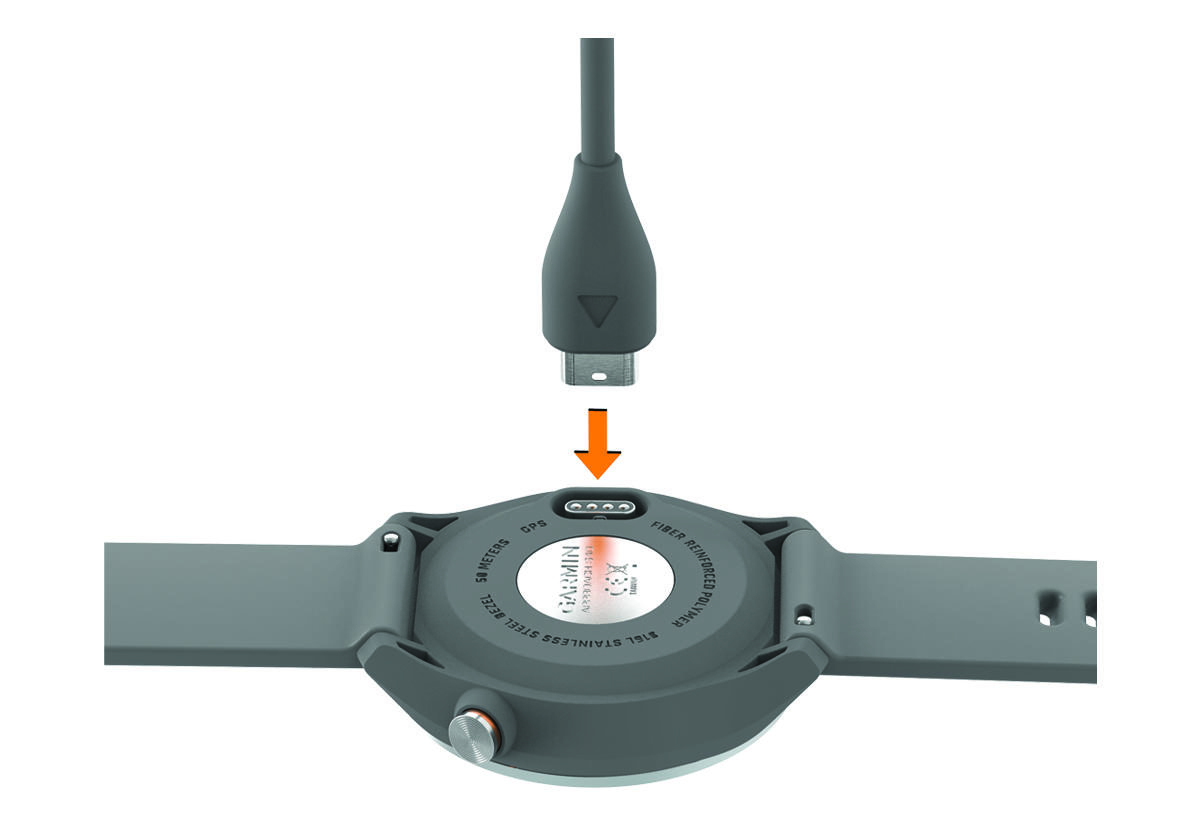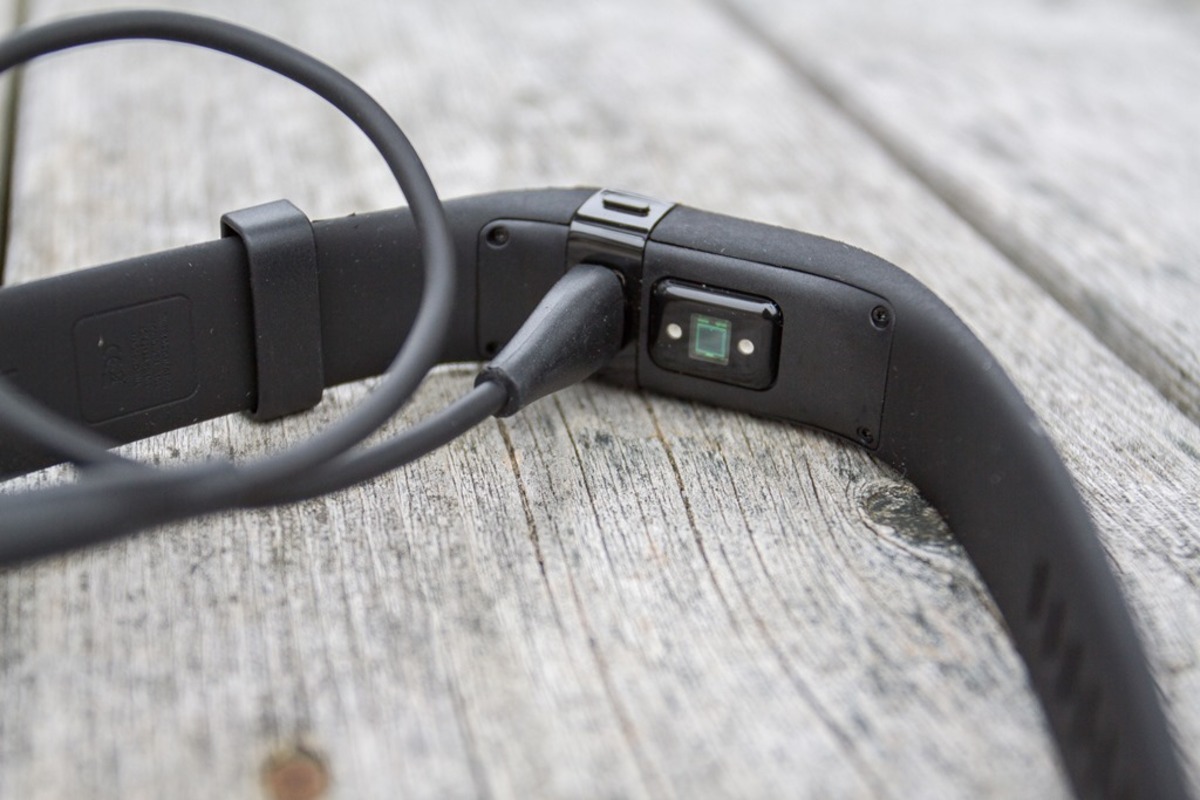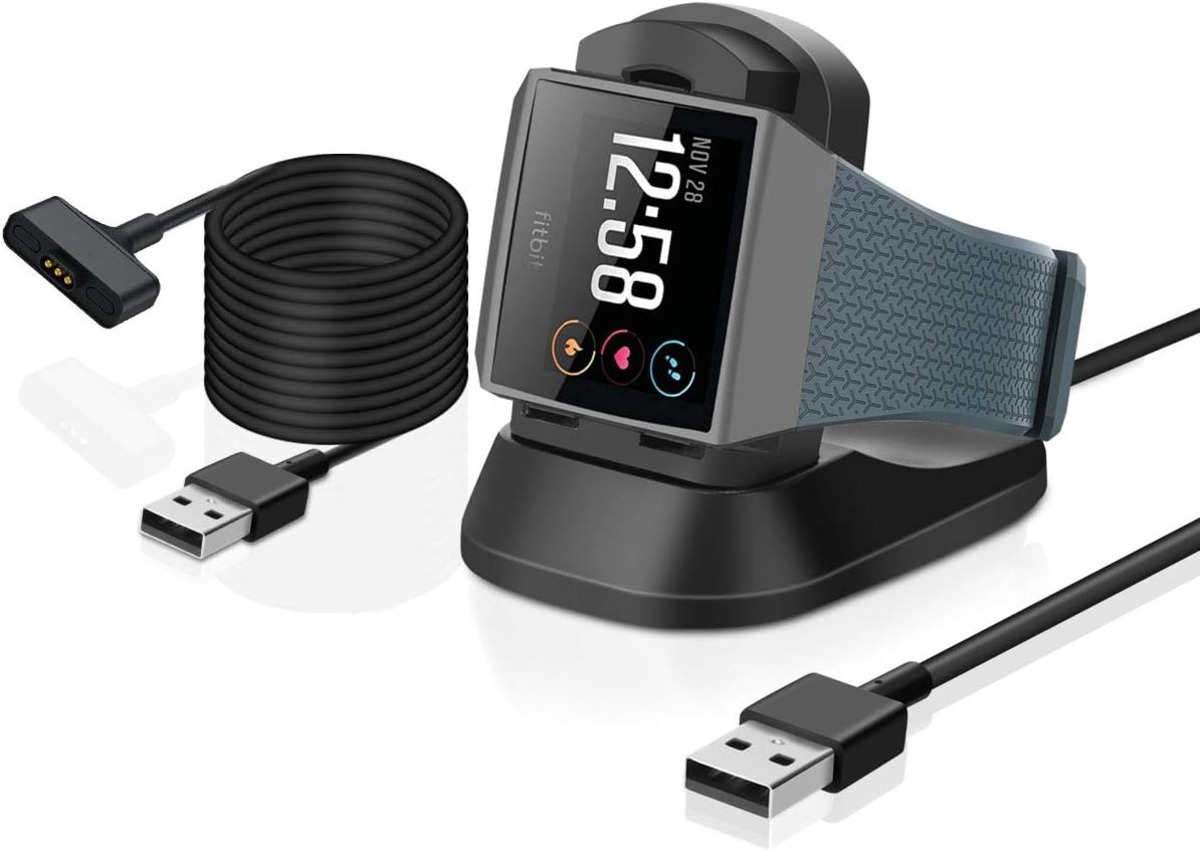
To charge your Fitbit Ionic, plug the magnetic charging cable into a USB port on a computer, a UL-certified USB wall charger, or another safety-certified low-energy power source, then hold the other end near the port on the back of the watch until it attaches magnetically. Make sure the pins on the cable line up with the port on the back of the watch for a proper connection.
How to charge your Fitbit Ionic: Step-by-step instructions
- Hold the other end of the cable near the port on the back of the watch.
- Let the charger attach magnetically to the watch.
- Confirm the pins on the cable align with the port on the back of the watch.
The Fitbit app is available for iPhone and iPad in the Apple App Store and for Android phones in Google Play. Windows 10 devices are mentioned in the manual as a download source for the Fitbit app. If the battery is critically low, charge the watch as soon as possible to prevent it from powering off completely.
How to check Fitbit Ionic battery percentage
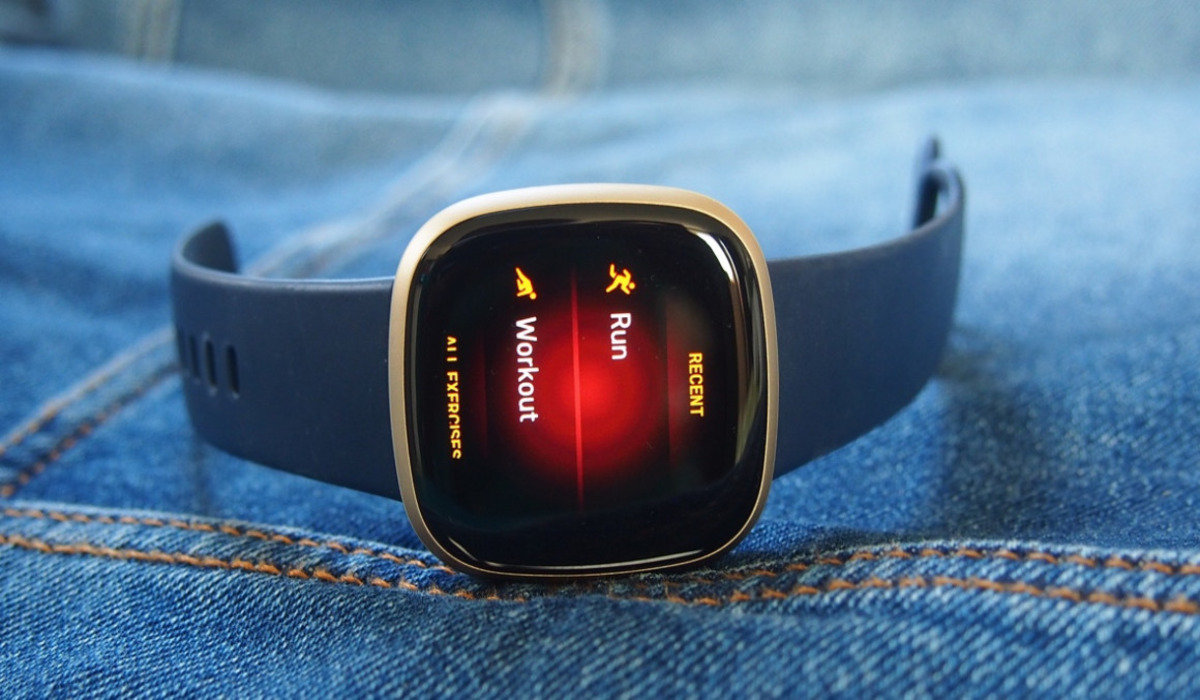
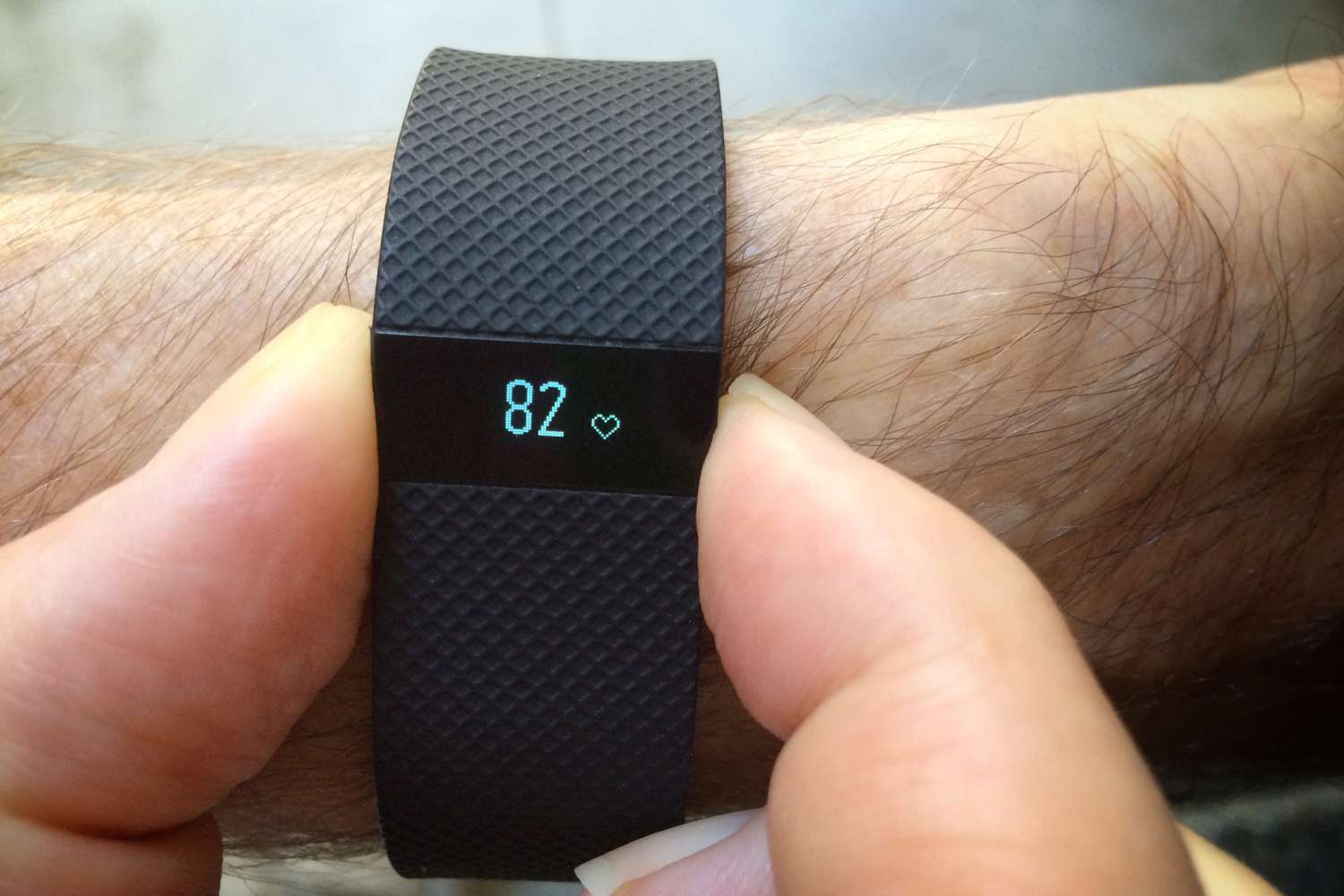
You can check the battery level using several verified methods. Swipe down on the watch face to access the quick settings panel to find the battery icon and percentage. While the watch is charging, tap the screen or press any button to see the battery percentage displayed. You can also check the battery level in the Fitbit app on your smartphone or on the Fitbit.com dashboard. These are the documented ways to check battery level; the official manual does not include a separate menu path on the watch itself for viewing battery percentage outside of the charging screen.
Fitbit Ionic charge time and power sources
The battery can take up to 2 hours to fully charge. Remove any unnecessary accessories or cases while charging to facilitate a more efficient charging process. Charge your Fitbit Ionic in a cool and dry environment, as extreme heat or humidity can negatively impact battery performance. If you want to manage your device's power usage over time, explore the Fitbit battery and power settings available in the Fitbit app to monitor long-term battery health and charging habits.
Frequently Asked Questions
How long does Fitbit Ionic take to charge?
It takes up to 2 hours to fully charge the Fitbit Ionic from a low battery state. Charging time may vary slightly depending on the power source used.
Can I check the battery while charging?
Yes, while the watch is charging, you can tap the screen or press any button to see the current battery percentage.
Does it use a special charger?
Yes, the Fitbit Ionic uses a proprietary magnetic charging cable that must be aligned with the port on the back of the watch. It does not support wireless charging or standard USB-C cables.
Can I use my Fitbit Ionic while it is charging?
Yes, the device is designed to allow usage while charging, though the cable length may limit movement during activities. Yes, but the charging cable may be shorter than ideal for some activities, so find a comfortable position.