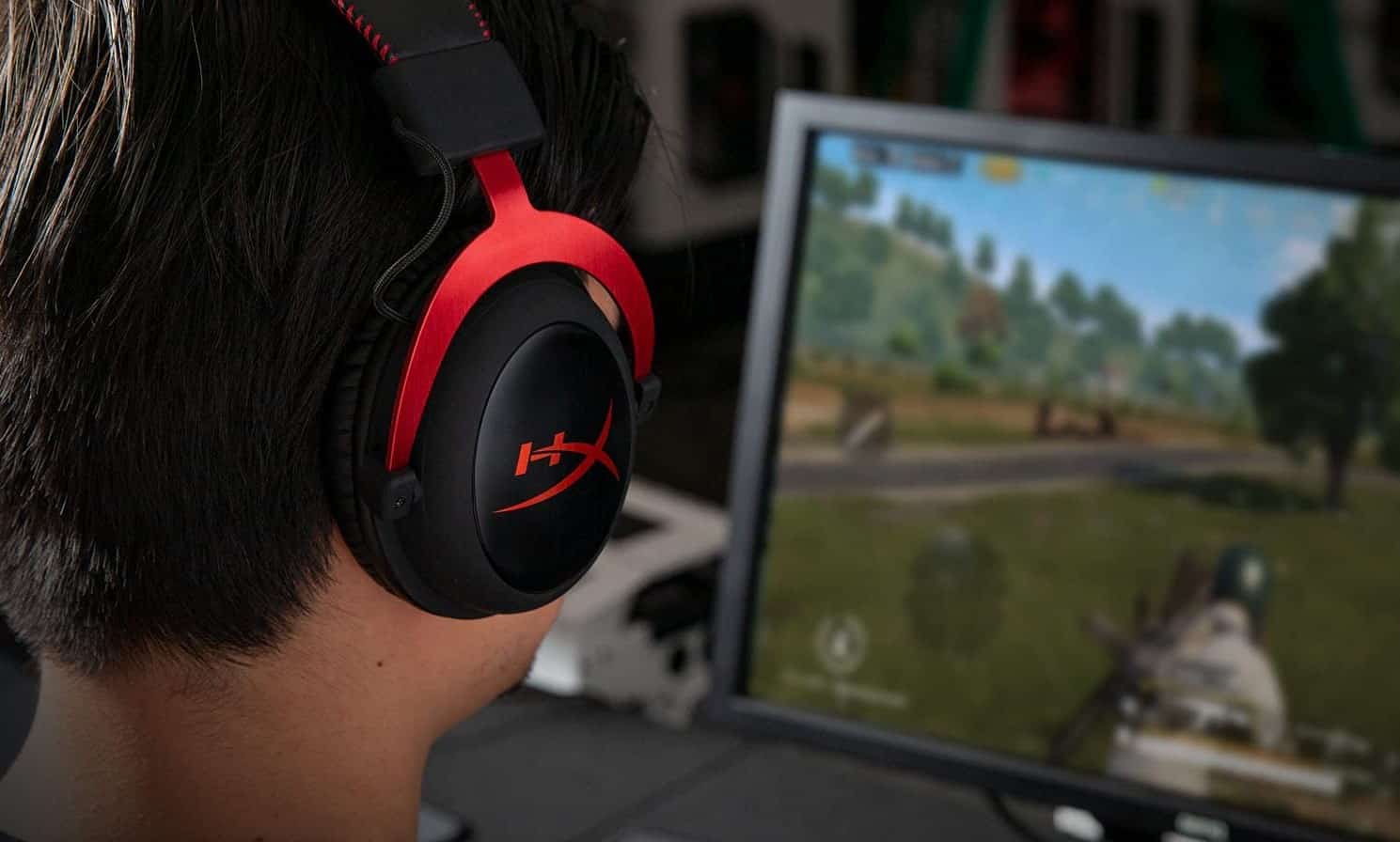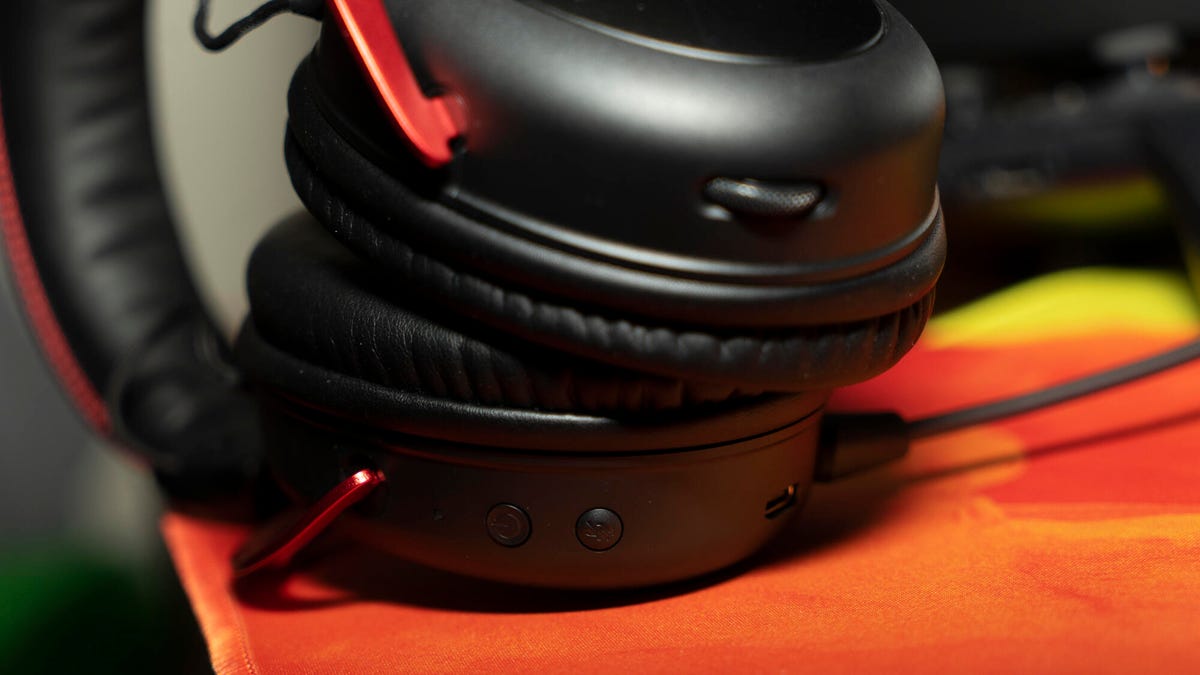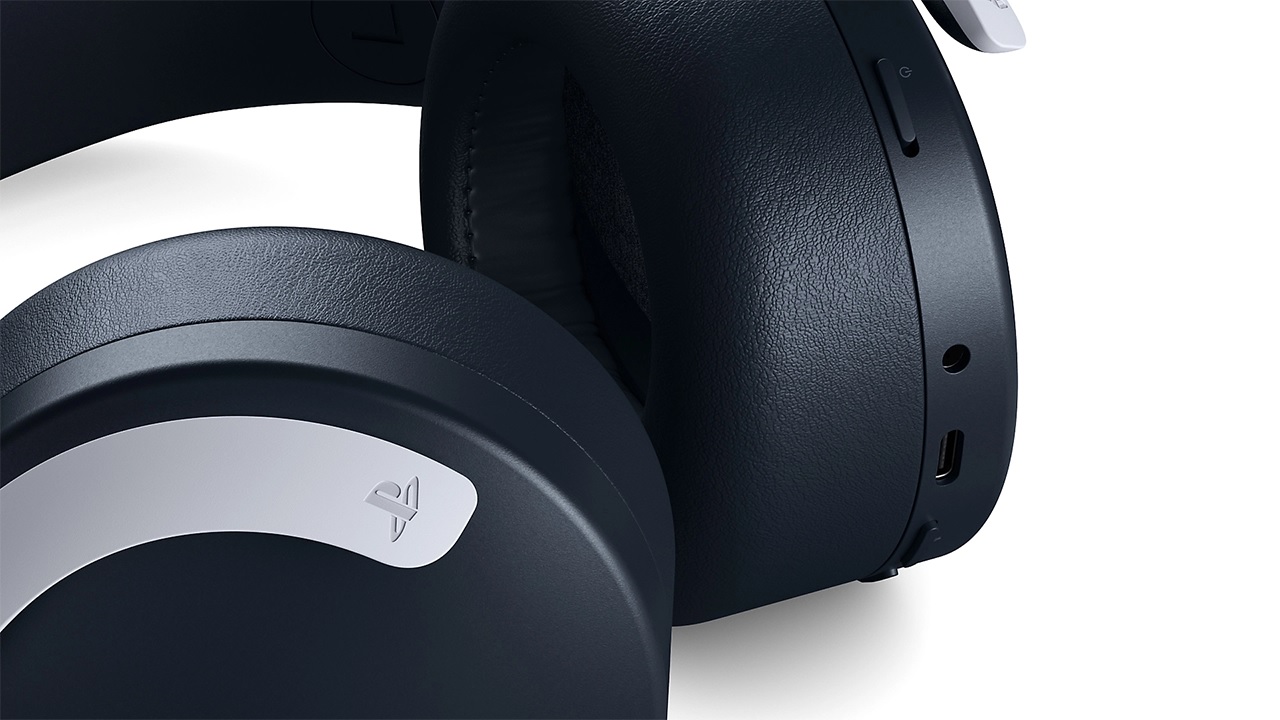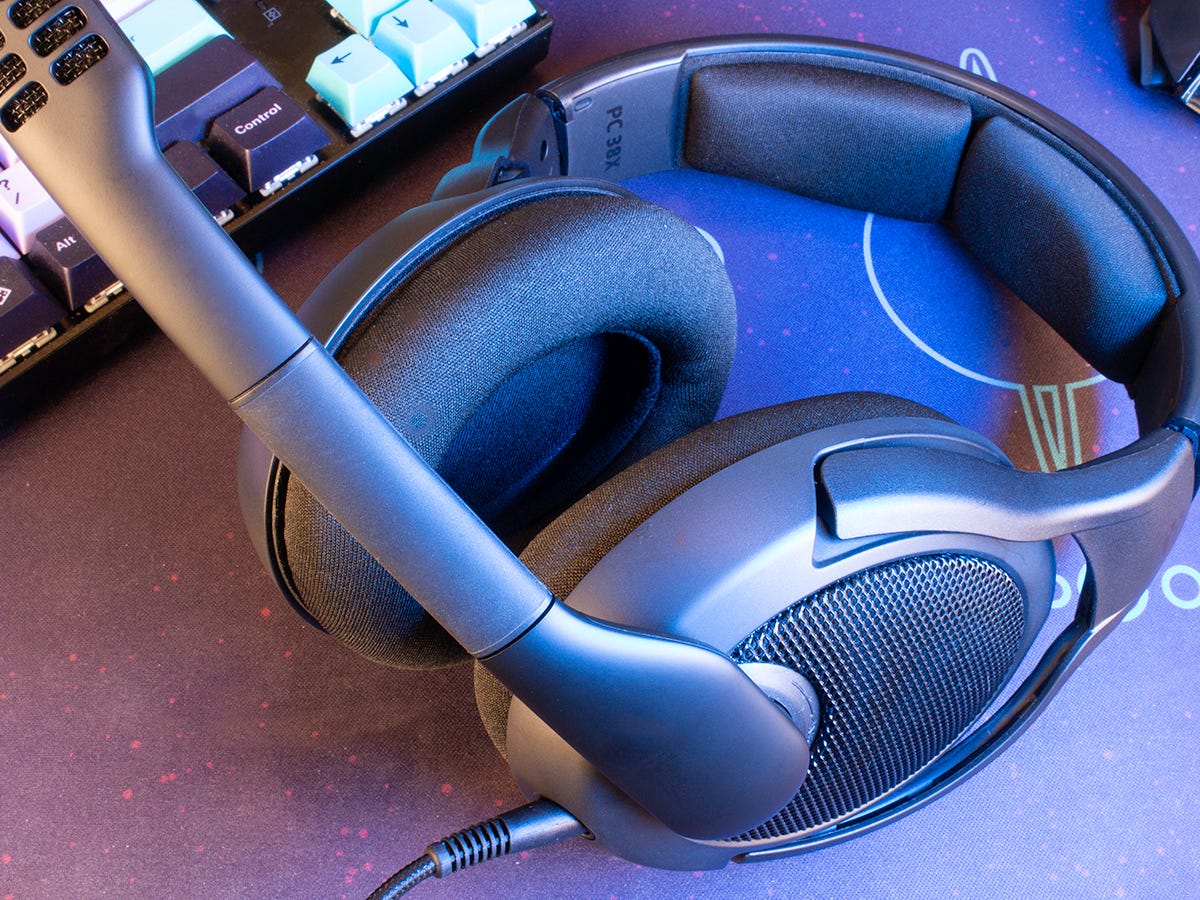
A USB headset is a wired audio device that carries digital audio over a USB connection, bypassing your device's internal sound card by combining headphones and a microphone into a single plug-and-play unit. This direct digital path means you get clearer sound and a simpler general headset setup than with traditional analog headsets that require separate audio and microphone jacks.
What is a USB headset?
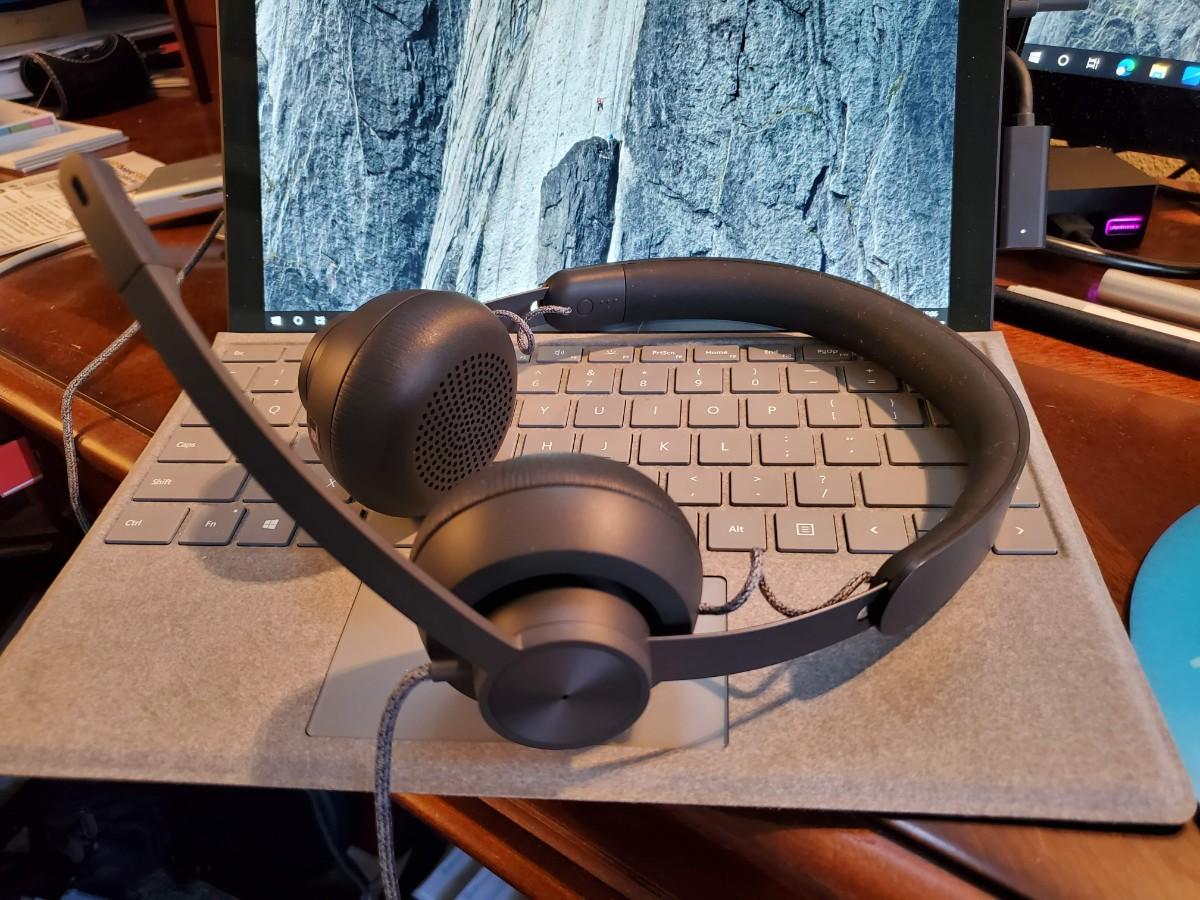
A USB headset is a wired headset that carries audio over a USB connection instead of a 3.5 mm headphone jack. It combines headphones and a microphone into a single unit and connects to a computer or other compatible device using a USB connector. Unlike traditional analog headsets that require separate audio and microphone jacks, USB headsets offer a more convenient solution, especially for modern devices with limited audio ports. The headset delivers high-quality sound through its built-in digital-to-analog converter and sound card, while the microphone captures your voice for clear communication.
How does a USB headset work?
A USB headset is a plug-and-play device that connects to a computer or device via a USB port. When you plug it in, it establishes a digital audio connection, converting analog sound into digital signals that are transmitted to and from the device. USB headsets rely on the USB Audio Class standard, which is supported by most modern operating systems including Windows, macOS, and Linux. This standard ensures compatibility and ease-of-use, eliminating the need for additional driver installations. Inside a USB headset, you will find audio drivers, microphones, and control circuitry housed in the ear cups that work together to process and transmit audio signals.
USB headset compatibility with Android phones
Android devices in host mode can drive USB peripherals, including audio interfaces and USB headsets that follow the Android USB headset specification. Android 5.0 (API level 21) and above supports a subset of USB Audio Class 1 in host mode, where the audio format must be PCM with 16-, 24-, or 32-bit depth, sample rates from 8 kHz to 48 kHz, and mono or stereo channels. Android 4.1 (API level 16) added limited USB audio playback in host mode. USB audio is not supported in development mode. Android accessory-mode audio is limited to 16-bit PCM, 44.1 kHz, stereo. In accessory mode, Android routes its audio output to USB automatically. Android’s accessory spec says headsets should report USB Audio Class terminal types for headphones or headset use.
USB headset compatibility with iPhones
Apple documents support for USB-C wired headphones and other audio accessories through the USB-C connector on iPhone models with a USB-C connector, which includes iPhone 15 and later. Apple EarPods (USB-C) are specifically mentioned as a supported USB-C audio accessory.
Bottom line: should you get a USB headset?
For computers, USB headsets work seamlessly with Windows, macOS, and Linux. For Android, USB headsets are supported when the device acts as USB host and the headset follows the documented USB headset and audio class limits. USB headsets are a solid choice for users who understand their device's compatibility.
Frequently Asked Questions
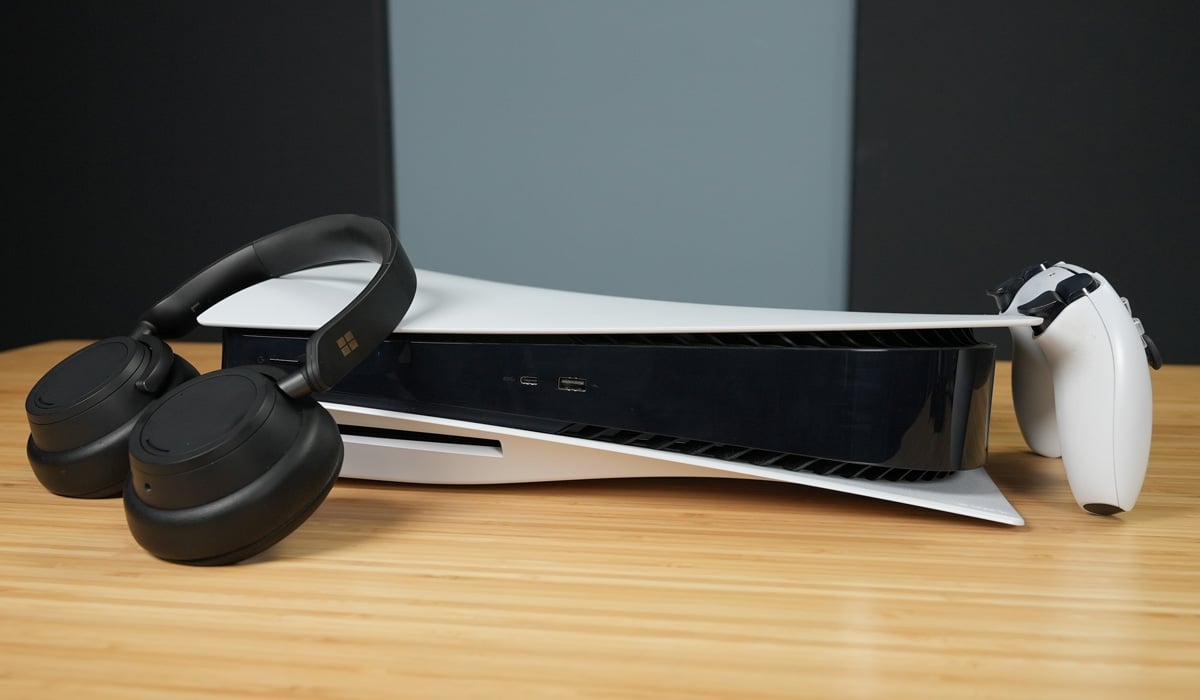
Can I use a USB headset with a gaming console?
Many gaming consoles support USB audio devices, but compatibility varies by console model and manufacturer. Check your console's documentation for USB audio accessory support before purchasing.
Do USB headsets work with tablets?
Tablets that support USB host mode and run Android 5.0 or later can use USB headsets that follow the Android USB headset specification.
What is the difference between USB-A and USB-C headsets?
USB-A headsets use the rectangular USB connector found on older computers, while USB-C headsets use the smaller reversible connector common on modern devices. The audio functionality is the same, but you may need an adapter to connect a USB-A headset to a USB-C device.
Why does my USB headset not work with my phone?
Your phone must support USB host mode and run a compatible operating system version. Android devices need Android 5.0 or later for full USB Audio Class 1 support, while iPhones with Lightning connectors do not have documented generic USB headset support.
Can I use a USB headset with a USB hub?
Yes, you can connect a USB headset through a powered USB hub, but using an unpowered hub may cause audio issues due to insufficient power delivery. Connect the headset directly to your device when possible for the most reliable performance.
Related reading: Where To Plug In A Headset On Computer and How To Mute Headset.